Liquid Cooling
Discover the ultimate solution for keeping your computer running smoothly and efficiently with liquid cooling systems. Perfect for gamers, creative professionals, and tech enthusiasts alike, liquid cooling offers a sleek and effective way to manage heat output from high-performance components. By circulating coolant through a series of tubes and radiators, these systems ensure your PC stays at optimal temperatures even during the most demanding tasks. Whether you're looking to enhance performance or maintain a quieter environment, liquid cooling provides the innovation you need to push your setup to new heights. Dive into our selection and find the perfect fit for your computing needs today!
Sort
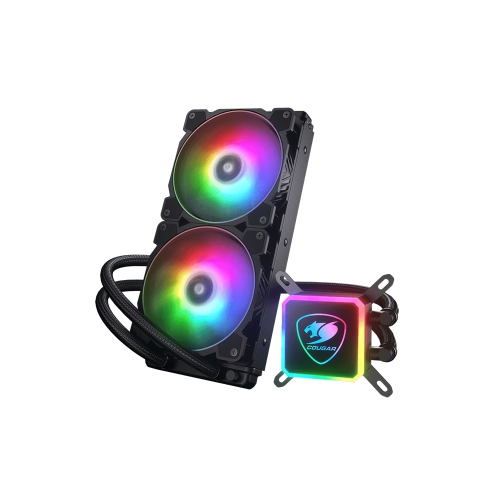

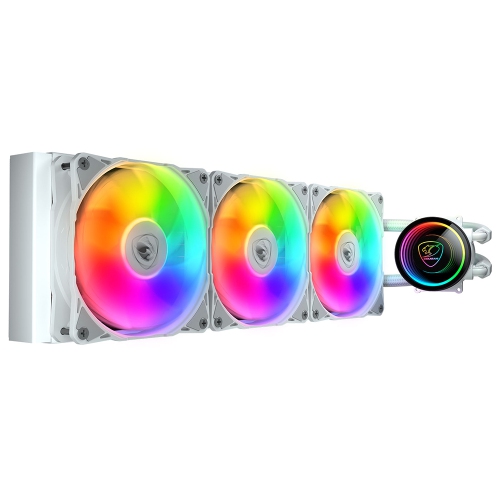
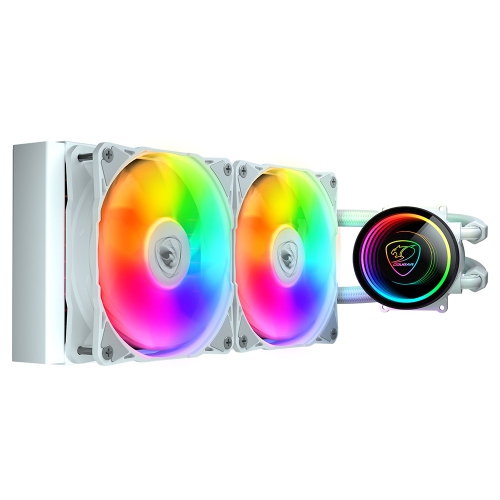
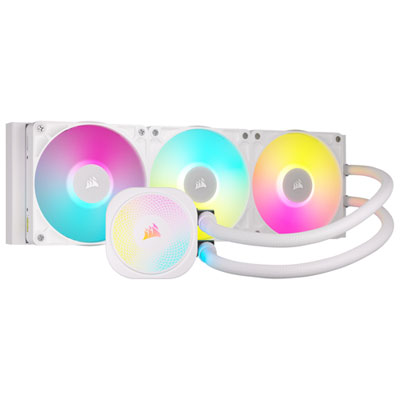
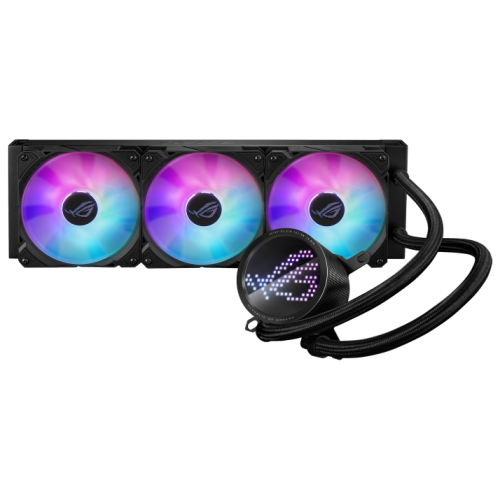
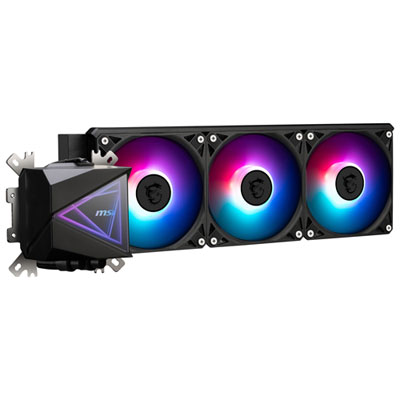
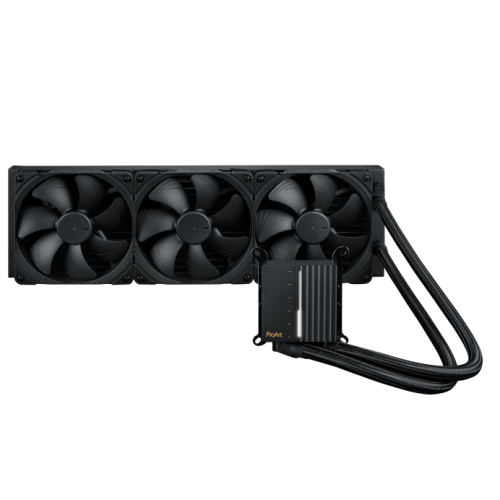
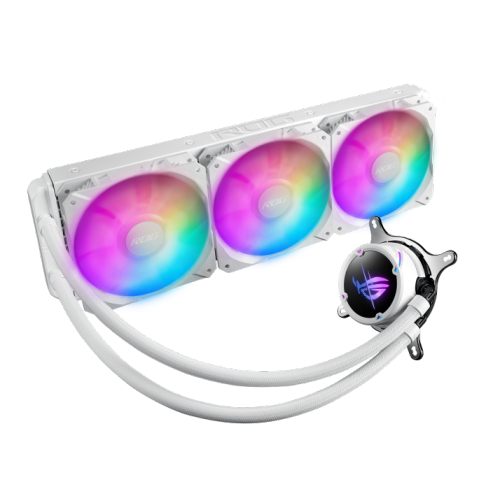
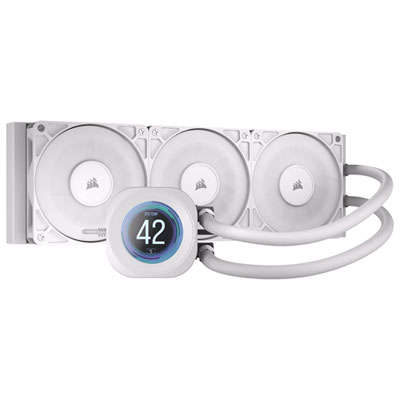
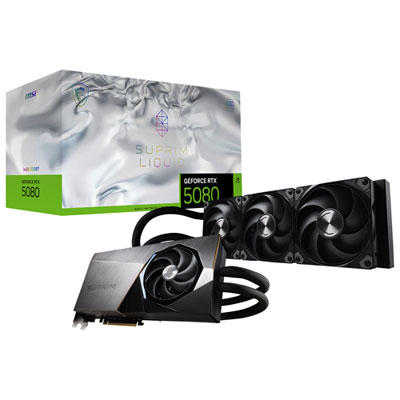
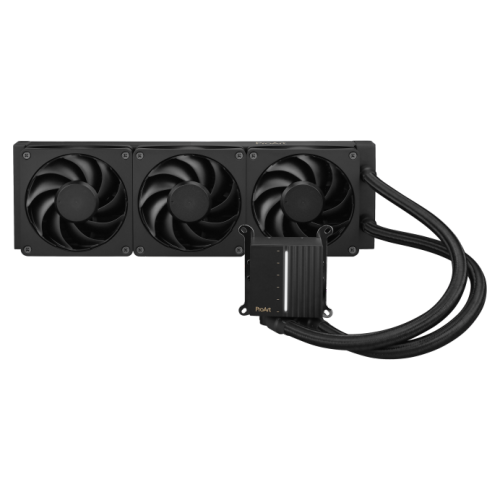
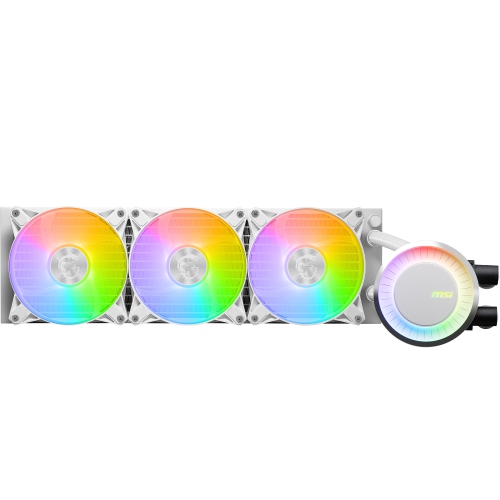
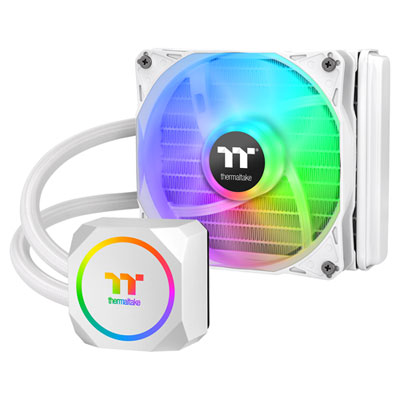
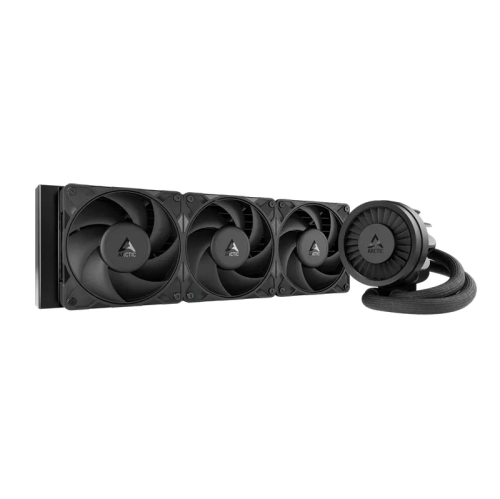
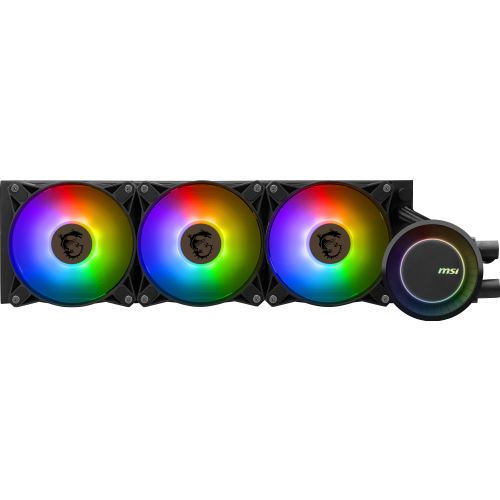
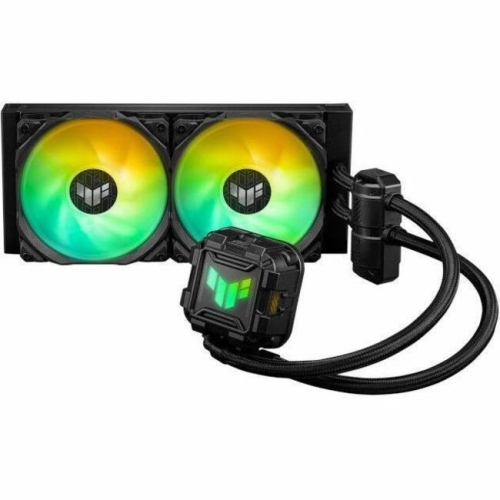
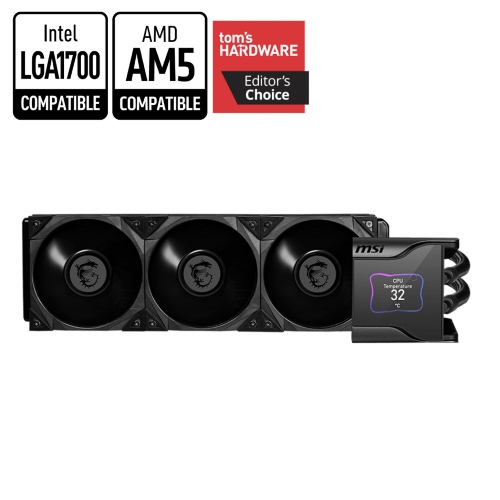
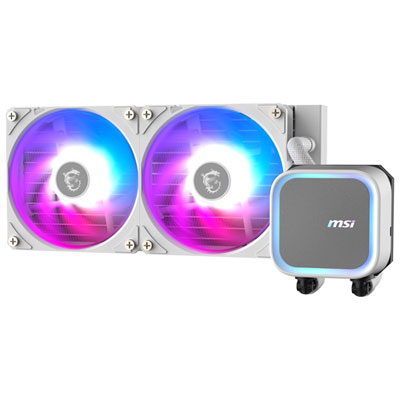
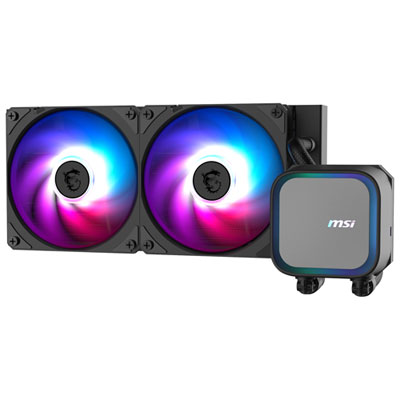


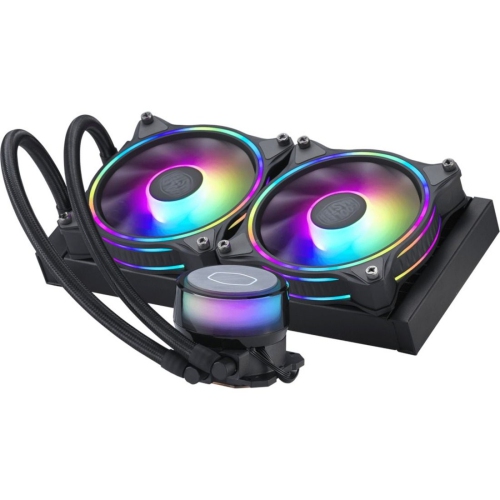
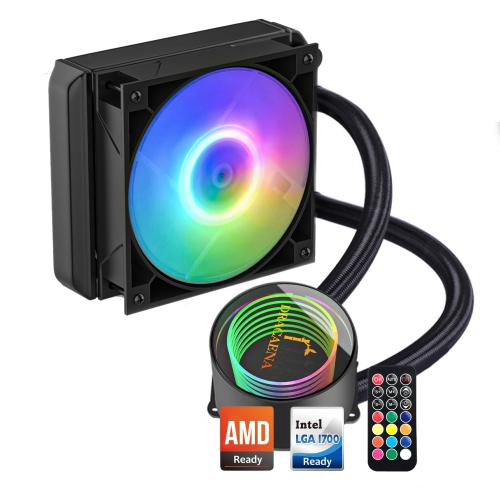


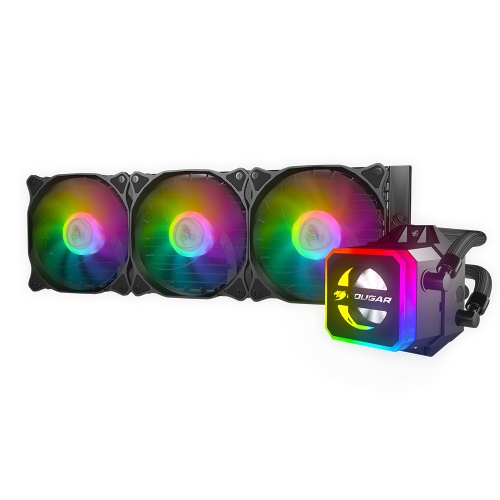
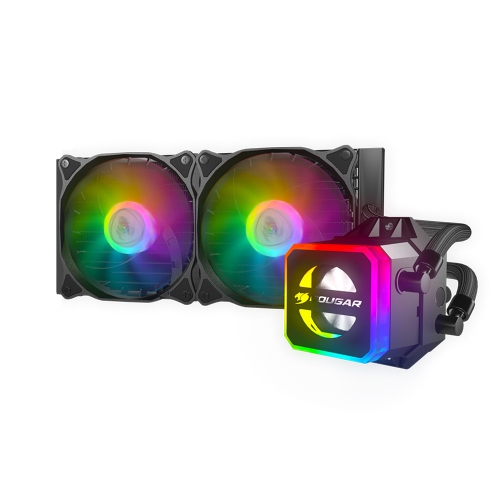
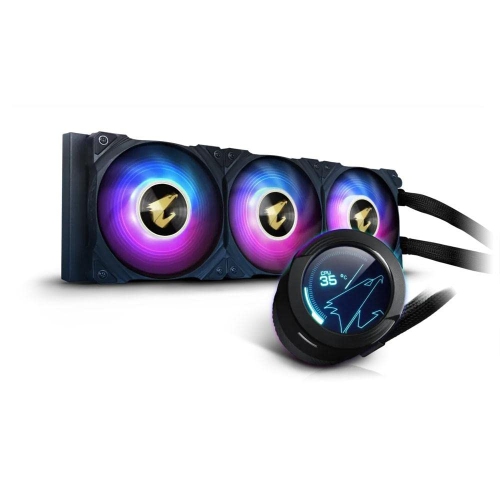
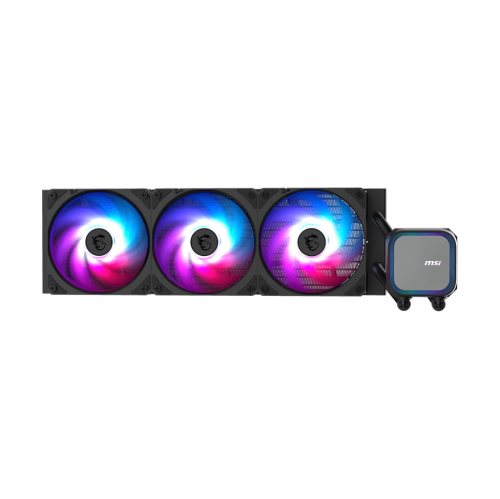
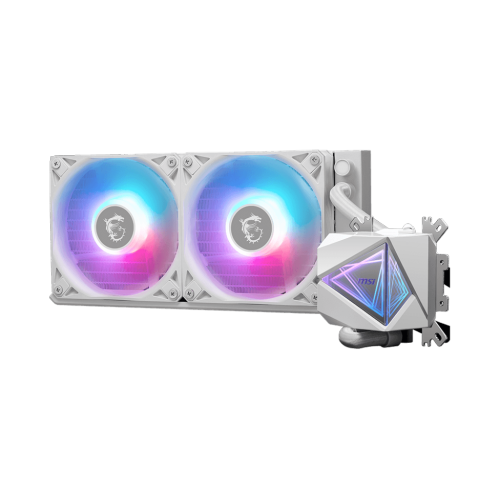


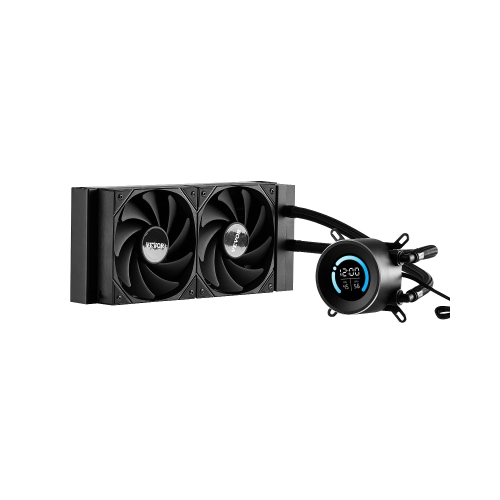
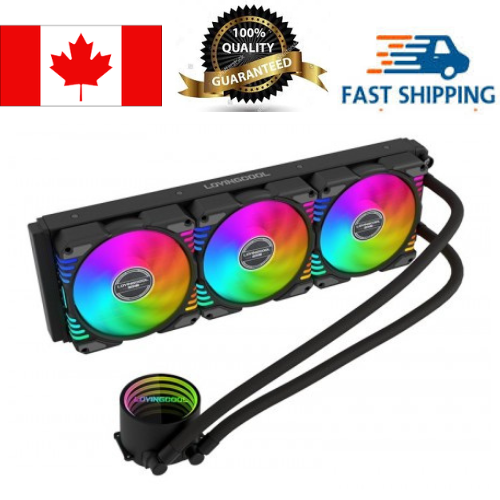
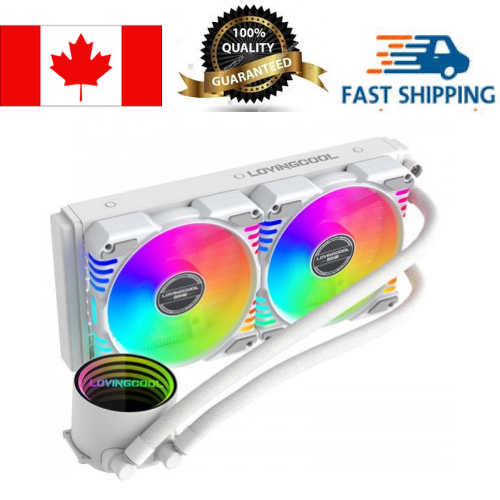
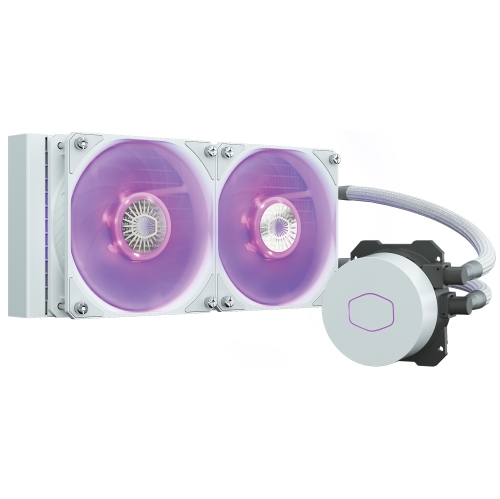
How thermal management supports sustained desktop performance
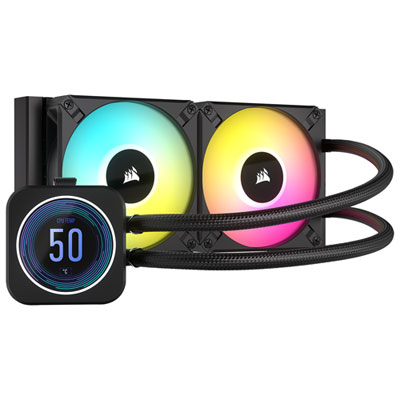
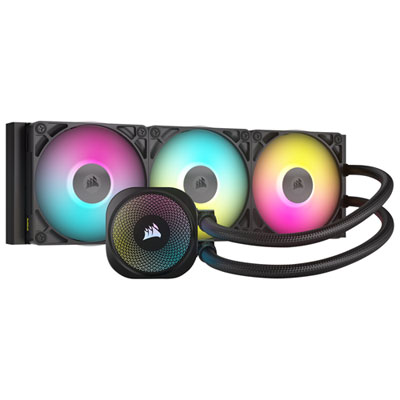
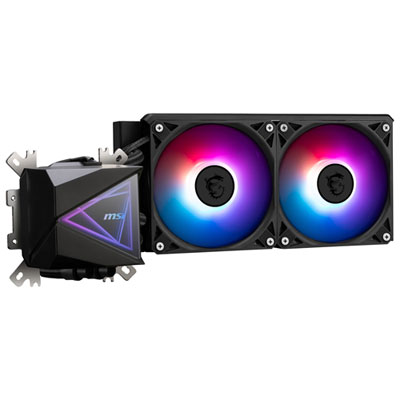
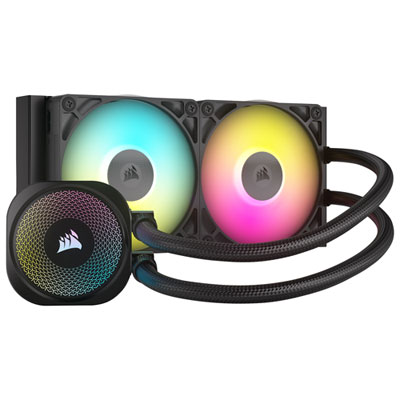
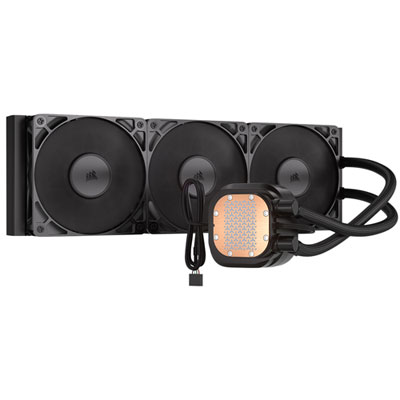
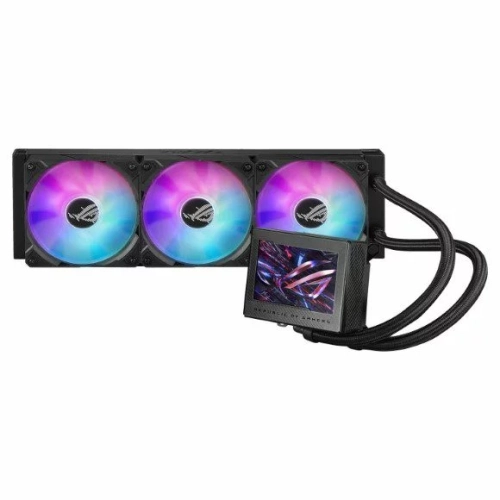
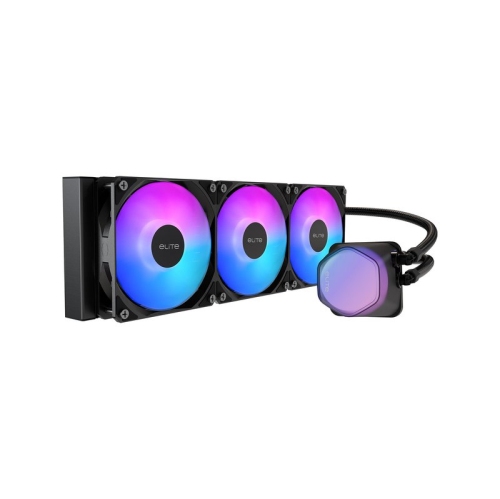
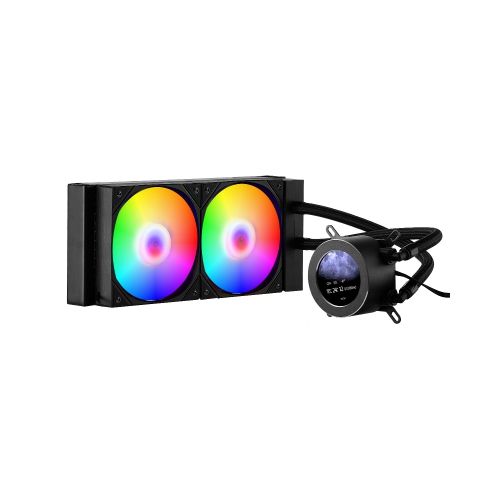
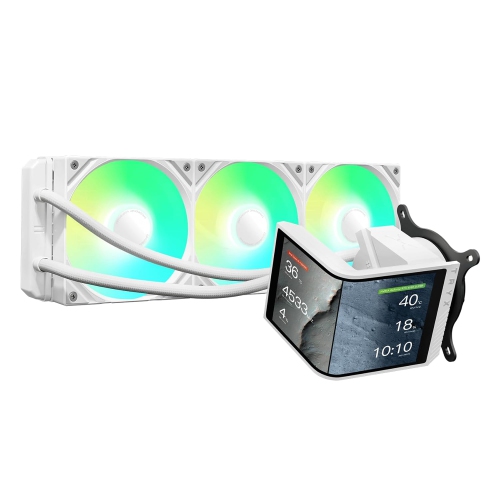
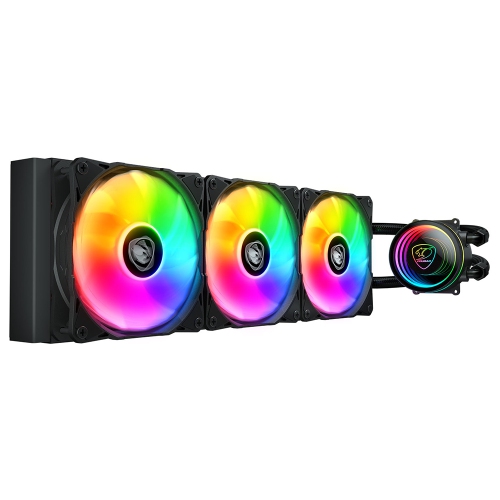
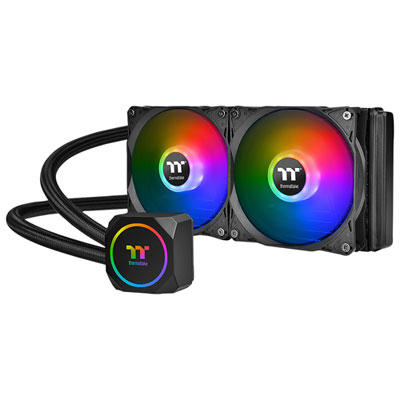
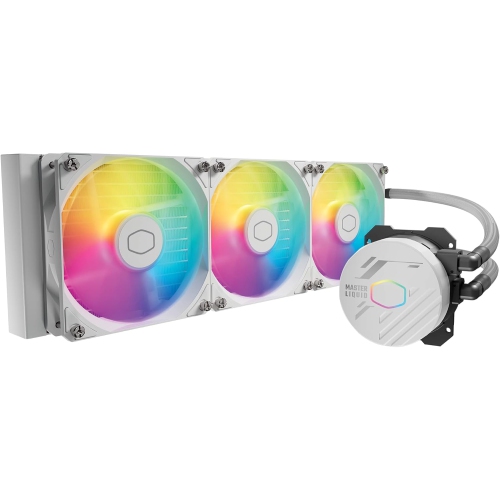
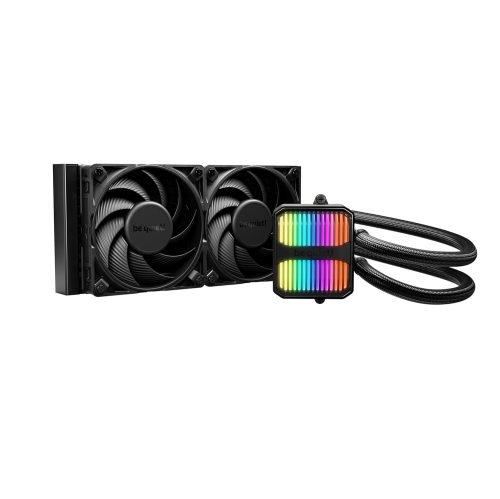
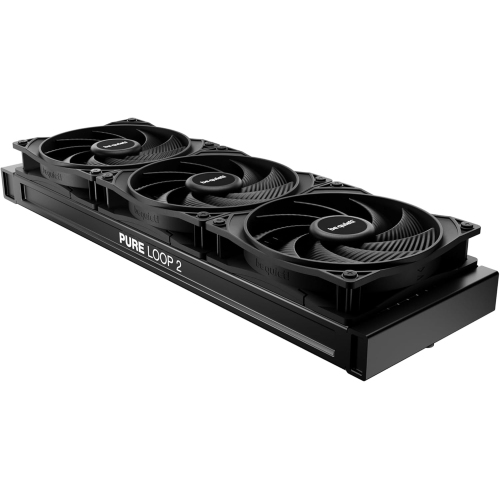
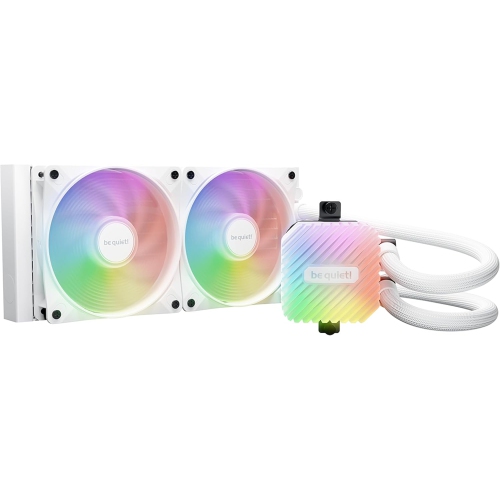
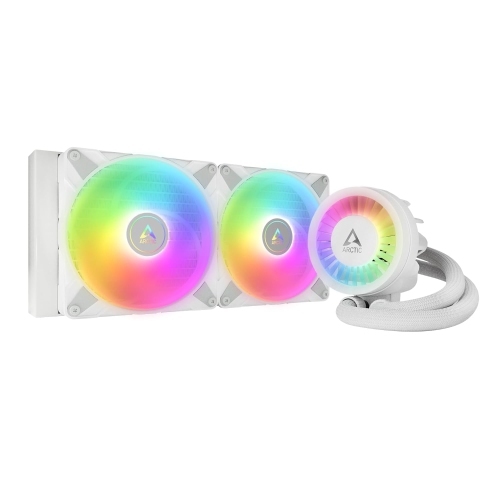
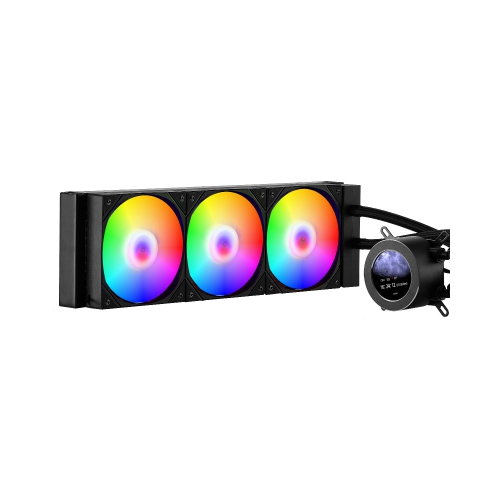
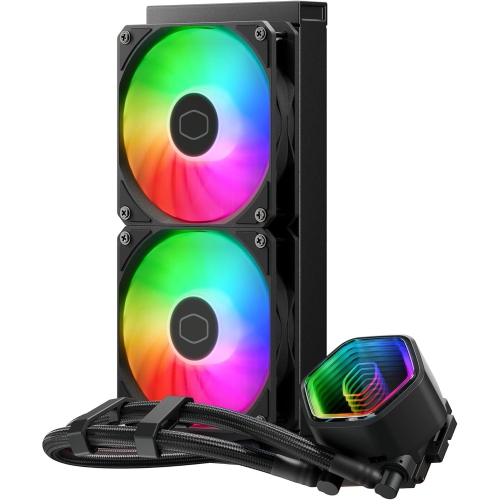
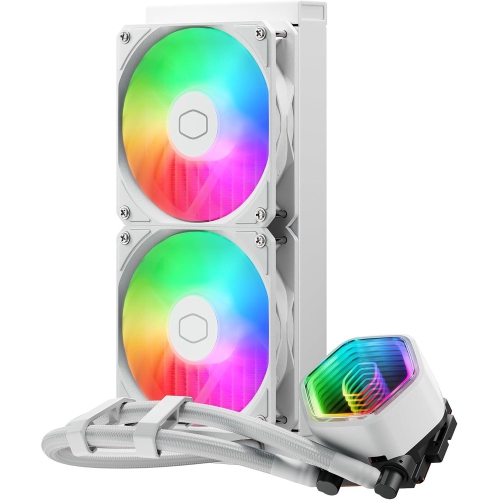
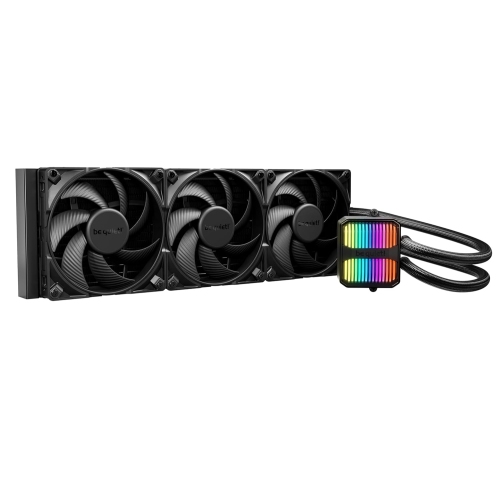
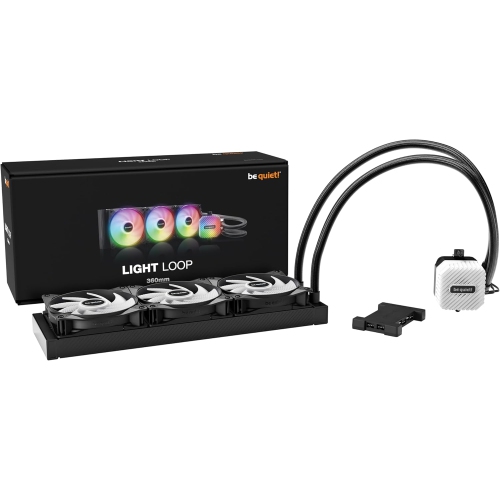
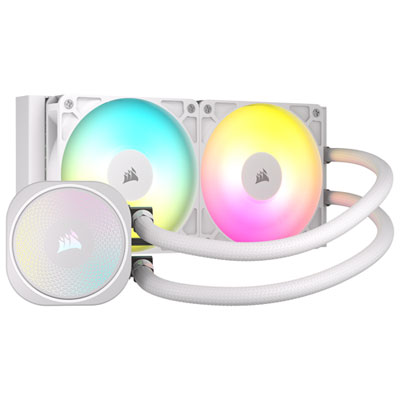
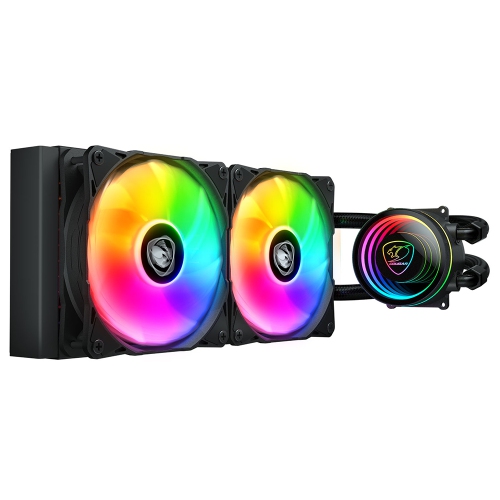
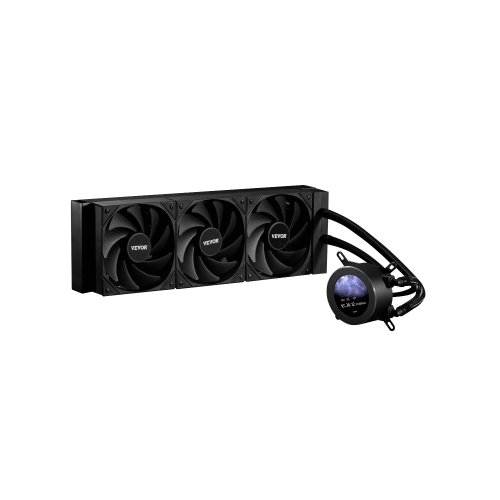
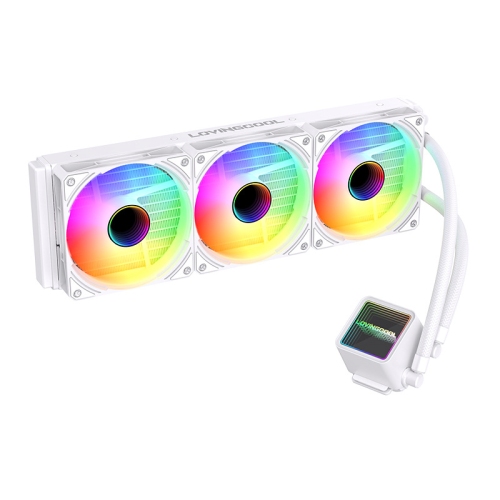
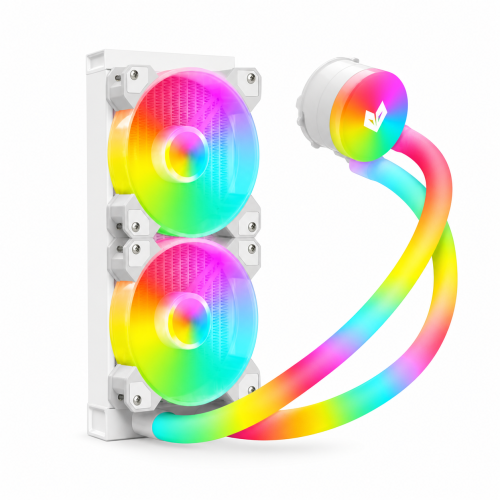
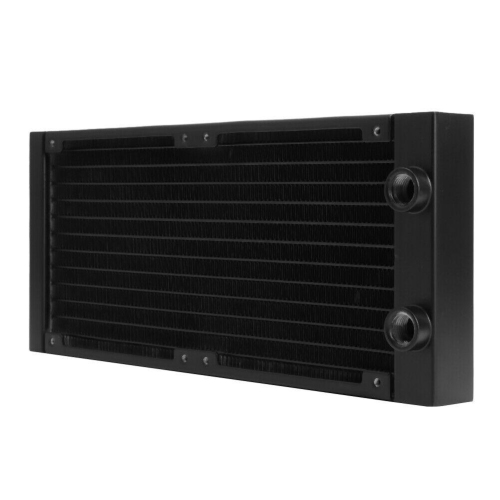
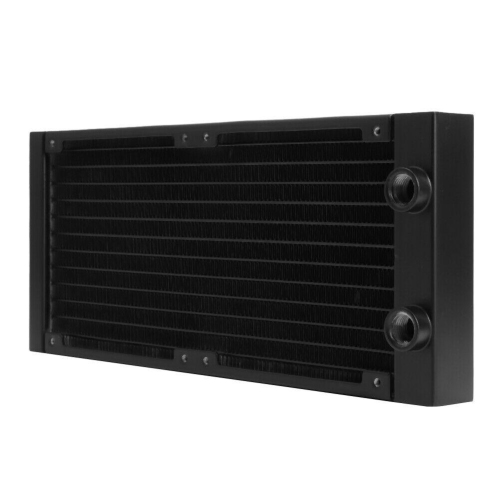
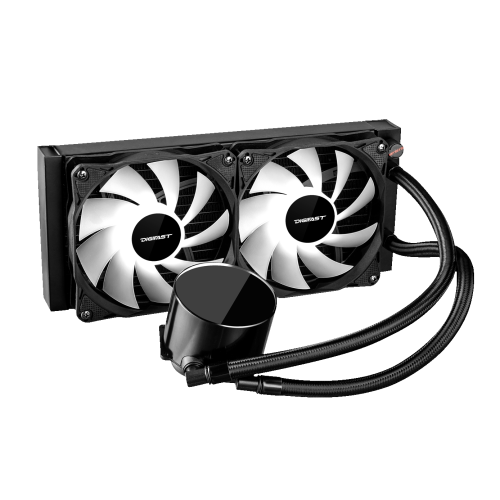
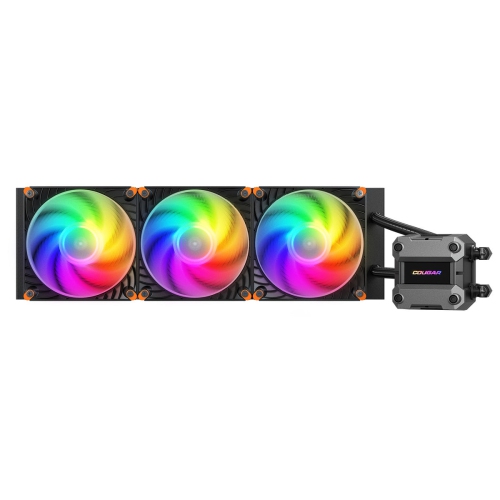
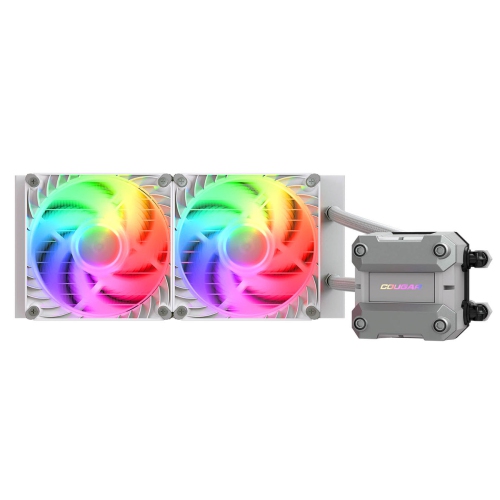
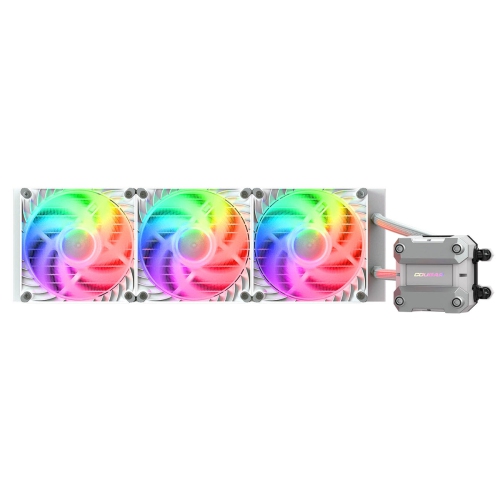
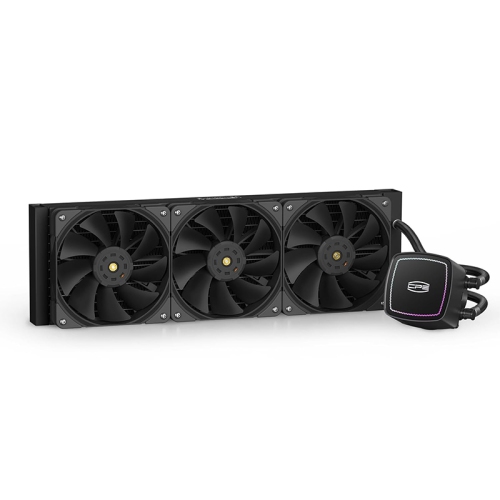
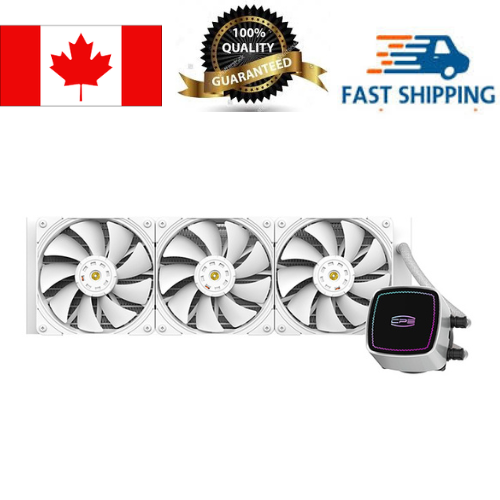
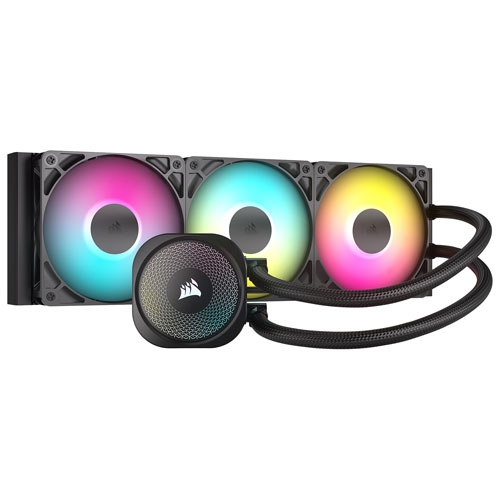
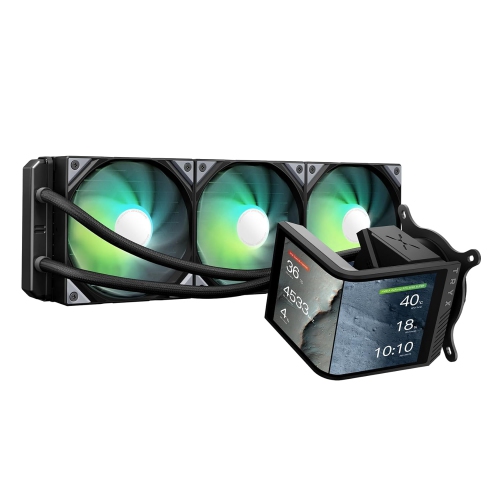
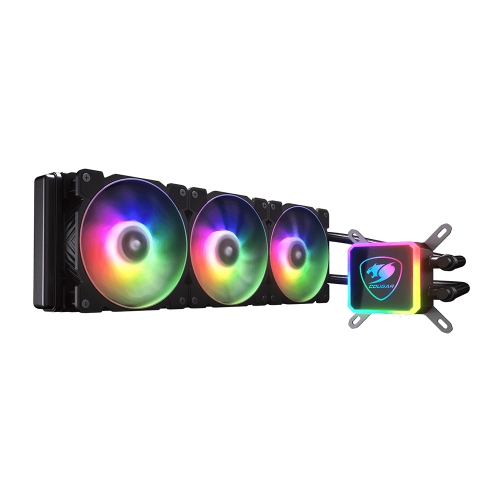
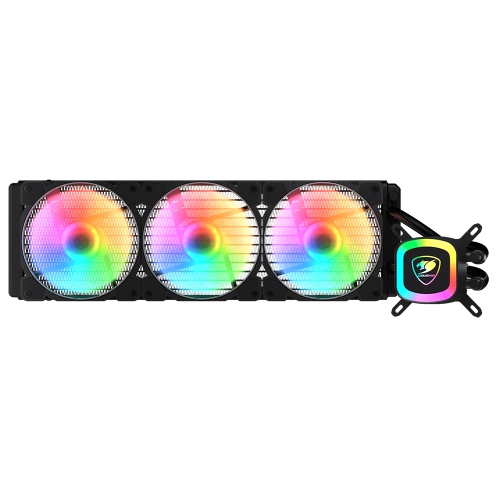
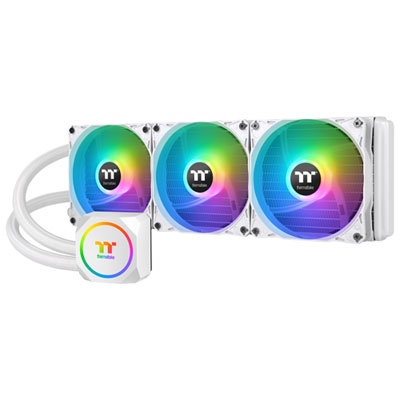
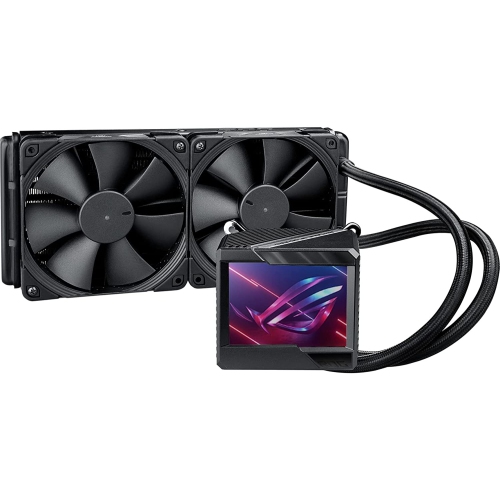
Liquid cooling helps manage heat in high-performance desktop computers by moving thermal energy away from components more efficiently than air alone. In a typical setup, a water block or cold plate sits directly over the processor, creating a broad contact surface that draws heat away through conduction. A pump then circulates coolant through connected tubing, carrying that heat to a radiator. Fans move air through the radiator’s metal fins, releasing the warmth into the surrounding room before the cooled liquid returns to the block and begins the cycle again. This continuous loop is especially useful when a computer is handling demanding tasks for long periods, such as gaming at high settings, video editing, 3D rendering, software development, streaming, or other workloads that keep the CPU working hard. The result can be more consistent temperatures and less thermal throttling, which happens when a component reduces its speed to protect itself from excessive heat. Liquid cooling can also contribute to a quieter setup when paired with a sufficiently large radiator, since its fans may not need to spin as quickly during everyday use. The difference is easy to appreciate in a familiar home-office scene: a computer is rendering a large video project while music plays in the background, and instead of a sudden burst of fan noise filling the room, the system maintains a steadier, more controlled sound. Liquid cooling is not limited to one type of computer user. It can appeal to enthusiasts building a performance-focused PC, creators who spend hours working with high-resolution media, gamers who want dependable cooling during extended sessions, and anyone assembling a desktop with a powerful processor. It can also be a thoughtful gift for a PC builder who enjoys upgrading a system, although compatibility and installation requirements should be checked before making a purchase. For a broader selection of computers designed with this type of thermal management, explore Liquid Cooled Computers.
When choosing liquid cooling, the first decision is usually between an all-in-one cooler and a custom loop. An all-in-one, often called an AIO cooler, combines the pump, block, tubing, and radiator in a pre-filled, sealed assembly. This format is popular because it offers a straightforward path to liquid cooling without requiring the buyer to measure tubing, fill a reservoir, select separate fittings, or plan a complete coolant route. Installation still requires care: the radiator must fit inside the computer case, the mounting hardware must match the processor socket, and the pump and fans need suitable motherboard or power connections. Radiator size also matters. A larger radiator generally provides more surface area for releasing heat, while a smaller radiator may be easier to fit in a compact case. Check the case’s supported radiator positions, including the front, top, or rear, and leave enough room for nearby memory modules, graphics hardware, and power cables. A custom loop offers much greater flexibility, allowing a builder to choose separate blocks, pumps, reservoirs, radiators, tubing, and fittings. It may be used to cool a CPU, a graphics card, or both, and can be planned around a particular case layout or visual style. However, custom systems demand more preparation and technical confidence. The loop must be assembled carefully, filled correctly, tested for leaks before normal operation, and inspected periodically. Even sealed systems deserve a quick visual check for unusual noise, loose connections, or signs of wear. Consider the computer’s processor model, expected workload, case dimensions, available fan headers, radiator clearance, and the type of installation that feels manageable. A cooler should not be selected on radiator size alone; mounting compatibility, pump placement, airflow direction, and the case’s overall ventilation all contribute to performance. The best result comes from treating the computer as a complete system, rather than choosing a cooling component in isolation.
Liquid cooling can be particularly useful when a computer operates under sustained load, but it is not automatically the right choice for every build. A standard air cooler may be simpler and may suit a basic desktop used for web browsing, schoolwork, office applications, and light entertainment. Liquid cooling becomes more compelling when a processor produces substantial heat, when a build uses a compact interior layout, or when the owner wants a clean appearance with fewer large heatsink fins around the processor area. It is also worth considering the environment where the computer will be used. During the cooler months, a room may naturally feel more comfortable while a PC is running, but the system still needs unrestricted airflow and should not be placed inside a cramped cabinet or directly against a wall. Dust buildup can restrict radiator fins and fan blades, so occasional cleaning helps the cooling system perform as intended. Noise preferences matter as well: some users appreciate the low, steady hum of a carefully tuned liquid-cooled system, while others prefer the simplest possible setup with fewer moving parts. Buyers should also understand that liquid cooling involves a pump, which adds another component that can eventually require attention, and that custom loops carry a small leak risk if they are assembled or maintained incorrectly. For someone new to PC upgrades, a sealed all-in-one unit may provide a practical introduction; for an experienced builder, a custom loop can offer control over performance, layout, and appearance. Whether it is part of a first performance build, a workstation upgrade, or a gift for someone who takes pride in fine-tuning their computer, liquid cooling should be matched to the processor, case, workload, and installation experience. With those details in mind, it can help a desktop stay composed through long gaming sessions, demanding creative projects, and busy days when dependable performance matters.
When choosing liquid cooling, the first decision is usually between an all-in-one cooler and a custom loop. An all-in-one, often called an AIO cooler, combines the pump, block, tubing, and radiator in a pre-filled, sealed assembly. This format is popular because it offers a straightforward path to liquid cooling without requiring the buyer to measure tubing, fill a reservoir, select separate fittings, or plan a complete coolant route. Installation still requires care: the radiator must fit inside the computer case, the mounting hardware must match the processor socket, and the pump and fans need suitable motherboard or power connections. Radiator size also matters. A larger radiator generally provides more surface area for releasing heat, while a smaller radiator may be easier to fit in a compact case. Check the case’s supported radiator positions, including the front, top, or rear, and leave enough room for nearby memory modules, graphics hardware, and power cables. A custom loop offers much greater flexibility, allowing a builder to choose separate blocks, pumps, reservoirs, radiators, tubing, and fittings. It may be used to cool a CPU, a graphics card, or both, and can be planned around a particular case layout or visual style. However, custom systems demand more preparation and technical confidence. The loop must be assembled carefully, filled correctly, tested for leaks before normal operation, and inspected periodically. Even sealed systems deserve a quick visual check for unusual noise, loose connections, or signs of wear. Consider the computer’s processor model, expected workload, case dimensions, available fan headers, radiator clearance, and the type of installation that feels manageable. A cooler should not be selected on radiator size alone; mounting compatibility, pump placement, airflow direction, and the case’s overall ventilation all contribute to performance. The best result comes from treating the computer as a complete system, rather than choosing a cooling component in isolation.
Liquid cooling can be particularly useful when a computer operates under sustained load, but it is not automatically the right choice for every build. A standard air cooler may be simpler and may suit a basic desktop used for web browsing, schoolwork, office applications, and light entertainment. Liquid cooling becomes more compelling when a processor produces substantial heat, when a build uses a compact interior layout, or when the owner wants a clean appearance with fewer large heatsink fins around the processor area. It is also worth considering the environment where the computer will be used. During the cooler months, a room may naturally feel more comfortable while a PC is running, but the system still needs unrestricted airflow and should not be placed inside a cramped cabinet or directly against a wall. Dust buildup can restrict radiator fins and fan blades, so occasional cleaning helps the cooling system perform as intended. Noise preferences matter as well: some users appreciate the low, steady hum of a carefully tuned liquid-cooled system, while others prefer the simplest possible setup with fewer moving parts. Buyers should also understand that liquid cooling involves a pump, which adds another component that can eventually require attention, and that custom loops carry a small leak risk if they are assembled or maintained incorrectly. For someone new to PC upgrades, a sealed all-in-one unit may provide a practical introduction; for an experienced builder, a custom loop can offer control over performance, layout, and appearance. Whether it is part of a first performance build, a workstation upgrade, or a gift for someone who takes pride in fine-tuning their computer, liquid cooling should be matched to the processor, case, workload, and installation experience. With those details in mind, it can help a desktop stay composed through long gaming sessions, demanding creative projects, and busy days when dependable performance matters.
Top selling and popular products
-
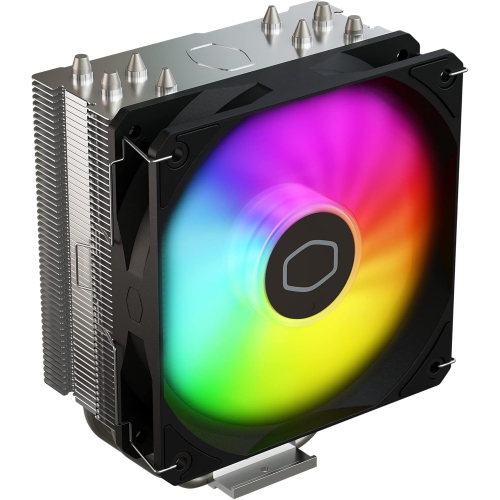 Your price for this item is $29.27
 -
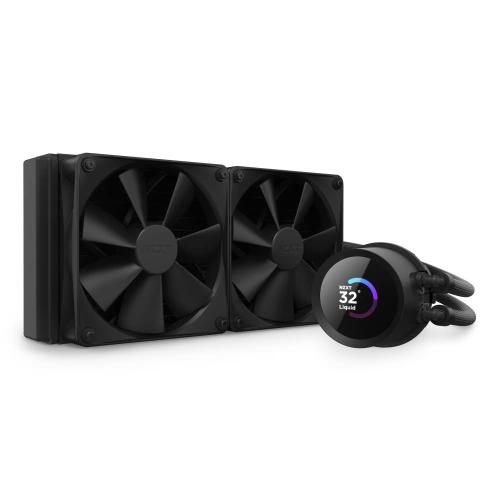 Your price for this item is $419.68
 -
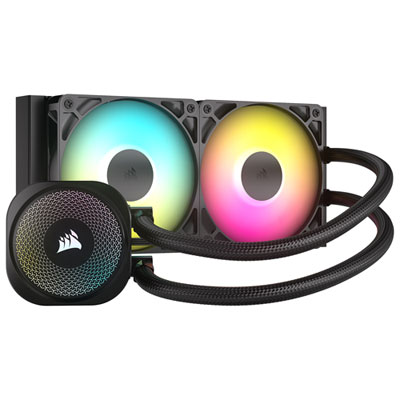 Your price for this item is $114.99
 -
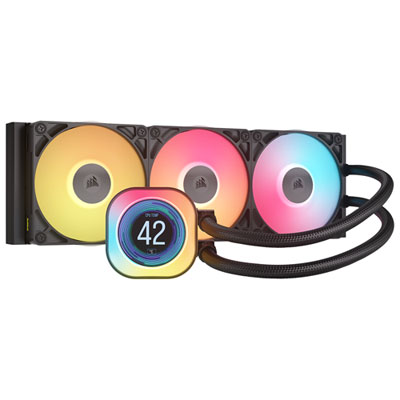 Your price for this item is $244.99
 -
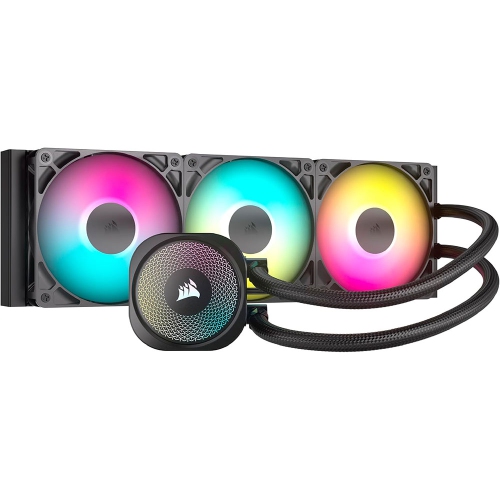 Your price for this item is $179
 -
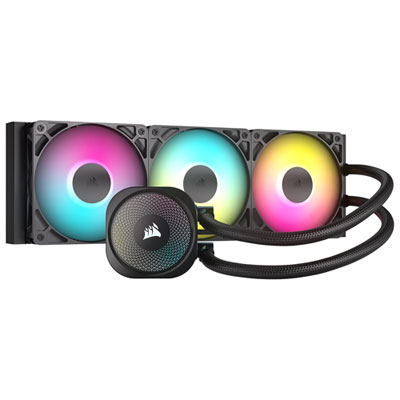 Your price for this item is $134.99
 -
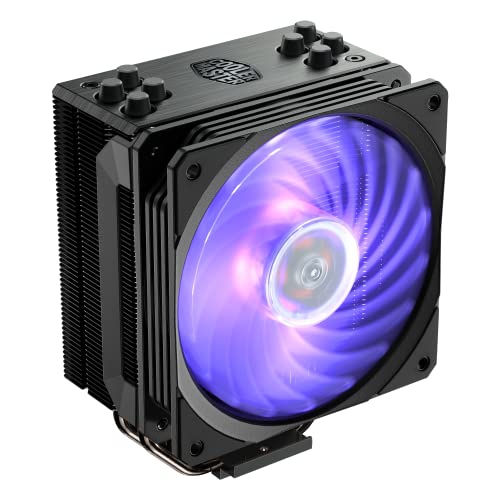 Your price for this item is $60.68
 -
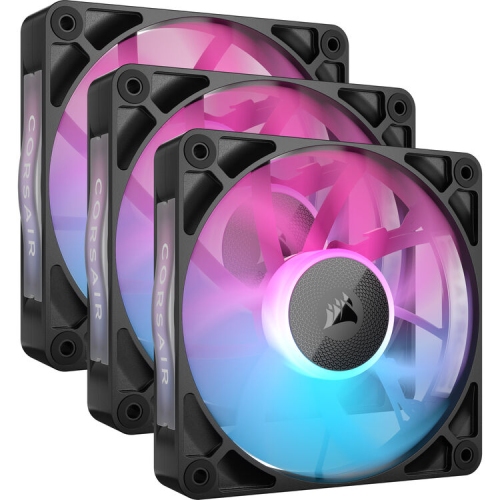 Your price for this item is $151.8
Discover more categories related to Liquid Cooling
Top Collections:
Pokemon Centers, Kindle Devices, Best Budget Office Chairs, Apple iPhones 16, Best Laptops for Writers, iPhone 15 Apple, Canon G7X Cameras, Refurbished Apple Laptops, Alarm Clock, Motorola Razr Phones
Some products may be subject to Environmental Handling Fees
(EHF) depending on your province.
Learn more about EHFs.