Liquid Retina Displays
Liquid Retina Displays offer cutting-edge technology that delivers stunning visuals and crisp images for an immersive viewing experience. These advanced displays boast high resolutions and vibrant colors, making them ideal for enjoying movies, playing games, or working on detailed projects with precision. Whether you're a creative professional seeking color accuracy or a casual user looking for sharp graphics, Liquid Retina Displays provide exceptional clarity and performance for all your digital needs.
Sort

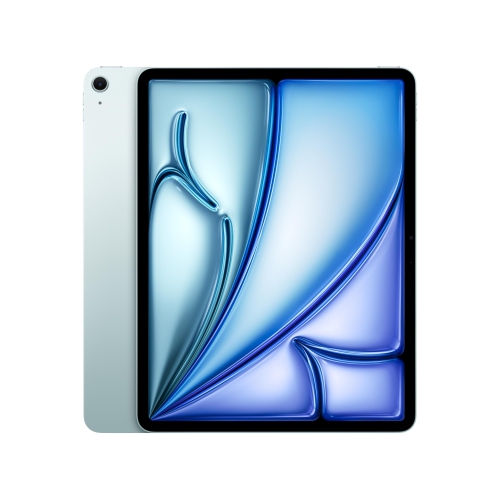


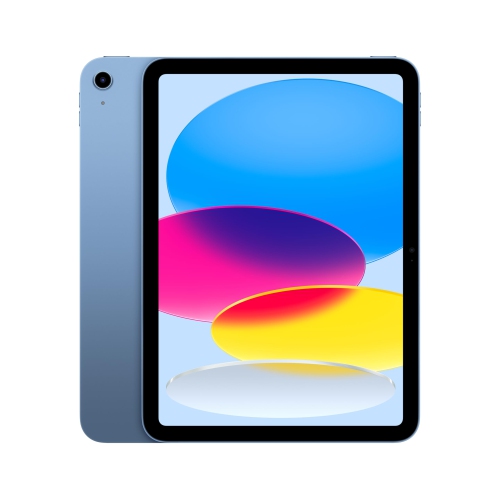
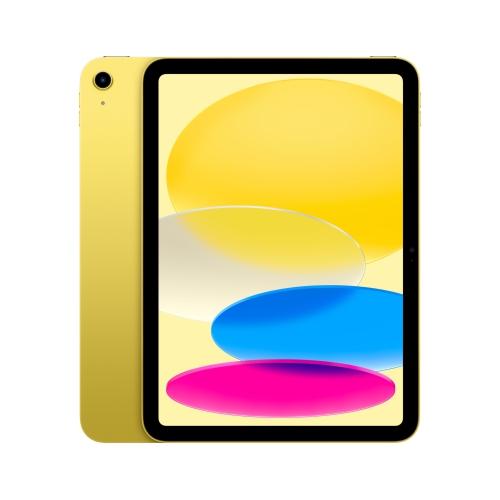


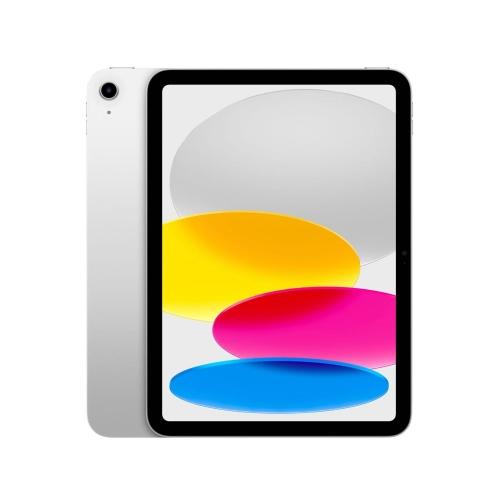












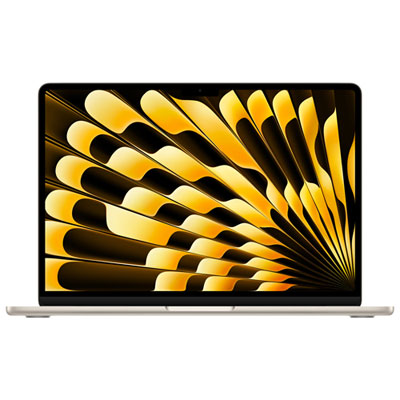
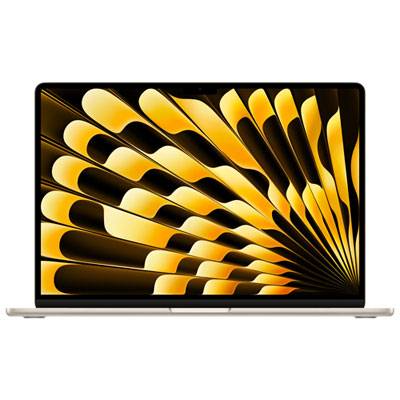
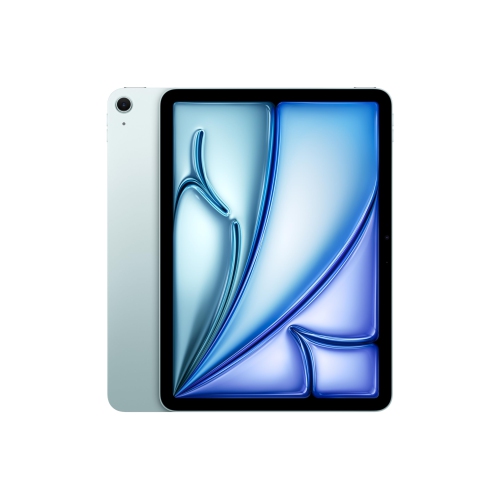


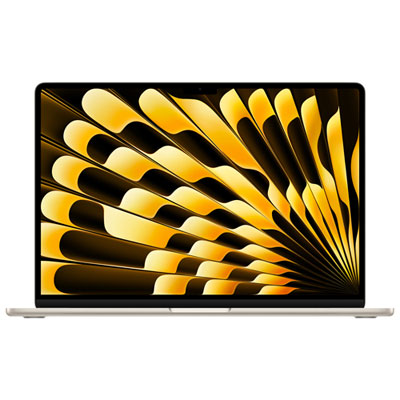

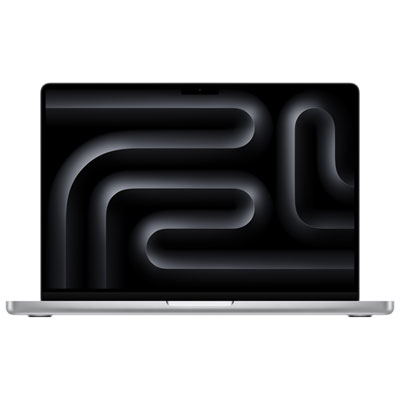
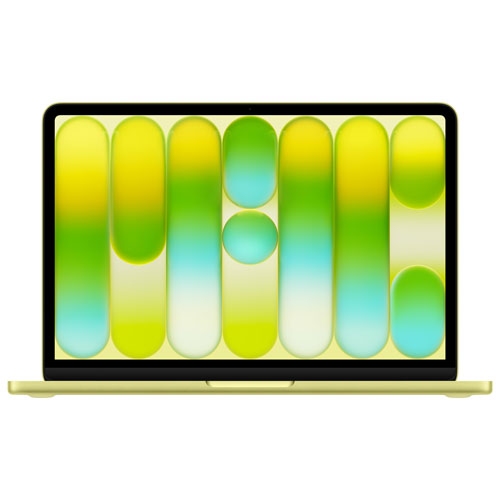
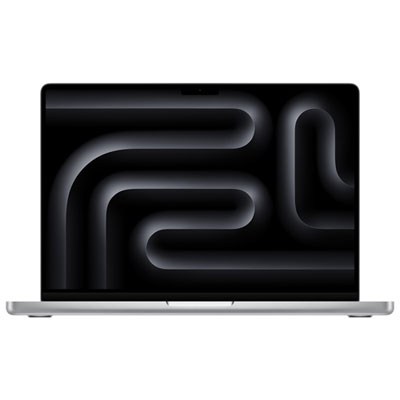


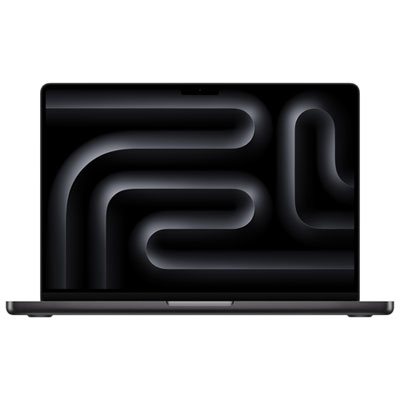












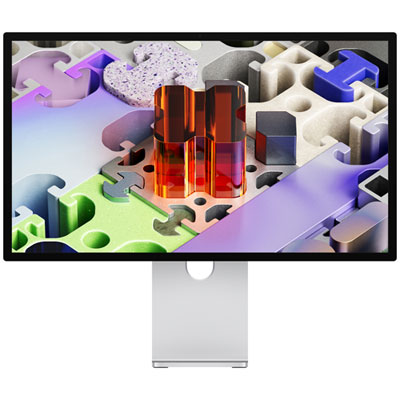
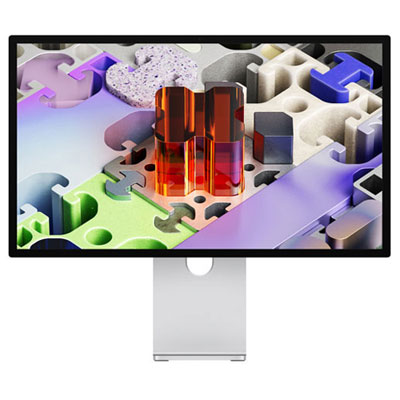
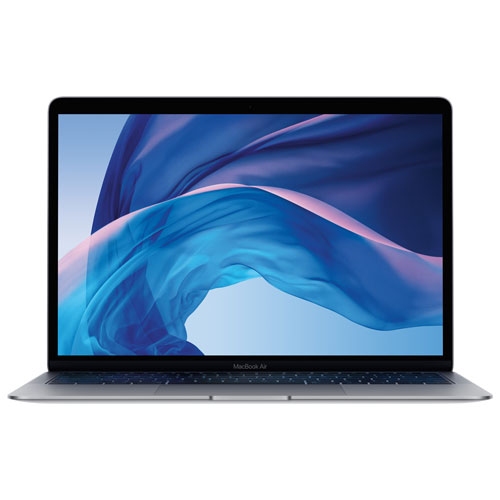
How advanced LCD screens balance clarity, colour and comfort
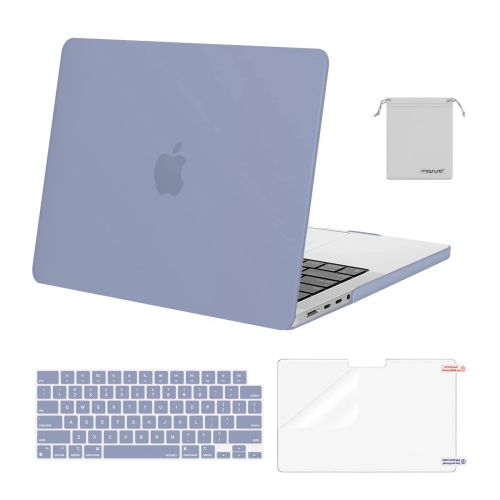
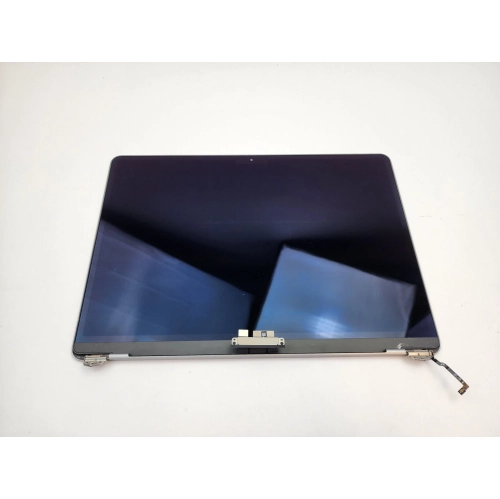
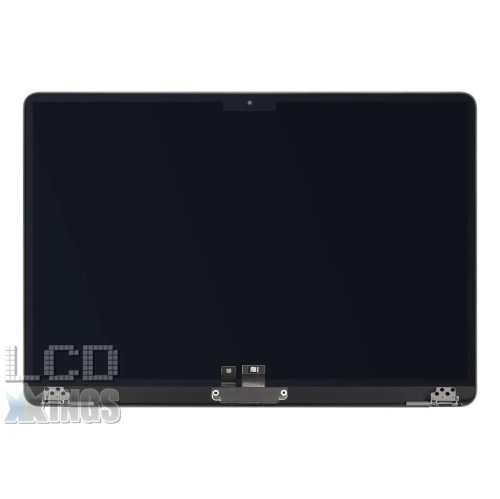
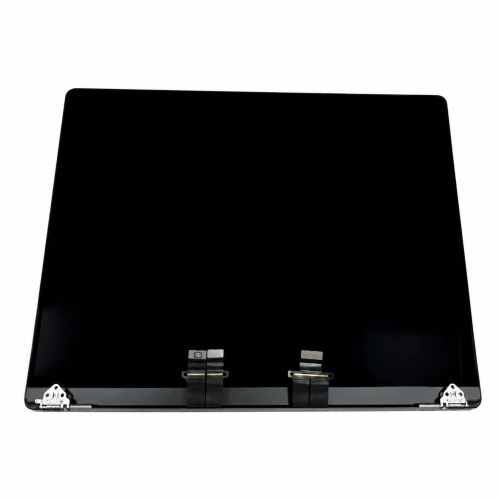
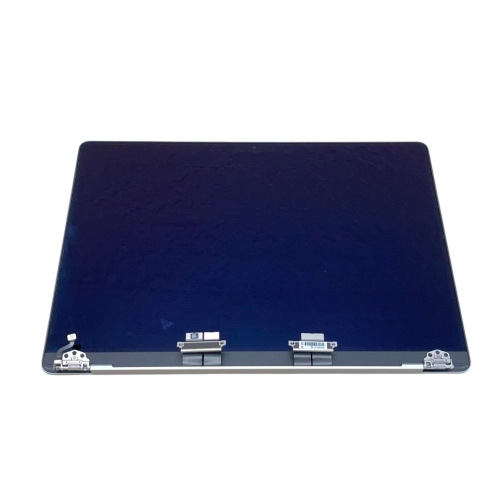
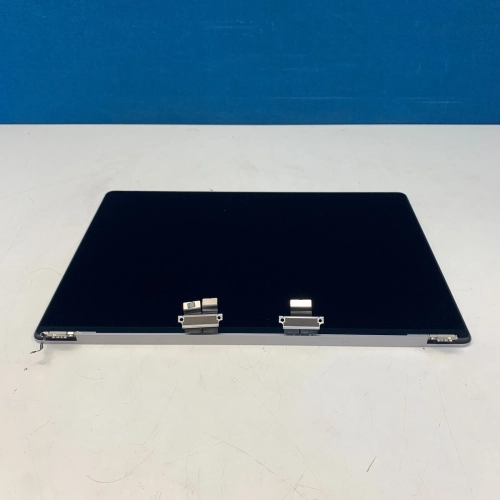
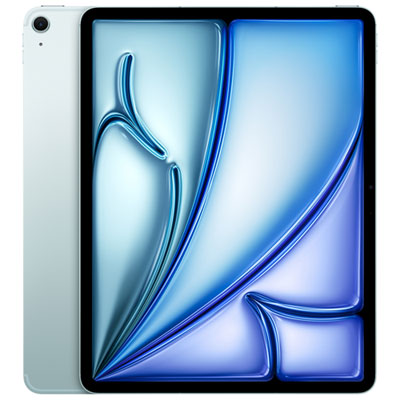
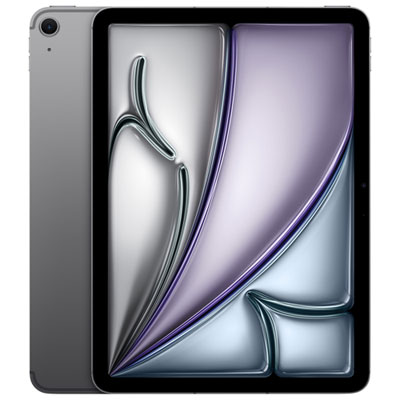
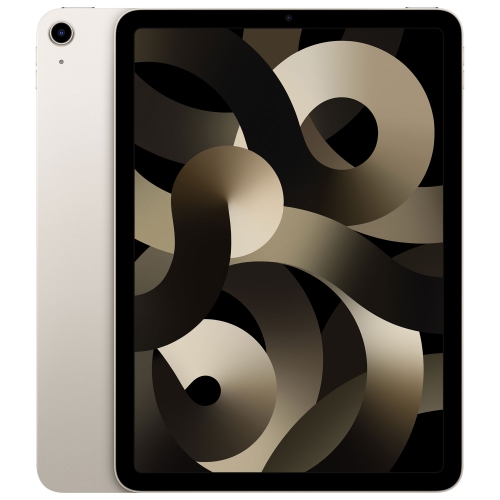
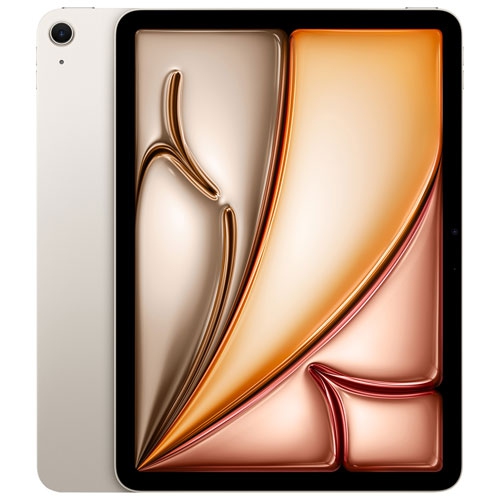
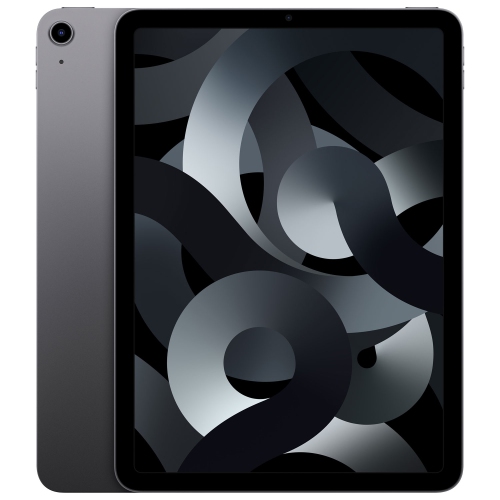
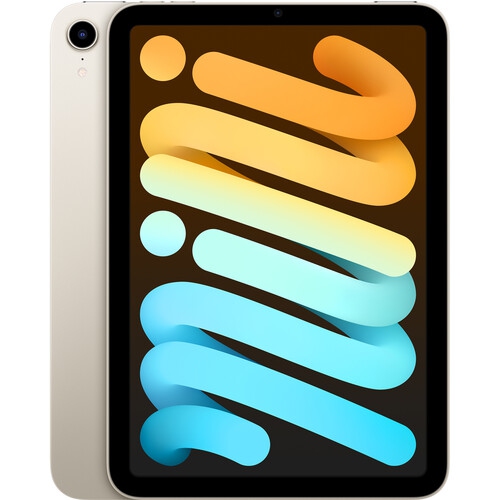
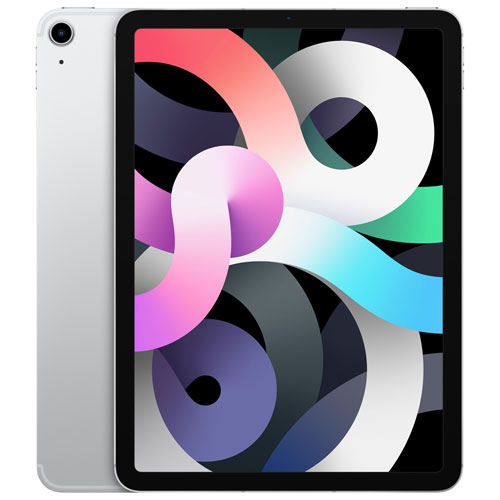
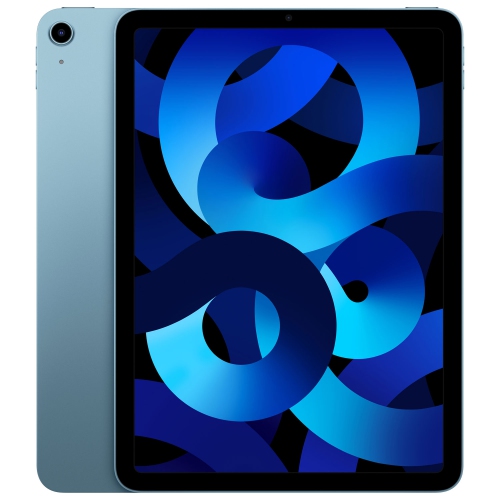
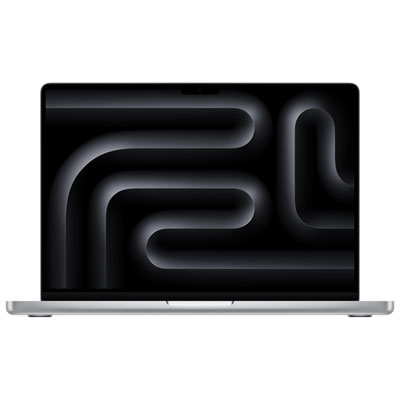
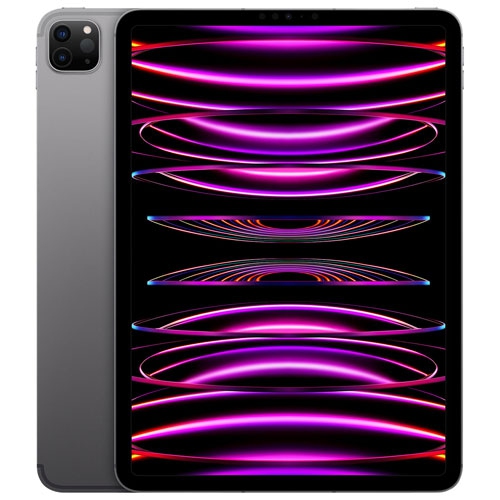
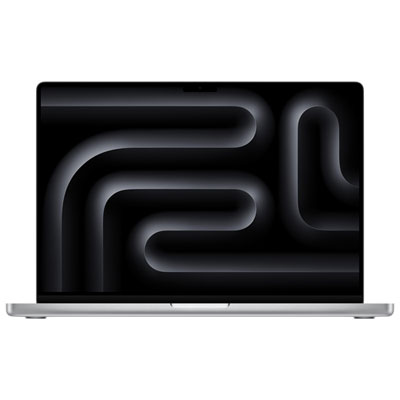
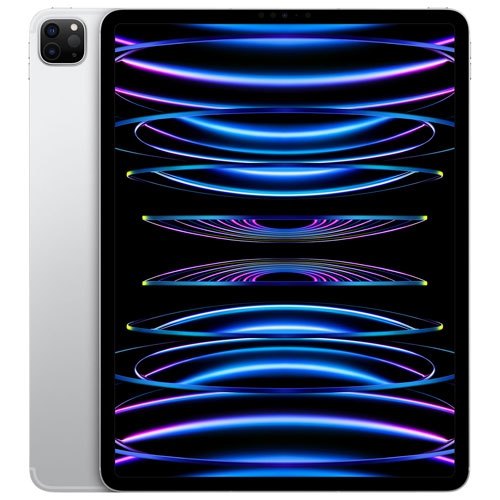
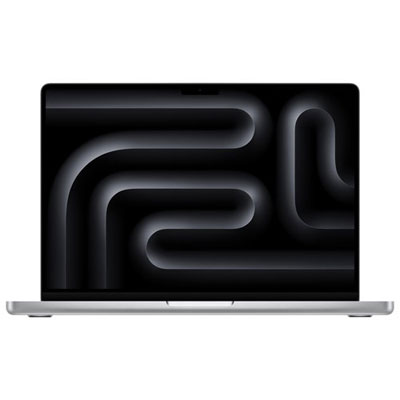
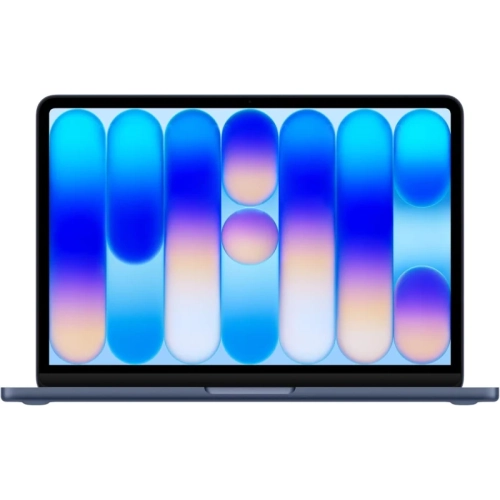
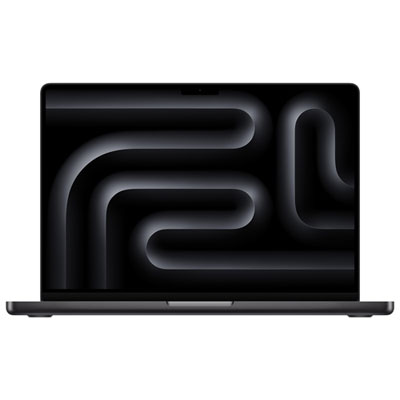
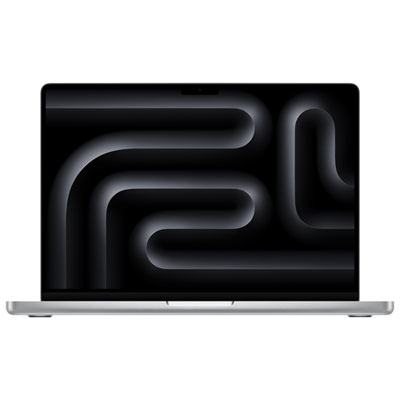
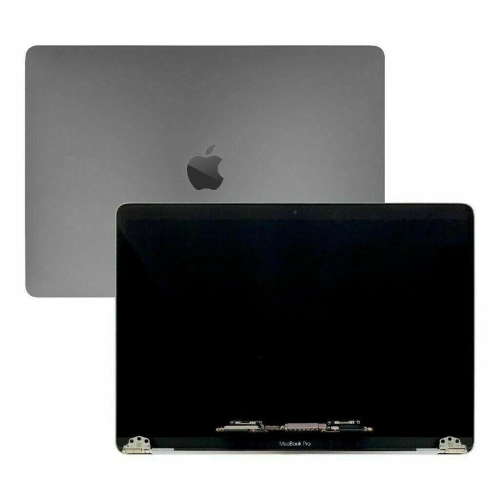
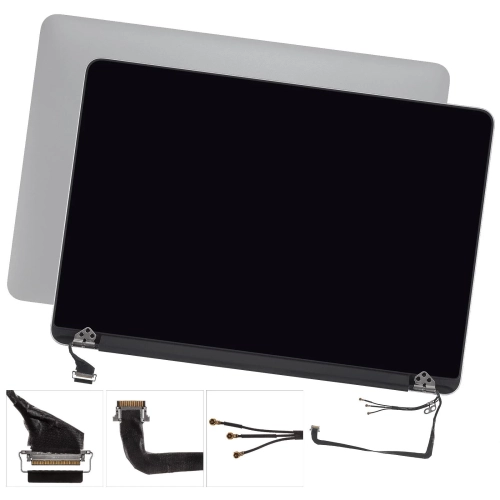
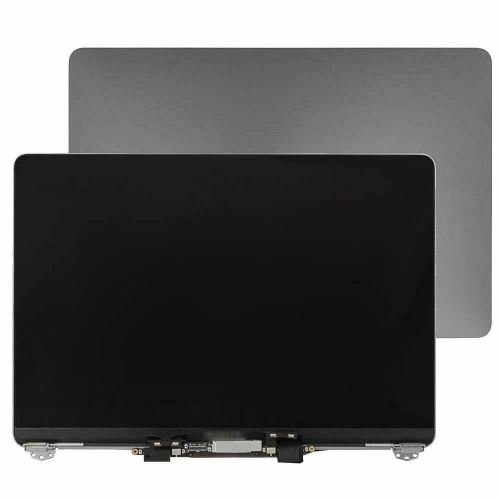
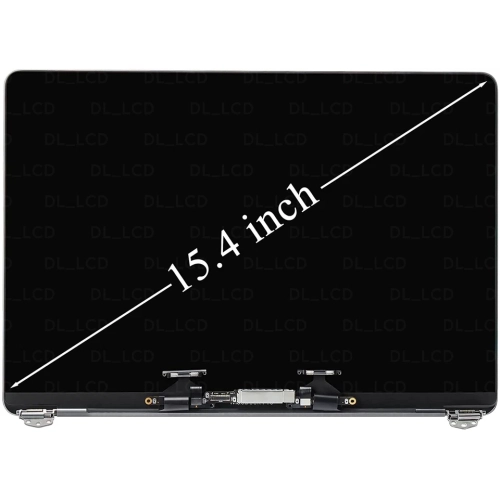
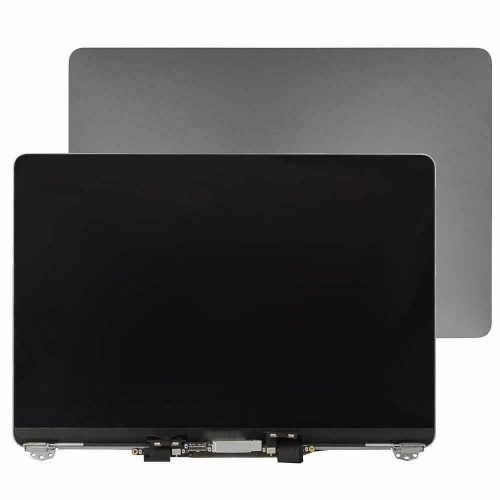
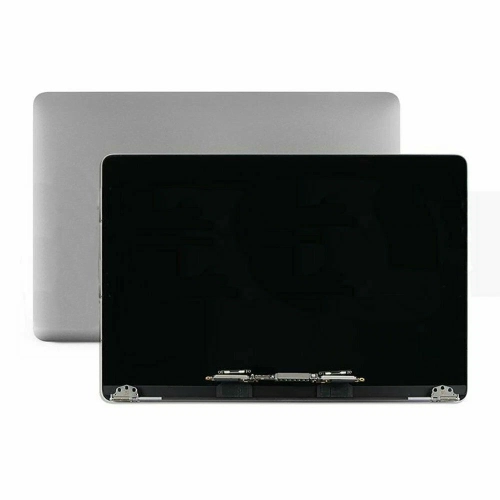
Liquid Retina displays are advanced LCD screens designed to make everyday viewing feel smooth, detailed and comfortable. The term generally refers to a high-resolution IPS LCD panel with a backlight, slim bezels and carefully shaped pixels that follow the rounded corners of a device. Instead of leaving a visible rectangular border around the image, pixel masking and anti-aliasing help the display curve neatly into the frame, creating a clean edge-to-edge appearance. This design is especially appealing on portable devices, where the screen is often the main way you read, create, watch and communicate. Text can look crisp for documents, web pages and schoolwork, while photos, illustrations and video benefit from a broad range of colour and fine detail. Many displays in this category also support wide colour capabilities, which can make landscapes appear more vivid, skin tones look more natural and creative work feel closer to the original image. True Tone-style colour adjustment may also be included, using ambient light sensors to shift the screen’s white balance so it appears warmer in a room with soft lighting and cooler in brighter surroundings. That subtle change is easy to overlook, but it can make a difference when moving from a sunlit kitchen table to a dimmer living room or reading during the cooler months. Since Liquid Retina is an LCD technology, it uses a backlight layer rather than self-illuminating pixels. This is an important distinction when comparing display types: it can deliver excellent brightness, colour accuracy and sharpness, while other panels may be chosen for different strengths such as deeper blacks or more dramatic contrast. Liquid Retina XDR represents a more advanced LCD approach, adding mini-LED backlighting and many local dimming zones to improve brightness and contrast in selected areas of the image. It is not the same as standard Liquid Retina, so checking the exact display description is worthwhile when a particular level of HDR performance matters.
When choosing a device with a Liquid Retina display, start by considering how the screen will fit into your routine rather than focusing only on the display name. A compact screen may be easier to carry between classes, appointments and cafés, while a larger screen can make split-screen work, drawing, spreadsheet editing and film playback more comfortable at home. Resolution and pixel density influence how sharp small type and fine lines appear, but brightness, viewing angle and colour support are equally useful to consider. If you spend long stretches reading, look for features that help the screen remain comfortable in changing light, including automatic brightness adjustment, reduced glare and a viewing mode that suits evening use. For photo editing, digital art or video creation, wide colour support and consistent colour reproduction can be more valuable than peak brightness alone. People who work outdoors or near bright windows may place greater importance on brightness and an anti-reflective finish, while someone who mainly streams shows in a softly lit room may care more about contrast and speaker quality. Touch capability, stylus support, keyboard compatibility and battery life can also shape the experience, particularly when a portable screen is expected to serve as both a creative canvas and a productivity station. It is also helpful to check the operating system, available storage, wireless connectivity and accessory compatibility before making a decision, since a beautiful display is most useful when the device supports the apps and files you rely on. A student might use one for taking handwritten notes, reviewing lecture slides and unwinding with a show after studying. A photographer could use it to sort a day’s images while travelling, with the broad colour range helping reveal subtle differences in shadows and highlights. For a remote worker, a sharp screen can make video calls, email and shared documents easier to manage from a dining table or home office. Families may appreciate a portable display for recipes in the kitchen, reading in a quiet corner or keeping children occupied during a long journey. These devices can also make thoughtful gifts for someone beginning a new course, setting up a first creative workspace or replacing an older computer that has become slow and difficult to carry. During late summer and into the cooler months, a lightweight device with a bright, detailed display can move easily from an outdoor patio to a bedroom desk without changing how you work.
Display terminology can be confusing because similar-sounding names may describe different technologies and performance levels. A Liquid Retina panel is typically a high-resolution LCD with a backlight, rounded-corner design and features intended to deliver clear, natural-looking images. Liquid Retina XDR adds mini-LED backlighting with local dimming, allowing bright highlights and darker areas to be controlled more precisely for demanding HDR content. OLED displays work differently again, with self-illuminating pixels that can switch off individually for very deep blacks. None of these options is automatically best for every person; the right choice depends on what you watch, create, carry and read most often. Look beyond the display label to compare brightness, colour support, refresh rate, viewing comfort, size and the overall device design. A higher refresh rate can make scrolling and compatible motion appear smoother, which is useful for fast-moving content and responsive creative work, while a standard refresh rate may be perfectly suitable for documents, browsing and streaming. Consider how the display behaves in the places you use it most: reflections can matter near a window, brightness can matter on a bright day, and viewing angles can matter when sharing a screen across a table. If a phone is your primary camera, navigation tool and media screen, explore the selection of Retina Display Phones alongside larger devices. For a tablet or notebook, think about whether you will hold it for reading, place it on a stand for video calls or connect it to an external display for a wider workspace. Checking ports, charging requirements, included accessories and warranty details can prevent surprises after purchase. With the right combination of screen quality, portability and practical features, a Liquid Retina display can support the small moments that fill a day: reviewing a presentation over breakfast, refining a photo as daylight fades, reading a recipe with flour on the counter or settling in with a favourite film when the evening turns cool.
When choosing a device with a Liquid Retina display, start by considering how the screen will fit into your routine rather than focusing only on the display name. A compact screen may be easier to carry between classes, appointments and cafés, while a larger screen can make split-screen work, drawing, spreadsheet editing and film playback more comfortable at home. Resolution and pixel density influence how sharp small type and fine lines appear, but brightness, viewing angle and colour support are equally useful to consider. If you spend long stretches reading, look for features that help the screen remain comfortable in changing light, including automatic brightness adjustment, reduced glare and a viewing mode that suits evening use. For photo editing, digital art or video creation, wide colour support and consistent colour reproduction can be more valuable than peak brightness alone. People who work outdoors or near bright windows may place greater importance on brightness and an anti-reflective finish, while someone who mainly streams shows in a softly lit room may care more about contrast and speaker quality. Touch capability, stylus support, keyboard compatibility and battery life can also shape the experience, particularly when a portable screen is expected to serve as both a creative canvas and a productivity station. It is also helpful to check the operating system, available storage, wireless connectivity and accessory compatibility before making a decision, since a beautiful display is most useful when the device supports the apps and files you rely on. A student might use one for taking handwritten notes, reviewing lecture slides and unwinding with a show after studying. A photographer could use it to sort a day’s images while travelling, with the broad colour range helping reveal subtle differences in shadows and highlights. For a remote worker, a sharp screen can make video calls, email and shared documents easier to manage from a dining table or home office. Families may appreciate a portable display for recipes in the kitchen, reading in a quiet corner or keeping children occupied during a long journey. These devices can also make thoughtful gifts for someone beginning a new course, setting up a first creative workspace or replacing an older computer that has become slow and difficult to carry. During late summer and into the cooler months, a lightweight device with a bright, detailed display can move easily from an outdoor patio to a bedroom desk without changing how you work.
Display terminology can be confusing because similar-sounding names may describe different technologies and performance levels. A Liquid Retina panel is typically a high-resolution LCD with a backlight, rounded-corner design and features intended to deliver clear, natural-looking images. Liquid Retina XDR adds mini-LED backlighting with local dimming, allowing bright highlights and darker areas to be controlled more precisely for demanding HDR content. OLED displays work differently again, with self-illuminating pixels that can switch off individually for very deep blacks. None of these options is automatically best for every person; the right choice depends on what you watch, create, carry and read most often. Look beyond the display label to compare brightness, colour support, refresh rate, viewing comfort, size and the overall device design. A higher refresh rate can make scrolling and compatible motion appear smoother, which is useful for fast-moving content and responsive creative work, while a standard refresh rate may be perfectly suitable for documents, browsing and streaming. Consider how the display behaves in the places you use it most: reflections can matter near a window, brightness can matter on a bright day, and viewing angles can matter when sharing a screen across a table. If a phone is your primary camera, navigation tool and media screen, explore the selection of Retina Display Phones alongside larger devices. For a tablet or notebook, think about whether you will hold it for reading, place it on a stand for video calls or connect it to an external display for a wider workspace. Checking ports, charging requirements, included accessories and warranty details can prevent surprises after purchase. With the right combination of screen quality, portability and practical features, a Liquid Retina display can support the small moments that fill a day: reviewing a presentation over breakfast, refining a photo as daylight fades, reading a recipe with flour on the counter or settling in with a favourite film when the evening turns cool.
Top selling and popular products
-
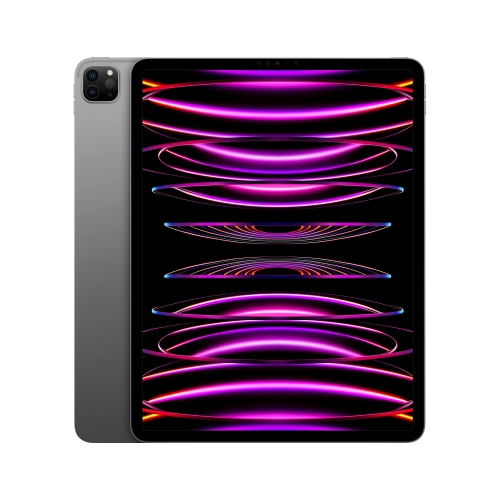 Your price for this item is $1449.99
-
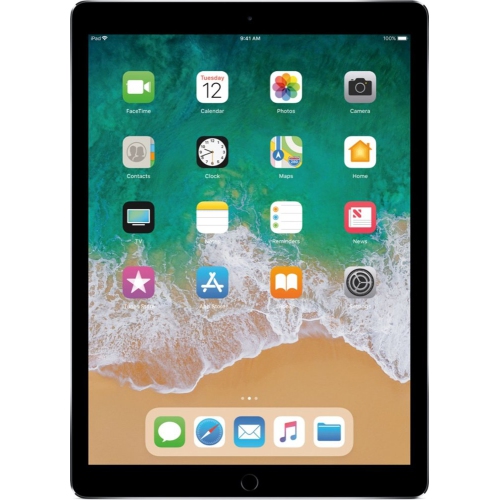 Your price for this item is $349
-
 Your price for this item is $1889.99
-
 Your price for this item is $1429
-
 Your price for this item is $561.99
-
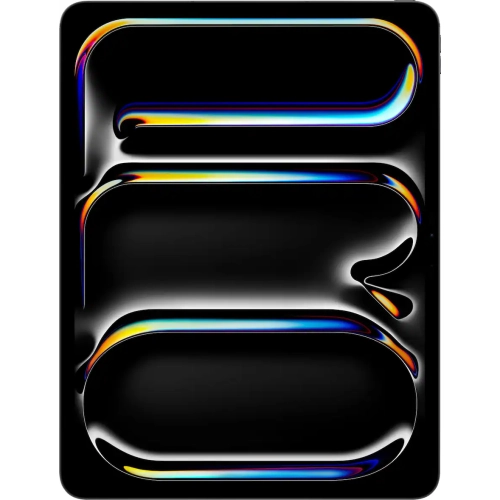 Your price for this item is $1849.99
-
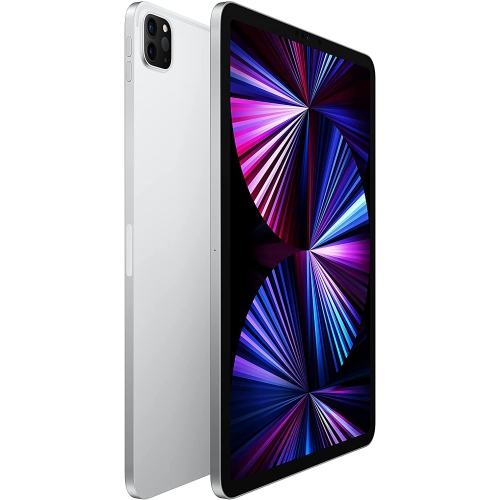 Your price for this item is $1799
-
 Your price for this item is $2099.99
Discover more categories related to Liquid Retina Displays

Top Collections:
Pokemon Centers, Best Black Friday Deals This Year, Best Black Friday Deals On Electronics, Kindle Devices, Best Budget Office Chairs, Best Black Friday Deals On Apple Products, Best Cameras for Sports Photography, Pokémon 30th Celebration Cards, Dyson Airwrap, Canon G7X Cameras
Some products may be subject to Environmental Handling Fees
(EHF) depending on your province.
Learn more about EHFs.