Logitech Blue Mice
Enhance your computing experience with the Logitech Blue Mouse, designed to bring both style and functionality to your workspace. The vibrant blue color adds a touch of personality while fitting seamlessly with a variety of setups. Whether you're working, studying, or gaming, the Logitech Blue Mouse offers dependable performance for everyday tasks. Browse a range of options to find the perfect fit for your needs and enjoy smooth navigation throughout your day.
Sort


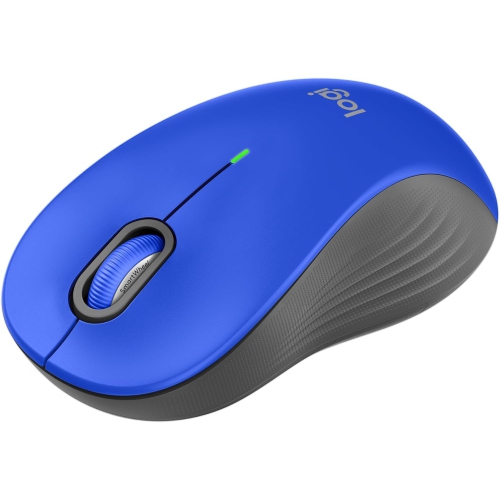
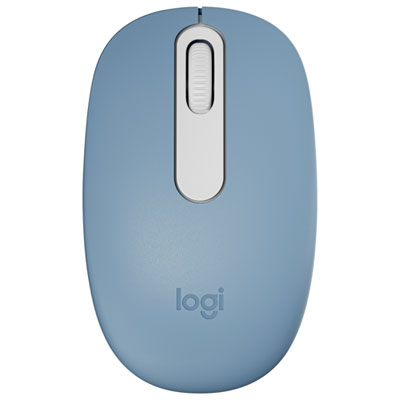

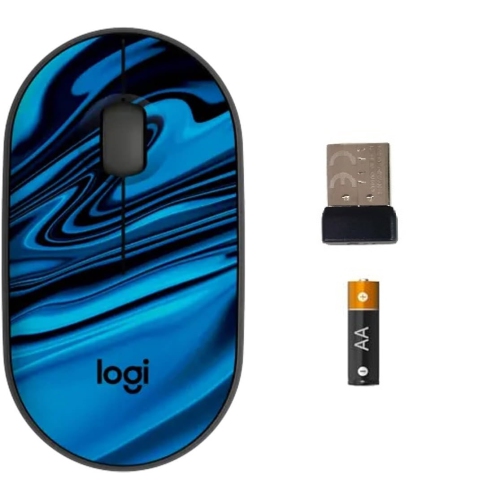
What matters beneath a blue mouse’s shell
Blue computer mice combine a distinctive colour with the everyday functions needed for work, study, browsing and gaming. The category spans compact travel designs, full-size office mice and gaming-focused shapes, with wired, USB-receiver and Bluetooth connections offered across different designs. Blue finishes can range from understated navy to brighter cyan, making it possible to add a subtle accent to a neutral desktop or coordinate with a keyboard, headset and laptop sleeve. Colour does not determine tracking quality, comfort or connection type, so the most useful differences are often underneath the shell. A compact mouse slips easily into a laptop bag and leaves more room beside a notebook, while a larger body can provide fuller palm support during extended spreadsheet work or evening gaming sessions. Hand fit matters more than appearance alone: the height of the back, width of the grip and position of the side buttons all influence how naturally the fingers rest. Someone who rests most of their palm on the mouse may prefer a different shape from someone who guides it mainly with their fingertips. Symmetrical styling does not always mean equal comfort for both hands, especially when thumb buttons appear on only one side. Moulded plastic shells are common, with smooth, matte or textured surfaces that each feel different in use. Textured sides can provide a more secure grip, while a smooth shell is straightforward to wipe clean. Soft-touch finishes may feel comfortable but can show wear differently from hard plastic over time. For a shared family desktop, a straightforward shape and easy-to-reach controls can be more practical than a highly specialized layout. For a personal work surface, the right balance of size, weight and colour can make an otherwise ordinary accessory feel like a deliberate part of the setup. A blue shell can also make a mouse easier to distinguish from similar-looking accessories on a shared table or in a busy study space.
Connection type shapes how a mouse fits into a daily routine. A wired mouse keeps a physical connection to the computer and does not require battery charging or replacement, although the cable needs enough space to move freely without catching on a monitor stand or desk edge. A wireless mouse removes that cable from the work surface, which can be convenient when switching between a home office and a laptop at the kitchen table. Wireless designs may use Bluetooth, a dedicated USB receiver or more than one connection method. Bluetooth can leave a USB port free, provided the computer supports the required connection, while a receiver needs a compatible port or suitable adapter. Receiver storage inside the mouse is a useful detail for anyone who packs up frequently. Pairing with several devices and switching between them are separate capabilities rather than standard features, so compatibility details matter when a laptop, desktop and tablet share the same workspace. Operating-system support also deserves attention, particularly if button assignments, scrolling adjustments or other functions depend on software. For everyday documents and web pages, predictable tracking and a comfortable scroll wheel often matter more than a very high maximum sensitivity. Adjustable sensitivity lets the pointer travel farther or less far for a given hand movement; a moderate setting can make selecting text easier, while a higher setting may suit a large display with limited mouse space. Gaming places additional emphasis on tracking consistency, response and a shape that remains comfortable through repeated movements. Weight preferences vary, and a lighter mouse is not automatically the best fit for every hand or task. Battery design is another practical distinction: replaceable batteries and built-in rechargeable batteries involve different routines. Quoted battery life depends on usage and settings, and lighting can add to power demands where it is included. A clear battery indicator helps reduce interruptions before a long meeting, study session or game.
Everyday care helps preserve both the blue finish and the way a mouse moves. A clean mouse pad provides a consistent surface and helps keep dust and crumbs away from the glide feet underneath. Glass, glossy finishes and uneven surfaces can affect tracking, so surface compatibility is worth checking rather than assuming every sensor works equally well everywhere. For cleaning, switch the mouse off or disconnect it, follow the manufacturer’s care directions and use a soft cloth that will not scratch the shell. Keep moisture away from button gaps, charging ports and the sensor opening, and avoid harsh cleaners that could damage coatings or printed markings. Dust around the scroll wheel and debris caught along the underside can interfere with movement even when the outer shell looks clean. Durability also depends on how the mouse is carried and handled: a separate pocket or protective pouch keeps it from rubbing against keys and charging plugs inside a bag. For wired designs, leaving some slack at the connection point helps avoid repeatedly pulling on the cable. Intended use provides a useful way to narrow the choice. Students moving between classes may appreciate a small footprint and simple connection, while someone editing documents all day may place greater value on palm support, accessible buttons and controlled scrolling. Shared spaces may benefit from quieter button operation, where that feature is specified. When colour is only one consideration, Logitech MX Mice provide a related browsing option for a work-focused setup. As a gift, a blue mouse can suit a student, a home-office user or someone personalizing a gaming desk, but the recipient’s dominant hand, computer connections and preferred mouse size are more useful clues than colour alone. Matching those practical details helps turn an attractive accessory into something that feels comfortable and useful each day.
Connection type shapes how a mouse fits into a daily routine. A wired mouse keeps a physical connection to the computer and does not require battery charging or replacement, although the cable needs enough space to move freely without catching on a monitor stand or desk edge. A wireless mouse removes that cable from the work surface, which can be convenient when switching between a home office and a laptop at the kitchen table. Wireless designs may use Bluetooth, a dedicated USB receiver or more than one connection method. Bluetooth can leave a USB port free, provided the computer supports the required connection, while a receiver needs a compatible port or suitable adapter. Receiver storage inside the mouse is a useful detail for anyone who packs up frequently. Pairing with several devices and switching between them are separate capabilities rather than standard features, so compatibility details matter when a laptop, desktop and tablet share the same workspace. Operating-system support also deserves attention, particularly if button assignments, scrolling adjustments or other functions depend on software. For everyday documents and web pages, predictable tracking and a comfortable scroll wheel often matter more than a very high maximum sensitivity. Adjustable sensitivity lets the pointer travel farther or less far for a given hand movement; a moderate setting can make selecting text easier, while a higher setting may suit a large display with limited mouse space. Gaming places additional emphasis on tracking consistency, response and a shape that remains comfortable through repeated movements. Weight preferences vary, and a lighter mouse is not automatically the best fit for every hand or task. Battery design is another practical distinction: replaceable batteries and built-in rechargeable batteries involve different routines. Quoted battery life depends on usage and settings, and lighting can add to power demands where it is included. A clear battery indicator helps reduce interruptions before a long meeting, study session or game.
Everyday care helps preserve both the blue finish and the way a mouse moves. A clean mouse pad provides a consistent surface and helps keep dust and crumbs away from the glide feet underneath. Glass, glossy finishes and uneven surfaces can affect tracking, so surface compatibility is worth checking rather than assuming every sensor works equally well everywhere. For cleaning, switch the mouse off or disconnect it, follow the manufacturer’s care directions and use a soft cloth that will not scratch the shell. Keep moisture away from button gaps, charging ports and the sensor opening, and avoid harsh cleaners that could damage coatings or printed markings. Dust around the scroll wheel and debris caught along the underside can interfere with movement even when the outer shell looks clean. Durability also depends on how the mouse is carried and handled: a separate pocket or protective pouch keeps it from rubbing against keys and charging plugs inside a bag. For wired designs, leaving some slack at the connection point helps avoid repeatedly pulling on the cable. Intended use provides a useful way to narrow the choice. Students moving between classes may appreciate a small footprint and simple connection, while someone editing documents all day may place greater value on palm support, accessible buttons and controlled scrolling. Shared spaces may benefit from quieter button operation, where that feature is specified. When colour is only one consideration, Logitech MX Mice provide a related browsing option for a work-focused setup. As a gift, a blue mouse can suit a student, a home-office user or someone personalizing a gaming desk, but the recipient’s dominant hand, computer connections and preferred mouse size are more useful clues than colour alone. Matching those practical details helps turn an attractive accessory into something that feels comfortable and useful each day.
Top selling and popular products
-
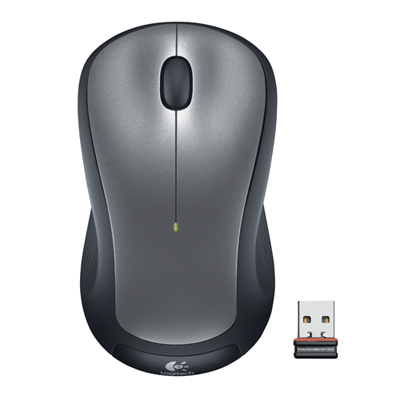 Your price for this item is $29.99
-
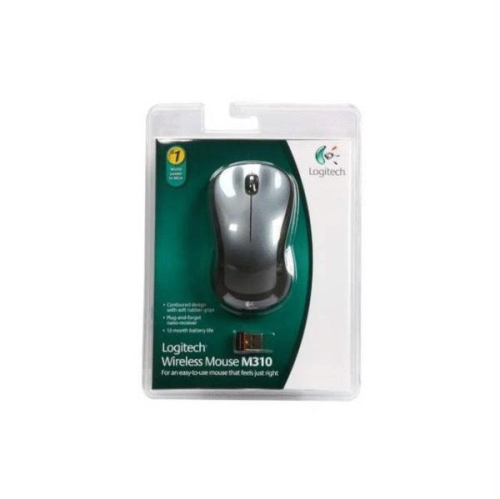 Your price for this item is $50.44
-
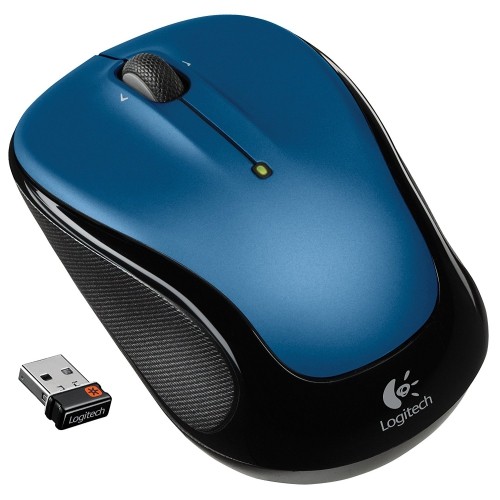 Your price for this item is $39.99
-
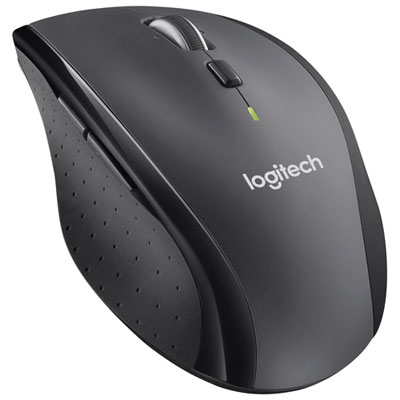 Your price for this item is $49.99
-
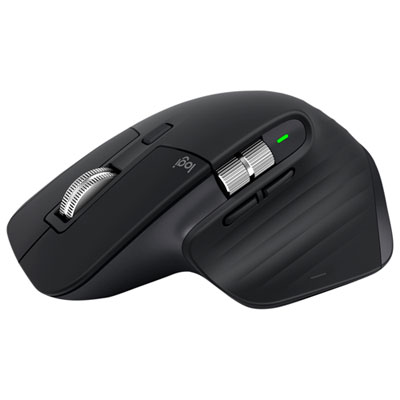 Your price for this item is $159.97
-
 Your price for this item is $64.68
-
 Your price for this item is $48.68
-
 Your price for this item is $31
Discover more categories related to Logitech Blue Mice
Top Collections:
Best Black Friday Deals This Year, Best Black Friday Deals On Electronics, Kindle Devices, Pokemon Centers, Best Black Friday Deals On Apple Products, Best Cameras for Sports Photography, Dyson Airwrap, Pokémon 30th Celebration Cards, Apple iPhone 17 Pro, Canon G7X Cameras
Some products may be subject to Environmental Handling Fees
(EHF) depending on your province.
Learn more about EHFs.