Logitech H570E
Discover a selection of Logitech H570e options designed to enhance your workspace and communication experience. Whether you're setting up a home office or upgrading your professional setup, the Logitech H570e offers reliable performance for everyday needs. Browse through various models and find the perfect fit to support your productivity and comfort throughout the day.
Sort


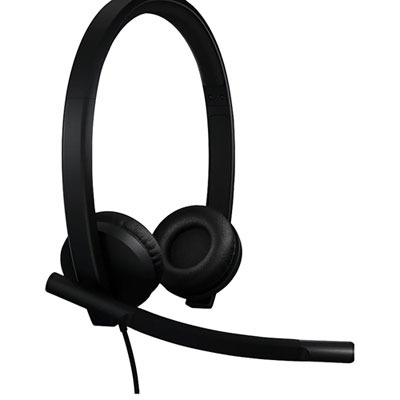
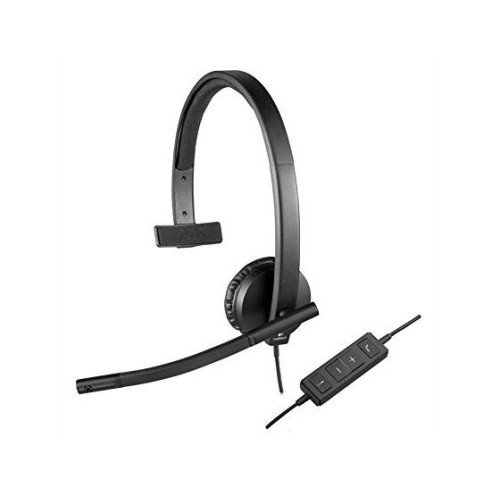
What makes wired USB headsets practical for work calls
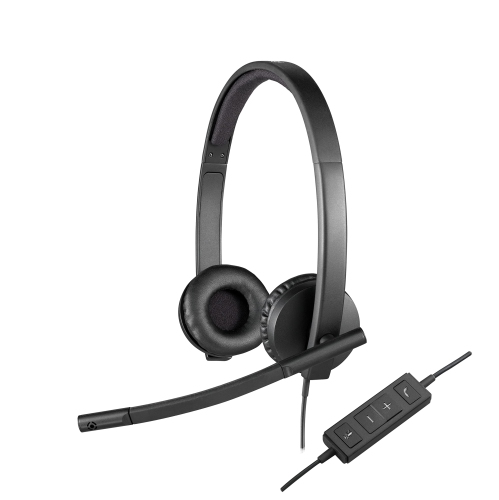
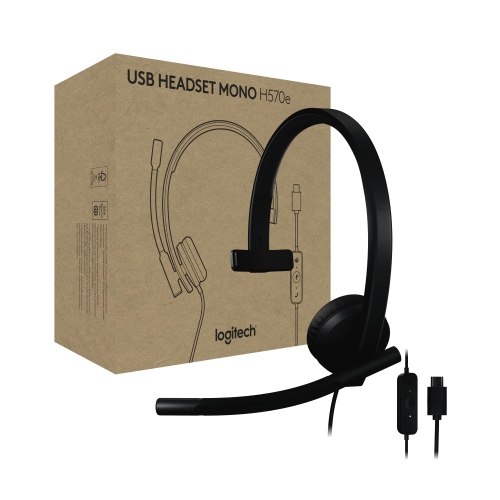
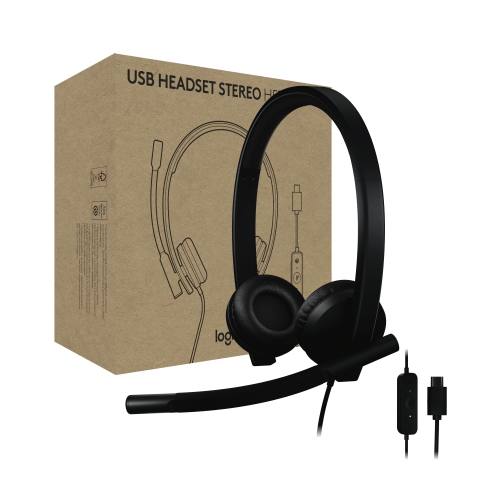
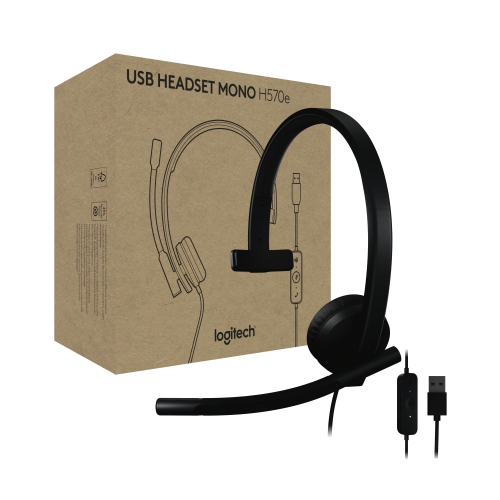
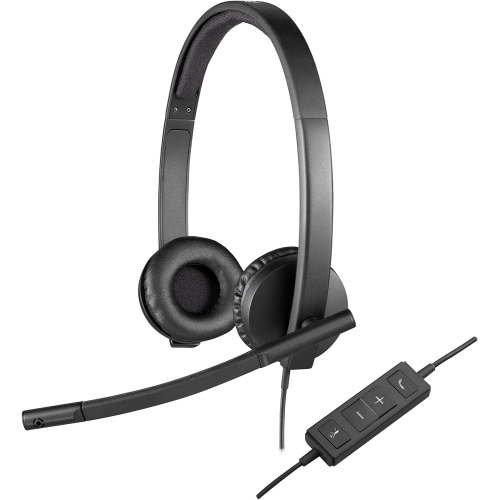
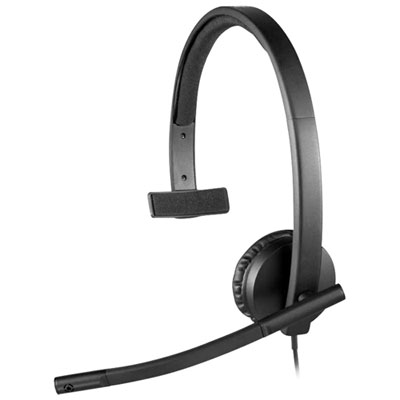
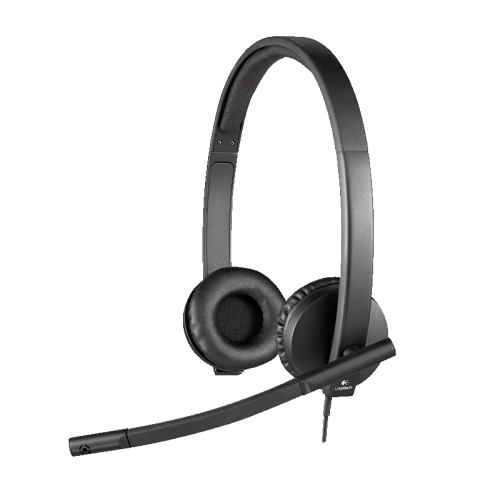
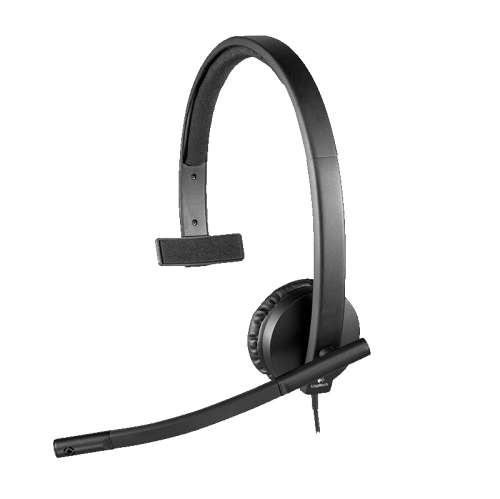
Wired USB business headsets combine headphones and a boom microphone for office calls, web conferencing, and remote work. They keep meeting audio close to the listener while positioning the microphone near the mouth, making conversations easier to manage than using a laptop’s built-in speakers and microphone across a desk. For someone moving between customer calls, team meetings, and focused administrative work, that arrangement creates a consistent place to listen and speak without holding a phone. A wired connection also removes the need to recharge a headset battery between conversations. In this category, the distinction between single-ear and dual-ear designs affects everyday use. A single-ear headset leaves one ear open, which can suit a reception desk or a workspace where colleagues need to speak to each other between calls. A dual-ear headset delivers audio to both ears and can make it easier to concentrate on a presentation or a detailed conversation. Neither design should automatically be treated as a substitute for active noise cancellation. A noise-reducing microphone is intended to limit the background sound picked up with the speaker’s voice, while headphone noise cancellation concerns what the wearer hears. That difference matters when a colleague is typing nearby or household activity carries into a home office. Microphone placement also affects clarity: a boom positioned near the corner of the mouth, rather than directly in front of the breath, can help reduce distracting bursts of air. These headsets are particularly relevant to customer service representatives, office administrators, remote employees, and people who spend substantial time in online training. Their value comes from making ordinary conversations more manageable, whether the task is confirming an appointment, explaining a spreadsheet, or following a shared presentation. Clear speech, accessible controls, and a comfortable fit are more useful measures of suitability for these tasks than features intended mainly for gaming or music listening.
Comfort depends on how the headset distributes its weight, not simply how light it feels when first picked up. An adjustable headband helps position the ear cushions correctly, while the shape and movement of the ear pieces influence pressure around the ears. On-ear cushions rest against the ears rather than enclosing them, creating a compact fit that some people prefer for desk work. The experience can vary with head size, hairstyle, earrings, and glasses, particularly when a headset is worn through consecutive meetings. A headband that sits securely without needing a tight adjustment can be easier to live with over a full workday. Materials matter here as well. Moulded plastic helps keep the frame light, metal reinforcement can support frequently adjusted sections, and soft padding provides a more forgiving contact surface. Cushion coverings may be fabric, foam, or leatherette, depending on the design; each has a different feel and cleaning requirement. Smooth coverings are often easier to wipe down, while fabric surfaces may need more attention to dust and lint. Durability also involves the less noticeable parts of a headset, including the microphone hinge, headband adjustment points, cable entry, and USB plug. Repeatedly pulling a headset off the desk by its cord puts unnecessary strain on those connections. A cable routed away from chair wheels and drawer edges is less likely to snag during a busy call. Between uses, a stand or a clear section of the desk can keep cushions from being compressed beneath papers and other equipment. Routine care generally means disconnecting the headset before cleaning, wiping suitable surfaces with a soft cloth, and following the manufacturer’s directions for any moisture or cleaning solution. Liquid should stay away from microphone openings, speaker openings, and connectors. Where replacement cushions are supported, they can help maintain comfort as the original padding wears. For shared desks, easily cleaned contact surfaces and clear storage arrangements are especially practical, although a personally assigned headset can simplify daily handling.
Connection details determine how smoothly a wired headset fits into a workstation. A USB plug may look straightforward, but the connector type still needs to match the computer or an appropriate supported adapter. USB-A and USB-C ports have different shapes, and a headset intended for a computer should not be assumed to work with every desk phone, mobile device, or conferencing system. Operating system support and calling software compatibility also matter. Basic listening and microphone functions may work differently from dedicated call controls, especially when answering or ending a call through an inline button. Inline volume and mute controls can be useful during a busy meeting because they place common adjustments within reach rather than behind an application window. A visible mute indicator, where included, provides another way to check status before speaking. Cable length deserves similar attention: enough reach allows the wearer to sit naturally, but excess cable can crowd a small desk. The practical fit becomes clearer in familiar situations. Someone working from a laptop beside an external monitor may need the cable to reach a port on the far side of the setup, while a shared office computer may have its accessible connections beneath the desk. For a workstation used primarily for calls, a straightforward wired arrangement can reduce the number of devices that need charging or pairing. For work that involves stepping away from the computer, the Logitech Headset Wireless collection provides a related category to explore. Wired and wireless designs serve different routines, so mobility, connection requirements, and time spent at the desk are meaningful points of comparison. A headset can also be a thoughtful gift for someone establishing a home office or starting a role with frequent online meetings, provided its connections and fit suit the recipient’s setup. Across these uses, the most relevant qualities remain dependable speech pickup, intelligible audio, manageable controls, and construction that tolerates regular handling. Together, those details support a workspace where joining a call feels like an ordinary part of the day rather than another technical task.
Comfort depends on how the headset distributes its weight, not simply how light it feels when first picked up. An adjustable headband helps position the ear cushions correctly, while the shape and movement of the ear pieces influence pressure around the ears. On-ear cushions rest against the ears rather than enclosing them, creating a compact fit that some people prefer for desk work. The experience can vary with head size, hairstyle, earrings, and glasses, particularly when a headset is worn through consecutive meetings. A headband that sits securely without needing a tight adjustment can be easier to live with over a full workday. Materials matter here as well. Moulded plastic helps keep the frame light, metal reinforcement can support frequently adjusted sections, and soft padding provides a more forgiving contact surface. Cushion coverings may be fabric, foam, or leatherette, depending on the design; each has a different feel and cleaning requirement. Smooth coverings are often easier to wipe down, while fabric surfaces may need more attention to dust and lint. Durability also involves the less noticeable parts of a headset, including the microphone hinge, headband adjustment points, cable entry, and USB plug. Repeatedly pulling a headset off the desk by its cord puts unnecessary strain on those connections. A cable routed away from chair wheels and drawer edges is less likely to snag during a busy call. Between uses, a stand or a clear section of the desk can keep cushions from being compressed beneath papers and other equipment. Routine care generally means disconnecting the headset before cleaning, wiping suitable surfaces with a soft cloth, and following the manufacturer’s directions for any moisture or cleaning solution. Liquid should stay away from microphone openings, speaker openings, and connectors. Where replacement cushions are supported, they can help maintain comfort as the original padding wears. For shared desks, easily cleaned contact surfaces and clear storage arrangements are especially practical, although a personally assigned headset can simplify daily handling.
Connection details determine how smoothly a wired headset fits into a workstation. A USB plug may look straightforward, but the connector type still needs to match the computer or an appropriate supported adapter. USB-A and USB-C ports have different shapes, and a headset intended for a computer should not be assumed to work with every desk phone, mobile device, or conferencing system. Operating system support and calling software compatibility also matter. Basic listening and microphone functions may work differently from dedicated call controls, especially when answering or ending a call through an inline button. Inline volume and mute controls can be useful during a busy meeting because they place common adjustments within reach rather than behind an application window. A visible mute indicator, where included, provides another way to check status before speaking. Cable length deserves similar attention: enough reach allows the wearer to sit naturally, but excess cable can crowd a small desk. The practical fit becomes clearer in familiar situations. Someone working from a laptop beside an external monitor may need the cable to reach a port on the far side of the setup, while a shared office computer may have its accessible connections beneath the desk. For a workstation used primarily for calls, a straightforward wired arrangement can reduce the number of devices that need charging or pairing. For work that involves stepping away from the computer, the Logitech Headset Wireless collection provides a related category to explore. Wired and wireless designs serve different routines, so mobility, connection requirements, and time spent at the desk are meaningful points of comparison. A headset can also be a thoughtful gift for someone establishing a home office or starting a role with frequent online meetings, provided its connections and fit suit the recipient’s setup. Across these uses, the most relevant qualities remain dependable speech pickup, intelligible audio, manageable controls, and construction that tolerates regular handling. Together, those details support a workspace where joining a call feels like an ordinary part of the day rather than another technical task.
Top selling and popular products
-
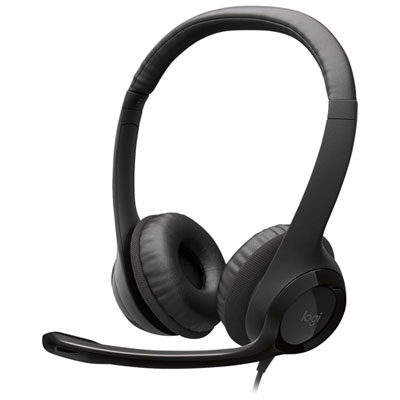 Your price for this item is $27.99
 -
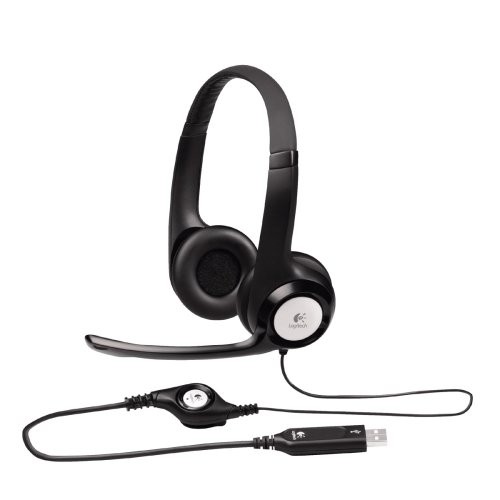 Your price for this item is $49
 -
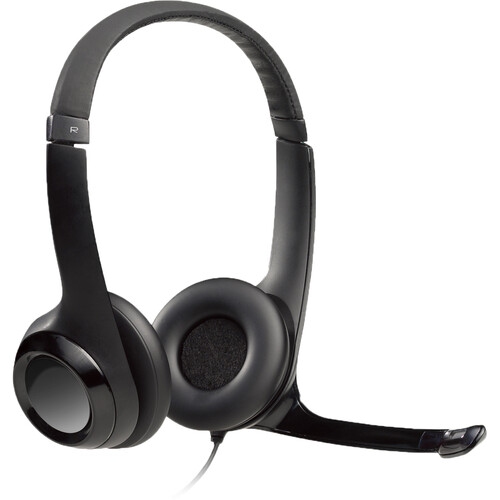 Your price for this item is $77.79
 -
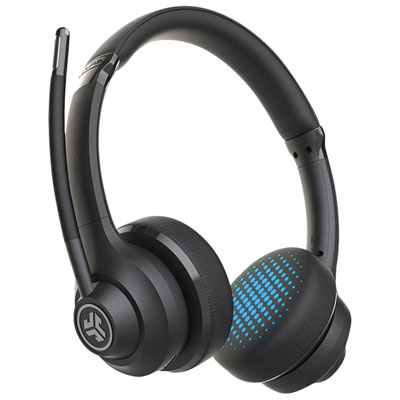 Your price for this item is $56.98
 -
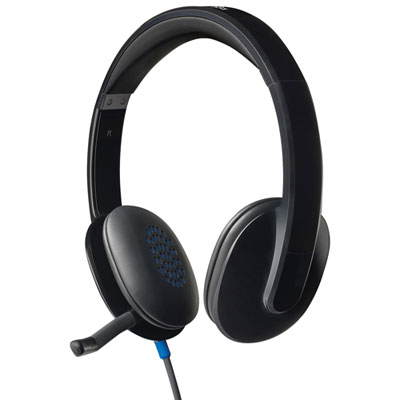 Your price for this item is $47.98
 -
 Your price for this item is $80.74
 -
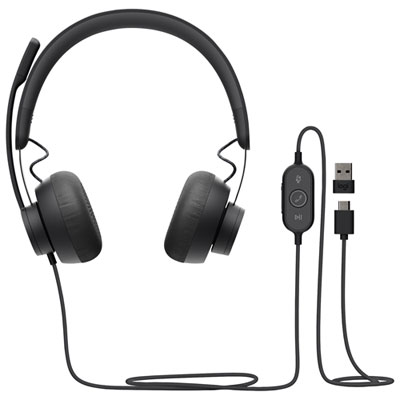 Your price for this item is $129.95
 -
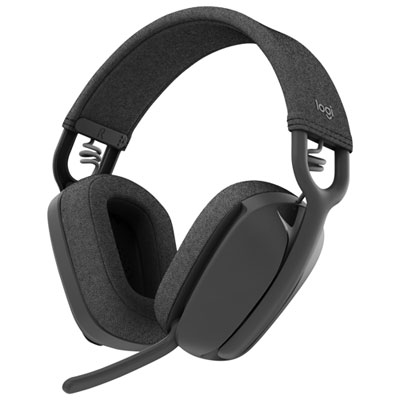 Your price for this item is $99.99
Discover more categories related to Logitech H570E
Top Collections:
Pokemon Centers, Best Cameras for Sports Photography, Kindle Devices, Samsung Galaxy Phones, Canon G7X Cameras, Pokémon 30th Celebration Cards, Refurbished Apple Laptops, iPhone 15 Apple, Laptops for Students, Budget Smartphones
Some products may be subject to Environmental Handling Fees
(EHF) depending on your province.
Learn more about EHFs.