Logitech Remotes
Discover a new level of convenience and control with our selection of advanced remote solutions. Designed to enhance your home entertainment experience, these remotes offer seamless integration with a variety of devices, ensuring you can effortlessly manage your media setup. Whether you're looking to simplify your living room or streamline your smart home system, our range of remotes provides intuitive functionality and sleek design. Elevate your tech lifestyle by exploring options that combine versatility with user-friendly features, making everyday interactions with your electronics both efficient and enjoyable.
Sort
Controls for presentations and home entertainment made simpler
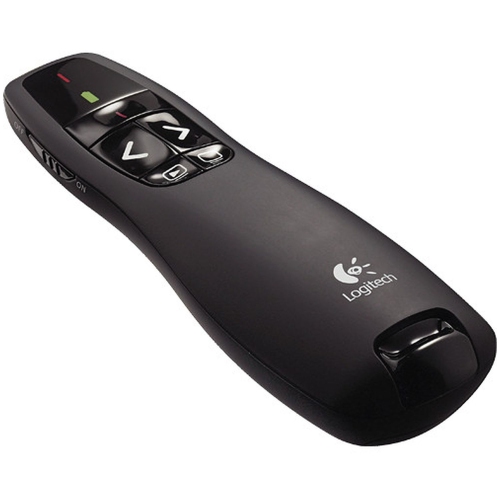
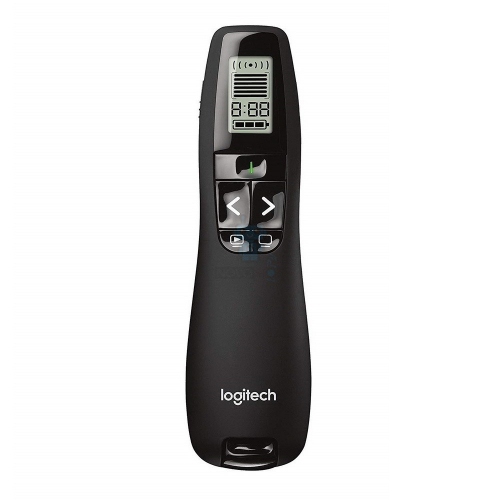
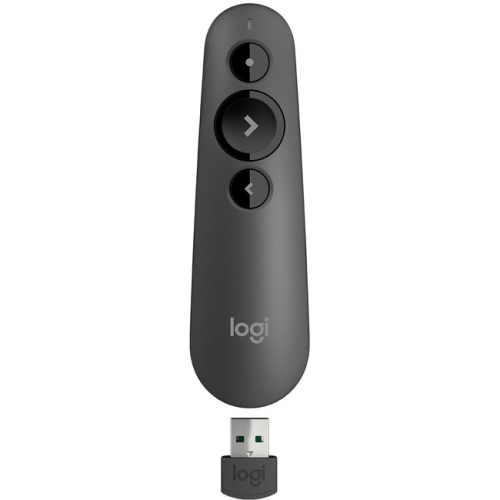
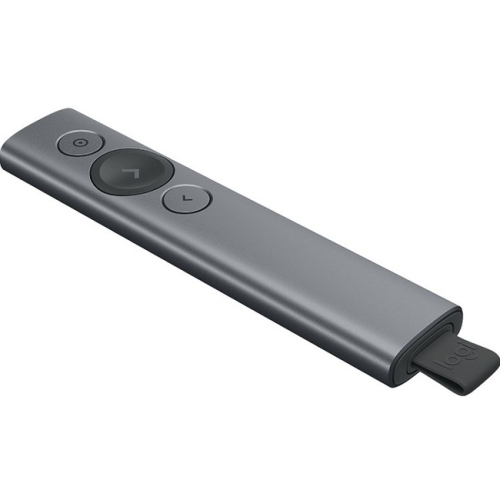
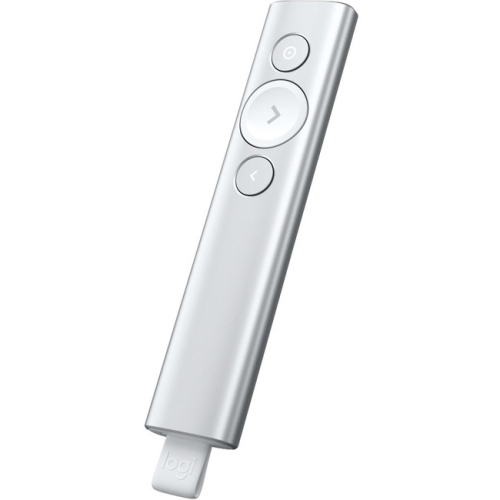
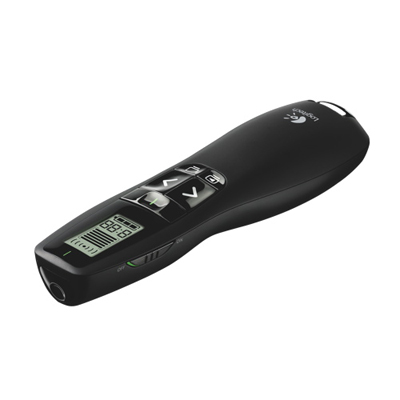
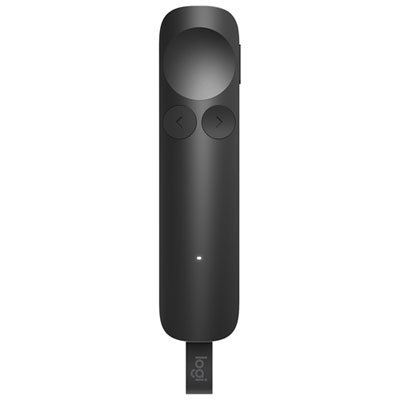
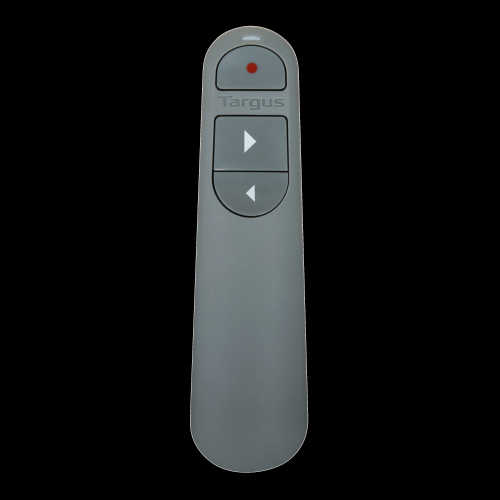
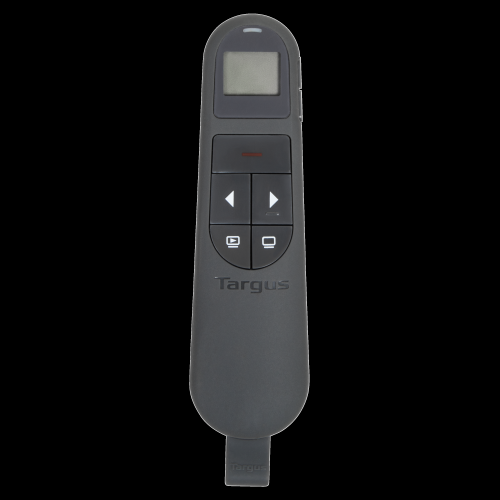
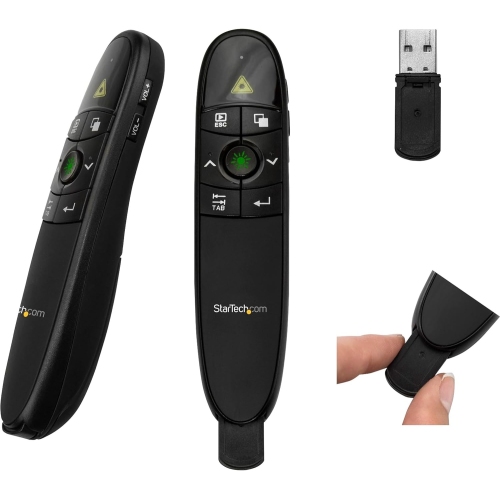
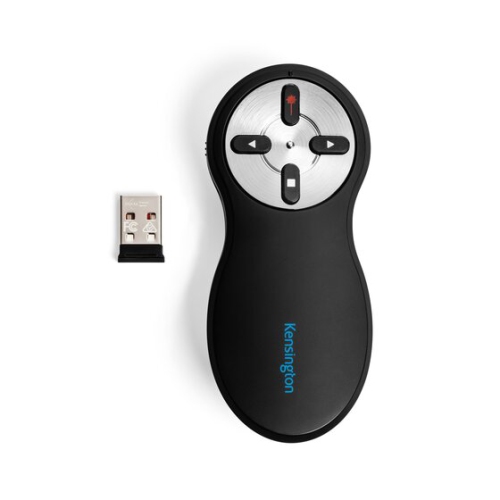
Remote controls can make presentations and home entertainment setups easier to manage, but the right choice depends on what you want to control. For slide presentations, a wireless presentation remote provides convenient access to essential controls without keeping you beside a laptop. Typical features include forward and back buttons, a start or blank-screen function, a built-in laser pointer, and a wireless range that lets you move naturally around a meeting room, classroom or training space. A simple clicker can be useful for anyone who presents regularly, from students leading a group project to instructors moving between diagrams and demonstrations. It can also be a thoughtful gift for a colleague, teacher or university student who spends time speaking in front of an audience. Before choosing one, consider the size and layout of the room, the distance between the presenter and the computer, and the type of connection required. Some models use a small USB receiver that stores inside the remote, while others connect through Bluetooth for use with compatible computers and mobile devices. USB receivers are often convenient when you want a straightforward plug-and-play experience, while Bluetooth can reduce the number of accessories you need to carry. Check operating system compatibility and confirm that the required connection is available on the presentation computer, particularly if it has only USB-C ports. Battery type and battery life also matter: a remote used for occasional presentations may need very little attention, while one used for daily teaching or business meetings should be easy to recharge or fitted with readily available batteries. A visible laser pointer can help direct attention to a chart or detail on a screen, although presenters should use it briefly and avoid shining it towards people. For larger venues or bright displays, pointer visibility and wireless range deserve extra consideration. A comfortable shape, clearly marked buttons and a surface that is easy to identify by touch can make a greater difference than a long list of extra functions, especially when the room is dimmed and attention is focused on the screen.
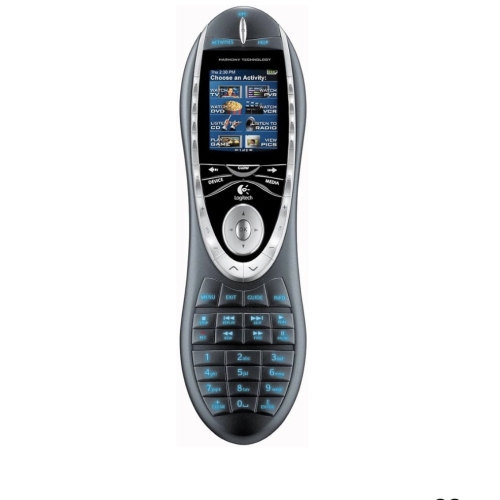
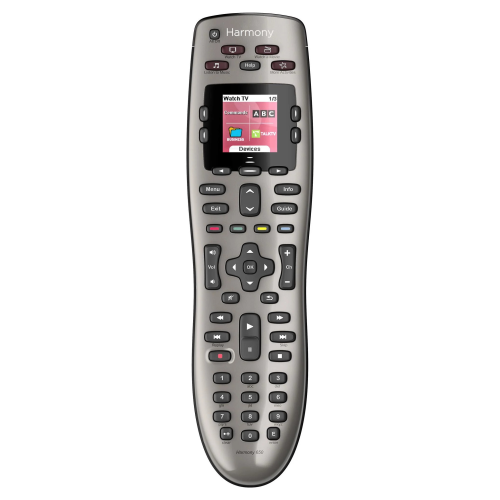
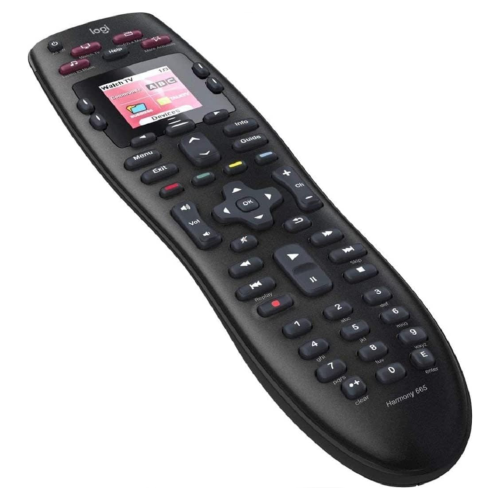
The phrase “remote” can also refer to a controller for a television, streaming device, audio receiver or other home-theatre equipment. A universal remote is intended to bring several everyday commands into one handset, reducing the collection of controllers on a coffee table and making it easier to adjust volume, change inputs, navigate menus or start playback. This type of remote can be helpful for households with multiple components, guest rooms, shared living spaces and family members who prefer physical buttons over an on-screen control app. It may also be a practical gift for someone setting up a new television area or simplifying an existing entertainment system. Compatibility should be the first consideration. Make a list of the equipment that needs to be controlled, including the television, sound system, streaming player, disc player and game console, then check whether the remote supports those device categories and functions. Basic power and volume commands may work across many devices, but specialized controls such as input selection, surround-sound modes, voice functions or smart-TV navigation may require more detailed compatibility. Setup can involve entering codes, selecting devices from an on-screen menu or using a companion application, so it is worth considering how comfortable the intended user is with configuration. Older universal remote systems may continue to operate with devices they were already programmed to control, but discontinued models can have limited access to new device databases, setup software or ongoing support. Shoppers looking specifically for that category can explore Harmony Remote Controls to review related availability and information, while those seeking a current solution should pay close attention to compatibility details, support status and setup requirements. A remote that offers fewer advanced features but works reliably with the equipment already in the home is often more useful than one with extensive controls that are difficult to configure. It is also helpful to check the button layout, backlighting, accessibility features and size, especially when the remote will be used by children, older adults or anyone with limited dexterity. Large, well-spaced buttons can simplify everyday use, while illuminated controls can make late-night viewing more comfortable without turning on a lamp.
Whether the intended use is presenting information or managing a home entertainment system, think about the routine the remote needs to support. Someone moving between meeting rooms may value a compact design, a secure receiver compartment and quick access to presentation controls. A household watching films, live events or streamed programmes may prefer a remote with dedicated buttons for the functions used most often, along with an easy way to switch between devices. During the cooler months, when evenings are often spent indoors, a well-organized entertainment setup can make it easier to settle in without searching for several controllers between the sofa cushions. The same practical details remain important through the rest of the year: a durable finish, dependable wireless performance, straightforward battery access and controls that feel responsive after regular use. If the remote is intended as a gift, consider the recipient’s habits rather than choosing based only on appearance. A frequent presenter may appreciate a clear pointer and generous operating range, while someone managing a television and sound system may benefit more from simplified navigation and broad device compatibility. Keep manuals, pairing instructions and any included receiver together after opening the package, and record the model numbers of the devices being controlled before beginning setup. For presentation use, test the remote with the actual computer and display before an important event so that connection permissions, pointer visibility and button functions can be confirmed in advance. For home use, test power, volume, input and menu navigation from the usual viewing position. These small checks help prevent avoidable interruptions and make it easier for everyone in the room to use the remote with confidence.
The phrase “remote” can also refer to a controller for a television, streaming device, audio receiver or other home-theatre equipment. A universal remote is intended to bring several everyday commands into one handset, reducing the collection of controllers on a coffee table and making it easier to adjust volume, change inputs, navigate menus or start playback. This type of remote can be helpful for households with multiple components, guest rooms, shared living spaces and family members who prefer physical buttons over an on-screen control app. It may also be a practical gift for someone setting up a new television area or simplifying an existing entertainment system. Compatibility should be the first consideration. Make a list of the equipment that needs to be controlled, including the television, sound system, streaming player, disc player and game console, then check whether the remote supports those device categories and functions. Basic power and volume commands may work across many devices, but specialized controls such as input selection, surround-sound modes, voice functions or smart-TV navigation may require more detailed compatibility. Setup can involve entering codes, selecting devices from an on-screen menu or using a companion application, so it is worth considering how comfortable the intended user is with configuration. Older universal remote systems may continue to operate with devices they were already programmed to control, but discontinued models can have limited access to new device databases, setup software or ongoing support. Shoppers looking specifically for that category can explore Harmony Remote Controls to review related availability and information, while those seeking a current solution should pay close attention to compatibility details, support status and setup requirements. A remote that offers fewer advanced features but works reliably with the equipment already in the home is often more useful than one with extensive controls that are difficult to configure. It is also helpful to check the button layout, backlighting, accessibility features and size, especially when the remote will be used by children, older adults or anyone with limited dexterity. Large, well-spaced buttons can simplify everyday use, while illuminated controls can make late-night viewing more comfortable without turning on a lamp.
Whether the intended use is presenting information or managing a home entertainment system, think about the routine the remote needs to support. Someone moving between meeting rooms may value a compact design, a secure receiver compartment and quick access to presentation controls. A household watching films, live events or streamed programmes may prefer a remote with dedicated buttons for the functions used most often, along with an easy way to switch between devices. During the cooler months, when evenings are often spent indoors, a well-organized entertainment setup can make it easier to settle in without searching for several controllers between the sofa cushions. The same practical details remain important through the rest of the year: a durable finish, dependable wireless performance, straightforward battery access and controls that feel responsive after regular use. If the remote is intended as a gift, consider the recipient’s habits rather than choosing based only on appearance. A frequent presenter may appreciate a clear pointer and generous operating range, while someone managing a television and sound system may benefit more from simplified navigation and broad device compatibility. Keep manuals, pairing instructions and any included receiver together after opening the package, and record the model numbers of the devices being controlled before beginning setup. For presentation use, test the remote with the actual computer and display before an important event so that connection permissions, pointer visibility and button functions can be confirmed in advance. For home use, test power, volume, input and menu navigation from the usual viewing position. These small checks help prevent avoidable interruptions and make it easier for everyone in the room to use the remote with confidence.
Top selling and popular products
-
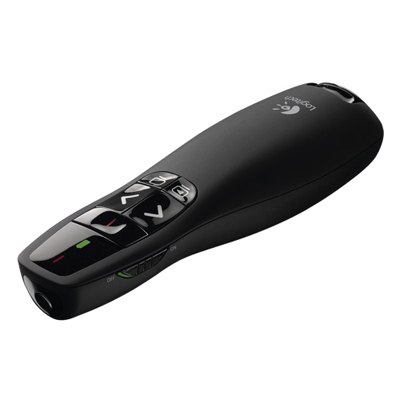 Your price for this item is $44.98
 -
 Your price for this item is $69.99
 -
 Your price for this item is $130.99
 -
 Your price for this item is $179.99
 -
 Your price for this item is $67
 -
 Your price for this item is $46.99
 -
 Your price for this item is $55.99
 -
 Your price for this item is $54.99
Discover more categories related to Logitech Remotes


Top Collections:
Pokemon Centers, Kindle Devices, Best Budget Office Chairs, Apple iPhones 16, Best Laptops for Writers, iPhone 15 Apple, Canon G7X Cameras, Refurbished Apple Laptops, Alarm Clock, Motorola Razr Phones
Some products may be subject to Environmental Handling Fees
(EHF) depending on your province.
Learn more about EHFs.