Low Profile Computers
Low Profile Computers offer a sleek and compact solution for those seeking powerful performance without taking up too much space. Perfect for home offices, workstations, or entertainment centers, these computers are designed to fit seamlessly into any environment. Explore a wide range of Low Profile Computers that combine efficiency with space-saving design, making it easy to find the right system for your needs. Whether you’re upgrading your setup or creating a new workspace, discover options that deliver reliable computing in a streamlined package.
Sort
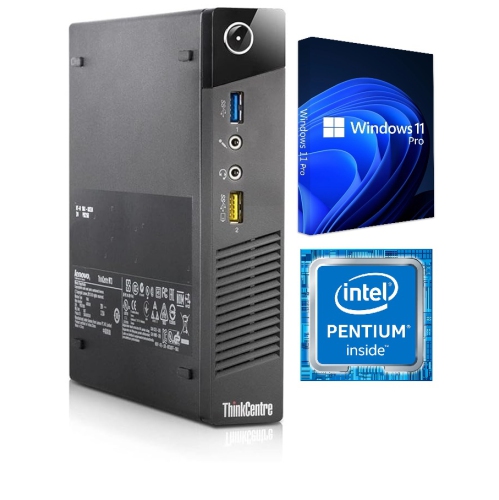

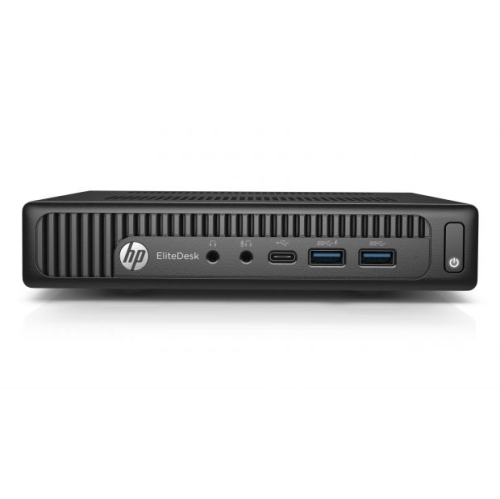
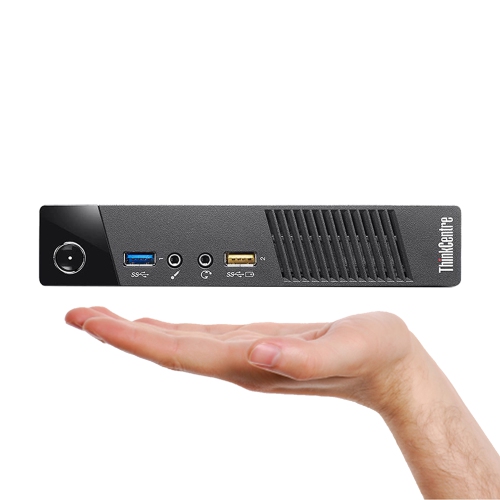

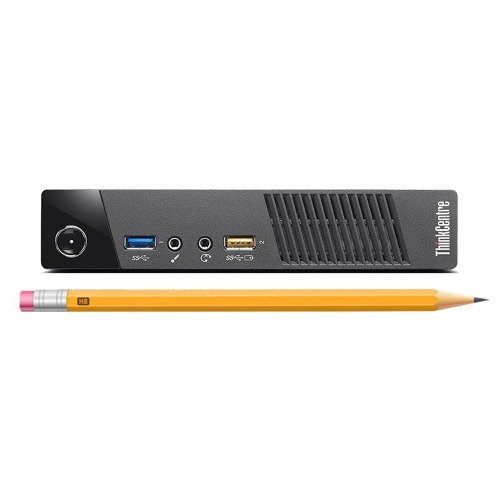
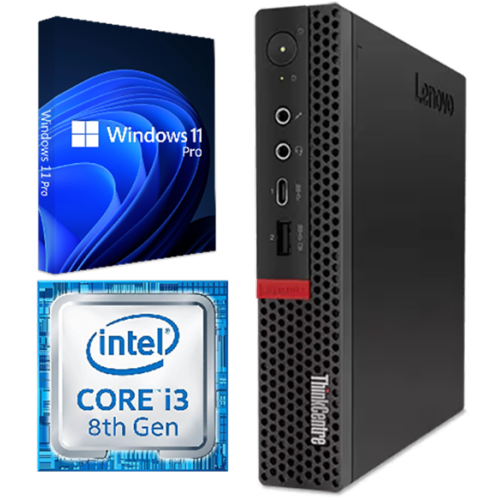
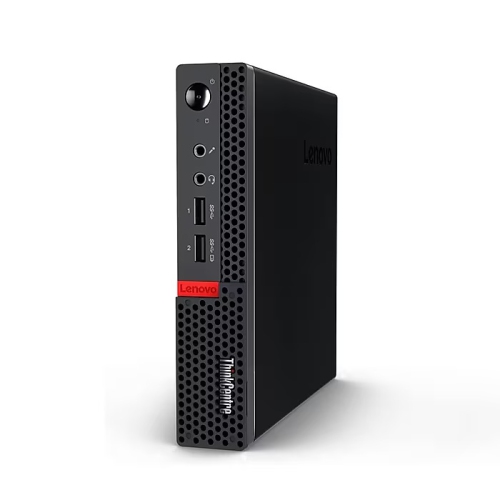
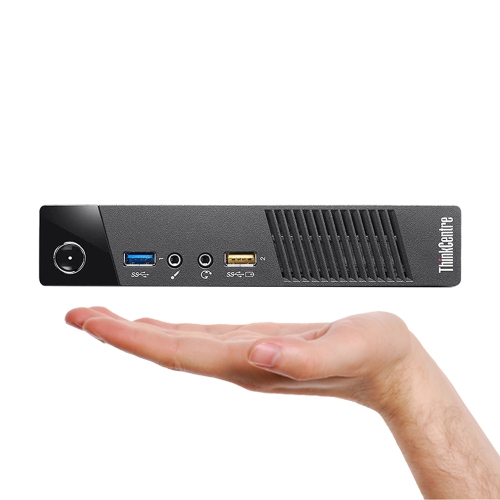
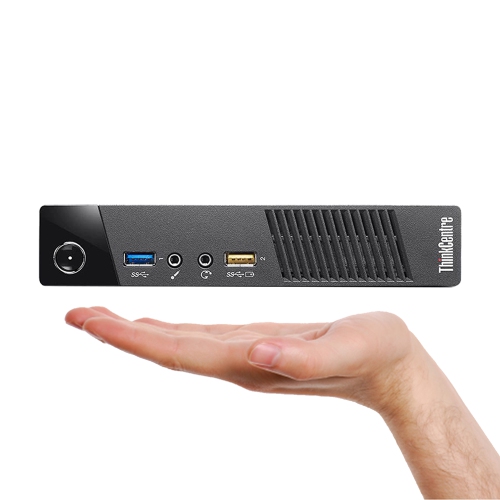
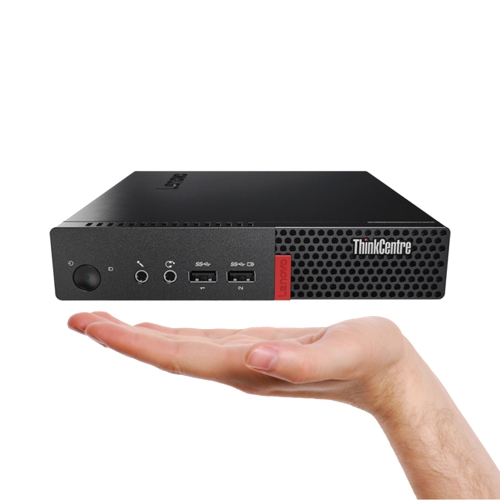

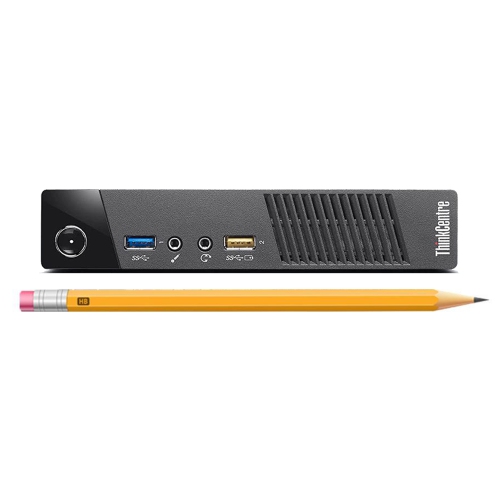


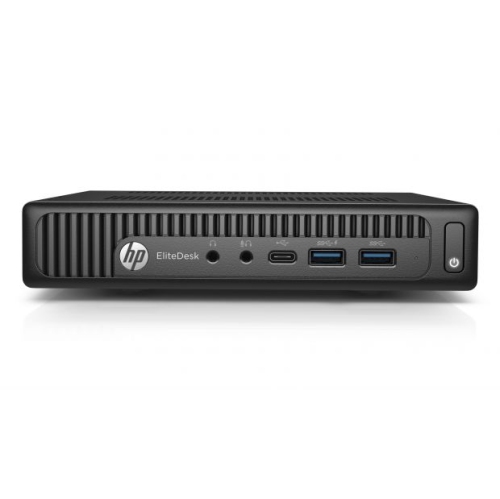

Desktop computing that leaves more room for daily tasks
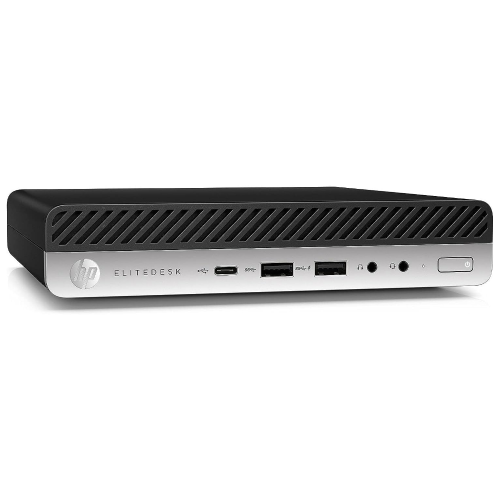
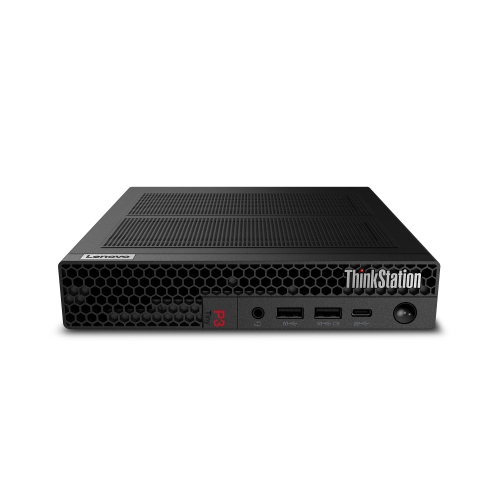
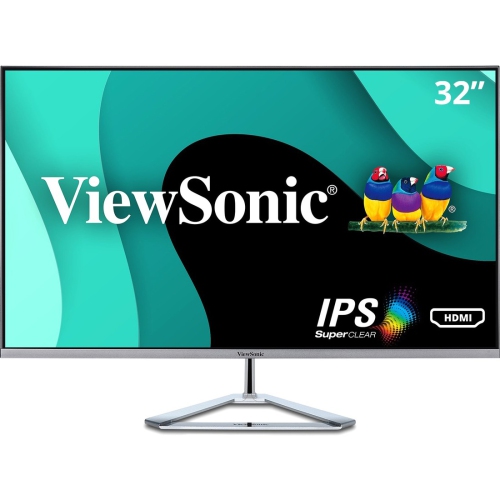
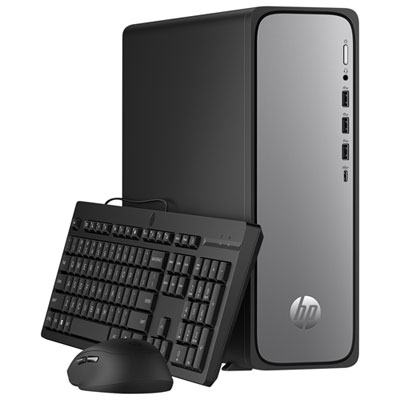
Low-profile computers are desktop PCs with slim or compact cases designed to take up less room than traditional towers. The category includes many mini PCs and small form factor, or SFF, desktops, although these terms describe different case designs rather than one standard size. A slim desktop may sit horizontally beneath a monitor, while a small tower can stand beside it and a mini PC may fit on a shelf or attach to a compatible mounting bracket. These designs suit home offices, shared family workstations, reception counters, and study areas where a full-size tower would crowd the work surface. Their appeal is practical: more space for a keyboard, paperwork, or a notebook, with desktop computing capabilities suited to the hardware inside. A compact case does not automatically mean basic performance, and dimensions alone do not determine what a computer can handle. Depending on its configuration, a low-profile computer can support everyday browsing, document editing, video meetings, accounting software, entertainment, or more demanding work. Physical fit involves more than the width and height of the case, however. Cable connectors can add depth behind the computer, and ventilation openings need unobstructed space. A shallow shelf may accommodate the chassis but leave too little room for a display cable to bend comfortably. Horizontal placement also needs to be supported by the case design; not every small desktop is intended to sit on its side or carry a monitor’s weight. Pairing a compact desktop with Low Profile Monitors can help create a less crowded setup, provided the display connections, resolution support, and mounting arrangements are compatible. For a student working at a narrow desk or someone sharing a home office, the right combination can leave room for daily tasks without making the computer the centre of the space.
Performance requirements vary as much as the spaces these computers occupy. For email, online banking, school assignments, and video calls, a balanced processor, sufficient memory, and solid-state storage generally matter more than the size of the enclosure. Memory helps keep applications and browser tabs responsive when several are open at once, while a solid-state drive supports quick startup and access to files. Storage capacity becomes more important when the computer holds a large photo collection, downloaded media, or project files rather than relying mainly on online services. Someone moving between spreadsheets, a web browser, and a video meeting has different needs from someone editing high-resolution footage or running design software. Processor capabilities, graphics hardware, and the software’s own requirements are therefore more useful comparisons than the label “mini” or “slim.” Integrated graphics can suit everyday desktop tasks and media playback, while gaming, complex visual work, and some professional applications may require more capable graphics hardware. Compact cases can limit graphics options, so gaming suitability depends on the actual configuration rather than the desktop form alone. Connections also shape how comfortably a low-profile computer fits into a routine. Front-facing USB ports are convenient for frequently connected accessories, while rear ports can keep a keyboard, mouse, printer, and display neatly connected. A USB-C port does not necessarily support video output, charging, or the same transfer speeds as another USB-C port. Multiple-monitor setups depend on both the available display outputs and the computer’s supported display combinations. Wi-Fi offers flexibility when a desk is away from a network connection, while wired Ethernet can be useful for a fixed workstation. For a compact computer connected to a television, supported resolution, audio output, and suitable playback software are practical considerations. Operating system compatibility matters too, particularly for households, students, or workplaces that rely on specific applications and accessories.
Case construction, access to internal components, and routine care all influence how a compact desktop holds up over time. Metal panels and rigid plastic housings are common, with build quality depending on the design, assembly, and intended use rather than the material alone. A computer that stays on a desk faces different demands from one moved regularly between work areas, where a secure stand, sturdy connections, and manageable cable routing become especially useful. These computers are generally designed for stationary use and require external power, so a small footprint should not be confused with laptop-style portability. Cooling design also deserves attention in shared rooms or quiet workspaces. Fan noise varies with the components, cooling system, and workload; a small computer is not necessarily silent, and demanding applications can make its fans more noticeable. Clear vents and sensible placement help the cooling system work as intended. Routine care usually involves shutting down and unplugging the computer before cleaning, using suitable methods described by the manufacturer, and keeping liquids away from openings. Dust should not be allowed to build up around intake and exhaust vents, and fabric, stacked papers, or an enclosed cabinet can obstruct airflow. Long-term flexibility varies considerably between designs. Some compact desktops allow memory or storage upgrades, while others use soldered components or offer limited internal access. In a slim desktop, a low-profile expansion slot generally requires a compatible half-height card; the bracket size alone does not confirm that a card will fit, receive enough power, or work with the system. Smaller mini PCs may have no internal expansion-card slot at all. Service access, replacement-part compatibility, and warranty terms are useful considerations for a computer expected to support several years of everyday use. For a shared household desktop or a gift intended for study or work, compatibility with existing software, monitors, and accessories can matter more than the smallest possible case. A well-matched low-profile computer brings the required desktop functions into a manageable footprint without overlooking the connections, access, and performance that make it comfortable to use.
Performance requirements vary as much as the spaces these computers occupy. For email, online banking, school assignments, and video calls, a balanced processor, sufficient memory, and solid-state storage generally matter more than the size of the enclosure. Memory helps keep applications and browser tabs responsive when several are open at once, while a solid-state drive supports quick startup and access to files. Storage capacity becomes more important when the computer holds a large photo collection, downloaded media, or project files rather than relying mainly on online services. Someone moving between spreadsheets, a web browser, and a video meeting has different needs from someone editing high-resolution footage or running design software. Processor capabilities, graphics hardware, and the software’s own requirements are therefore more useful comparisons than the label “mini” or “slim.” Integrated graphics can suit everyday desktop tasks and media playback, while gaming, complex visual work, and some professional applications may require more capable graphics hardware. Compact cases can limit graphics options, so gaming suitability depends on the actual configuration rather than the desktop form alone. Connections also shape how comfortably a low-profile computer fits into a routine. Front-facing USB ports are convenient for frequently connected accessories, while rear ports can keep a keyboard, mouse, printer, and display neatly connected. A USB-C port does not necessarily support video output, charging, or the same transfer speeds as another USB-C port. Multiple-monitor setups depend on both the available display outputs and the computer’s supported display combinations. Wi-Fi offers flexibility when a desk is away from a network connection, while wired Ethernet can be useful for a fixed workstation. For a compact computer connected to a television, supported resolution, audio output, and suitable playback software are practical considerations. Operating system compatibility matters too, particularly for households, students, or workplaces that rely on specific applications and accessories.
Case construction, access to internal components, and routine care all influence how a compact desktop holds up over time. Metal panels and rigid plastic housings are common, with build quality depending on the design, assembly, and intended use rather than the material alone. A computer that stays on a desk faces different demands from one moved regularly between work areas, where a secure stand, sturdy connections, and manageable cable routing become especially useful. These computers are generally designed for stationary use and require external power, so a small footprint should not be confused with laptop-style portability. Cooling design also deserves attention in shared rooms or quiet workspaces. Fan noise varies with the components, cooling system, and workload; a small computer is not necessarily silent, and demanding applications can make its fans more noticeable. Clear vents and sensible placement help the cooling system work as intended. Routine care usually involves shutting down and unplugging the computer before cleaning, using suitable methods described by the manufacturer, and keeping liquids away from openings. Dust should not be allowed to build up around intake and exhaust vents, and fabric, stacked papers, or an enclosed cabinet can obstruct airflow. Long-term flexibility varies considerably between designs. Some compact desktops allow memory or storage upgrades, while others use soldered components or offer limited internal access. In a slim desktop, a low-profile expansion slot generally requires a compatible half-height card; the bracket size alone does not confirm that a card will fit, receive enough power, or work with the system. Smaller mini PCs may have no internal expansion-card slot at all. Service access, replacement-part compatibility, and warranty terms are useful considerations for a computer expected to support several years of everyday use. For a shared household desktop or a gift intended for study or work, compatibility with existing software, monitors, and accessories can matter more than the smallest possible case. A well-matched low-profile computer brings the required desktop functions into a manageable footprint without overlooking the connections, access, and performance that make it comfortable to use.
Top selling and popular products
-
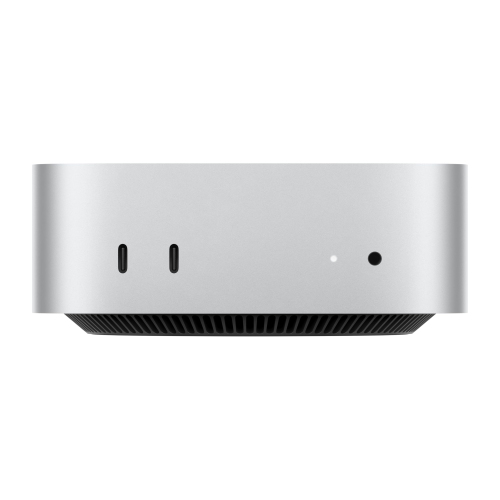 Your price for this item is $1499.99
-
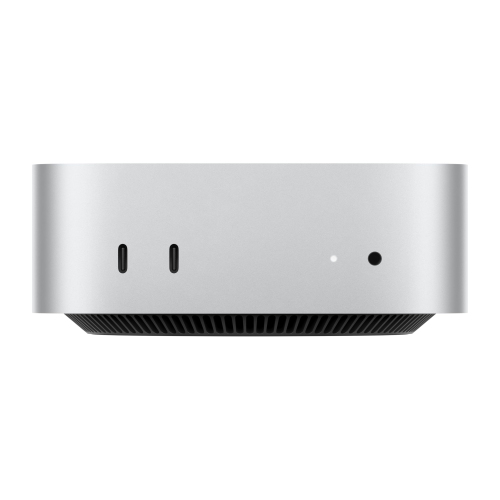 Your price for this item is $1879.99
-
 Your price for this item is $3919
-
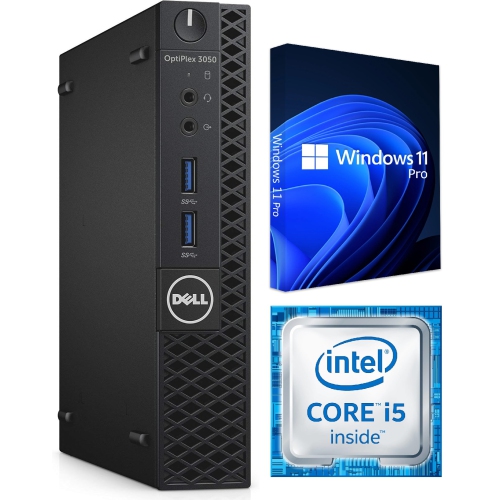 Your price for this item is $229.78
-
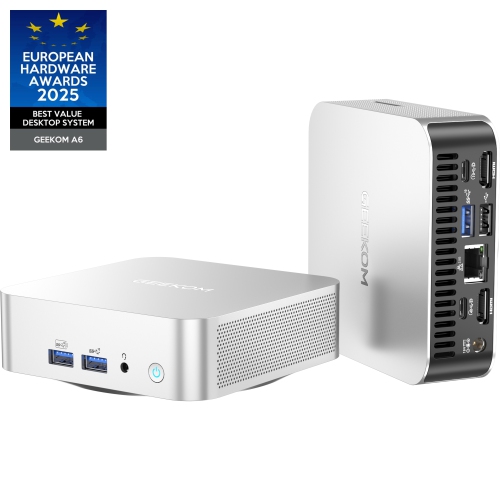 Your price for this item is $799
-
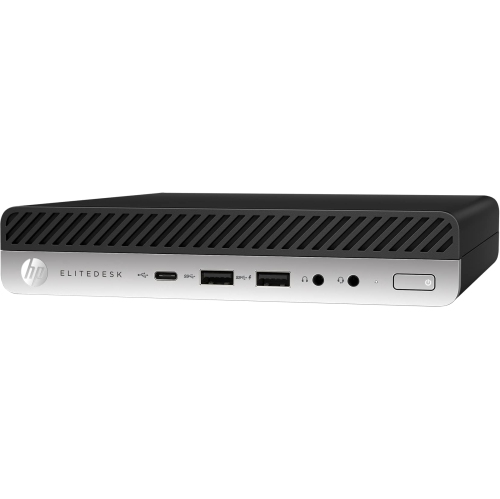 Your price for this item is $269.95
-
 Your price for this item is $375
-
 Your price for this item is $3749
Discover more categories related to Low Profile Computers

Top Collections:
Pokemon Centers, Best Black Friday Deals This Year, Best Black Friday Deals On Electronics, Kindle Devices, Best Budget Office Chairs, Best Black Friday Deals On Apple Products, Best Cameras for Sports Photography, Pokémon 30th Celebration Cards, Dyson Airwrap, Canon G7X Cameras
Some products may be subject to Environmental Handling Fees
(EHF) depending on your province.
Learn more about EHFs.