Mac Mini For Creative Professionals
Mac Mini For Creative Professionals offers a compact and versatile computing solution designed to meet the demands of graphic designers, video editors, photographers, and other creative experts. With powerful performance in a small footprint, these desktops are ideal for studios and workspaces where efficiency and reliability are key. Explore a range of Mac Mini options that can help streamline creative workflows and support your next big project.
Sort






Creative workflows need more than a small footprint
Compact desktop computers give creative professionals a way to build a capable workspace without placing a large tower beside the desk. Their small footprint leaves more room for a drawing tablet, reference prints, an audio interface, or the everyday tools that make a studio feel practical rather than crowded. For graphic designers, photographers, video editors, illustrators, and music producers, the appeal is not simply size: it is having a dedicated computer that can connect to the display and peripherals suited to the work. A photographer might spend the morning sorting a large shoot and the afternoon retouching a handful of detailed portraits, while a designer moves between page layouts, vector artwork, and client presentations. Those tasks place different demands on processing power, graphics performance, memory, and storage, so the most useful configuration depends on the projects being created. Working with layered image files benefits from enough memory to keep documents and supporting programs responsive. Video editing adds considerations such as footage resolution, codec support, effects, and the number of streams playing at once. Music production can involve many virtual instruments and plug-ins, with low-latency performance becoming especially important during recording. Three-dimensional modelling and animation introduce another set of demands, particularly when scenes contain complex geometry, detailed textures, or intensive rendering effects. A compact computer can fit into these workflows, but its suitability depends on both the hardware configuration and the software involved. For professionals who regularly move between creative applications, performance under a realistic mix of tasks matters more than a single headline specification. Keeping a reference image open, joining a client call, and exporting a draft while another project remains loaded can be a more revealing picture of daily use than running one program on its own. The best fit supports that working rhythm without taking over the space needed to create.
Memory and storage deserve particular attention because creative projects tend to grow beyond their first drafts. A short video can accumulate original footage, proxy files, audio tracks, graphics, and several rounds of exports; a photography project can include both camera originals and large edited files. Fast internal storage helps with opening applications, loading project assets, and handling temporary working files, while sufficient capacity reduces the need to constantly move active work elsewhere. External storage can provide room for media libraries and completed projects, though its usefulness depends on the drive, connection speed, and demands of the task. A fast connection matters when editing media directly from an external drive, whereas an archive has different priorities. Backups remain separate from working storage: keeping the only copy of a project on an external drive does not protect it if that drive fails. Memory affects how comfortably a computer handles large documents and several applications together. In systems with unified memory, the processor and graphics hardware share that resource, making capacity relevant to both general multitasking and graphics-heavy work. Where memory or internal storage cannot be upgraded by the user, choosing enough capacity for anticipated workloads becomes especially important. Software compatibility is another practical consideration, particularly for studios that rely on established plug-ins, specialist fonts, capture tools, or older project files. Support for a preferred application does not automatically mean every extension or connected device will work in the same way. Shared workflows also depend on file formats, folder structures, and access to common assets. A freelancer exchanging layouts with an agency, for example, needs reliable access to the same fonts and linked images, not just a computer that opens the document. For remote collaboration, dependable networking can make large transfers and shared storage easier to manage. Wired connections may suit a fixed studio desk, while Wi-Fi offers flexibility where running a cable is impractical. Together, these details shape how smoothly a compact desktop fits into professional work.
The rest of the workstation has just as much influence on comfort and accuracy as the computer itself. A display with suitable resolution, colour coverage, and calibration support helps photographers and designers make informed editing decisions, while a larger work area can give video editors more room for timelines, preview windows, and media bins. Multiple displays can separate creative work from reference material or communication tools, provided the computer supports the intended number of screens at the required resolution and refresh rate. Port selection matters here: displays, storage, cameras, audio equipment, and input devices may compete for connections, and a hub does not add unlimited bandwidth. The Mac Mini For Creative Workstations collection brings the focus to compact desktop setups for these kinds of creative tasks. Physical fit still deserves attention, including cable clearance, access to frequently used ports, and space around ventilation openings. A small enclosure can sit neatly beside a monitor, but placing it inside a tightly packed cabinet may restrict airflow. Metal enclosures offer a rigid exterior, although long-term care still involves keeping liquids away, preventing dust buildup around openings, and following the manufacturer's cleaning instructions. A soft cloth and gentle handling help maintain the finish without exposing ports to moisture. For audio work, computer placement and operating noise also matter when a microphone is nearby. For shared studios, accessible connections can make it easier to move between editing, recording, and reviewing work with a colleague. Ergonomics complete the setup: an appropriately positioned screen, comfortable keyboard and pointing device, and uncluttered desktop support long sessions more effectively than a compact footprint alone. Whether the workspace belongs to an independent illustrator, a small production team, or a photographer managing client projects, the goal is a balanced setup with room for both the creative tools and the person using them.
Memory and storage deserve particular attention because creative projects tend to grow beyond their first drafts. A short video can accumulate original footage, proxy files, audio tracks, graphics, and several rounds of exports; a photography project can include both camera originals and large edited files. Fast internal storage helps with opening applications, loading project assets, and handling temporary working files, while sufficient capacity reduces the need to constantly move active work elsewhere. External storage can provide room for media libraries and completed projects, though its usefulness depends on the drive, connection speed, and demands of the task. A fast connection matters when editing media directly from an external drive, whereas an archive has different priorities. Backups remain separate from working storage: keeping the only copy of a project on an external drive does not protect it if that drive fails. Memory affects how comfortably a computer handles large documents and several applications together. In systems with unified memory, the processor and graphics hardware share that resource, making capacity relevant to both general multitasking and graphics-heavy work. Where memory or internal storage cannot be upgraded by the user, choosing enough capacity for anticipated workloads becomes especially important. Software compatibility is another practical consideration, particularly for studios that rely on established plug-ins, specialist fonts, capture tools, or older project files. Support for a preferred application does not automatically mean every extension or connected device will work in the same way. Shared workflows also depend on file formats, folder structures, and access to common assets. A freelancer exchanging layouts with an agency, for example, needs reliable access to the same fonts and linked images, not just a computer that opens the document. For remote collaboration, dependable networking can make large transfers and shared storage easier to manage. Wired connections may suit a fixed studio desk, while Wi-Fi offers flexibility where running a cable is impractical. Together, these details shape how smoothly a compact desktop fits into professional work.
The rest of the workstation has just as much influence on comfort and accuracy as the computer itself. A display with suitable resolution, colour coverage, and calibration support helps photographers and designers make informed editing decisions, while a larger work area can give video editors more room for timelines, preview windows, and media bins. Multiple displays can separate creative work from reference material or communication tools, provided the computer supports the intended number of screens at the required resolution and refresh rate. Port selection matters here: displays, storage, cameras, audio equipment, and input devices may compete for connections, and a hub does not add unlimited bandwidth. The Mac Mini For Creative Workstations collection brings the focus to compact desktop setups for these kinds of creative tasks. Physical fit still deserves attention, including cable clearance, access to frequently used ports, and space around ventilation openings. A small enclosure can sit neatly beside a monitor, but placing it inside a tightly packed cabinet may restrict airflow. Metal enclosures offer a rigid exterior, although long-term care still involves keeping liquids away, preventing dust buildup around openings, and following the manufacturer's cleaning instructions. A soft cloth and gentle handling help maintain the finish without exposing ports to moisture. For audio work, computer placement and operating noise also matter when a microphone is nearby. For shared studios, accessible connections can make it easier to move between editing, recording, and reviewing work with a colleague. Ergonomics complete the setup: an appropriately positioned screen, comfortable keyboard and pointing device, and uncluttered desktop support long sessions more effectively than a compact footprint alone. Whether the workspace belongs to an independent illustrator, a small production team, or a photographer managing client projects, the goal is a balanced setup with room for both the creative tools and the person using them.
Top selling and popular products
-
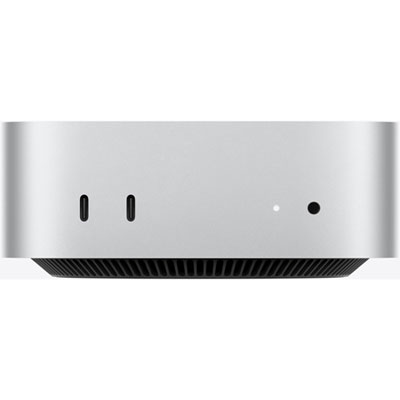 Your price for this item is $1199.99
-
 Your price for this item is $999.77
-
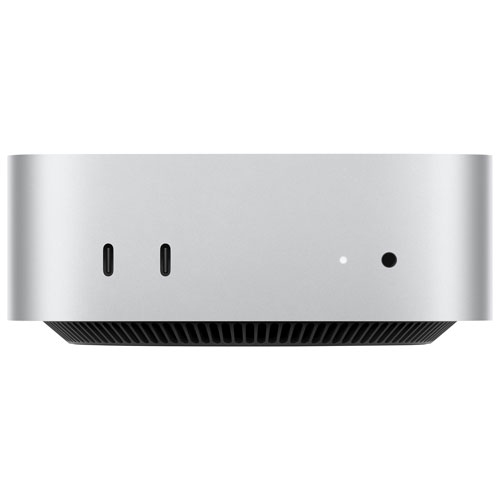 Your price for this item is $1199.99
-
 Your price for this item is $1494.9
-
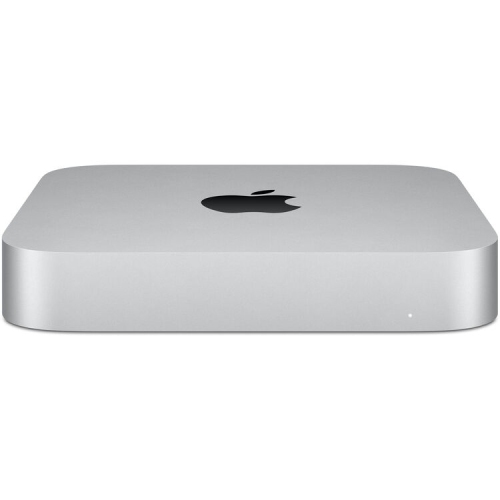 Your price for this item is $999.77
-
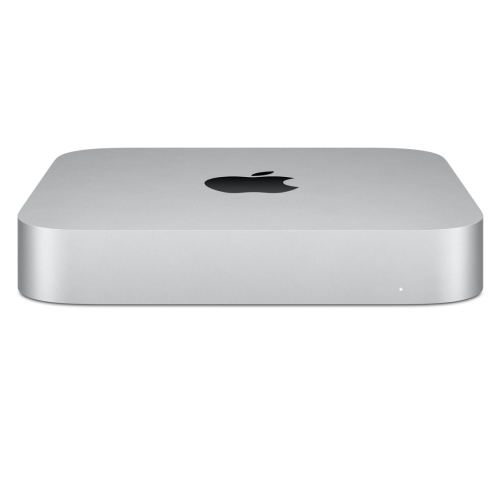 Your price for this item is $688
-
 Your price for this item is $555
-
 Your price for this item is $1094.99
Discover more categories related to Mac Mini For Creative Professionals
Top Collections:
Pokemon Centers, Pokémon 30th Celebration Cards, Best Budget Office Chairs, Kindle Devices, Best Cameras for Sports Photography, Canon G7X Cameras, Best Black Friday Deals On Electronics, Best Laptops for Writers, iPhone 15 Apple, Jackery Power Stations
Some products may be subject to Environmental Handling Fees
(EHF) depending on your province.
Learn more about EHFs.