MacBook Air M1 Silver
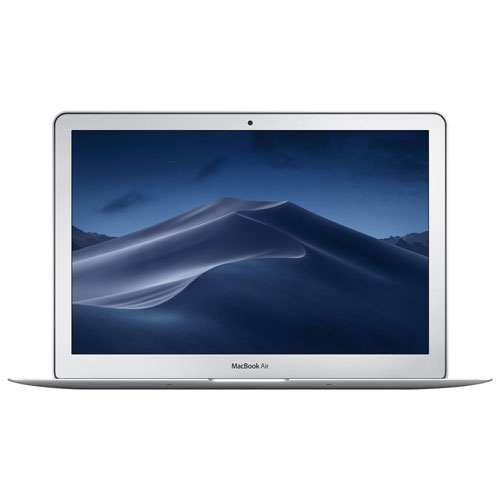
Apple's Macbook Air M1 Silver is a powerful, portable computer that's great for college students, professionals on the go, and almost anyone else who needs a powerful computer in a compact form factor. Here are some M1 Silver laptops available today.
Sort
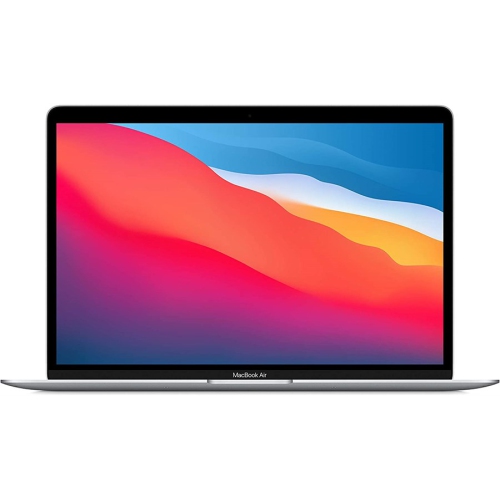

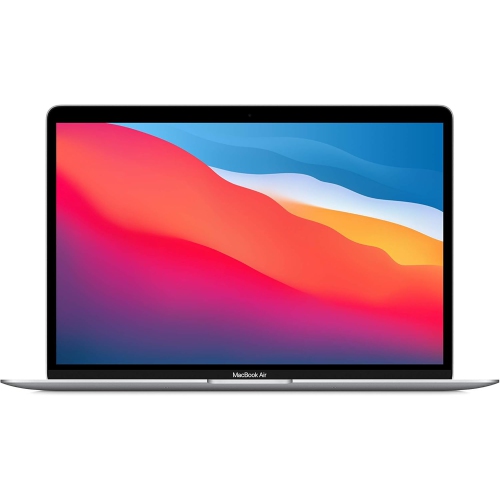
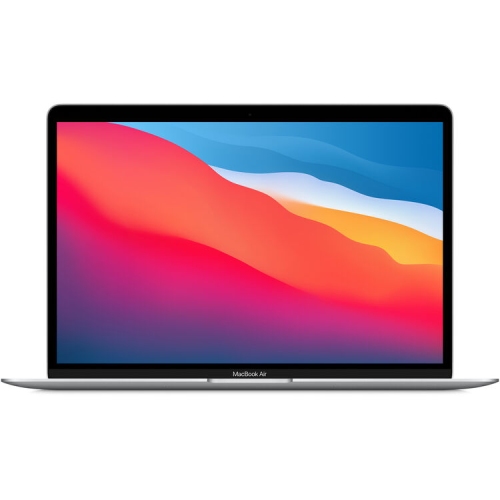
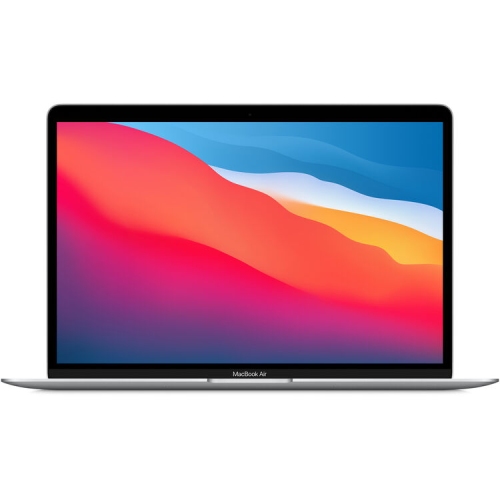
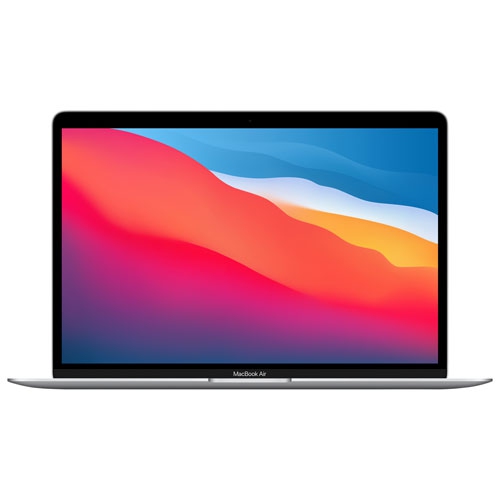

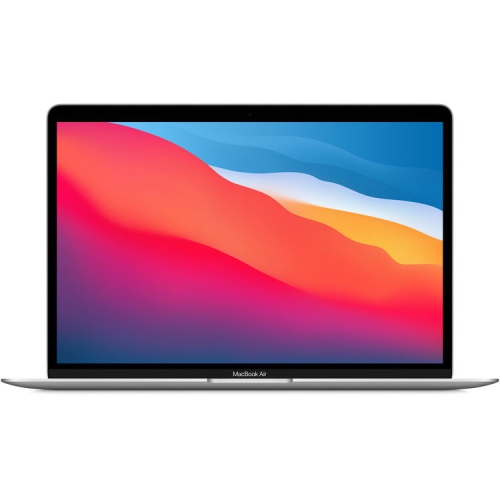
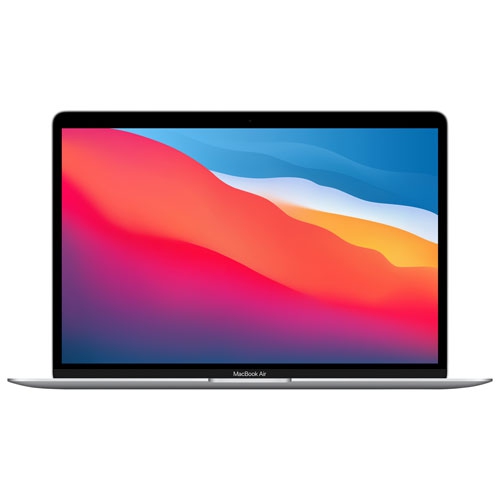
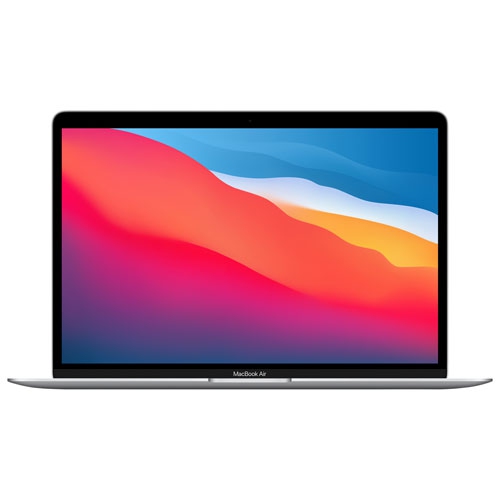



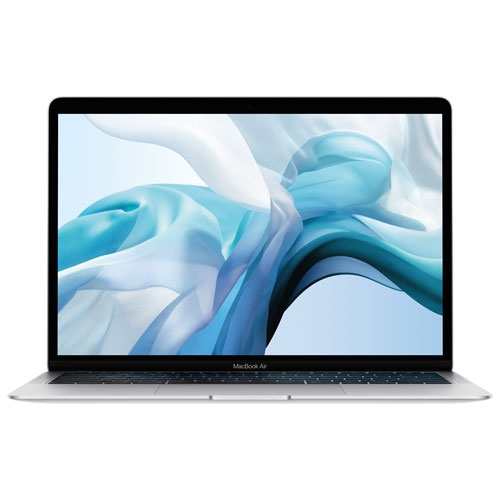
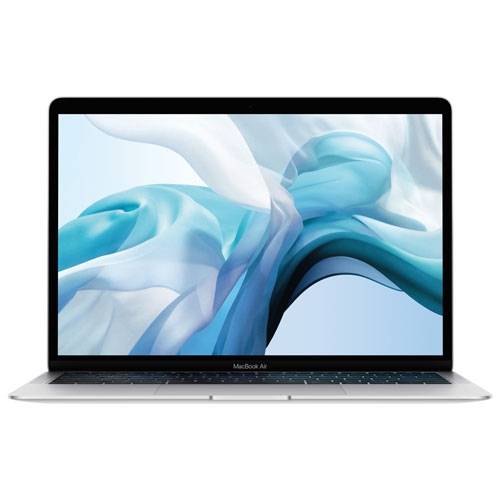
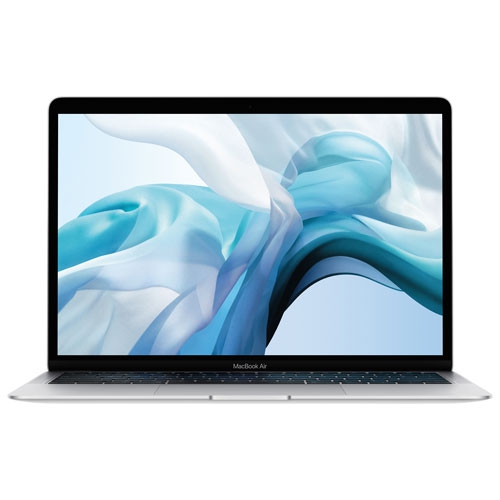
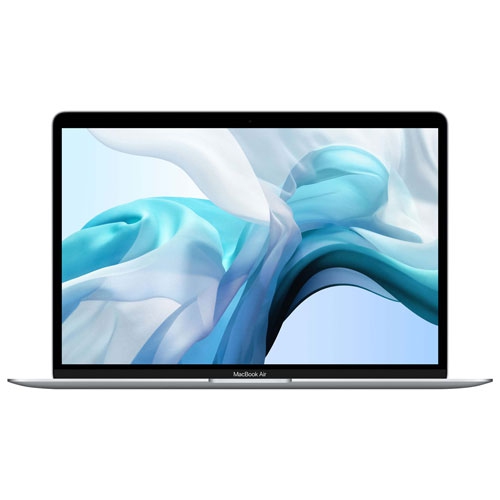

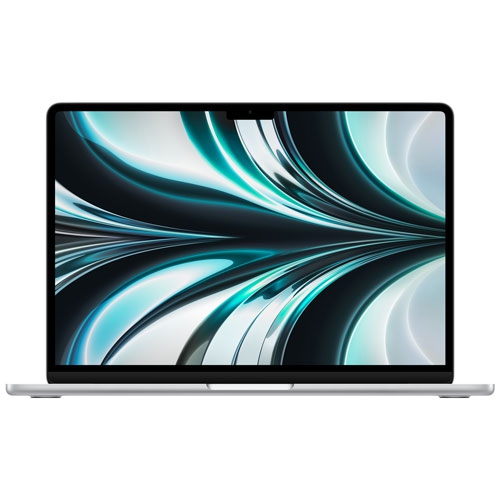
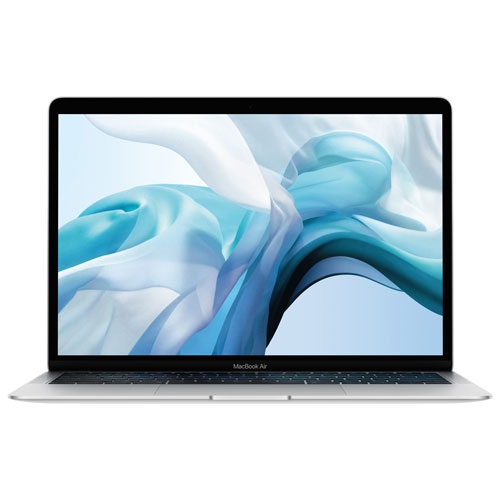
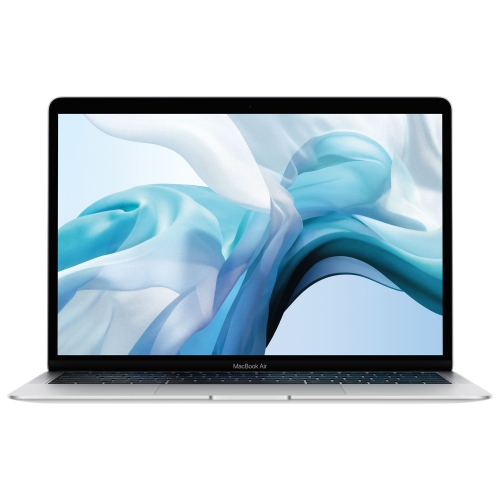
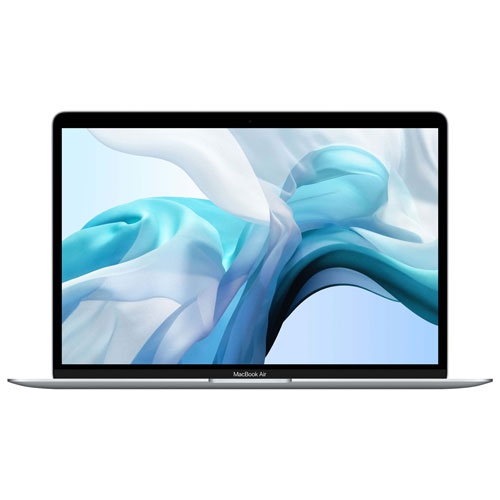
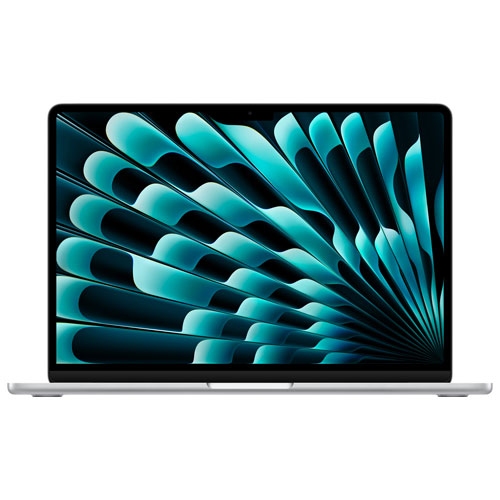
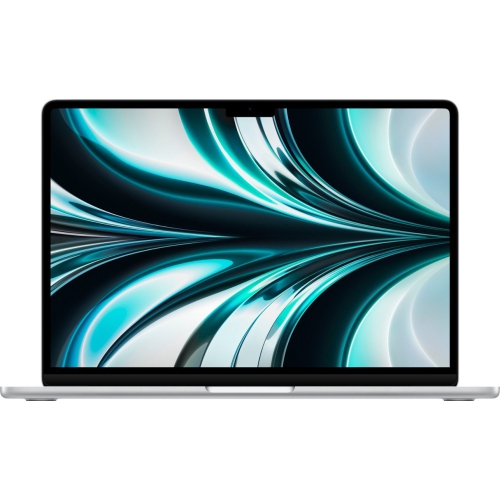
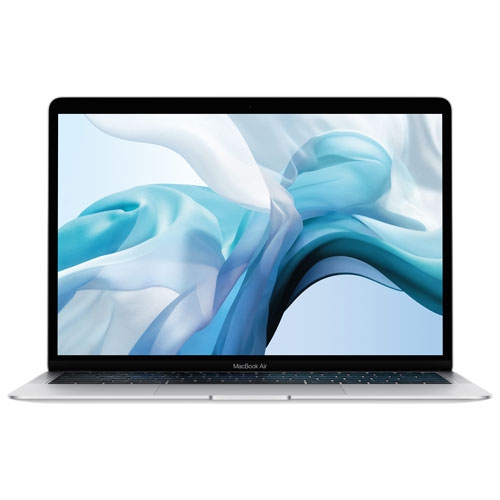
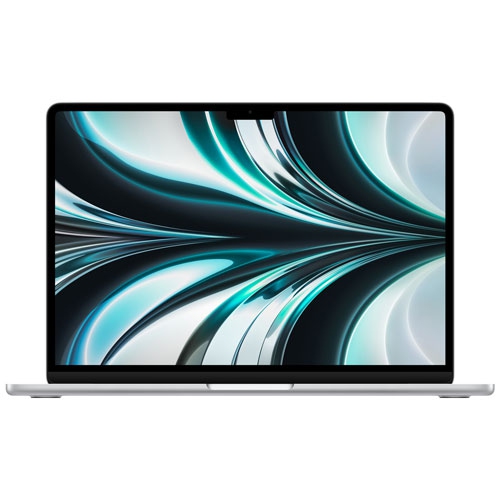
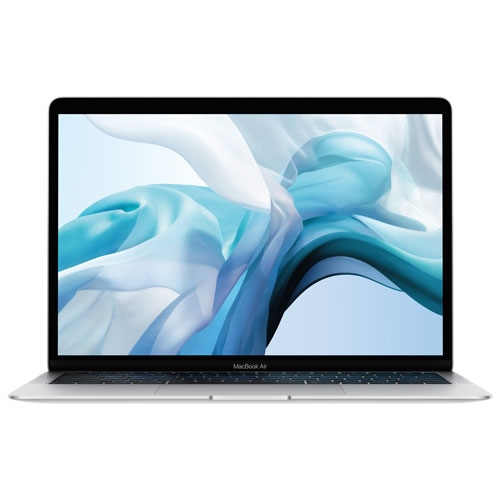
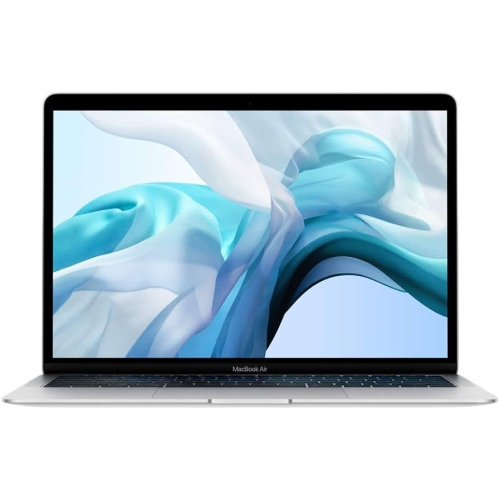
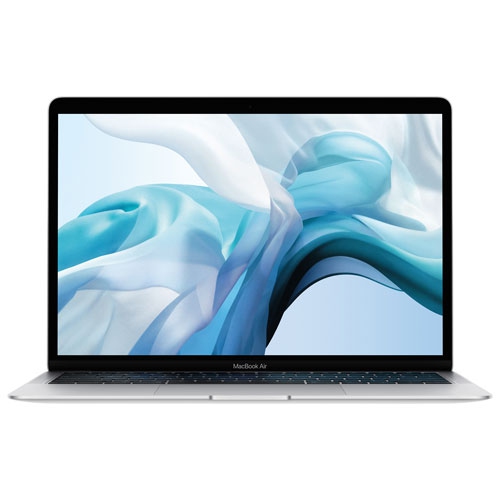
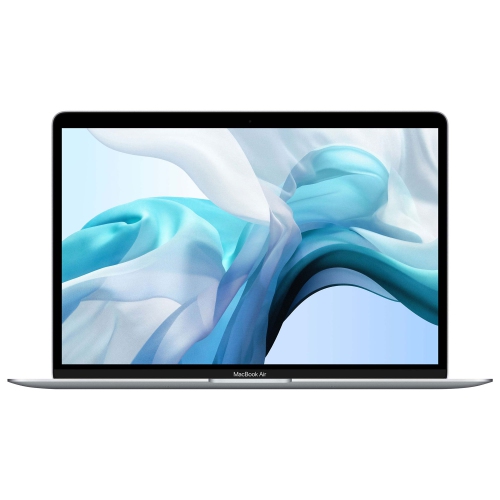
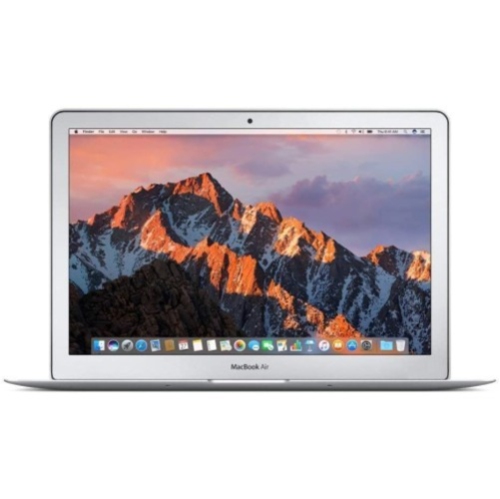
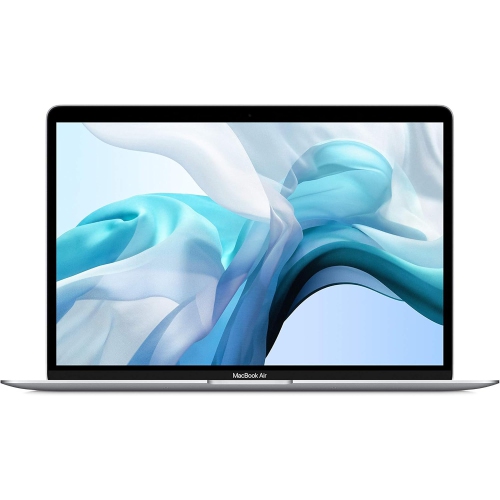
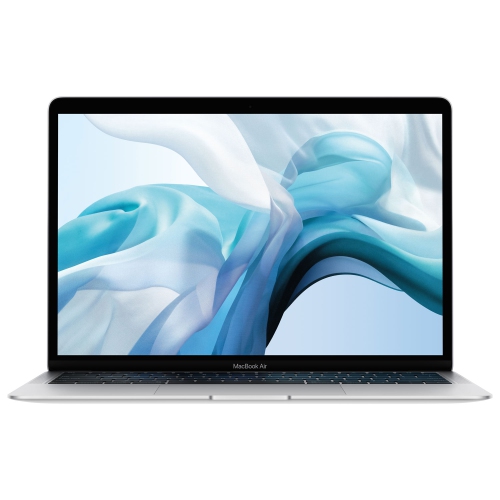
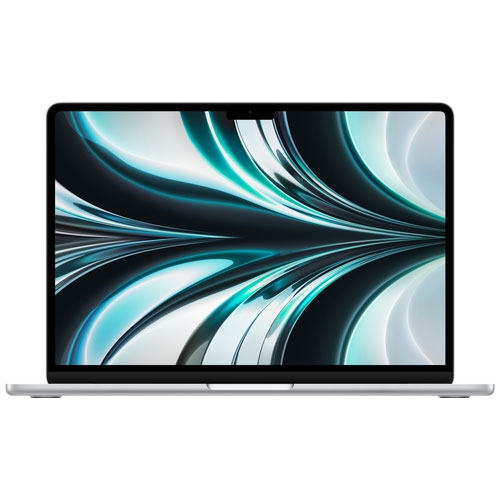
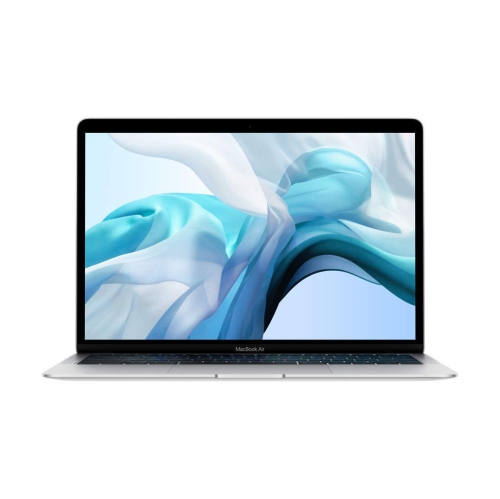
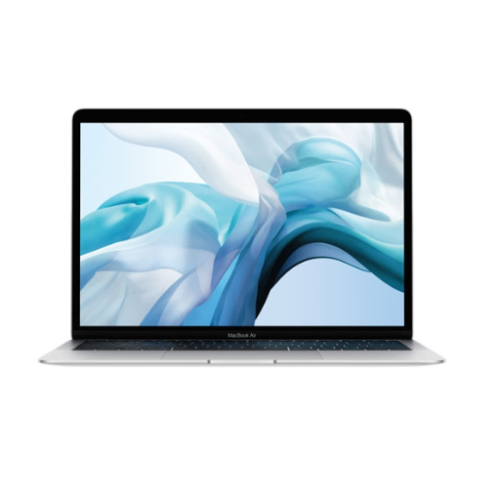
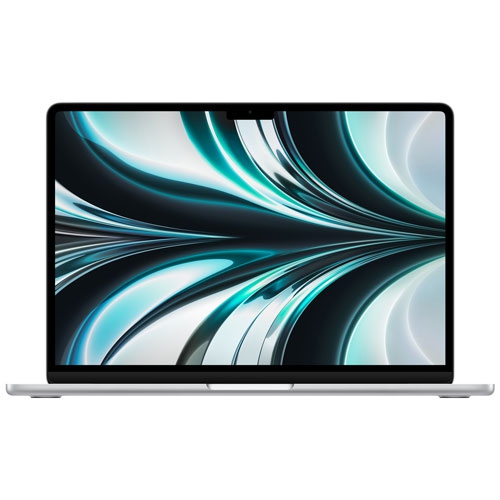
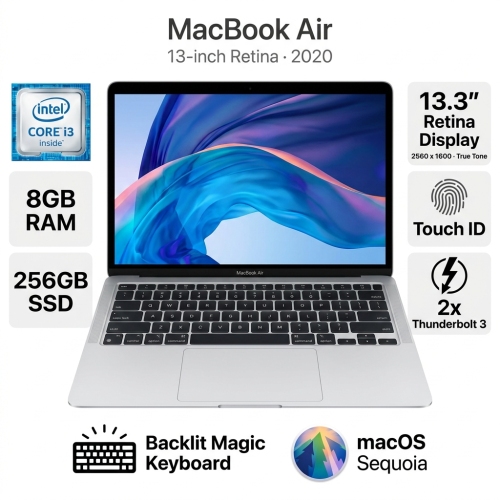

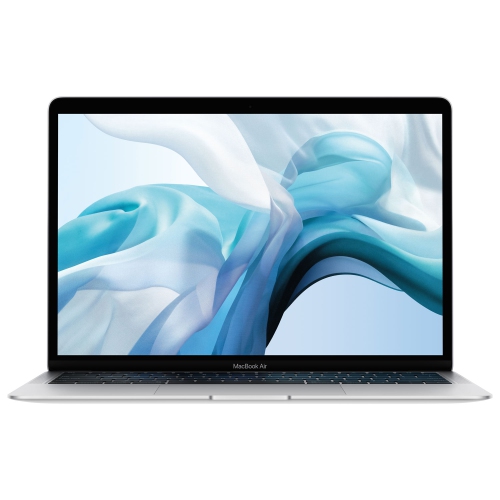
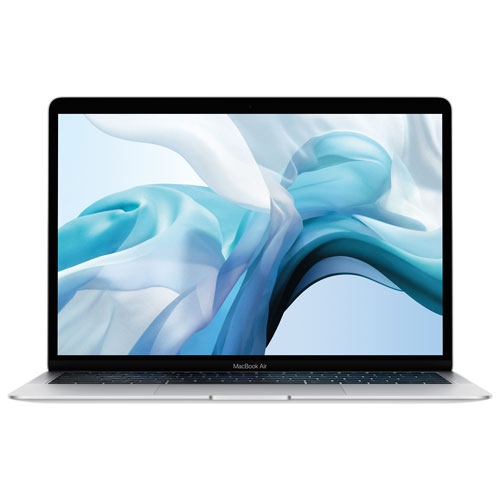


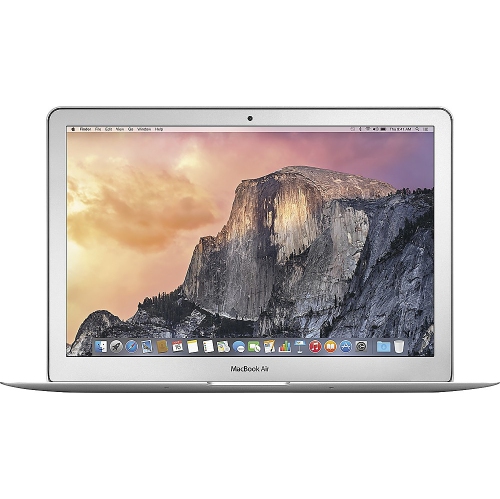

Lightweight silver laptops for work beyond your desk
Silver thin-and-light laptops combine a clean metallic finish with the portability needed for study, office work, and everyday computing. Their appeal is easy to picture: a compact notebook beside a lecture pad, on a small apartment desk, or tucked into a sleeve before a commute. A silver aluminium exterior has a neutral appearance that pairs naturally with different desk accessories, while its rigid construction can feel reassuring when the computer is carried regularly. The finish is not immune to scratches, dents, or marks, however, and the corners and lid benefit from protection inside a bag. A display in the 13-inch class provides room for documents, browser tabs, and video calls without requiring the desk space of a larger notebook. Screen resolution, brightness, and reflections also affect comfort, particularly when reading small text or working near a window. For students, writers, and people whose work centres on email, spreadsheets, presentations, and online meetings, a lightweight design can be more useful than a larger machine with capabilities they rarely need. A comfortable keyboard, responsive trackpad, and stable hinge make a difference during long writing sessions, while a clear webcam and microphone help with remote conversations. Quiet operation is another attraction of fanless designs, especially in libraries, shared offices, and rooms where a microphone might otherwise pick up fan noise. Portability also depends on more than the laptop’s weight: the charger, protective sleeve, and any adapters contribute to what ends up in a backpack. A compact computer that leaves room for a notebook and lunch container is easier to bring along consistently. At home, the same machine can move between a dining table and a dedicated workspace, making it suitable for people who want one computer for practical tasks, personal projects, and entertainment. The silver colour remains a visual preference rather than a measure of performance; the processor, memory, storage, and software support determine what the laptop can comfortably handle.
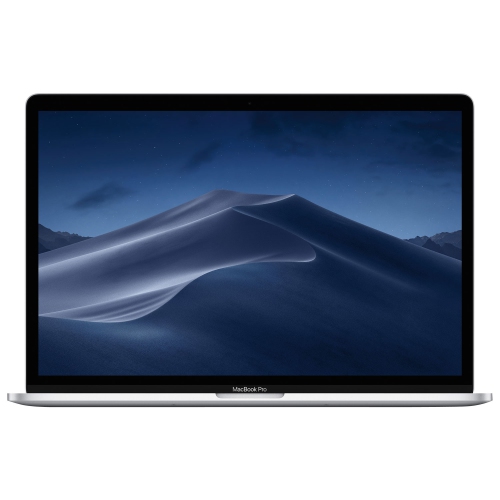
Within this style of notebook, performance depends on how well the configuration matches the workload. An integrated processor that handles both computing and graphics can provide responsive everyday use in a compact design, but browsing course materials is a different task from editing a long video or working with a large photo library. Memory helps the computer manage active applications and files, whereas storage holds documents, downloads, software, and media after those applications close. Someone who keeps a browser, messaging app, spreadsheet, and video meeting open together may benefit from more memory than someone who mainly writes documents with a few tabs alongside. Larger storage capacity can be useful for people who keep original photos or project files locally rather than relying mainly on online services. In compact designs with memory or storage that cannot be upgraded after purchase, those specifications deserve particular attention. Software compatibility matters just as much as hardware: a required accounting application, course utility, creative tool, or workplace security program needs to support the operating system and processor architecture. Older software and specialized plug-ins may have different requirements from familiar web-based tools. Connections also shape daily convenience. USB-C ports can serve several purposes, but charging, data transfer, and display support depend on the port, cable, and connected device. A monitor, external drive, and wired accessory may require a suitable hub, particularly when one port is occupied by the charger. Support for external screens is worth checking separately from screen resolution, since not every compact laptop can drive the same number of displays. Battery-life claims are most useful when considered alongside the task: video meetings, higher brightness, and demanding applications generally consume more power than light document work. For a related comparison, MacBook Pro Silver provides another notebook category to consider through practical differences such as size, connections, and workload requirements. The strongest fit is the configuration that supports the applications and accessories already woven into a person’s routine.
Long-term satisfaction also comes from condition, care, and the way a laptop fits into its owner’s habits. With a previously owned or refurbished computer, cosmetic condition and functional condition are separate considerations. Light marks on an aluminium lid do not explain battery health, keyboard operation, screen condition, or the reliability of the charging ports. A useful condition description distinguishes visible wear from tested functions and explains the included charger and warranty coverage. Battery capacity can decline with use, so the ability to work away from an outlet depends partly on the condition of the individual battery, not simply the original specification. For everyday care, a soft, lint-free cloth helps remove fingerprints without abrasive scrubbing, and liquids should not be sprayed directly onto the screen or keyboard. Closing the lid over crumbs, a pen, or another object can put pressure on the display, while carrying the computer loose beside keys can leave marks on the casing. A properly sized sleeve should accommodate the laptop’s dimensions without forcing the zip against its edges. At a desk, a stand and separate keyboard can make longer sessions more comfortable, especially when the built-in screen would otherwise sit well below eye level. Regular backups protect assignments, family photos, and working files against loss, and keeping software updated supports compatibility and security for as long as updates remain supported. These practical details also matter when a silver laptop is intended as a gift. A student may need particular course software and enough room for projects; a family member may value readable text and straightforward video calling; a frequent traveller may place greater importance on carrying weight and charging convenience. Matching those needs is more meaningful than choosing by appearance alone. A restrained silver finish can suit many tastes, but a laptop earns its place through the everyday experience: opening a document without fuss, joining a call clearly, fitting comfortably into a bag, and providing a dependable space for work and personal tasks.
Top selling and popular products
-
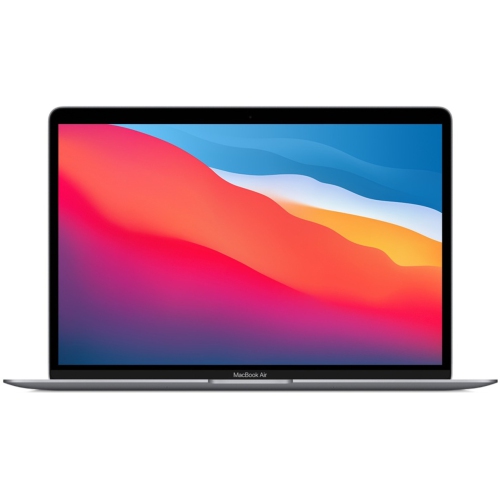 Your price for this item is $799.77
-
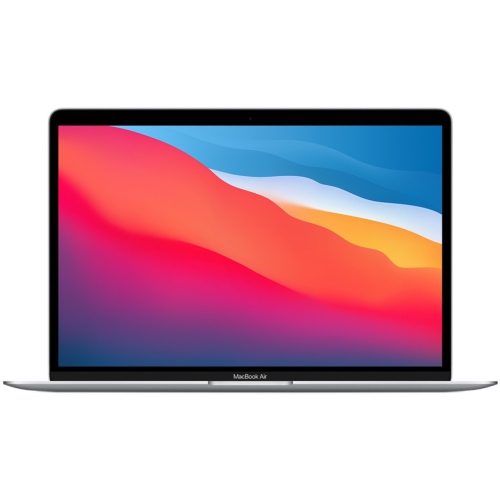 Your price for this item is $799.77
-
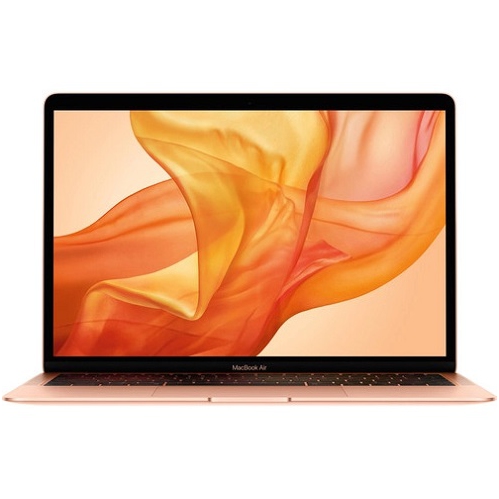 Your price for this item is $549.77
-
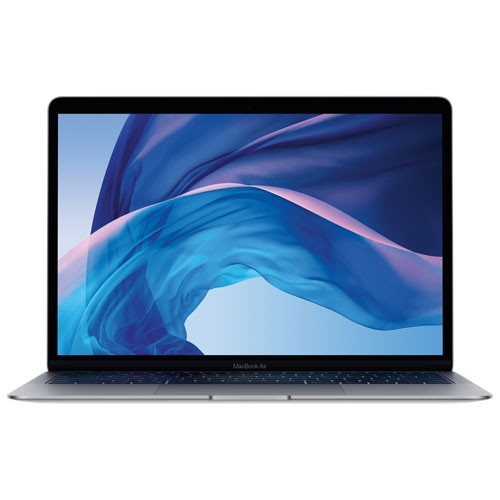 Your price for this item is $549.77
-
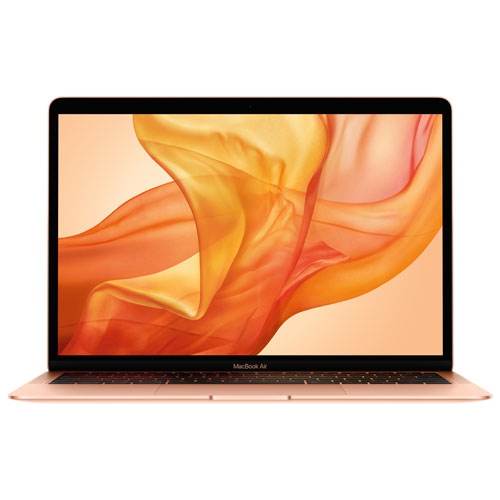 Your price for this item is $599.77
-
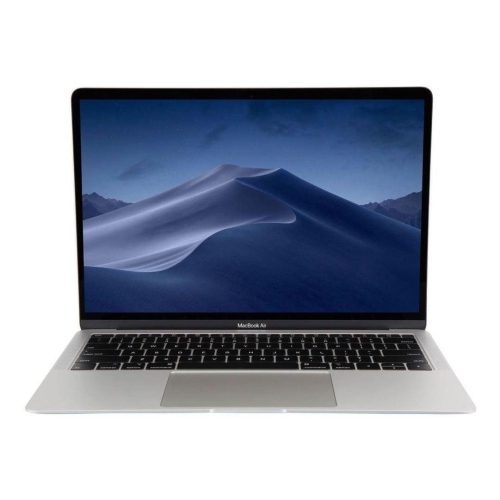 Your price for this item is $499
-
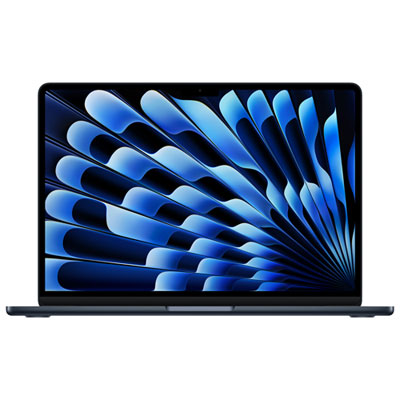 Your price for this item is $1789.99
-
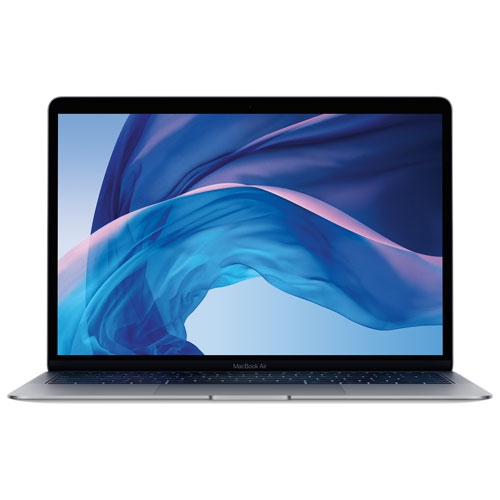 Your price for this item is $579.77
Discover more categories related to MacBook Air M1 Silver
Top Collections:
Best Black Friday Deals This Year, Best Black Friday Deals On Electronics, Kindle Devices, Pokemon Centers, Best Black Friday Deals On Apple Products, Best Cameras for Sports Photography, Dyson Airwrap, Pokémon 30th Celebration Cards, Apple iPhone 17 Pro, Canon G7X Cameras
Some products may be subject to Environmental Handling Fees
(EHF) depending on your province.
Learn more about EHFs.