MacBook French Keyboards
Discover the ideal solution for French-speaking users with the MacBook French Keyboard selection. Whether you're working, studying, or enjoying entertainment, these keyboards are designed to provide a comfortable and familiar typing experience tailored to the French language. Find the perfect fit for your needs and enhance your productivity with a MacBook French Keyboard that meets your preferences.
Sort
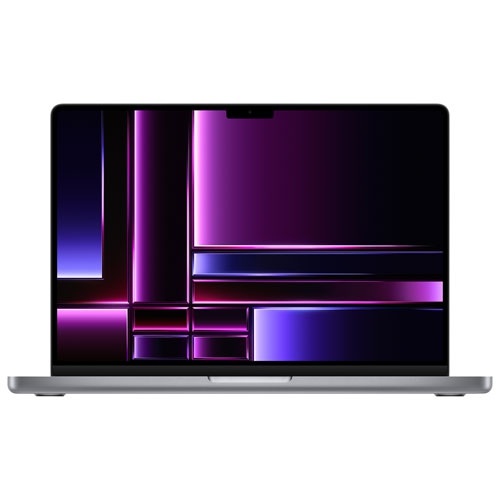
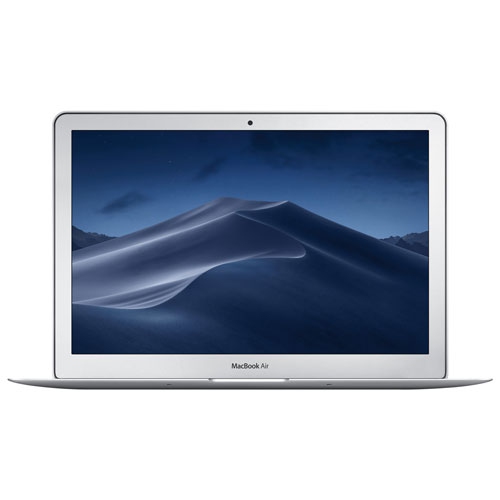
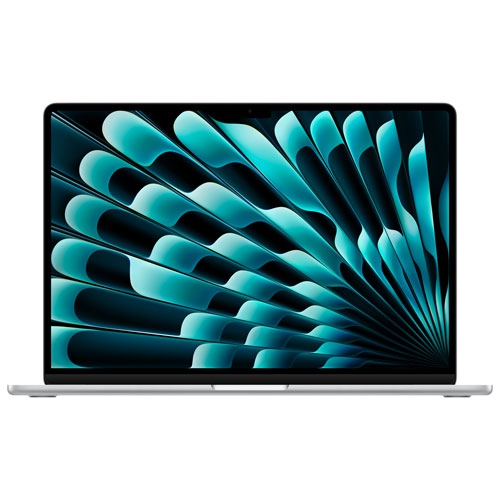
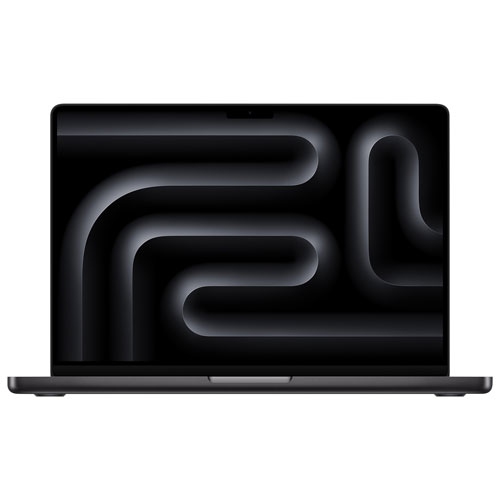
Why French keyboard layouts differ beyond the accents
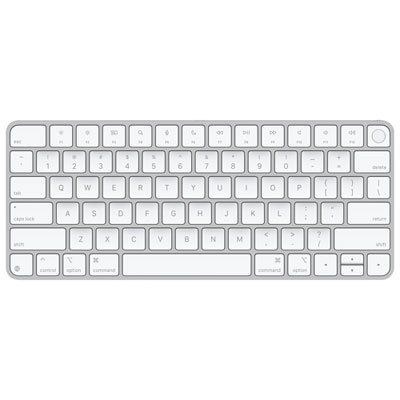
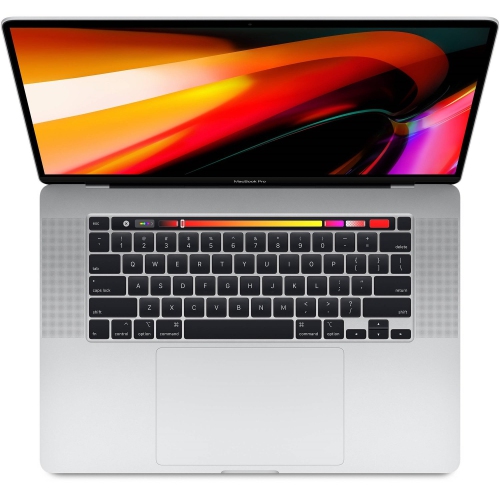
French-language laptop keyboards make everyday writing more comfortable for people who work, study, and communicate in French. The layout matters as much as the language printed on the keys: French Canadian keyboards generally use a QWERTY-based arrangement, while French keyboards intended for France typically use AZERTY. These layouts differ in letter positions and access to accents, numbers, and punctuation, so the word “French” alone does not identify the typing experience. For someone accustomed to typing in Canada, a French Canadian layout can keep familiar letter positions while making French characters easier to enter. Accented letters such as é, è, à, and ç are part of ordinary correspondence, from a short message to a carefully formatted assignment, and convenient access helps keep attention on the wording rather than the mechanics of entering it. Depending on the layout, accented characters may have their own keys or require a modifier or accent key followed by a letter. The physical key legends and the input source selected in the operating system need to correspond for predictable results. Changing the software language does not change the characters printed on a keyboard, and selecting a different input source can make a key produce something other than its label suggests. Built-in French keyboards suit people who want the same layout wherever they take their laptop, while compatible external keyboards bring that familiar arrangement to a desk. The broader selection of French Canadian Keyboards also provides context for comparing keyboard formats beyond those built into a notebook. For bilingual households, classrooms, and workplaces, the most useful arrangement is usually the one that matches the typist’s established habits. A person writing a French report and then answering an English email can use the same French Canadian keyboard for both; switching languages in the text does not necessarily require switching keyboard layouts. Familiar punctuation placement is particularly helpful when moving between those tasks throughout the day.
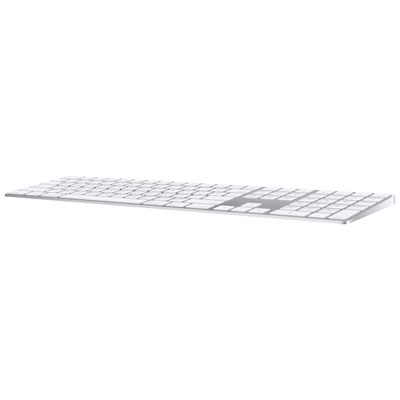
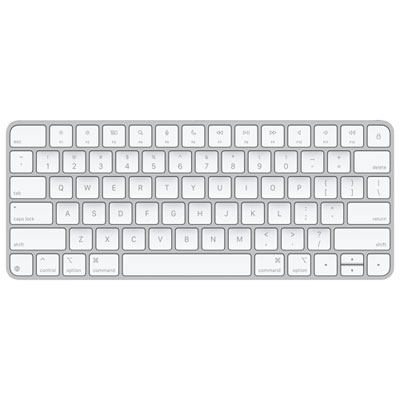
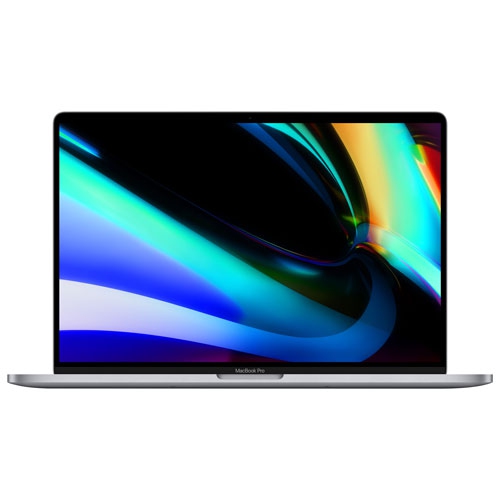
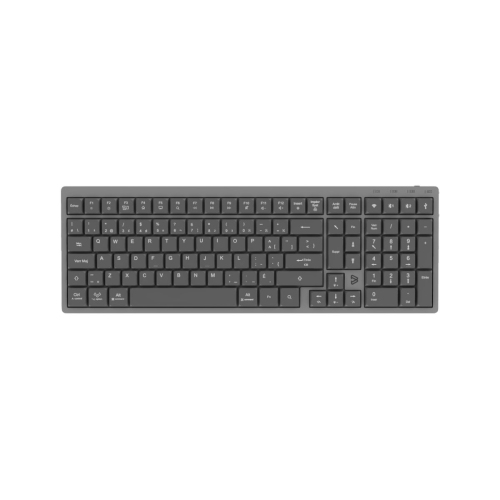
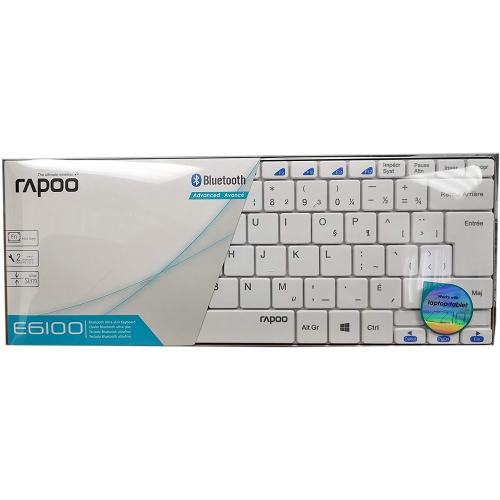
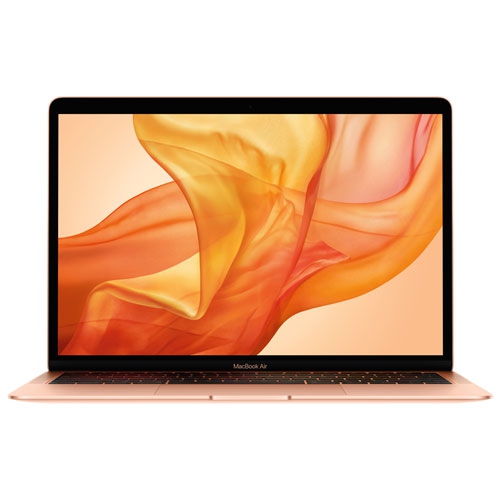
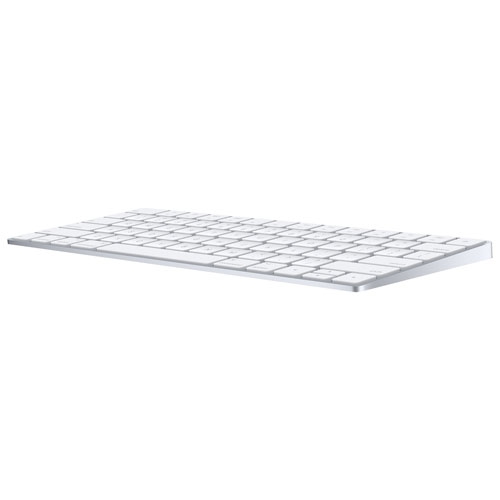
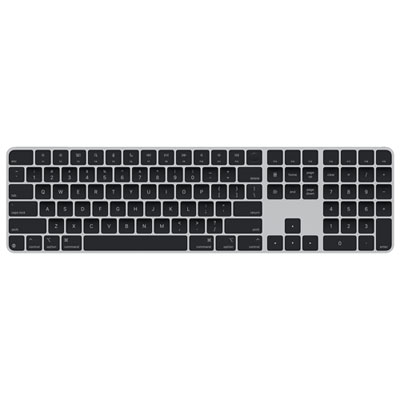
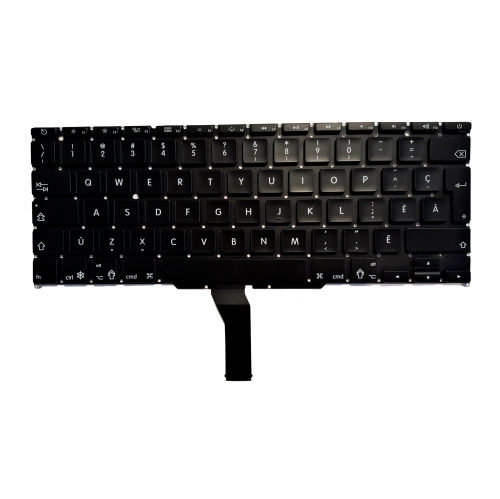
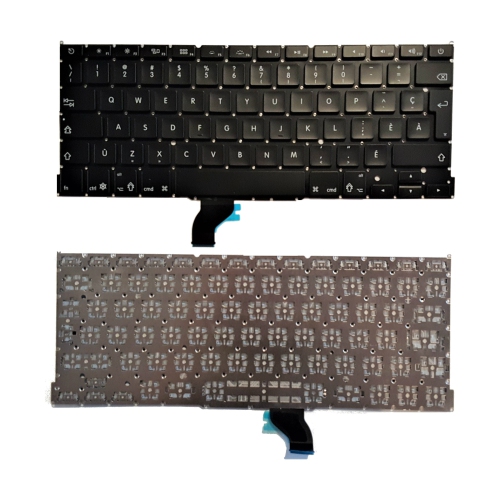
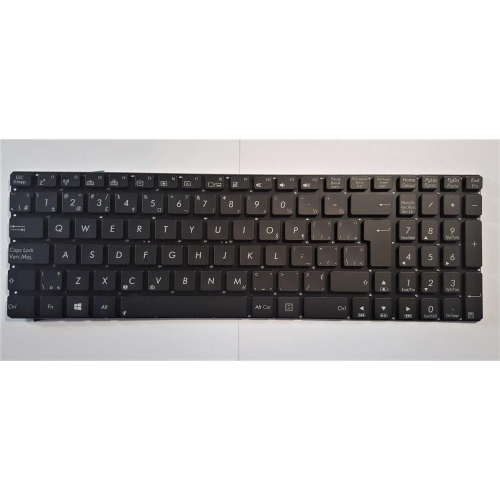
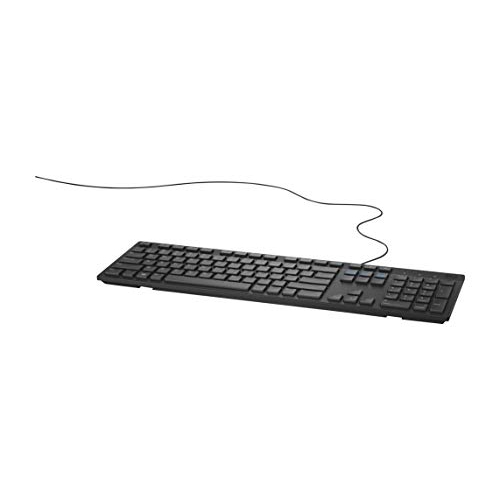
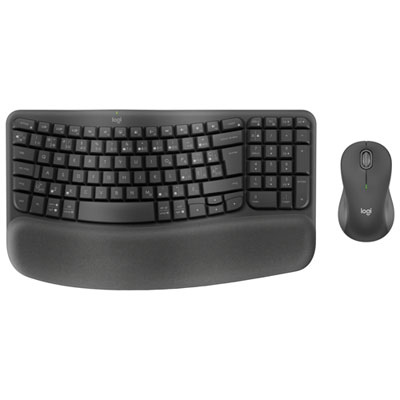
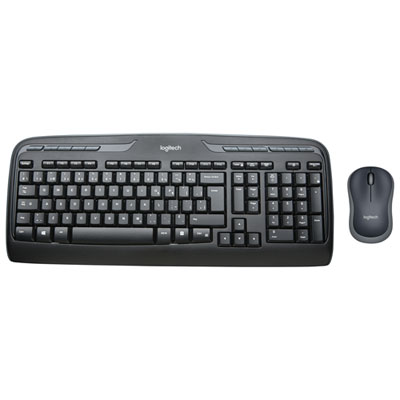
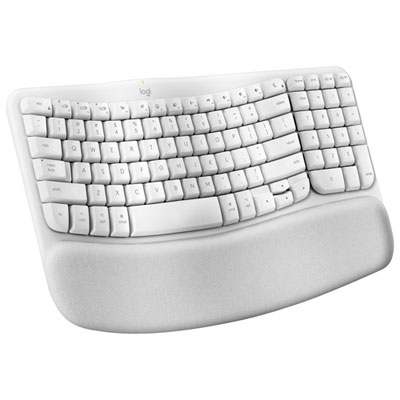
Keyboard fit involves physical dimensions, operating-system support, and the way a workspace is used. A built-in keyboard is part of the laptop’s overall design, with a fixed relationship to the screen, palm rest, and trackpad. An external keyboard allows more freedom: the laptop can sit on a raised stand while the keys remain at a comfortable desk height. That separation can be useful for extended writing sessions, shared workstations, or a desk with an additional display. Compact keyboards leave more room for a mouse or trackpad and are easier to carry between a home desk and a classroom. Full-size designs with a numeric keypad suit tasks involving spreadsheets, invoices, and frequent number entry, although their extra width affects where the pointing device sits. Key spacing, arrow-key size, and the shape of the Return key also influence how familiar a layout feels. Two French-labelled keyboards can have different physical arrangements, so a clear image of the actual key legends is more informative than a language label alone. Compatibility deserves equal attention. A keyboard may support basic typing on a laptop without supporting every shortcut, media control, or specialized feature. Modifier-key labels, function-row behaviour, and any manufacturer-stated operating-system requirements help clarify what to expect. Biometric sign-in features, where present, may have narrower compatibility requirements than ordinary typing. Wired models need a suitable connection, and a laptop with different ports may require an adapter. Wireless models may connect through Bluetooth or a separate receiver; the connection method determines whether a port is needed and how pairing works. Battery-powered designs also differ in whether they use replaceable cells or an internal battery that needs charging. For someone who carries a laptop to lectures and connects it to a desk setup at home, matching the external keyboard’s layout to the built-in one can reduce missed accents and misplaced punctuation. For a shared computer, clearly marked keys can make the transition easier for different users.
Materials and construction shape how a keyboard feels under the fingers and how it holds up to regular handling. Keycaps are commonly made from moulded plastic, while housings may use plastic, metal, or a combination of materials. A rigid frame can feel steady during fast typing, but weight and bulk matter when the keyboard travels in a bag. Low-profile keys generally have shorter travel than taller designs, and neither style is automatically more comfortable for every typist. The resistance of the keys, the clarity of each press, and the sound they make can be especially noticeable during a long essay or an afternoon of correspondence. In a shared office or study space, quieter operation may be preferable to a pronounced tapping sound. Backlit legends can improve visibility in a dim room, although clear printing and sufficient contrast remain useful whether lighting is included or not. Durability depends on more than the outer housing: secure keycaps, stable feet, sound cable connections, and legible markings all contribute to dependable everyday use. Regular care starts with keeping crumbs and liquids away from the keys and following the manufacturer’s cleaning instructions. Powering down or disconnecting the keyboard before cleaning, using a soft lint-free cloth, and avoiding liquid sprayed directly onto the surface help limit unnecessary moisture exposure. Keycaps should not be removed unless the manufacturer specifically supports that procedure, particularly on slim laptop-style mechanisms. If a cover is used on a built-in keyboard, its thickness and the laptop’s closure clearance need attention; a cover should not interfere with the screen when the lid closes. French-language keyboards can be thoughtful gifts for students completing assignments in French, relatives who prefer French correspondence, or professionals handling bilingual documents. The recipient’s familiar layout is more important than assuming every French speaker uses the same arrangement. Someone trained on AZERTY may prefer that layout even while living in Canada, while a long-time QWERTY typist may feel immediately at home with a French Canadian keyboard. Matching those habits helps make everyday writing feel natural.
Keyboard fit involves physical dimensions, operating-system support, and the way a workspace is used. A built-in keyboard is part of the laptop’s overall design, with a fixed relationship to the screen, palm rest, and trackpad. An external keyboard allows more freedom: the laptop can sit on a raised stand while the keys remain at a comfortable desk height. That separation can be useful for extended writing sessions, shared workstations, or a desk with an additional display. Compact keyboards leave more room for a mouse or trackpad and are easier to carry between a home desk and a classroom. Full-size designs with a numeric keypad suit tasks involving spreadsheets, invoices, and frequent number entry, although their extra width affects where the pointing device sits. Key spacing, arrow-key size, and the shape of the Return key also influence how familiar a layout feels. Two French-labelled keyboards can have different physical arrangements, so a clear image of the actual key legends is more informative than a language label alone. Compatibility deserves equal attention. A keyboard may support basic typing on a laptop without supporting every shortcut, media control, or specialized feature. Modifier-key labels, function-row behaviour, and any manufacturer-stated operating-system requirements help clarify what to expect. Biometric sign-in features, where present, may have narrower compatibility requirements than ordinary typing. Wired models need a suitable connection, and a laptop with different ports may require an adapter. Wireless models may connect through Bluetooth or a separate receiver; the connection method determines whether a port is needed and how pairing works. Battery-powered designs also differ in whether they use replaceable cells or an internal battery that needs charging. For someone who carries a laptop to lectures and connects it to a desk setup at home, matching the external keyboard’s layout to the built-in one can reduce missed accents and misplaced punctuation. For a shared computer, clearly marked keys can make the transition easier for different users.
Materials and construction shape how a keyboard feels under the fingers and how it holds up to regular handling. Keycaps are commonly made from moulded plastic, while housings may use plastic, metal, or a combination of materials. A rigid frame can feel steady during fast typing, but weight and bulk matter when the keyboard travels in a bag. Low-profile keys generally have shorter travel than taller designs, and neither style is automatically more comfortable for every typist. The resistance of the keys, the clarity of each press, and the sound they make can be especially noticeable during a long essay or an afternoon of correspondence. In a shared office or study space, quieter operation may be preferable to a pronounced tapping sound. Backlit legends can improve visibility in a dim room, although clear printing and sufficient contrast remain useful whether lighting is included or not. Durability depends on more than the outer housing: secure keycaps, stable feet, sound cable connections, and legible markings all contribute to dependable everyday use. Regular care starts with keeping crumbs and liquids away from the keys and following the manufacturer’s cleaning instructions. Powering down or disconnecting the keyboard before cleaning, using a soft lint-free cloth, and avoiding liquid sprayed directly onto the surface help limit unnecessary moisture exposure. Keycaps should not be removed unless the manufacturer specifically supports that procedure, particularly on slim laptop-style mechanisms. If a cover is used on a built-in keyboard, its thickness and the laptop’s closure clearance need attention; a cover should not interfere with the screen when the lid closes. French-language keyboards can be thoughtful gifts for students completing assignments in French, relatives who prefer French correspondence, or professionals handling bilingual documents. The recipient’s familiar layout is more important than assuming every French speaker uses the same arrangement. Someone trained on AZERTY may prefer that layout even while living in Canada, while a long-time QWERTY typist may feel immediately at home with a French Canadian keyboard. Matching those habits helps make everyday writing feel natural.
Top selling and popular products
-
 Your price for this item is $39.98
 -
 Your price for this item is $49.72
 -
 Your price for this item is $159
 -
 Your price for this item is $219.99
 -
 Your price for this item is $199.99
 -
 Your price for this item is $44.99
 -
 Your price for this item is $22.68
 -
 Your price for this item is $169.99
Discover more categories related to MacBook French Keyboards
Top Collections:
Pokemon Centers, Kindle Devices, Best Budget Office Chairs, Apple iPhones 16, Best Laptops for Writers, iPhone 15 Apple, Canon G7X Cameras, Refurbished Apple Laptops, Alarm Clock, Motorola Razr Phones
Some products may be subject to Environmental Handling Fees
(EHF) depending on your province.
Learn more about EHFs.