MacBook Keyboard Cases
Upgrade your typing experience and protect your device with a MacBook Keyboard Case. Designed to add both functionality and style, these cases are perfect for anyone looking to enhance productivity while keeping their MacBook safe from everyday wear. Whether you're working on the go or at your desk, a MacBook Keyboard Case offers seamless integration and a comfortable feel, making it an essential accessory for students, professionals, and creatives alike. Explore a range of options to find the ideal fit for your needs.
Sort
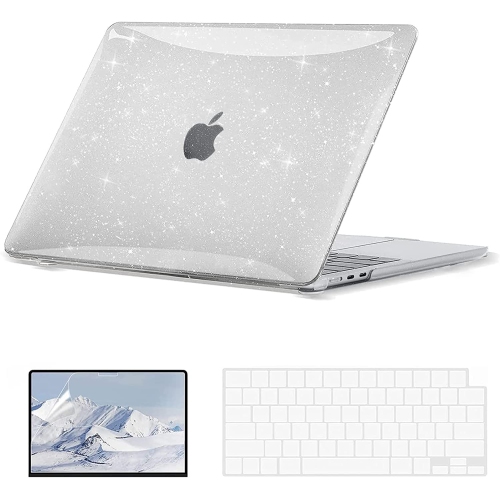
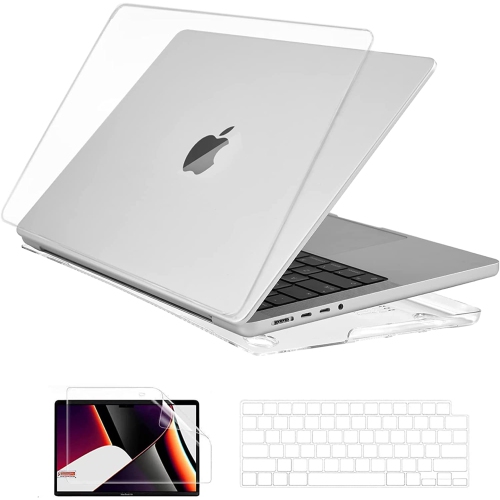
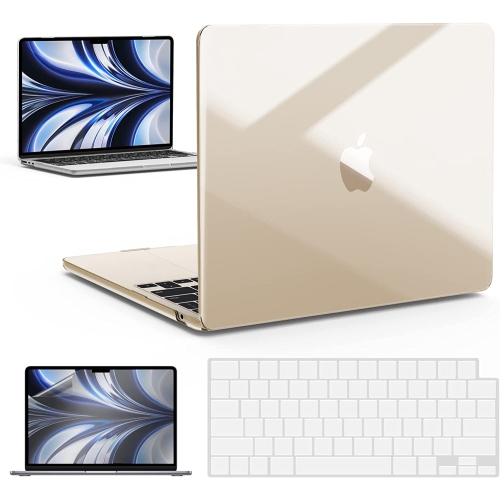
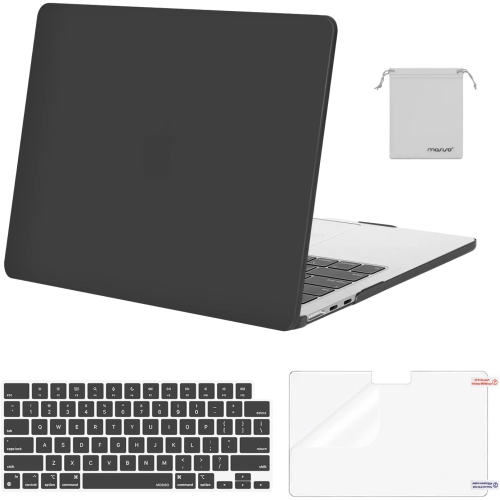


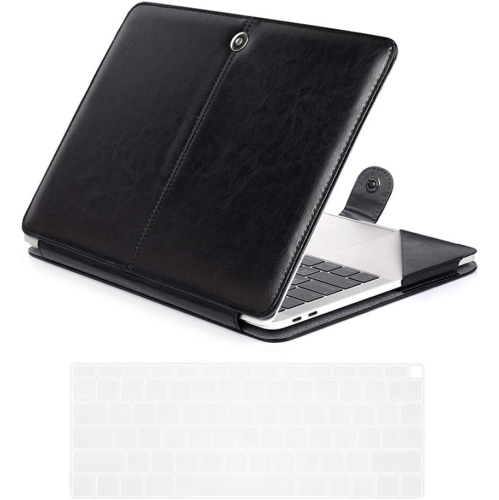
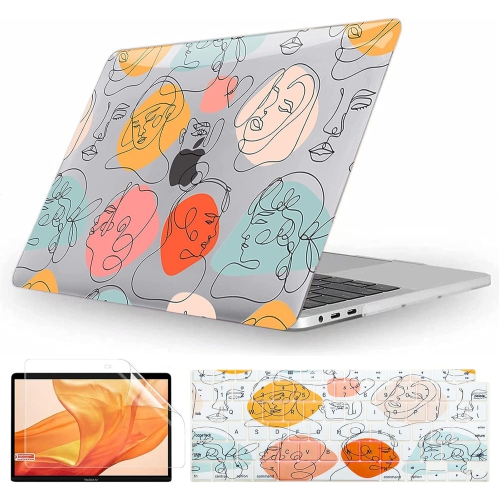
Why keyboard cover fit matters beyond screen size
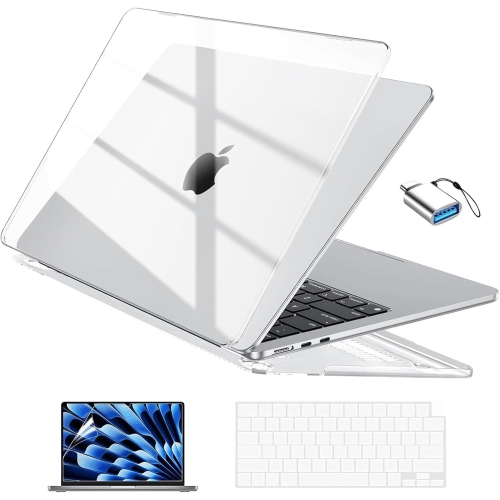
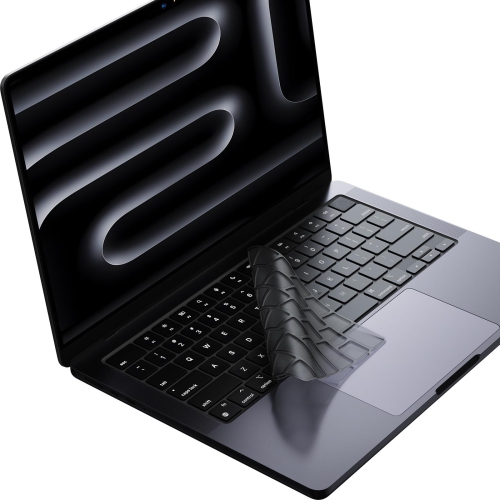
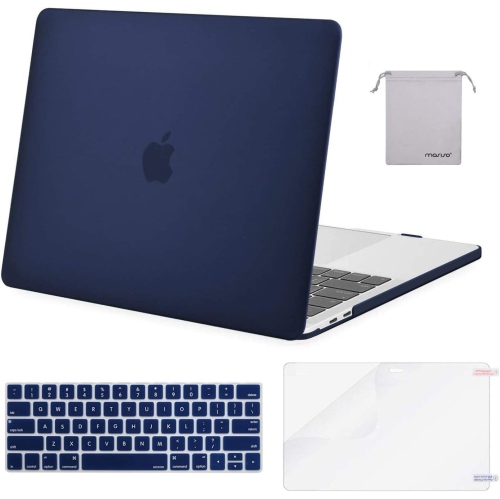
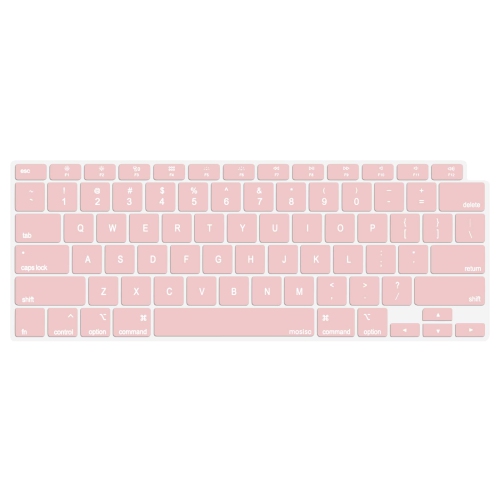
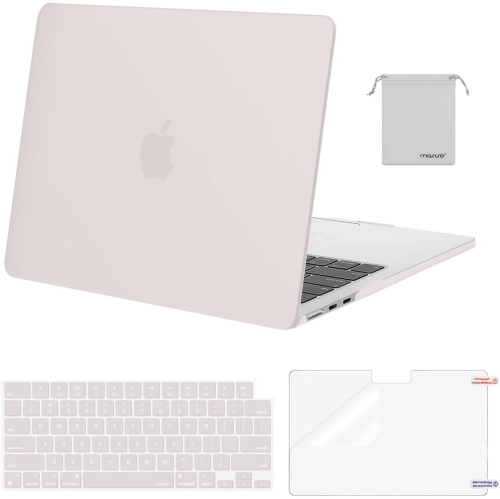
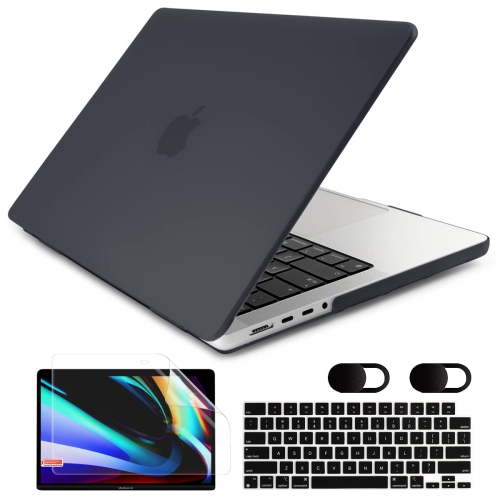
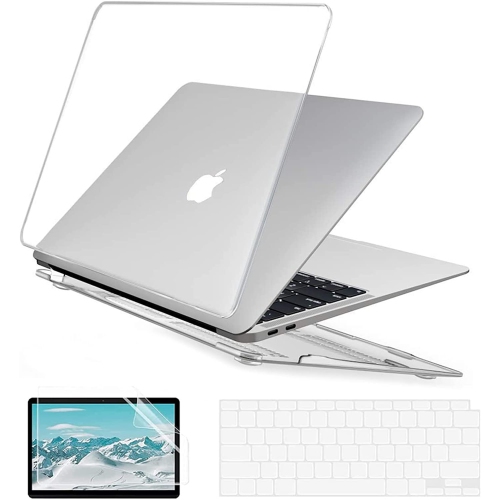
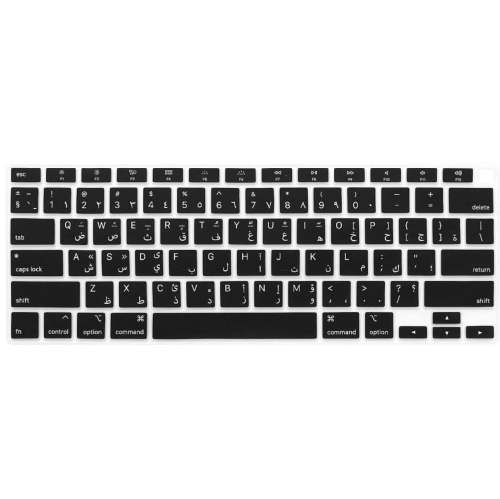
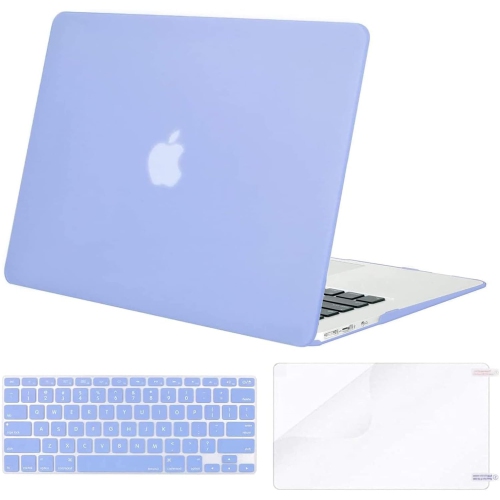
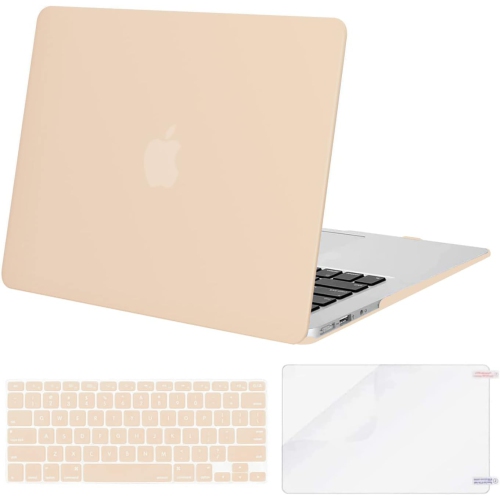
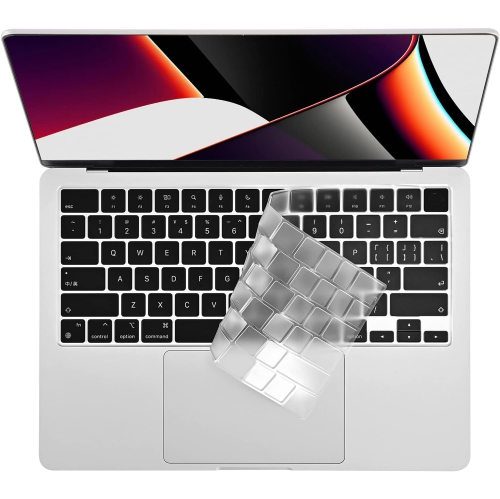
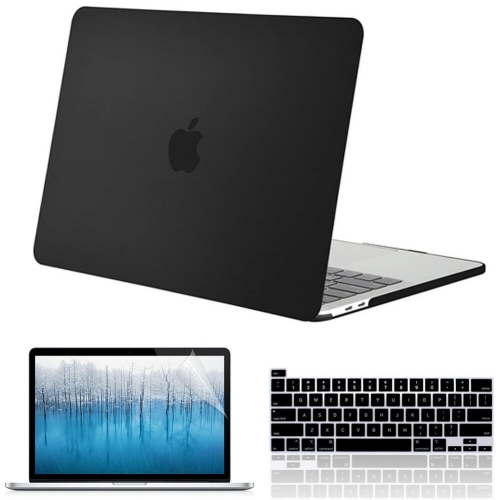
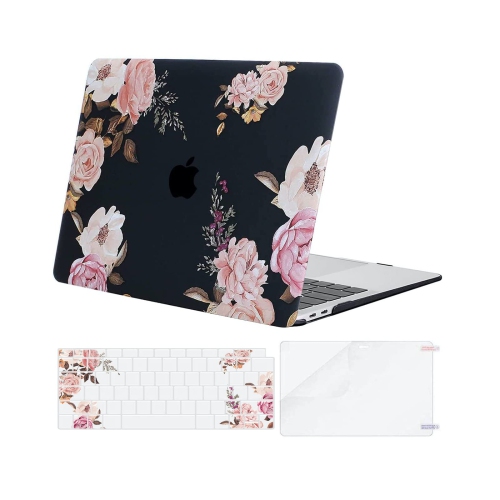
MacBook keyboard cases generally refer to thin, fitted keyboard covers or skins that sit over a laptop’s built-in keys, rather than cases with a separate keyboard attached. Their main purpose is to help keep dust, crumbs, fingerprints, and everyday grime off the key surfaces while the laptop is open and in use. They can also add colour, make key labels easier to distinguish, or provide a different feel under the fingertips. A keyboard cover is not a waterproof seal: liquid can still reach the computer through gaps, ports, and other openings, so drinks belong well away from the keyboard even when a cover is fitted. These accessories are also distinct from hard-shell cases, which attach to the outside of the laptop, and padded sleeves, which provide cushioning during transport. Fit is especially important because keyboards can differ between laptop sizes, generations, and regional layouts. Matching the laptop’s screen size alone is not enough; the exact model, release year, and keyboard arrangement all matter. The shape of the Return key, the length of the left Shift key, the arrow-key arrangement, and the top row are useful details to compare. Canadian shoppers may encounter laptops with different English or French keyboard layouts, and printed legends need to match the layout actually on the computer. A properly matched cover should rest evenly across the intended keys without bunching, sliding, or obstructing the fingerprint sensor or other controls. Display clearance is another essential consideration. MacBook laptops have very little space between the keyboard and the screen when closed, and even a thin cover can interfere with that clearance. Keyboard covers should be removed before closing the lid to avoid pressure against the display and the transfer of residue onto the screen. An ultra-thin description does not establish that a cover is safe to leave in place when the laptop is shut.
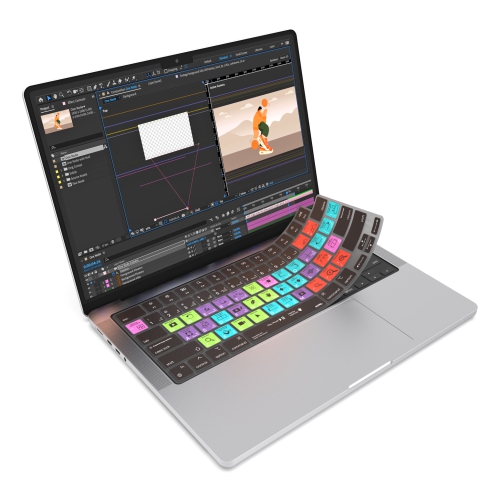
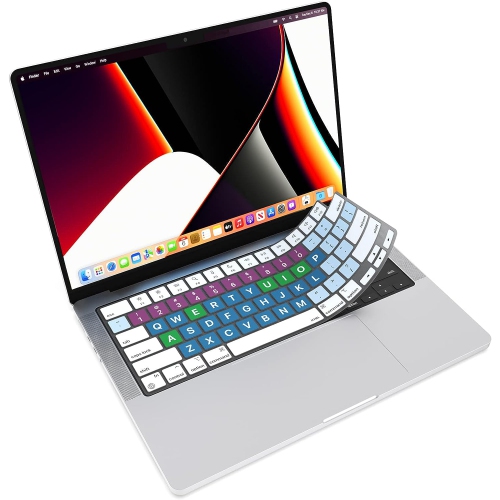
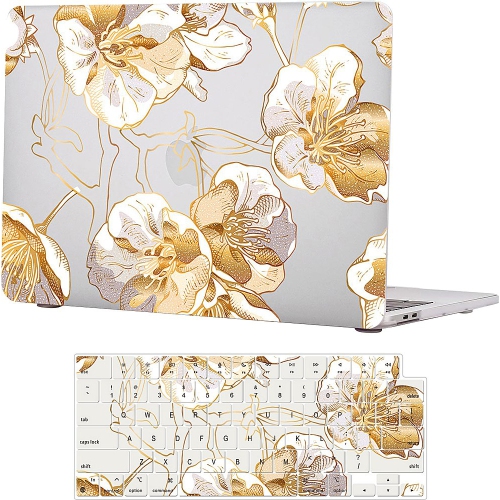
Material and construction influence how a keyboard cover feels during everything from a short email to a full afternoon of writing. Silicone covers are typically soft and flexible, with a slightly grippy surface that can help them stay positioned over the keys. That texture may also catch lint or feel less smooth than bare keycaps, particularly for someone whose fingers glide quickly between letters. Thermoplastic polyurethane, often labelled TPU, can be made into thin, transparent covers with a less rubbery feel, although flexibility, clarity, and typing response vary by design. Neither material guarantees an unchanged typing experience. Any layer over the keys can affect tactile feedback, and a cover that feels comfortable for occasional browsing may be distracting during long stretches of coding or document work. Moulded key shapes should follow the keyboard closely enough that adjacent keys remain easy to press separately. Edges that curl upward, pockets that sit off-centre, or material that pulls across several keys can interfere with ordinary use. Thickness is worth considering for typing comfort, but it should not be treated as permission to close the display over the cover. Transparent styles leave the original key labels visible, while printed styles can introduce contrasting lettering or a more coordinated desktop look. Backlighting may appear dimmer or less even through either style, depending on the material, opacity, and alignment of the printed characters. Covers printed with keyboard shortcuts can place frequently used commands within sight for writing, editing, or creative tasks, but their usefulness depends on matching the software and keyboard layout in use. They serve as visual references, not as changes to what the keys do. Durability involves more than resistance to tearing: a cover also needs to retain its shape, keep its markings legible, and remain easy to lift away for cleaning. Stretched corners, worn lettering, or a surface that no longer sits flat can make replacement more practical than continued use.
Everyday care helps keep a keyboard cover pleasant to use without letting trapped debris become part of the typing surface. Dust and small particles can collect beneath a cover as well as on top of it, so lifting it off periodically gives access to both surfaces. Cleaning methods depend on the material and any printed finish. Where the care directions permit washing, the cover can be cleaned separately from the laptop with mild soap and water, rinsed thoroughly, and left to dry completely before being placed back over the keys. Liquids and cleaning sprays should never be applied to the cover while it is sitting on the computer. Harsh cleaners, abrasive scrubbing, or vigorous stretching may damage the surface, distort the fit, or wear away printed labels. The laptop keyboard itself needs care according to its manufacturer’s cleaning directions, rather than the washing method used for a removable skin. Between uses, a clean, dry storage spot helps prevent the cover from gathering grit or picking up lint from the bottom of a bag. This matters for commuters and students who need to remove the cover whenever they pack their laptop away. At a desk, a fitted skin may appeal to someone who wants an easily removable layer over frequently touched keys, while a high-contrast design may suit a user who prefers more distinct lettering. Writers, students, and people working across several applications may appreciate shortcut markings, provided the cover remains comfortable through longer sessions. As a gift, a keyboard cover works best when the recipient’s exact laptop model, keyboard layout, and preference for typing feel are known; colour alone is not enough to establish a useful match. For protection beyond the keyboard, MacBook Cases and Covers includes the broader accessory category for the laptop’s exterior and transport needs. A keyboard skin serves a narrower purpose: a removable surface layer during open-lid use, with regular cleaning, accurate fit, and removal before closing all central to its everyday practicality.
Material and construction influence how a keyboard cover feels during everything from a short email to a full afternoon of writing. Silicone covers are typically soft and flexible, with a slightly grippy surface that can help them stay positioned over the keys. That texture may also catch lint or feel less smooth than bare keycaps, particularly for someone whose fingers glide quickly between letters. Thermoplastic polyurethane, often labelled TPU, can be made into thin, transparent covers with a less rubbery feel, although flexibility, clarity, and typing response vary by design. Neither material guarantees an unchanged typing experience. Any layer over the keys can affect tactile feedback, and a cover that feels comfortable for occasional browsing may be distracting during long stretches of coding or document work. Moulded key shapes should follow the keyboard closely enough that adjacent keys remain easy to press separately. Edges that curl upward, pockets that sit off-centre, or material that pulls across several keys can interfere with ordinary use. Thickness is worth considering for typing comfort, but it should not be treated as permission to close the display over the cover. Transparent styles leave the original key labels visible, while printed styles can introduce contrasting lettering or a more coordinated desktop look. Backlighting may appear dimmer or less even through either style, depending on the material, opacity, and alignment of the printed characters. Covers printed with keyboard shortcuts can place frequently used commands within sight for writing, editing, or creative tasks, but their usefulness depends on matching the software and keyboard layout in use. They serve as visual references, not as changes to what the keys do. Durability involves more than resistance to tearing: a cover also needs to retain its shape, keep its markings legible, and remain easy to lift away for cleaning. Stretched corners, worn lettering, or a surface that no longer sits flat can make replacement more practical than continued use.
Everyday care helps keep a keyboard cover pleasant to use without letting trapped debris become part of the typing surface. Dust and small particles can collect beneath a cover as well as on top of it, so lifting it off periodically gives access to both surfaces. Cleaning methods depend on the material and any printed finish. Where the care directions permit washing, the cover can be cleaned separately from the laptop with mild soap and water, rinsed thoroughly, and left to dry completely before being placed back over the keys. Liquids and cleaning sprays should never be applied to the cover while it is sitting on the computer. Harsh cleaners, abrasive scrubbing, or vigorous stretching may damage the surface, distort the fit, or wear away printed labels. The laptop keyboard itself needs care according to its manufacturer’s cleaning directions, rather than the washing method used for a removable skin. Between uses, a clean, dry storage spot helps prevent the cover from gathering grit or picking up lint from the bottom of a bag. This matters for commuters and students who need to remove the cover whenever they pack their laptop away. At a desk, a fitted skin may appeal to someone who wants an easily removable layer over frequently touched keys, while a high-contrast design may suit a user who prefers more distinct lettering. Writers, students, and people working across several applications may appreciate shortcut markings, provided the cover remains comfortable through longer sessions. As a gift, a keyboard cover works best when the recipient’s exact laptop model, keyboard layout, and preference for typing feel are known; colour alone is not enough to establish a useful match. For protection beyond the keyboard, MacBook Cases and Covers includes the broader accessory category for the laptop’s exterior and transport needs. A keyboard skin serves a narrower purpose: a removable surface layer during open-lid use, with regular cleaning, accurate fit, and removal before closing all central to its everyday practicality.
Top selling and popular products
-
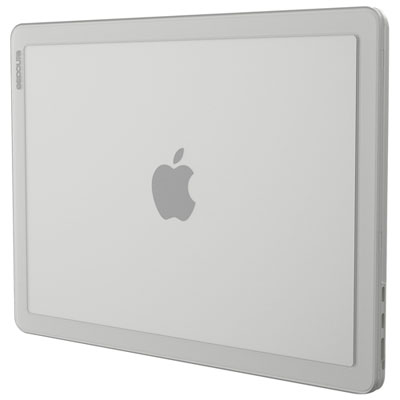 Your price for this item is $59.99
 -
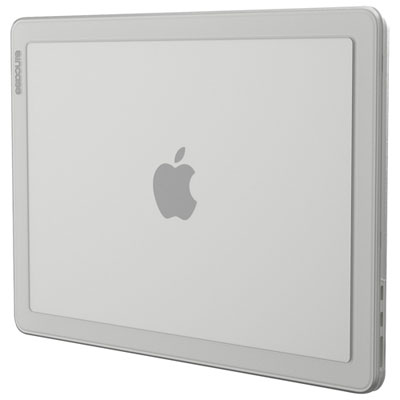 Your price for this item is $59.99
 -
 Your price for this item is $54.99
 -
 Your price for this item is $22.95
 -
 Your price for this item is $34.99
 -
 Your price for this item is $88
 -
 Your price for this item is $21.99
 -
 Your price for this item is $40
Discover more categories related to MacBook Keyboard Cases

Top Collections:
Pokemon Centers, Kindle Devices, Best Budget Office Chairs, Apple iPhones 16, Best Laptops for Writers, iPhone 15 Apple, Canon G7X Cameras, Refurbished Apple Laptops, Alarm Clock, Motorola Razr Phones
Some products may be subject to Environmental Handling Fees
(EHF) depending on your province.
Learn more about EHFs.