Macbook Air Keyboard Covers
Enhance your typing experience and protect your beloved MacBook Air with our selection of keyboard covers. Designed to fit seamlessly over your keyboard, these covers provide a stylish and practical solution to keep your device safe from spills, dust, and everyday wear and tear. With a variety of colors and materials to choose from, you can personalize your MacBook Air while ensuring its longevity. Explore our collection of keyboard covers today and discover the perfect accessory to elevate your typing game.
Sort
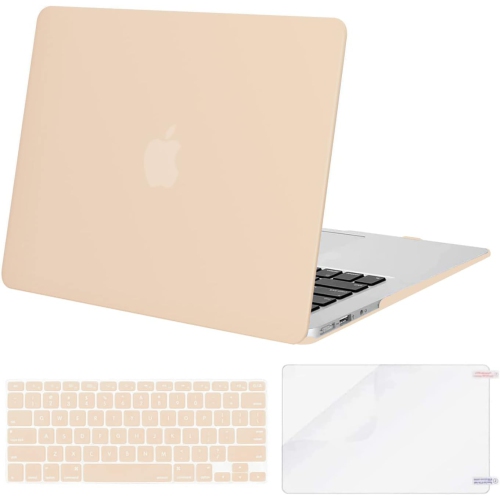
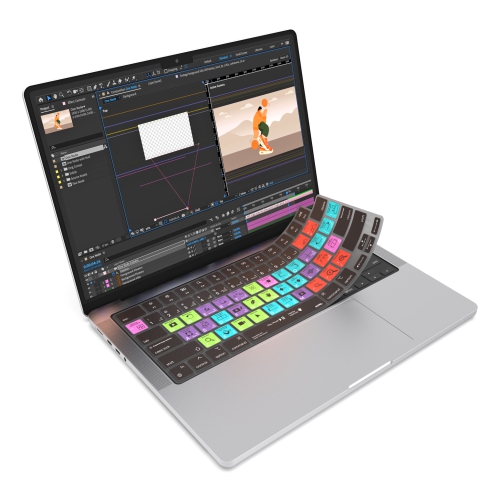
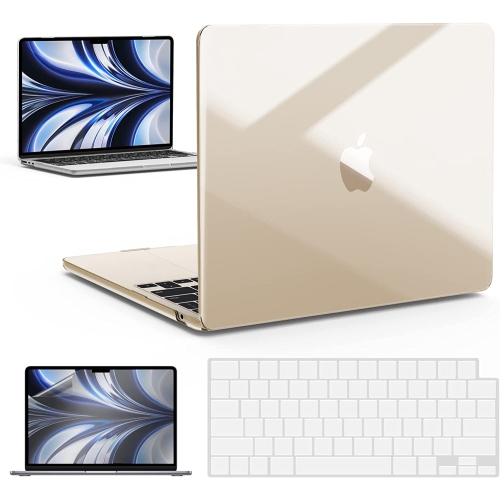
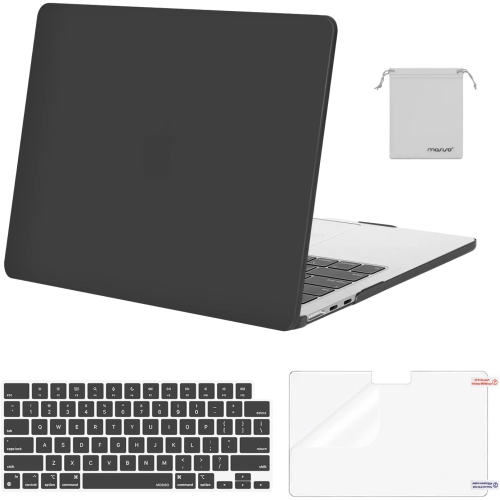
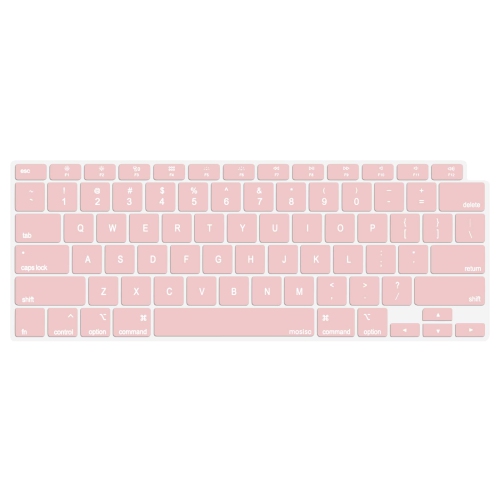
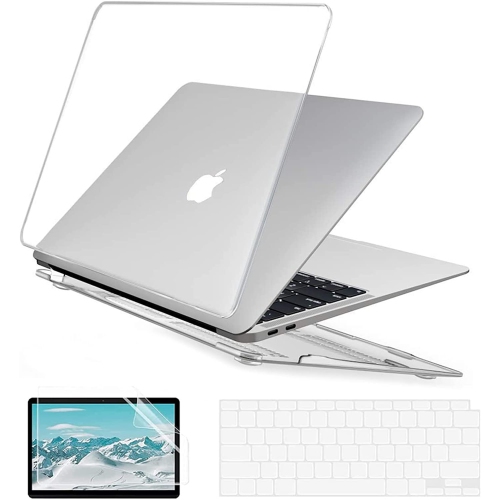

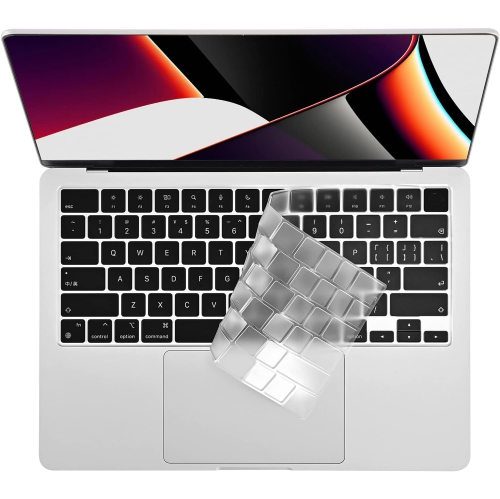
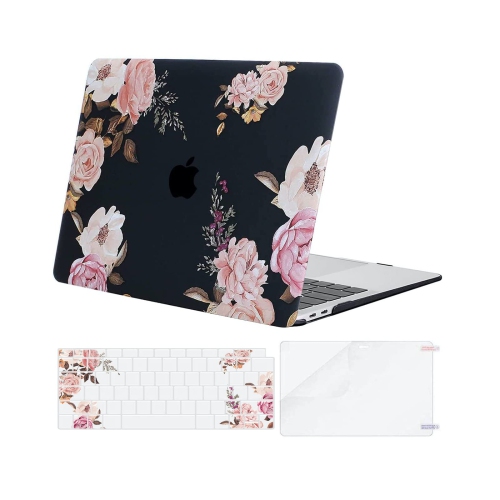
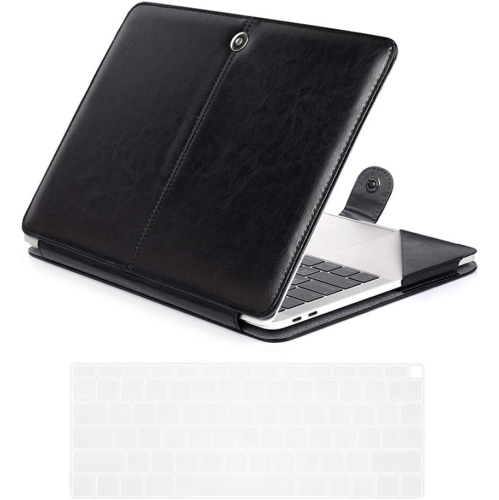
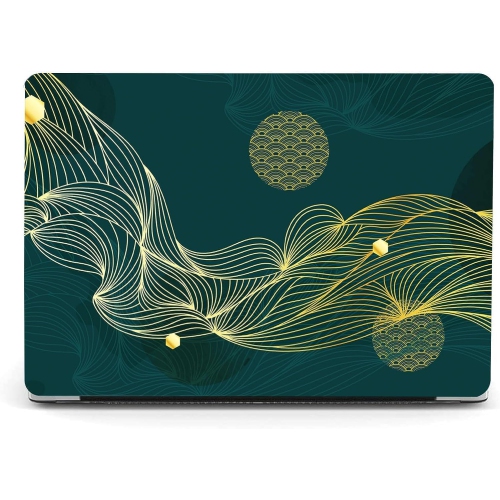
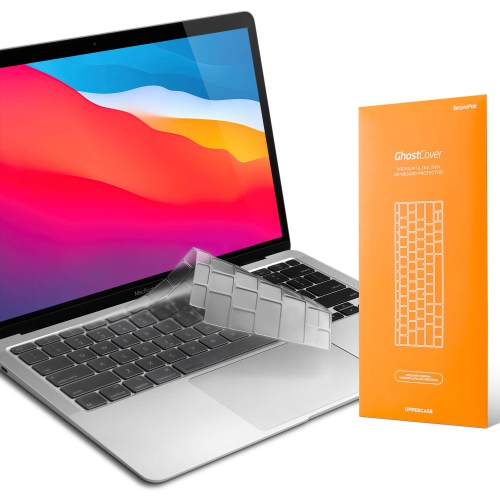
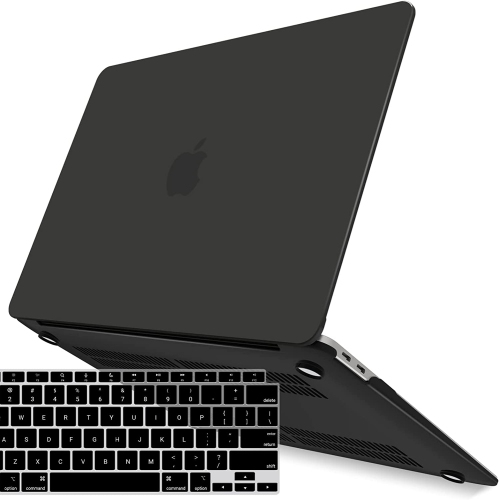
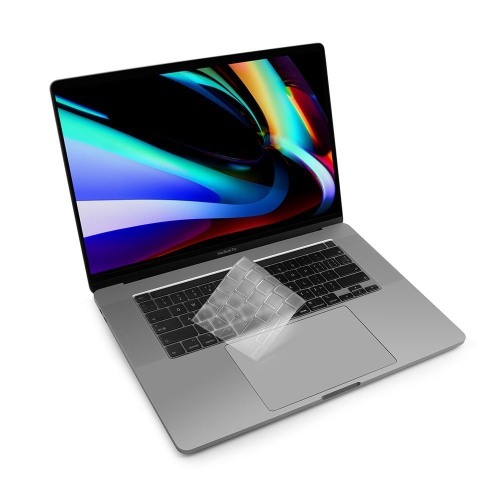
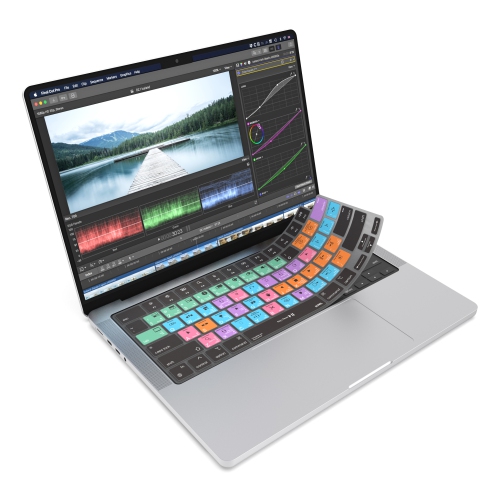
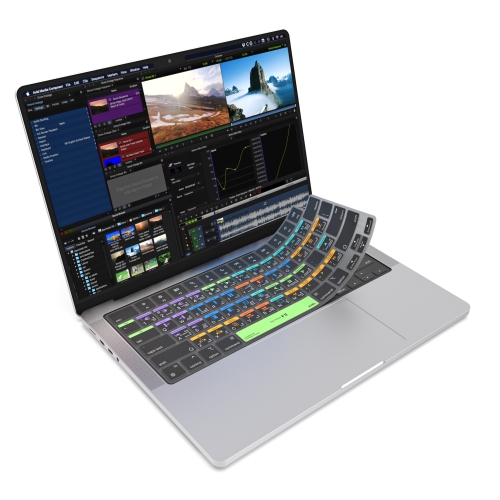
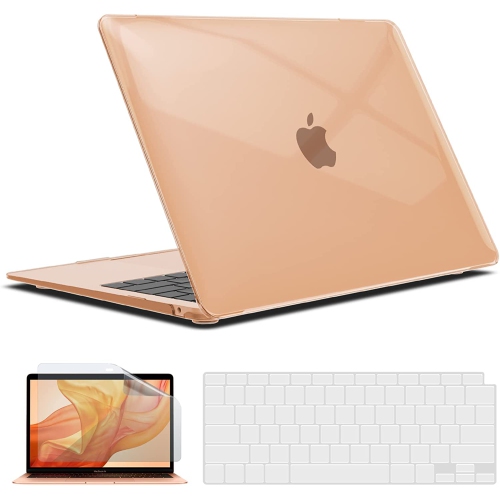
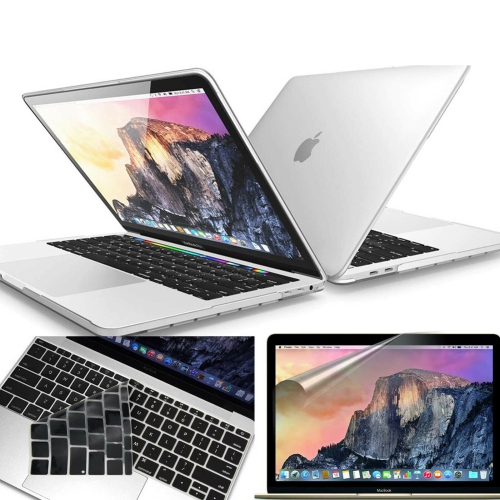
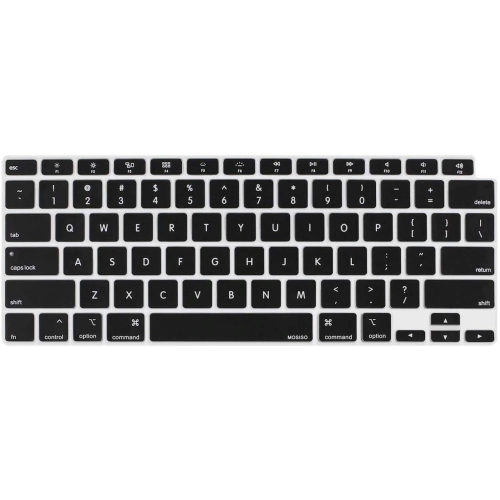

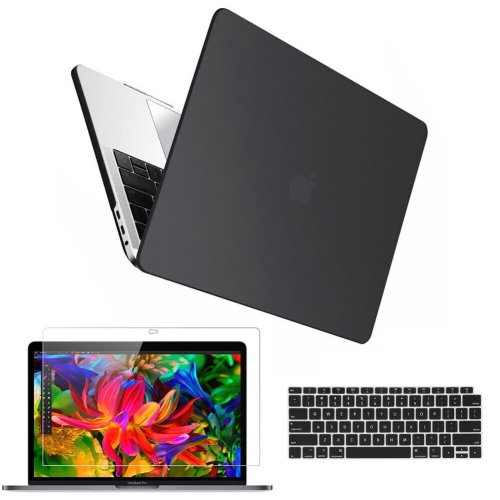
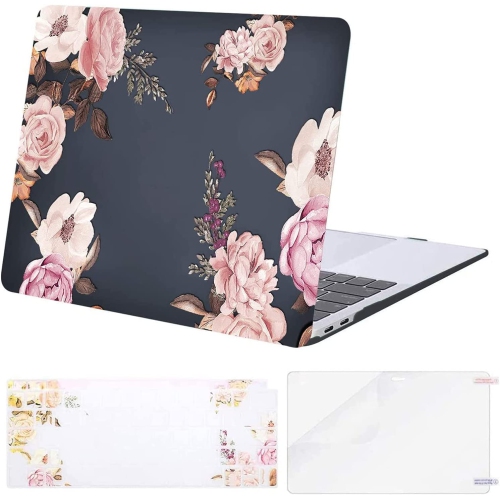
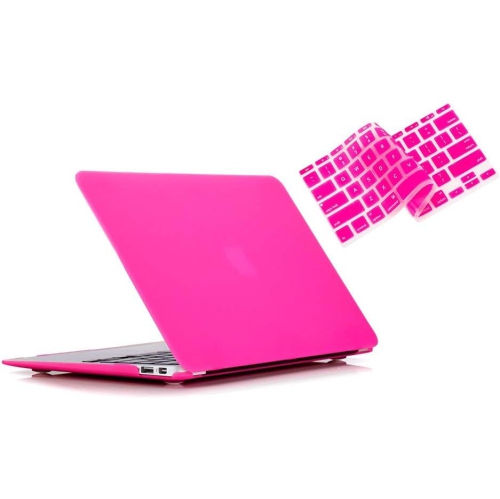
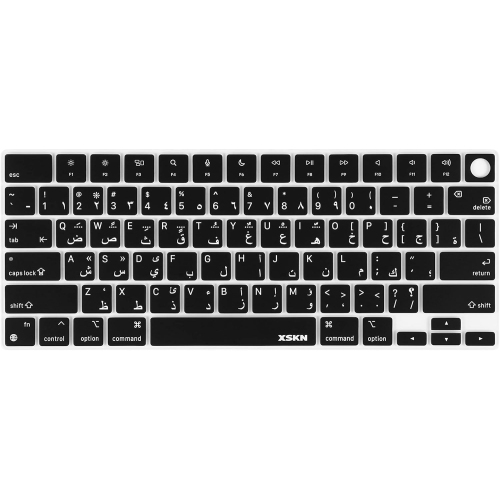
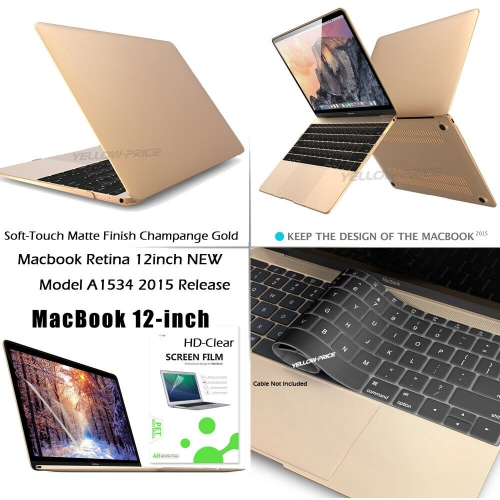
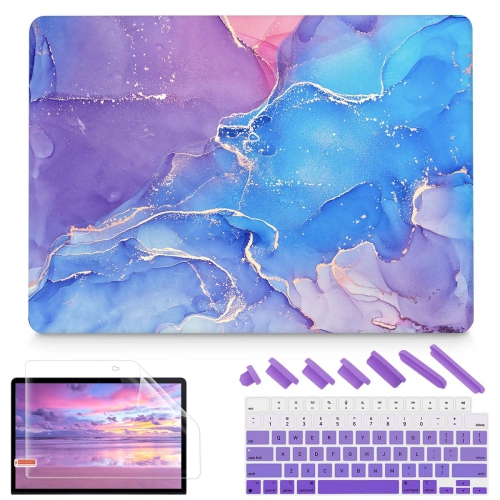
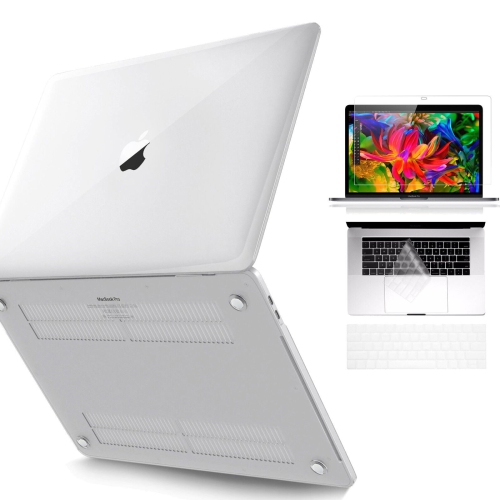
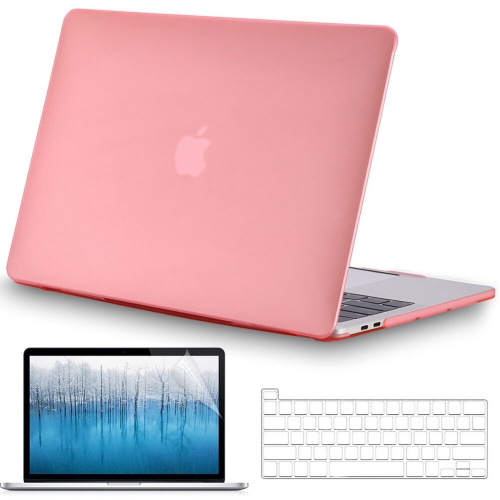
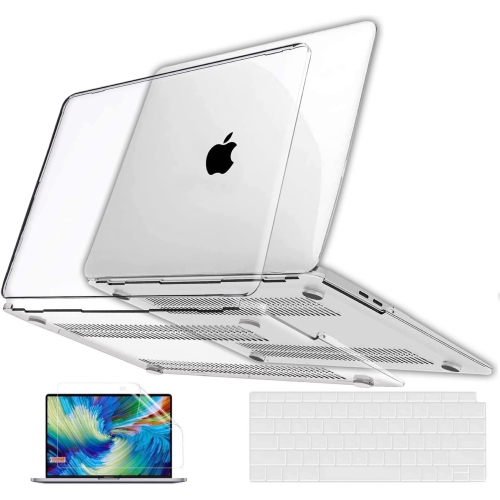
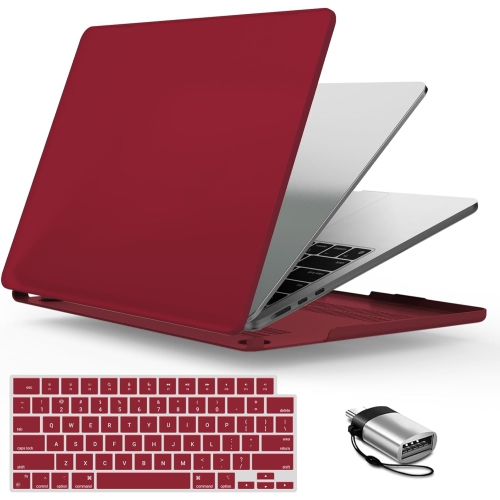
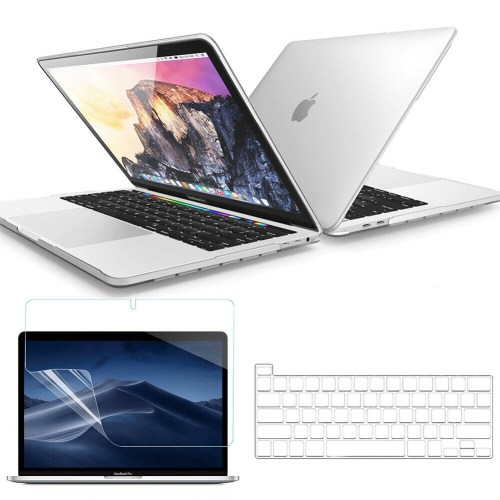
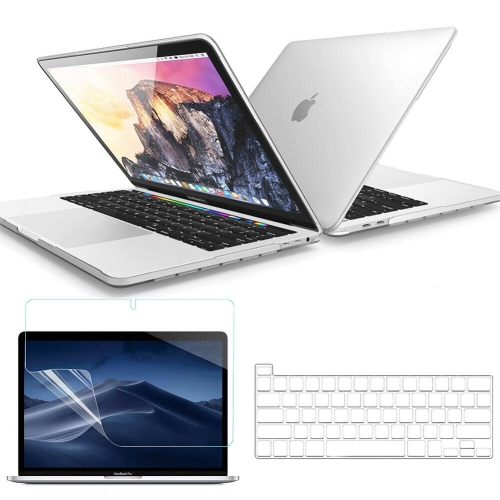
Protective fit and care tips for MacBook Air keyboards
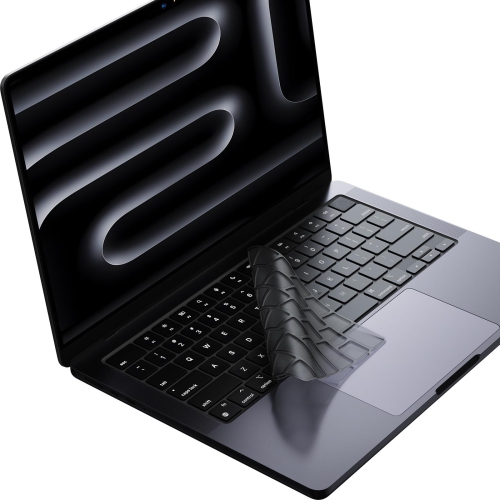
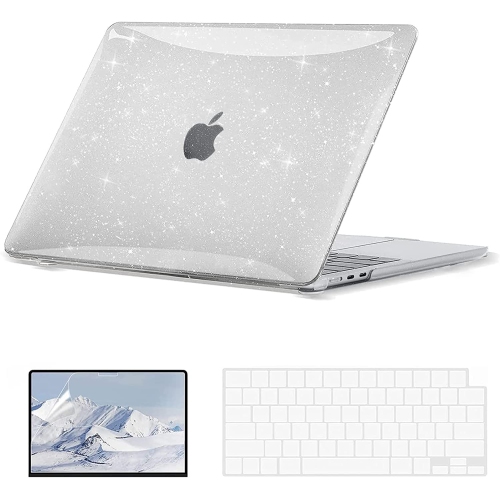
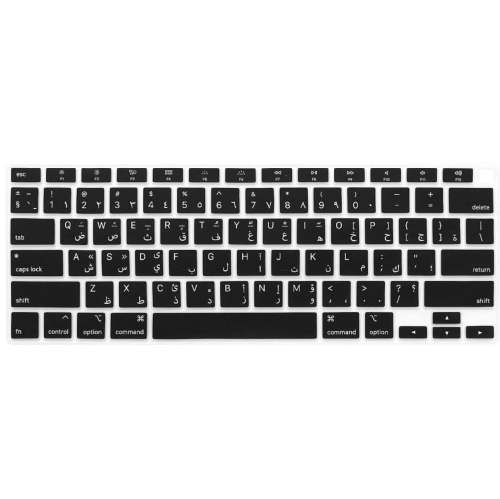
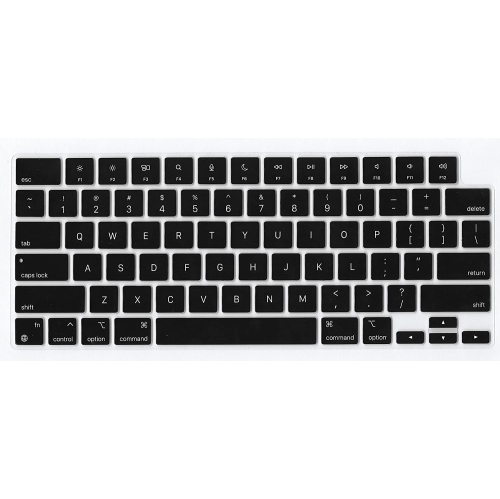
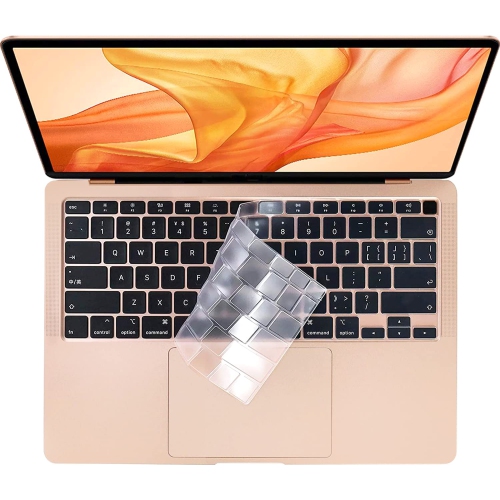
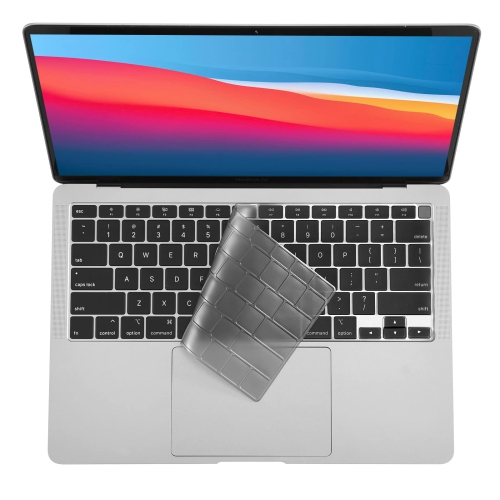
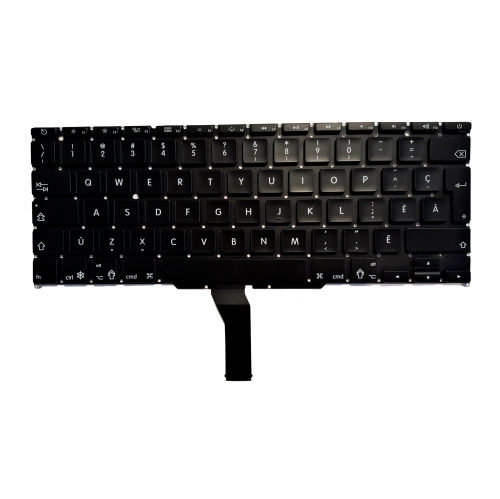
MacBook Air keyboard covers are a simple way to help keep a laptop’s keyboard cleaner and more comfortable during everyday use. A thin cover sits over the individual keys, creating a barrier against dust, crumbs, hand lotion, and the occasional splash near a desk, kitchen counter, lecture hall, or shared workspace. This can be especially useful for students moving between classes, professionals who work in cafés or co-working spaces, and families who share a laptop at home. A cover may also help protect the printed key legends from regular handling, while adding a slightly softer or more textured feel for people who spend long hours writing, studying, coding, messaging, or entering spreadsheets. When choosing one, check that it is made specifically for the MacBook Air generation and keyboard layout you own. MacBook Air models can differ in key arrangement, function-row design, and physical dimensions, and a cover designed for one version may not align properly with another. Canadian shoppers may also want to confirm whether the layout matches their keyboard, particularly when comparing English and bilingual configurations. A well-fitted cover should rest neatly over the keys without obscuring important symbols, interfering with backlighting, or shifting noticeably while typing. Look for clear product details about compatibility, thickness, flexibility, and the material used, since these factors affect both the appearance and the typing experience.
Material and fit are important considerations when comparing MacBook Air keyboard covers. Thin thermoplastic polyurethane, often called TPU, is flexible and typically offers a close, low-profile fit that preserves much of the laptop’s original feel. Silicone covers can also provide a soft, pliable surface and are available in clear, tinted, and coloured finishes. A very thin cover may be a good choice for someone who wants the keyboard to remain visually unobtrusive, while a more tactile surface may suit a user who prefers extra grip or clearer key definition. Transparency can help keyboard backlighting remain visible, although the effect varies with the cover’s thickness, finish, and the brightness of the room. Consider how easily the cover can be removed for cleaning, whether it can be rinsed according to the care instructions, and how quickly it dries before being placed back on the laptop. Dust and fine particles can collect beneath any removable cover, so lifting it periodically and wiping both the cover and keyboard with appropriate, lint-free materials can help maintain a comfortable typing surface. Avoid forcing a cover into place or using one with warped edges, since uneven contact can be distracting and may allow debris to gather underneath. A keyboard cover can make a thoughtful gift for a student starting a new term, a remote worker setting up a home office, or anyone who relies on a MacBook Air for writing and communication. It is compact, easy to store, and practical for a new laptop owner who wants an extra layer of protection without changing the computer’s overall appearance.
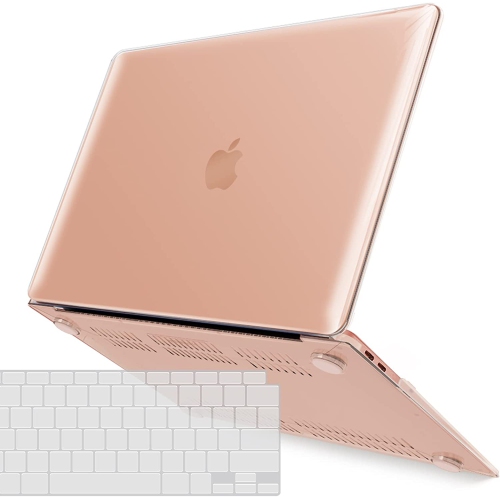
Use a MacBook Air keyboard cover while typing, but remove it before closing the laptop lid. MacBook computers are designed with very little space between the keyboard and display when closed. Leaving a cover in place can add pressure to the screen, particularly if the cover is thick or does not sit completely flat. Over time, that additional contact may contribute to scratches, marks, or damage to the display and its surface coating. The safest routine is to lift the cover off after a writing session, especially before putting the laptop into a sleeve or bag, and store it somewhere clean and flat so it does not collect grit. This small habit is easy to build into a daily routine: type with the cover in place, remove it when finished, give the keyboard and cover a quick check, and then close the MacBook Air. People looking for related protection and carrying options can also browse MacBook Keyboard Cases to compare products designed for other parts of the laptop. Whether the priority is blocking crumbs during a busy workday, keeping a shared computer tidy, or adding a modest layer of protection to a device used during travel and study, the best keyboard cover is one that matches the exact MacBook Air model, fits securely, cleans easily, and can be removed before the lid is closed.
Material and fit are important considerations when comparing MacBook Air keyboard covers. Thin thermoplastic polyurethane, often called TPU, is flexible and typically offers a close, low-profile fit that preserves much of the laptop’s original feel. Silicone covers can also provide a soft, pliable surface and are available in clear, tinted, and coloured finishes. A very thin cover may be a good choice for someone who wants the keyboard to remain visually unobtrusive, while a more tactile surface may suit a user who prefers extra grip or clearer key definition. Transparency can help keyboard backlighting remain visible, although the effect varies with the cover’s thickness, finish, and the brightness of the room. Consider how easily the cover can be removed for cleaning, whether it can be rinsed according to the care instructions, and how quickly it dries before being placed back on the laptop. Dust and fine particles can collect beneath any removable cover, so lifting it periodically and wiping both the cover and keyboard with appropriate, lint-free materials can help maintain a comfortable typing surface. Avoid forcing a cover into place or using one with warped edges, since uneven contact can be distracting and may allow debris to gather underneath. A keyboard cover can make a thoughtful gift for a student starting a new term, a remote worker setting up a home office, or anyone who relies on a MacBook Air for writing and communication. It is compact, easy to store, and practical for a new laptop owner who wants an extra layer of protection without changing the computer’s overall appearance.
Use a MacBook Air keyboard cover while typing, but remove it before closing the laptop lid. MacBook computers are designed with very little space between the keyboard and display when closed. Leaving a cover in place can add pressure to the screen, particularly if the cover is thick or does not sit completely flat. Over time, that additional contact may contribute to scratches, marks, or damage to the display and its surface coating. The safest routine is to lift the cover off after a writing session, especially before putting the laptop into a sleeve or bag, and store it somewhere clean and flat so it does not collect grit. This small habit is easy to build into a daily routine: type with the cover in place, remove it when finished, give the keyboard and cover a quick check, and then close the MacBook Air. People looking for related protection and carrying options can also browse MacBook Keyboard Cases to compare products designed for other parts of the laptop. Whether the priority is blocking crumbs during a busy workday, keeping a shared computer tidy, or adding a modest layer of protection to a device used during travel and study, the best keyboard cover is one that matches the exact MacBook Air model, fits securely, cleans easily, and can be removed before the lid is closed.
Top selling and popular products
-
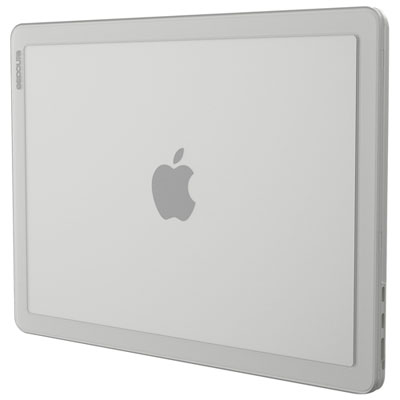 Your price for this item is $59.99
 -
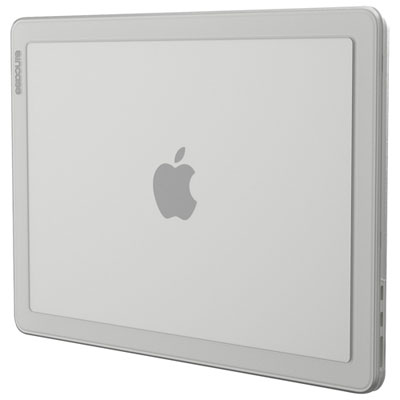 Your price for this item is $59.99
 -
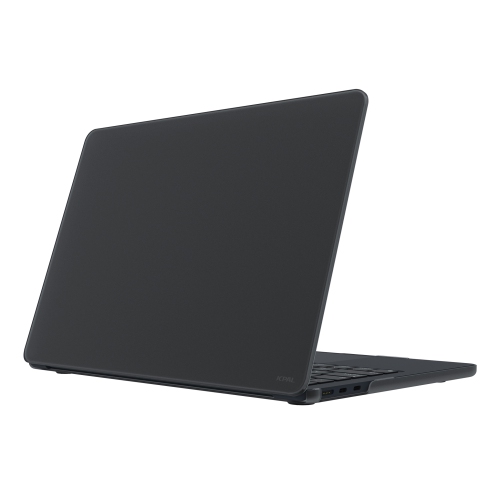 Your price for this item is $54.99
 -
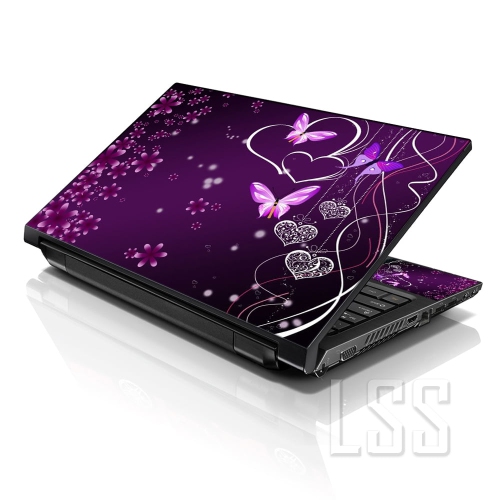 Your price for this item is $22.95
 -
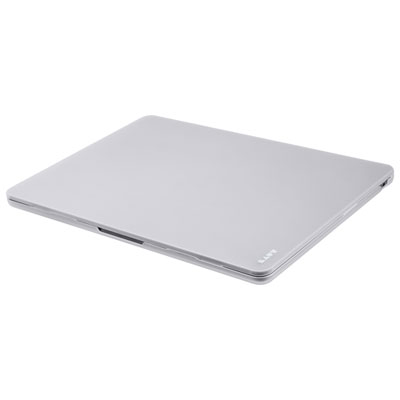 Your price for this item is $34.99
 -
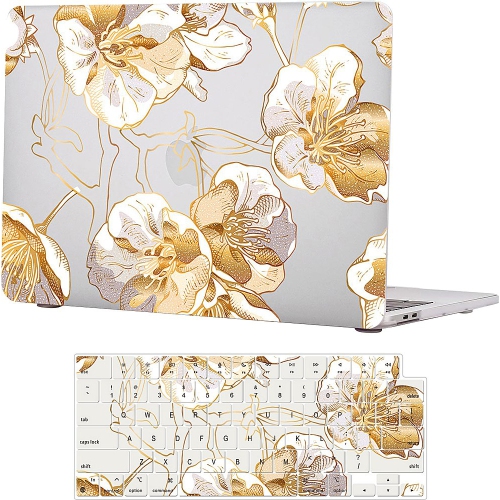 Your price for this item is $88
 -
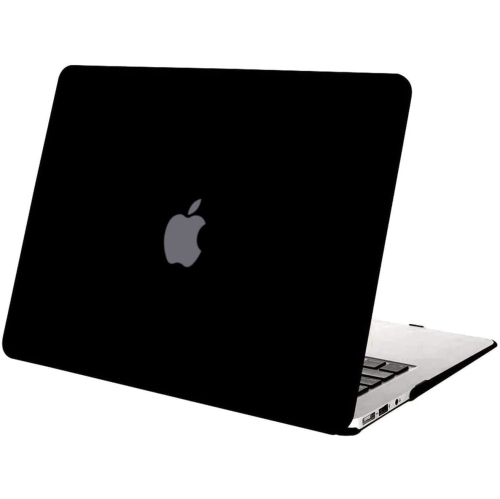 Your price for this item is $21.99
 -
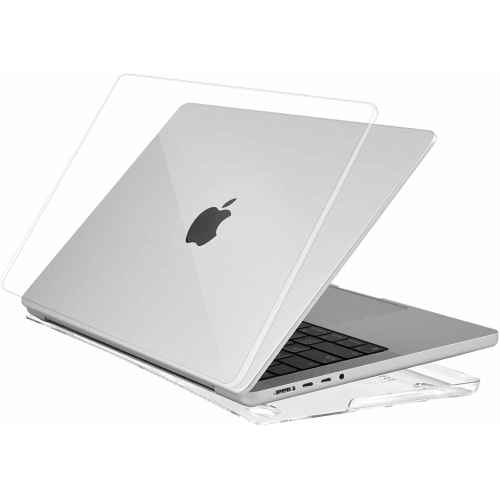 Your price for this item is $40
Discover more categories related to Macbook Air Keyboard Covers
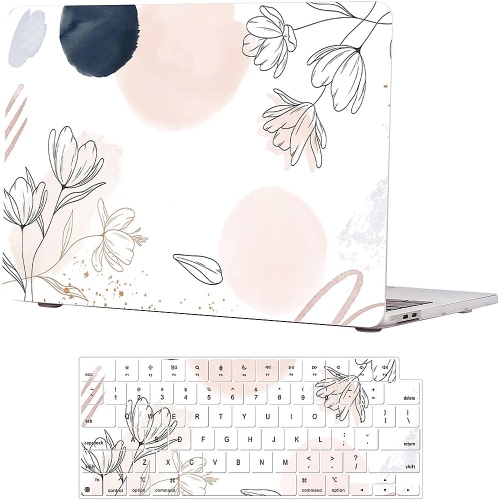
Top Collections:
Pokemon Centers, Kindle Devices, Best Budget Office Chairs, Apple iPhones 16, Best Laptops for Writers, iPhone 15 Apple, Canon G7X Cameras, Refurbished Apple Laptops, Alarm Clock, Motorola Razr Phones
Some products may be subject to Environmental Handling Fees
(EHF) depending on your province.
Learn more about EHFs.