Macbook Pro 2013
Looking for high-performance laptops that seamlessly combine power, speed, and sleek design? Look no further than our collection of Macbook Pro 2013. These cutting-edge devices offer an exceptional user experience with their advanced features and innovative technology. Whether you're a creative professional, a business executive, or a student, these Macbook Pro 2013 laptops are designed to meet your every need. From their stunning display to their lightning-fast processing capabilities, these laptops are sure to elevate your productivity and enhance your digital lifestyle.
Sort
![DR. BATTERY A1494 A1398 Mc975 Mc976 Mc976Ch Battery Compatible for Pro Retina 15" [Mid & Late 2013 2014 Years] Me293 Me294 [11.26V]](https://multimedia.bbycastatic.ca/multimedia/products/500x500/159/15901/15901209.jpeg)
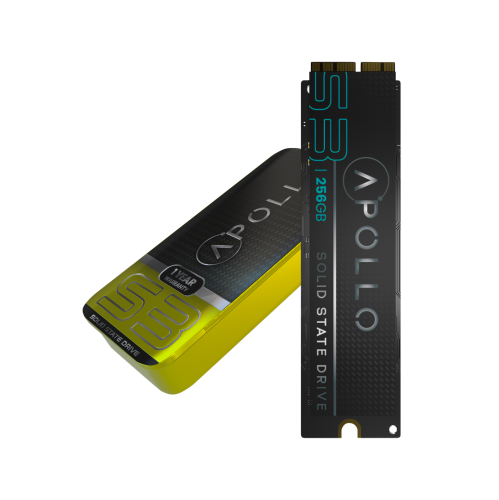
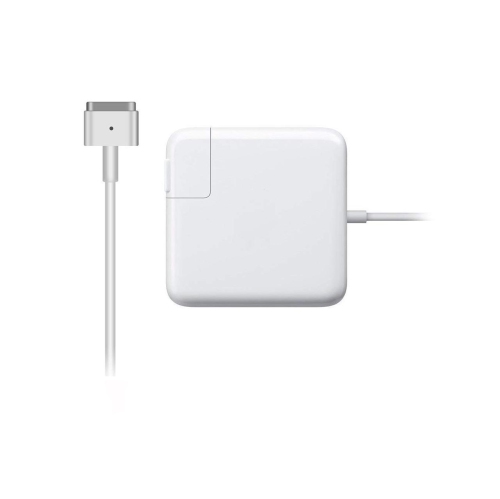
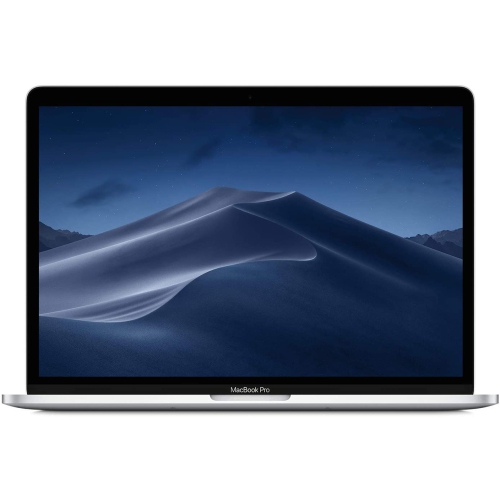
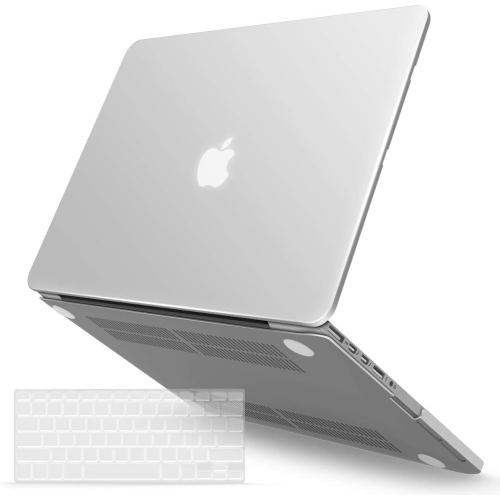

![DR. BATTERY - Replacement for Retina A1425 (2012) / A1425 (2013) / 020-7851-A / A1425 / A1437 [6600Mah / 74Wh / 11.21V]](https://multimedia.bbycastatic.ca/multimedia/products/500x500/159/15905/15905849.jpeg)
![DOLAER USB C Cable 6.6Ft [60W/3A], Type C to C Cord Fast Charging for Macbook Pro, Macbook Air, New Ipad Pro 12.9/11, Air 5Th/ 4Th, Mini 6, Samsung](https://multimedia.bbycastatic.ca/multimedia/products/500x500/165/16580/16580604.jpeg)
What to know about older notebooks, configurations, and condition
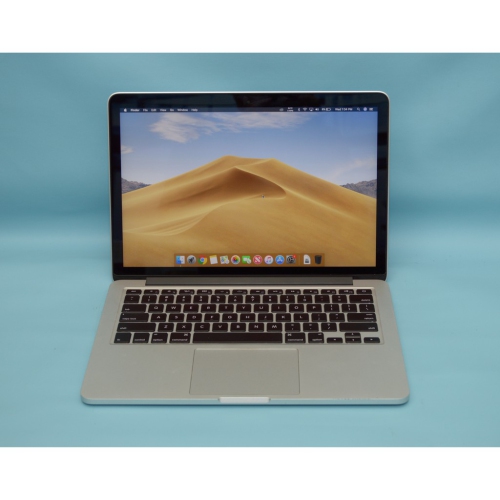
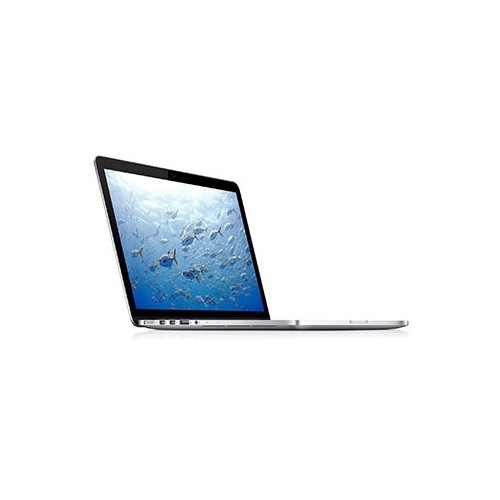
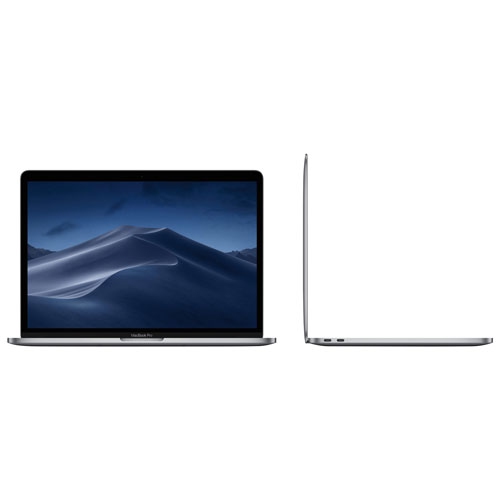
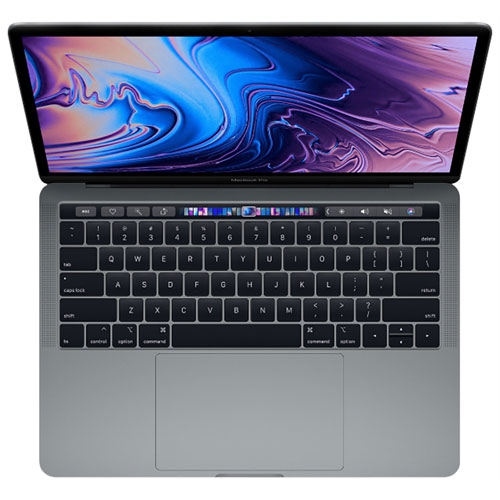
The MacBook Pro 2013 remains a practical choice for shoppers who want a capable, compact notebook for everyday computing without stepping into the newest price range. Models from this generation are known for their slim aluminium construction, high-resolution displays, comfortable keyboards, responsive trackpads, and a useful selection of built-in connections. Depending on the configuration, shoppers may find a 13.3-inch display with a resolution of 2560 x 1600 or a 15.4-inch display with a resolution of 2880 x 1800. The smaller size is easy to carry between a home office, classroom, library, or kitchen table, while the larger screen can make spreadsheets, photo organization, research, and side-by-side documents more comfortable. A 2013 MacBook Pro can suit someone who mainly browses the web, checks email, streams media, edits documents, attends occasional video calls, or manages personal files. It may also appeal to a student working with basic coursework, a family member who needs a straightforward computer, or someone looking for a dependable secondary notebook for travel and light household tasks. For shoppers comparing generations, browsing related options such as the 2017 Macbook Pro can help provide useful context around age, features, and expected performance.
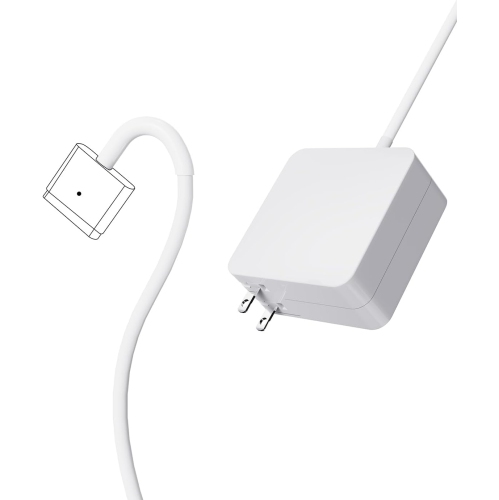
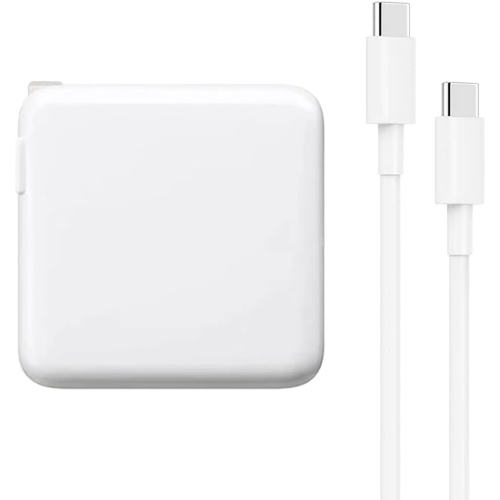
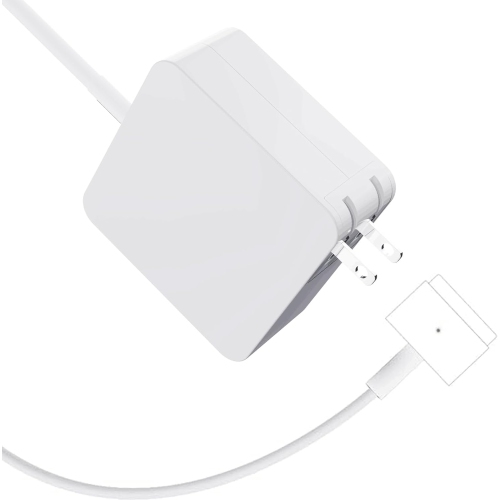
When choosing a MacBook Pro 2013 listing, configuration and condition deserve close attention. Available memory may range from 4GB to 16GB, and because the memory is built into the computer, it is important to select enough for the intended workload at the time of purchase. A configuration with more memory is generally better suited to keeping numerous browser tabs, documents, and communication tools open together, while a lower-memory version may be most comfortable with simpler tasks handled one at a time. Storage options can range from 128GB to 512GB, so consider how much room is needed for applications, school files, family photos, downloaded media, and backups. A smaller drive can work well for cloud-based files and light local storage, but anyone who keeps a large photo library or many videos on the computer may prefer more capacity or plan to use external storage. These computers also include legacy connections that can still be handy: USB 3.0 ports for accessories, HDMI for a compatible display or television, an SDXC card slot for moving photos, Thunderbolt 2 connections for selected peripherals, and a MagSafe 2 charging connection. Since connection standards have changed over time, check whether existing accessories require an adapter. A careful inspection of the keyboard, trackpad, display, hinges, ports, charger, and casing is worthwhile when buying an older computer. Look for uneven backlighting, damaged keys, loose hinges, deep dents, missing screws, or signs of liquid exposure, and confirm that the battery charges properly and holds power for a reasonable period.
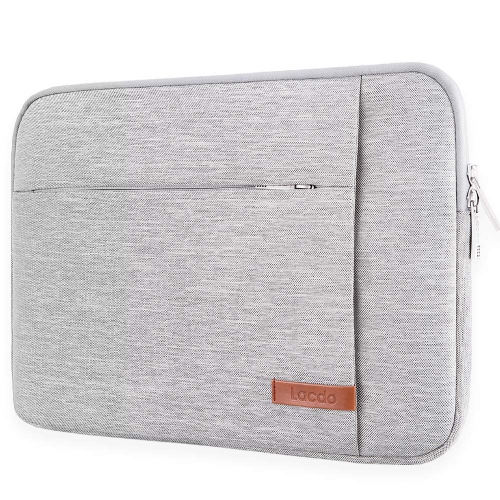
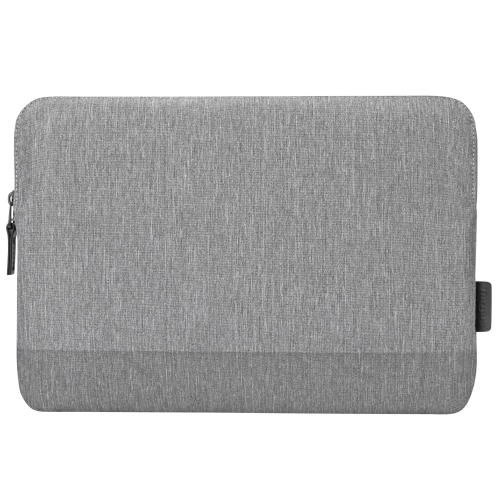
Age is the most important consideration with a MacBook Pro 2013. Even a well-kept unit may have a battery with reduced capacity, slower performance under demanding workloads, or limited compatibility with newer applications and operating system features. These computers are better matched with browsing, word processing, online learning, streaming, video calls, simple spreadsheets, basic photo sorting, and other lighter tasks than with modern gaming, high-resolution video production, advanced 3D work, or intensive multitasking. A processor that felt quick when new may take longer to open current applications, render complex pages, or move between several demanding programs, especially when the computer is warm. Keeping expectations realistic makes the experience much more rewarding: it can feel like a reliable study companion or writing desk machine, but it is not a substitute for a current high-performance notebook. Before purchase, confirm that the included charger is the correct type, review the storage and memory specifications, check the installed operating system, and make sure the computer can support the applications that matter most. A protective sleeve, compact mouse, external drive, or USB hub may also make an older notebook easier to use at home or on the go. With the right expectations and a careful check of condition, a MacBook Pro 2013 can be a sensible option for light everyday work, a spare family computer, or a thoughtful gift for someone who needs a familiar machine for schoolwork, correspondence, recipes, travel planning, and other routine digital tasks.
When choosing a MacBook Pro 2013 listing, configuration and condition deserve close attention. Available memory may range from 4GB to 16GB, and because the memory is built into the computer, it is important to select enough for the intended workload at the time of purchase. A configuration with more memory is generally better suited to keeping numerous browser tabs, documents, and communication tools open together, while a lower-memory version may be most comfortable with simpler tasks handled one at a time. Storage options can range from 128GB to 512GB, so consider how much room is needed for applications, school files, family photos, downloaded media, and backups. A smaller drive can work well for cloud-based files and light local storage, but anyone who keeps a large photo library or many videos on the computer may prefer more capacity or plan to use external storage. These computers also include legacy connections that can still be handy: USB 3.0 ports for accessories, HDMI for a compatible display or television, an SDXC card slot for moving photos, Thunderbolt 2 connections for selected peripherals, and a MagSafe 2 charging connection. Since connection standards have changed over time, check whether existing accessories require an adapter. A careful inspection of the keyboard, trackpad, display, hinges, ports, charger, and casing is worthwhile when buying an older computer. Look for uneven backlighting, damaged keys, loose hinges, deep dents, missing screws, or signs of liquid exposure, and confirm that the battery charges properly and holds power for a reasonable period.
Age is the most important consideration with a MacBook Pro 2013. Even a well-kept unit may have a battery with reduced capacity, slower performance under demanding workloads, or limited compatibility with newer applications and operating system features. These computers are better matched with browsing, word processing, online learning, streaming, video calls, simple spreadsheets, basic photo sorting, and other lighter tasks than with modern gaming, high-resolution video production, advanced 3D work, or intensive multitasking. A processor that felt quick when new may take longer to open current applications, render complex pages, or move between several demanding programs, especially when the computer is warm. Keeping expectations realistic makes the experience much more rewarding: it can feel like a reliable study companion or writing desk machine, but it is not a substitute for a current high-performance notebook. Before purchase, confirm that the included charger is the correct type, review the storage and memory specifications, check the installed operating system, and make sure the computer can support the applications that matter most. A protective sleeve, compact mouse, external drive, or USB hub may also make an older notebook easier to use at home or on the go. With the right expectations and a careful check of condition, a MacBook Pro 2013 can be a sensible option for light everyday work, a spare family computer, or a thoughtful gift for someone who needs a familiar machine for schoolwork, correspondence, recipes, travel planning, and other routine digital tasks.
Top selling and popular products
-
 Your price for this item is $1500
 -
 Your price for this item is $749.77
 -
 Your price for this item is $649.77
 -
 Your price for this item is $549.77
 -
 Your price for this item is $699.77
 -
 Your price for this item is $2299.97
 -
 Your price for this item is $679.77
 -
 Your price for this item is $1599.97
Discover more categories related to Macbook Pro 2013


Top Collections:
Pokemon Centers, Kindle Devices, Best Budget Office Chairs, Apple iPhones 16, Best Laptops for Writers, iPhone 15 Apple, Canon G7X Cameras, Refurbished Apple Laptops, Alarm Clock, Motorola Razr Phones
Some products may be subject to Environmental Handling Fees
(EHF) depending on your province.
Learn more about EHFs.