A1398 Macbook Pro
Explore the world of high-performance laptops with a model designed for those who crave efficiency and style. This laptop combines cutting-edge technology with sleek design, making it an ideal choice for professionals and creatives alike. Whether you're editing videos, designing graphics, or simply browsing the web, this device offers the power and versatility you need to tackle any task with ease. Its robust build ensures durability while offering a seamless user experience that keeps you connected and productive wherever you go. Discover how this powerful tool can elevate your computing experience to new heights.
Sort

![DR. BATTERY A1494 A1398 Mc975 Mc976 Mc976Ch Battery Compatible for Pro Retina 15" [Mid & Late 2013 2014 Years] Me293 Me294 [11.26V]](https://multimedia.bbycastatic.ca/multimedia/products/500x500/159/15901/15901209.jpeg)
![DR. BATTERY - Replacement for A1398 (2015) / 020-00079 / A1618 / Mjlq2Ll/a / Mjlt2Ll/a [8755Mah / 99.5Wh / 11.36V]](https://multimedia.bbycastatic.ca/multimedia/products/500x500/159/15905/15905845.jpeg)



![DOLAER USB C Cable 6.6Ft [60W/3A], Type C to C Cord Fast Charging for Macbook Pro, Macbook Air, New Ipad Pro 12.9/11, Air 5Th/ 4Th, Mini 6, Samsung](https://multimedia.bbycastatic.ca/multimedia/products/500x500/165/16580/16580604.jpeg)
Compare specs, condition and compatibility across older models
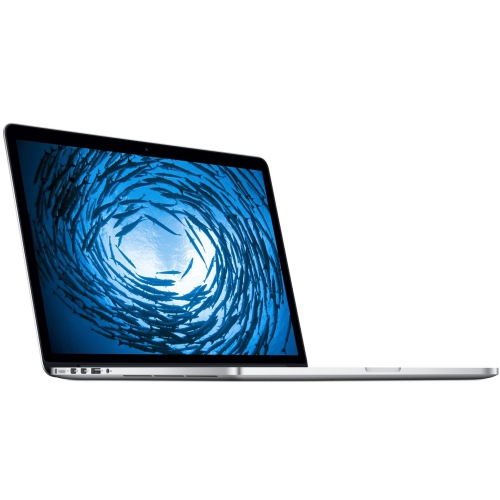
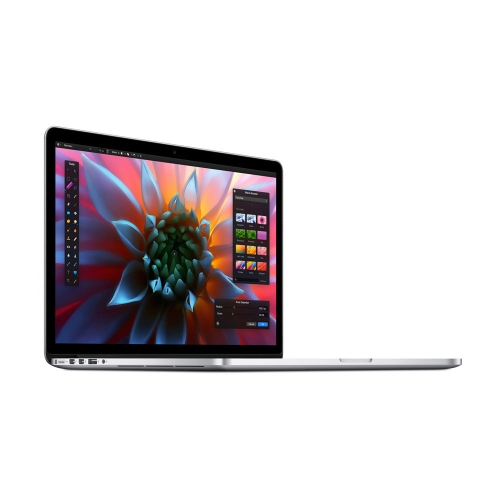
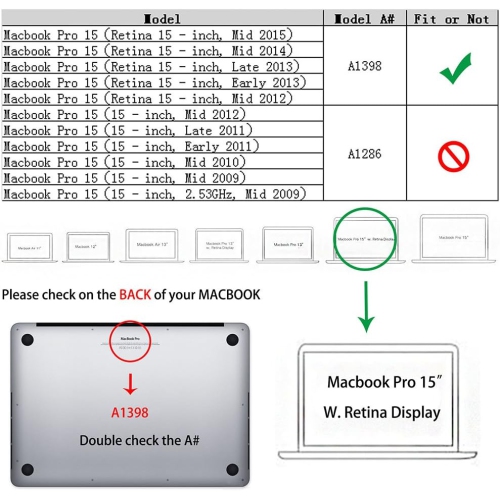
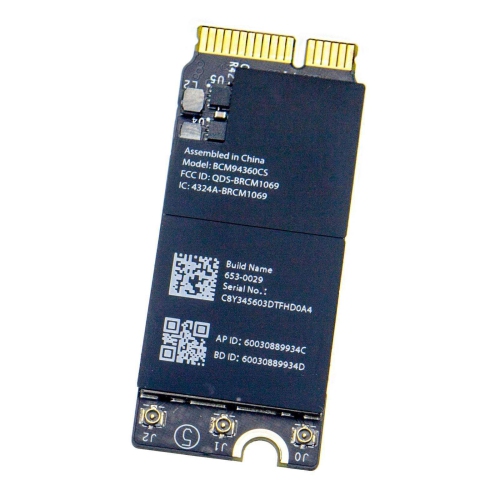
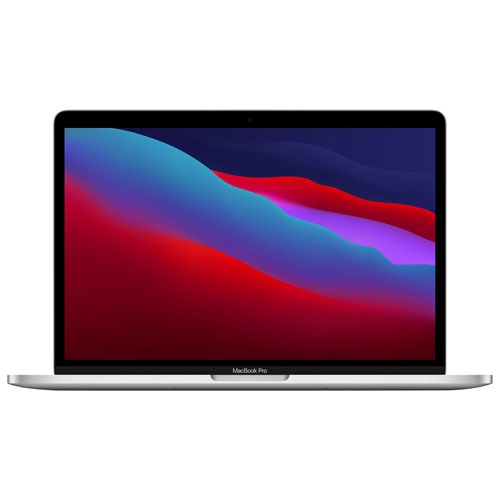
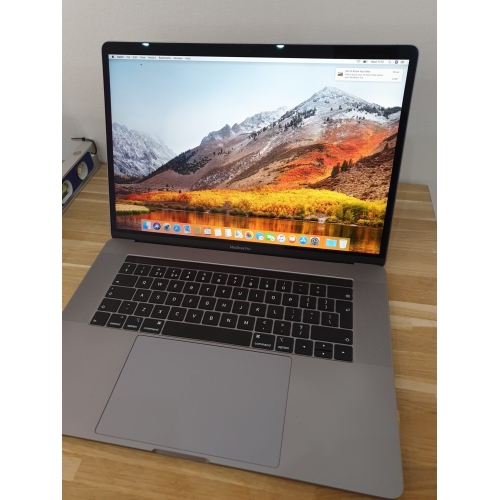
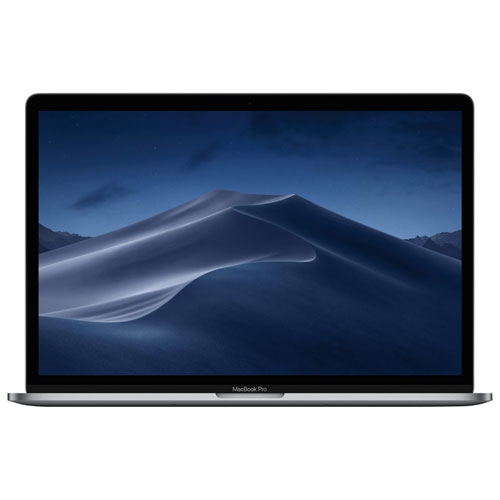
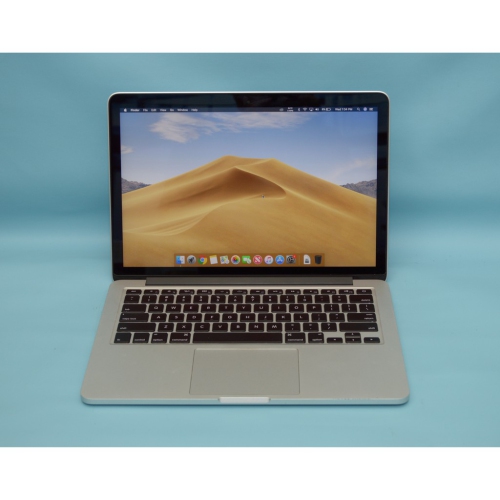
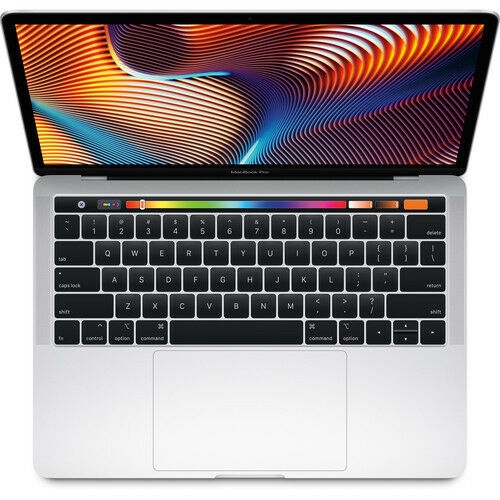
The A1398 MacBook Pro refers to a 15.4-inch notebook computer with a Retina display, produced across several generations from mid-2012 through mid-2015. Although the model number stays the same, specifications can vary by production year, processor, graphics configuration, storage capacity and trackpad design, so shoppers should compare the details of each listing rather than relying on the A1398 label alone. These computers are known for a high-resolution 2880 x 1800 display, a sturdy portable design and a spacious screen that can make documents, photo libraries, timelines and split-screen work easier to manage. Many configurations include a quad-core Intel Core i7 processor, 16GB of onboard memory and PCIe-based solid-state storage in capacities ranging from 256GB to 1TB. Graphics options may include Intel Iris Pro or dual graphics with an AMD Radeon processor and dedicated video memory. For shoppers comparing an earlier model with a later refresh, the 2015 version introduced a Force Touch trackpad, while earlier versions use a conventional click mechanism. A related year-specific selection can be found on the Macbook Pro 2013 page, which may help narrow a search when the production year matters as much as the model number.
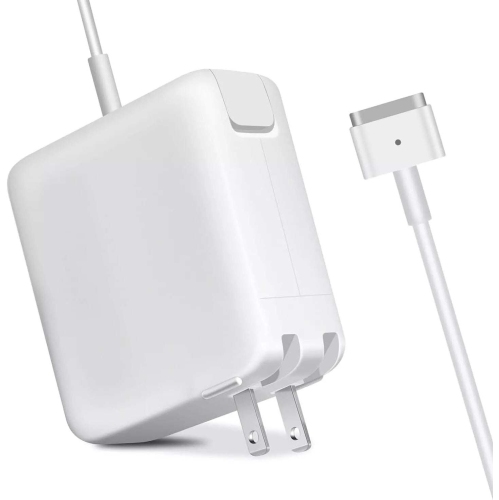
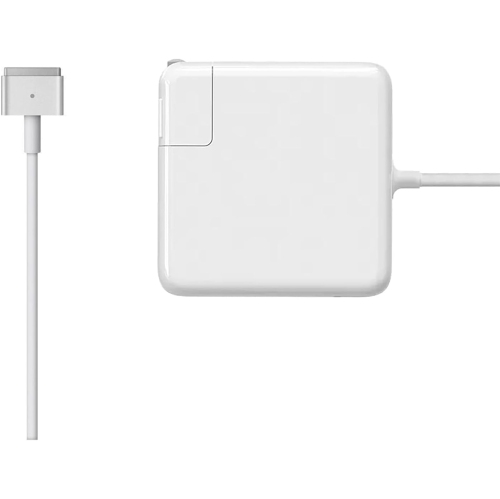
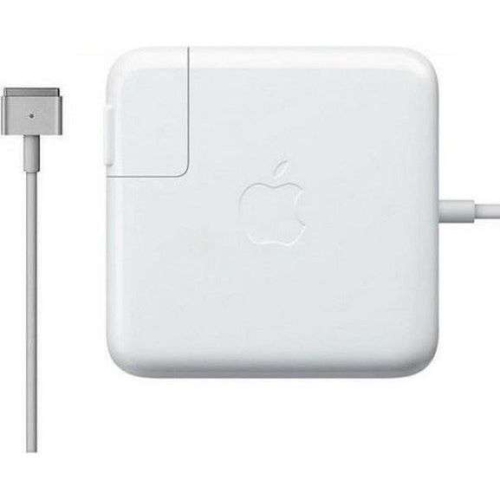
An A1398 computer can suit someone who needs a capable second computer for writing, studying, browsing, managing files or working with older versions of creative software. The 15.4-inch display provides more room than a compact notebook, which can be helpful for students reviewing research beside a document, remote workers keeping a video call and notes visible together, or photographers sorting through images from a camera. The built-in SDXC card slot can be convenient for transferring photos, while USB 3.0, Thunderbolt 2 and HDMI ports offer practical ways to connect external storage, displays and other accessories without relying entirely on wireless connections. A MagSafe 2 power connection is another defining feature, though shoppers should confirm that the required charger is included and inspect its cable and connector for wear. These machines may also appeal to someone who prefers a familiar keyboard and trackpad layout, wants an affordable home computer for everyday tasks, or needs a dependable device for a cottage, workshop or shared family space. They can make a thoughtful gift for a relative returning to school, a beginner learning basic photo organisation or a household member who mainly needs email, web access and word processing, provided the recipient understands that this is an older Intel-based computer and not a new-generation system. For more demanding work, such as modern 3D applications, recent professional software, intensive video editing or contemporary games, newer hardware may provide a better experience. Older computers can also have shorter battery life, with real-world runtime depending on battery health, screen brightness, workload and settings; a unit with an aged battery may offer only a few hours away from an outlet. During the cooler months, a laptop that spends more time on a desk or kitchen table may be used with an external monitor, keyboard or charging station, while its larger screen remains useful for evening coursework, household planning and creative projects.
Condition and compatibility deserve close attention when choosing among A1398 listings. Check the exact year, processor speed, memory, storage size, graphics hardware, display condition and battery status, then look for clear information about included accessories, charging capability and return coverage. Since the memory is onboard and cannot be treated like a simple removable upgrade, selecting enough memory and storage at purchase is especially important. A 256GB solid-state drive may work well for documents and light everyday use, while people storing large photo collections, video files or software libraries may prefer more capacity or plan to use external storage. Inspect the screen for bright spots, lines or marks, and check the keyboard, trackpad, ports, webcam, speakers and wireless connections where possible. It is also wise to confirm which version of the operating system the computer supports and whether the applications used for school, work or personal projects remain compatible. Official software support for these older Intel-based models has ended in many cases, and unofficial operating-system installation methods can involve technical trade-offs, so they should not be assumed to provide the same simplicity or security as a supported computer. Before handing one over as a gift, complete updates available for its supported system, remove any previous user’s account, test the charger and create a fresh user profile. With realistic expectations, an A1398 MacBook Pro can still serve as a practical large-screen computer for familiar tasks, file access, media viewing and light creative work, especially for shoppers who value its built-in ports and Retina display. The best match depends on the intended workload, the condition of the individual unit and the amount of time the computer is expected to spend away from a power outlet.
An A1398 computer can suit someone who needs a capable second computer for writing, studying, browsing, managing files or working with older versions of creative software. The 15.4-inch display provides more room than a compact notebook, which can be helpful for students reviewing research beside a document, remote workers keeping a video call and notes visible together, or photographers sorting through images from a camera. The built-in SDXC card slot can be convenient for transferring photos, while USB 3.0, Thunderbolt 2 and HDMI ports offer practical ways to connect external storage, displays and other accessories without relying entirely on wireless connections. A MagSafe 2 power connection is another defining feature, though shoppers should confirm that the required charger is included and inspect its cable and connector for wear. These machines may also appeal to someone who prefers a familiar keyboard and trackpad layout, wants an affordable home computer for everyday tasks, or needs a dependable device for a cottage, workshop or shared family space. They can make a thoughtful gift for a relative returning to school, a beginner learning basic photo organisation or a household member who mainly needs email, web access and word processing, provided the recipient understands that this is an older Intel-based computer and not a new-generation system. For more demanding work, such as modern 3D applications, recent professional software, intensive video editing or contemporary games, newer hardware may provide a better experience. Older computers can also have shorter battery life, with real-world runtime depending on battery health, screen brightness, workload and settings; a unit with an aged battery may offer only a few hours away from an outlet. During the cooler months, a laptop that spends more time on a desk or kitchen table may be used with an external monitor, keyboard or charging station, while its larger screen remains useful for evening coursework, household planning and creative projects.
Condition and compatibility deserve close attention when choosing among A1398 listings. Check the exact year, processor speed, memory, storage size, graphics hardware, display condition and battery status, then look for clear information about included accessories, charging capability and return coverage. Since the memory is onboard and cannot be treated like a simple removable upgrade, selecting enough memory and storage at purchase is especially important. A 256GB solid-state drive may work well for documents and light everyday use, while people storing large photo collections, video files or software libraries may prefer more capacity or plan to use external storage. Inspect the screen for bright spots, lines or marks, and check the keyboard, trackpad, ports, webcam, speakers and wireless connections where possible. It is also wise to confirm which version of the operating system the computer supports and whether the applications used for school, work or personal projects remain compatible. Official software support for these older Intel-based models has ended in many cases, and unofficial operating-system installation methods can involve technical trade-offs, so they should not be assumed to provide the same simplicity or security as a supported computer. Before handing one over as a gift, complete updates available for its supported system, remove any previous user’s account, test the charger and create a fresh user profile. With realistic expectations, an A1398 MacBook Pro can still serve as a practical large-screen computer for familiar tasks, file access, media viewing and light creative work, especially for shoppers who value its built-in ports and Retina display. The best match depends on the intended workload, the condition of the individual unit and the amount of time the computer is expected to spend away from a power outlet.
Top selling and popular products
-
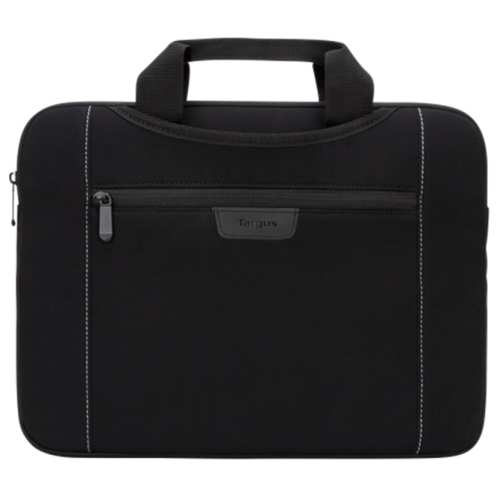 Your price for this item is $43.68
 -
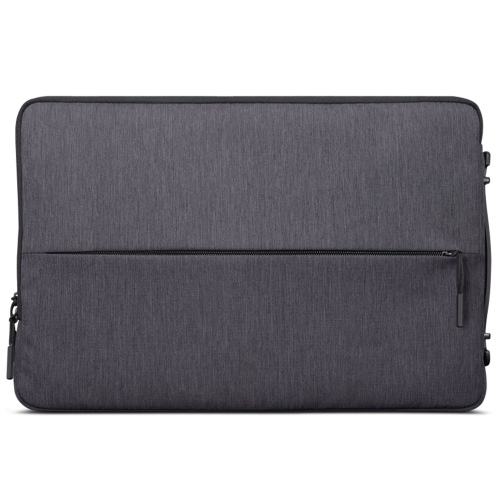 Your price for this item is $18.99
 -
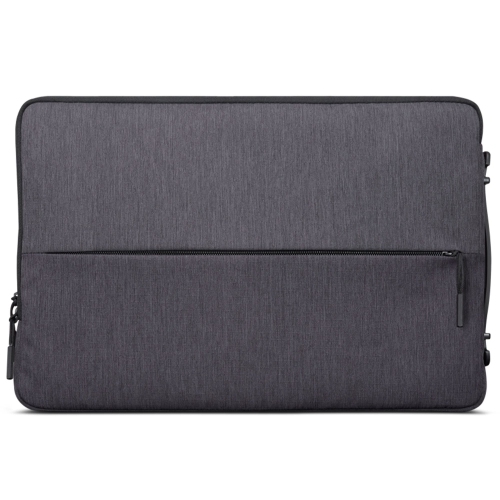 Your price for this item is $22.99
 -
 Your price for this item is $37
 -
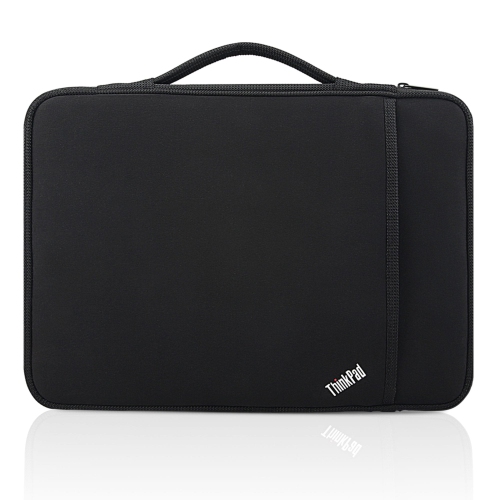 Your price for this item is $43.68
 -
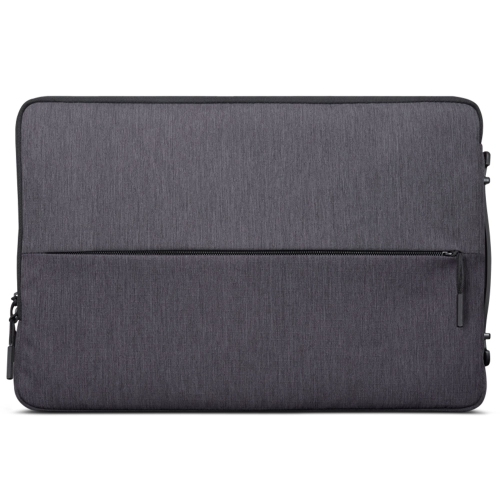 Your price for this item is $23.99
 -
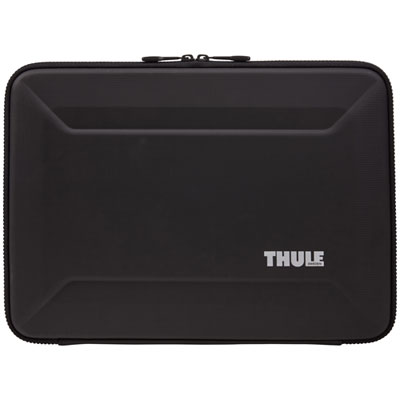 Your price for this item is $64.99
 -
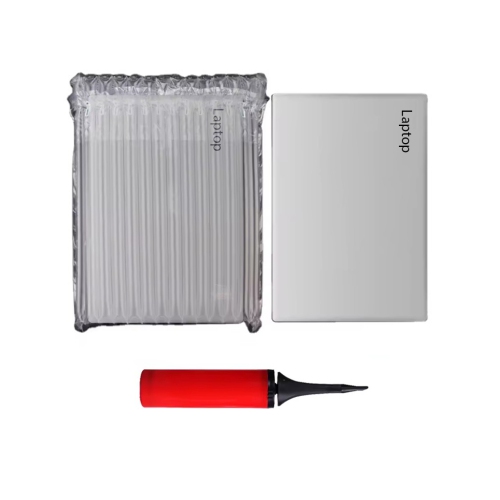 Your price for this item is $134.95
Discover more categories related to A1398 Macbook Pro

Top Collections:
Pokemon Centers, Kindle Devices, Best Budget Office Chairs, Apple iPhones 16, Best Laptops for Writers, iPhone 15 Apple, Canon G7X Cameras, Refurbished Apple Laptops, Alarm Clock, Motorola Razr Phones
Some products may be subject to Environmental Handling Fees
(EHF) depending on your province.
Learn more about EHFs.