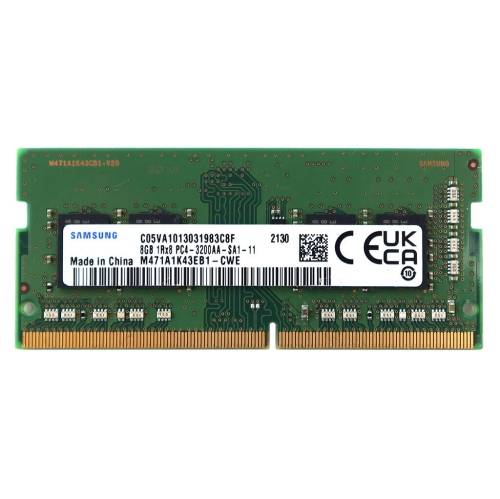
Memory 8GB DDR3L 1600MHz
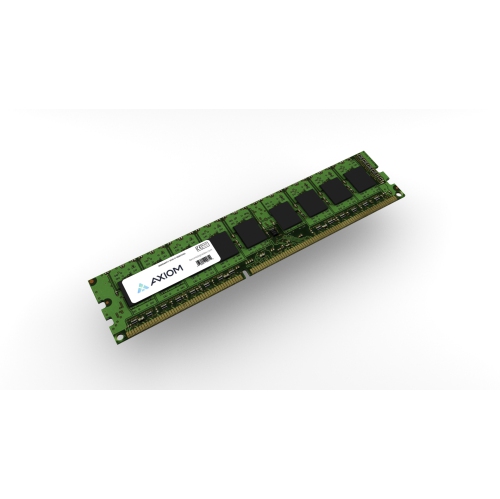
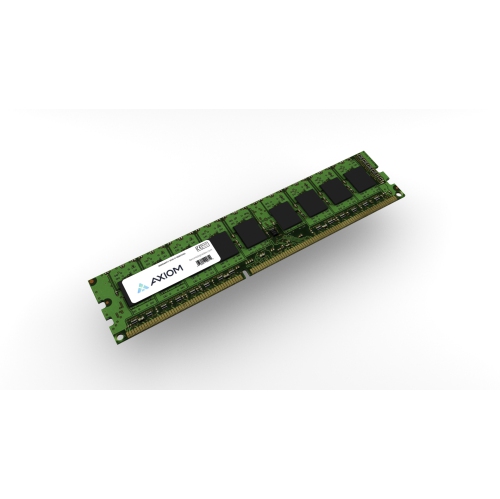
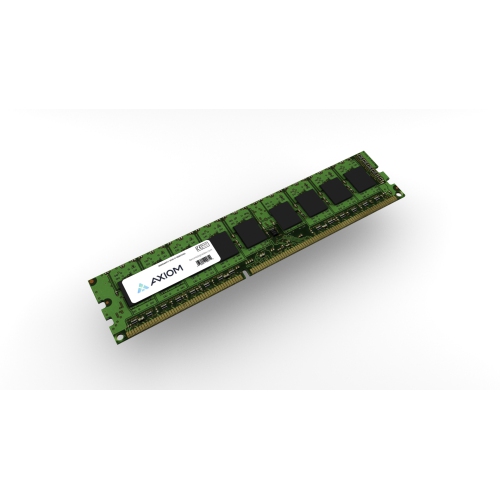
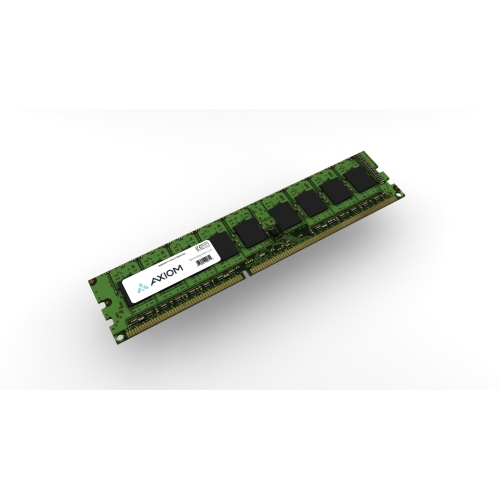
Upgrade your computer’s performance with Memory 8GB DDR3L 1600MHz, designed to support smooth multitasking and reliable operation. Ideal for a range of desktop and laptop systems, these memory modules help enhance responsiveness for everyday computing tasks. Explore options that make it easy to boost your device’s capabilities and enjoy an improved user experience with Memory 8GB DDR3L 1600MHz.
Sort
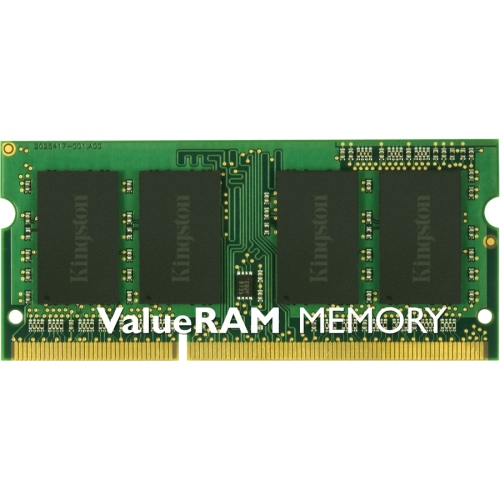
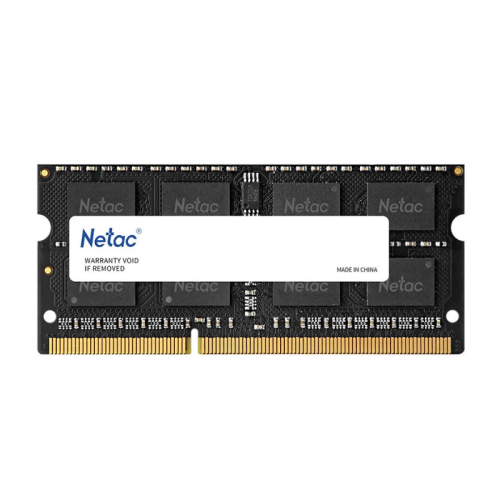
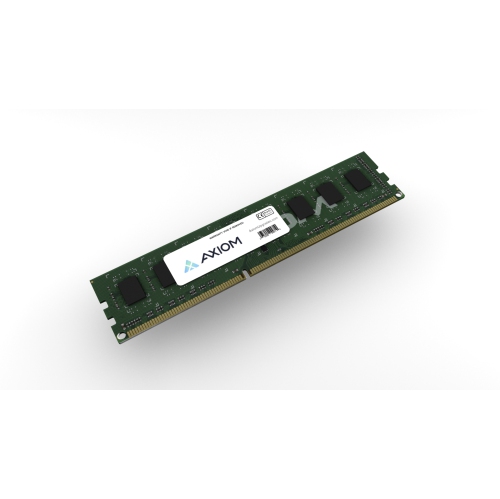


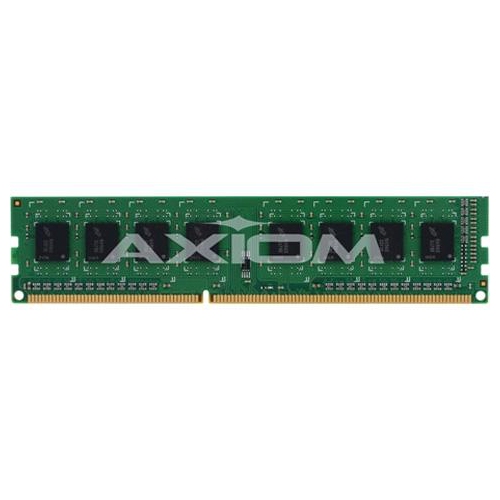
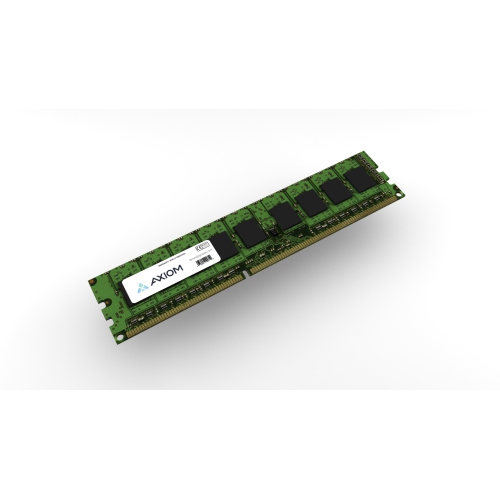
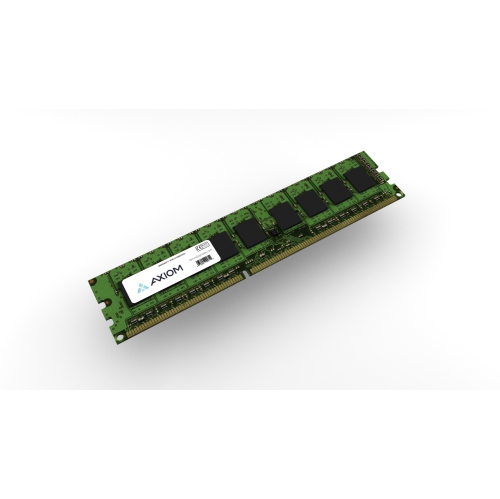
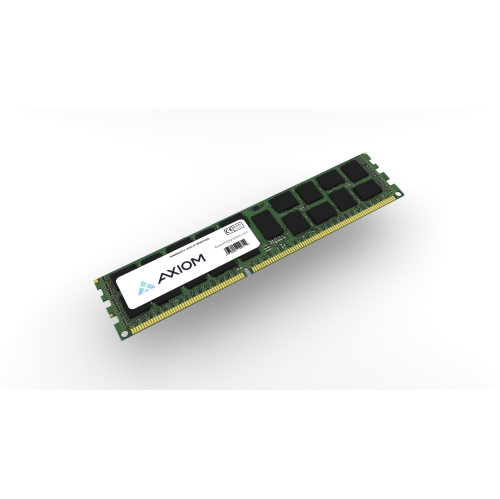
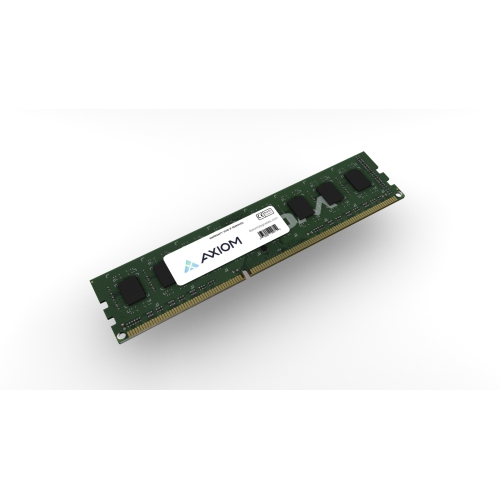
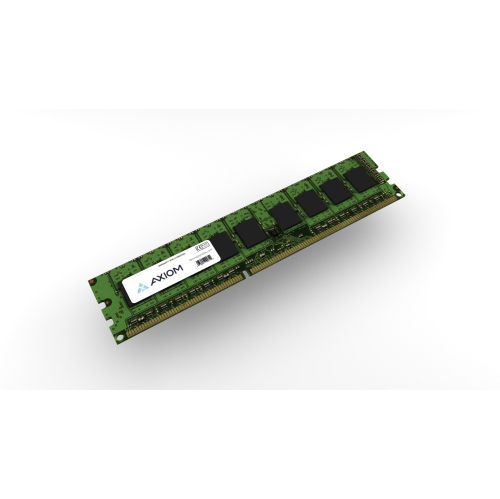
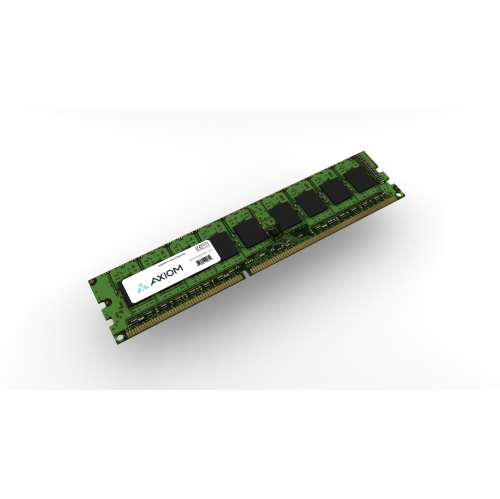
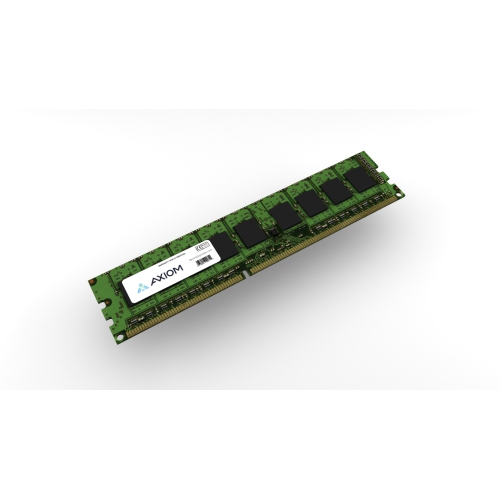
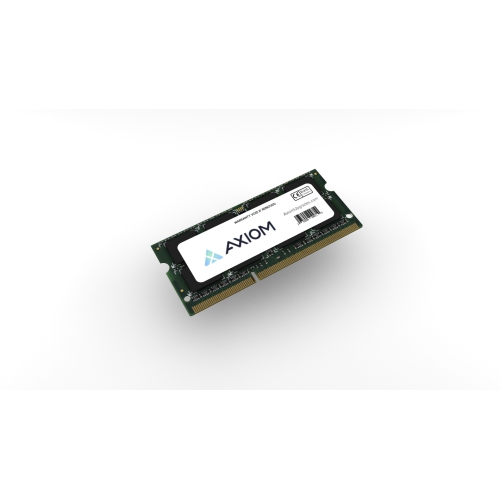
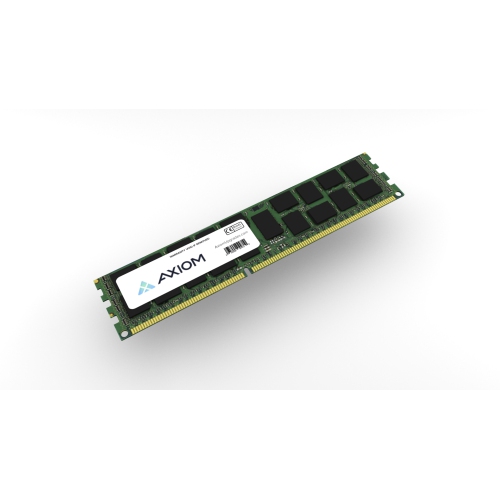
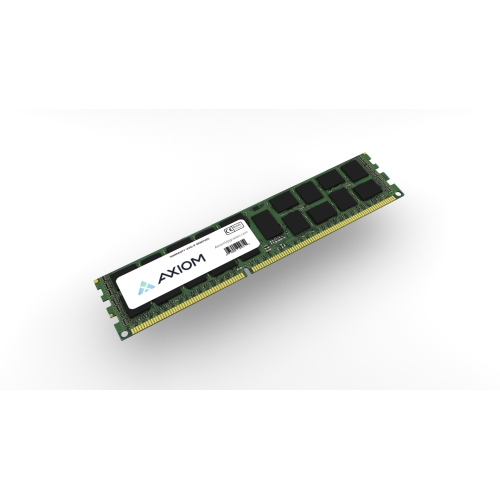
A practical performance boost for older laptops and desktops
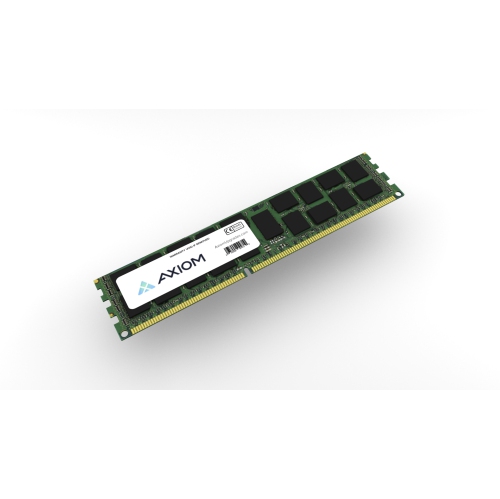
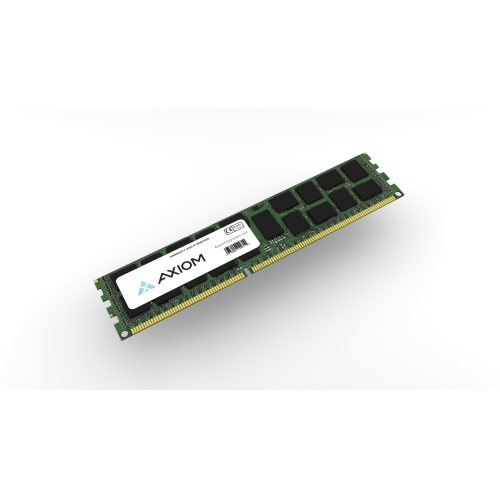
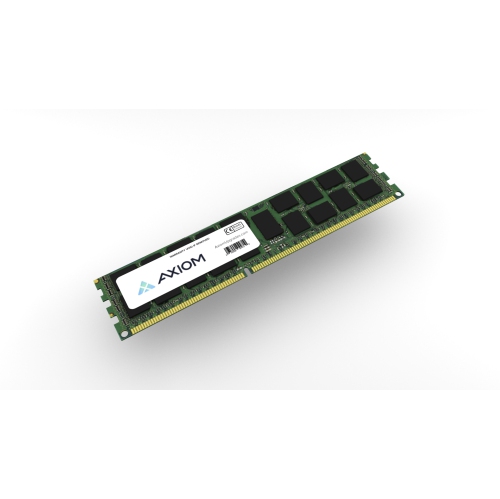
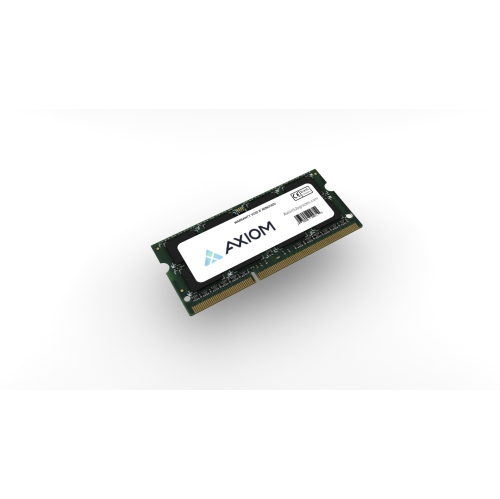
When it comes to upgrading or maintaining your computer’s performance, 8GB DDR3L 1600MHz memory remains a reliable choice for many users. Whether you’re refreshing a trusted laptop that’s been your companion through countless late-night study sessions, or breathing new life into a desktop that’s become the family’s go-to for streaming movies and organizing photos, this memory type offers a balance of speed and efficiency for everyday tasks. As winter keeps us indoors and digital activities ramp up—be it catching up on projects, gaming marathons, or managing your media library—having the right memory installed can make all the difference in how smoothly your system runs. DDR3L stands out for its low voltage requirements, which can be especially helpful for laptops by providing stable performance without draining your battery as quickly. For students gearing up for the semester, remote professionals who rely on their devices for video calls and multitasking, or families sharing a home computer, this memory configuration can help ensure that your system keeps up with your daily demands.
Selecting the right 8GB DDR3L 1600MHz memory involves a few key considerations. Compatibility is essential; check your device’s specifications to ensure it supports DDR3L and 1600MHz speed, as not all systems are interchangeable between memory types and speeds. This memory is particularly popular for older laptops and desktops that require a cost-effective upgrade, making it a thoughtful gift for anyone looking to extend the usability of their current device without investing in a whole new system. Imagine gifting a student a memory upgrade before midterms, or helping a grandparent’s computer run faster so they can more easily connect with family over video chat during the chilly months. Installation is often straightforward, and for those who enjoy a bit of DIY, it’s a satisfying project that can yield immediate results—faster boot times, smoother multitasking, and a noticeable reduction in lag when switching between applications. If your needs are evolving or you’re considering future-proofing your setup, you might also want to explore newer memory technologies like Memory 8GB DDR4 for systems that support them.
Keeping your computer running efficiently is especially important during the winter, when we rely on our devices for everything from virtual gatherings to streaming the latest shows while staying warm indoors. Upgrading to 8GB DDR3L 1600MHz memory can be a simple yet effective way to enhance your system’s responsiveness, whether you’re editing photos from a recent family gathering, managing spreadsheets for work, or enjoying a quiet evening playing your favourite games. This memory type is ideal for users who want a boost in performance without the complexity or cost of a full system overhaul. It’s a practical solution for extending the life of a beloved computer, and can be a meaningful upgrade for students, professionals, or anyone who values a smooth, reliable computing experience. With the right memory in place, your device is ready to meet the demands of the season and beyond, making everyday tasks more enjoyable and efficient.
Selecting the right 8GB DDR3L 1600MHz memory involves a few key considerations. Compatibility is essential; check your device’s specifications to ensure it supports DDR3L and 1600MHz speed, as not all systems are interchangeable between memory types and speeds. This memory is particularly popular for older laptops and desktops that require a cost-effective upgrade, making it a thoughtful gift for anyone looking to extend the usability of their current device without investing in a whole new system. Imagine gifting a student a memory upgrade before midterms, or helping a grandparent’s computer run faster so they can more easily connect with family over video chat during the chilly months. Installation is often straightforward, and for those who enjoy a bit of DIY, it’s a satisfying project that can yield immediate results—faster boot times, smoother multitasking, and a noticeable reduction in lag when switching between applications. If your needs are evolving or you’re considering future-proofing your setup, you might also want to explore newer memory technologies like Memory 8GB DDR4 for systems that support them.
Keeping your computer running efficiently is especially important during the winter, when we rely on our devices for everything from virtual gatherings to streaming the latest shows while staying warm indoors. Upgrading to 8GB DDR3L 1600MHz memory can be a simple yet effective way to enhance your system’s responsiveness, whether you’re editing photos from a recent family gathering, managing spreadsheets for work, or enjoying a quiet evening playing your favourite games. This memory type is ideal for users who want a boost in performance without the complexity or cost of a full system overhaul. It’s a practical solution for extending the life of a beloved computer, and can be a meaningful upgrade for students, professionals, or anyone who values a smooth, reliable computing experience. With the right memory in place, your device is ready to meet the demands of the season and beyond, making everyday tasks more enjoyable and efficient.
Top selling and popular products
-
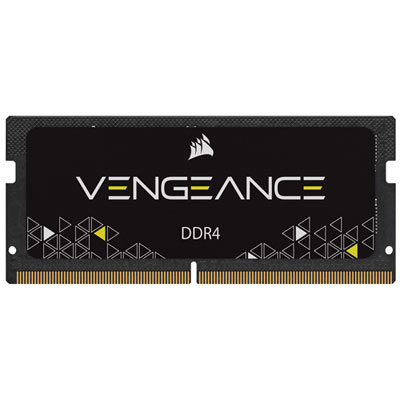 Your price for this item is $215.99
 -
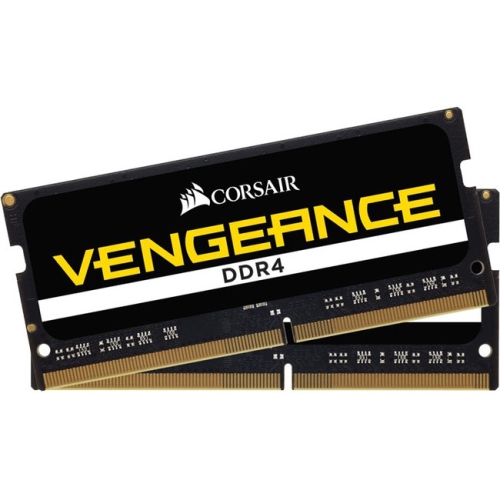 Your price for this item is $374.98
 -
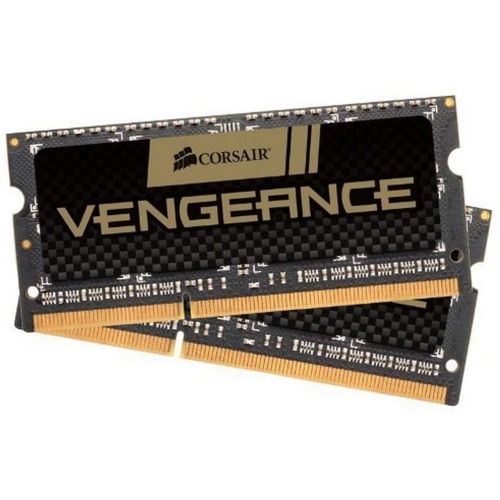 Your price for this item is $3000
 -
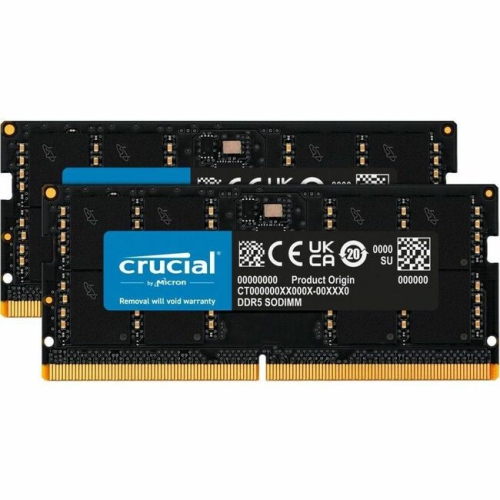 Your price for this item is $1642.68
 -
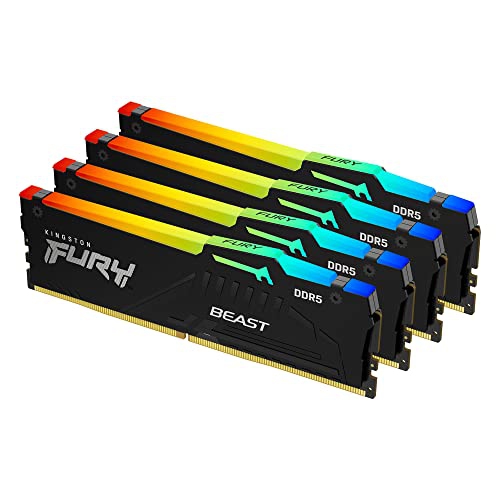 Your price for this item is $1614.05
 -
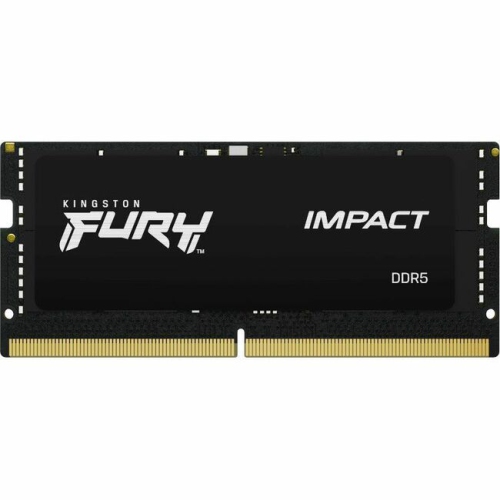 Your price for this item is $626.68
 -
 Your price for this item is $149.99
 -
 Your price for this item is $4299.99
Discover more categories related to Memory 8GB DDR3L 1600MHz

Top Collections:
Pokemon Centers, Kindle Devices, Best Budget Office Chairs, Apple iPhones 16, Best Laptops for Writers, iPhone 15 Apple, Canon G7X Cameras, Refurbished Apple Laptops, Alarm Clock, Motorola Razr Phones
Some products may be subject to Environmental Handling Fees
(EHF) depending on your province.
Learn more about EHFs.