Memory 8GB DDR3
Upgrade your computer’s performance with Memory 8GB DDR3, designed to help you handle everyday tasks and multitasking with ease. Whether you're enhancing a desktop or laptop, this memory option offers reliable support for smoother operation and improved responsiveness. Find the right Memory 8GB DDR3 to suit your needs and enjoy a more efficient computing experience.
Sort




Why memory upgrades depend on more than capacity
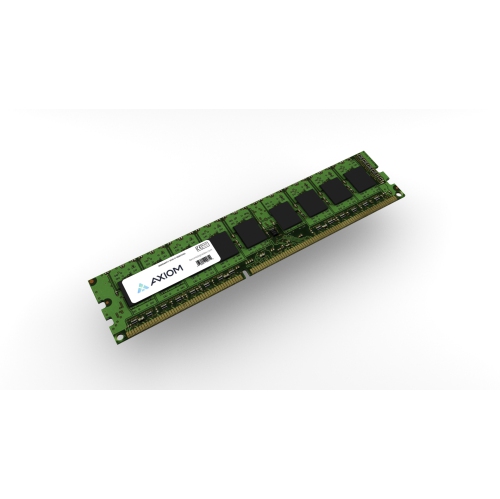
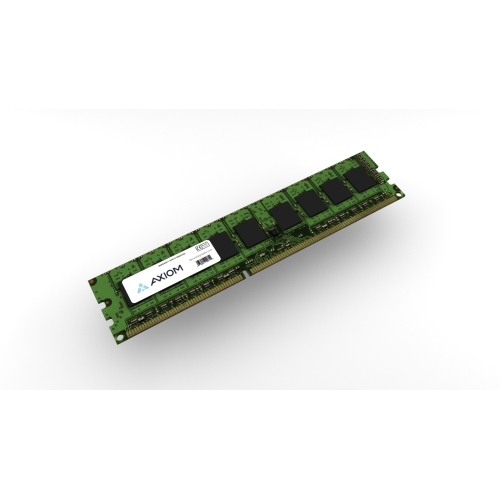
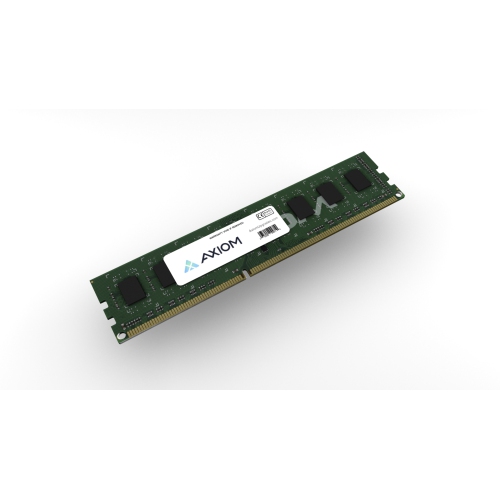
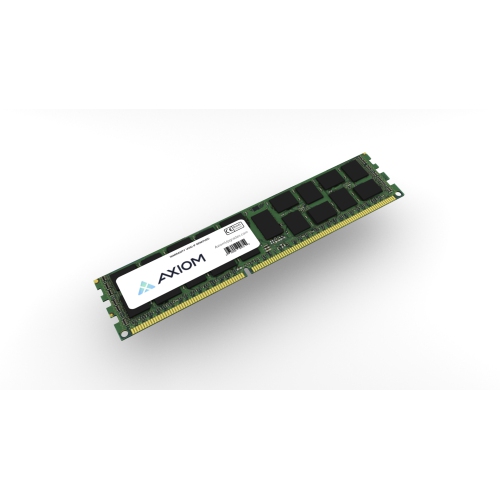
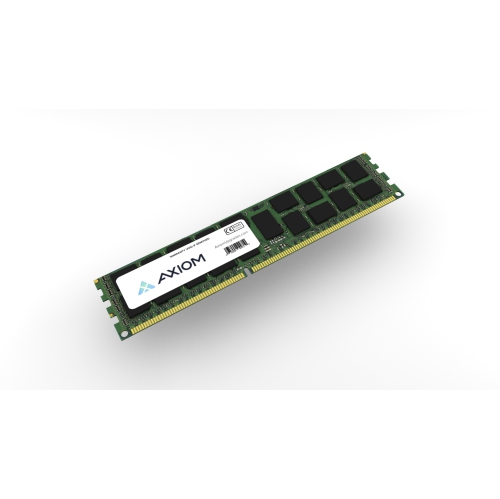
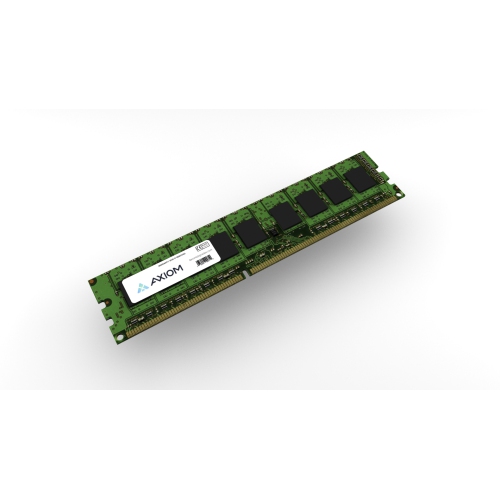
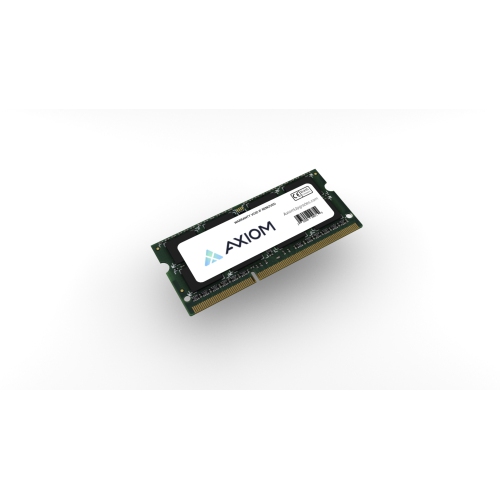
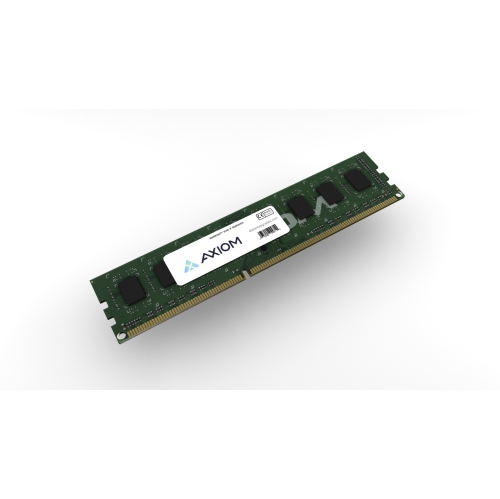
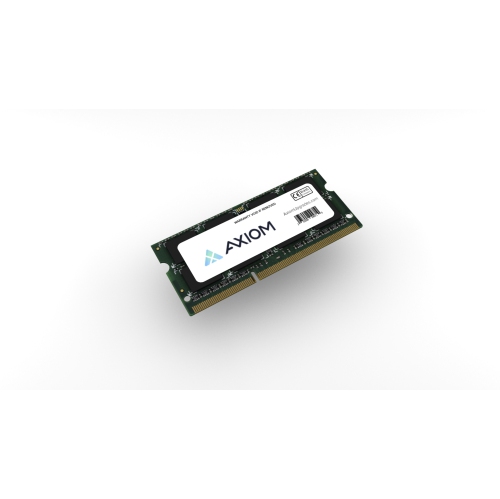
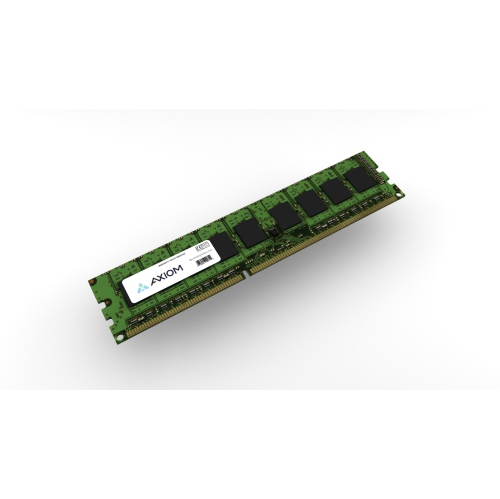
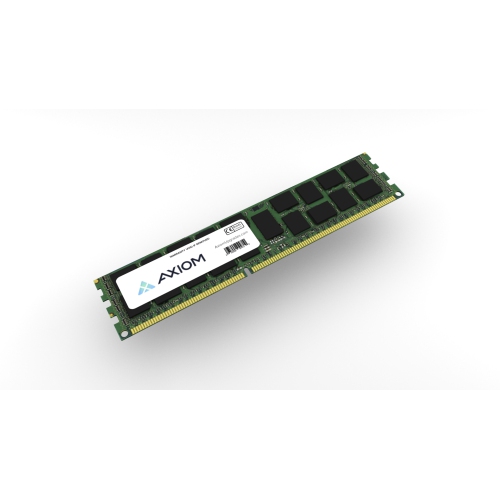
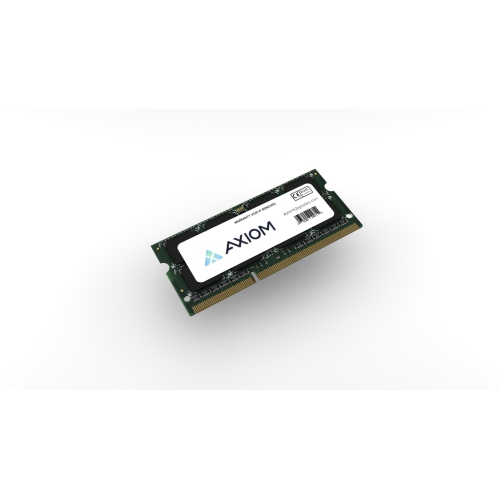
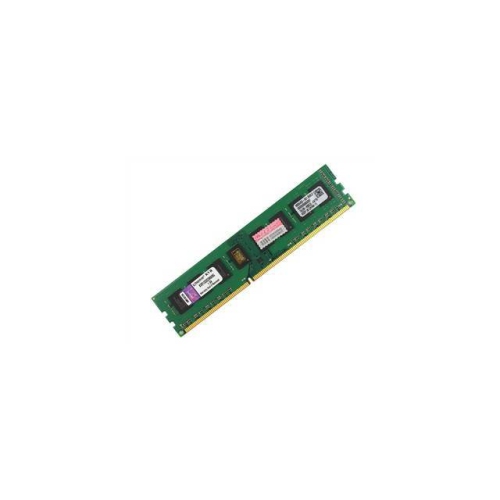
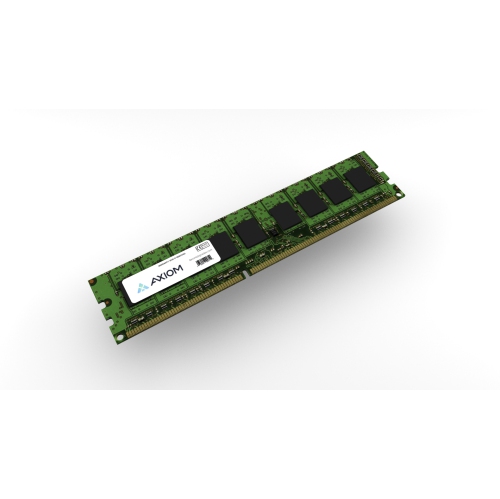
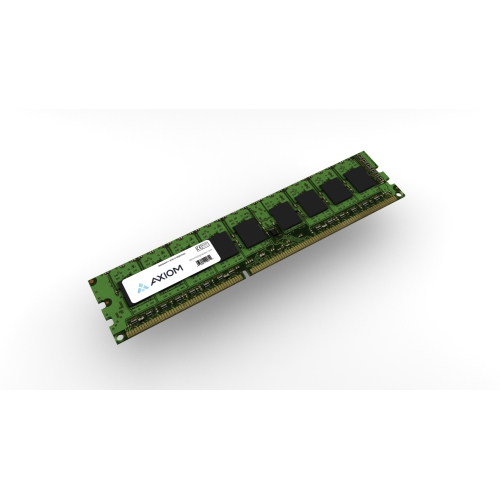
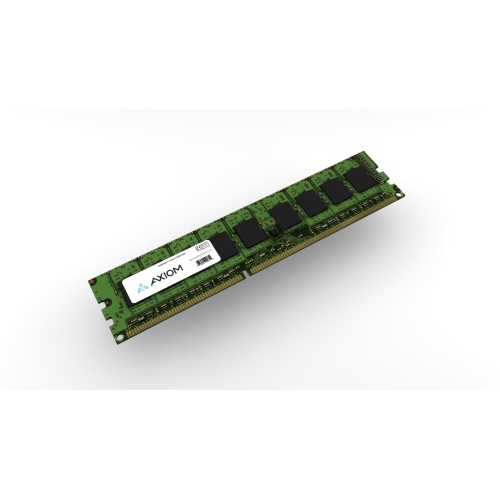
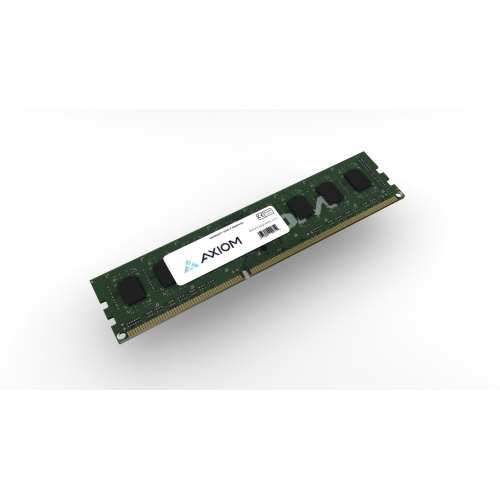
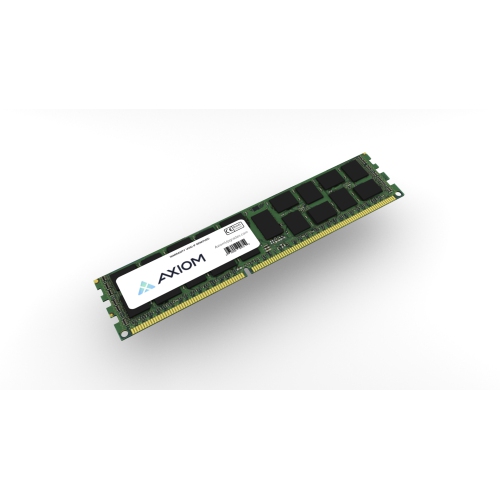
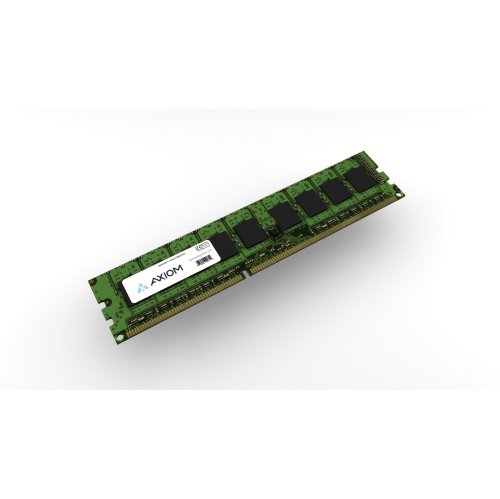
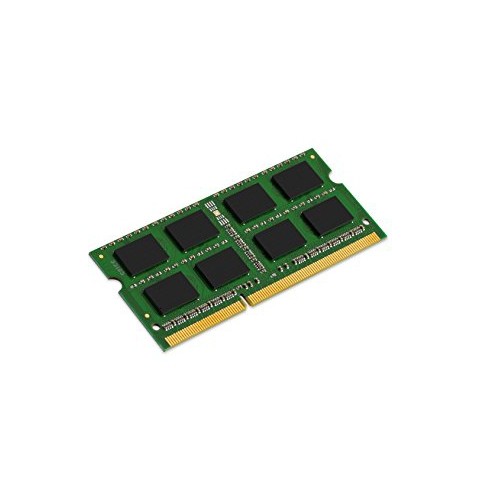
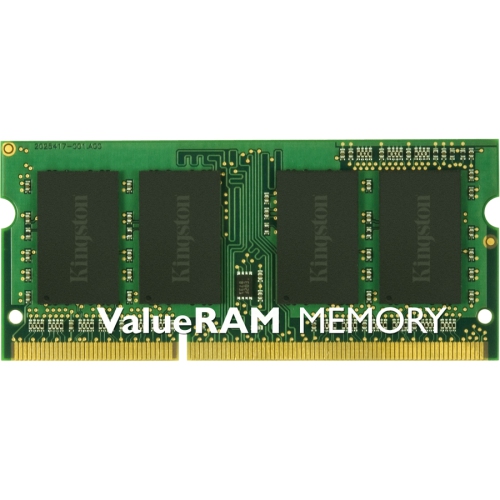
8GB DDR3 RAM provides working memory for compatible desktop and laptop computers designed to use the DDR3 memory standard. It holds the information that open applications need while they run, helping a computer move between tasks without relying as heavily on slower temporary storage on its drive. Standard desktop DDR3 memory typically uses a 240-pin UDIMM, while laptops and some compact computers use a shorter, 204-pin SO-DIMM. These formats are not interchangeable, and DDR3 modules cannot replace DDR4 or DDR5 memory. The right fit depends on the computer’s motherboard, processor support, memory slots, and voltage requirements—not simply the capacity printed on the label. For an older computer with limited memory, moving to 8GB can make everyday activities feel more comfortable, particularly when a browser, a document, and a video call are open together. A student reviewing lecture slides beside an assignment or someone switching between spreadsheets and email may notice fewer interruptions caused by memory pressure. The benefit depends on the starting configuration and workload: adding RAM cannot make an older processor perform like a newer one, and it does not increase the space available for photos, downloads, or installed software. Memory and storage serve different purposes, and the contents of RAM are normally lost when power is removed. An 8GB capacity can suit basic productivity, web browsing, media playback, and some older games, although demanding editing software, large creative projects, and heavier multitasking may need more. The capacity description also deserves attention. A single 8GB module is different from an 8GB kit containing two 4GB modules, even though both provide the same total amount of memory. That distinction matters when a computer has only one accessible slot, when another slot is already occupied, or when the system supports a particular arrangement for dual-channel operation.
Compatibility details help distinguish DDR3 memory that looks similar but behaves differently in a particular computer. Common speed labels include 1333MHz, often identified as PC3-10600, and 1600MHz, commonly identified as PC3-12800. These markings describe the memory’s rated operating specification rather than a guaranteed improvement in every application. The actual operating speed is limited by what the processor, motherboard, firmware, and installed memory can support together. A faster-rated module may run at a lower supported speed, but that possibility is not a substitute for confirmed compatibility. When memory is added alongside an existing module, matching the supported speed, voltage, capacity, and timings can reduce uncertainty. Modules with different ratings may operate together at shared settings, but mixed configurations are not guaranteed to work. Standard DDR3 generally operates at 1.5V, while DDR3L is rated for 1.35V. Many DDR3L modules also support 1.5V operation, though the module specifications and the computer’s requirements remain the deciding factors. A system that requires low-voltage memory should not be assumed to accept standard 1.5V DDR3. Capacity limits are equally important: a computer might support 8GB overall without accepting an 8GB module in one slot. The maximum capacity per slot, total supported memory, and supported chip organization can all affect whether a module is recognized. Some older systems are sensitive to memory density or rank configuration, details that may appear in the manufacturer’s compatibility documentation. Most everyday desktops and laptops use unbuffered, non-ECC memory; registered or ECC memory intended for certain servers and workstations is not a general substitute. The operating system also affects usable capacity. A typical 32-bit desktop operating system cannot use a full 8GB of RAM, while a compatible 64-bit system can address more memory within its own limits. Even then, some installed memory may be reserved for integrated graphics or other hardware. These distinctions explain why capacity alone is not enough to establish a suitable match.
The physical construction of DDR3 memory is straightforward but precise: memory chips are mounted on a rigid circuit board, with edge contacts that connect to the slot. Some desktop modules have a metal heat spreader, while others leave the chips exposed. A heat spreader changes the module’s profile, so clearance can matter in compact cases or beside a large processor cooler; its presence alone does not establish compatibility or better performance for ordinary tasks. Laptop SO-DIMMs are smaller, but access varies widely between computers. Some have a removable service panel, some require more extensive disassembly, and others use soldered memory that cannot be replaced with a module. The computer’s service documentation helps establish whether an upgrade is possible and whether professional installation would be more appropriate. RAM has no moving parts and needs little routine care once correctly installed. Its exposed contacts and electronic components still deserve careful handling: holding a module by its edges, avoiding contact with the connector surfaces, and using suitable protection against static discharge help prevent damage. Installation belongs in a fully powered-down computer with external power disconnected and any battery precautions handled according to the manufacturer’s directions. A correctly matched notch and properly engaged retaining clips provide a secure connection; force is not a remedy for an incompatible module or an obstructed slot. For memory kept outside a computer, protective antistatic packaging helps shield the board and contacts from accidental handling damage. After installation, the amount recognized by the firmware and operating system should reflect the intended configuration, allowing for hardware-reserved memory. A memory diagnostic can help identify faults if the computer develops crashes, unexpected restarts, or application errors. For someone maintaining a familiar desktop for household paperwork, keeping a laptop useful for coursework, or restoring a compatible spare computer, the strongest choice is memory matched to the machine’s documented requirements and the tasks it needs to handle.
Top selling and popular products
-
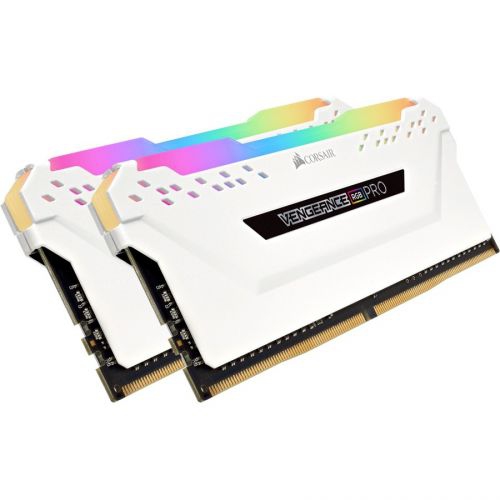 Your price for this item is $307.68
-
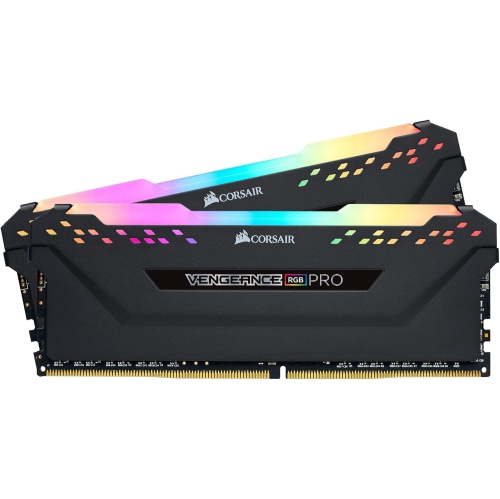 Your price for this item is $389.99
-
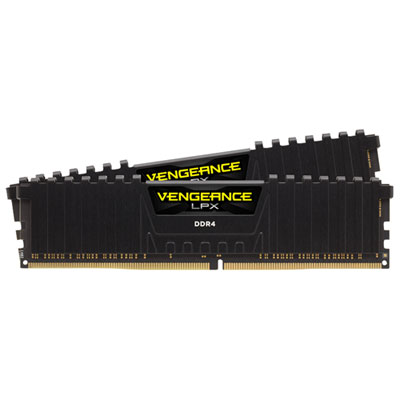 Your price for this item is $431.98
-
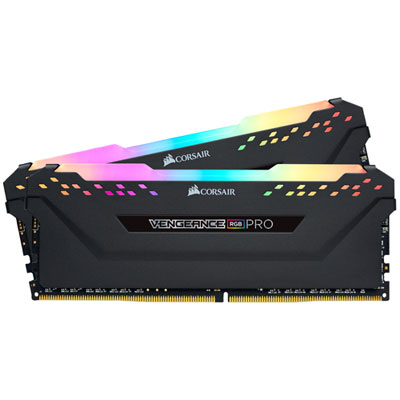 Your price for this item is $450.98
-
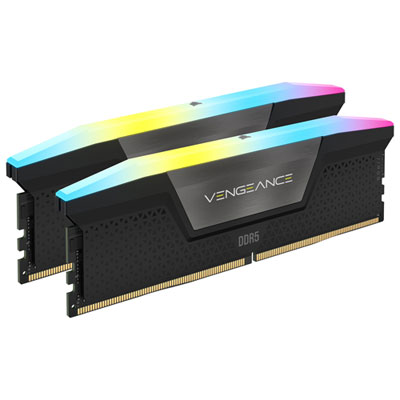 Your price for this item is $844.99
-
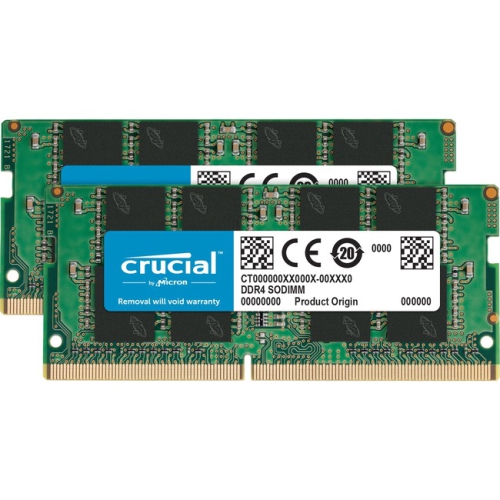 Your price for this item is $388.88
-
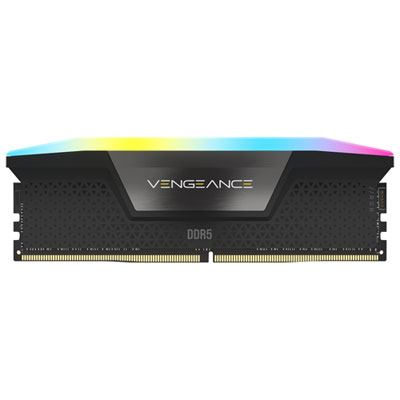 Your price for this item is $1853.99
-
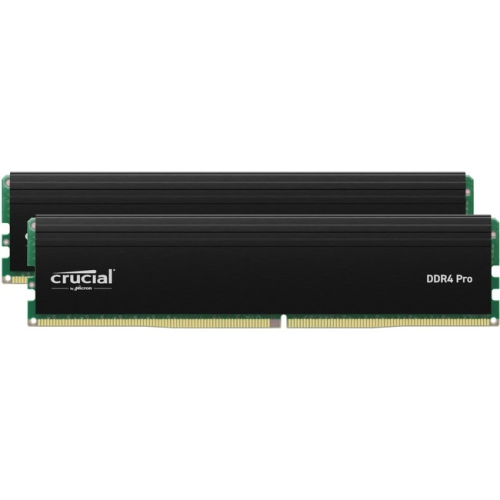 Your price for this item is $975.68
Discover more categories related to Memory 8GB DDR3


Top Collections:
Best Black Friday Deals This Year, Best Black Friday Deals On Electronics, Kindle Devices, Pokemon Centers, Best Black Friday Deals On Apple Products, Best Cameras for Sports Photography, Dyson Airwrap, Pokémon 30th Celebration Cards, Apple iPhone 17 Pro, Canon G7X Cameras
Some products may be subject to Environmental Handling Fees
(EHF) depending on your province.
Learn more about EHFs.