Memory DDR4 2400
Upgrade your computer’s performance and enjoy smoother multitasking with Memory DDR4 2400. Ideal for a wide range of desktops and laptops, this type of memory offers reliable support for everyday computing needs, gaming, and creative projects. Explore a variety of options to find the perfect fit for your system and unlock enhanced efficiency with Memory DDR4 2400.
Sort
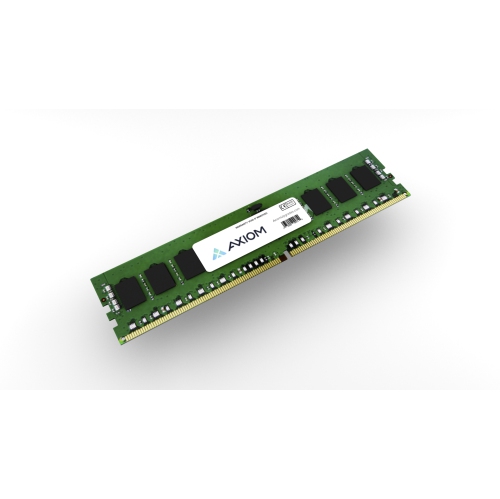
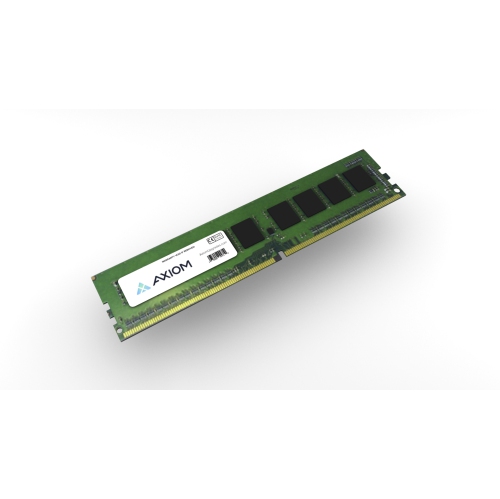

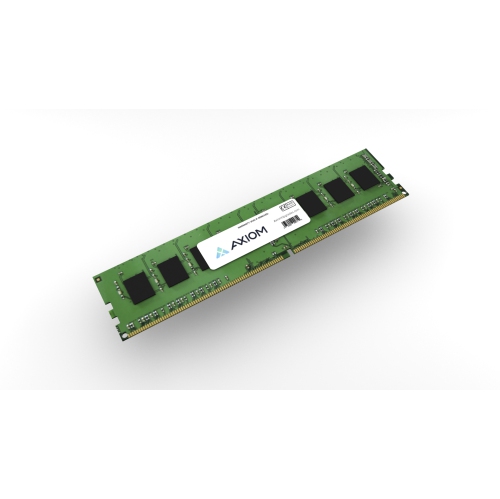
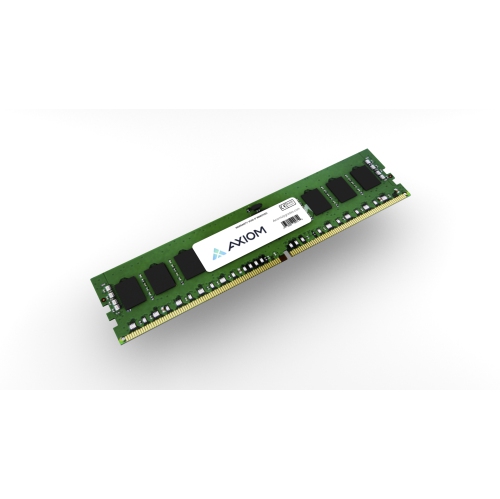


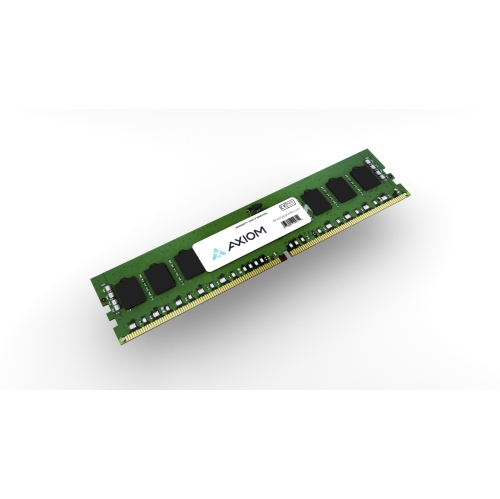
The right RAM depends on more than speed
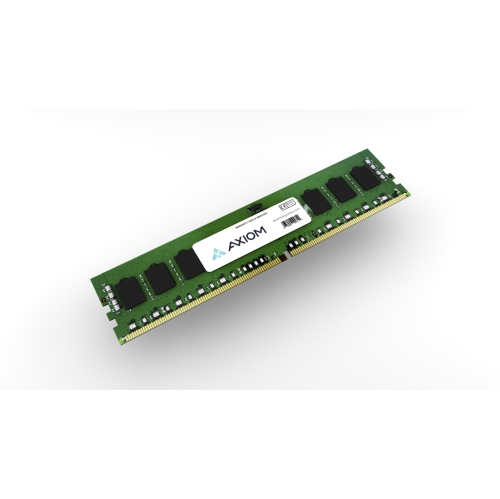
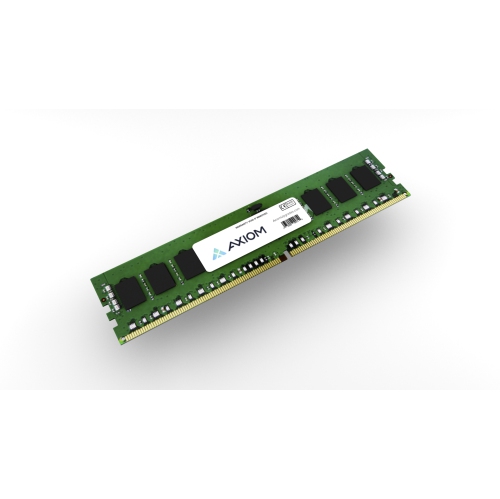
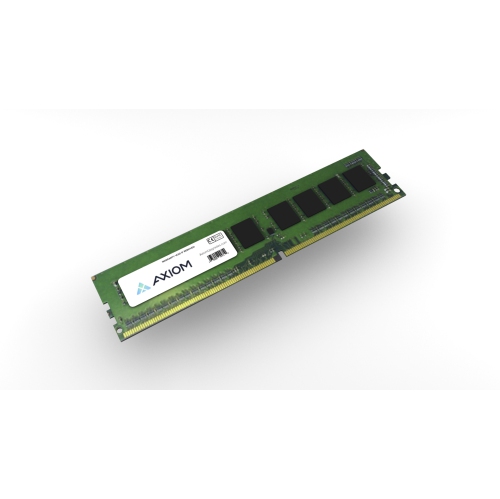
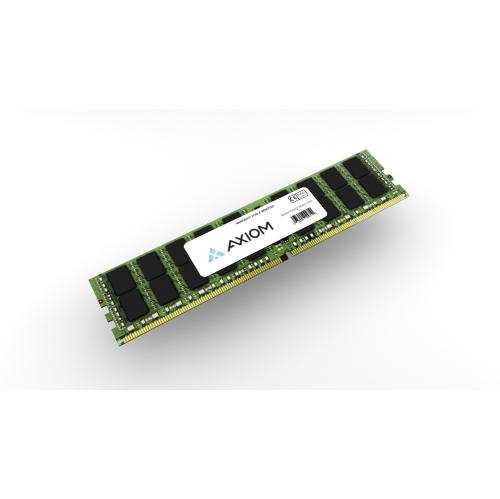
DDR4-2400 memory provides working space for the applications, documents, and background tasks running on a compatible computer. It transfers data at 2400 megatransfers per second (MT/s), a rate commonly described as 2400 MHz in product listings. Because DDR memory transfers data twice per clock cycle, its input/output clock runs at 1200 MHz. DDR4-2400 is also known as PC4-19200, a designation that refers to its theoretical bandwidth of 19.2 GB/s per 64-bit memory channel. Standard DDR4 operates at 1.2 V, although a computer’s supported settings remain important when choosing compatible modules. These specifications describe memory performance, while capacity determines how much active information the computer can hold at once. For someone moving between a video call, a large spreadsheet, and several browser tabs, sufficient RAM can help keep those tasks accessible without repeatedly moving data between memory and storage. A student working with research documents, a home office user managing multiple applications, or a hobbyist editing photographs may all benefit from additional capacity when an existing system is running short. An 8 GB configuration can suit lighter workloads, while 16 GB offers more room for multitasking, and 32 GB may be useful for larger creative projects or virtual machines. Those amounts are general reference points rather than guarantees: application requirements and the computer’s maximum supported capacity matter more than a single number. RAM is also different from long-term storage. Adding memory does not create more space for saved photos or installed software, and its contents are lost when power is removed. Its role is to support active work. When a computer already has enough RAM for its usual workload, adding more may make little noticeable difference; the processor, graphics hardware, and storage drive can still determine how responsive a particular task feels.
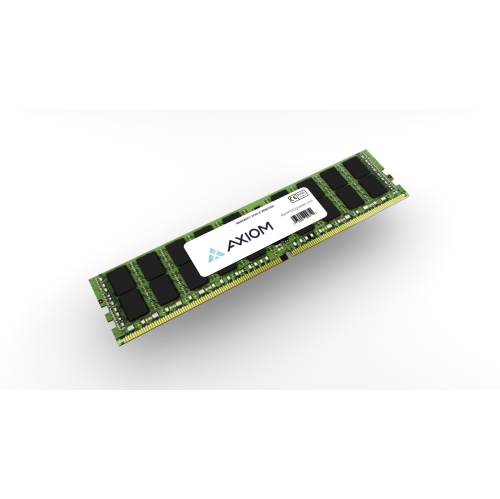
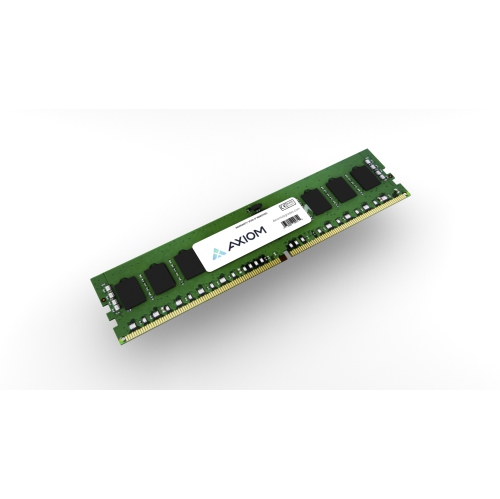
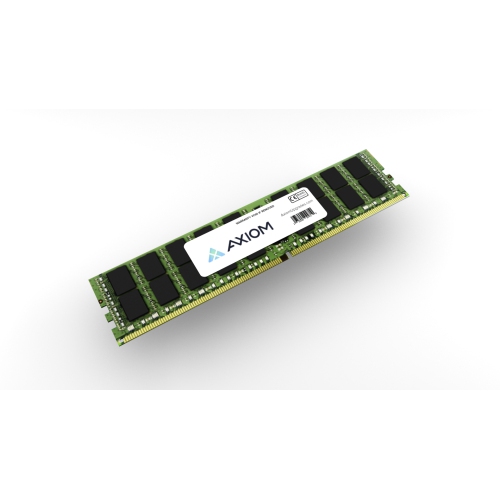
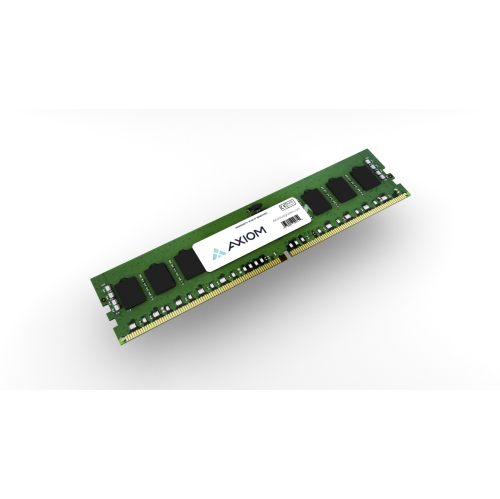
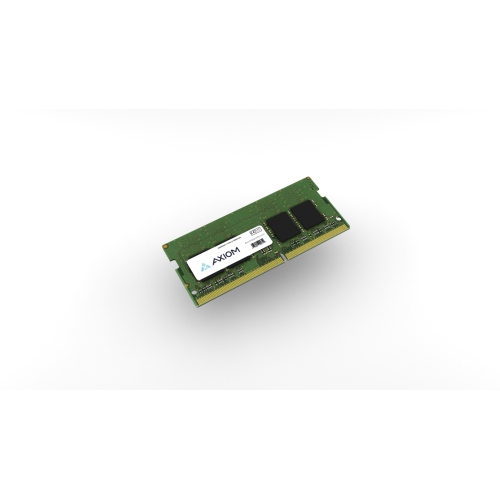
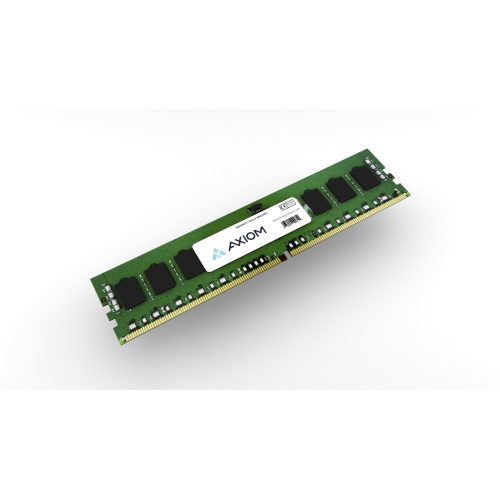
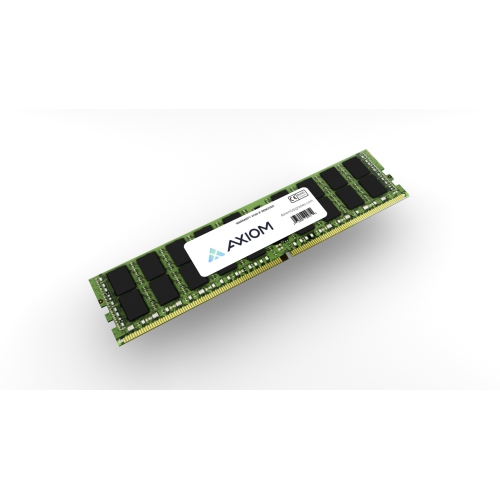
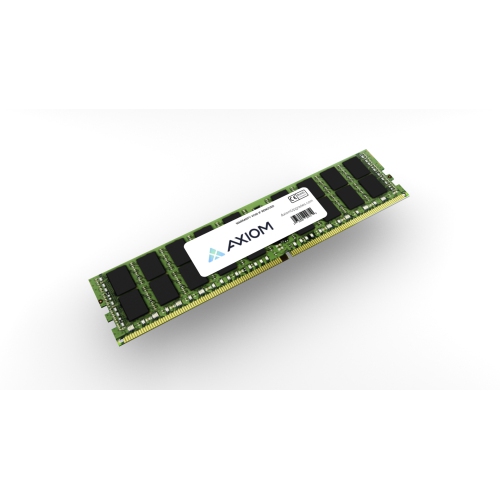
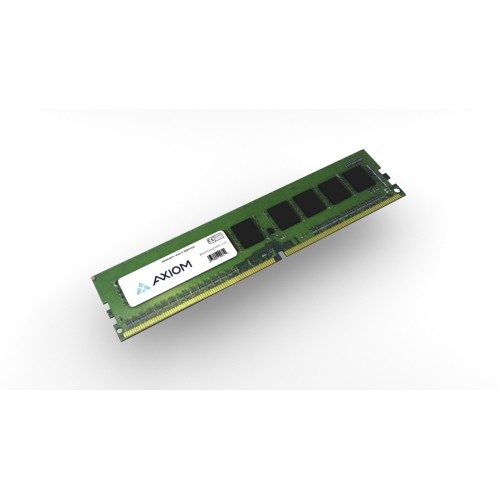
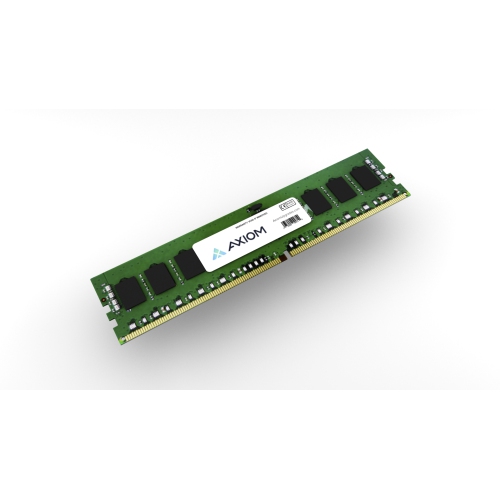
Physical fit is one of the most important distinctions within DDR4-2400 RAM. Desktop computers commonly use full-size, 288-pin unbuffered DIMMs, often described as UDIMMs, while many laptops and compact computers use smaller, 260-pin SO-DIMMs. These formats are not interchangeable, even when their capacity and advertised speed match. For compatible systems with compact memory slots, SODIMM DDR4 2400MHz represents the smaller module format rather than a different memory generation. DDR4 also cannot be substituted directly for DDR3 or DDR5: the electrical requirements and keyed slot positions differ. Beyond the module’s shape, compatibility depends on the computer’s motherboard, processor memory controller, firmware, and supported module capacities. A machine with two slots may have a different total capacity limit from another machine that looks similar, and some laptops combine soldered memory with an expansion slot. Others have no replaceable memory at all. System documentation is therefore a more reliable reference than exterior size or appearance. Standard unbuffered, non-ECC memory is common in everyday desktops and laptops, whereas error-correcting memory and registered modules require explicit platform support. Those distinctions matter just as much as the DDR4 label. Advertised speed also needs context: a module rated for 2400 MT/s will run only at a setting supported by the complete system. Compatible memory with a higher rated speed may operate at a lower supported rate, but that possibility should not replace confirmation of compatibility. Mixing modules can likewise result in shared settings that differ from either module’s headline specification. For an upgrade to an existing computer, the installed memory’s form factor, capacity, voltage, and supported timings provide useful context. A memory module intended as a practical gift requires the same level of detail; knowing the recipient’s exact computer model and upgrade options helps avoid a well-meant addition that cannot be fitted or recognized.
Capacity layout can influence how DDR4-2400 memory works within a compatible system. Many consumer computers support dual-channel operation, allowing the processor to access memory across two channels when modules are installed in the appropriate arrangement. A matched pair can make this configuration more straightforward, although the motherboard’s slot layout and the processor’s capabilities determine what is supported. Some systems can use unequal capacities with only part of the memory operating in dual-channel mode, so two occupied slots do not automatically mean the entire capacity is working identically. Memory bandwidth can be especially relevant to integrated graphics, which typically shares system RAM, but additional bandwidth or capacity does not turn integrated graphics into a dedicated graphics card. For everyday use, a balanced configuration that suits the computer and its applications is more meaningful than chasing a specification in isolation. The physical construction of a module also affects fit and handling. Memory chips sit on a rigid printed circuit board with edge contacts that connect to the slot. Some desktop modules include metal heat spreaders, while others leave the chips exposed; neither appearance alone establishes compatibility or durability. Taller heat spreaders can interfere with a nearby processor cooler or a compact case, making module height another useful measurement for desktop builds. During handling, the edges of the board are safer contact points than the chips or connector surfaces, and protection against electrostatic discharge helps prevent damage that may not be visible. Installation requires a fully powered-down, unplugged system and alignment with the slot’s keyed notch; a module should never be forced into an incompatible socket. Once properly fitted, RAM needs little routine care, and unnecessary removal creates more opportunities for handling damage. For keeping a familiar computer useful for office work, study, entertainment, or supported creative applications, DDR4-2400 memory is most valuable when its capacity, format, and electrical specifications match the system’s actual needs.
Top selling and popular products
-
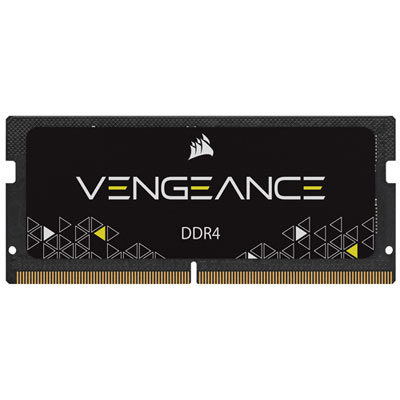 Your price for this item is $169.98
-
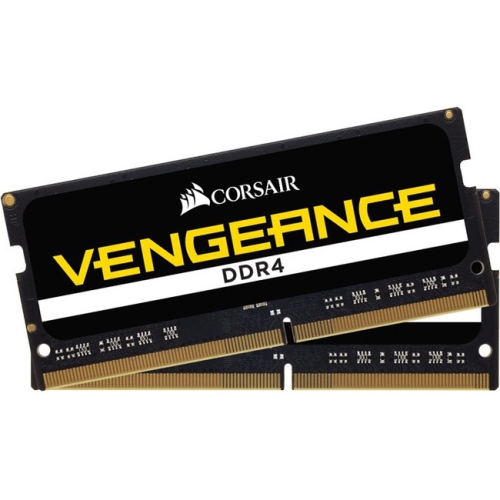 Your price for this item is $750.68
-
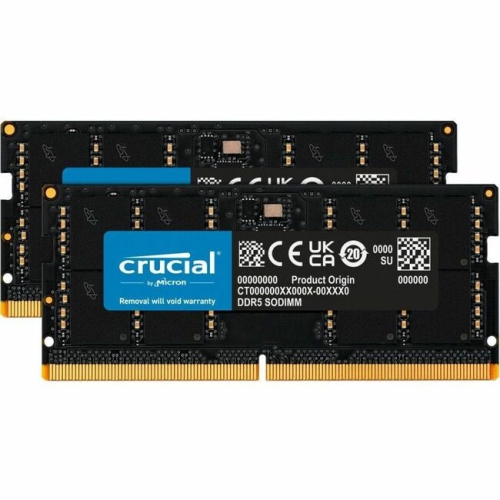 Your price for this item is $2154.68
-
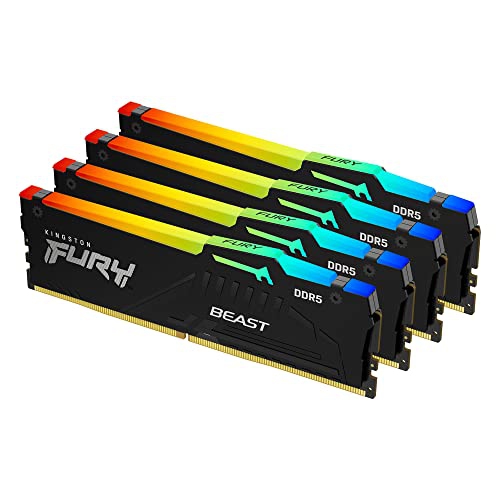 Your price for this item is $1614.05
-
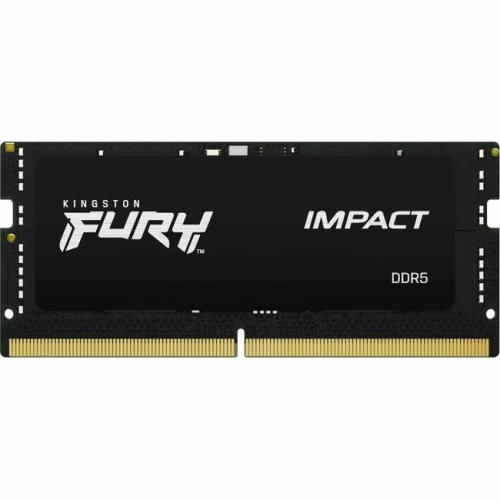 Your price for this item is $661.68
-
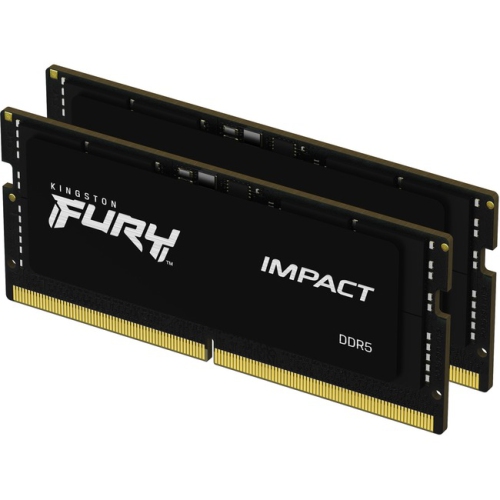 Your price for this item is $2672.97
-
 Your price for this item is $242.68
-
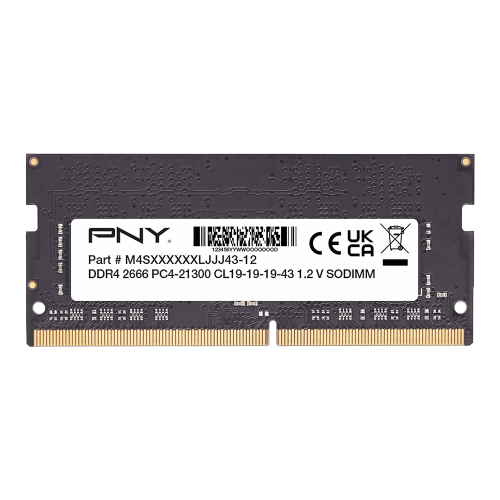 Your price for this item is $437.68
Discover more categories related to Memory DDR4 2400


Top Collections:
Best Black Friday Deals This Year, Best Black Friday Deals On Electronics, Kindle Devices, Pokemon Centers, Best Black Friday Deals On Apple Products, Best Cameras for Sports Photography, Dyson Airwrap, Pokémon 30th Celebration Cards, Apple iPhone 17 Pro, Canon G7X Cameras
Some products may be subject to Environmental Handling Fees
(EHF) depending on your province.
Learn more about EHFs.