Microsoft Windows 11
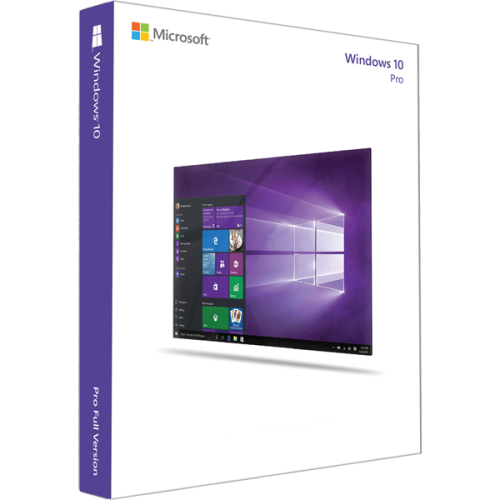
Discover the next level of computing with Microsoft Windows 11, a powerful operating system designed to enhance productivity and creativity. With its sleek interface and intuitive features, it offers a seamless experience for both work and play. Whether you're managing tasks, connecting with friends, or diving into immersive entertainment, Windows 11 provides a versatile platform that adapts to your needs. Explore new ways to interact with your device and enjoy the harmony of performance and style that comes with this innovative OS.
Sort






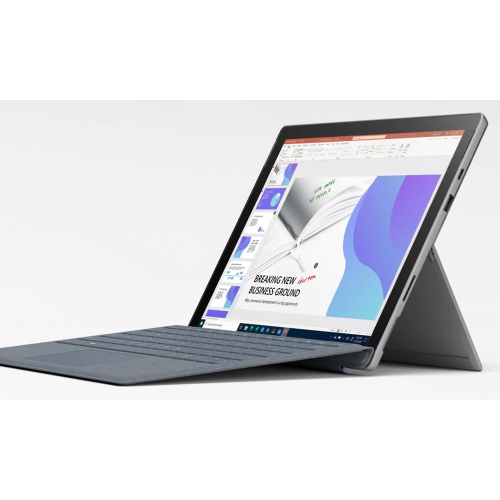
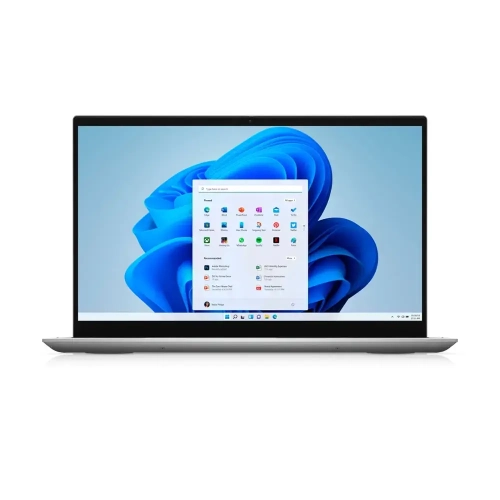
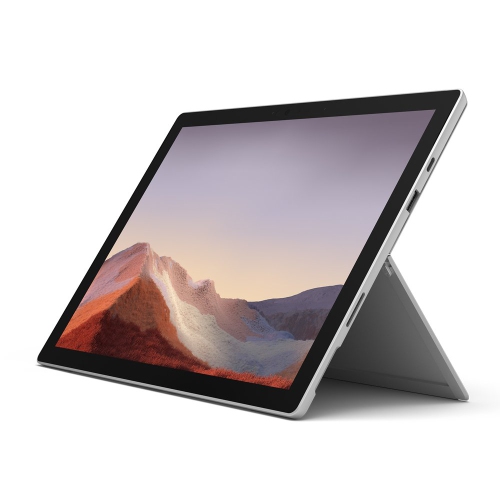
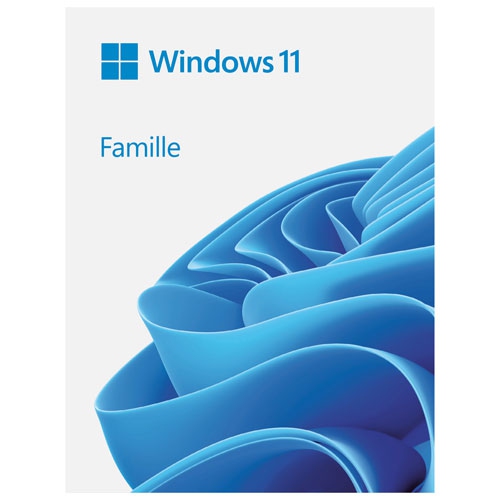
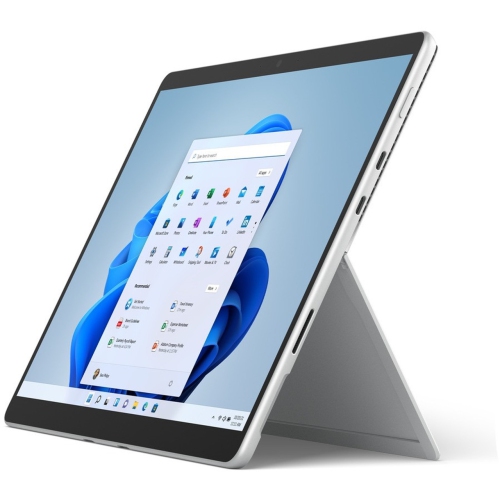
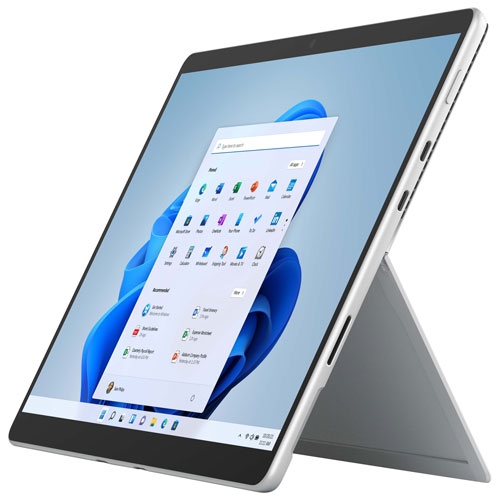
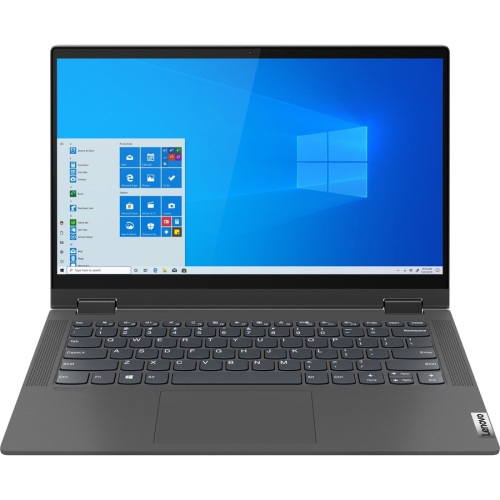
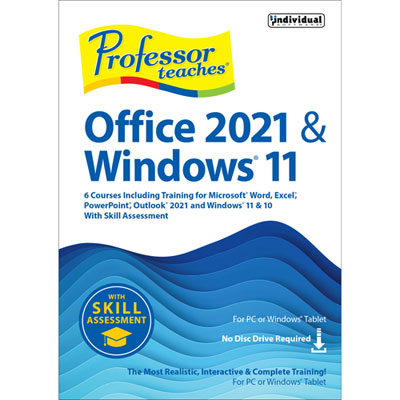
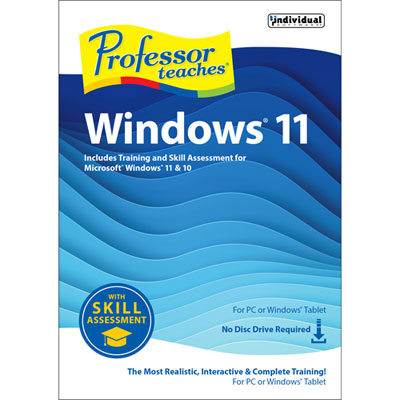
Why hardware matters as much as your operating system
Microsoft Windows 11 is a computer operating system that provides the interface, settings, security features, and application support used for everyday computing. It brings together familiar activities such as managing files, browsing the web, joining video calls, creating documents, and playing games within a desktop designed for both focused work and multitasking. A centred Start menu and taskbar give the workspace a distinctive appearance, while Snap Layouts help arrange compatible application windows into useful configurations. A student can keep research beside an assignment, a household can compare travel plans across several windows, and someone working from home can keep a spreadsheet visible alongside meeting notes. Separate virtual desktops offer another way to organize work, study, and personal tasks without needing separate computers. The operating system is the foundation beneath those activities, rather than a substitute for the applications themselves: productivity software, games, subscriptions, and other services may require separate licences or accounts. For shoppers considering operating system software or a computer with it installed, the distinction between the software licence and the physical device matters. A software purchase does not include a computer, and installing a newer operating system does not automatically make older hardware faster or compatible with every application. Edition, licence terms, hardware support, and intended use all influence the right fit. A home computer used for schoolwork and family photos has different needs from a business workstation that must connect to an organization’s managed network. Some business management, encryption, and remote access capabilities depend on the edition and configuration. For a shared household computer, separate user accounts can keep individual files and preferences organized, while accessibility settings such as text scaling, voice access, and captions can make everyday interaction more comfortable. These practical details help distinguish a suitable computing setup from one that simply meets the basic requirements, particularly when several people will use the same machine for different tasks.
Hardware compatibility is central to choosing Windows 11 software or a device that runs it. The minimum requirements include a compatible 64-bit processor or system on a chip running at 1 GHz or faster with at least two cores, 4 GB of RAM, and a storage device with a capacity of at least 64 GB. Processor speed alone does not establish eligibility; the processor also needs to be supported. Required platform features include UEFI firmware with Secure Boot capability and a Trusted Platform Module, or TPM, version 2.0. Graphics must support DirectX 12 or later with a WDDM 2.0 driver, and the display requirement is a high-definition 720p screen larger than 9 inches diagonally, with 8 bits per colour channel. These are installation thresholds, not a promise of comfortable performance for every workload. A computer with 4 GB of memory may meet the minimum while offering limited room for multiple browser tabs, a video meeting, and several applications at once. Likewise, a 64 GB storage device leaves relatively little capacity for applications, personal files, and future updates. Additional memory and a larger solid-state drive generally provide more flexibility for everyday use, while video editing, detailed design work, and demanding games call for hardware suited to those specific applications. Available storage space also matters because updates and temporary installation files need room beyond the system’s basic footprint. Internet connectivity and a Microsoft account are required during initial setup for Home and Pro editions used for personal purposes. Updates, downloads, and many connected services also rely on internet access. Existing printers, scanners, specialist software, and other peripherals deserve attention, especially when an older accessory remains essential to a household or small business. Compatible drivers and supported application versions can be just as important as the computer’s processor and memory. Built-in security protections provide a useful foundation, but their effectiveness still depends on supported hardware, appropriate settings, regular updates, and sensible account security.
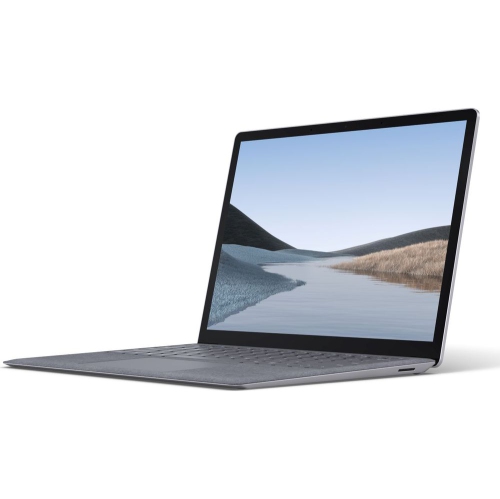
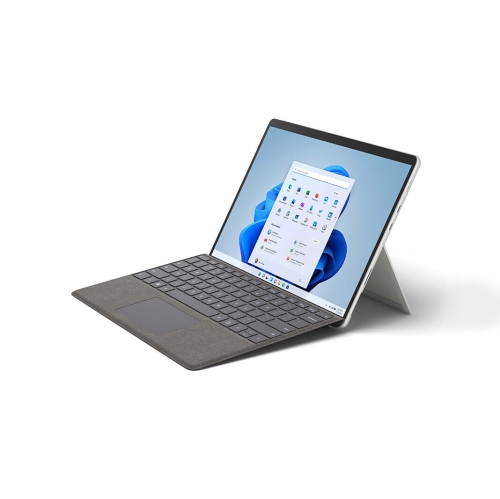
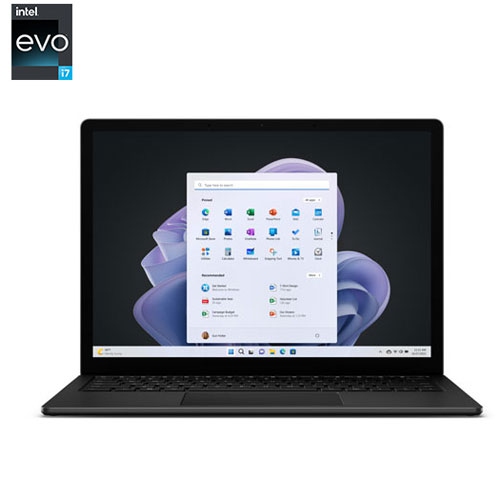
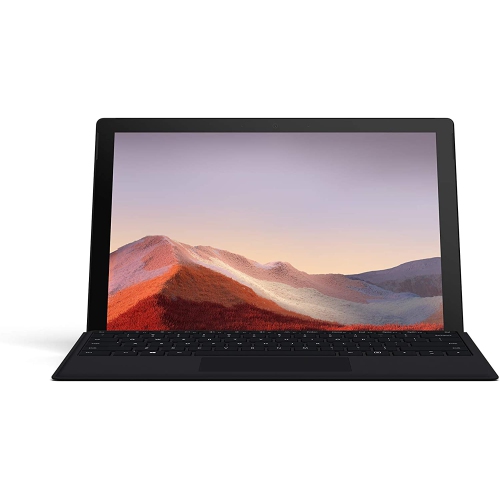
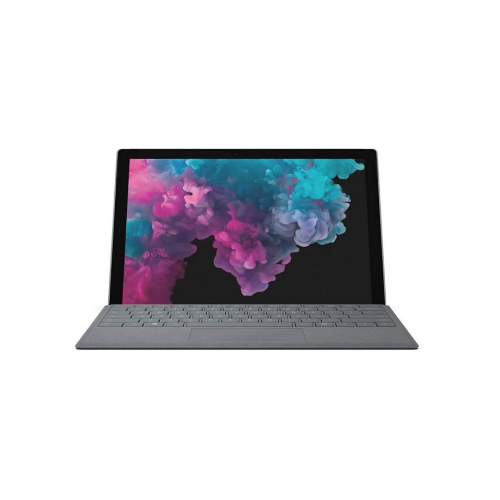
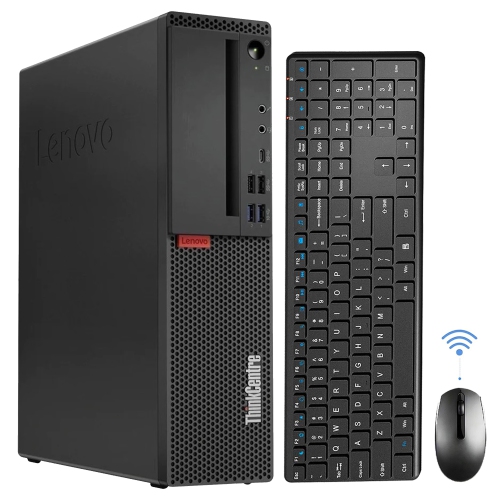
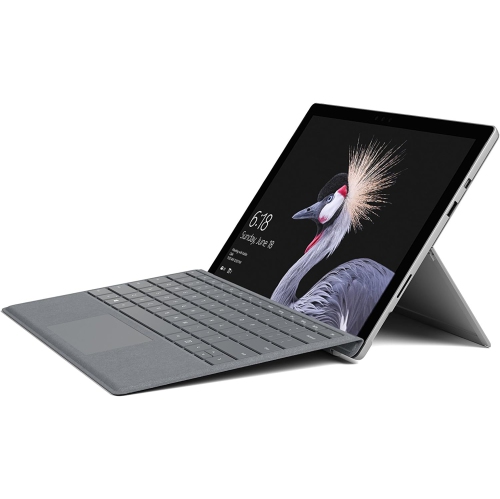
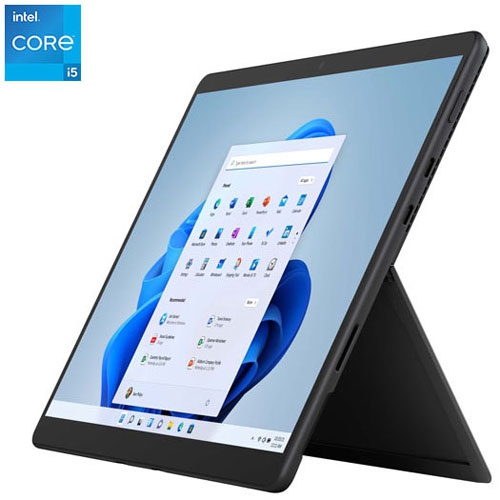
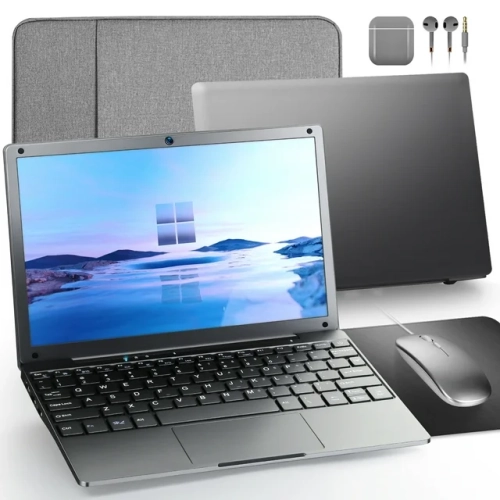
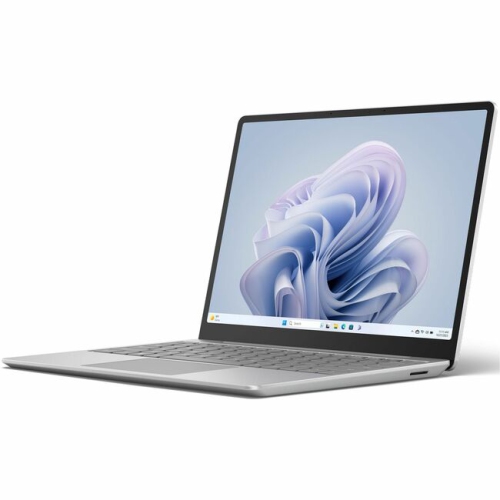
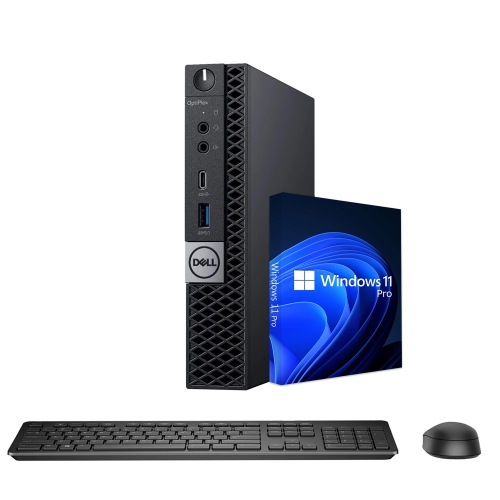
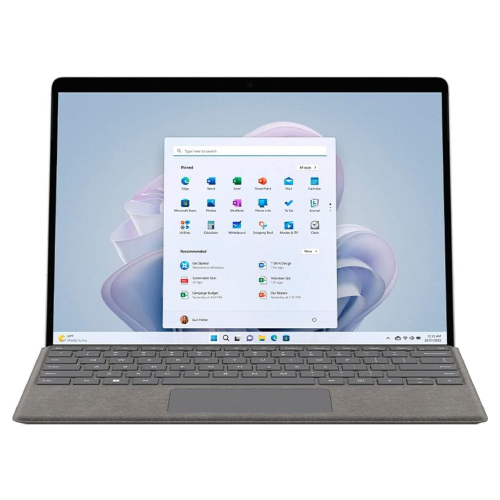
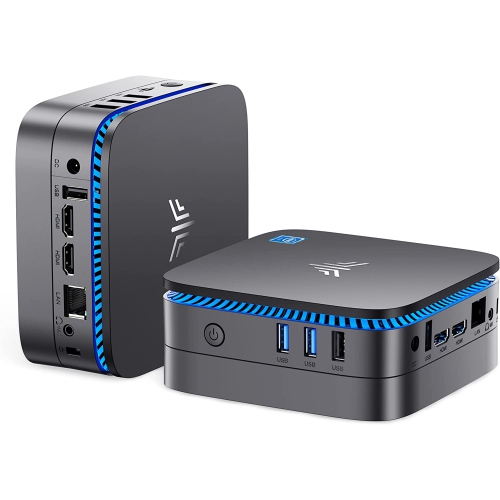
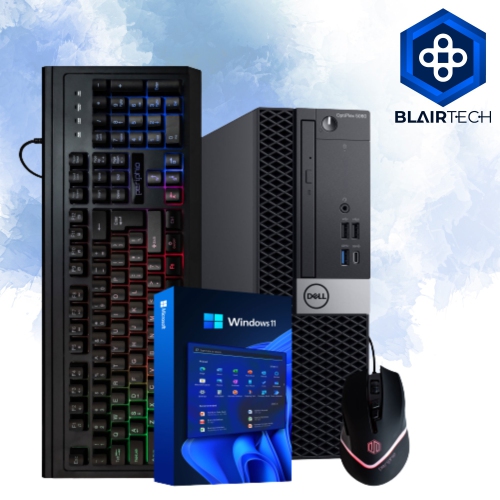
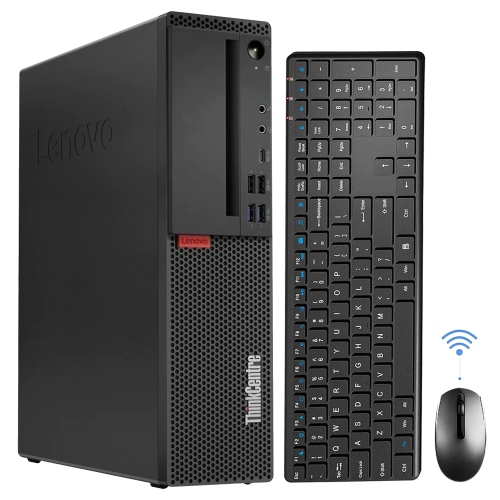
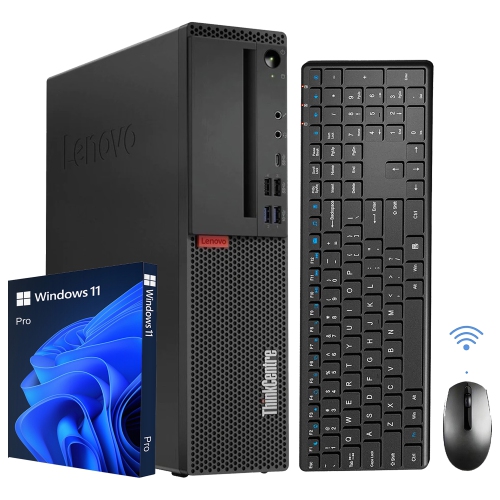
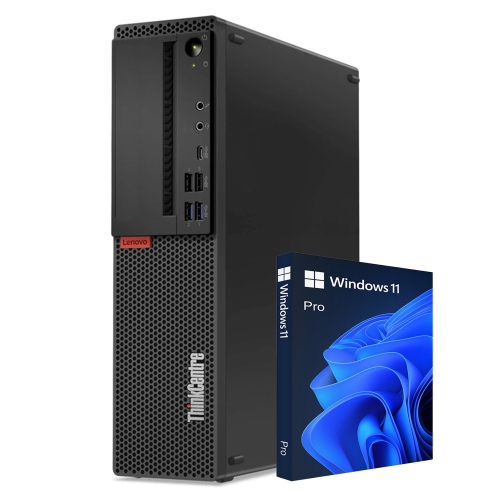
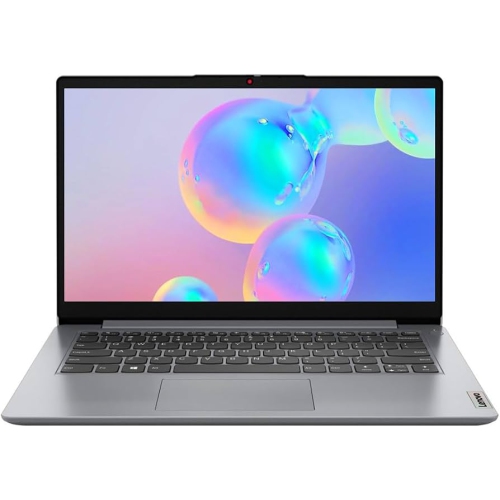
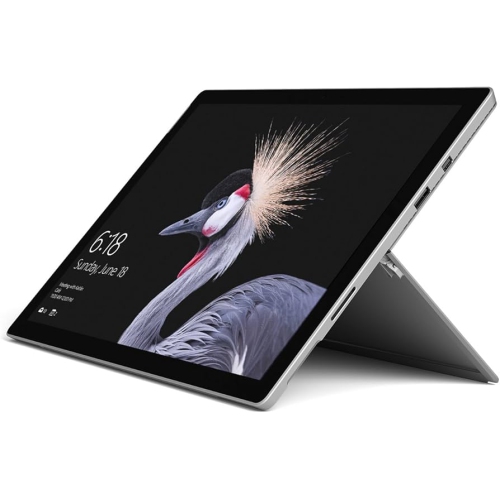
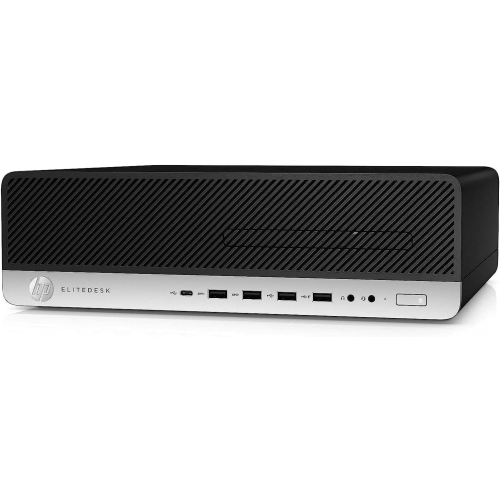
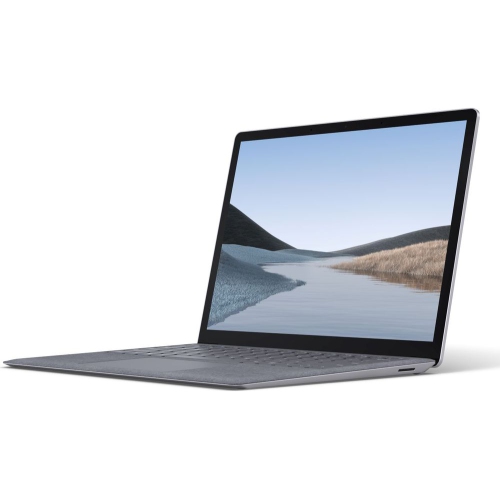
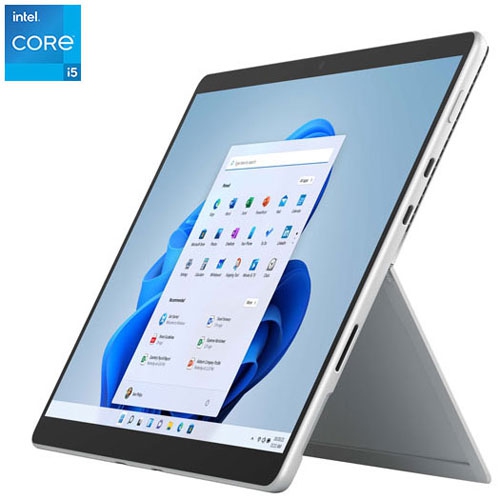
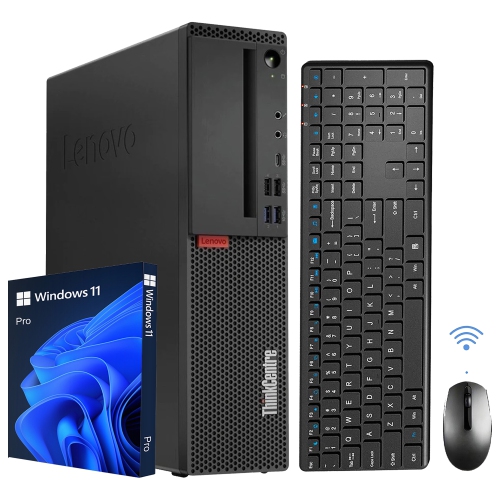
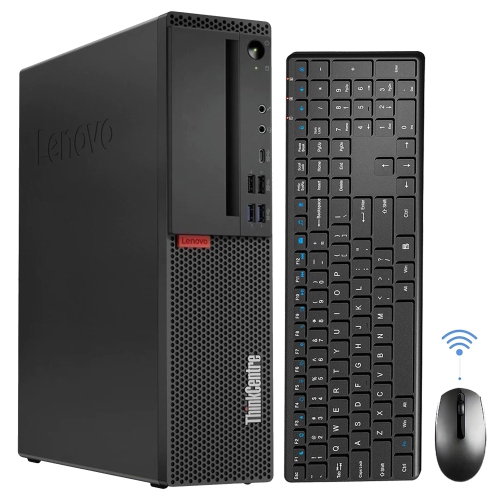
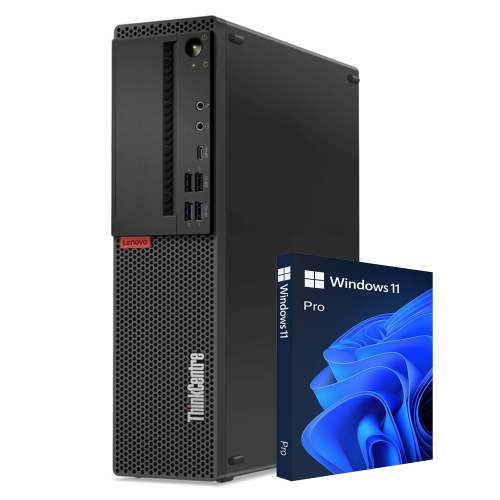
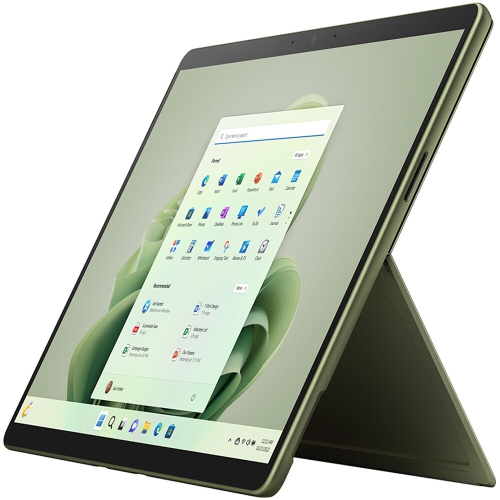
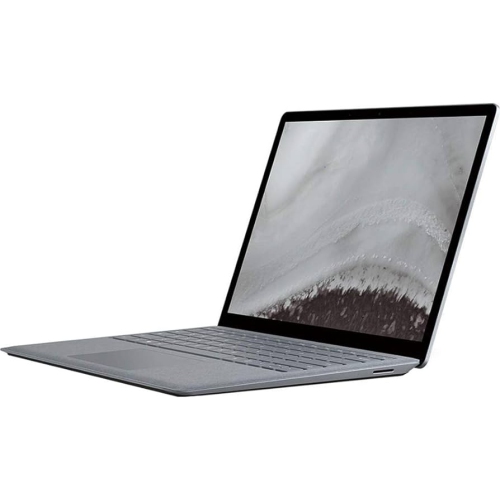
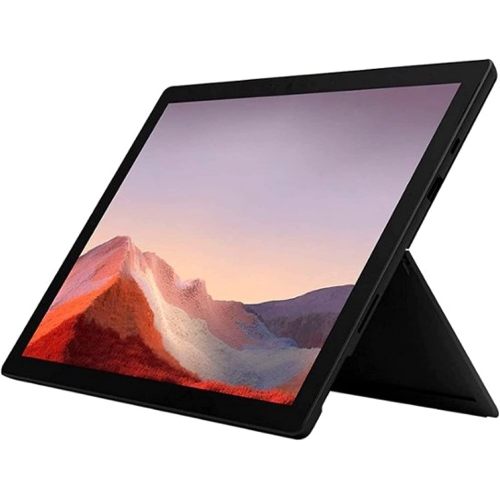
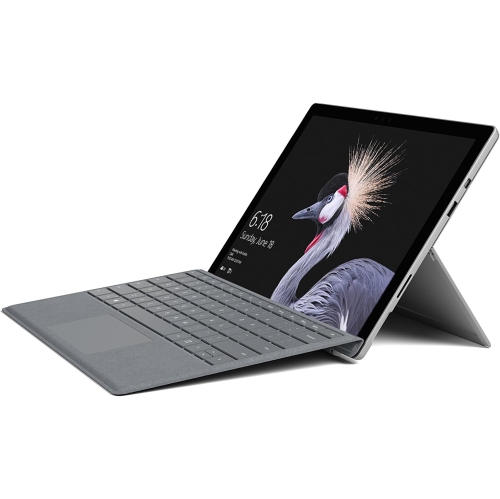
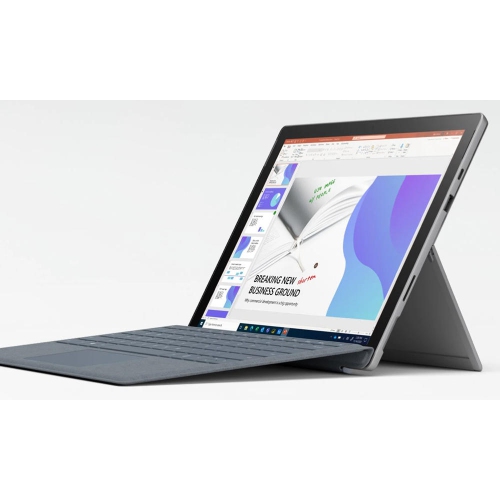
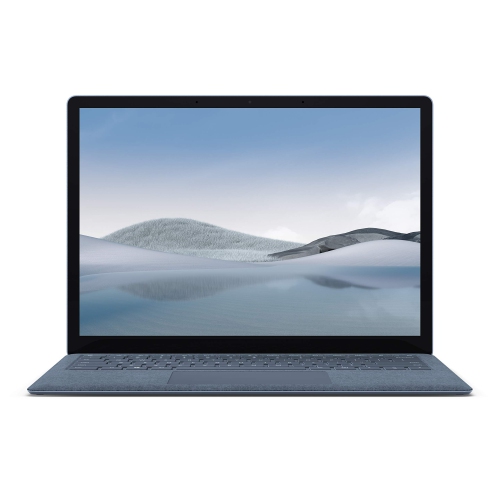
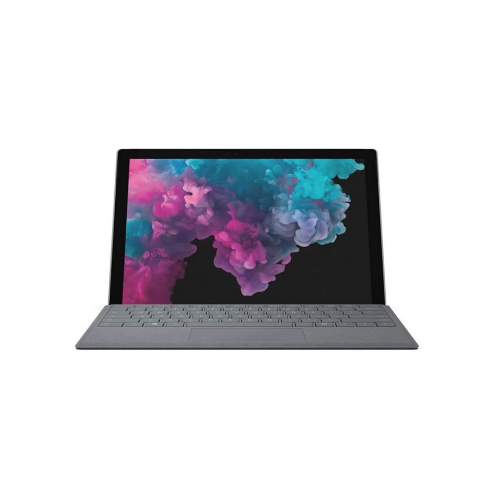
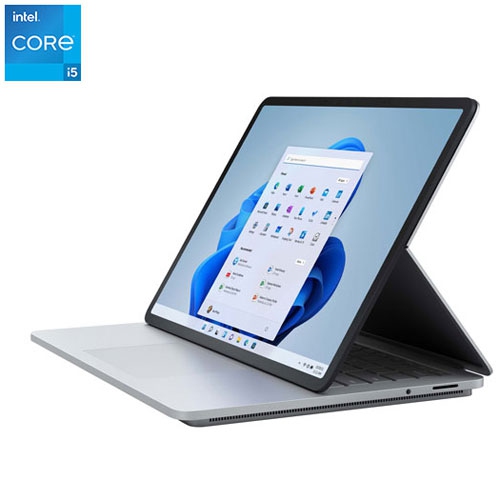
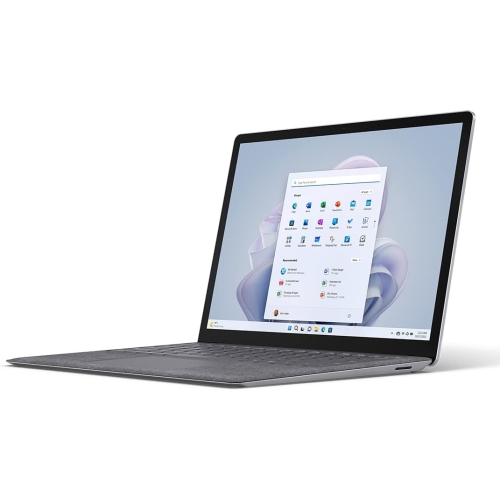
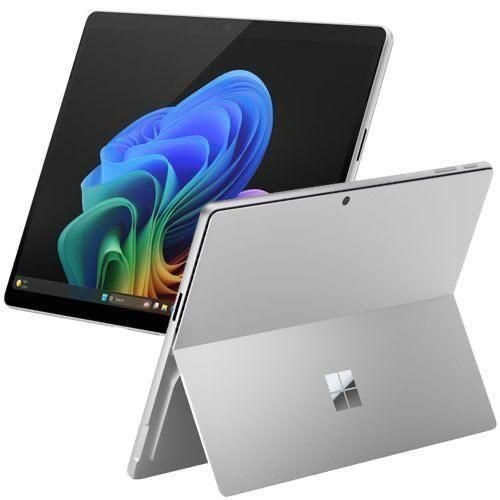
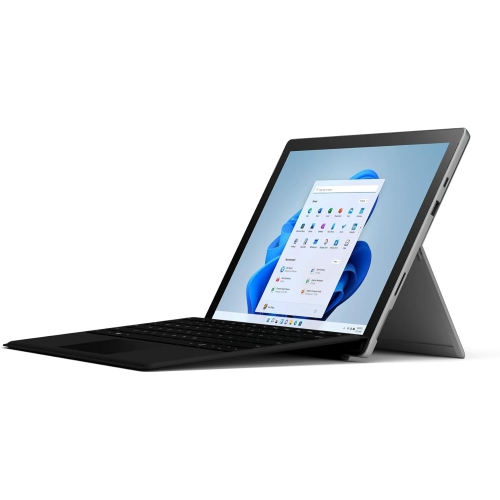
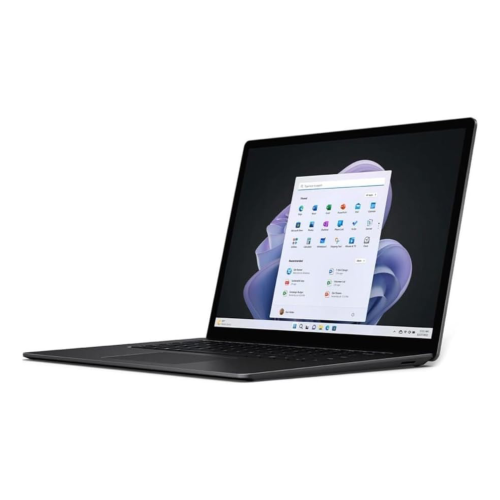
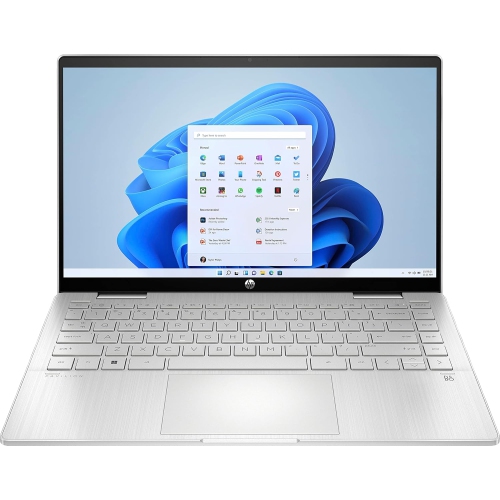
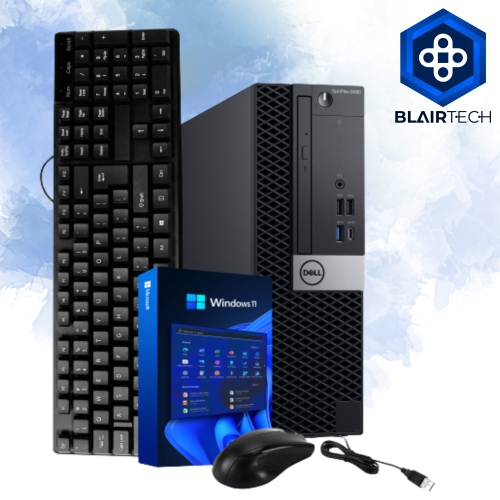
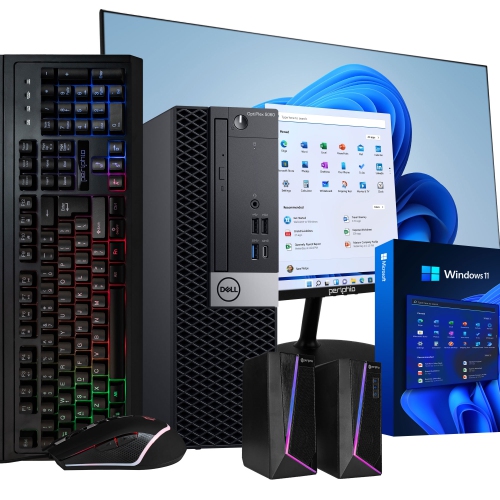
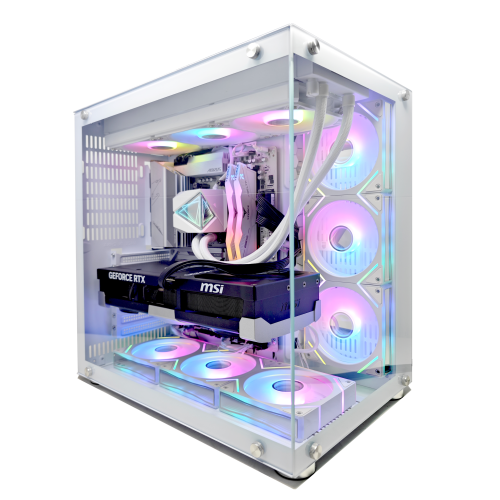
The physical computer shapes the experience just as much as the operating system. A laptop suits someone moving between a kitchen table, classroom, and office, while a desktop can provide a permanent workspace with a larger monitor, a full-size keyboard, and convenient connections for accessories. For a fixed workstation, the Desktop PC Windows 11 selection brings the operating system into a category built around desk-based use. Tower dimensions, monitor placement, and cable routing all affect how comfortably a setup fits into a room. A compact chassis can preserve surface space, while a larger case may offer more room for cooling or future component changes, depending on its design. Laptop considerations include screen size, weight, hinge construction, keyboard feel, and whether the chassis uses plastic, metal, or a combination of materials. Those materials influence handling and portability, but build quality, ventilation, and careful use also contribute to durability. A computer carried daily benefits from a properly fitted protective sleeve, while any setup needs unobstructed vents and a stable surface that allows heat to escape. Routine care includes keeping liquids away, removing surface dust according to the device manufacturer’s directions, and using suitable cleaning methods for the display. For everyday work, a clear screen, comfortable input devices, and reliable Wi-Fi can matter more than specifications aimed at demanding gaming or creative workloads. Someone editing large photo libraries may value memory and storage capacity, whereas a frequent video caller may place greater emphasis on the camera, microphones, and a quiet cooling system. A compatible computer can also be a practical gift for a student, a family member setting up a home office, or someone replacing an ageing device. Matching the setup to the recipient’s applications, peripherals, and preferred screen size helps make that gift useful beyond the first day. For a software-only purchase, licence type and eligibility are especially important: activation rights, transfer options, and device limits can differ. A clear match between the operating system, its licence, and the hardware supports a more straightforward experience from initial setup through daily use.
Hardware compatibility is central to choosing Windows 11 software or a device that runs it. The minimum requirements include a compatible 64-bit processor or system on a chip running at 1 GHz or faster with at least two cores, 4 GB of RAM, and a storage device with a capacity of at least 64 GB. Processor speed alone does not establish eligibility; the processor also needs to be supported. Required platform features include UEFI firmware with Secure Boot capability and a Trusted Platform Module, or TPM, version 2.0. Graphics must support DirectX 12 or later with a WDDM 2.0 driver, and the display requirement is a high-definition 720p screen larger than 9 inches diagonally, with 8 bits per colour channel. These are installation thresholds, not a promise of comfortable performance for every workload. A computer with 4 GB of memory may meet the minimum while offering limited room for multiple browser tabs, a video meeting, and several applications at once. Likewise, a 64 GB storage device leaves relatively little capacity for applications, personal files, and future updates. Additional memory and a larger solid-state drive generally provide more flexibility for everyday use, while video editing, detailed design work, and demanding games call for hardware suited to those specific applications. Available storage space also matters because updates and temporary installation files need room beyond the system’s basic footprint. Internet connectivity and a Microsoft account are required during initial setup for Home and Pro editions used for personal purposes. Updates, downloads, and many connected services also rely on internet access. Existing printers, scanners, specialist software, and other peripherals deserve attention, especially when an older accessory remains essential to a household or small business. Compatible drivers and supported application versions can be just as important as the computer’s processor and memory. Built-in security protections provide a useful foundation, but their effectiveness still depends on supported hardware, appropriate settings, regular updates, and sensible account security.
The physical computer shapes the experience just as much as the operating system. A laptop suits someone moving between a kitchen table, classroom, and office, while a desktop can provide a permanent workspace with a larger monitor, a full-size keyboard, and convenient connections for accessories. For a fixed workstation, the Desktop PC Windows 11 selection brings the operating system into a category built around desk-based use. Tower dimensions, monitor placement, and cable routing all affect how comfortably a setup fits into a room. A compact chassis can preserve surface space, while a larger case may offer more room for cooling or future component changes, depending on its design. Laptop considerations include screen size, weight, hinge construction, keyboard feel, and whether the chassis uses plastic, metal, or a combination of materials. Those materials influence handling and portability, but build quality, ventilation, and careful use also contribute to durability. A computer carried daily benefits from a properly fitted protective sleeve, while any setup needs unobstructed vents and a stable surface that allows heat to escape. Routine care includes keeping liquids away, removing surface dust according to the device manufacturer’s directions, and using suitable cleaning methods for the display. For everyday work, a clear screen, comfortable input devices, and reliable Wi-Fi can matter more than specifications aimed at demanding gaming or creative workloads. Someone editing large photo libraries may value memory and storage capacity, whereas a frequent video caller may place greater emphasis on the camera, microphones, and a quiet cooling system. A compatible computer can also be a practical gift for a student, a family member setting up a home office, or someone replacing an ageing device. Matching the setup to the recipient’s applications, peripherals, and preferred screen size helps make that gift useful beyond the first day. For a software-only purchase, licence type and eligibility are especially important: activation rights, transfer options, and device limits can differ. A clear match between the operating system, its licence, and the hardware supports a more straightforward experience from initial setup through daily use.
Top selling and popular products
-
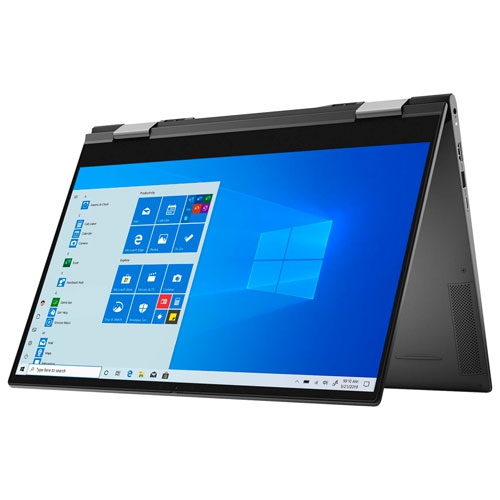 Your price for this item is $1434.97
 -
 Your price for this item is $699
 -
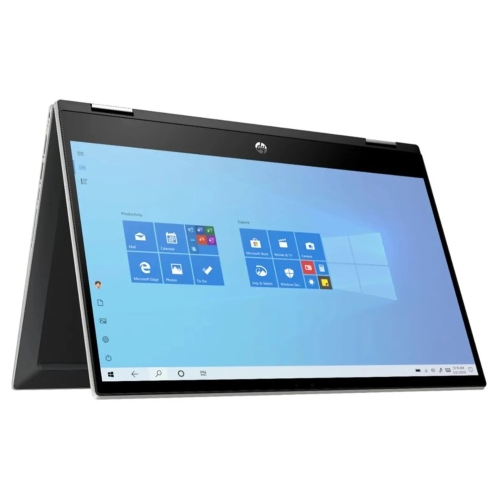 Your price for this item is $349.95
 -
 Your price for this item is $789
 -
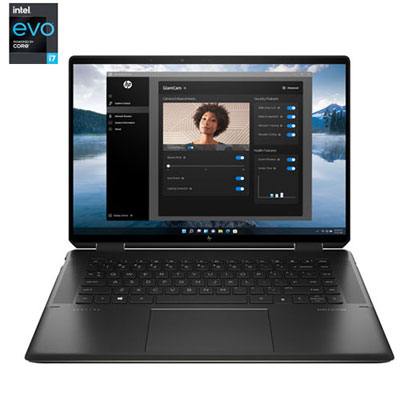 Your price for this item is $2099.99
 -
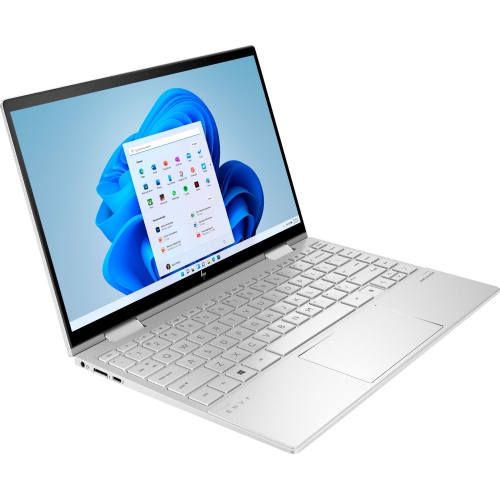 Your price for this item is $1499.99
 -
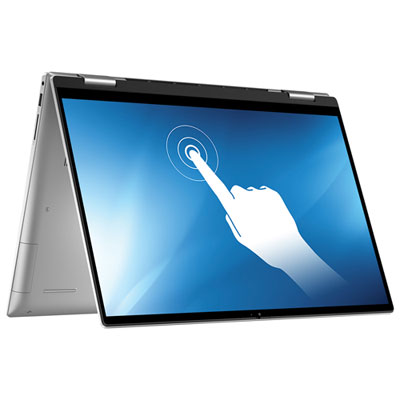 Your price for this item is $1199.97
 -
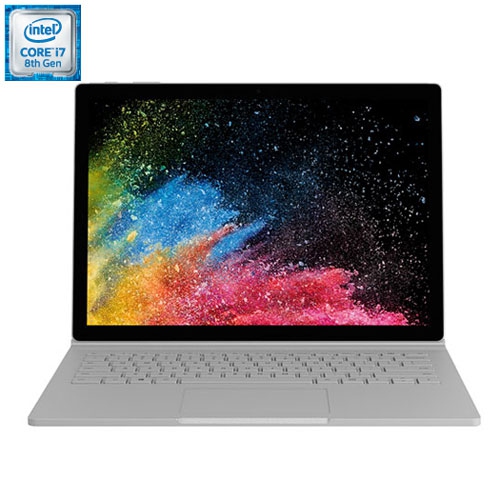 Your price for this item is $899
Discover more categories related to Microsoft Windows 11
Top Collections:
Pokemon Centers, Kindle Devices, Best Budget Office Chairs, Apple iPhones 16, Best Laptops for Writers, iPhone 15 Apple, Canon G7X Cameras, Refurbished Apple Laptops, Alarm Clock, Motorola Razr Phones
Some products may be subject to Environmental Handling Fees
(EHF) depending on your province.
Learn more about EHFs.