Mini Wireless Mice
Looking for the perfect accessory to enhance your computing experience? Look no further than our selection of mini wireless mice. These compact and convenient gadgets offer the freedom of movement without being tethered by cords, making them ideal for working on-the-go or decluttering your workspace. With a variety of designs and features to choose from, finding the right mini wireless mouse to suit your needs has never been easier. Say goodbye to tangled wires and hello to seamless navigation with these sleek and stylish peripherals.
Sort
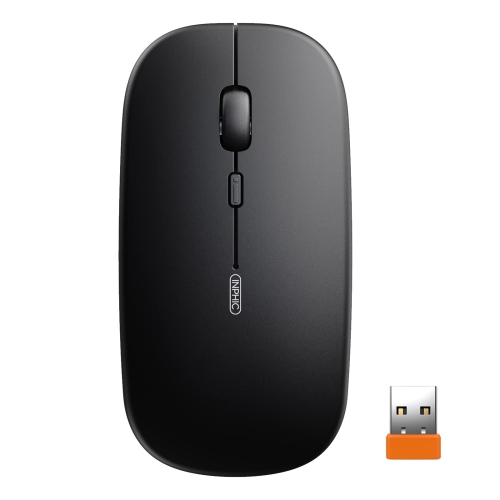
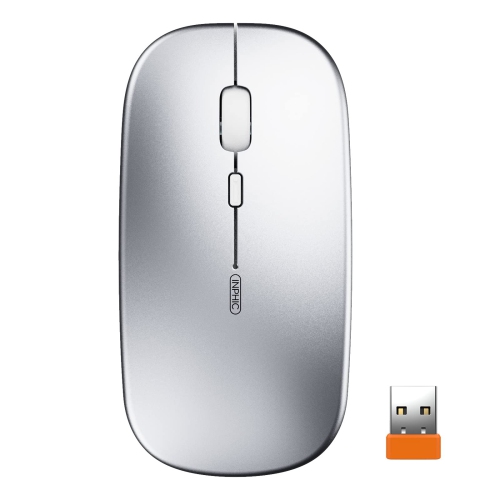
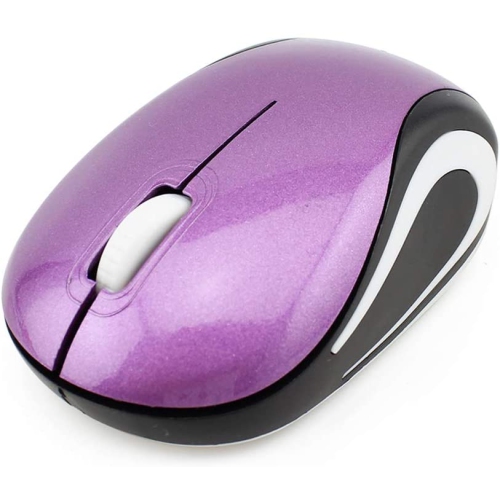
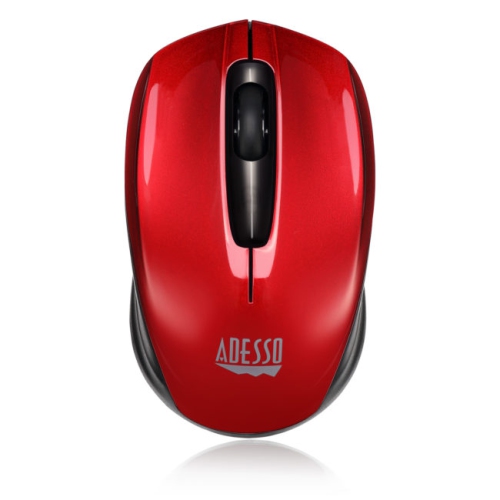
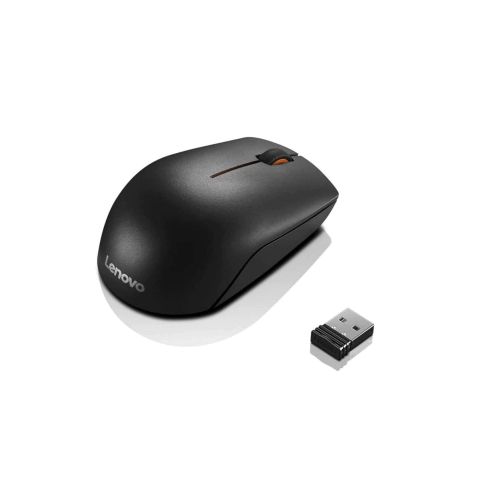
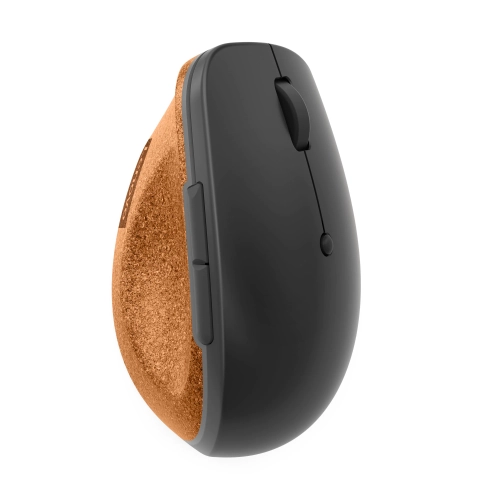
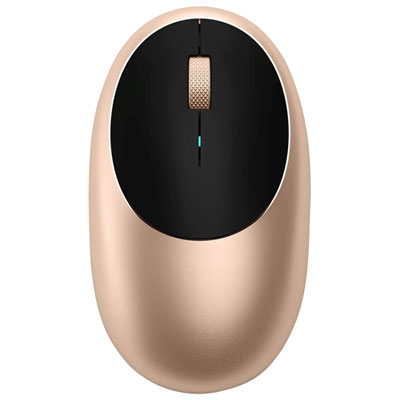
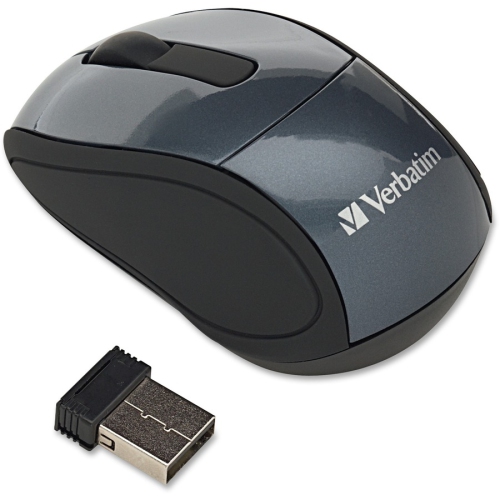
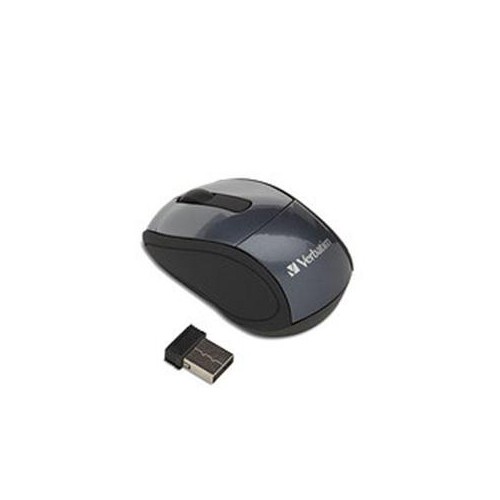
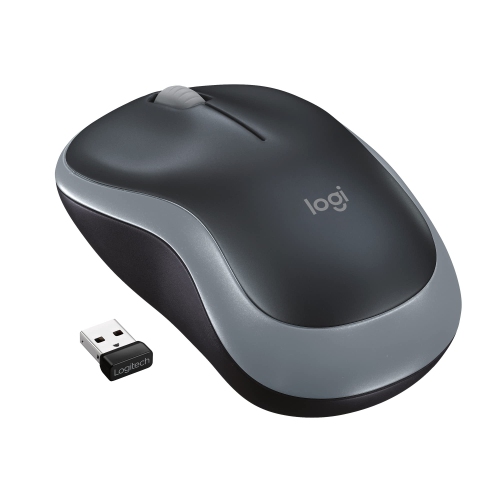

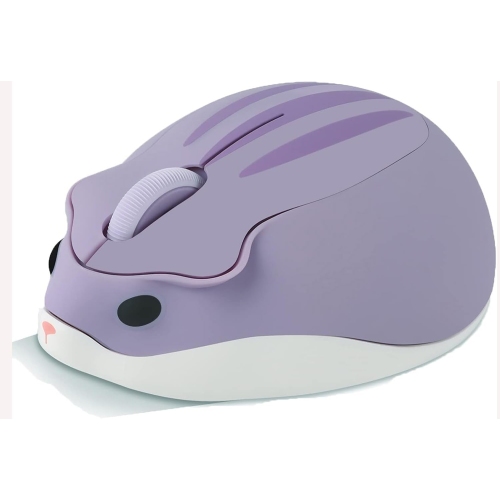
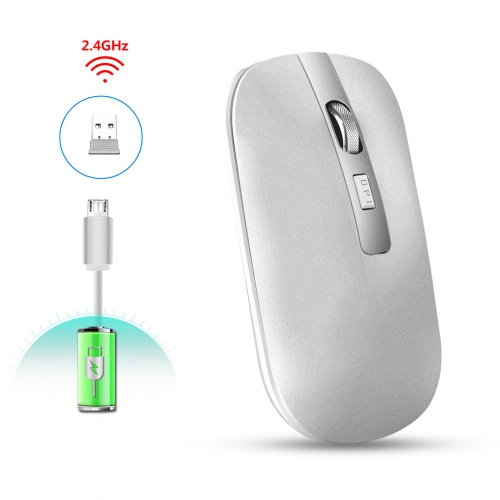
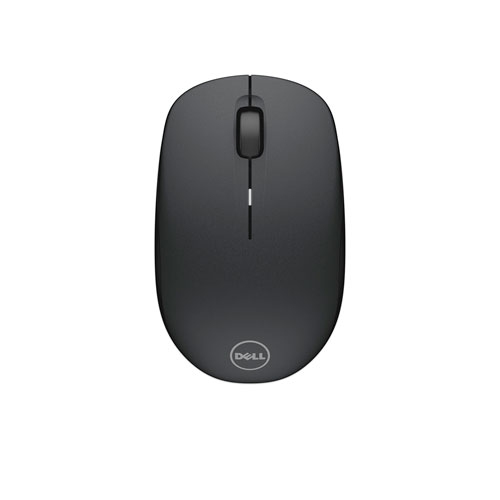
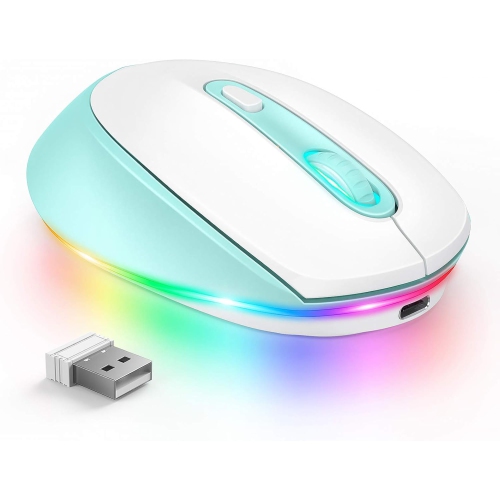
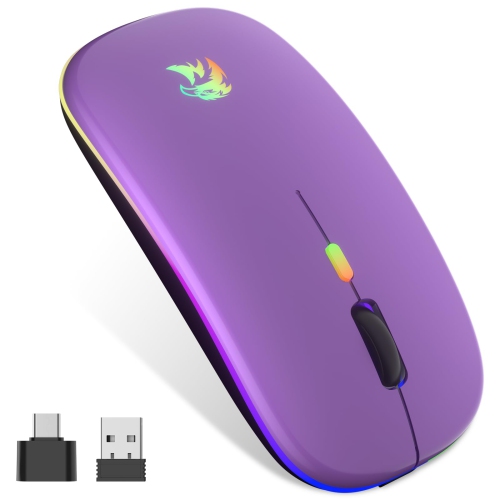

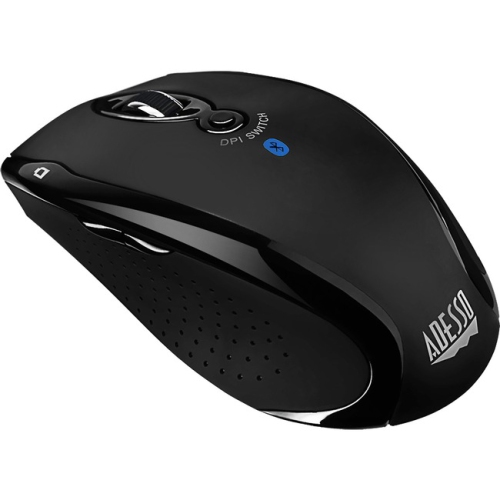

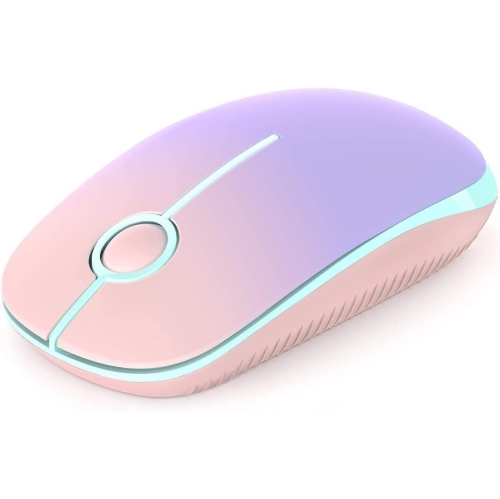
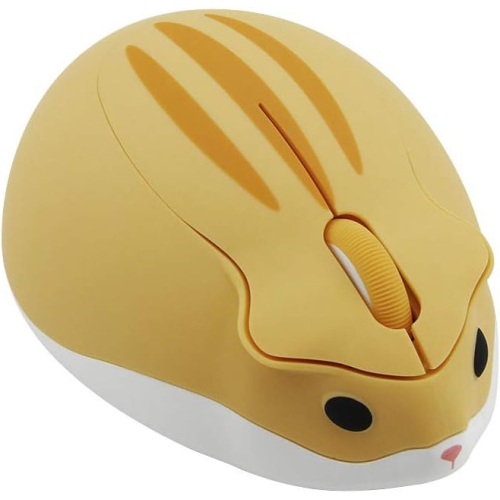
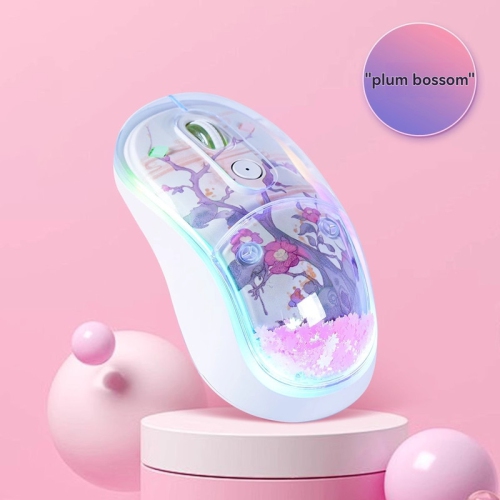
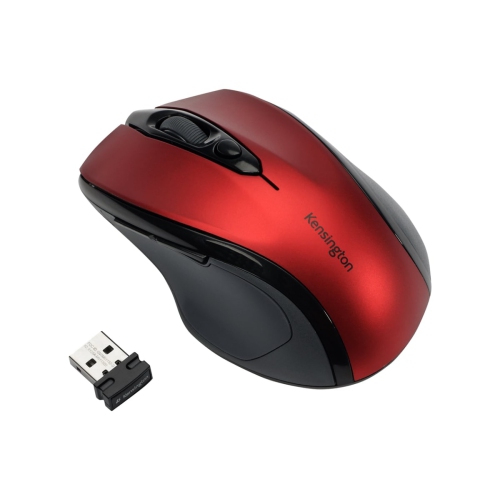
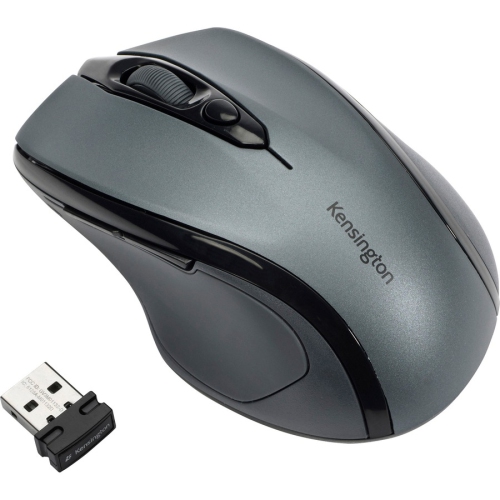

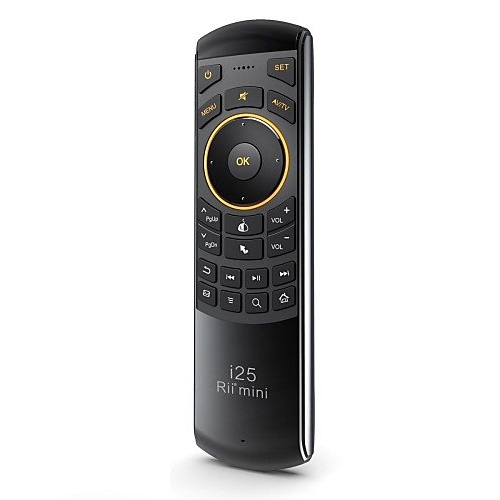
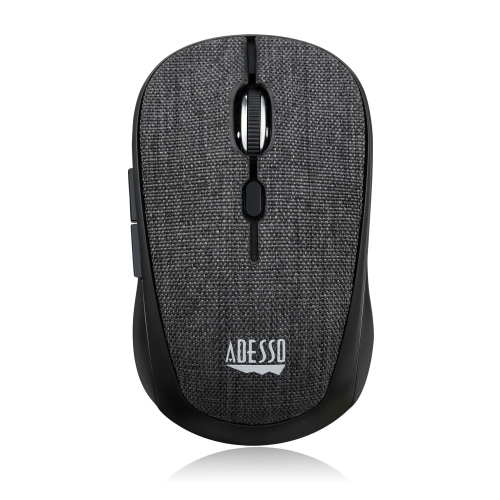
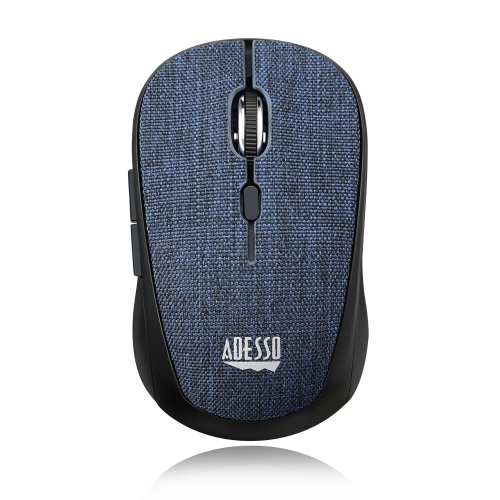
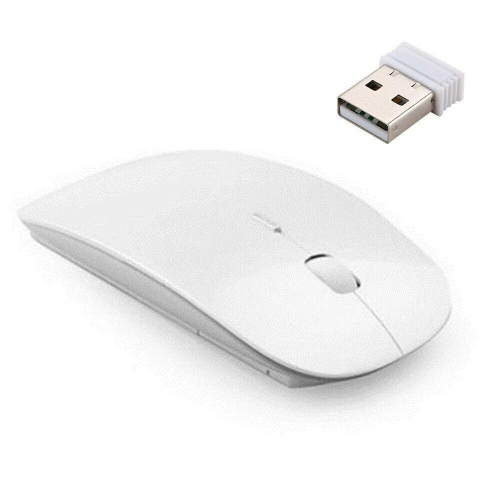
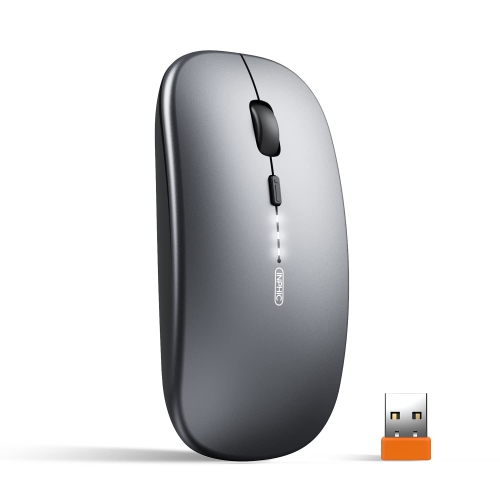
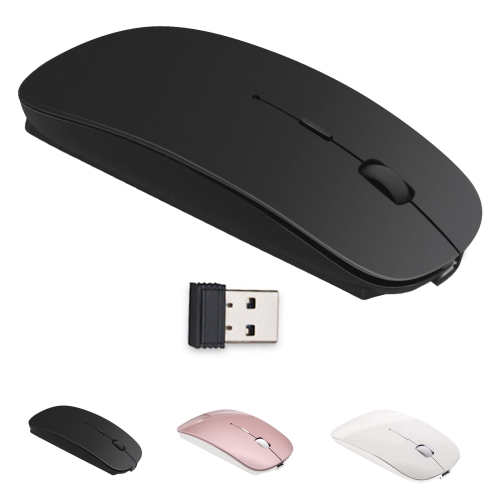
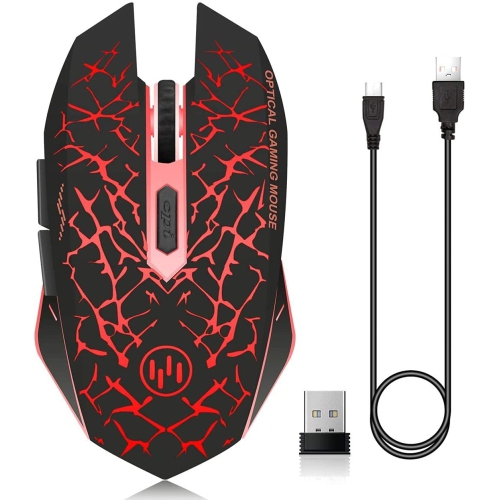
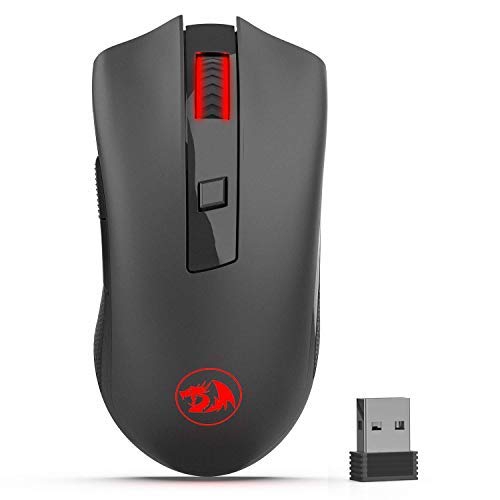
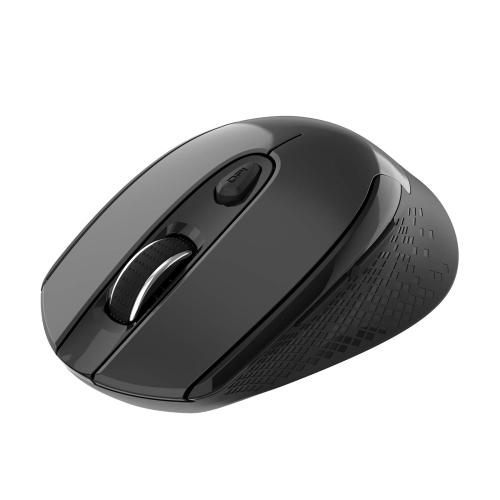

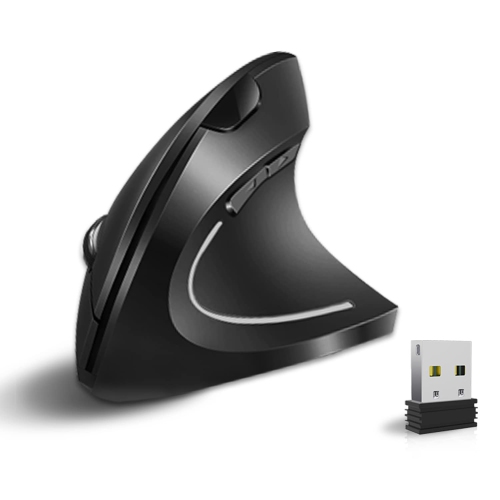
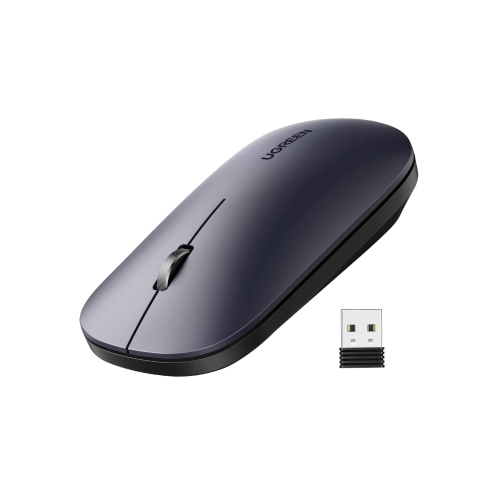
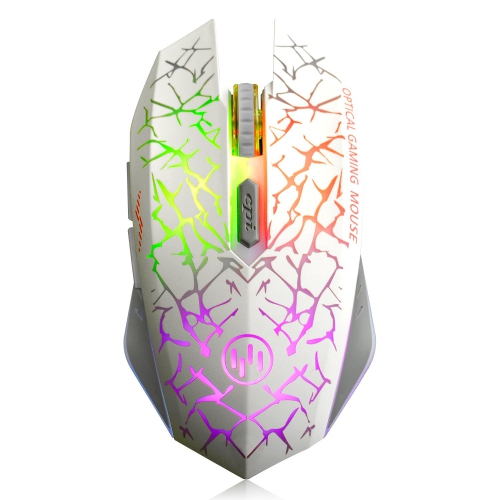
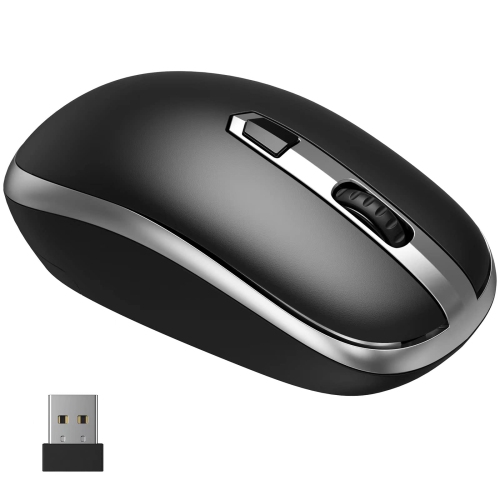
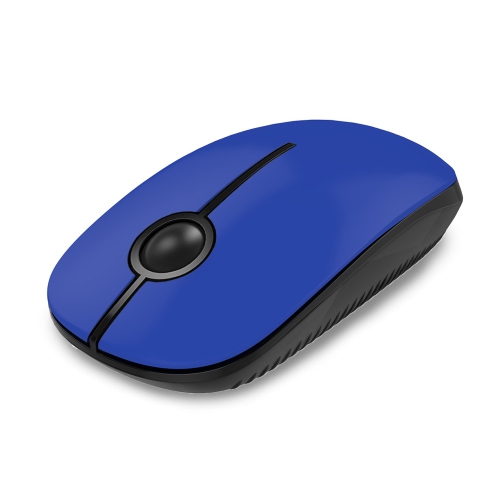
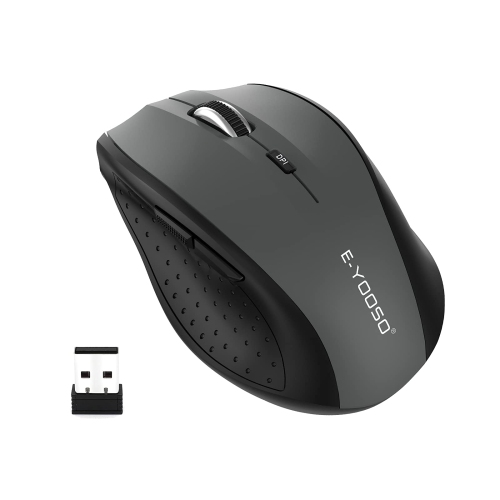


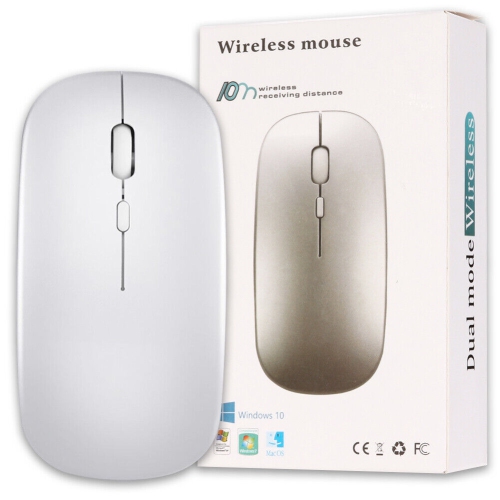
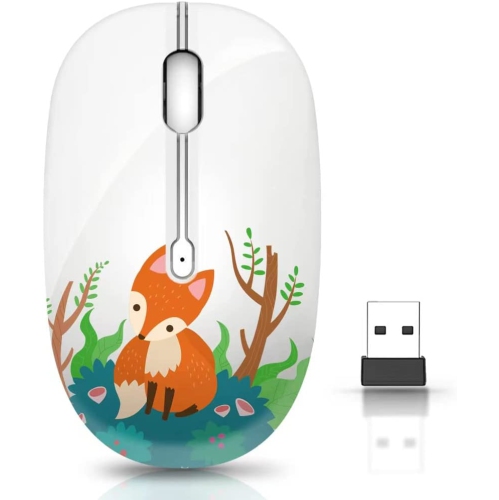
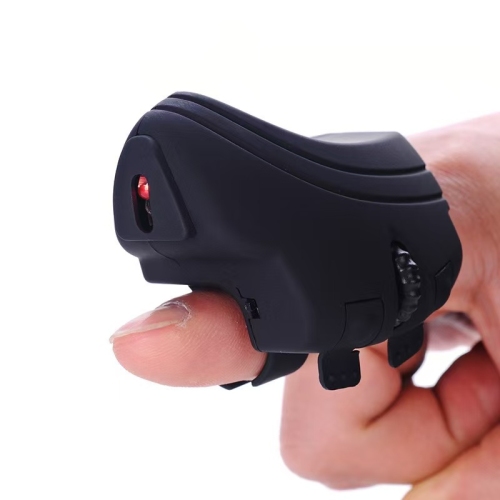
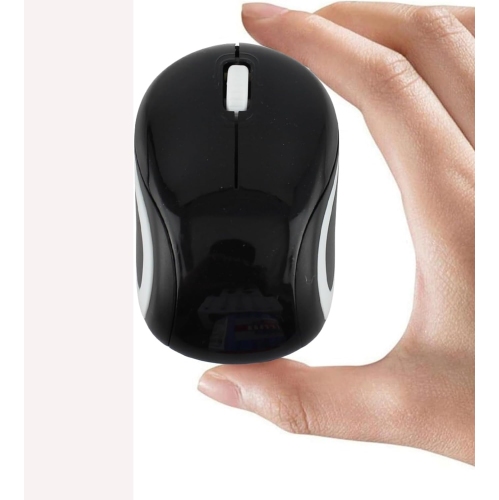
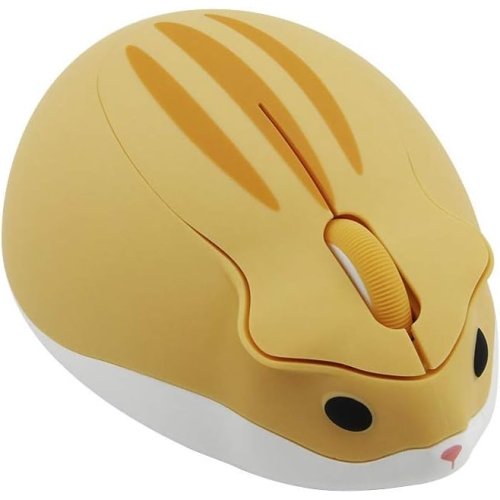
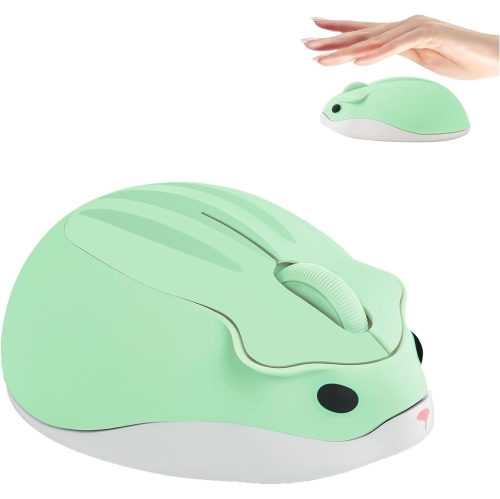
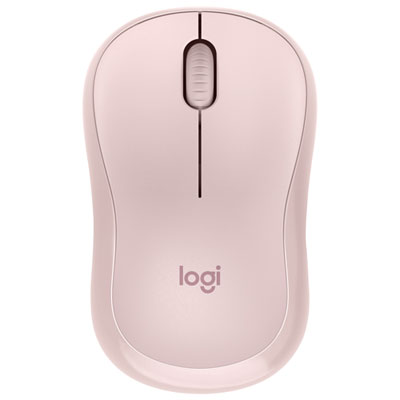
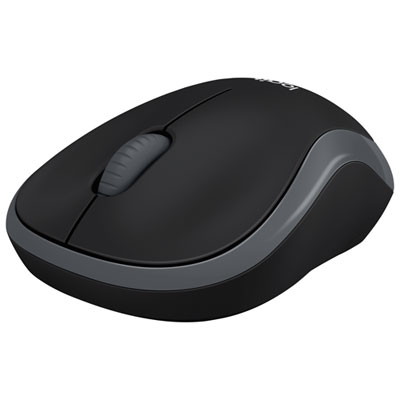
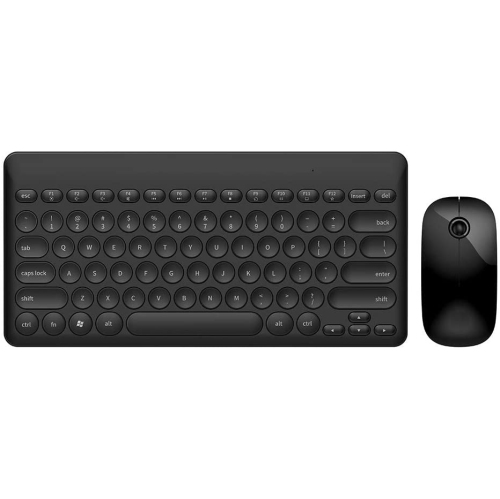
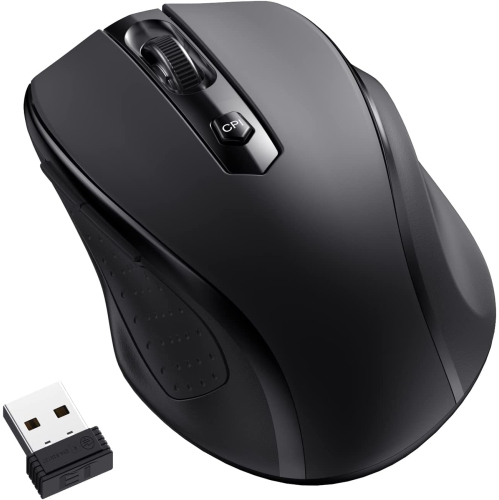
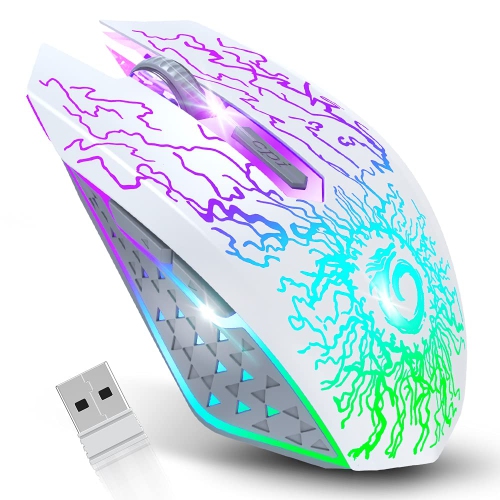
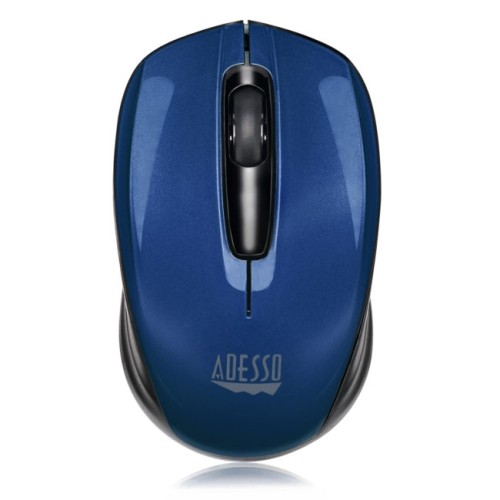
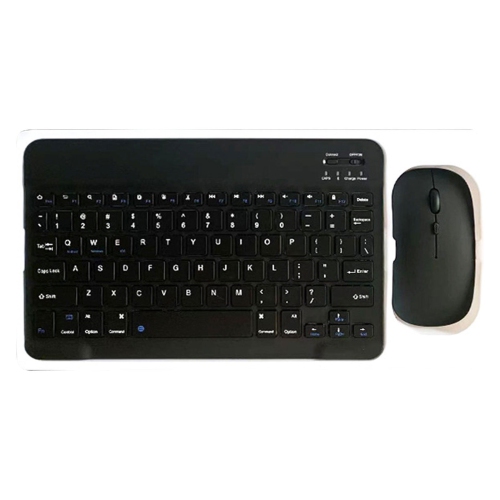
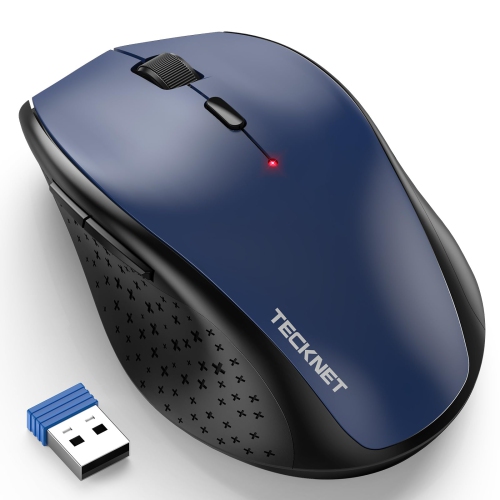
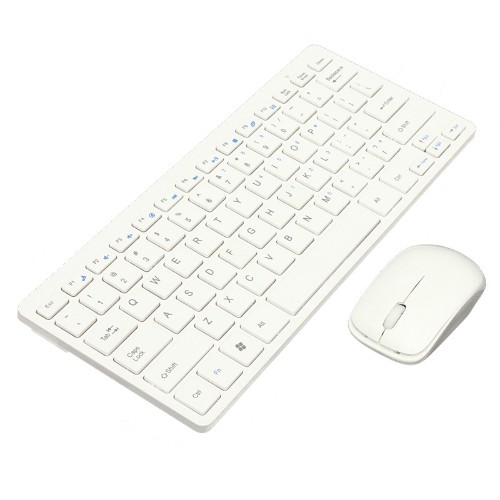
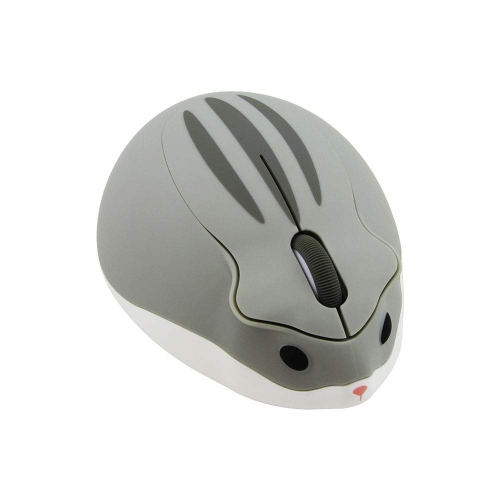
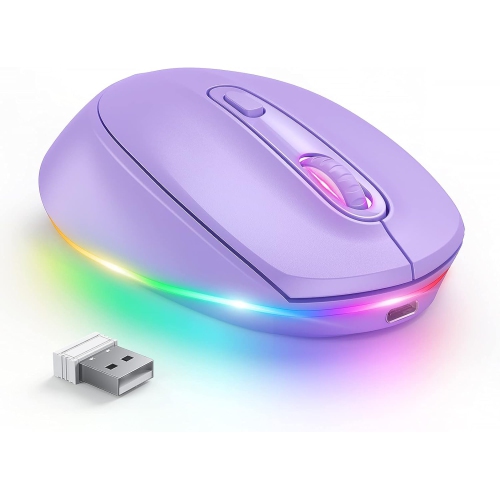
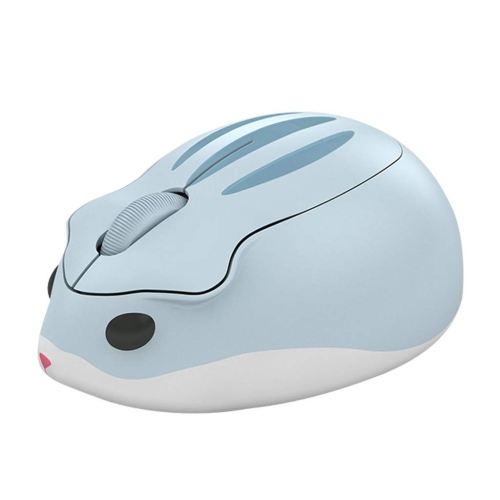
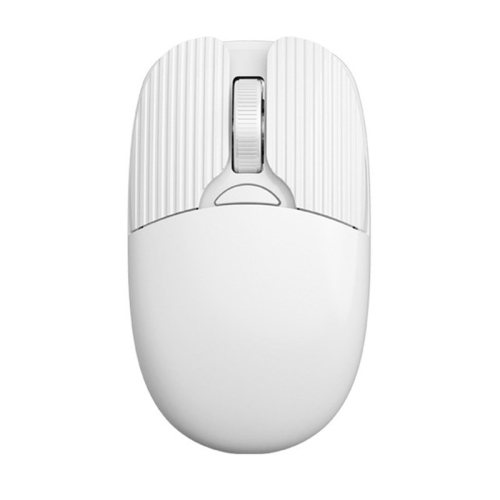
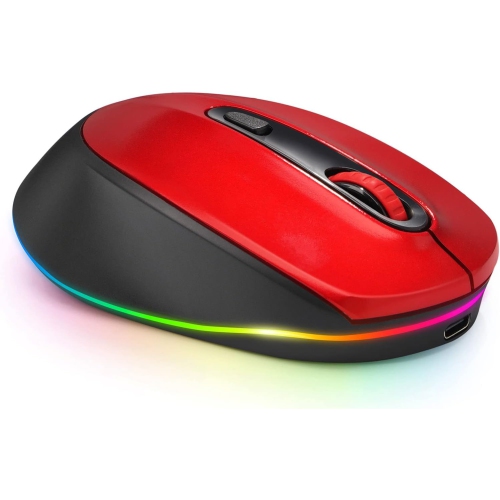
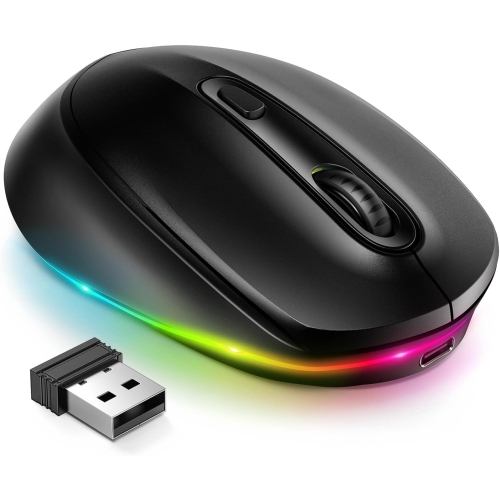
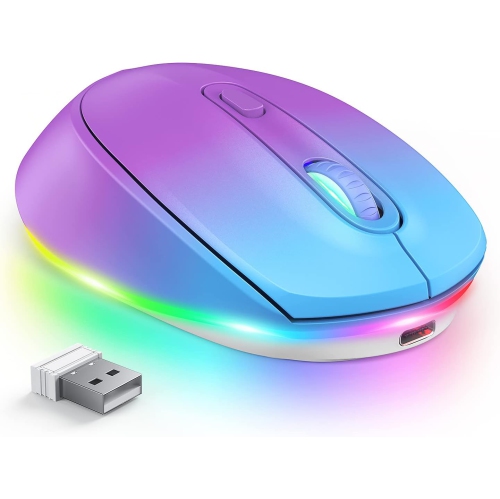
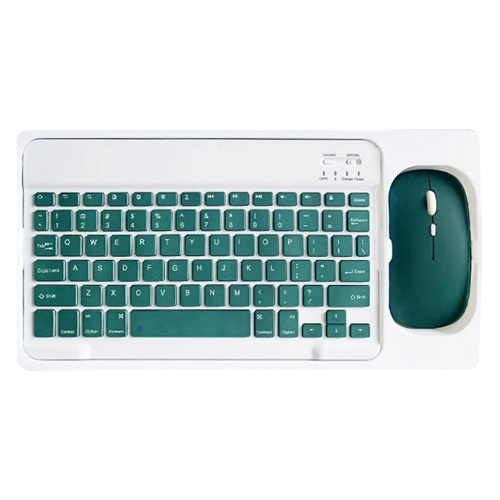
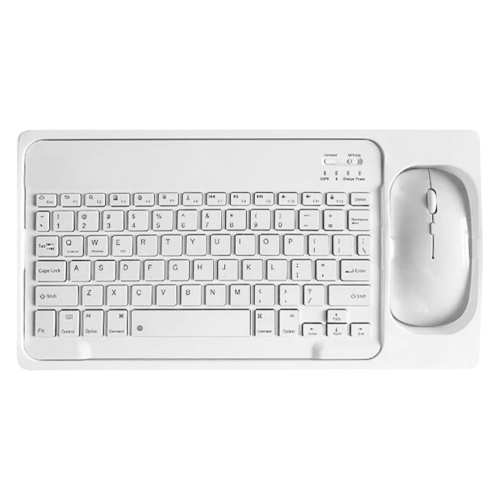

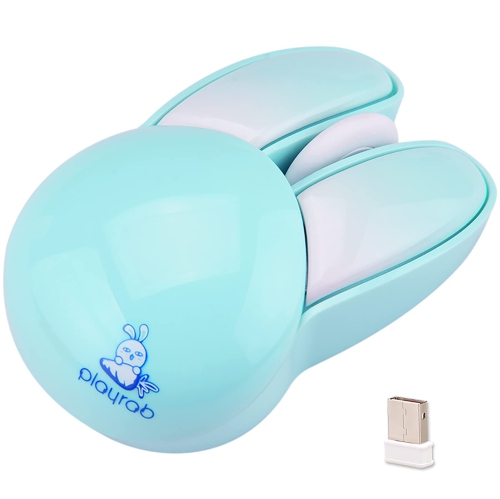
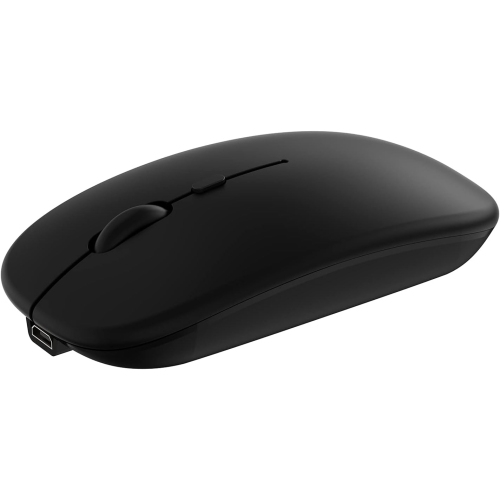
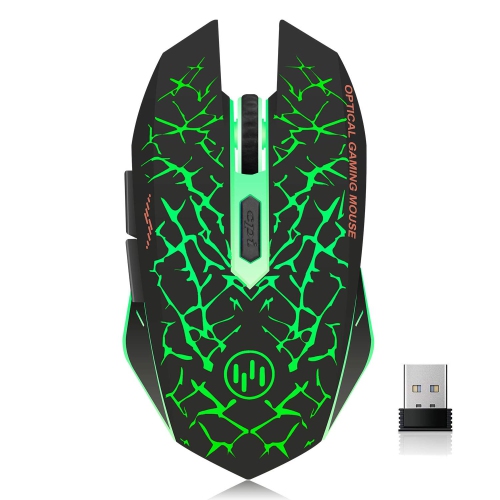
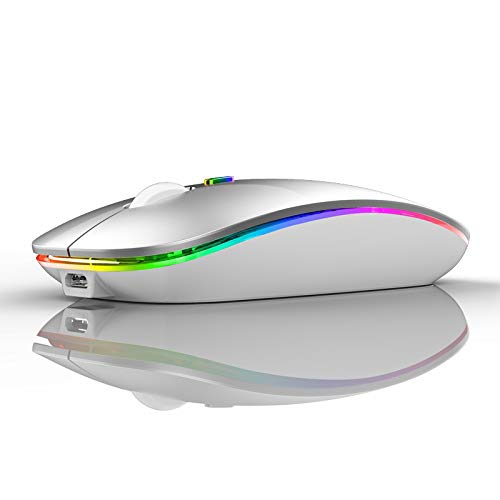
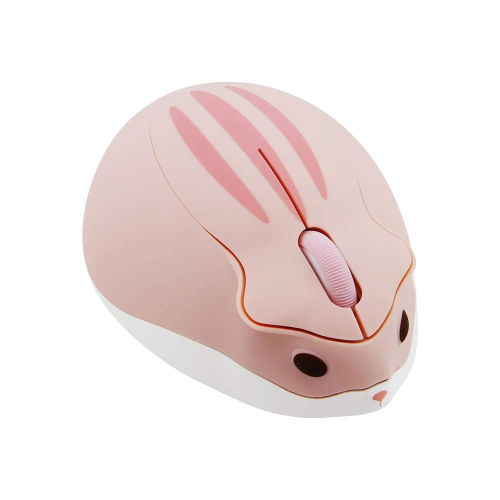
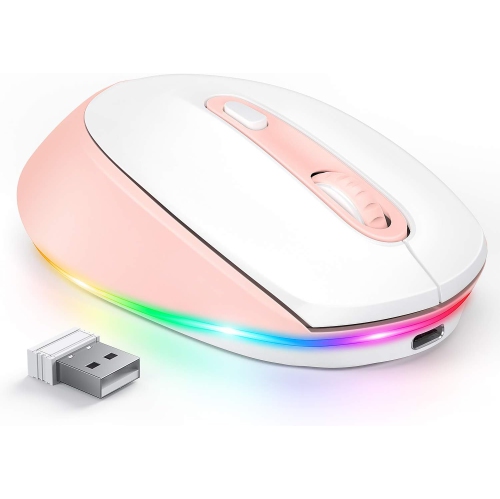

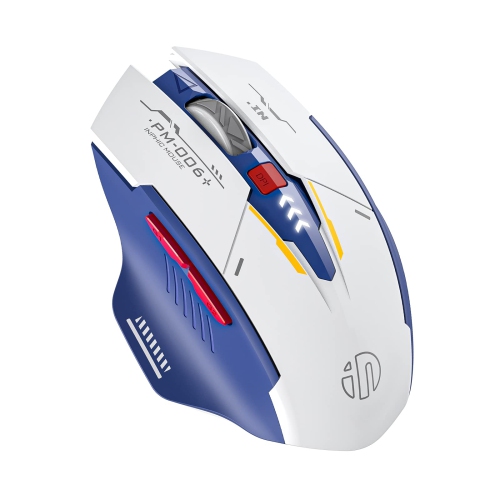
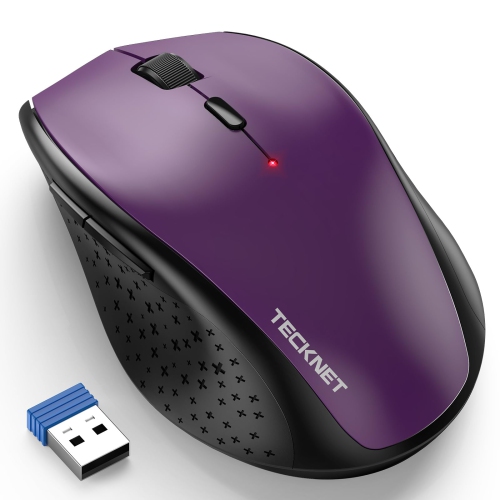
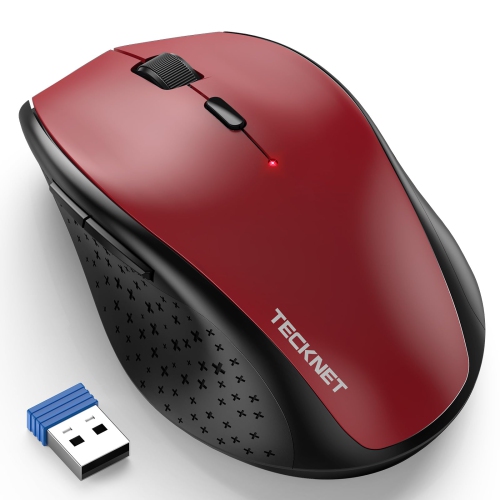
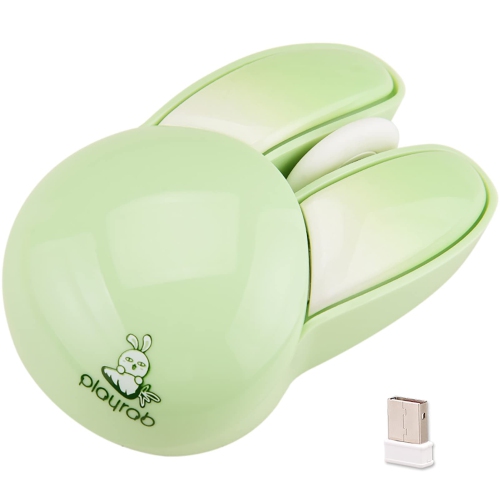
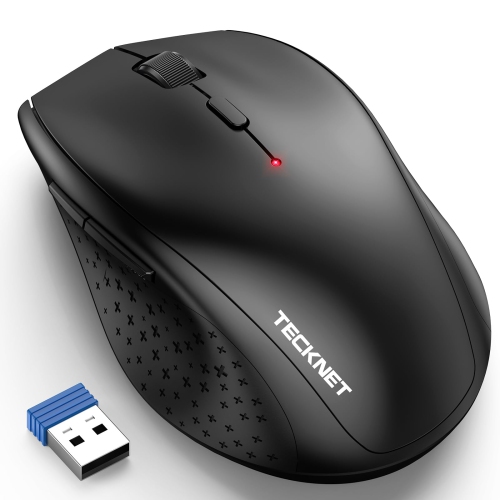
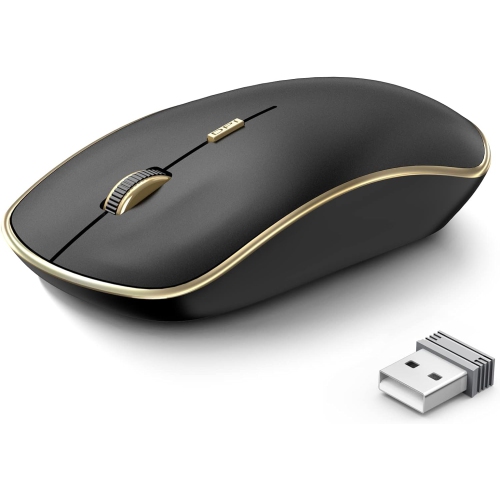
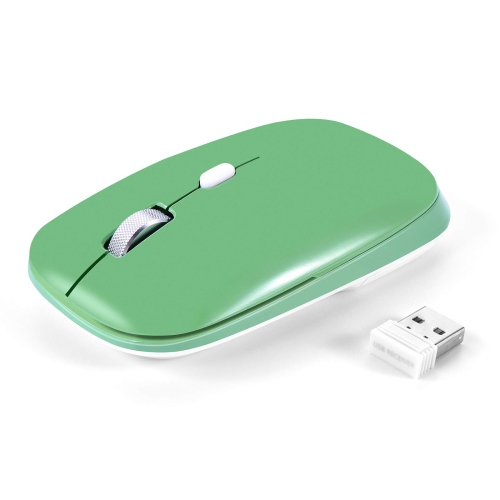
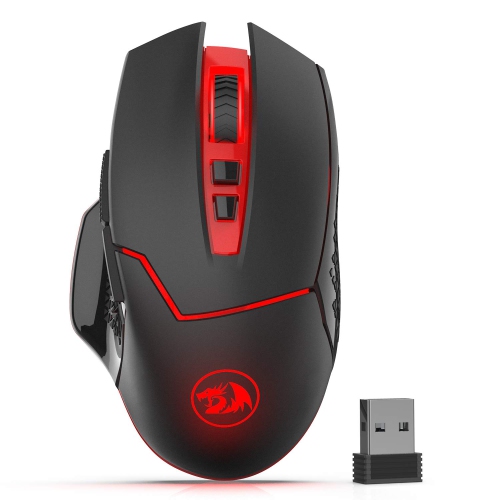
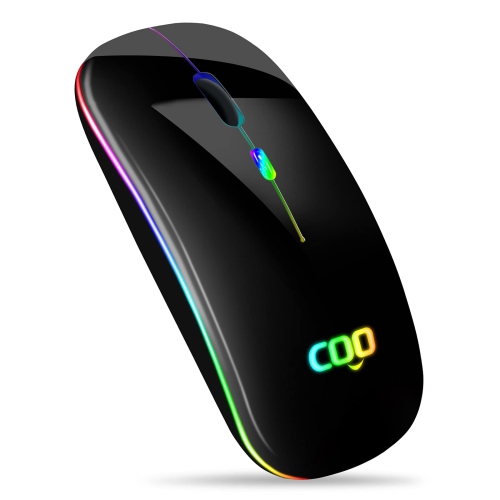
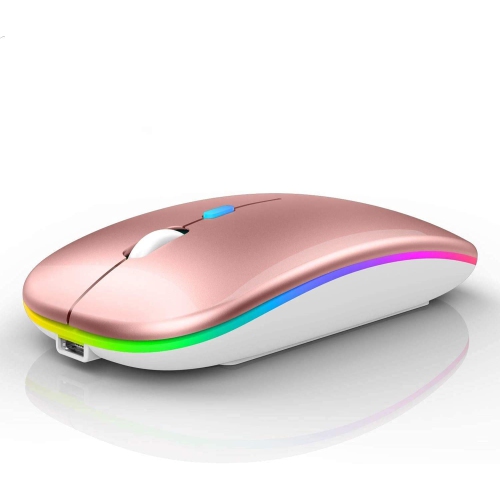
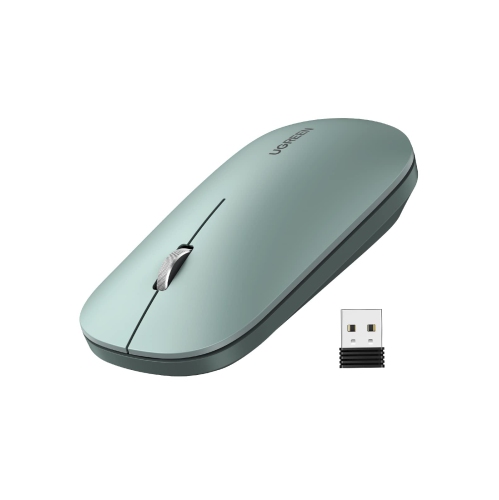
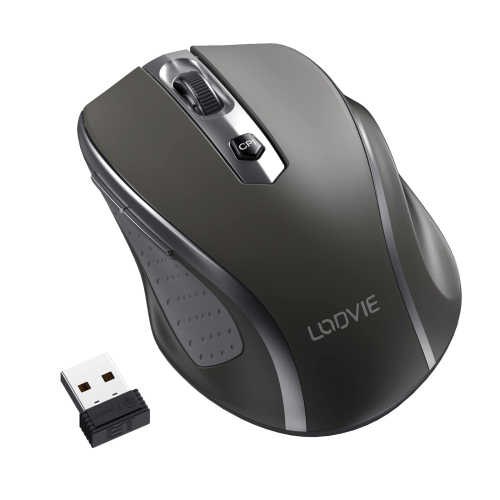
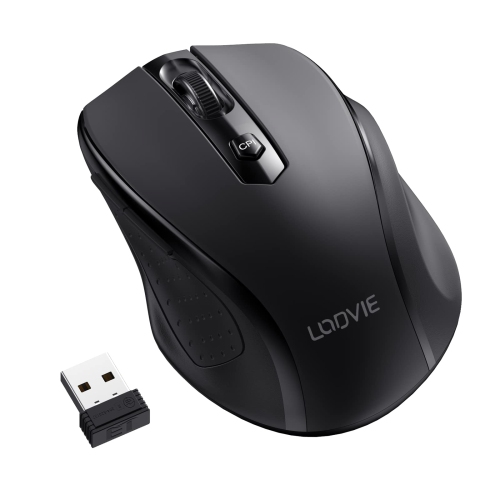
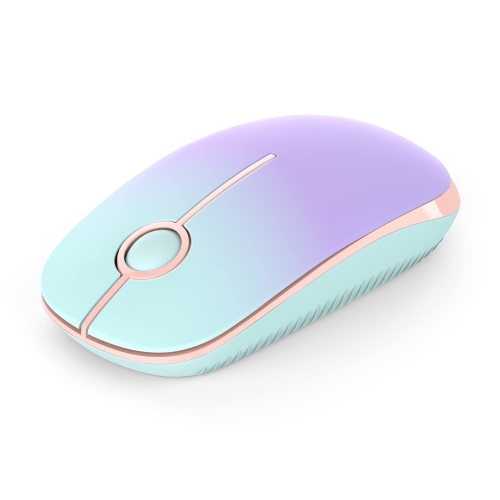
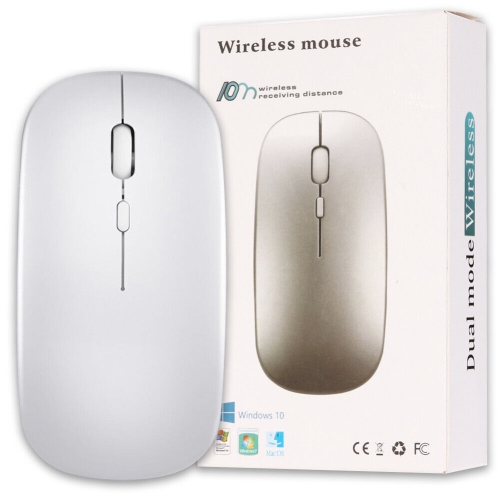
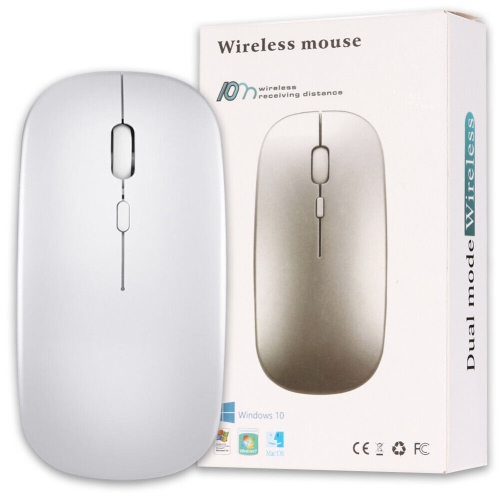
Familiar mouse control that fits in your laptop sleeve
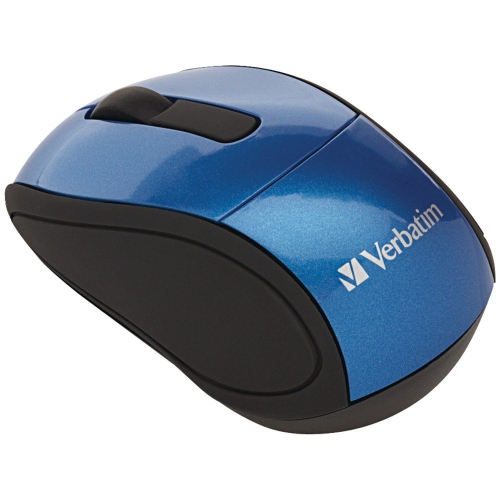
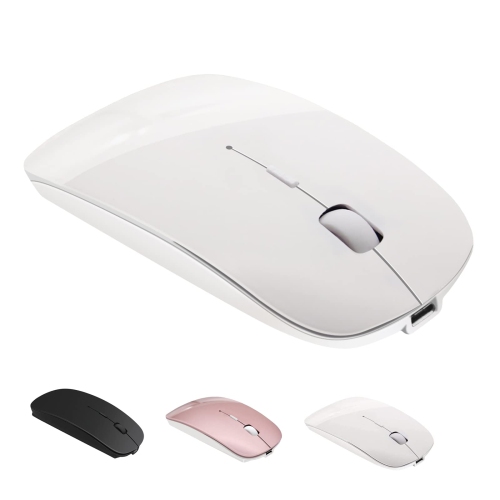
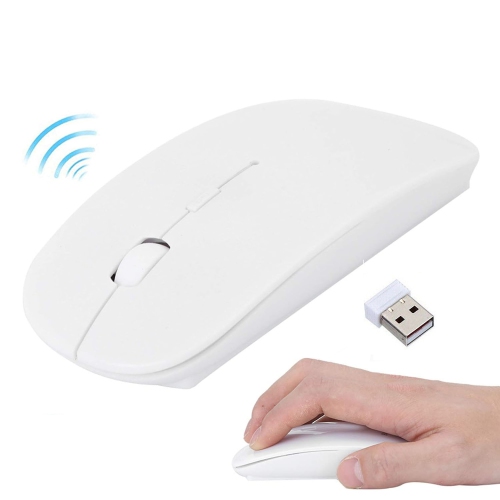
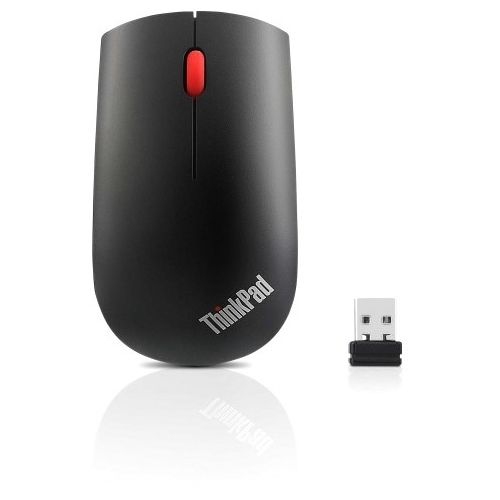
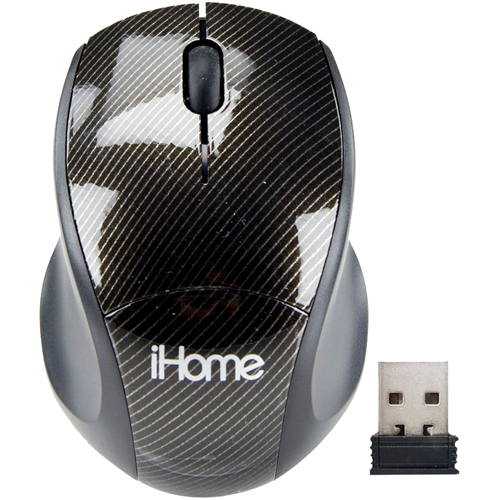
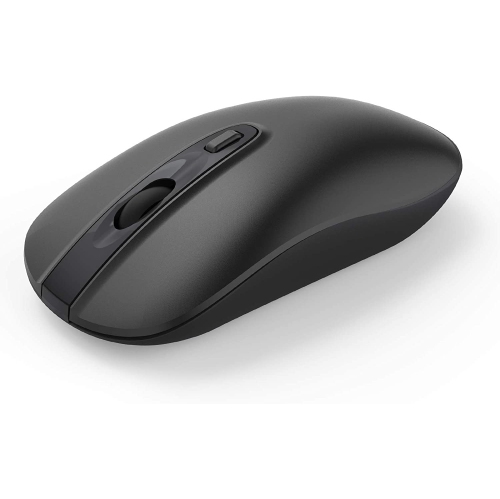
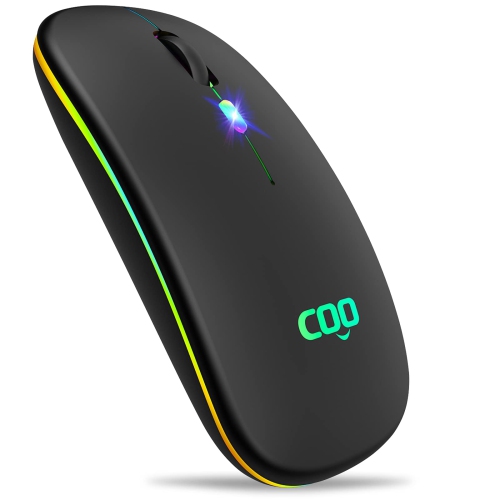
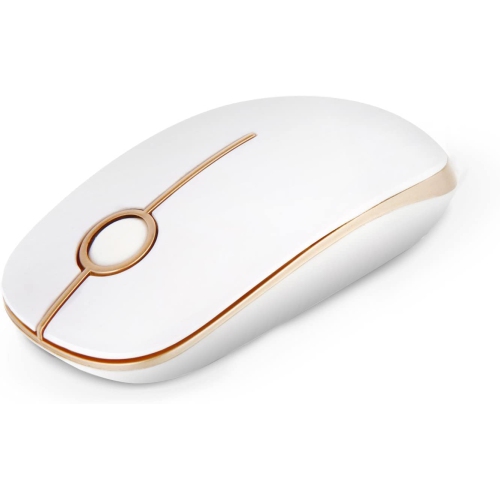
Mini wireless mice bring familiar point-and-click control to a smaller, cable-free shape that slips easily into a laptop sleeve, desk drawer, or accessory pouch. Their main appeal is portability: a compact mouse takes up little room beside a notebook computer on a shared desk, library table, or hotel workspace, while offering a separate scroll wheel and buttons for everyday tasks. For someone who prefers a mouse to a trackpad, that can make working through spreadsheets, selecting text, or moving between browser tabs feel more familiar away from a regular workstation. The two common connection types are Bluetooth and wireless USB receivers. Bluetooth mice connect directly to compatible devices without occupying a USB port, which is useful on slim laptops with limited connections. Receiver-based mice communicate through a small adapter plugged into the computer, commonly using a 2.4 GHz wireless connection. Many receivers use USB-A, while some use USB-C, so the connector matters as much as the mouse’s size. Basic pointer functions often work without additional software, though button customization and other advanced features may require a compatible app. Some compact wireless mice support both connection methods or allow switching between paired devices; those capabilities vary by model. A receiver storage compartment inside the mouse helps keep the tiny adapter with it during travel rather than loose at the bottom of a bag. Compatibility also extends beyond the connection itself. Operating system support, tablet mouse support, and access to optional settings can differ, particularly on school- or workplace-managed devices. Wireless operation removes the mouse cable from the work surface, but it does not eliminate the need for a suitable tracking area. A small mouse pad can provide a predictable surface where polished tabletops, glass, or uneven finishes interfere with an optical sensor. Mini wireless mice are especially useful for portable setups, occasional desk work, and situations where carrying less equipment matters more than having a full-size mouse under the entire hand.
Fit is an important distinction within this compact category, because mini describes overall size rather than a standard set of dimensions. A short, rounded mouse can feel quite different from a thin, flat design, even when both fit into the same pocket. Length, width, height, and weight all influence how the mouse rests under the fingers and how easily it moves across a desk. Smaller hands may find a compact body comfortable, while someone with larger hands may use it mainly with a fingertip or claw grip rather than resting the whole palm on top. A mini mouse is not automatically an ergonomic mouse, and its suitability for extended work depends on hand size, posture, and personal preference. For a full day of detailed work, the space saved in a bag may be less important than adequate hand support. Symmetrical shapes can suit either hand for basic clicking, although side-button placement and software settings may still favour right-handed use. Contoured bodies provide a more shaped resting surface, while low-profile designs are easier to tuck into shallow accessory compartments. Most housings are made from lightweight plastic, sometimes with textured panels or rubberized grips that add traction. Smooth finishes wipe clean easily; textured surfaces can feel more secure but may hold dust around their edges. Build quality shows up in details such as firm battery covers, consistent button movement, and a scroll wheel that turns without feeling loose. Quiet-click designs can be useful in lecture rooms, shared offices, or a living room where someone else is reading, though quiet does not necessarily mean silent. Pointer sensitivity, often expressed as DPI, affects how far the cursor travels for a given hand movement. Adjustable sensitivity can help balance small working areas with accurate selection, but a higher number alone does not guarantee better control. For browsing, writing, and routine office tasks, predictable tracking and comfortable button placement often matter more than an extensive set of controls. Extra buttons may make repeated actions easier when their placement and software support fit the intended use.
Power and everyday care also shape how well a mini wireless mouse fits into a routine. Replaceable-battery designs commonly use AA or AAA batteries, while rechargeable versions have a built-in battery and a charging connection that may be USB-C. Battery life varies with the model, daily use, connection type, and power-saving features, so a stated estimate is not a promise of the same results in every setting. An on/off switch can help prevent unnecessary power use while the mouse is packed away, and a battery indicator can provide useful notice before a long class or an afternoon of meetings. Rechargeable designs fit naturally into a routine of charging accessories at a desk, whereas replaceable batteries can be convenient on longer trips when a spare is kept in a protective case. A charging port does not always support wired mouse operation, so charging and connection capabilities are separate considerations. For carrying, a dedicated pouch or sleeve compartment helps keep the scroll wheel and buttons from being pressed against keys, chargers, or other hard objects. Everyday durability depends partly on how the mouse is handled: repeated drops, liquid spills, and pressure inside an overfilled bag can damage even a sturdy housing. Routine cleaning is usually straightforward with the mouse switched off and a soft, dry or lightly dampened cloth used according to the manufacturer’s directions. Moisture should stay out of openings, and the sensor area and underside glide pads benefit from being kept free of dust and grit. For students moving between home, classrooms, and study spaces, School Wireless Mice offer another relevant category for everyday computer use. A mini wireless mouse can also make a practical gift for a commuter, frequent traveller, or someone setting up a compact workspace, provided its size and connection suit the recipient’s computer and preferences. Its value in daily use comes from that straightforward combination of easy carrying, familiar control, and a fit that works wherever the laptop is opened.
Fit is an important distinction within this compact category, because mini describes overall size rather than a standard set of dimensions. A short, rounded mouse can feel quite different from a thin, flat design, even when both fit into the same pocket. Length, width, height, and weight all influence how the mouse rests under the fingers and how easily it moves across a desk. Smaller hands may find a compact body comfortable, while someone with larger hands may use it mainly with a fingertip or claw grip rather than resting the whole palm on top. A mini mouse is not automatically an ergonomic mouse, and its suitability for extended work depends on hand size, posture, and personal preference. For a full day of detailed work, the space saved in a bag may be less important than adequate hand support. Symmetrical shapes can suit either hand for basic clicking, although side-button placement and software settings may still favour right-handed use. Contoured bodies provide a more shaped resting surface, while low-profile designs are easier to tuck into shallow accessory compartments. Most housings are made from lightweight plastic, sometimes with textured panels or rubberized grips that add traction. Smooth finishes wipe clean easily; textured surfaces can feel more secure but may hold dust around their edges. Build quality shows up in details such as firm battery covers, consistent button movement, and a scroll wheel that turns without feeling loose. Quiet-click designs can be useful in lecture rooms, shared offices, or a living room where someone else is reading, though quiet does not necessarily mean silent. Pointer sensitivity, often expressed as DPI, affects how far the cursor travels for a given hand movement. Adjustable sensitivity can help balance small working areas with accurate selection, but a higher number alone does not guarantee better control. For browsing, writing, and routine office tasks, predictable tracking and comfortable button placement often matter more than an extensive set of controls. Extra buttons may make repeated actions easier when their placement and software support fit the intended use.
Power and everyday care also shape how well a mini wireless mouse fits into a routine. Replaceable-battery designs commonly use AA or AAA batteries, while rechargeable versions have a built-in battery and a charging connection that may be USB-C. Battery life varies with the model, daily use, connection type, and power-saving features, so a stated estimate is not a promise of the same results in every setting. An on/off switch can help prevent unnecessary power use while the mouse is packed away, and a battery indicator can provide useful notice before a long class or an afternoon of meetings. Rechargeable designs fit naturally into a routine of charging accessories at a desk, whereas replaceable batteries can be convenient on longer trips when a spare is kept in a protective case. A charging port does not always support wired mouse operation, so charging and connection capabilities are separate considerations. For carrying, a dedicated pouch or sleeve compartment helps keep the scroll wheel and buttons from being pressed against keys, chargers, or other hard objects. Everyday durability depends partly on how the mouse is handled: repeated drops, liquid spills, and pressure inside an overfilled bag can damage even a sturdy housing. Routine cleaning is usually straightforward with the mouse switched off and a soft, dry or lightly dampened cloth used according to the manufacturer’s directions. Moisture should stay out of openings, and the sensor area and underside glide pads benefit from being kept free of dust and grit. For students moving between home, classrooms, and study spaces, School Wireless Mice offer another relevant category for everyday computer use. A mini wireless mouse can also make a practical gift for a commuter, frequent traveller, or someone setting up a compact workspace, provided its size and connection suit the recipient’s computer and preferences. Its value in daily use comes from that straightforward combination of easy carrying, familiar control, and a fit that works wherever the laptop is opened.
Top selling and popular products
-
 Your price for this item is $29.99
 -
 Your price for this item is $50.44
 -
 Your price for this item is $39.99
 -
 Your price for this item is $49.99
 -
 Your price for this item is $159.95
 -
 Your price for this item is $44.68
 -
 Your price for this item is $44.68
 -
 Your price for this item is $31
Discover more categories related to Mini Wireless Mice

Top Collections:
Pokemon Centers, Kindle Devices, Best Budget Office Chairs, Apple iPhones 16, Best Laptops for Writers, iPhone 15 Apple, Canon G7X Cameras, Refurbished Apple Laptops, Alarm Clock, Motorola Razr Phones
Some products may be subject to Environmental Handling Fees
(EHF) depending on your province.
Learn more about EHFs.