Cute Wireless Mice
Wireless mice are a great way to keep your computer clean of wires. They're also useful for people who want to be able to move their mouse around while they're using the computer. Here are some of the best cute wireless mice on the market.
Sort
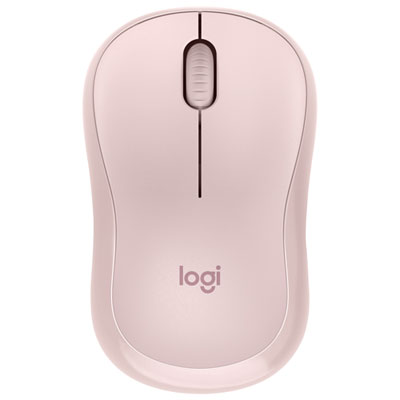
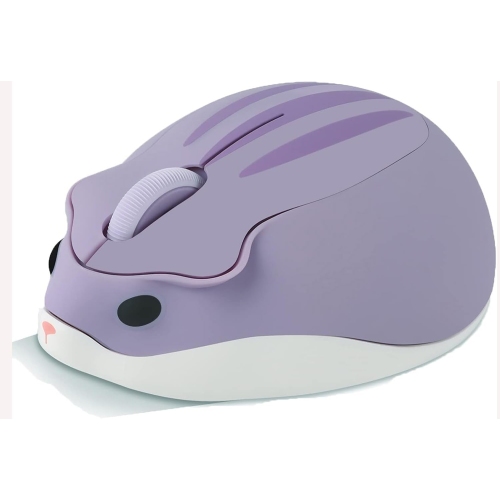

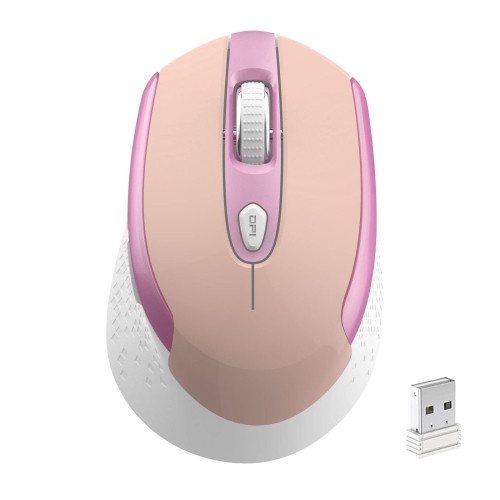
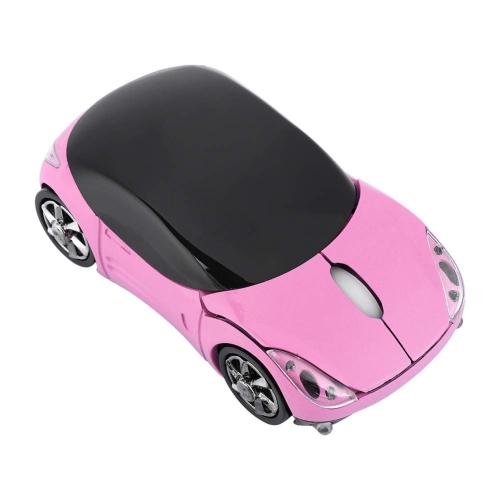
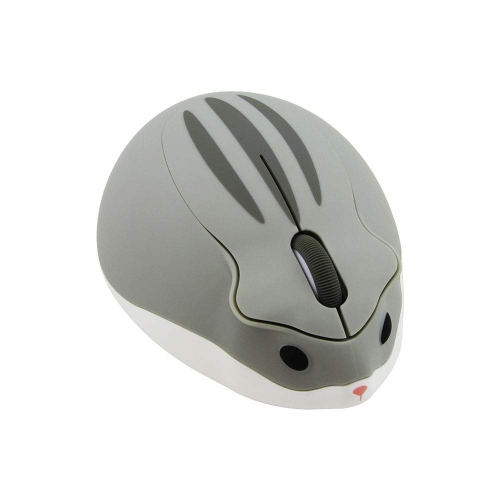
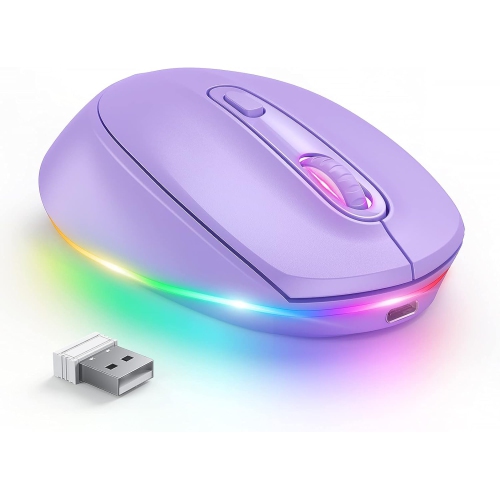
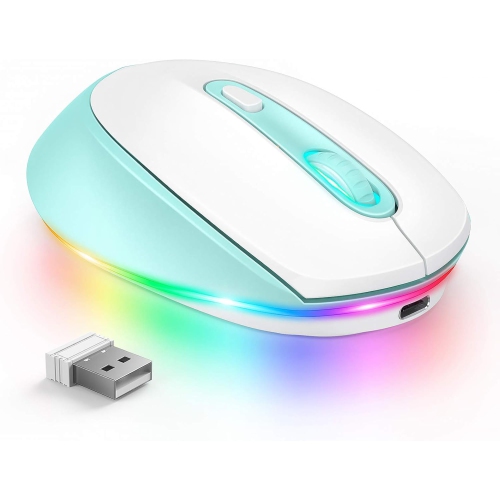
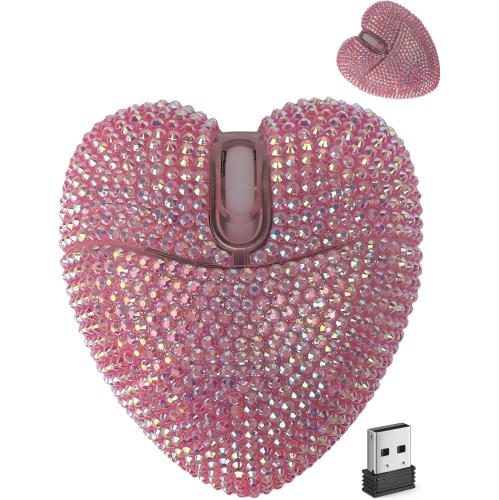
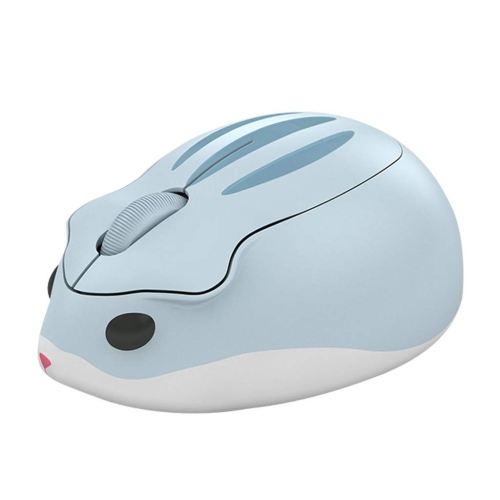
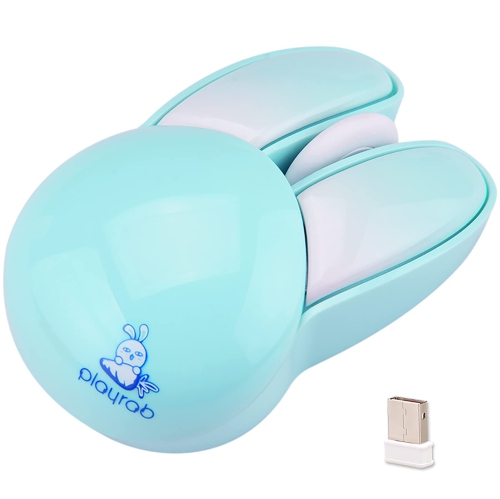
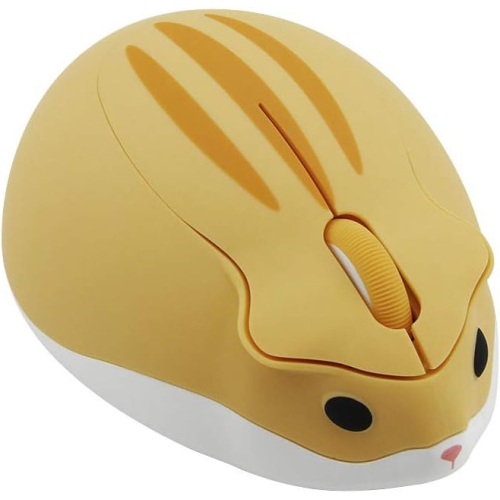


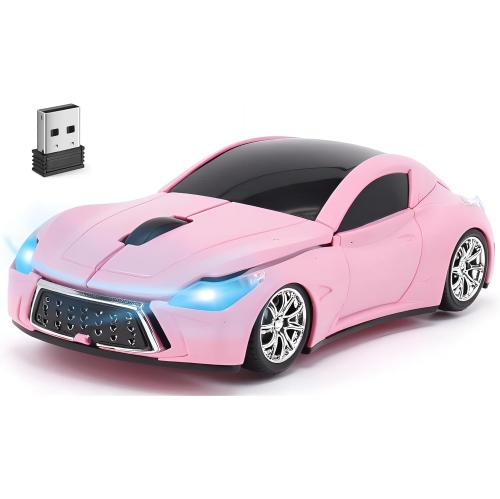
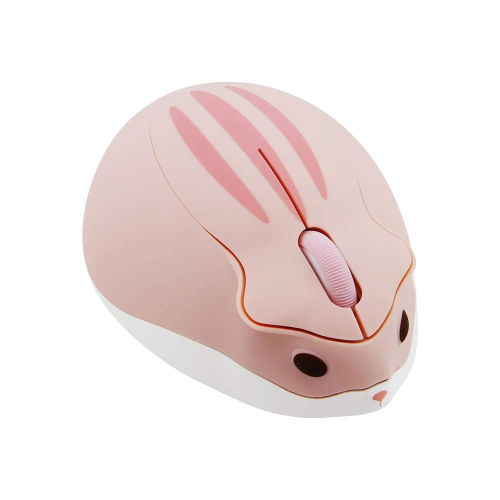
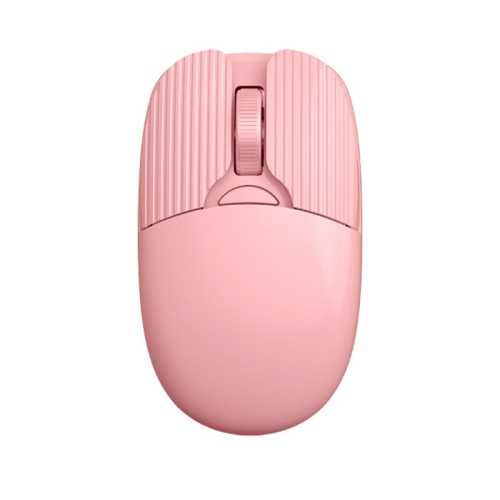
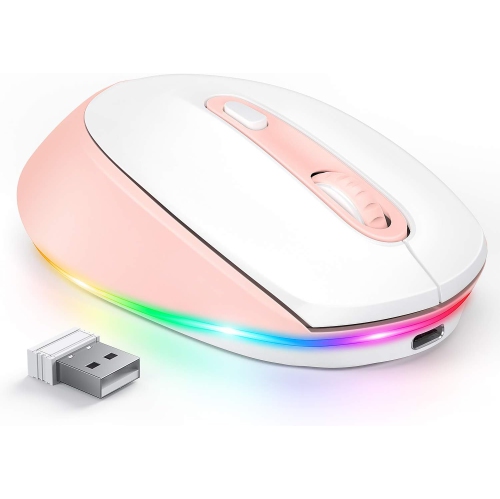
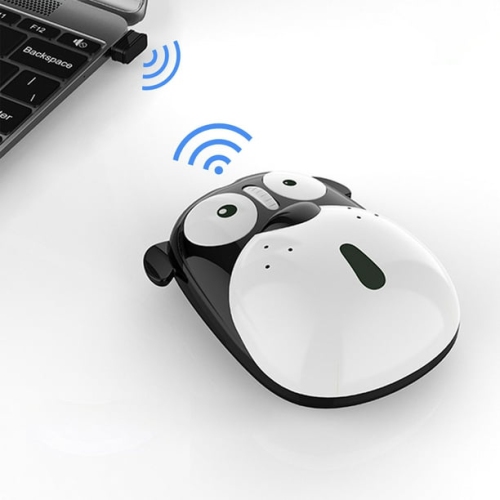
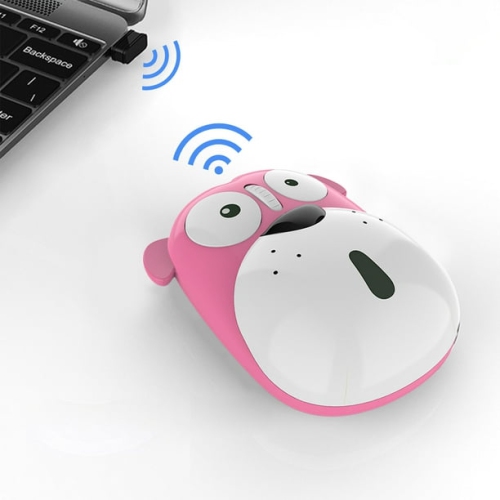
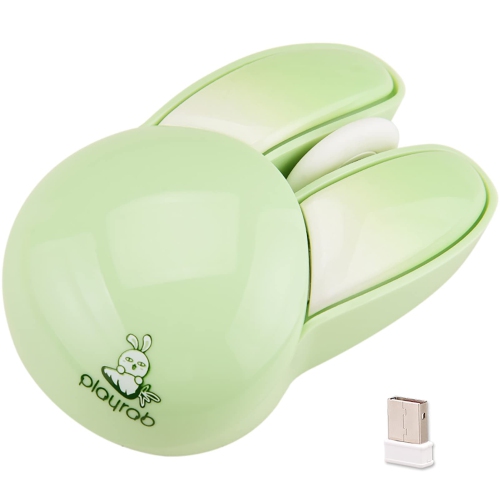
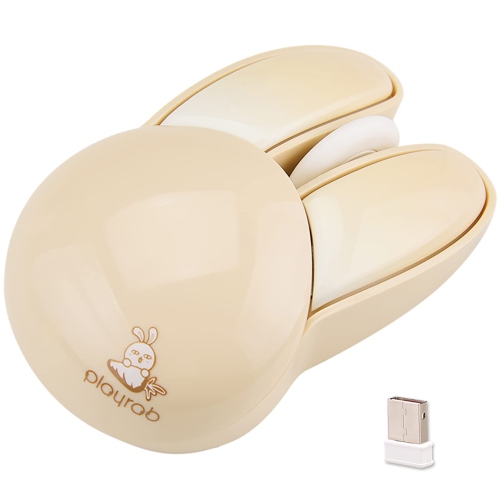
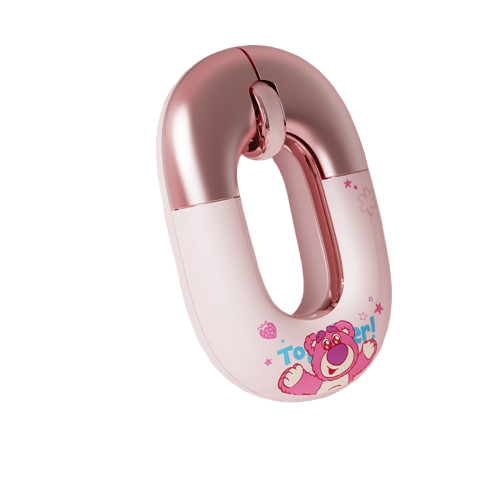
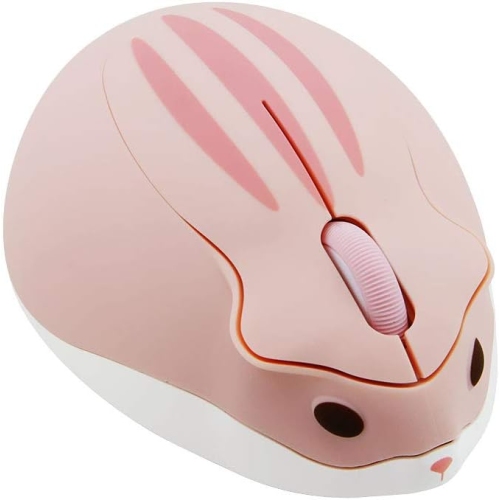
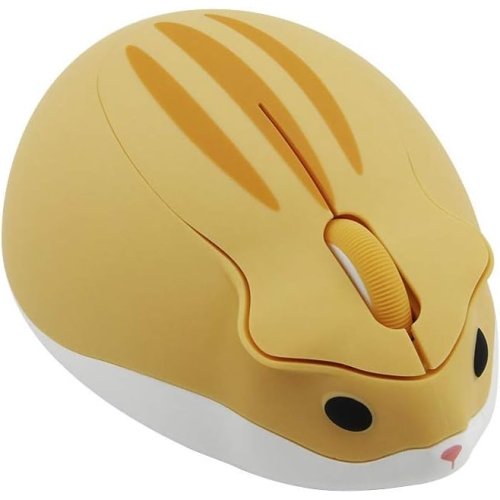
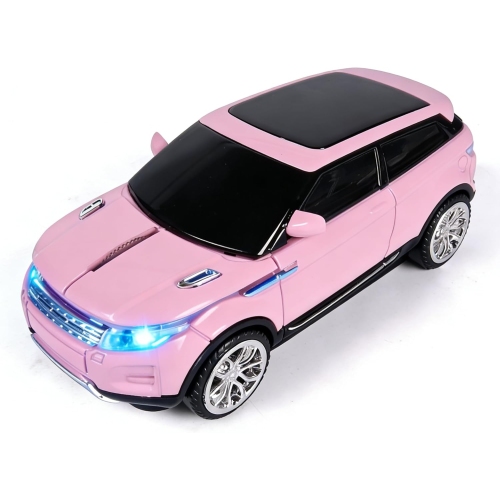
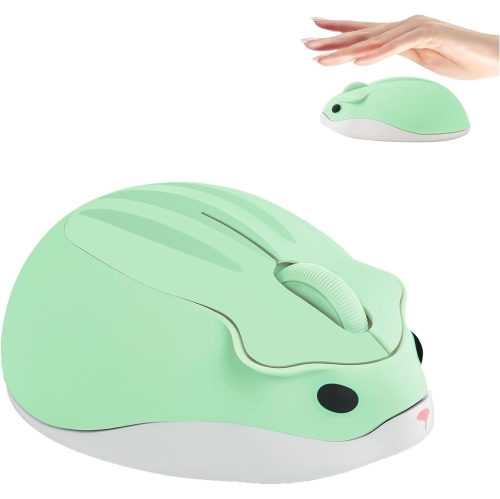
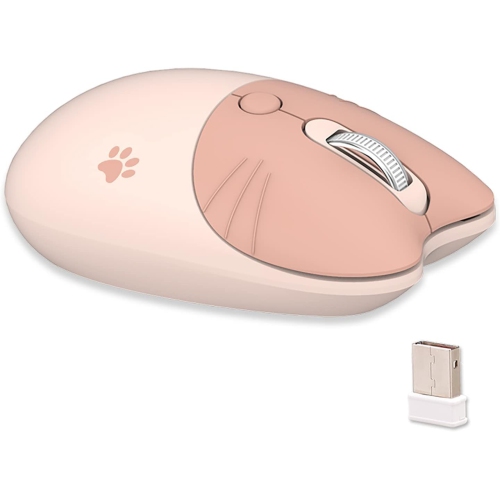
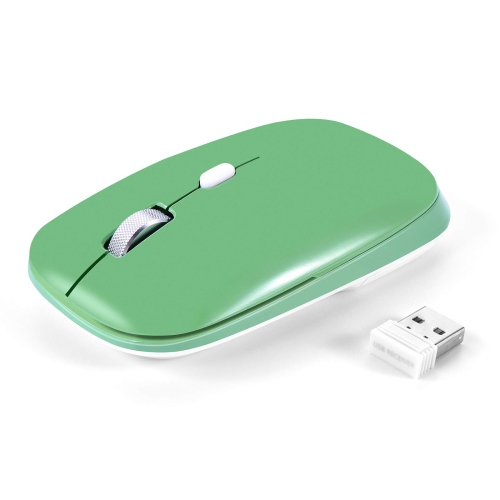
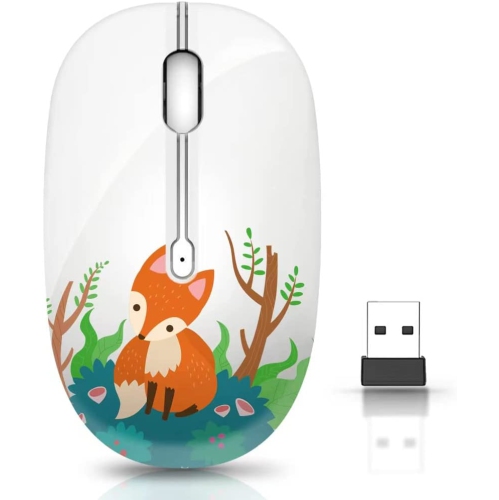
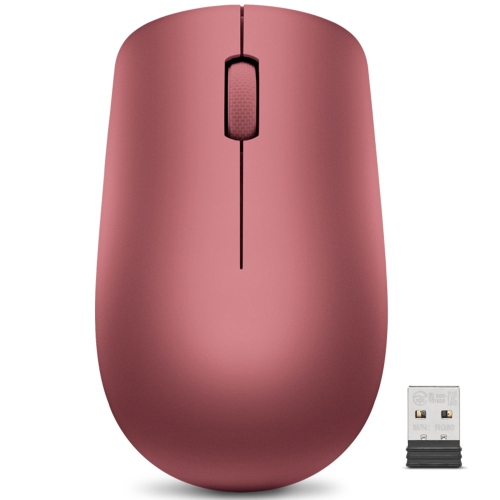
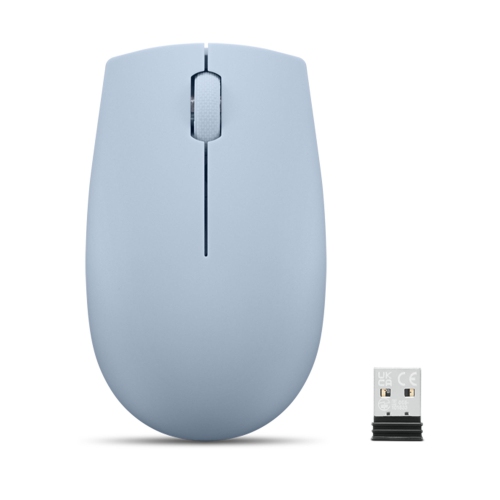

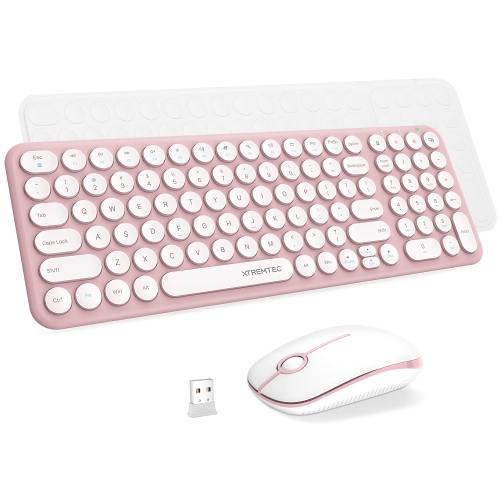
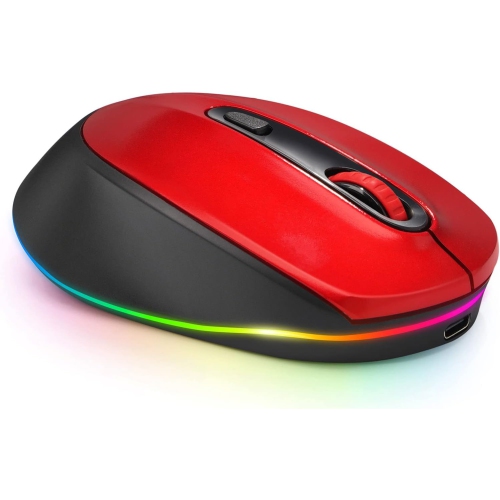

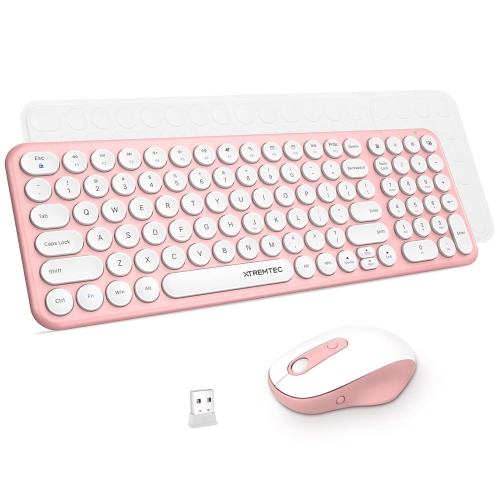
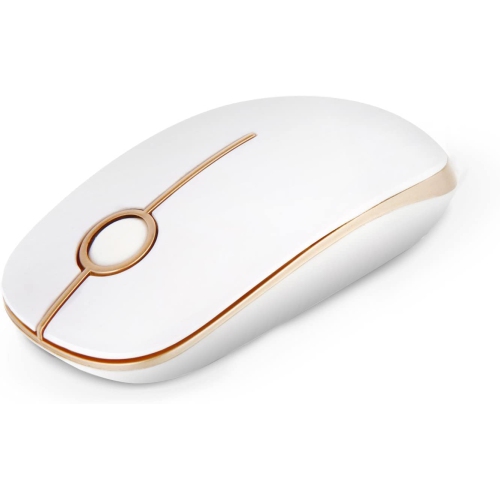
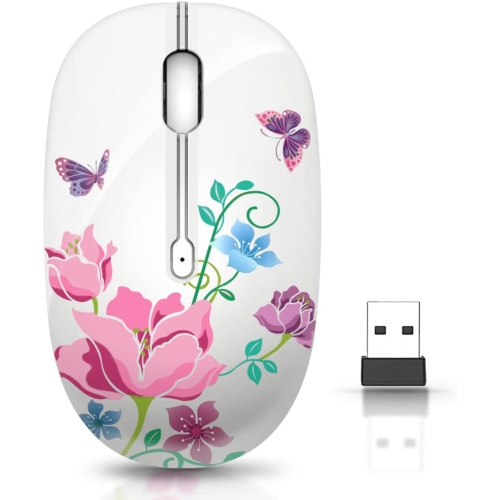
Playful mouse designs with a practical side
Cute wireless mice combine everyday computer navigation with playful shapes, soft colours, and decorative details that make a desk feel more personal. The look can be subtle, such as a rounded shell in blush pink, lavender, mint, or cream, or more expressive, with animal-inspired silhouettes, illustrated patterns, and contrasting buttons. Kawaii-style designs often use gentle curves and character-like details, while minimalist pastel mice bring a quieter touch of colour to a coordinated workspace. Beyond appearance, these are practical accessories for moving through documents, browsing, studying, editing presentations, and handling daily laptop tasks without a mouse cable crossing the desk. A cheerful design can suit a student’s study nook, a shared family computer, or a home office where the accessories reflect the person using them. Wireless operation also makes it easier to reposition the mouse beside a notebook or move it out of the way when more writing space is needed. Shape matters just as much as colour, especially during longer sessions. A low-profile mouse slips neatly into a laptop sleeve’s accessory pocket, while a fuller, rounded body may provide more support beneath the palm. Compact does not automatically mean comfortable: a small shell can suit someone who controls the mouse mainly with their fingertips, but feel cramped for someone who rests their whole hand on it. Decorative ears, raised accents, or unusual contours can change where the fingers sit, so the position of those details matters alongside the overall dimensions. Left-handed users may prefer a symmetrical body, though side-button placement can still favour one hand. Clearly separated buttons and a scroll wheel that is easy to reach help keep an appealing design practical. For children using a computer for schoolwork, a manageable size and straightforward controls may be more useful than elaborate extras. The most satisfying balance is a mouse that feels natural in the hand and adds personality without getting in the way of ordinary tasks.
Connection type determines how a cute wireless mouse fits into a computer setup. Bluetooth mice pair with compatible devices without a separate USB receiver, leaving ports free for other accessories. Mice that use a 2.4 GHz USB receiver connect through a small adapter plugged into the computer or a compatible hub. The receiver’s connector matters: a USB-A receiver will not plug directly into a USB-C-only laptop without an appropriate adapter or hub. Some wireless mice support both Bluetooth and receiver-based connections, and some can switch between paired devices, but those capabilities vary by model. Compatibility with the computer’s operating system is also important, particularly when extra buttons or custom shortcuts depend on software. For a portable setup, Cute Mice for Laptops brings the focus to the same playful styling in a laptop context, where size, connection options, and easy storage are especially relevant. A built-in receiver compartment can help keep a tiny adapter from disappearing into the bottom of a bag. Day-to-day feel depends on more than the connection, too. Quiet-click buttons can reduce repeated tapping sounds in a shared office, library, or study space, although a quiet mouse is not necessarily completely silent. Optical tracking suits many everyday work surfaces, but glass, glossy finishes, and uneven textures may affect performance unless the sensor is designed for them. A mouse pad provides a consistent surface and can help protect a desk from repeated contact. Adjustable sensitivity, often expressed as DPI, changes how far the pointer travels for a given movement of the hand. Higher settings can make crossing a large display easier, while lower settings may feel more controlled for selecting small cells in a spreadsheet or making careful edits. A higher DPI figure alone does not establish better performance. For gaming, sensor consistency, connection responsiveness, weight, and button placement deserve attention alongside the design; a decorative mouse intended for casual browsing may not provide the controls needed for more demanding play.
Materials, construction, and power options influence how well a cute wireless mouse holds up to regular use. Plastic shells keep many designs relatively light, with finishes ranging from smooth gloss to matte textures and rubberized grip areas. Glossy surfaces may show fingerprints more readily, while textured sections can collect dust along their edges. Printed illustrations and decorative coatings benefit from gentle handling, especially when the mouse travels beside keys, chargers, or other hard objects. A separate pouch or accessory compartment helps prevent scuffs and keeps raised details from catching on nearby belongings. Durability also depends on the main buttons, scroll wheel, battery cover, and glide feet underneath the mouse, not simply the thickness or appearance of the shell. For cleaning, the mouse should be switched off and disconnected from charging, with care instructions taking priority. A soft, dry cloth is useful for routine dust removal; moisture should stay out of openings, and harsh cleaners or abrasive pads can damage finishes. Dust around the sensor opening and debris caught near the glide feet can interfere with smooth movement. Power arrangements vary between replaceable batteries and built-in rechargeable batteries. Replaceable-battery designs allow a fresh battery to be fitted when needed, while rechargeable designs require access to a suitable cable and power source. A charging port does not necessarily mean the mouse can transmit data over a cable or operate while charging. Battery life depends on usage, settings, lighting features, and the specific design, so broad claims are less useful than the stated specifications. An accessible power switch and automatic sleep function can be helpful for a mouse that spends time in a bag between study sessions or meetings. As gifts, cute wireless mice suit people who enjoy coordinated desk accessories, animal motifs, or small touches of colour in their everyday tools. A recipient’s preferred colours offer a starting point, but their computer connections, hand size, and working habits make the gift more thoughtful. For someone who carries a laptop between home and campus, portability may matter most; for someone who spends hours at a desk, a comfortable shape and pleasant button feel can make the decorative details enjoyable long after the first impression.
Connection type determines how a cute wireless mouse fits into a computer setup. Bluetooth mice pair with compatible devices without a separate USB receiver, leaving ports free for other accessories. Mice that use a 2.4 GHz USB receiver connect through a small adapter plugged into the computer or a compatible hub. The receiver’s connector matters: a USB-A receiver will not plug directly into a USB-C-only laptop without an appropriate adapter or hub. Some wireless mice support both Bluetooth and receiver-based connections, and some can switch between paired devices, but those capabilities vary by model. Compatibility with the computer’s operating system is also important, particularly when extra buttons or custom shortcuts depend on software. For a portable setup, Cute Mice for Laptops brings the focus to the same playful styling in a laptop context, where size, connection options, and easy storage are especially relevant. A built-in receiver compartment can help keep a tiny adapter from disappearing into the bottom of a bag. Day-to-day feel depends on more than the connection, too. Quiet-click buttons can reduce repeated tapping sounds in a shared office, library, or study space, although a quiet mouse is not necessarily completely silent. Optical tracking suits many everyday work surfaces, but glass, glossy finishes, and uneven textures may affect performance unless the sensor is designed for them. A mouse pad provides a consistent surface and can help protect a desk from repeated contact. Adjustable sensitivity, often expressed as DPI, changes how far the pointer travels for a given movement of the hand. Higher settings can make crossing a large display easier, while lower settings may feel more controlled for selecting small cells in a spreadsheet or making careful edits. A higher DPI figure alone does not establish better performance. For gaming, sensor consistency, connection responsiveness, weight, and button placement deserve attention alongside the design; a decorative mouse intended for casual browsing may not provide the controls needed for more demanding play.
Materials, construction, and power options influence how well a cute wireless mouse holds up to regular use. Plastic shells keep many designs relatively light, with finishes ranging from smooth gloss to matte textures and rubberized grip areas. Glossy surfaces may show fingerprints more readily, while textured sections can collect dust along their edges. Printed illustrations and decorative coatings benefit from gentle handling, especially when the mouse travels beside keys, chargers, or other hard objects. A separate pouch or accessory compartment helps prevent scuffs and keeps raised details from catching on nearby belongings. Durability also depends on the main buttons, scroll wheel, battery cover, and glide feet underneath the mouse, not simply the thickness or appearance of the shell. For cleaning, the mouse should be switched off and disconnected from charging, with care instructions taking priority. A soft, dry cloth is useful for routine dust removal; moisture should stay out of openings, and harsh cleaners or abrasive pads can damage finishes. Dust around the sensor opening and debris caught near the glide feet can interfere with smooth movement. Power arrangements vary between replaceable batteries and built-in rechargeable batteries. Replaceable-battery designs allow a fresh battery to be fitted when needed, while rechargeable designs require access to a suitable cable and power source. A charging port does not necessarily mean the mouse can transmit data over a cable or operate while charging. Battery life depends on usage, settings, lighting features, and the specific design, so broad claims are less useful than the stated specifications. An accessible power switch and automatic sleep function can be helpful for a mouse that spends time in a bag between study sessions or meetings. As gifts, cute wireless mice suit people who enjoy coordinated desk accessories, animal motifs, or small touches of colour in their everyday tools. A recipient’s preferred colours offer a starting point, but their computer connections, hand size, and working habits make the gift more thoughtful. For someone who carries a laptop between home and campus, portability may matter most; for someone who spends hours at a desk, a comfortable shape and pleasant button feel can make the decorative details enjoyable long after the first impression.
Top selling and popular products
-
 Your price for this item is $29.99
 -
 Your price for this item is $50.44
 -
 Your price for this item is $39.99
 -
 Your price for this item is $49.99
 -
 Your price for this item is $159.95
 -
 Your price for this item is $44.68
 -
 Your price for this item is $44.68
 -
 Your price for this item is $31
Discover more categories related to Cute Wireless Mice
Top Collections:
Pokemon Centers, Kindle Devices, Best Budget Office Chairs, Apple iPhones 16, Best Laptops for Writers, iPhone 15 Apple, Canon G7X Cameras, Refurbished Apple Laptops, Alarm Clock, Motorola Razr Phones
Some products may be subject to Environmental Handling Fees
(EHF) depending on your province.
Learn more about EHFs.