Monitor Arms for Flexible Screen Viewing
Enhance your workspace with monitor arms for flexible screen viewing, designed to help you create a more comfortable and organized setup. Whether you're looking to free up valuable desk space or find the perfect angle for your monitors, these versatile solutions make it easy to customize your viewing experience. Explore a wide selection of monitor arms that support multiple screen sizes and configurations, making it simple to tailor your workstation to your needs.
Sort
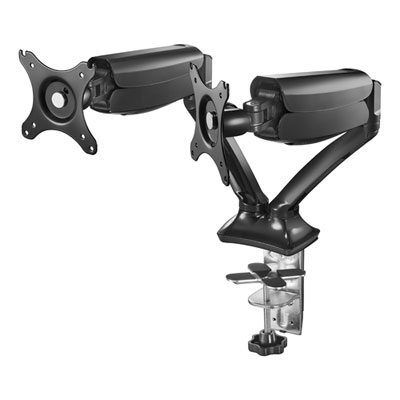
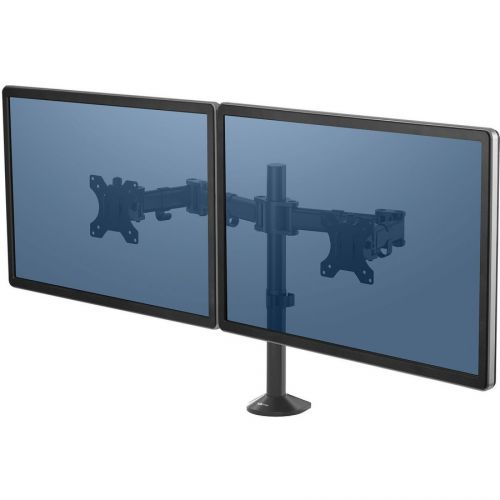
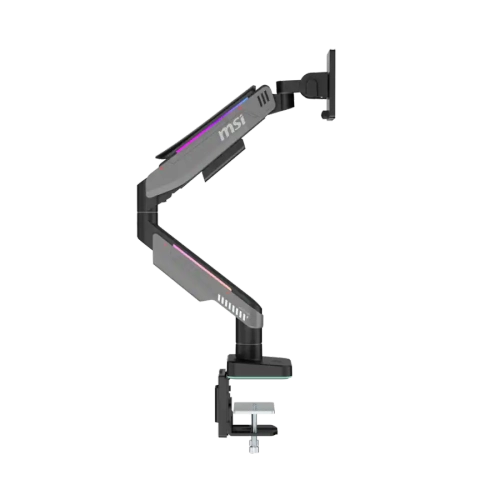
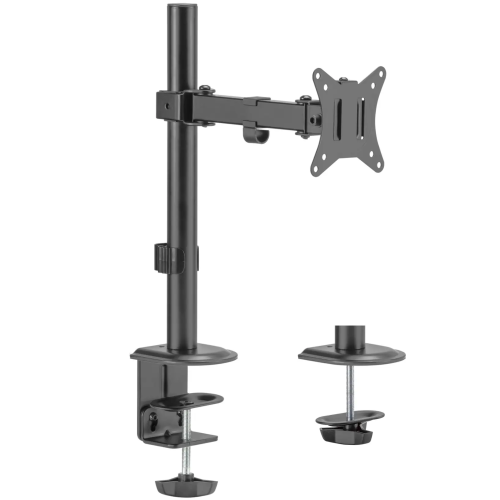
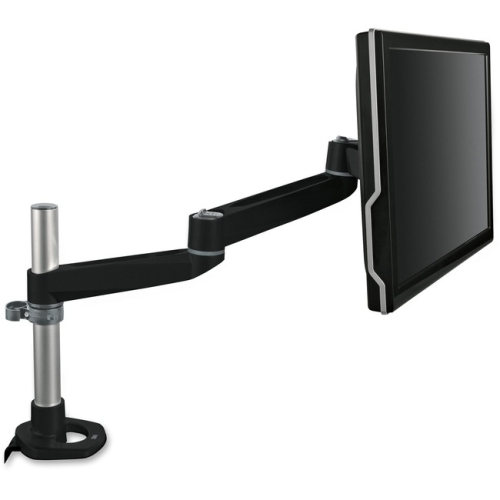
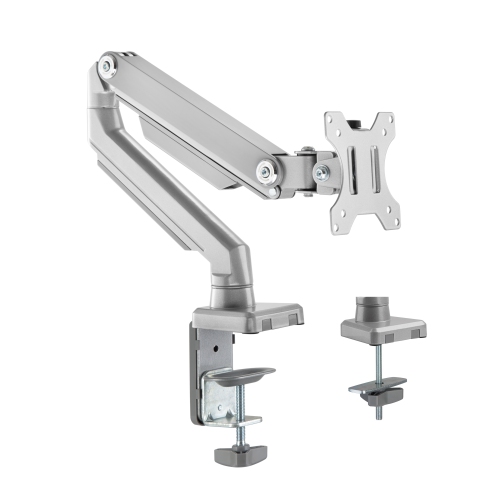
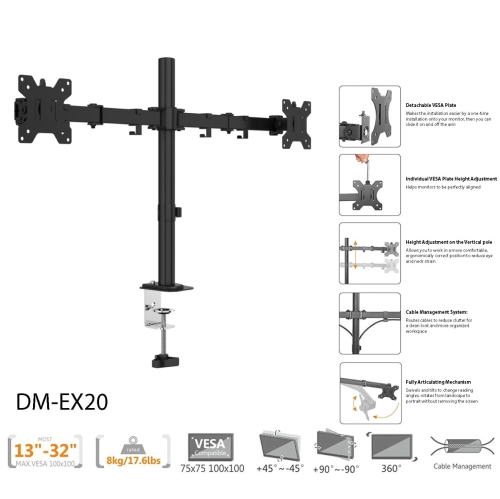
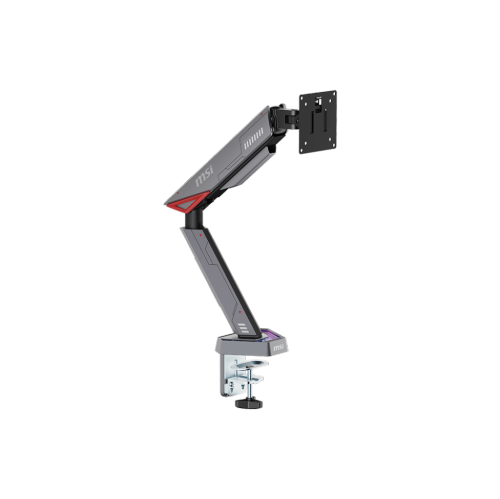
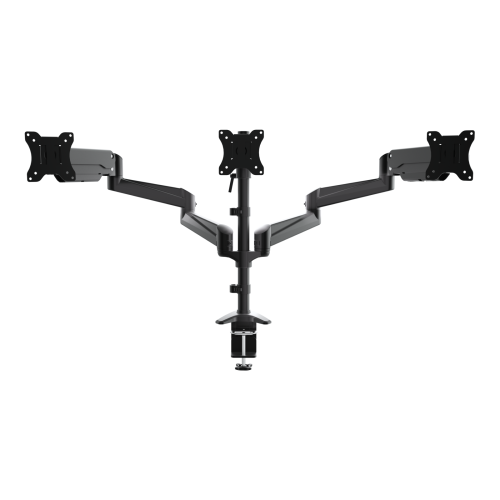

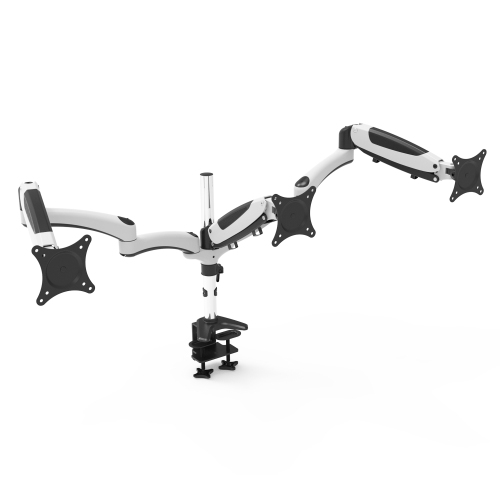
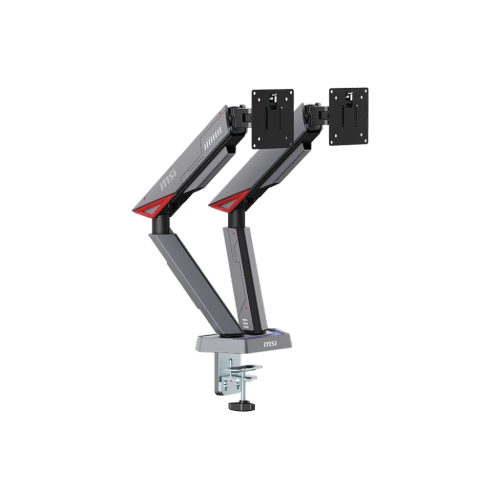

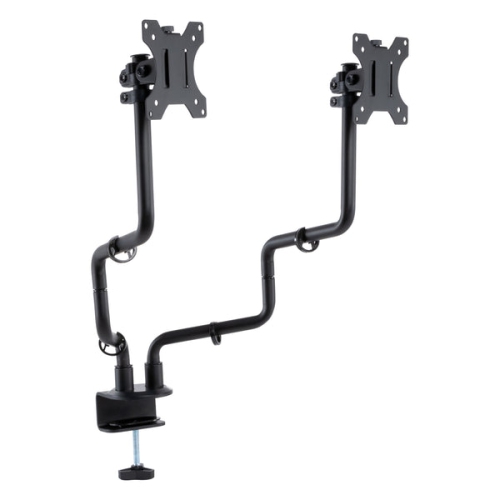
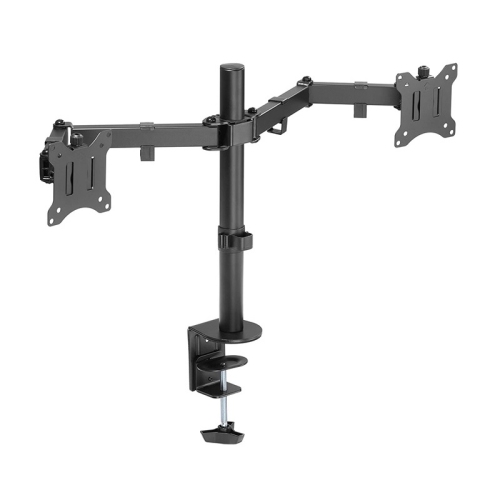
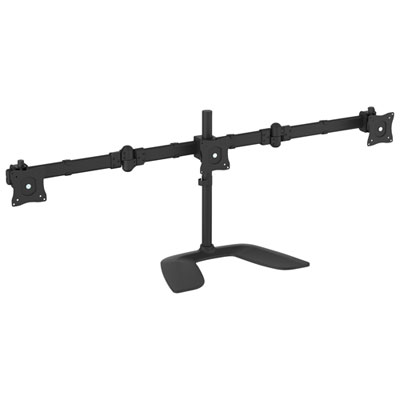
More room for work beneath an adjustable screen
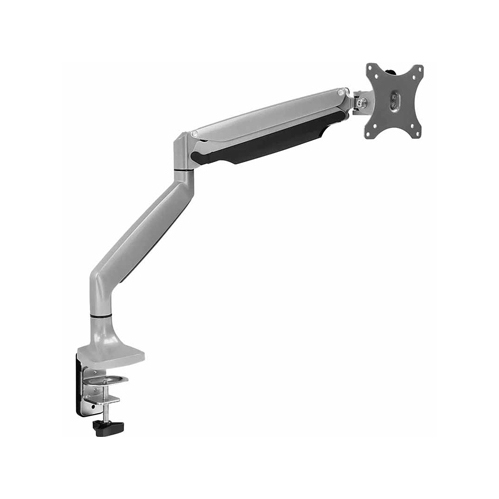
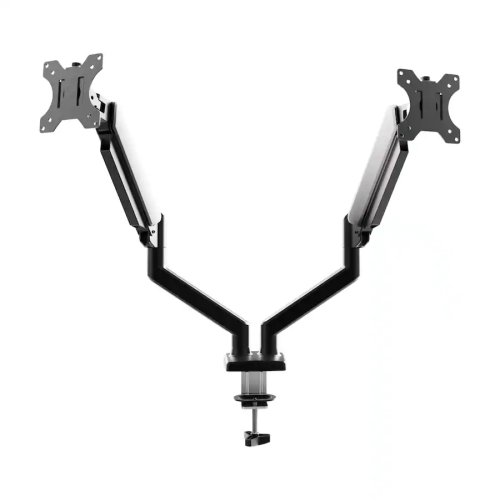
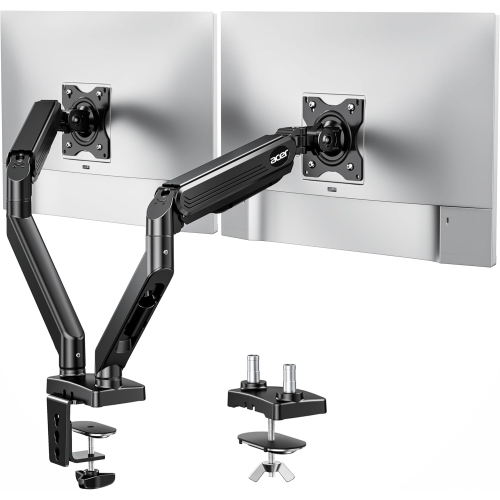
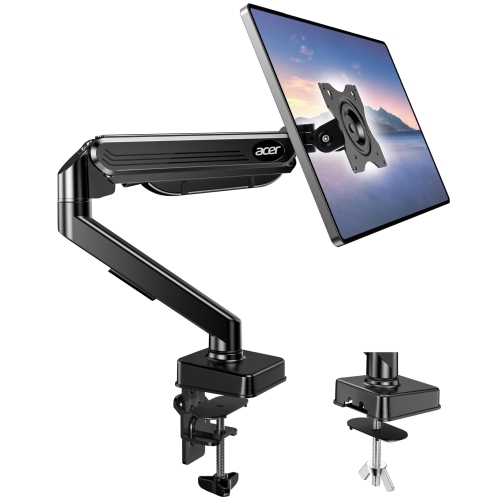
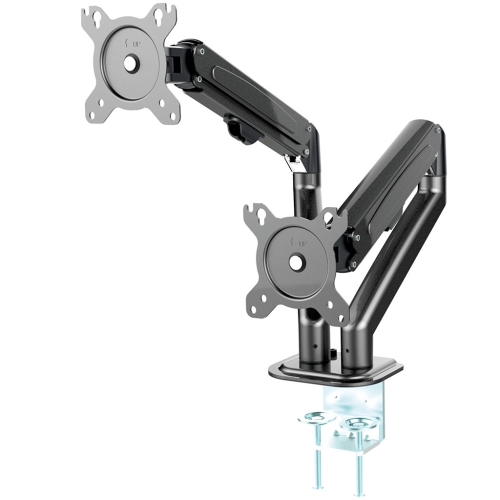
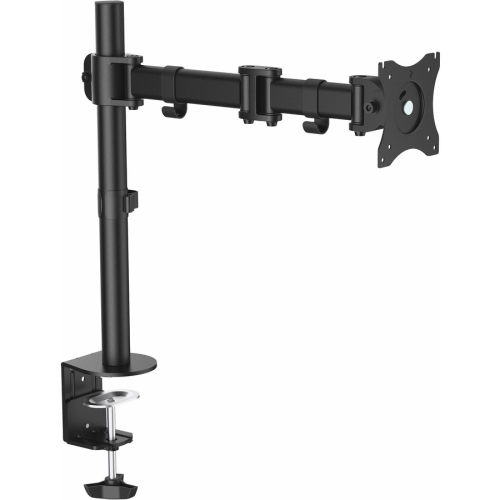
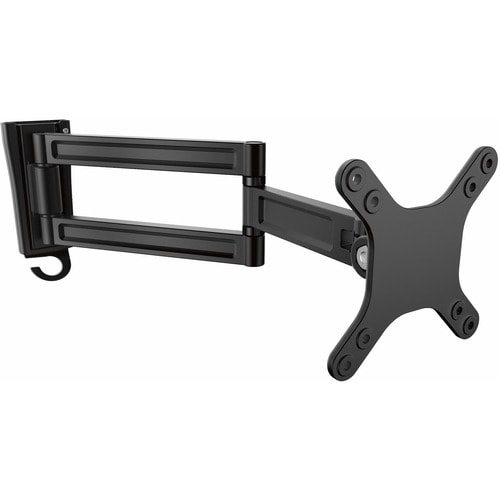
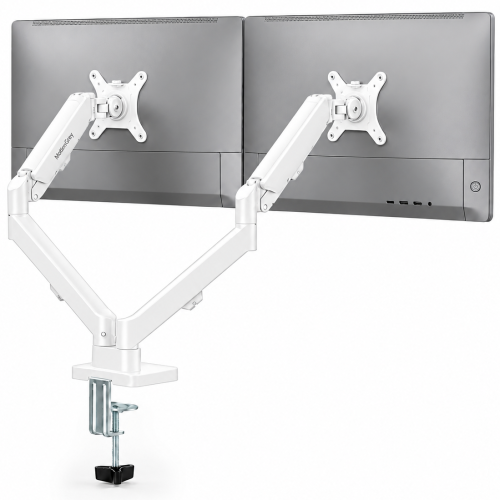
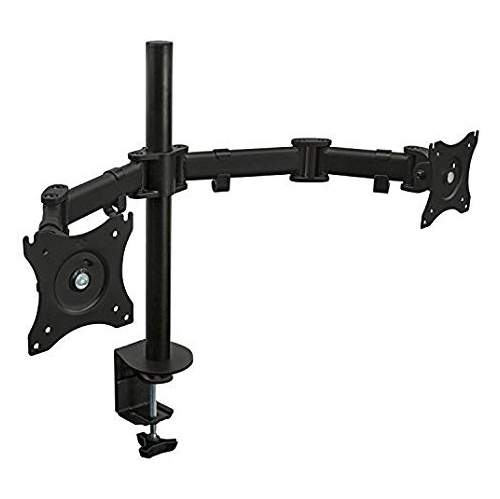
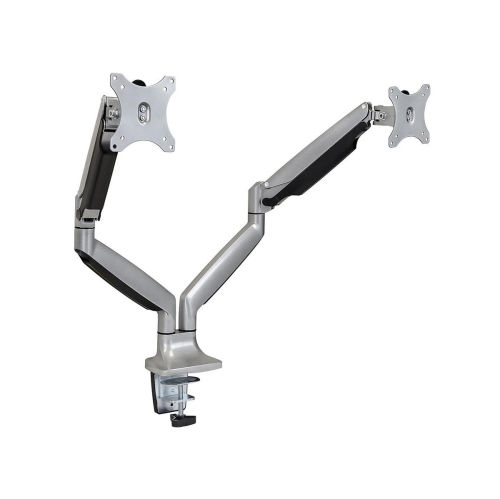
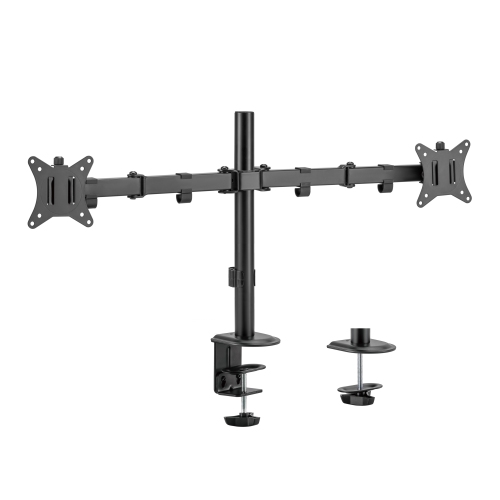
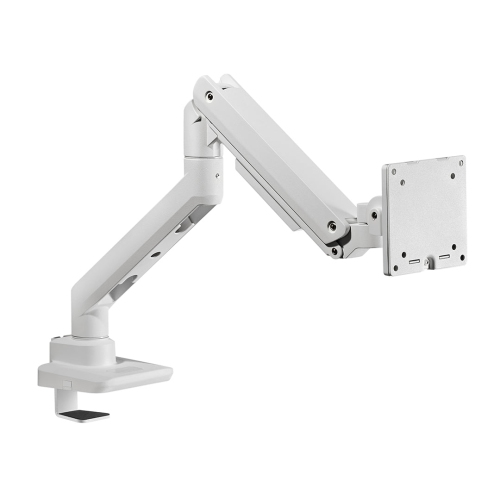
Monitor arms bring flexibility to a desktop by allowing a screen to move independently of its original stand. Instead of arranging a keyboard, notebook, and chair around a fixed display position, an adjustable arm lets the screen sit where it suits the task. A monitor can move closer for detailed spreadsheet work, shift aside to make room for paperwork, or turn towards a colleague during a conversation. Depending on the design, adjustments may include height, tilt, swivel, forward reach, and rotation between landscape and portrait viewing. These movements serve different purposes: tilt changes the screen’s angle, swivel turns it from side to side, and reach determines how far it can extend across the work surface. Portrait rotation can be useful for reading long documents or reviewing code, provided the monitor supports that orientation and there is enough clearance. A single-monitor arm suits a focused workstation, while dual-monitor designs can support tasks that involve comparing information across two displays. Independent adjustment is particularly useful when those screens differ in size or when one is used mainly for reference. For gaming, an arm can create more room for mouse movement and allow the display to sit at a preferred distance without a large stand occupying the desktop. Creative work, video meetings, and everyday browsing can also benefit from a screen position that is easy to change. The practical advantage is not simply having more movement, but having movement that fits the space. A compact desk may need an arm that folds neatly behind the screen, whereas a deeper work surface may call for greater forward extension. A desk facing a wall introduces another consideration: some joints need room behind the mounting point to move freely. The most useful arrangement leaves space for both the screen and the activities taking place beneath it, whether that means handwritten notes, a drawing tablet, or an open textbook.
Fit involves more than matching an arm to a monitor’s diagonal screen measurement. The monitor’s weight without its original stand, its mounting-hole pattern, and the arm’s stated load range all matter. Many displays use a VESA mounting pattern, which describes the spacing of the mounting holes on the back, but compatibility still depends on the exact measurements and any restrictions noted by the manufacturers. Recessed mounting areas, curved backs, and nearby cable connections can affect how a mounting plate sits against the display. Larger or curved screens may also place different demands on an arm because of their depth and weight distribution, so a screen-size claim alone does not establish a suitable match. For multi-monitor setups, the load rating for each arm and the supported width of each display help determine whether the screens can sit comfortably side by side. The desk connection is equally important. Clamp mounts attach around an accessible edge, while grommet mounts pass through a suitable opening in the work surface. Desk thickness, underside clearance, rear panels, drawers, and support rails can all affect installation. A mounting point needs to be structurally suitable; glass, hollow-core construction, or a thin decorative surface may require a different solution or may not support a particular mount. Wall-mounted arms offer another arrangement, with compatibility depending on the wall structure and appropriate fastening hardware. Materials such as steel and aluminium provide structural support, while the quality of joints, fasteners, and mounting plates contributes to stability through repeated adjustments. Gas-spring and mechanical spring designs can make frequent repositioning easier when correctly matched and adjusted to the screen’s weight. Other designs use joints that are tightened to hold a chosen position, which may suit a display that moves less often. Neither approach removes the need for a suitable load match. An arm that is too stiff for a lightweight screen, or insufficiently supportive for a heavier one, may not hold the intended position. Published specifications for both the display and the mounting surface provide a more dependable basis for selection than appearance alone.
Daily comfort and convenience often come down to smaller details. Cable guides can keep power and display leads close to the arm rather than hanging across the desktop, but the cables still need enough slack for the full range of movement. A short cable may limit extension, while a tightly bundled one can pull against a connection as the screen turns. Access to monitor ports also matters when a laptop is frequently connected and disconnected. At a shared workstation, easy height adjustment allows different users to place the screen at a comfortable level without rebuilding the whole setup. A sit-stand desk adds another consideration: the arm’s movement complements the desk’s travel, but cable lengths must accommodate both. For students, Monitor Arms for Study Desks can help separate screen space from writing space, leaving room to spread out notes while keeping reference material in view. Home-office users may value a clear area beneath the display for a keyboard when the desk is needed for another task. An arm can also make a thoughtful gift for someone building a workstation, provided the recipient’s monitor specifications and desk construction are known beforehand. Long-term usefulness depends on straightforward care as well as the initial fit. A soft cloth can remove dust from exposed surfaces, while cleaning methods should follow the manufacturer’s directions to protect finishes and moving parts. Fasteners and mounting points may need periodic inspection, particularly after the desk has been moved or the display has been replaced. Supporting the screen during adjustments and keeping fingers clear of moving joints helps make repositioning more controlled. Durable finishes, accessible adjustment points, and tidy cable routing all contribute to an arrangement that remains practical through daily use. A well-matched monitor arm becomes a quiet part of the workspace: holding the display steadily, moving when needed, and leaving more of the desktop available for the work at hand.
Top selling and popular products
-
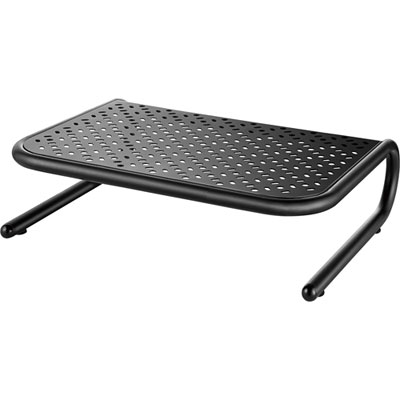 Your price for this item is $34.95
-
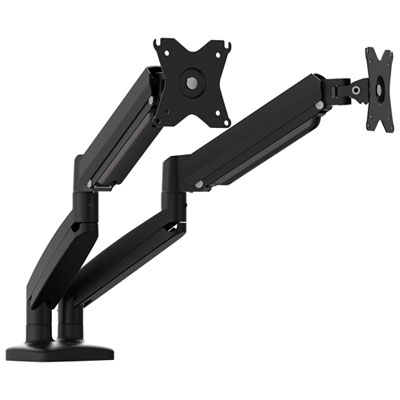 Your price for this item is $149.99
-
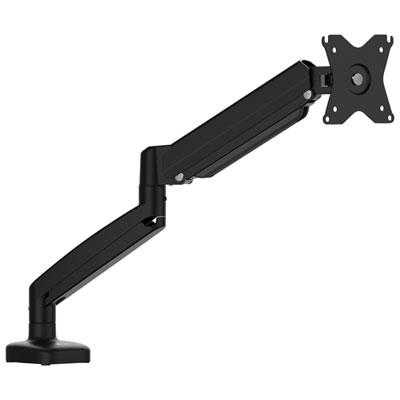 Your price for this item is $79.99
-
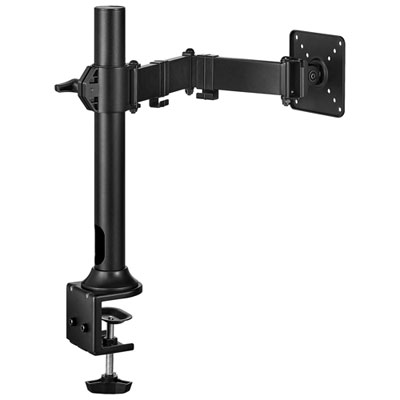 Your price for this item is $69.99
-
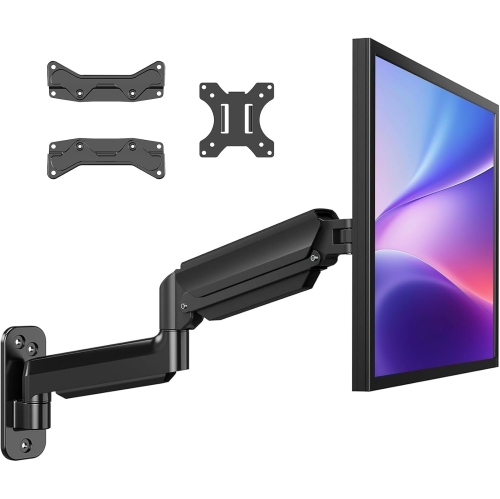 Your price for this item is $71.99
-
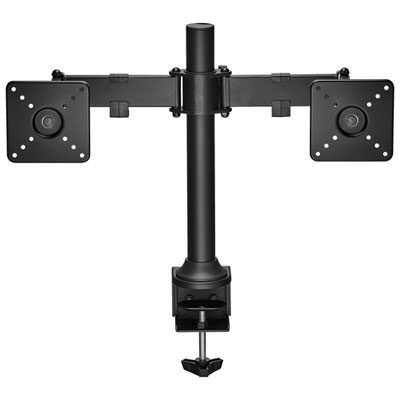 Your price for this item is $79.99
-
 Your price for this item is $99.99
-
 Your price for this item is $238.99
Discover more categories related to Monitor Arms for Flexible Screen Viewing
Top Collections:
Best Black Friday Deals This Year, Best Black Friday Deals On Electronics, Kindle Devices, Pokemon Centers, Best Black Friday Deals On Apple Products, Best Cameras for Sports Photography, Dyson Airwrap, Pokémon 30th Celebration Cards, Apple iPhone 17 Pro, Canon G7X Cameras
Some products may be subject to Environmental Handling Fees
(EHF) depending on your province.
Learn more about EHFs.