Monitors for New Year Home Office Upgrades


FAQ
Match the monitor’s inputs to your computer’s video outputs, such as HDMI, DisplayPort, or USB-C with video support. Some USB-C monitors also offer laptop charging and a USB hub. Check the specifications for your computer, monitor, and cable, since not every USB-C connection supports the same functions.
IPS and VA are LCD panel types that use a backlight. IPS panels generally offer consistent colours across viewing angles, while VA panels typically provide higher contrast. OLED panels use individually lit pixels rather than a separate backlight. For colour-focused work, also compare colour gamut coverage and calibration options.
Confirm how many external displays your computer supports and which video connections are available. If you use a docking station, check its display support and compatibility with your operating system. Daisy-chaining requires compatible hardware and connections; having multiple ports alone does not guarantee that a monitor supports it.
A KVM switch lets you share one keyboard, mouse, and monitor between compatible computers, such as a work laptop and a personal desktop. Monitors with this feature typically require video and USB connections to each computer. Check the connection requirements and how switching works before choosing one.
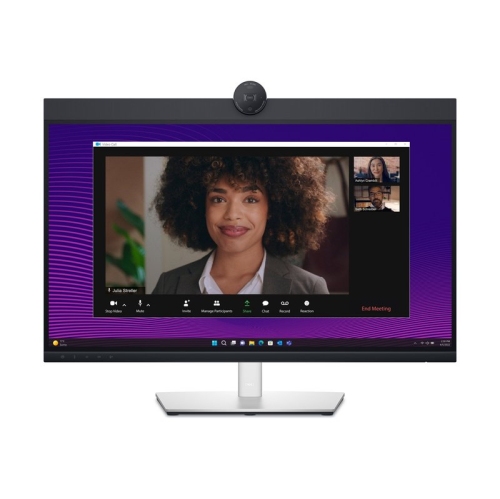
Some home office monitors include these features, while others require separate accessories. Check each feature individually, as built-in speakers do not necessarily mean a webcam or microphone is included. Integrated webcams and microphones may also need a USB connection to your computer in addition to the video cable.
Top selling and popular products
Discover more categories related to Monitors for New Year Home Office Upgrades

Some products may be subject to Environmental Handling Fees (EHF) depending on your province. Learn more about EHFs.