Monitors for Next Gen Consoles
Level up your gaming setup with monitors for next gen consoles, designed to deliver an immersive and responsive experience for every session. Whether you’re diving into fast-paced action or exploring expansive open worlds, the right monitor can make all the difference in visual clarity and smooth gameplay. Explore a wide selection of options tailored to meet the demands of modern consoles, ensuring you get the most out of your favorite titles. Find the perfect fit to enhance your play and bring your console gaming to life.
Sort

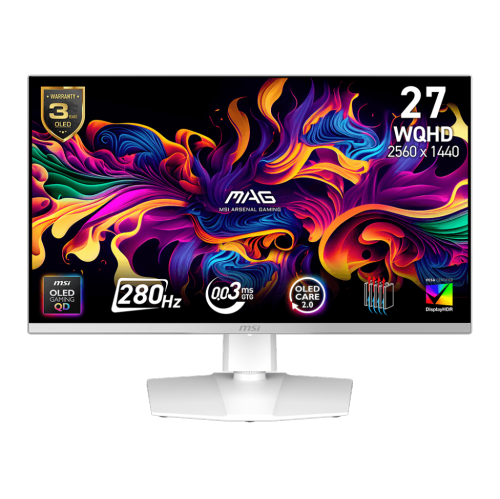
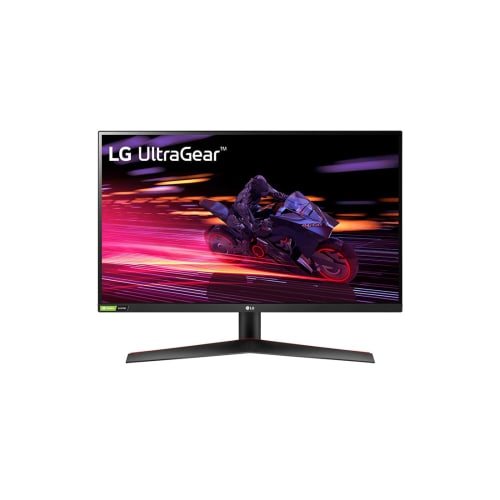
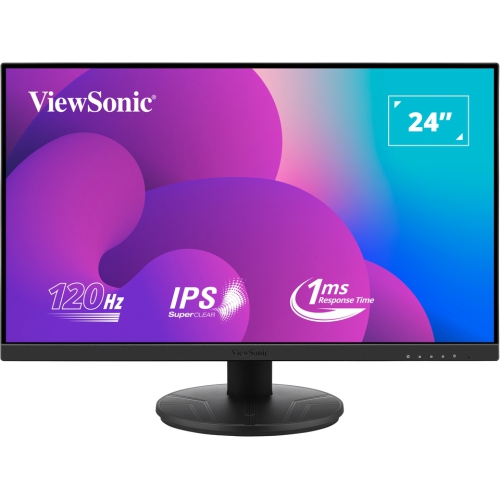
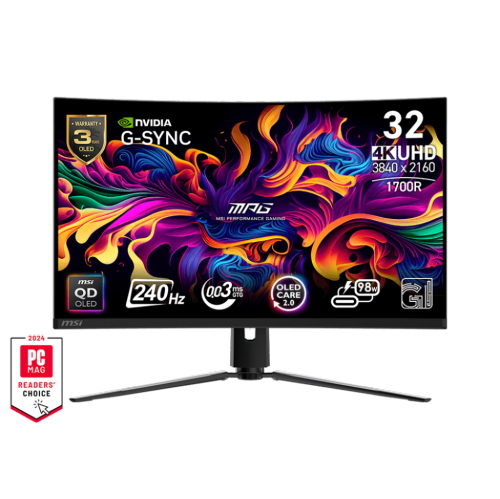
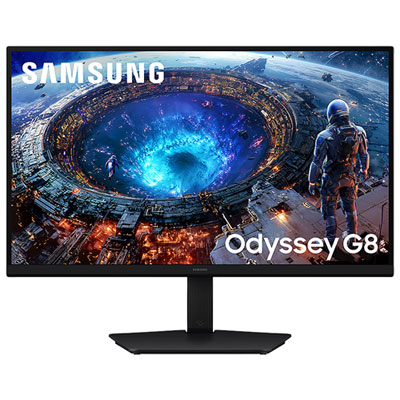
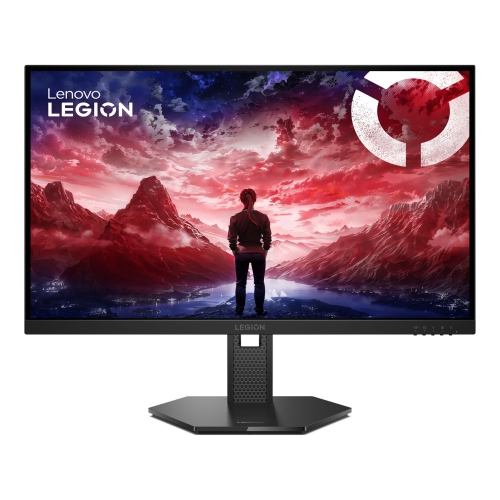
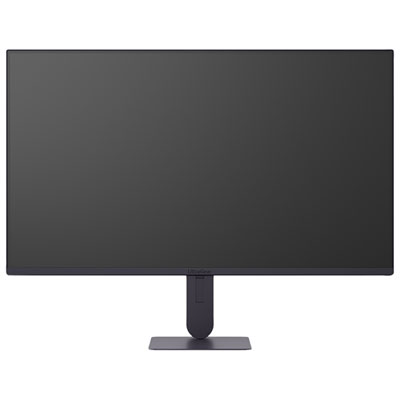
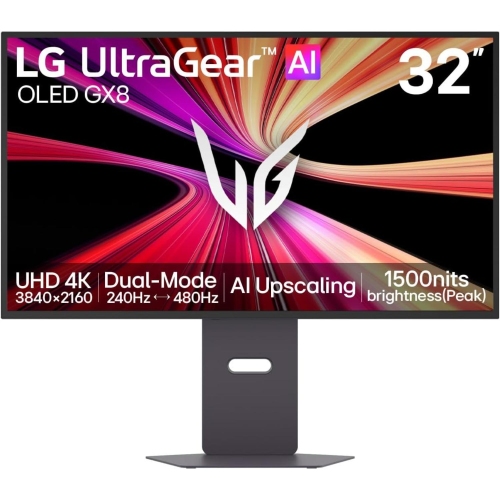
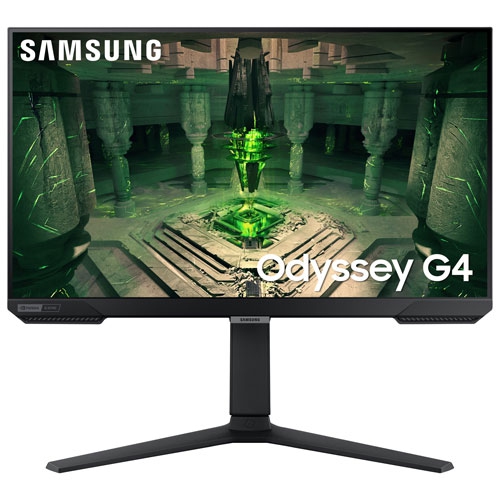
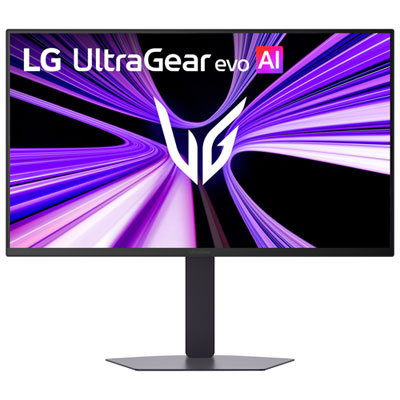

What to compare for smoother, sharper console gaming
Monitors for next gen consoles can bring console gaming closer to the feel of a high-performance PC setup, with sharp detail, responsive controls, and smooth motion suited to fast-paced games. For consoles such as the PlayStation 5, PlayStation 5 Pro, and Xbox Series X or Series S, resolution and refresh rate are two of the most important specifications to compare. A 4K monitor can reveal fine textures in open-world environments, clearer lettering in menus, and more definition in distant scenery, while a refresh rate of 120Hz can make camera movement and action feel noticeably smoother when a game supports it. To take advantage of 4K gaming at 120Hz, look for an HDMI 2.1 connection, as older HDMI standards may limit the available combination of resolution and refresh rate. Variable Refresh Rate, often called VRR, helps the monitor synchronize with the console’s changing frame rate to reduce screen tearing and uneven motion. Auto Low Latency Mode, or ALLM, can automatically switch to a responsive gaming mode when a compatible console is detected, helping reduce the delay between pressing a button and seeing the result on screen. These features are particularly useful in racing games, competitive shooters, sports titles, and action adventures where every movement counts. A 1440p monitor can also be a practical choice, especially for shoppers who want smooth performance at a lower price or prefer a smaller screen where pixel density remains crisp. Current-generation consoles support 1440p output, although compatibility and available refresh rates can vary by console, game, and connection. Checking the console’s supported resolutions and the monitor’s specifications before purchasing helps ensure that the display will deliver the performance you expect.
Screen size can have a major effect on how a gaming space feels. A 27-inch monitor fits comfortably on many desks and offers a focused view that is easy to take in from a relatively close seating position. A 32-inch monitor provides a larger, more cinematic image while still working well for a desk, especially when the player sits a little farther back. A larger display may be appealing for split-screen play, story-driven games, or a bedroom and living-room setup, while a compact model can be easier to position in a student room, office, or shared family space. Panel technology is another important consideration. OLED and QD-OLED displays are known for rich contrast, deep blacks, and vibrant colour, which can make dark corridors, night-time landscapes, and glowing effects look especially immersive. IPS panels are often valued for bright-room visibility, wide viewing angles, and balanced image quality, making them a versatile option for gaming, streaming, schoolwork, and general computer use. Consider the lighting around the monitor as well as the games you play: a bright room may benefit from a display with strong brightness and an effective anti-glare finish, while a dim gaming corner can showcase the contrast of a panel designed for deeper blacks. Look for useful adjustment features such as tilt, height adjustment, swivel, and VESA mount compatibility. The right positioning can help keep the top of the screen near eye level and reduce neck strain during longer sessions. Built-in speakers may be convenient for casual play, but a headset connection or separate audio setup can provide clearer sound and better communication during multiplayer matches. It is also worth checking the number and type of ports, particularly if you plan to connect more than one console, a gaming PC, streaming equipment, or a laptop. A monitor with multiple HDMI inputs can make it easier to switch between systems without reaching behind the display or constantly changing cables.
These monitors can suit a wide range of players, from competitive gamers who want responsive motion to casual players who appreciate a sharper, more immersive picture for evening sessions. They can also make thoughtful gifts for someone setting up a first gaming station, upgrading from a television, or creating a dedicated space as the weather changes and more time is spent indoors. A monitor may be especially useful for a household where the main television is shared, allowing one person to play without taking over the living-room screen. Before choosing, think about the console being used, the games played most often, the available desk or stand space, and the viewing distance from the screen. Players focused on cinematic visuals may favour 4K resolution and strong contrast, while competitive players may place greater emphasis on 120Hz or higher refresh rates, VRR, and low input lag. The Xbox Series S is designed with a different performance target than the Xbox Series X, so a 1440p display may be a sensible match for some setups, while a 4K monitor can provide flexibility for upgraded hardware, supported games, and other entertainment. Owners of an older system can also compare options through Monitors for Xbox One. Whichever setup you are building, confirm that the included cables support the features you intend to use, and remember that the console, game, and monitor must all support a feature for it to work. With the right combination of resolution, refresh rate, connectivity, panel type, and ergonomic design, a monitor for next gen consoles can create a comfortable, responsive gaming space that works just as well for streaming, browsing, and everyday computing.
Screen size can have a major effect on how a gaming space feels. A 27-inch monitor fits comfortably on many desks and offers a focused view that is easy to take in from a relatively close seating position. A 32-inch monitor provides a larger, more cinematic image while still working well for a desk, especially when the player sits a little farther back. A larger display may be appealing for split-screen play, story-driven games, or a bedroom and living-room setup, while a compact model can be easier to position in a student room, office, or shared family space. Panel technology is another important consideration. OLED and QD-OLED displays are known for rich contrast, deep blacks, and vibrant colour, which can make dark corridors, night-time landscapes, and glowing effects look especially immersive. IPS panels are often valued for bright-room visibility, wide viewing angles, and balanced image quality, making them a versatile option for gaming, streaming, schoolwork, and general computer use. Consider the lighting around the monitor as well as the games you play: a bright room may benefit from a display with strong brightness and an effective anti-glare finish, while a dim gaming corner can showcase the contrast of a panel designed for deeper blacks. Look for useful adjustment features such as tilt, height adjustment, swivel, and VESA mount compatibility. The right positioning can help keep the top of the screen near eye level and reduce neck strain during longer sessions. Built-in speakers may be convenient for casual play, but a headset connection or separate audio setup can provide clearer sound and better communication during multiplayer matches. It is also worth checking the number and type of ports, particularly if you plan to connect more than one console, a gaming PC, streaming equipment, or a laptop. A monitor with multiple HDMI inputs can make it easier to switch between systems without reaching behind the display or constantly changing cables.
These monitors can suit a wide range of players, from competitive gamers who want responsive motion to casual players who appreciate a sharper, more immersive picture for evening sessions. They can also make thoughtful gifts for someone setting up a first gaming station, upgrading from a television, or creating a dedicated space as the weather changes and more time is spent indoors. A monitor may be especially useful for a household where the main television is shared, allowing one person to play without taking over the living-room screen. Before choosing, think about the console being used, the games played most often, the available desk or stand space, and the viewing distance from the screen. Players focused on cinematic visuals may favour 4K resolution and strong contrast, while competitive players may place greater emphasis on 120Hz or higher refresh rates, VRR, and low input lag. The Xbox Series S is designed with a different performance target than the Xbox Series X, so a 1440p display may be a sensible match for some setups, while a 4K monitor can provide flexibility for upgraded hardware, supported games, and other entertainment. Owners of an older system can also compare options through Monitors for Xbox One. Whichever setup you are building, confirm that the included cables support the features you intend to use, and remember that the console, game, and monitor must all support a feature for it to work. With the right combination of resolution, refresh rate, connectivity, panel type, and ergonomic design, a monitor for next gen consoles can create a comfortable, responsive gaming space that works just as well for streaming, browsing, and everyday computing.
Top selling and popular products
-
 Your price for this item is $299
 -
 Your price for this item is $469
 -
 Your price for this item is $149.99
 -
 Your price for this item is $329.99
 -
 Your price for this item is $499
 -
 Your price for this item is $199.99
 -
 Your price for this item is $249.99
 -
 Your price for this item is $569.99
Discover more categories related to Monitors for Next Gen Consoles

Top Collections:
Pokemon Centers, Best Cameras for Sports Photography, Kindle Devices, Samsung Galaxy Phones, Canon G7X Cameras, Pokémon 30th Celebration Cards, Refurbished Apple Laptops, iPhone 15 Apple, Laptops for Students, Budget Smartphones
Some products may be subject to Environmental Handling Fees
(EHF) depending on your province.
Learn more about EHFs.