Motherboards With M 2 Slots
Looking to upgrade your computer's performance and storage capabilities? Look no further than our collection of motherboards with M 2 slots. These versatile and high-performing motherboards offer the perfect solution for those seeking faster data transfer speeds and increased storage capacity. Whether you're a gaming enthusiast, a content creator, or simply looking to optimize your system, our selection of Best Motherboards for Gaming with M 2 slots will help you take your computing experience to the next level. Explore our range today and discover the perfect motherboard to meet your needs.
Sort
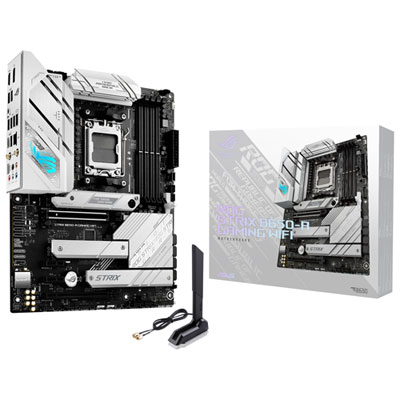
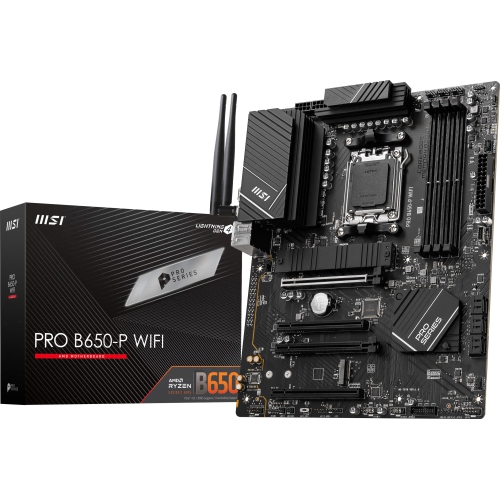
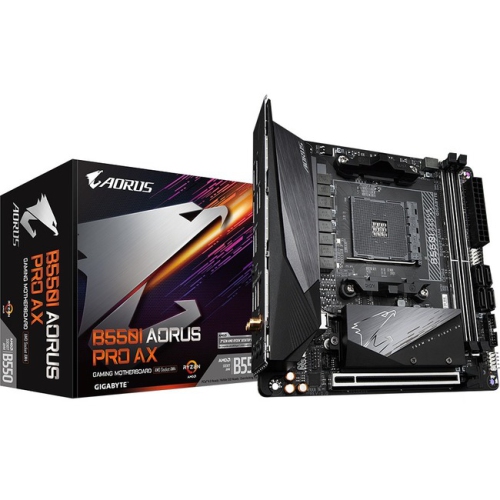
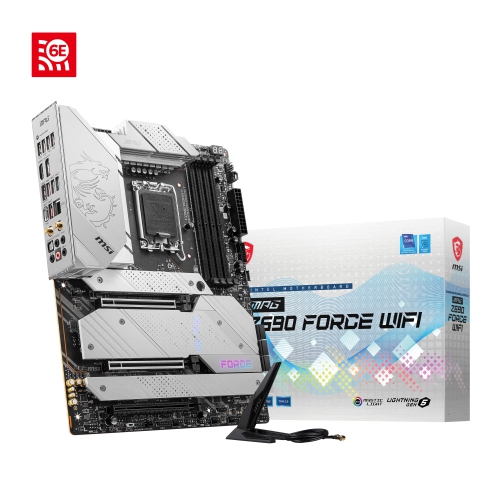
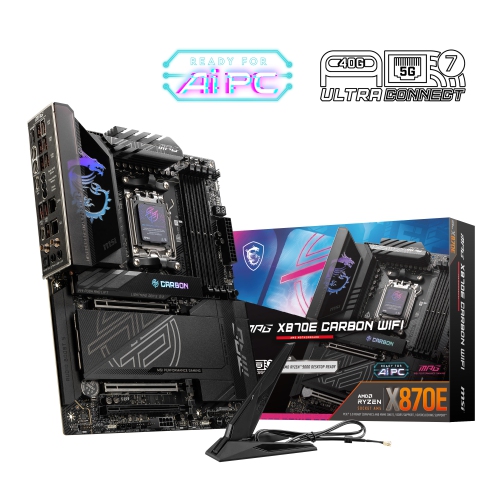
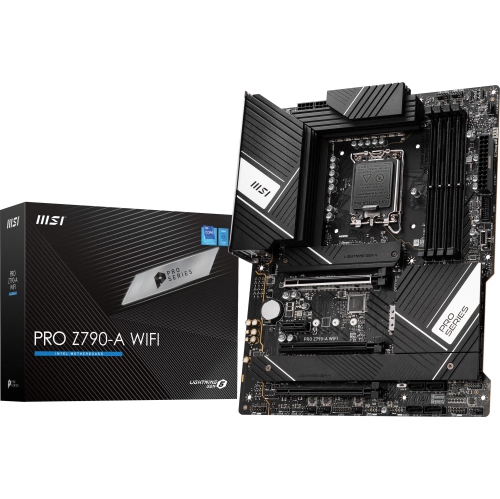
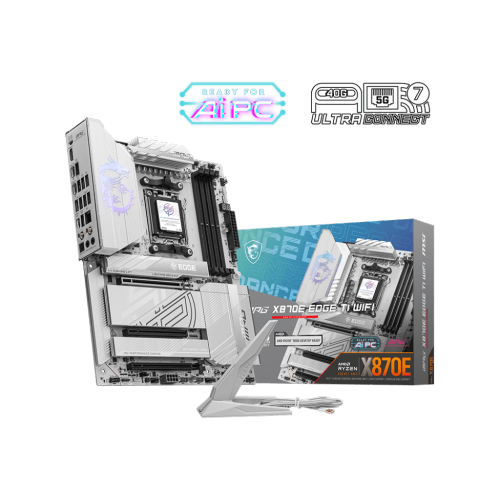
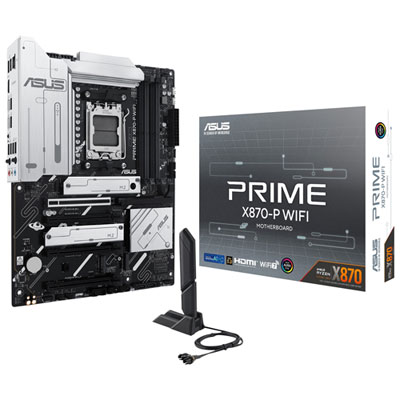
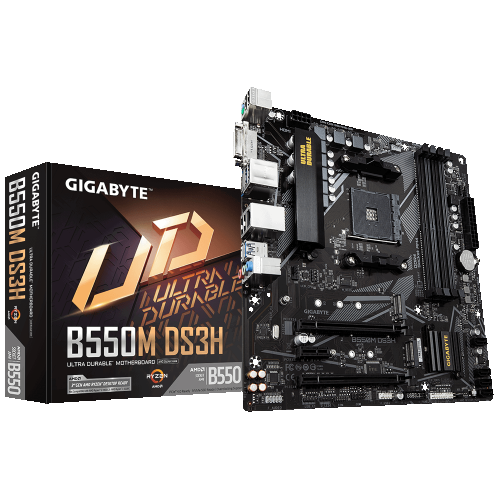
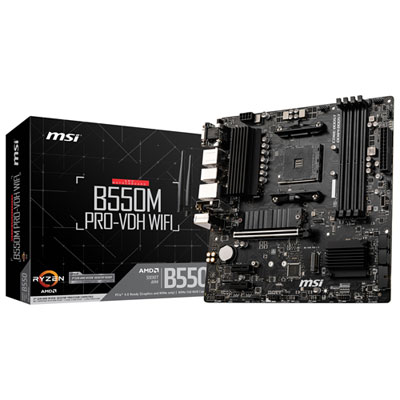
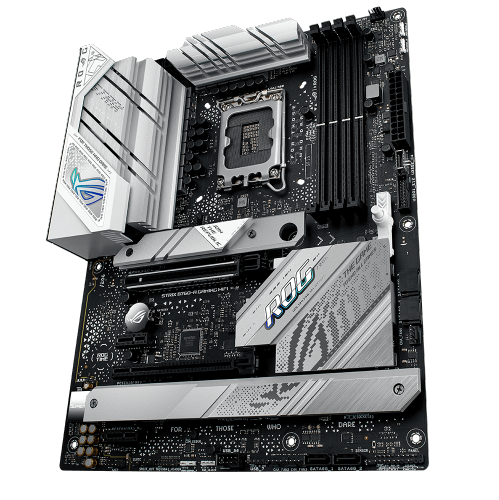
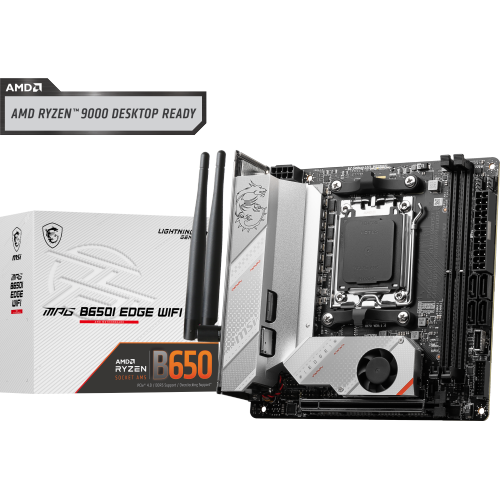
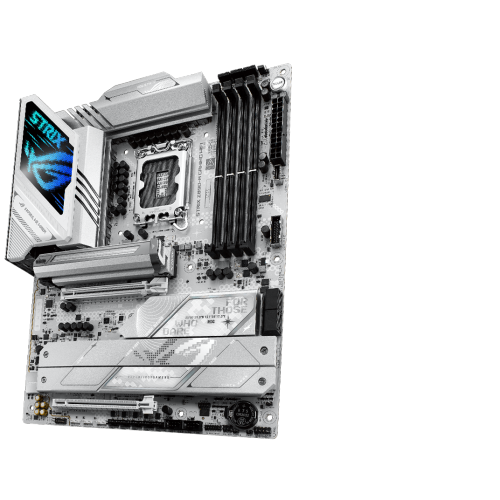
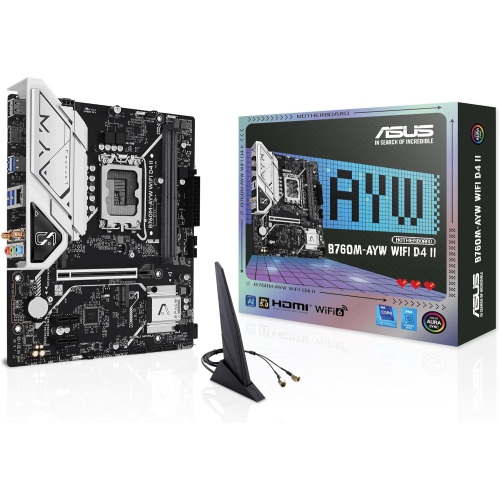
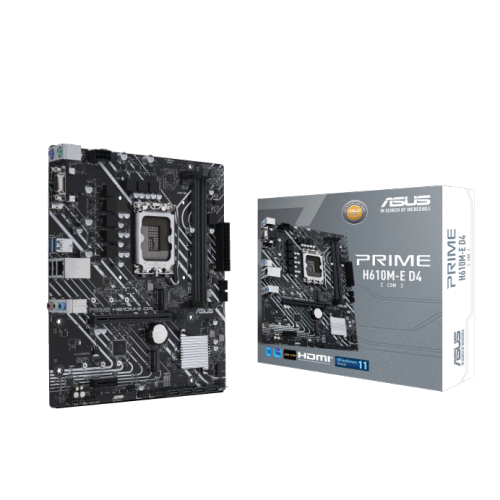
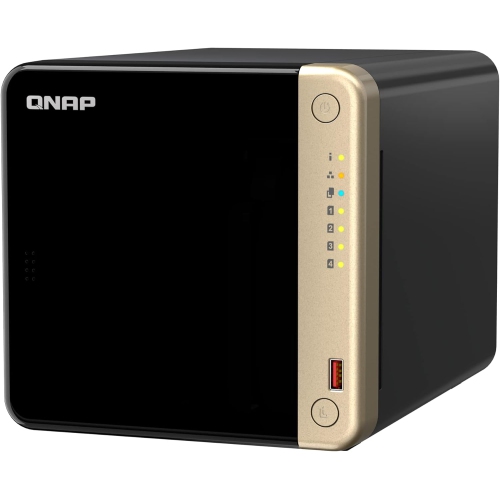
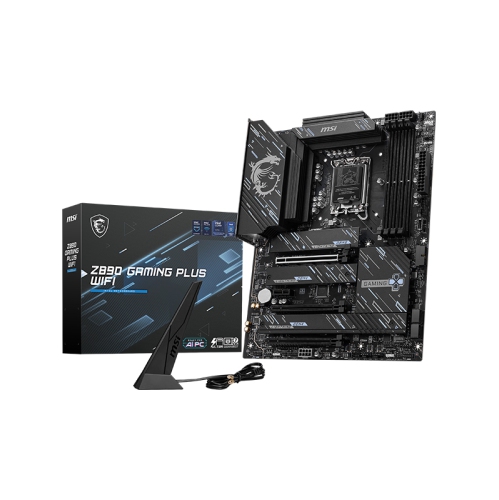
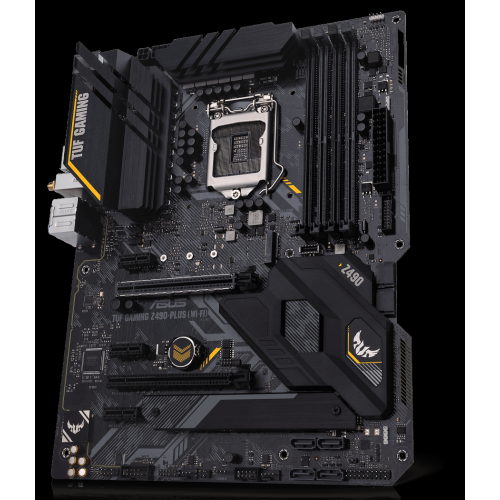
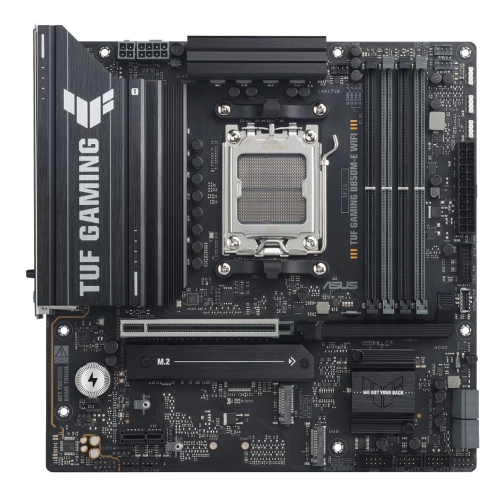
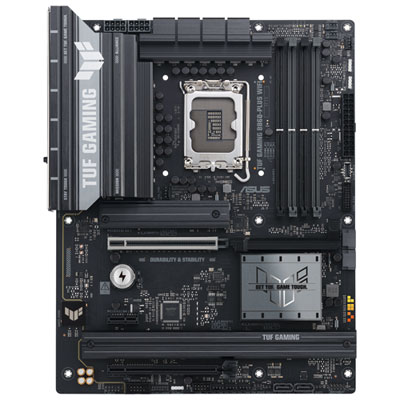
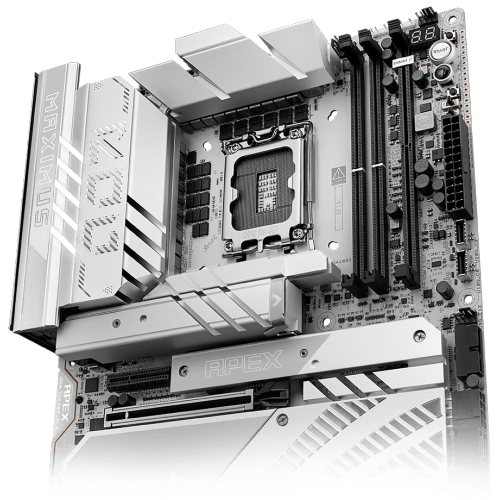
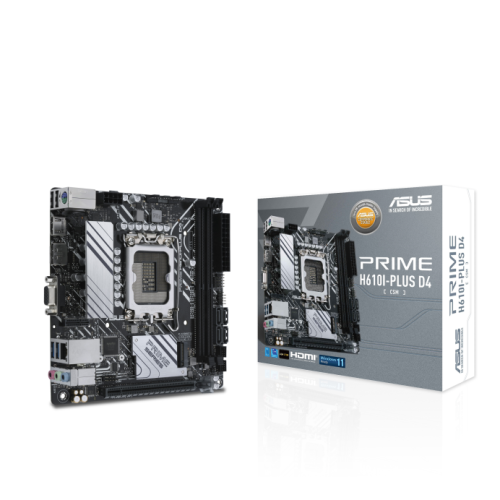
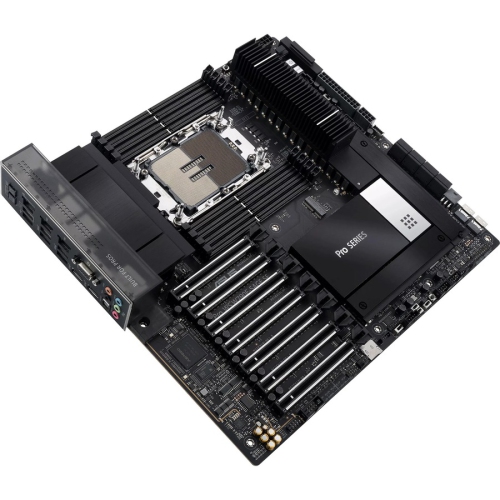
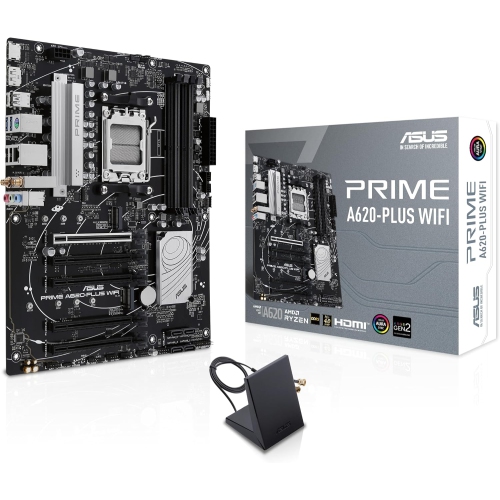
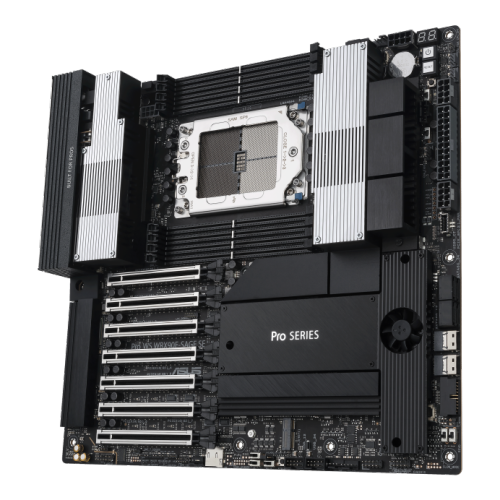
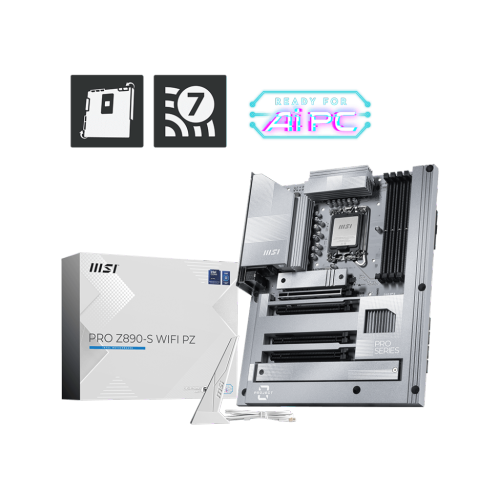
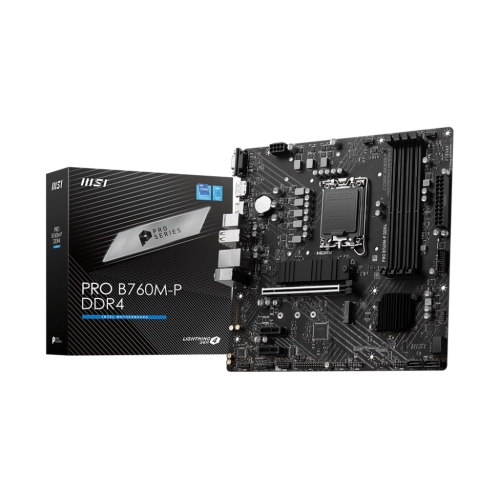
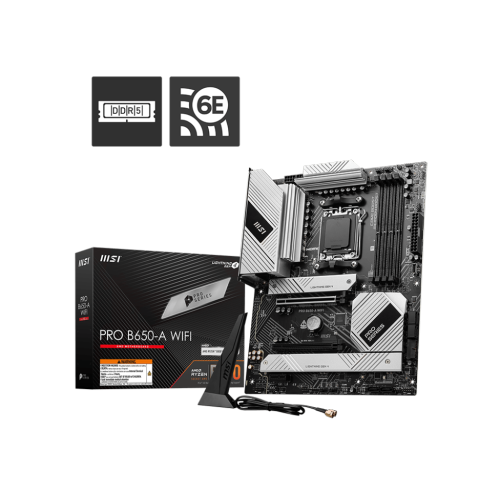
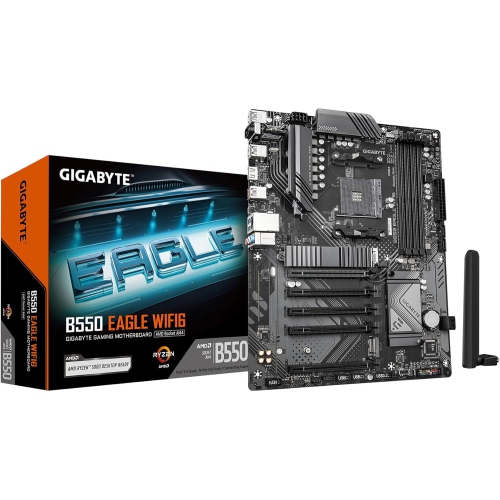
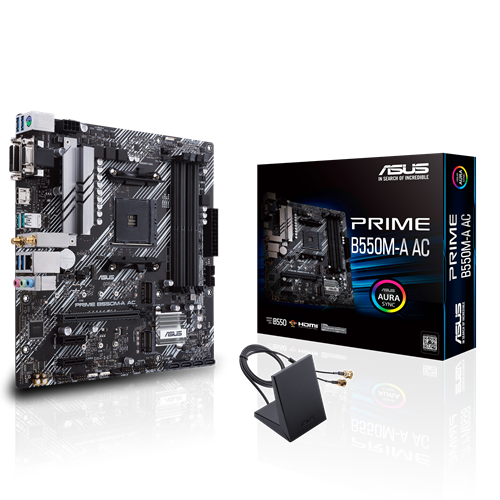
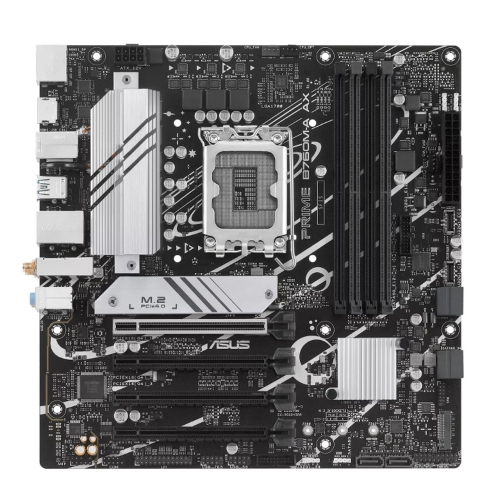
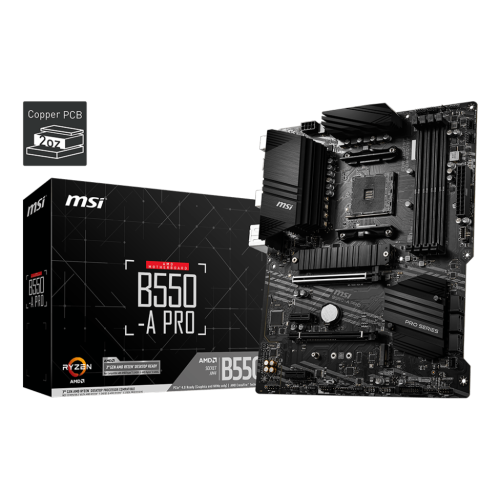
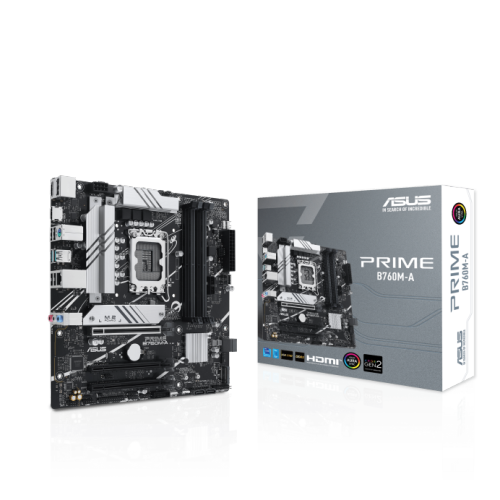
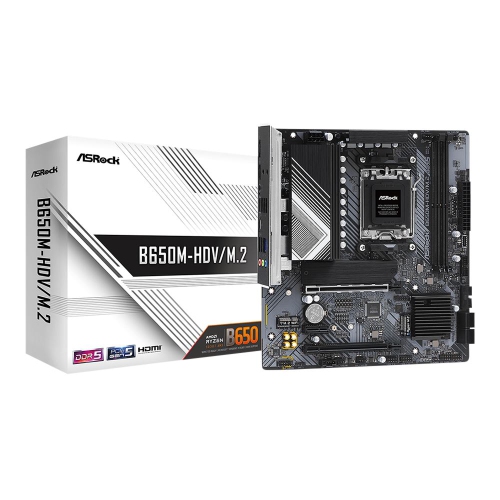

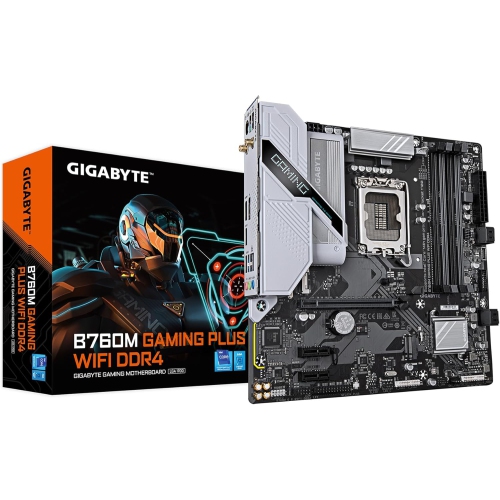
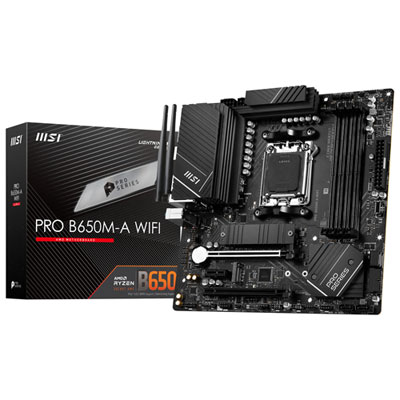
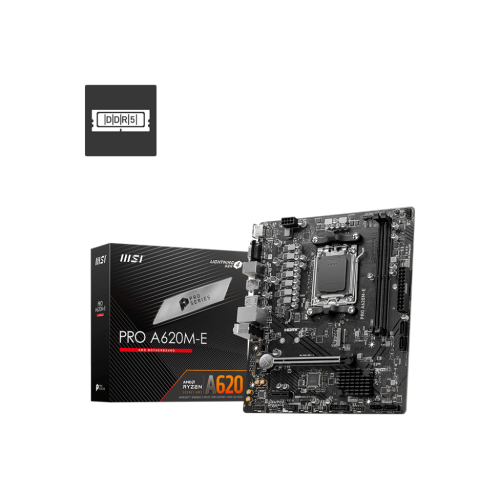
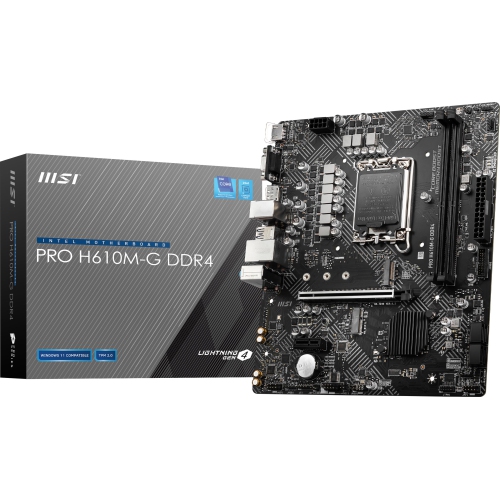
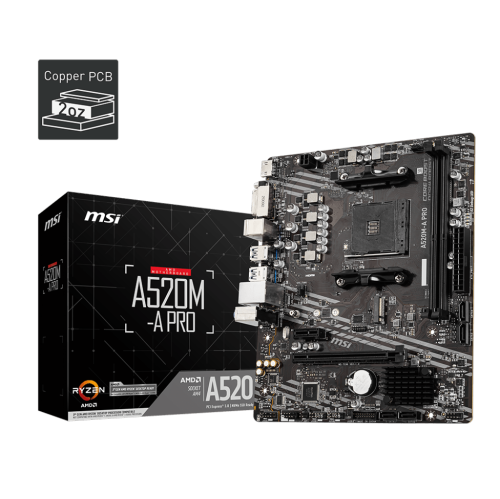
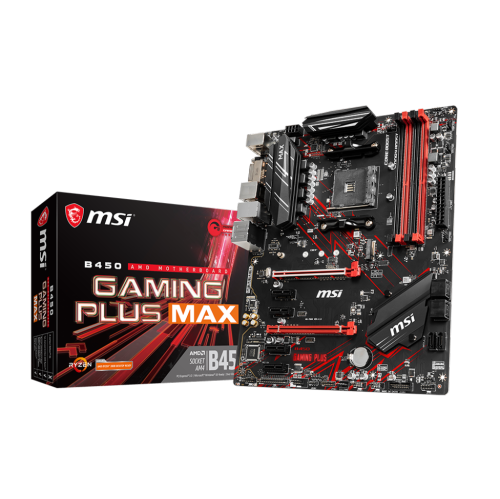
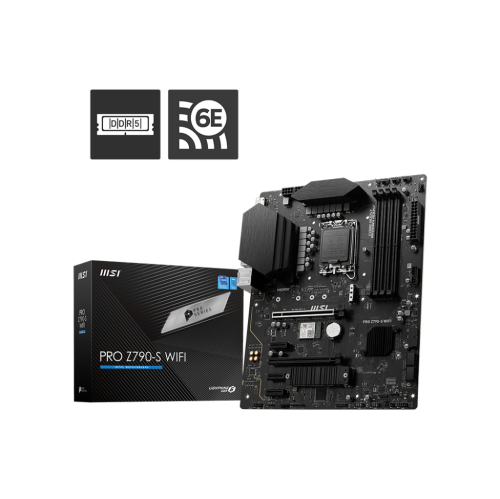
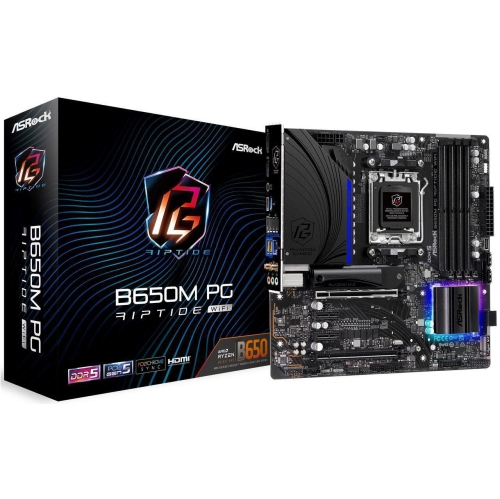
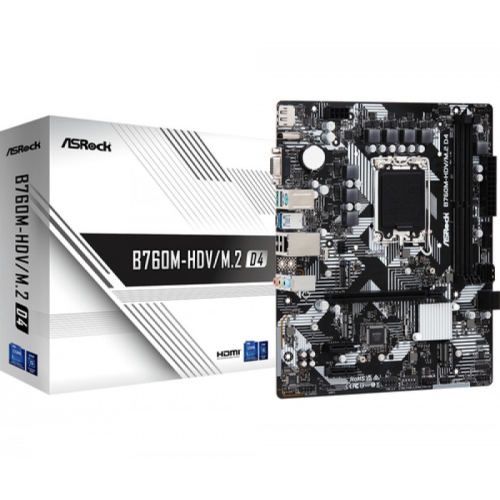
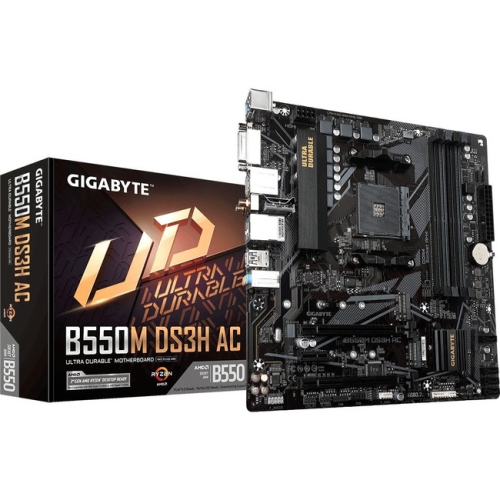
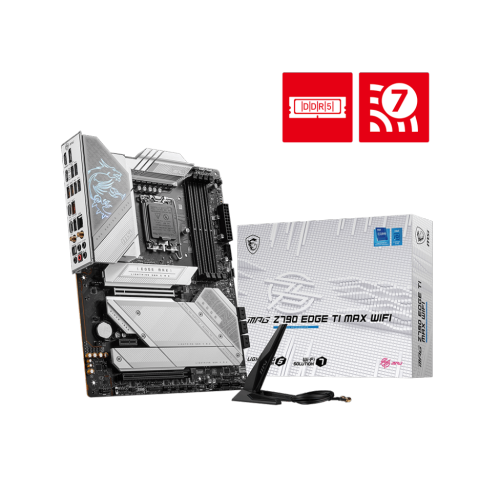
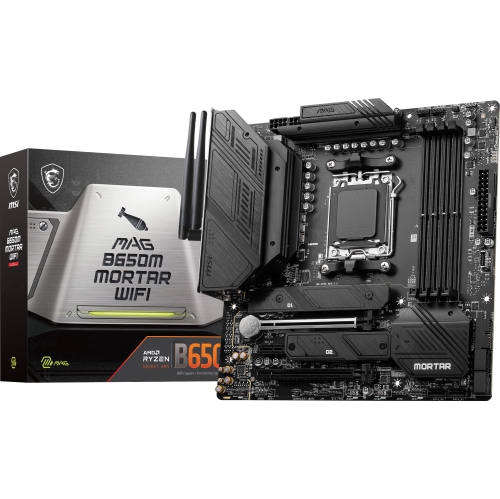
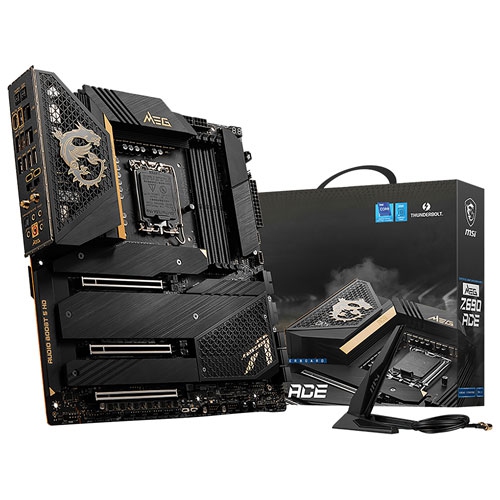
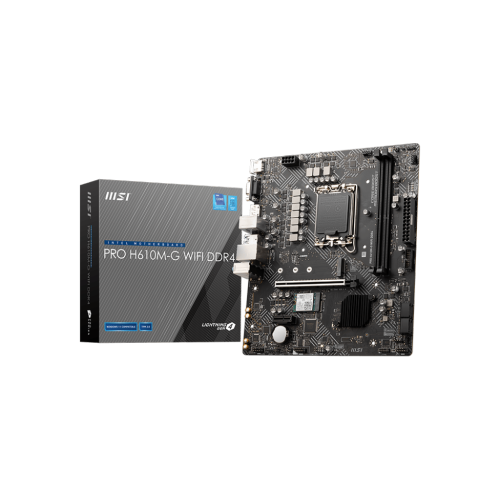
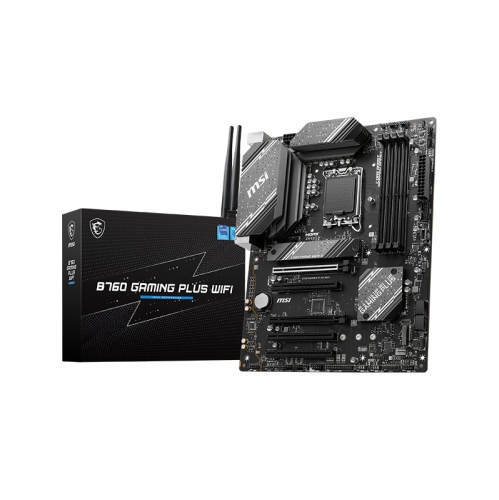
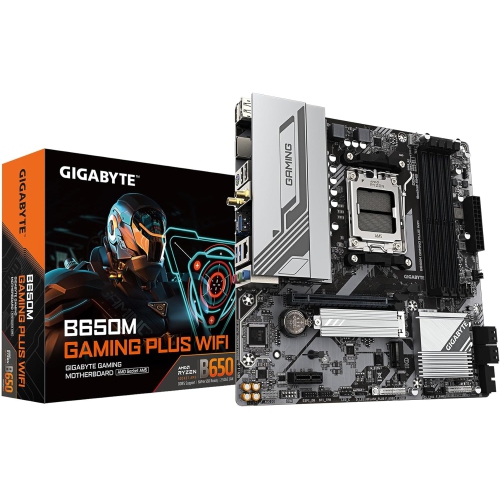
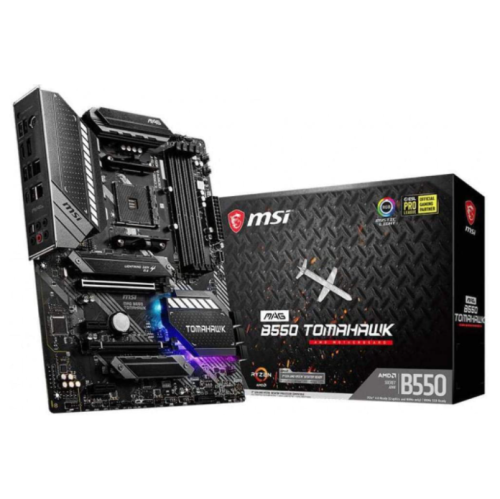
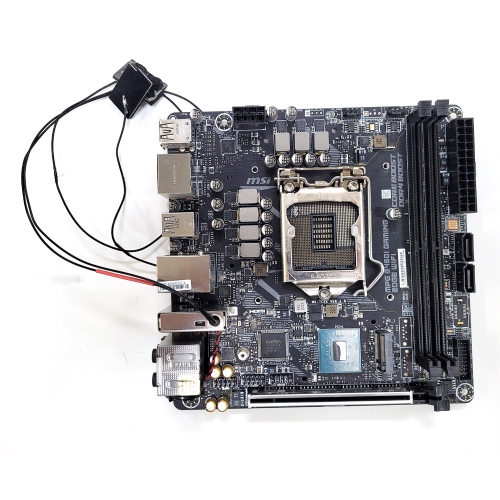
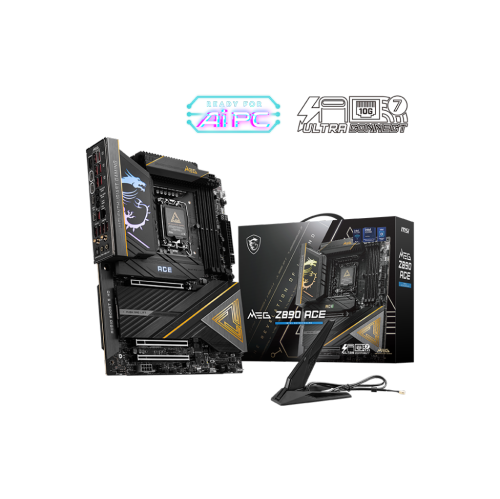
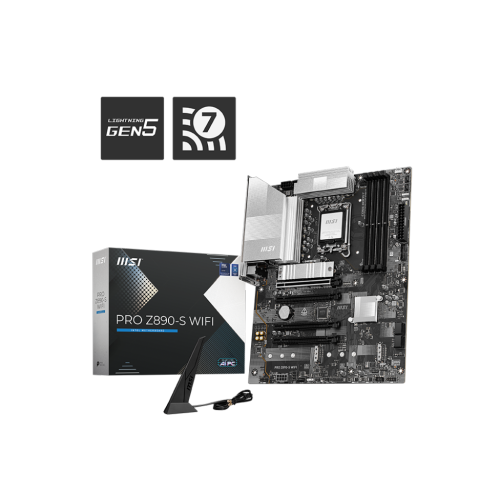
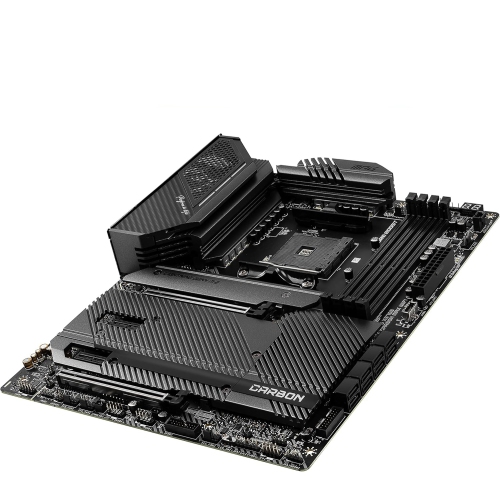
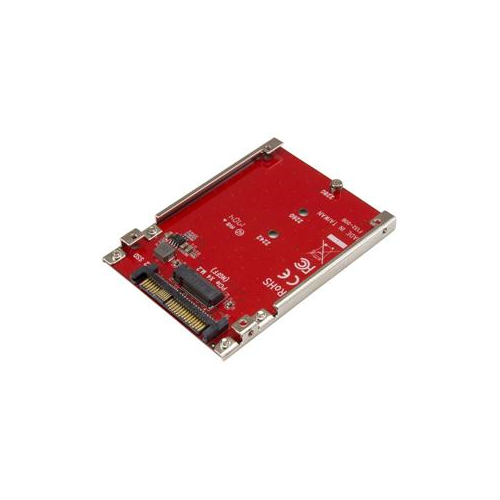
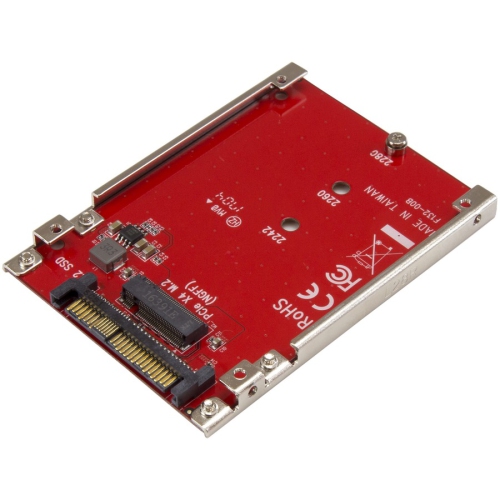
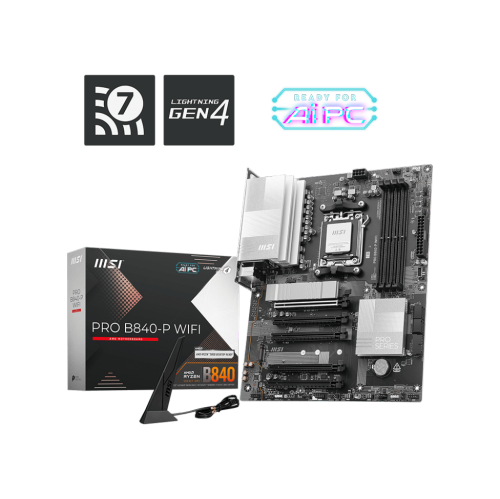
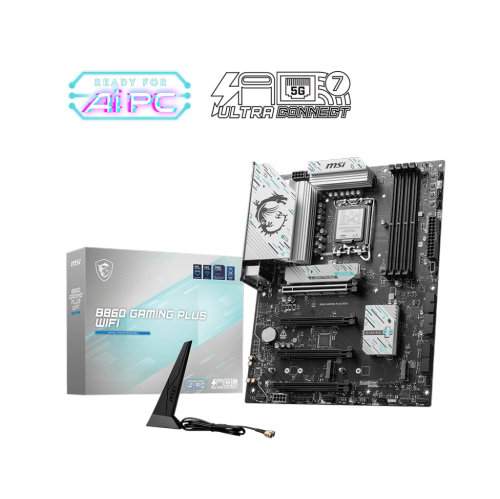
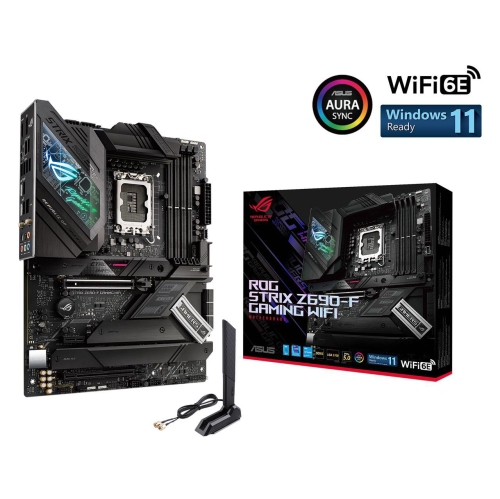
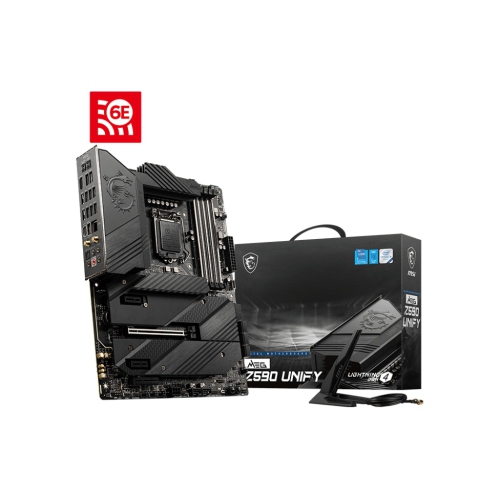
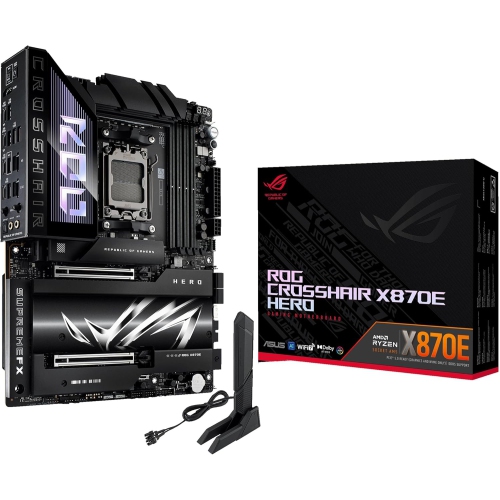
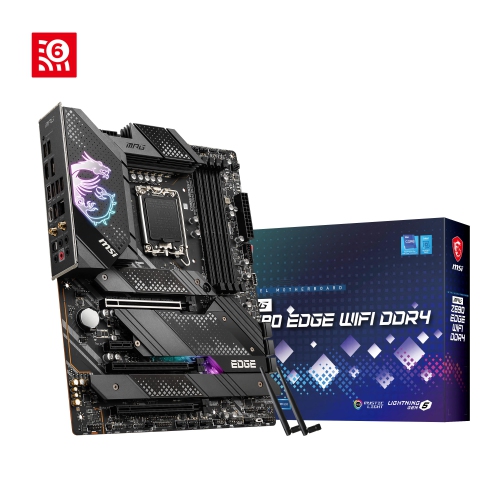
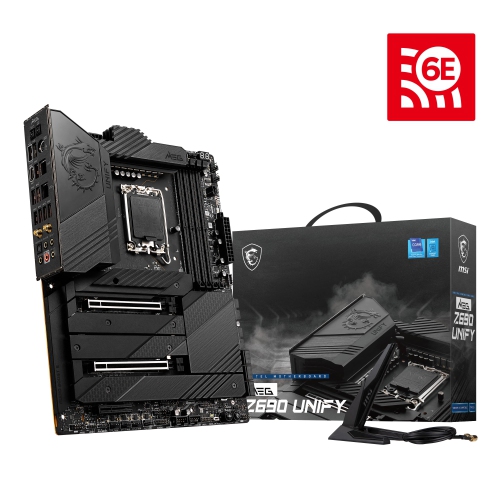
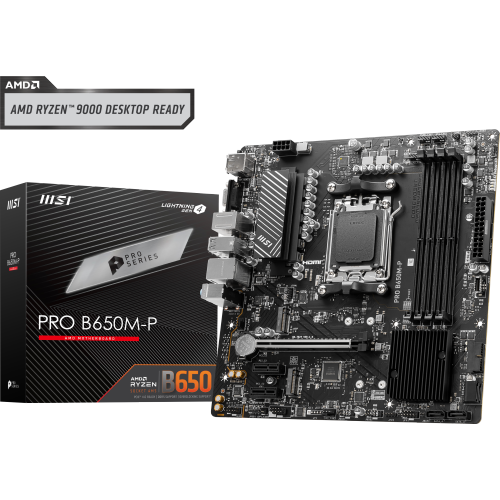

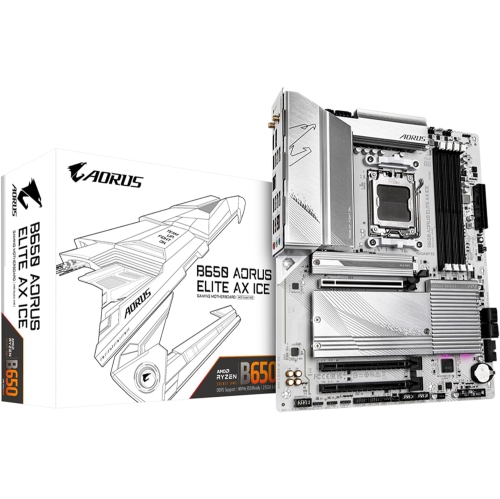
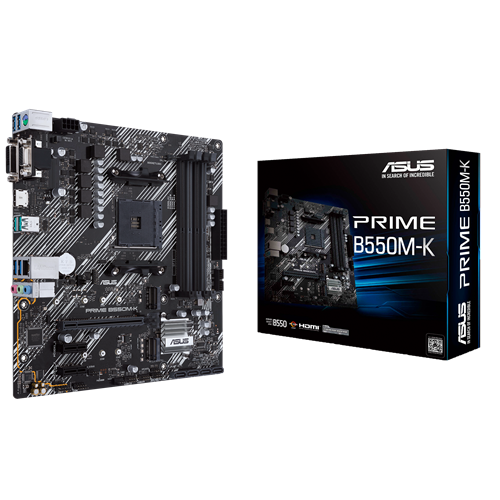
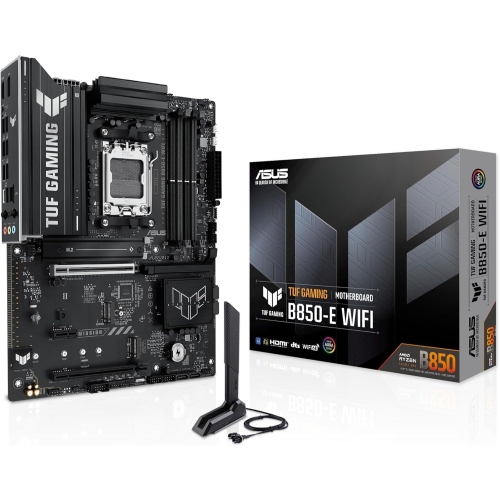
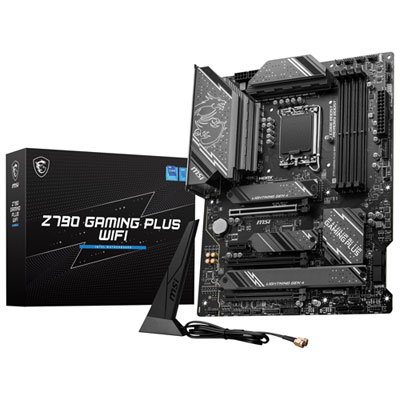
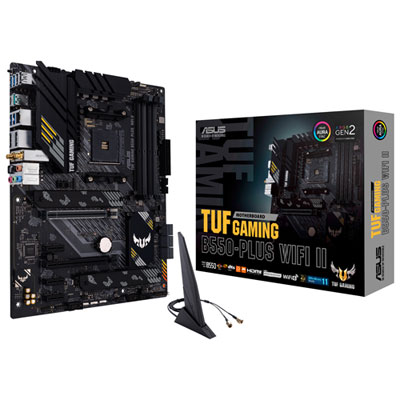
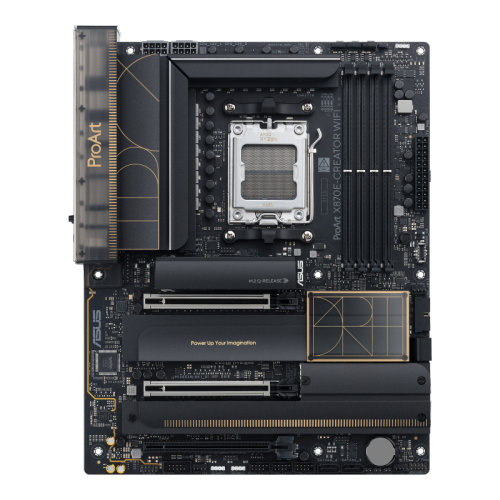
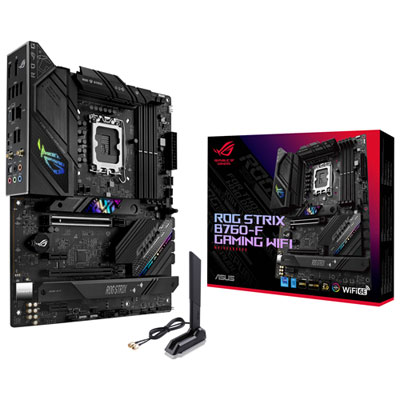
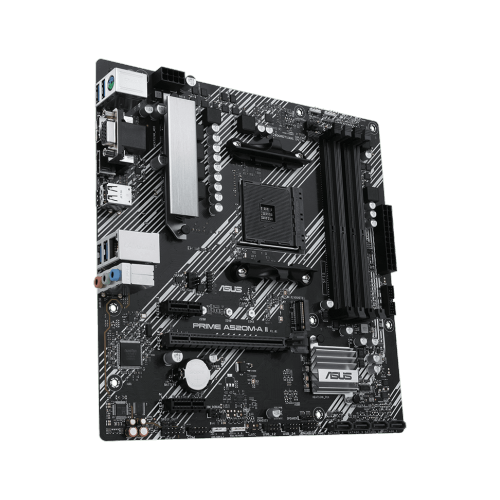
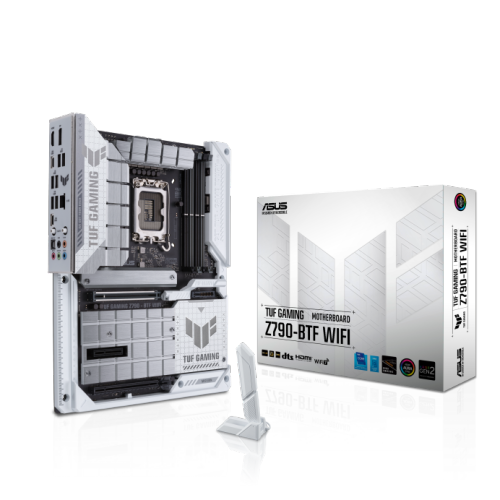

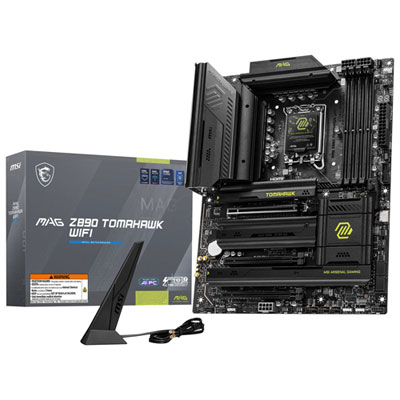
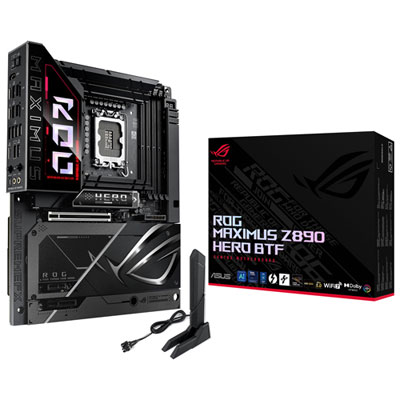
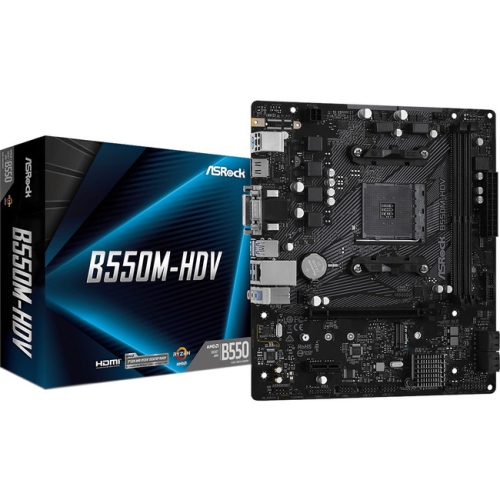
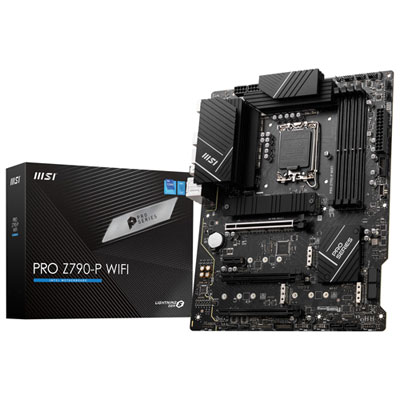
High-speed storage and wireless connectivity for tidier PC builds
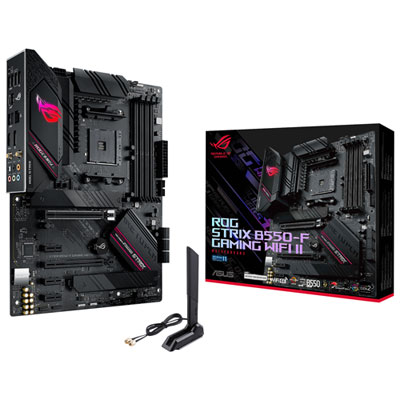
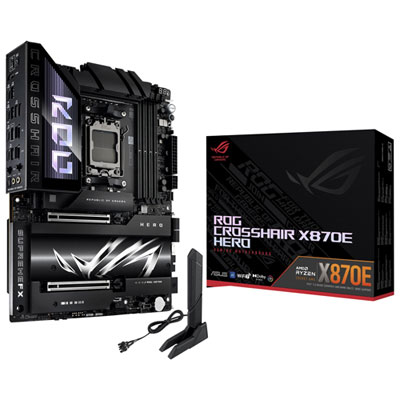
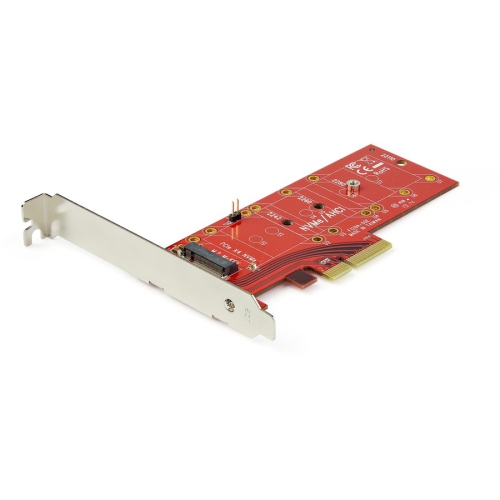
Motherboards with M.2 slots are a popular choice for PC builders, gamers, creative professionals, and anyone looking to maximize the speed and versatility of their computer. The M.2 slot, often found near the CPU socket for optimal bandwidth, is a compact and efficient connector designed to support a range of high-speed devices. While many people wonder what is M2 slot, it’s helpful to know that M.2 is a physical interface that can accommodate both PCIe (for NVMe SSDs) and SATA protocols, enabling users to install fast storage drives, Wi-Fi cards, or Bluetooth modules directly onto the motherboard. The slim, gumstick-shaped design of M.2 devices makes them ideal for both desktops and laptops, allowing for a tidy build with fewer cables and more room for other components. As technology evolves, newer motherboards support advanced PCIe generations—such as Gen 4 and Gen 5—delivering even faster data transfer rates that are essential for demanding tasks like gaming, video editing, or running large applications.
Selecting a motherboard with M.2 slots involves considering a few key factors. First, it’s important to check the number of available M.2 slots and their supported PCIe version, as this determines the maximum speed and compatibility with different devices. Many motherboards offer multiple slots, but each may support different key types (B, M, or B+M), ensuring that only compatible drives fit in the correct location. For the best performance, the M.2 slot closest to the CPU is often directly connected to the processor, offering higher PCIe lane counts and reduced latency—ideal for primary NVMe SSDs. Users should also consult their motherboard manual to identify which slots support specific devices, as some may only accommodate SATA-based M.2 drives, while others are optimized for NVMe (PCIe) drives, which are substantially faster. Installation is straightforward: the M.2 device is inserted at a slight angle, pressed down, and secured with a small screw or clip. Once installed, drives need to be initialized and formatted using Disk Management in Windows or the relevant tool in another operating system before they are ready for use.
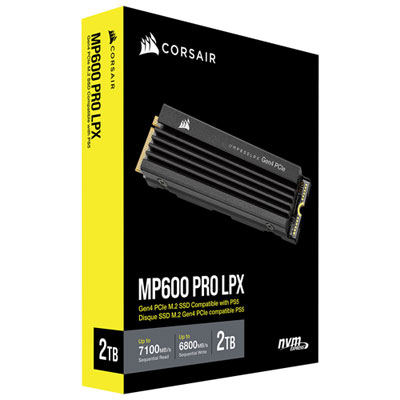
Motherboards with M.2 slots make thoughtful gifts for tech enthusiasts, students heading off to university, or anyone upgrading their computer for the season—especially as the weather warms and people look to refresh their home office or gaming setup. Whether building a new PC from scratch or enhancing an existing system, these motherboards offer the flexibility to add high-speed storage and wireless connectivity without clutter. For those looking to pair their motherboard with a compatible storage solution, a wide selection of M.2 NVMe SSDs is available, making it easy to unlock the full potential of modern computing. With the right motherboard and M.2 devices, users can enjoy faster boot times, quicker file transfers, and smoother performance—benefits that make a noticeable difference whether you’re gaming late into the evening or editing videos during the cooler months.
Selecting a motherboard with M.2 slots involves considering a few key factors. First, it’s important to check the number of available M.2 slots and their supported PCIe version, as this determines the maximum speed and compatibility with different devices. Many motherboards offer multiple slots, but each may support different key types (B, M, or B+M), ensuring that only compatible drives fit in the correct location. For the best performance, the M.2 slot closest to the CPU is often directly connected to the processor, offering higher PCIe lane counts and reduced latency—ideal for primary NVMe SSDs. Users should also consult their motherboard manual to identify which slots support specific devices, as some may only accommodate SATA-based M.2 drives, while others are optimized for NVMe (PCIe) drives, which are substantially faster. Installation is straightforward: the M.2 device is inserted at a slight angle, pressed down, and secured with a small screw or clip. Once installed, drives need to be initialized and formatted using Disk Management in Windows or the relevant tool in another operating system before they are ready for use.
Motherboards with M.2 slots make thoughtful gifts for tech enthusiasts, students heading off to university, or anyone upgrading their computer for the season—especially as the weather warms and people look to refresh their home office or gaming setup. Whether building a new PC from scratch or enhancing an existing system, these motherboards offer the flexibility to add high-speed storage and wireless connectivity without clutter. For those looking to pair their motherboard with a compatible storage solution, a wide selection of M.2 NVMe SSDs is available, making it easy to unlock the full potential of modern computing. With the right motherboard and M.2 devices, users can enjoy faster boot times, quicker file transfers, and smoother performance—benefits that make a noticeable difference whether you’re gaming late into the evening or editing videos during the cooler months.
Top selling and popular products
-
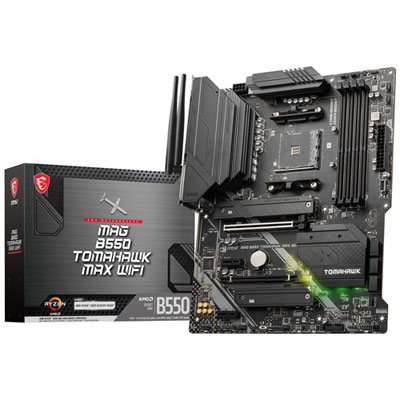 Your price for this item is $224.99
 -
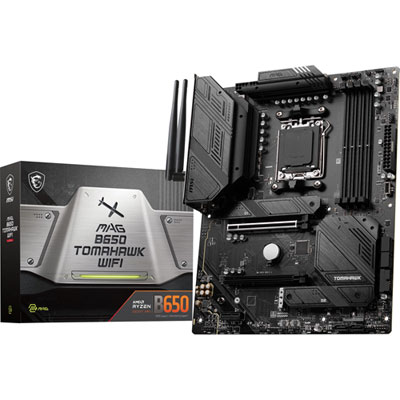 Your price for this item is $239.99
 -
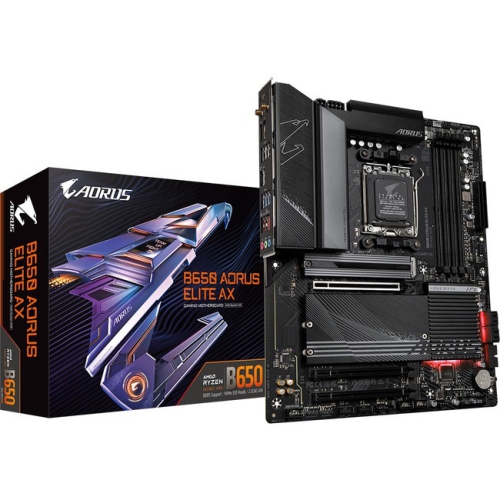 Your price for this item is $286.68
 -
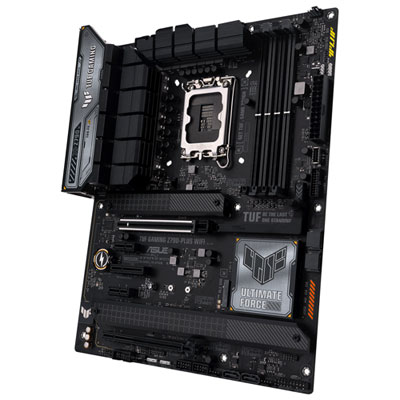 Your price for this item is $349.99
 -
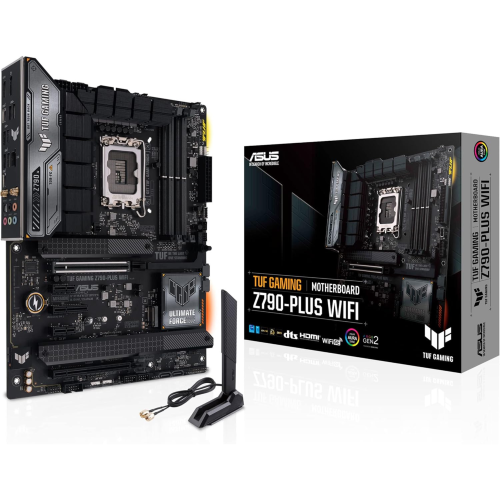 Your price for this item is $361
 -
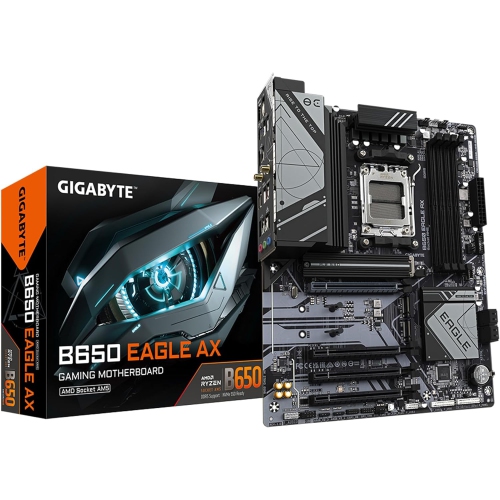 Your price for this item is $225.69
 -
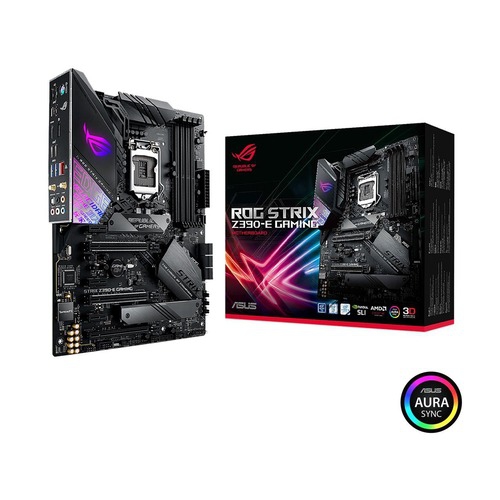 Your price for this item is $350
 -
 Your price for this item is $259.99
Discover more categories related to Motherboards With M 2 Slots
Top Collections:
Pokemon Centers, Kindle Devices, Apple iPhones 16, Samsung Galaxy Phones, Canon G7X Cameras, iPhone 15 Apple, Flip Phones, Refurbished Apple Laptops, Candle Warmer Lights, Apple Wired Earphones
Some products may be subject to Environmental Handling Fees
(EHF) depending on your province.
Learn more about EHFs.