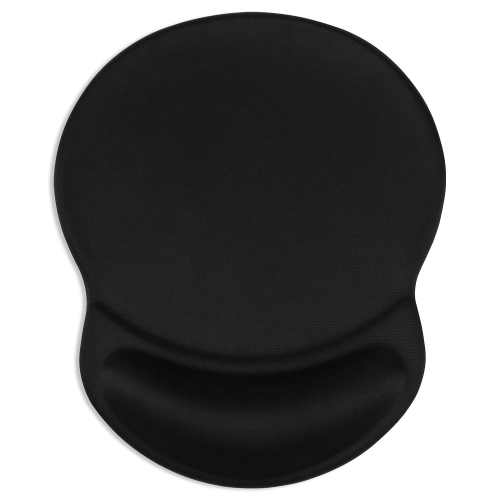
Mouse Pads With Wrist Rest For Dual Monitor Workspaces

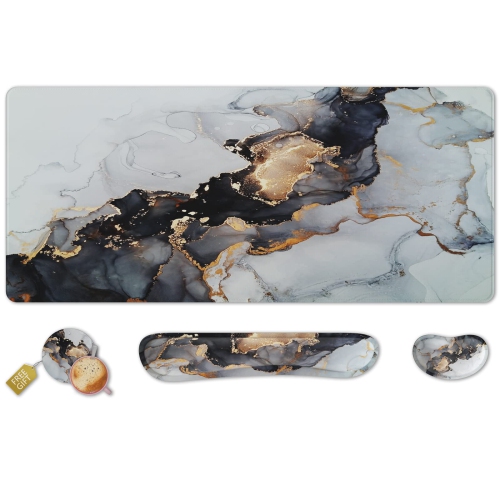
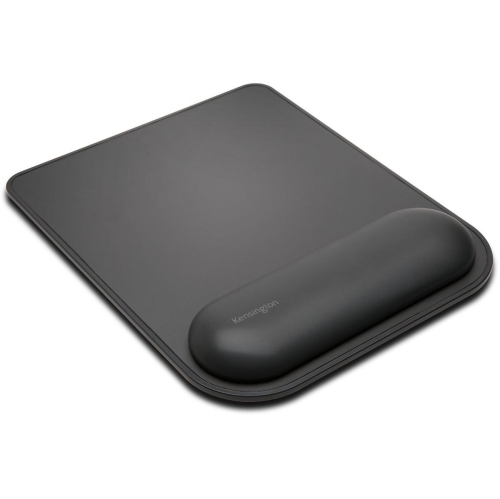
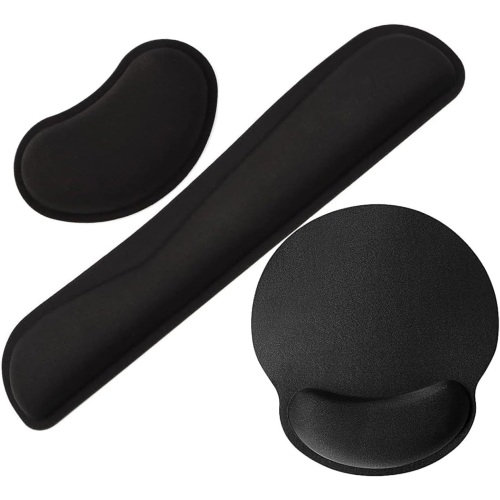
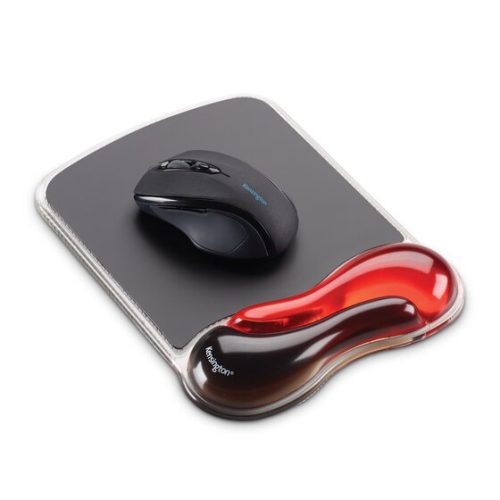
Find mouse pads with wrist rests for dual monitor workspaces that pair a mouse surface with wrist support. Compare pad dimensions, wrist rest shape, and surface material to find an option that fits beside your keyboard and leaves enough room for mouse movement as you navigate between screens.
Read More

Sort

Mouse Pads With Wrist Rest For Dual Monitor Workspaces

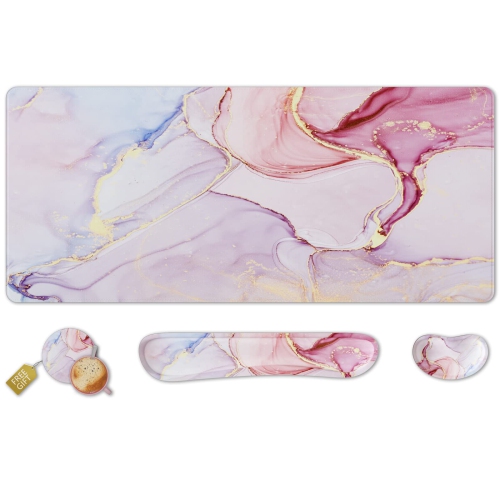
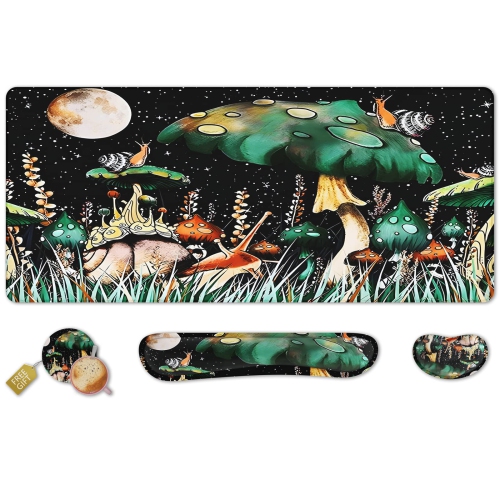
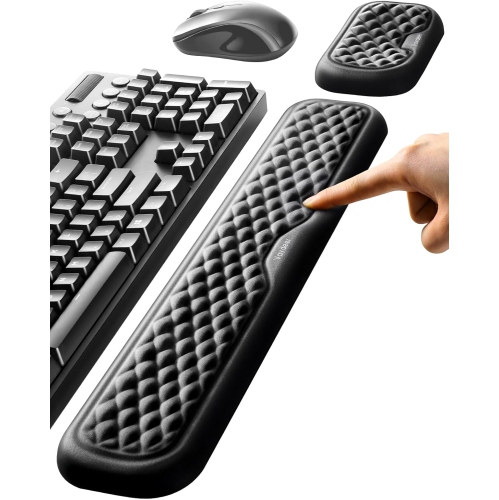
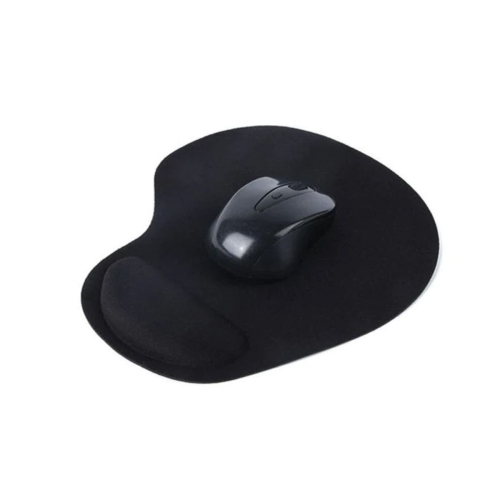
A two-screen desk can make a busy day feel more manageable: a spreadsheet open on one display, reference material on the other, and enough room to keep the task at hand in view. Mouse Pads with Wrist Rest for Dual Monitor Workspaces bring a practical finishing touch to that setup, pairing a dedicated tracking surface with a cushioned place to rest between movements. Whether your desk is used for office work, coursework, creative projects, or evening gaming, the right fit depends on how you use your mouse and how much space you have beside your keyboard. Moving a pointer across two displays does not automatically require an oversized pad; pointer sensitivity, screen resolution, and your preferred hand movements all affect the amount of room you need. If you tend to make broad, sweeping movements, a larger usable surface can help keep the mouse from reaching the edge mid-task. If you work with smaller movements on a compact desk, a more modest footprint may leave welcome space for a notebook, a mug, or the paperwork that inevitably lands beside the keyboard.

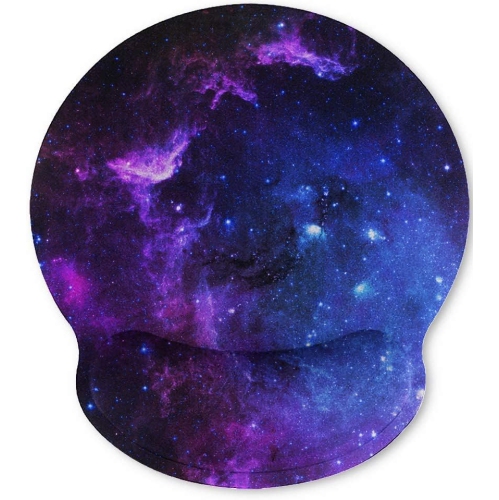
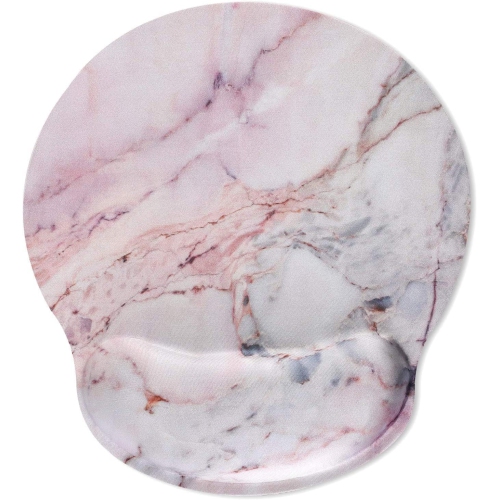
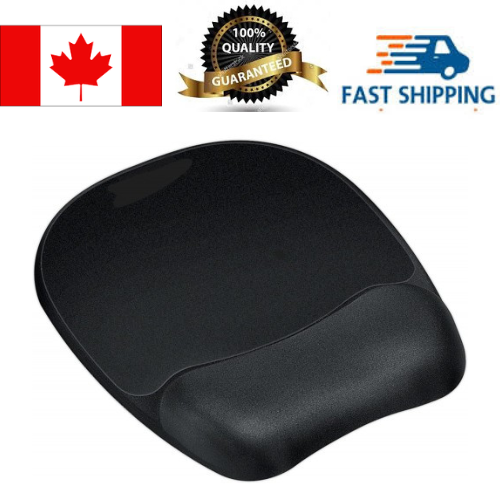
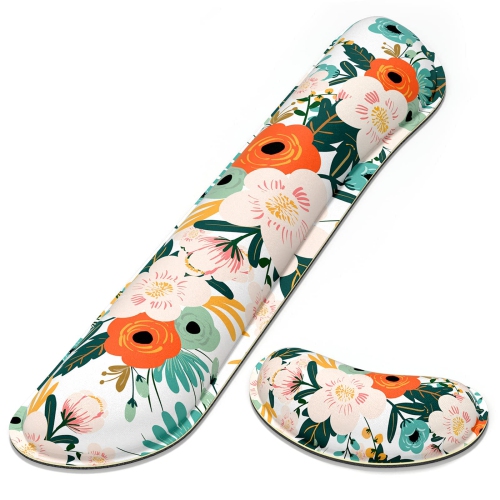
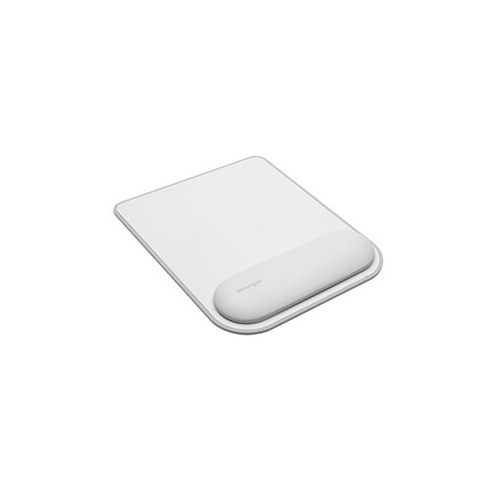
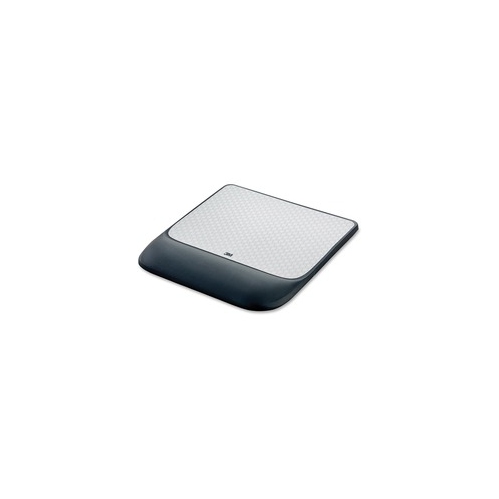
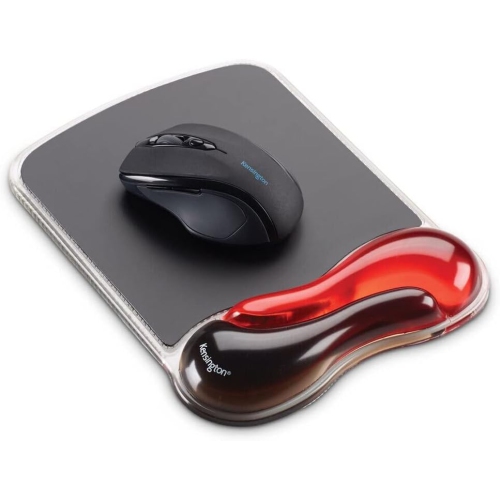
When comparing options, consider the wrist rest and the tracking area separately. A generous overall size can be misleading if much of that space is taken up by cushioning, so check the dimensions of the flat surface as well as the pad’s full footprint. Gel-filled rests often have a yielding feel, while foam designs vary in firmness and how quickly they return to shape after pressure is removed. Neither material is automatically the better choice; the useful distinction is whether the support feels comfortable without lifting your wrist into an awkward angle. Look for a height and contour that let your hand stay broadly in line with your forearm. During active mouse use, allow your hand and arm to move freely rather than keeping your wrist planted against the rest. Cushioning is most useful as a light resting place during pauses, and it should not press into the underside of your wrist. For long sessions spent moving between messages, documents, and detailed on-screen work, these small fit considerations matter more than choosing the thickest or softest option.

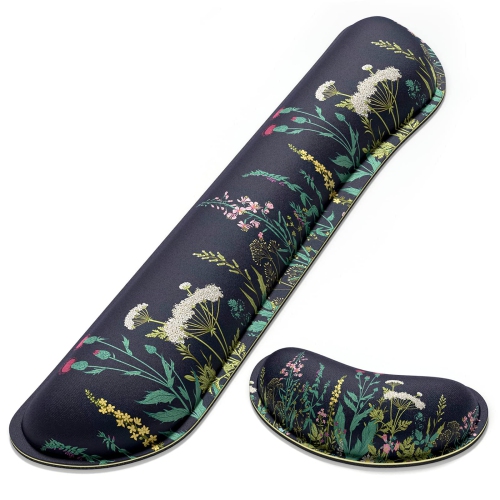
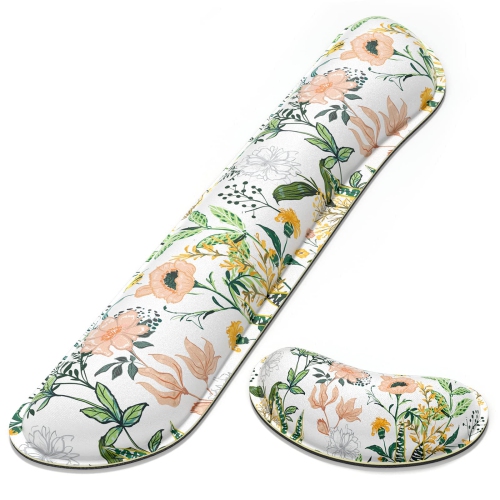
Surface texture, stability, and upkeep also deserve attention, especially on a desk used every day. A fabric top can offer a soft feel and controlled glide, while a smooth, wipe-clean finish may be convenient where snacks and drinks share the workspace. Check compatibility with your mouse’s tracking requirements, and look for a base designed to grip the type of desk surface you have. A pad that shifts whenever you move from one screen to the other can interrupt an otherwise comfortable rhythm. Flat edges, a securely attached rest, and care instructions that suit your routine are useful details to compare before buying. For shared desks, handedness and shape matter too: a symmetrical design may be easier to position for either hand, while a sculpted option deserves a closer look at its intended orientation. These accessories can also make thoughtful, practical gifts for students setting up a study space, remote workers refreshing a home office, or anyone adding a second display. If you are choosing one for someone else, take a cue from their existing desk layout and preference for firm or plush support. A well-sized mouse pad should settle into the workspace naturally, leaving the mouse within easy reach and enough clear space to move comfortably throughout the day.

Read More

FAQ

Some products may be subject to Environmental Handling Fees (EHF) depending on your province. Learn more about EHFs.