MSI MAG 321UPX
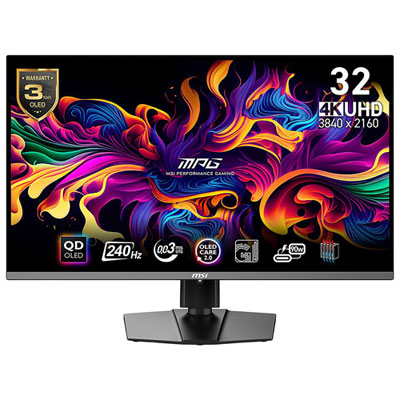
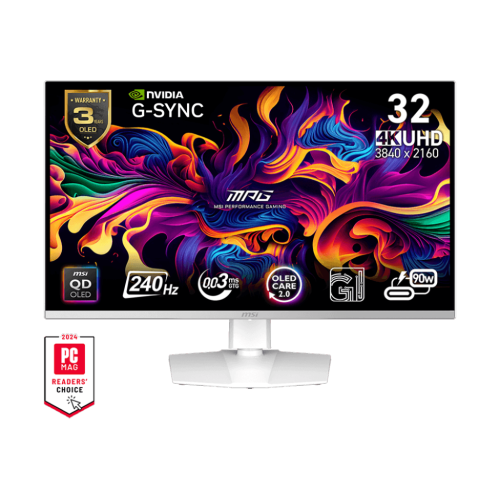
Experience elevated visuals and immersive entertainment with the MSI MAG 321UPX. Designed for those who demand clarity and performance, the MSI MAG 321UPX brings every detail to life, whether you're gaming, streaming, or working on creative projects. Explore a new level of precision and style with a display that seamlessly fits into any setup. Unlock your potential and take your viewing experience to the next level with the MSI MAG 321UPX.
Sort

Key considerations for 4K QD-OLED gaming monitor shoppers
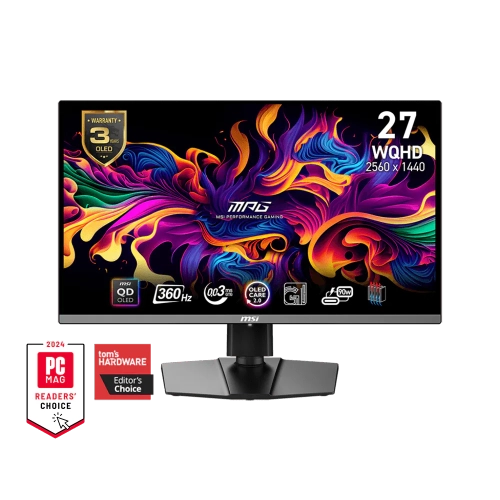
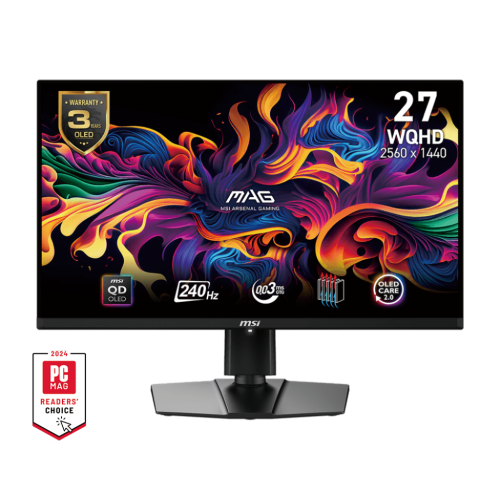
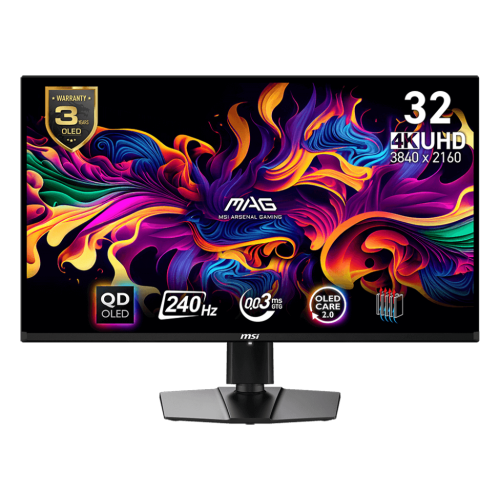
A 32-inch 4K gaming monitor can serve as the centrepiece of a high-performance desktop setup, bringing sharp detail, rich contrast, and a generous viewing area to games, films, creative projects, and everyday work. Displays in this category typically use a 31.5-inch-class panel with a 3840 x 2160 resolution, allowing fine textures, small interface elements, and distant objects to appear crisp without requiring an especially large desk. A QD-OLED panel is designed to produce deep blacks, bright highlights, and strong colour volume, which can make a dark game level feel more dimensional and give photo or video work a more immersive appearance. The flat screen shape is well suited to a conventional desk, while the larger canvas can make it easier to keep a game, chat window, browser, or editing timeline visible without constantly switching between applications. For shoppers comparing options, it is useful to look beyond resolution alone. A 240Hz refresh rate can make fast movement appear smoother when a compatible computer can deliver high frame rates, and a very low stated response time can help reduce visible trailing during quick camera pans or competitive play. These benefits are most noticeable in racing, sports, action, and first-person games, although a high refresh rate also makes scrolling and pointer movement feel more fluid during ordinary desktop use.
The computer connected to the display has a major influence on the experience. Driving 4K at a high refresh rate requires a capable graphics card, suitable cables, and the correct settings in both the operating system and game. Shoppers should check which ports are available and match them with the devices they plan to use. DisplayPort is commonly used for a gaming computer, while HDMI 2.1 can support modern consoles at 4K and up to 120Hz when the console, cable, game, and display are all compatible. Features such as variable refresh rate can help synchronize the screen with the graphics output, reducing distracting tearing when frame rates rise and fall. Automatic low-latency modes may also help a display switch to a more responsive setting when a compatible console or source device is detected. USB-C can be especially helpful for a laptop or compact workstation, though shoppers should confirm whether it carries video, data, and power, as USB-C power delivery ratings vary. A modest power-delivery rating may be enough to keep a light laptop topped up during basic work, but it may not replace the laptop’s main charger during demanding tasks. It is also worth checking the stand’s height, tilt, and swivel adjustments, along with VESA mounting compatibility, desk depth, cable routing, and the placement of rear-facing ports. A monitor can have impressive specifications and still feel awkward if the top edge sits too high, the stand takes up valuable space, or cables are difficult to reach. Those looking for a particular finish can also browse MSI White Monitors when a lighter desk aesthetic is part of the plan.
QD-OLED displays are appealing to people who want a vivid gaming screen without giving up the contrast that makes films and story-driven games look compelling. They can be a strong choice for a dedicated gaming room, a shared family computer, a home office that doubles as an entertainment station, or a creator’s desk where colour and detail matter. They may also make a thoughtful gift for a PC gamer who has upgraded their graphics card, a student building a first serious workstation, or someone replacing an older screen that no longer keeps pace with a newer computer or console. Before purchasing, consider viewing distance and desk width: a 32-inch display is immersive from a typical seated position, but it needs enough room to sit comfortably without forcing the user to turn their head constantly. Bright rooms may call for careful placement to manage reflections, while darker rooms can show the benefit of OLED’s deep black performance more clearly. Like other OLED technology, these displays benefit from using the built-in panel-care features, allowing automatic maintenance cycles to run as recommended and avoiding long periods with an unchanged static image when possible. Shoppers should review the included warranty and any coverage relating to image retention or burn-in, as terms differ by model and retailer. It is sensible to keep firmware up to date when updates are supported, since display software can improve compatibility, add functionality, or address connection behaviour over time. During the cooler months, a comfortable chair, sensible lighting, and a tidy cable layout can make long gaming or study sessions more enjoyable, while a well-calibrated screen can serve just as well for spreadsheets, streaming, digital art, and editing. The best fit is the display that matches the user’s equipment, room, desk, and habits, rather than the one with the longest specification list alone.
The computer connected to the display has a major influence on the experience. Driving 4K at a high refresh rate requires a capable graphics card, suitable cables, and the correct settings in both the operating system and game. Shoppers should check which ports are available and match them with the devices they plan to use. DisplayPort is commonly used for a gaming computer, while HDMI 2.1 can support modern consoles at 4K and up to 120Hz when the console, cable, game, and display are all compatible. Features such as variable refresh rate can help synchronize the screen with the graphics output, reducing distracting tearing when frame rates rise and fall. Automatic low-latency modes may also help a display switch to a more responsive setting when a compatible console or source device is detected. USB-C can be especially helpful for a laptop or compact workstation, though shoppers should confirm whether it carries video, data, and power, as USB-C power delivery ratings vary. A modest power-delivery rating may be enough to keep a light laptop topped up during basic work, but it may not replace the laptop’s main charger during demanding tasks. It is also worth checking the stand’s height, tilt, and swivel adjustments, along with VESA mounting compatibility, desk depth, cable routing, and the placement of rear-facing ports. A monitor can have impressive specifications and still feel awkward if the top edge sits too high, the stand takes up valuable space, or cables are difficult to reach. Those looking for a particular finish can also browse MSI White Monitors when a lighter desk aesthetic is part of the plan.
QD-OLED displays are appealing to people who want a vivid gaming screen without giving up the contrast that makes films and story-driven games look compelling. They can be a strong choice for a dedicated gaming room, a shared family computer, a home office that doubles as an entertainment station, or a creator’s desk where colour and detail matter. They may also make a thoughtful gift for a PC gamer who has upgraded their graphics card, a student building a first serious workstation, or someone replacing an older screen that no longer keeps pace with a newer computer or console. Before purchasing, consider viewing distance and desk width: a 32-inch display is immersive from a typical seated position, but it needs enough room to sit comfortably without forcing the user to turn their head constantly. Bright rooms may call for careful placement to manage reflections, while darker rooms can show the benefit of OLED’s deep black performance more clearly. Like other OLED technology, these displays benefit from using the built-in panel-care features, allowing automatic maintenance cycles to run as recommended and avoiding long periods with an unchanged static image when possible. Shoppers should review the included warranty and any coverage relating to image retention or burn-in, as terms differ by model and retailer. It is sensible to keep firmware up to date when updates are supported, since display software can improve compatibility, add functionality, or address connection behaviour over time. During the cooler months, a comfortable chair, sensible lighting, and a tidy cable layout can make long gaming or study sessions more enjoyable, while a well-calibrated screen can serve just as well for spreadsheets, streaming, digital art, and editing. The best fit is the display that matches the user’s equipment, room, desk, and habits, rather than the one with the longest specification list alone.
Top selling and popular products
-
 Your price for this item is $279.97
 -
 Your price for this item is $275
 -
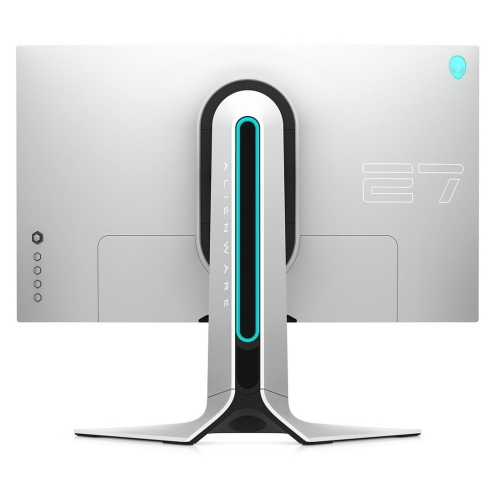 Your price for this item is $299
 -
 Your price for this item is $559.68
 -
 Your price for this item is $209.99
 -
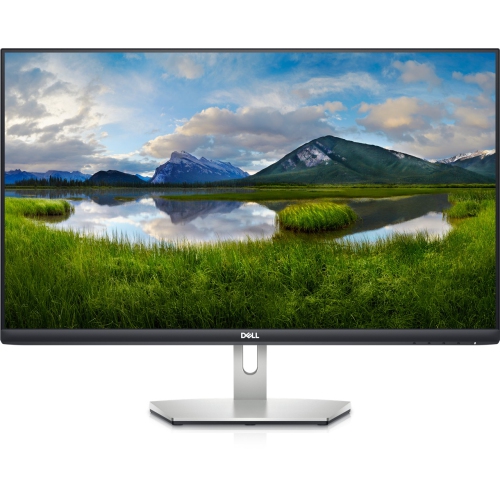 Your price for this item is $239.99
 -
 Your price for this item is $179.95
 -
 Your price for this item is $3299.99
Discover more categories related to MSI MAG 321UPX
Top Collections:
Pokemon Centers, Kindle Devices, Best Budget Office Chairs, Apple iPhones 16, Best Laptops for Writers, iPhone 15 Apple, Canon G7X Cameras, Refurbished Apple Laptops, Alarm Clock, Motorola Razr Phones
Some products may be subject to Environmental Handling Fees
(EHF) depending on your province.
Learn more about EHFs.