MSI PCs
Discover a wide selection of MSI PC options designed to meet your computing needs, whether for work, gaming, or everyday use. Explore models that offer versatility and performance, making it easy to find the perfect fit for your lifestyle. With a variety of configurations and styles available, choosing an MSI PC ensures you have the tools you need to stay productive and entertained. Find the right MSI PC to elevate your digital experience today.
Sort
What matters beyond a PC’s headline specifications
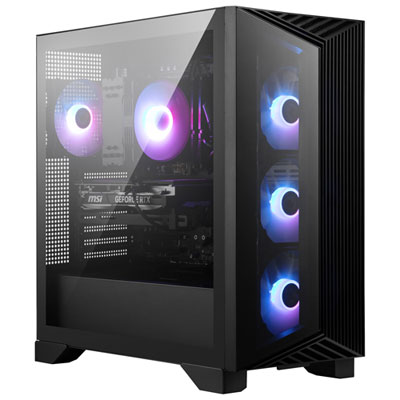
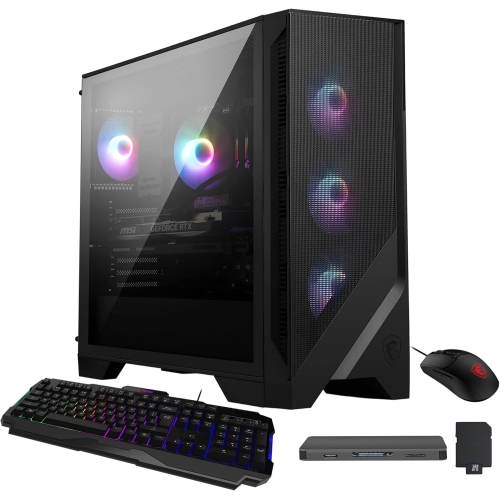
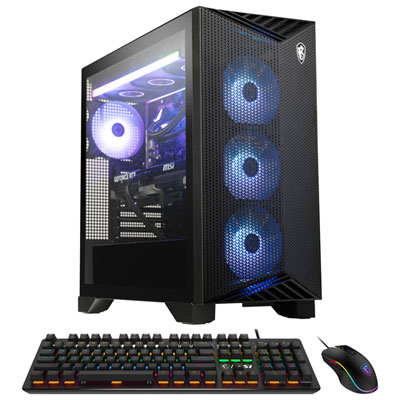
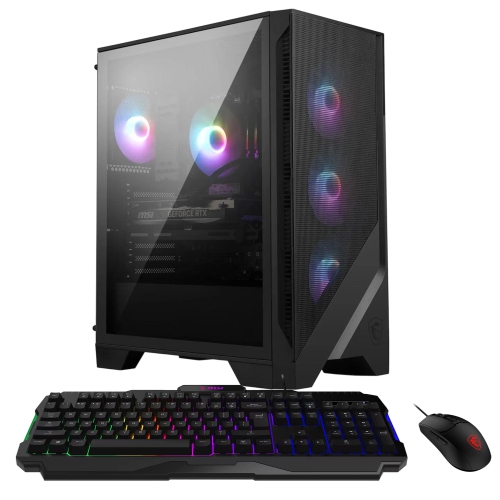
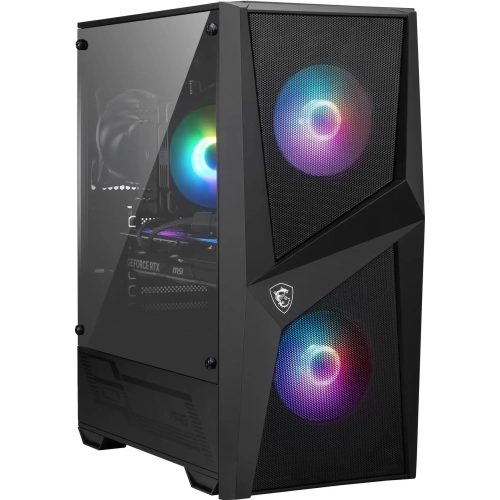
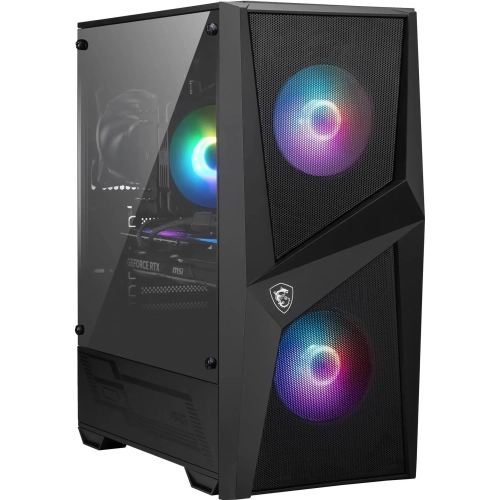
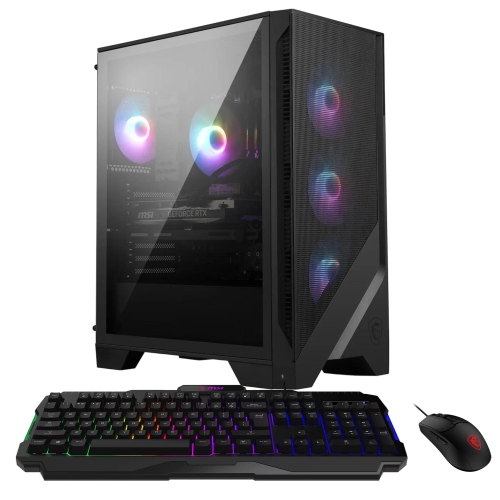
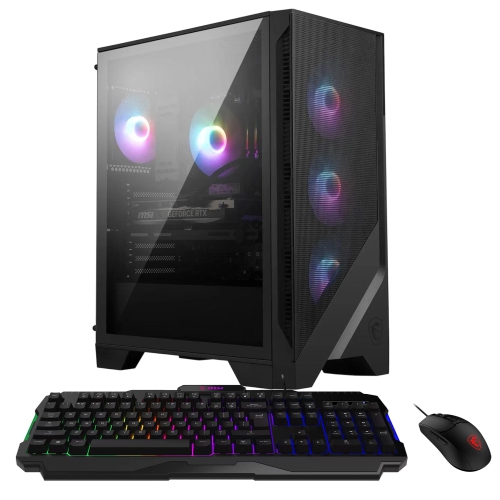
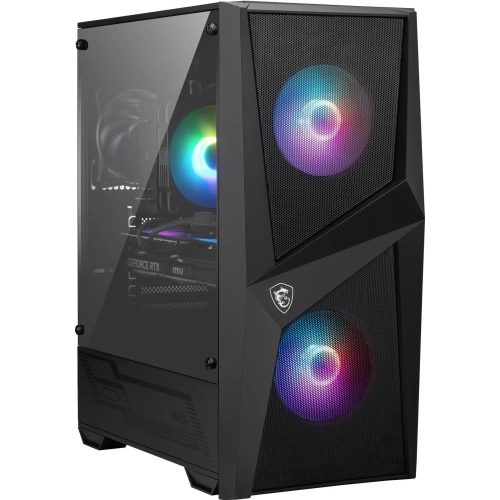
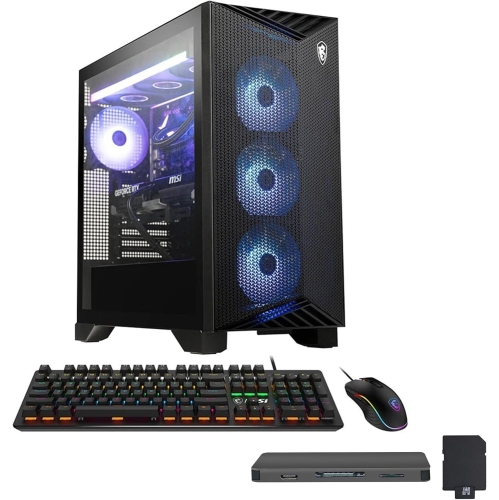
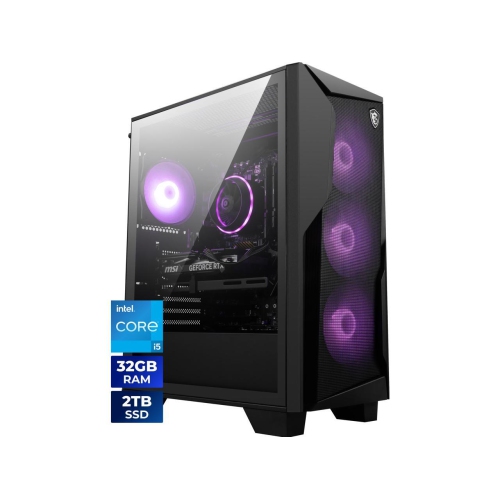
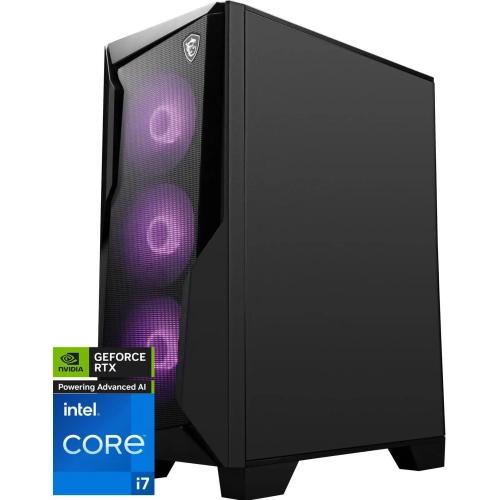
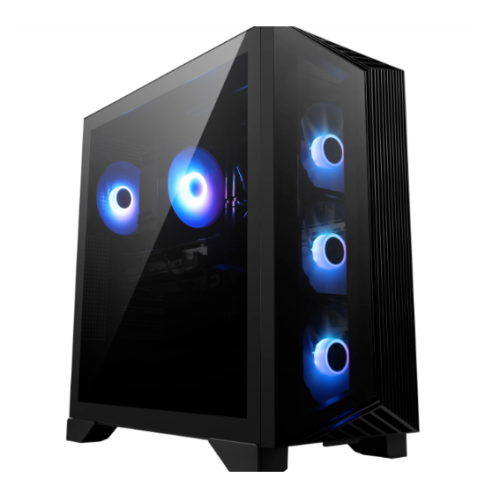
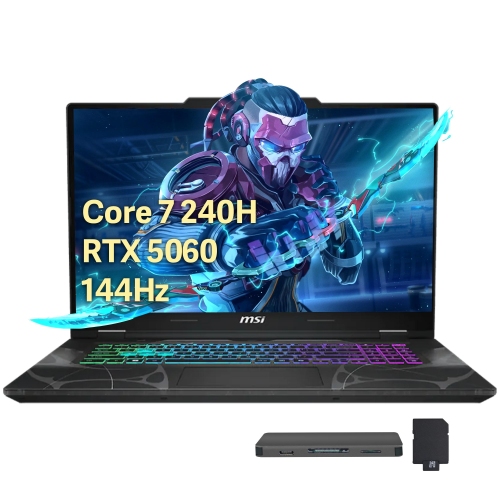
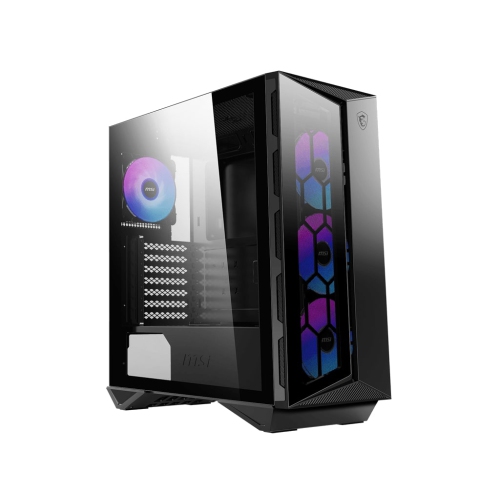
Gaming desktops, performance laptops, and mini PCs offer different ways to play, create, study, and handle everyday work. The main differences lie in how much space they need, how easily they travel, and how their components support demanding tasks. A desktop computer suits a permanent setup with a separate monitor, keyboard, and mouse, whether that means a dedicated gaming desk or a shared home office. A laptop combines the computer, display, keyboard, and battery in one portable device, while a mini PC keeps the computer itself small enough for a shallow desk or a discreet position beside a monitor. For gaming-focused setups, MSI Desktop Gaming PCs pair the flexibility of a desktop format with configurations intended for interactive entertainment and other graphics-intensive work. Performance depends on the particular processor, graphics hardware, memory, storage, and cooling system rather than the appearance of the case alone. The processor handles game logic, application tasks, and much of the work involved in running several programs together. A dedicated graphics processor is especially relevant for detailed games, 3D modelling, and software that supports graphics acceleration. System memory gives active applications room to work: 16 GB can support many gaming and everyday workloads, while 32 GB or more may be useful for larger creative projects, heavier multitasking, or certain demanding games. Requirements vary by application, so the software used most often provides a useful reference point. Solid-state storage helps shorten startup and loading times, but capacity matters too, particularly when a computer holds a large game library, video footage, or photo collection. A student moving between research, video calls, and an evening game has different needs from someone editing lengthy video projects. Both benefit from a configuration that balances its major components rather than concentrating on a single headline specification. Faster graphics hardware, for example, cannot compensate for insufficient memory in every task, and a powerful processor does not remove the need for suitable storage capacity.
Desktop PCs make room for a more permanent, personalized workspace. A larger tower may accommodate substantial cooling hardware, multiple storage drives, and full-size components, although internal space and expansion options differ by design. That extra room can be useful for someone who plans to add storage or replace supported components later. Smaller desktop cases leave more room for notebooks, speakers, or a second display, but may have tighter limits on component dimensions and cooling arrangements. Mini PCs take that space-saving approach further and can suit document work, web browsing, streaming, and other tasks supported by their configuration. Compact size alone does not indicate gaming capability; graphics hardware and cooling remain important distinctions. Laptops suit people who need the same computer at a desk, in a classroom, and during travel. Their built-in displays vary in size, resolution, brightness, colour performance, and refresh rate. A high refresh rate can make motion appear smoother when the computer produces enough frames, while greater colour accuracy can matter more for photo editing and design. Resolution also affects the workload placed on graphics hardware, so a sharper display and higher game settings demand more processing power. An external monitor can give a laptop a roomier desktop layout, provided its ports support the intended resolution and refresh rate. Battery life varies with workload, screen settings, and hardware; demanding games and rendering tasks generally use more power than reading documents. Many performance laptops deliver their strongest performance when connected to the appropriate power adapter. Cooling fans may become more noticeable during intensive use, whether the computer is portable or desktop-based. For someone recording voiceovers or sharing a quiet workspace, noise levels deserve attention alongside speed. Keyboard feel, trackpad size, webcam quality, and the placement of ports also shape daily comfort, especially when a laptop serves as the main computer rather than an occasional travel device.
The physical fit of a PC matters long after the first startup. A desktop needs clearance around its ventilation openings, enough depth for connected cables, and a stable surface that supports its weight. Placing a tower against a solid panel or crowding it between furniture can restrict airflow. A laptop works best on a firm, flat surface rather than bedding or a cushion that can cover its air intakes. Case and chassis materials vary, with designs using metal, plastic, glass, or combinations of these materials. Metal panels can provide rigidity, plastic can help keep weight manageable, and glass panels make internal lighting and components visible, but overall durability also depends on construction, hinges, protective handling, and intended use. For a computer carried regularly, a padded sleeve or well-fitting bag helps protect against scratches and minor knocks; the bag also needs room for the power adapter without pressing it against the screen. Routine care is straightforward: shut down and unplug the computer before cleaning, use suitable cleaning materials, and follow the manufacturer's directions for screens, vents, and accessible dust filters. Keeping liquids away from the keyboard and maintaining clear ventilation paths helps prevent avoidable problems. Connections deserve similar attention before a setup takes shape. USB port types, display outputs, audio connections, Ethernet, and supported Wi-Fi capabilities determine how easily existing accessories and network equipment can connect. A connector's shape does not always reveal every feature it supports, particularly for video output or charging. For shared households, separate user accounts can keep files and preferences organized, while regular backups help protect schoolwork, personal photos, and creative projects. A PC can also make a thoughtful gift for a student, gamer, or creative hobbyist when its format and capabilities match the recipient's routines. The most useful fit is a computer that supports the applications they actually use, works with their existing accessories, and feels comfortable in the space where it will spend most of its time.
Top selling and popular products
-
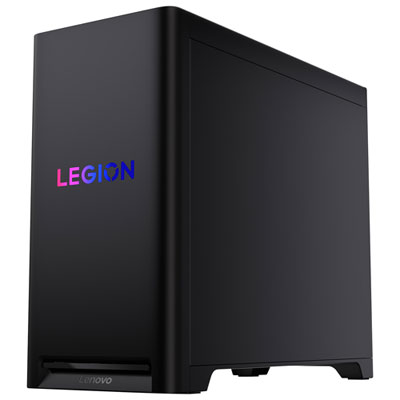 Your price for this item is $3499.99
-
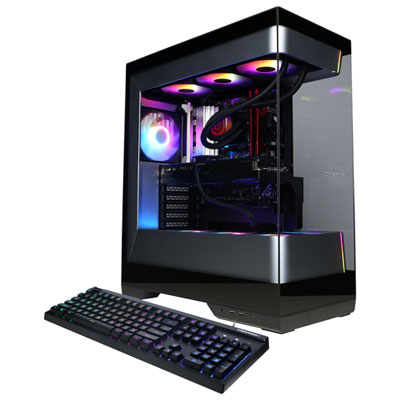 Your price for this item is $3559.99
-
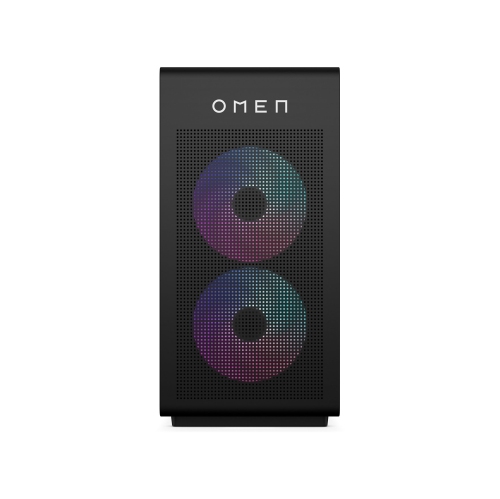 Your price for this item is $7958.99
-
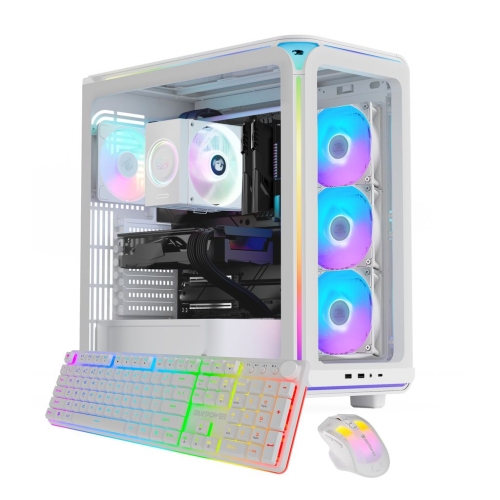 Your price for this item is $2999.99
-
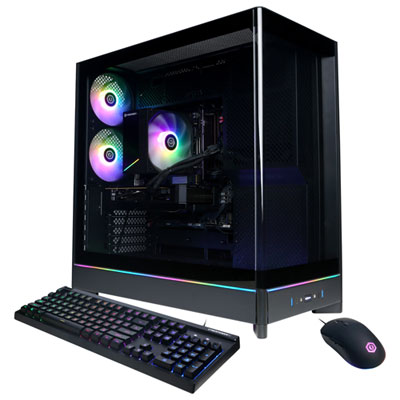 Your price for this item is $2149.99
-
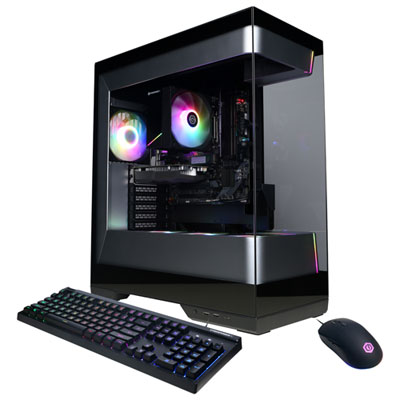 Your price for this item is $1549.99
-
 Your price for this item is $7579.99
-
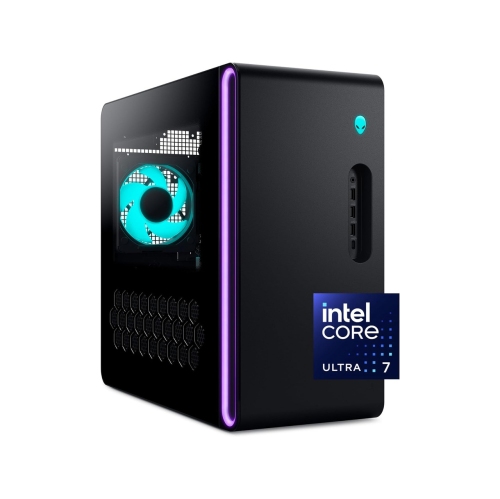 Your price for this item is $3150.49
Discover more categories related to MSI PCs
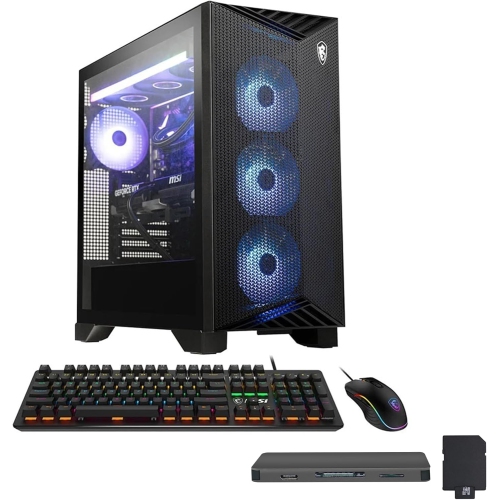
Top Collections:
Best Black Friday Deals This Year, Best Black Friday Deals On Electronics, Kindle Devices, Pokemon Centers, Best Black Friday Deals On Apple Products, Best Cameras for Sports Photography, Dyson Airwrap, Pokémon 30th Celebration Cards, Apple iPhone 17 Pro, Canon G7X Cameras
Some products may be subject to Environmental Handling Fees
(EHF) depending on your province.
Learn more about EHFs.