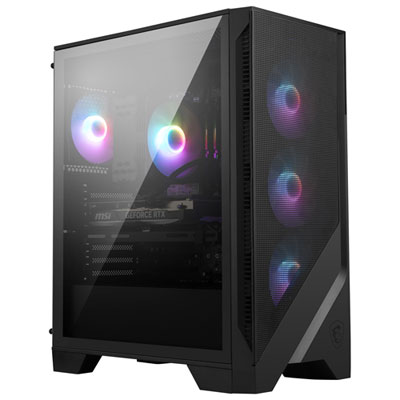
MSI MAG Pano M100R PZ
Discover the MSI MAG Pano M100R PZ, designed to elevate your computing setup with modern style and reliable performance. Perfect for users seeking both functionality and a sleek aesthetic, this model offers a seamless blend of innovation and quality. Whether upgrading your current system or building a new one, the MSI MAG Pano M100R PZ provides an excellent foundation for work, gaming, and everyday tasks. Explore options that fit your needs and bring home advanced technology with confidence.
Sort
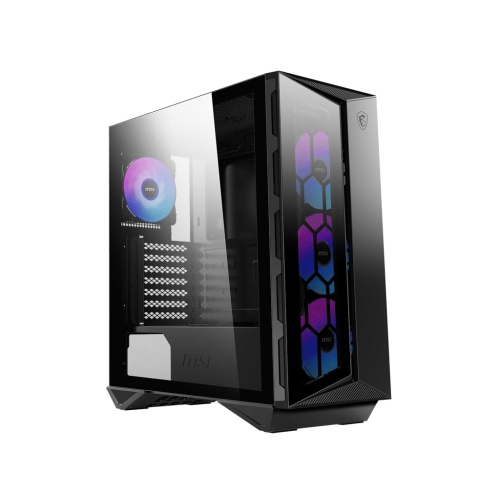


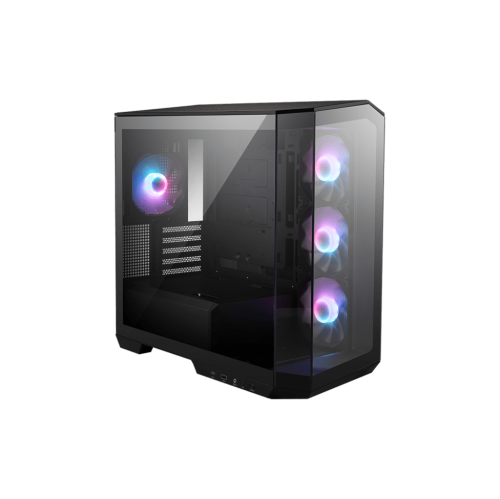
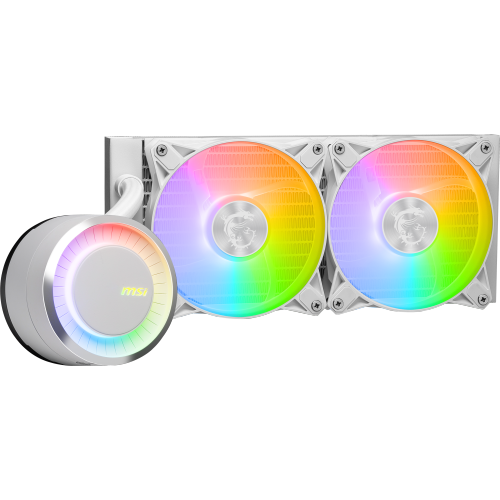
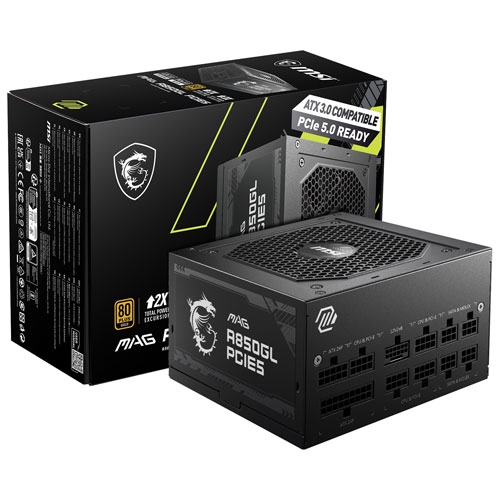
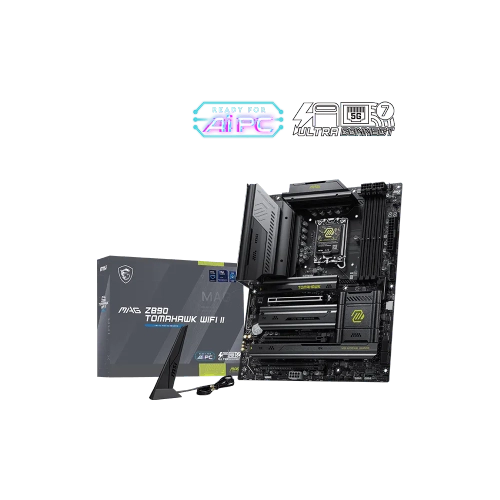
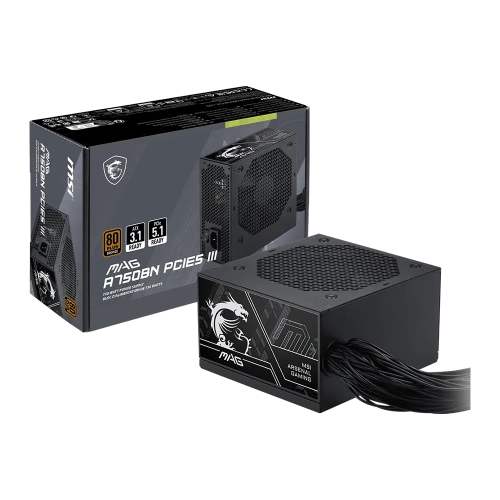
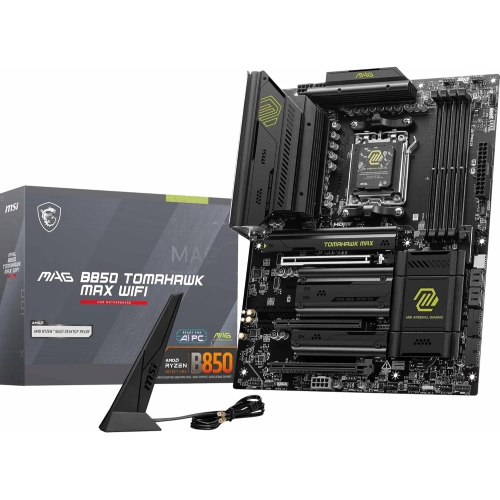
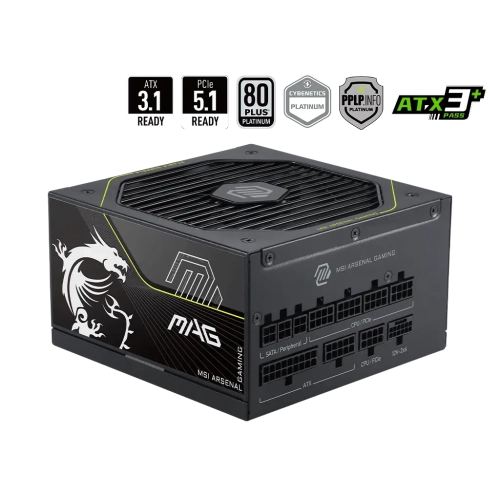
Panoramic glass puts your PC build on display
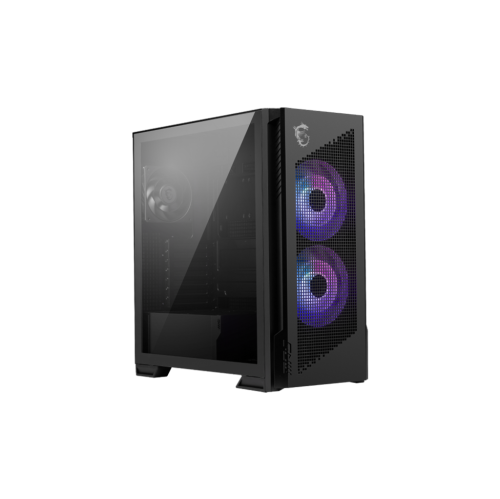
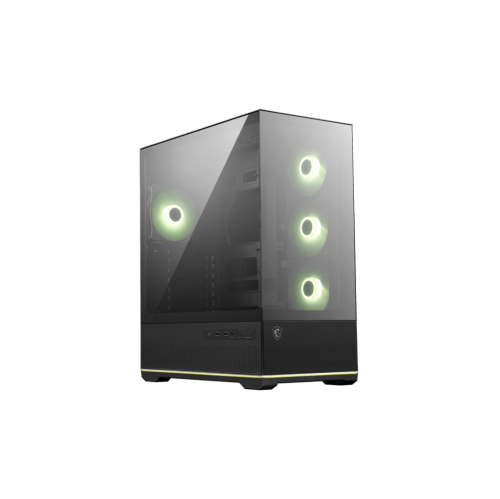
A compact desktop case with panoramic glass turns a PC build into part of the room, giving the graphics card, cooling hardware, and lighting a clear presence beside a monitor. This style suits a gaming desk, a creative workspace, or a shared home office where the appearance of the computer matters alongside its performance. Unlike a closed-sided tower, a glass-panel case makes the arrangement inside visible, so neatly routed cables and coordinated components become part of the finished look. Micro-ATX cases offer a useful middle ground between a full-size tower and a much smaller enclosure: they can accommodate capable desktop hardware without taking up quite as much space, although overall dimensions vary considerably. A wide layout may occupy more desk space than its compact motherboard format suggests, especially when room is needed around ventilation openings and rear connections. Steel chassis panels provide the supporting structure, while tempered-glass panels offer a clear view of the build and a different feel from an all-metal enclosure. Glass deserves careful handling, particularly along its edges, and removable panels need a safe resting place during assembly or maintenance. Black finishes tend to let illuminated components stand out, while white finishes can create a brighter backdrop for contrasting hardware and cables. Neither appearance determines computing performance; that comes from the components inside and how well the enclosure supports them. For someone choosing between assembling a computer and purchasing a complete desktop, MSI PCs provide a related point of comparison, while an enclosure on its own is the starting structure for a custom system rather than a working computer. The appeal of a display-oriented case is the balance of practical housing and personal expression, whether the finished desktop is intended for multiplayer games, photo editing, school projects, or a mix of everyday tasks.
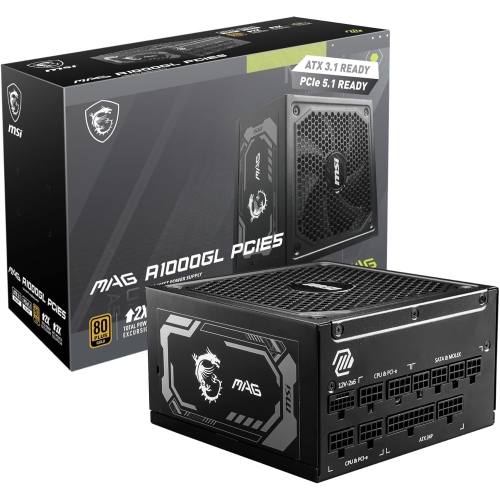
Fit involves more than checking whether a motherboard carries the right size label. Rear-connector motherboard layouts move selected power and data connections behind the board, helping keep the main chamber visually uncluttered. That arrangement requires matching openings and sufficient space behind the motherboard tray; support for a conventional micro-ATX board does not automatically mean support for every rear-connector design. A case intended for this style of build can make the visible compartment look remarkably tidy, but the cable-routing chamber still has to accommodate connectors, cable bends, and any lighting or fan hubs. Graphics-card clearance is another important detail, especially for cards with tall coolers, long circuit boards, or power connections that need room before the cable bends toward a routing opening. The card’s thickness also affects access to neighbouring expansion slots and nearby fan positions. Processor cooling brings its own fit considerations: a tower-style air cooler needs adequate side-panel clearance, while a liquid-cooling radiator needs a compatible mounting position and enough room for its combined radiator-and-fan thickness. A mounting location described by fan size alone does not establish that every cooling assembly will fit without interference. Power-supply dimensions, drive mounts, and storage needs matter just as much in a compact build. A desktop relying on motherboard-mounted storage may need little dedicated drive space, whereas a system used for a large photo library could require room for additional drives and their cables. Front-panel connections are part of daily convenience, too. Easily reached USB ports and an audio connection can simplify plugging in a controller, headset, or portable drive, provided the motherboard has the internal headers needed to support them. For a builder transferring hardware from an older tower, these details shape whether the move is straightforward or calls for changes to other components. A case can remain useful through multiple upgrades, but its lasting value depends on dimensions and connections that suit the hardware planned for it.
Panoramic glass and effective cooling can work together when the enclosure provides suitable ventilation elsewhere. Side, top, bottom, and rear fan positions may help move air through the chassis, with the exact arrangement depending on its design and the installed hardware. A gaming system running a demanding graphics card has different cooling needs from a desktop used mainly for documents and video calls, so the number of visible fans is only part of the picture. Clear intake paths, sensible exhaust placement, and space around the case help cooling hardware do its job. Noise also depends on fan quality, mounting, speed settings, and component workload, rather than on the case’s appearance alone. Addressable lighting adds another layer of customization, from a restrained single-colour glow to coordinated effects across fans and internal components. Lighting connections and control methods vary, making compatibility between the fans, controller, and motherboard important; lighting and fan-speed control are separate functions even when they share a hub. Day-to-day care is mostly about keeping dust from building up and protecting the finish. Removable filters, where fitted, make routine cleaning easier, while accessible panels reduce the effort involved in reaching fan grilles and internal surfaces. A soft microfibre cloth helps lift fingerprints from glass without abrasive scrubbing, and cleaning products should follow the enclosure manufacturer’s care directions. Liquid belongs on the cloth rather than sprayed toward installed electronics. For frequent upgrades, details such as secure panel fasteners, accessible mounting points, and enough working room around the motherboard make a noticeable difference. A display-style enclosure can also be a thoughtful gift for an experienced PC builder who enjoys choosing every part, though the recipient’s component dimensions and preferred layout matter more than colour alone. On a finished desk, the most satisfying result is not necessarily the brightest lighting or the fullest interior. It is a system whose hardware fits comfortably, whose connections are easy to reach, and whose clean presentation still leaves room for practical maintenance and future changes.
Fit involves more than checking whether a motherboard carries the right size label. Rear-connector motherboard layouts move selected power and data connections behind the board, helping keep the main chamber visually uncluttered. That arrangement requires matching openings and sufficient space behind the motherboard tray; support for a conventional micro-ATX board does not automatically mean support for every rear-connector design. A case intended for this style of build can make the visible compartment look remarkably tidy, but the cable-routing chamber still has to accommodate connectors, cable bends, and any lighting or fan hubs. Graphics-card clearance is another important detail, especially for cards with tall coolers, long circuit boards, or power connections that need room before the cable bends toward a routing opening. The card’s thickness also affects access to neighbouring expansion slots and nearby fan positions. Processor cooling brings its own fit considerations: a tower-style air cooler needs adequate side-panel clearance, while a liquid-cooling radiator needs a compatible mounting position and enough room for its combined radiator-and-fan thickness. A mounting location described by fan size alone does not establish that every cooling assembly will fit without interference. Power-supply dimensions, drive mounts, and storage needs matter just as much in a compact build. A desktop relying on motherboard-mounted storage may need little dedicated drive space, whereas a system used for a large photo library could require room for additional drives and their cables. Front-panel connections are part of daily convenience, too. Easily reached USB ports and an audio connection can simplify plugging in a controller, headset, or portable drive, provided the motherboard has the internal headers needed to support them. For a builder transferring hardware from an older tower, these details shape whether the move is straightforward or calls for changes to other components. A case can remain useful through multiple upgrades, but its lasting value depends on dimensions and connections that suit the hardware planned for it.
Panoramic glass and effective cooling can work together when the enclosure provides suitable ventilation elsewhere. Side, top, bottom, and rear fan positions may help move air through the chassis, with the exact arrangement depending on its design and the installed hardware. A gaming system running a demanding graphics card has different cooling needs from a desktop used mainly for documents and video calls, so the number of visible fans is only part of the picture. Clear intake paths, sensible exhaust placement, and space around the case help cooling hardware do its job. Noise also depends on fan quality, mounting, speed settings, and component workload, rather than on the case’s appearance alone. Addressable lighting adds another layer of customization, from a restrained single-colour glow to coordinated effects across fans and internal components. Lighting connections and control methods vary, making compatibility between the fans, controller, and motherboard important; lighting and fan-speed control are separate functions even when they share a hub. Day-to-day care is mostly about keeping dust from building up and protecting the finish. Removable filters, where fitted, make routine cleaning easier, while accessible panels reduce the effort involved in reaching fan grilles and internal surfaces. A soft microfibre cloth helps lift fingerprints from glass without abrasive scrubbing, and cleaning products should follow the enclosure manufacturer’s care directions. Liquid belongs on the cloth rather than sprayed toward installed electronics. For frequent upgrades, details such as secure panel fasteners, accessible mounting points, and enough working room around the motherboard make a noticeable difference. A display-style enclosure can also be a thoughtful gift for an experienced PC builder who enjoys choosing every part, though the recipient’s component dimensions and preferred layout matter more than colour alone. On a finished desk, the most satisfying result is not necessarily the brightest lighting or the fullest interior. It is a system whose hardware fits comfortably, whose connections are easy to reach, and whose clean presentation still leaves room for practical maintenance and future changes.
Top selling and popular products
-
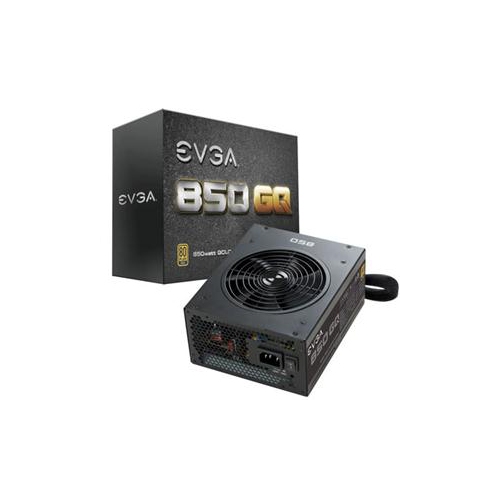 Your price for this item is $264.68
 -
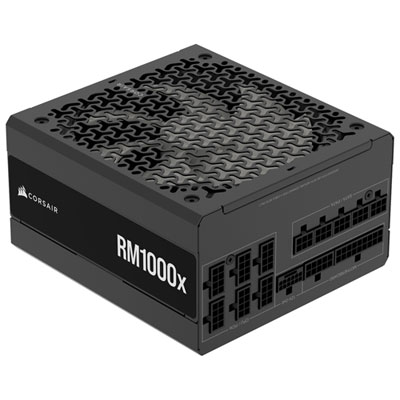 Your price for this item is $234.98
 -
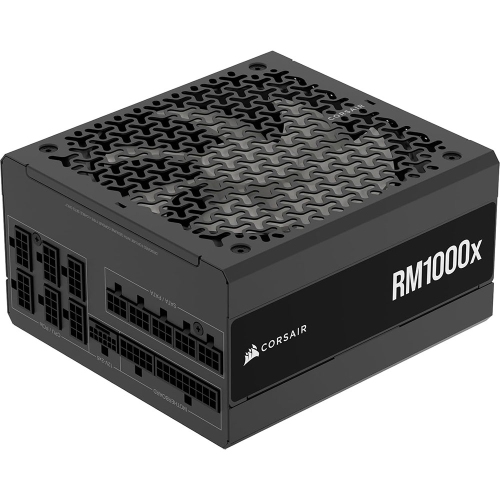 Your price for this item is $294.99
 -
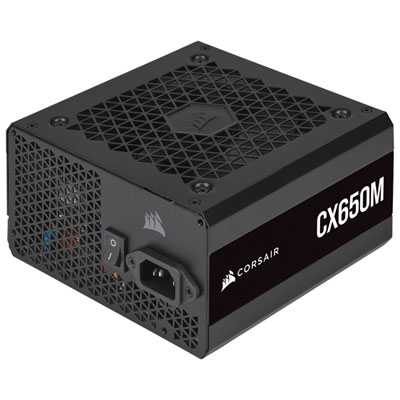 Your price for this item is $99.95
 -
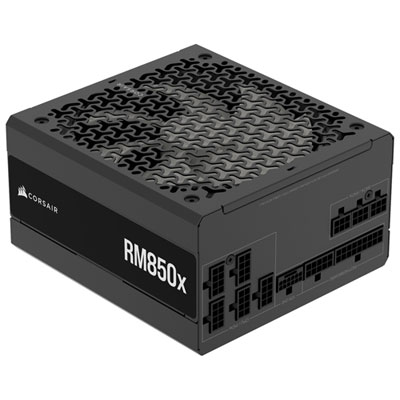 Your price for this item is $209.99
 -
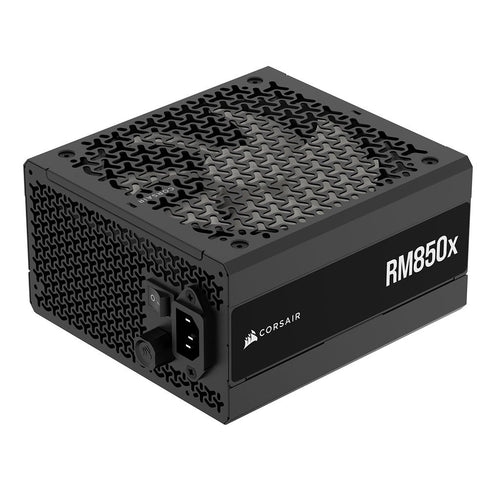 Your price for this item is $199.99
 -
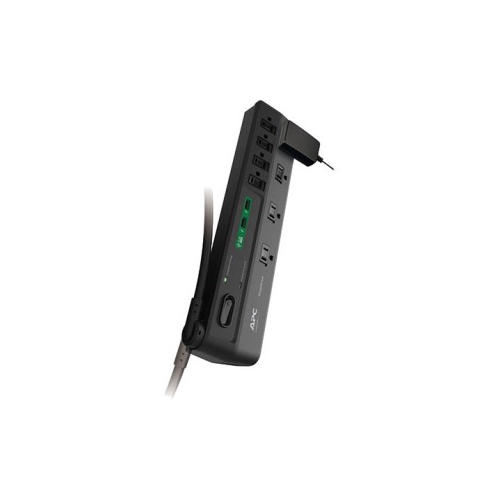 Your price for this item is $60.47
 -
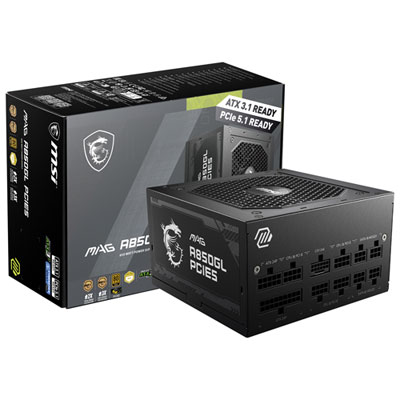 Your price for this item is $144.98
Discover more categories related to MSI MAG Pano M100R PZ
Top Collections:
Pokemon Centers, Kindle Devices, Best Budget Office Chairs, Apple iPhones 16, Best Laptops for Writers, iPhone 15 Apple, Canon G7X Cameras, Refurbished Apple Laptops, Alarm Clock, Motorola Razr Phones
Some products may be subject to Environmental Handling Fees
(EHF) depending on your province.
Learn more about EHFs.