Multitasking Computers
If you're looking for a computer that can handle all your multitasking needs, look no further! These multitasking computers are designed to keep up with your busy lifestyle, whether you're juggling work tasks, streaming your favorite shows, or diving into intense gaming sessions. With powerful processors, ample storage space, and lightning-fast performance, these computers are built to handle multiple applications and programs simultaneously, ensuring smooth and efficient multitasking like never before.
Sort




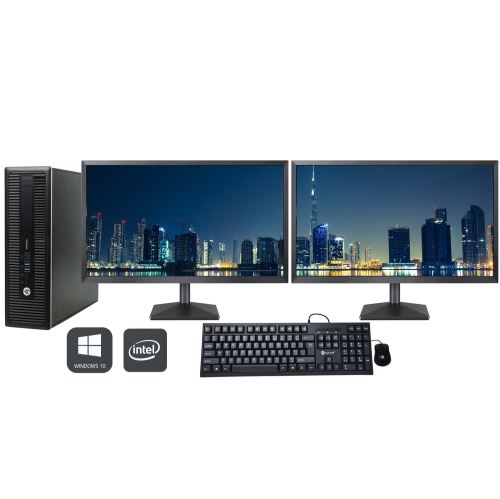
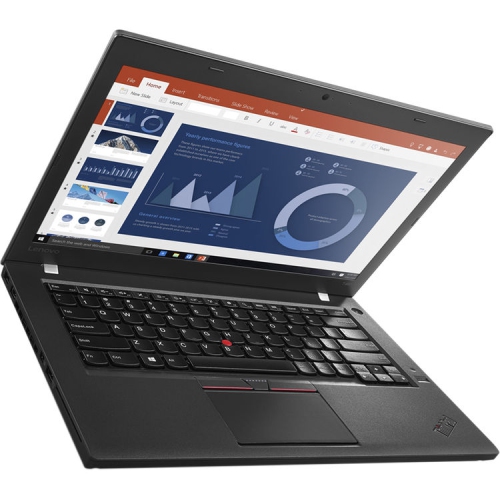
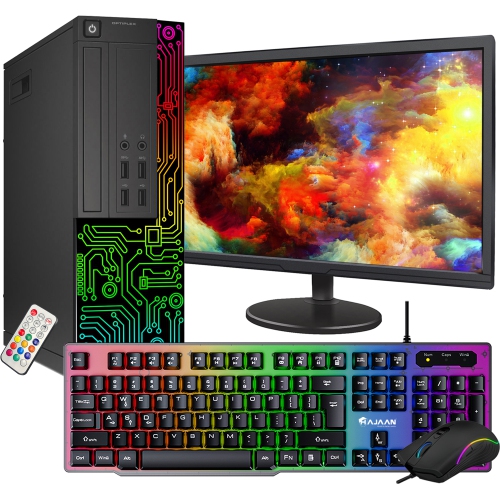
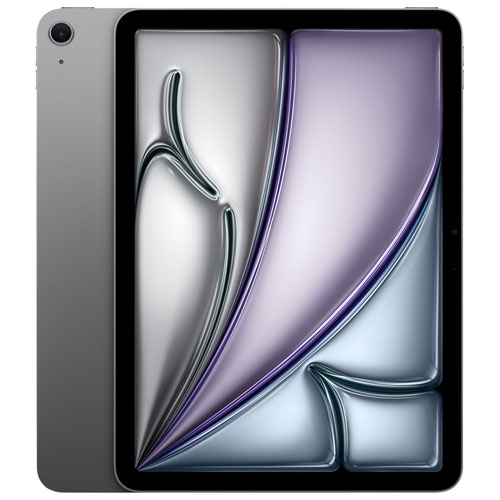
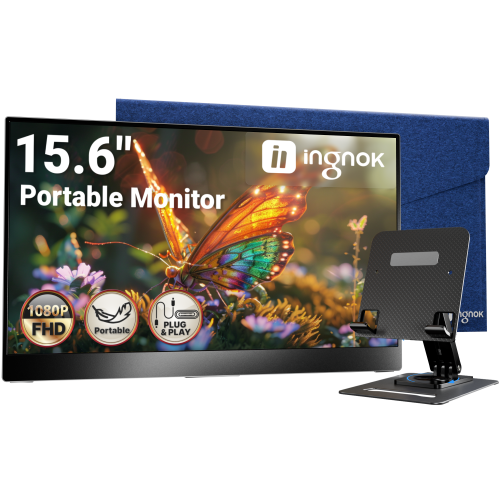
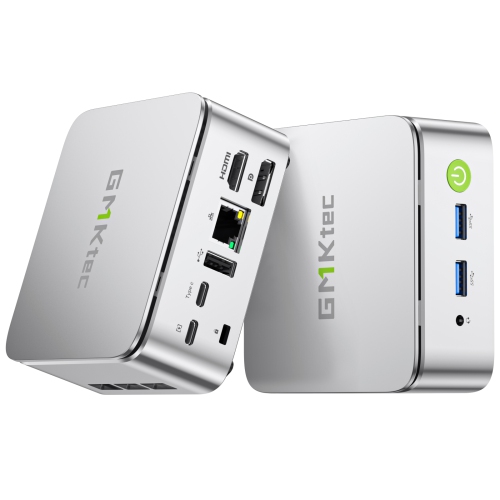
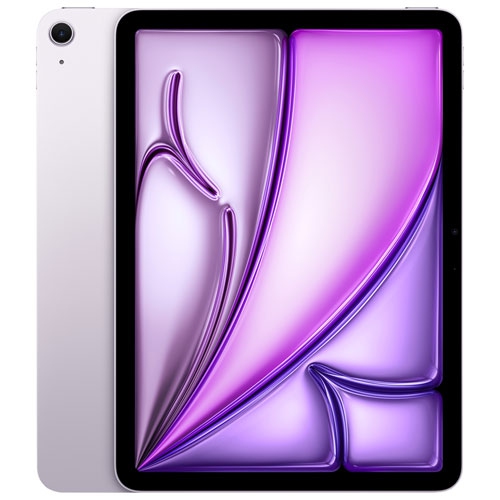
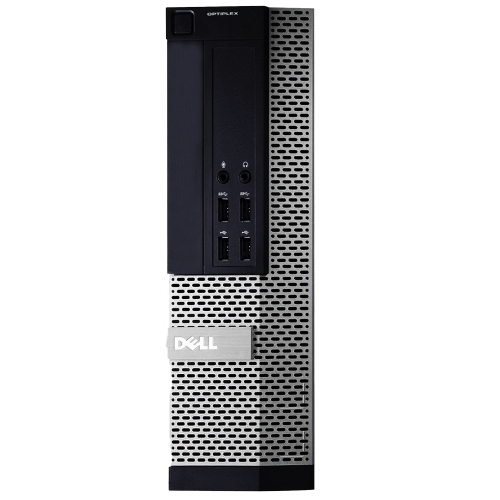
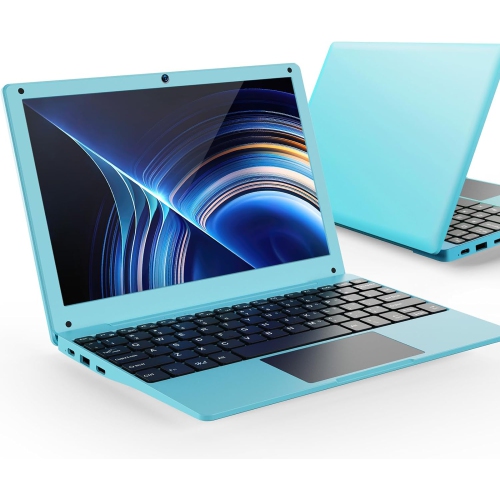
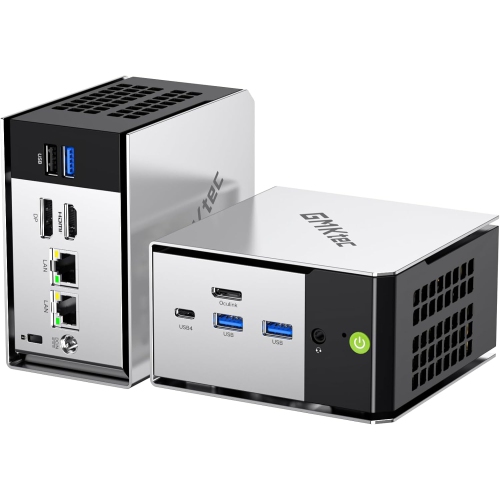
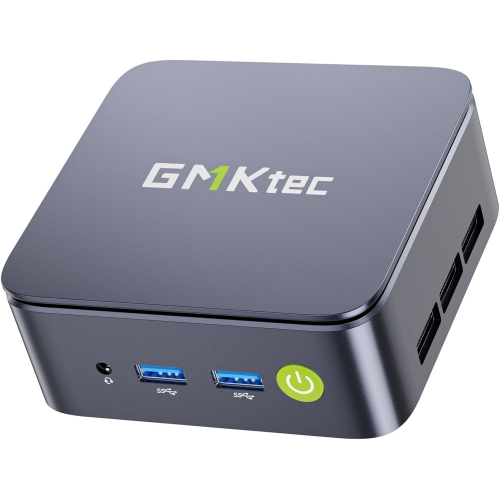
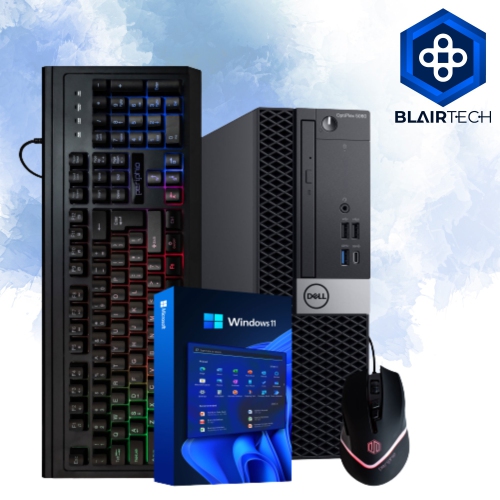

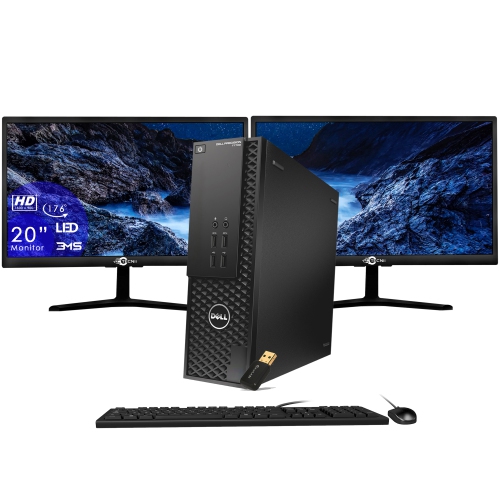
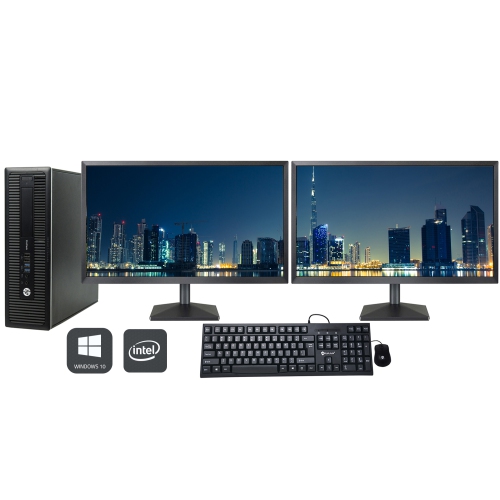
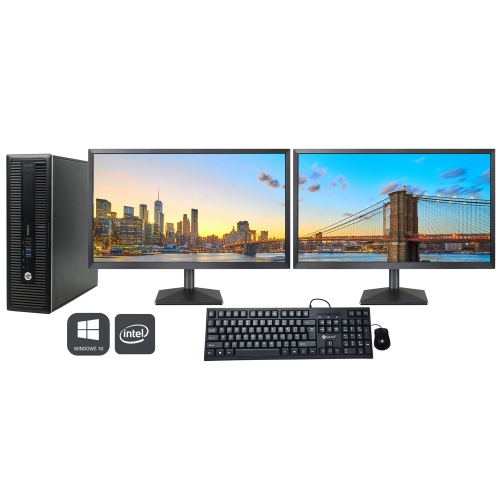
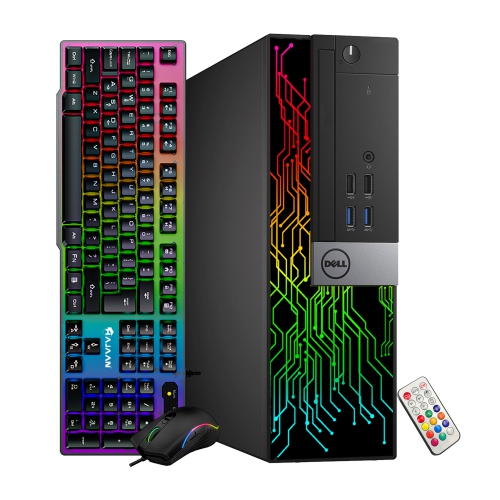
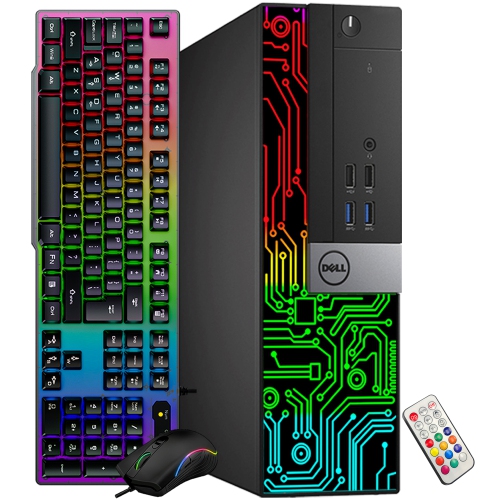

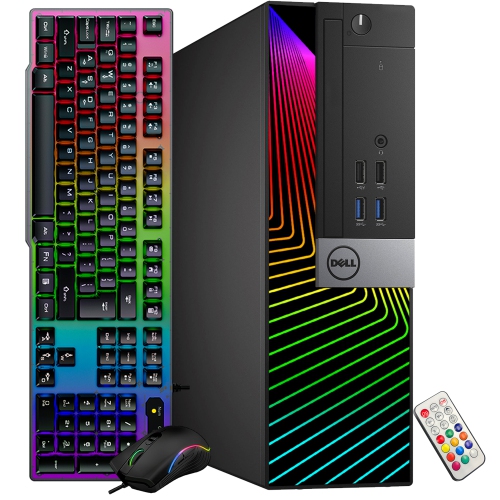
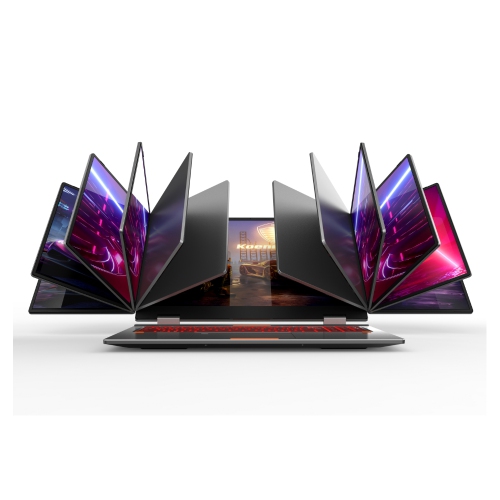
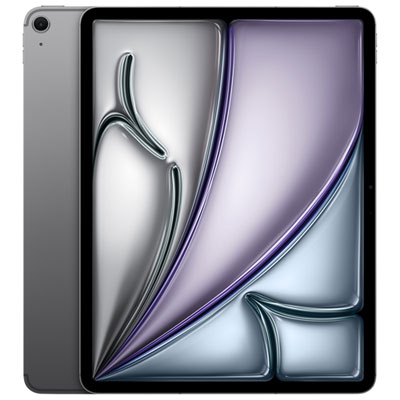
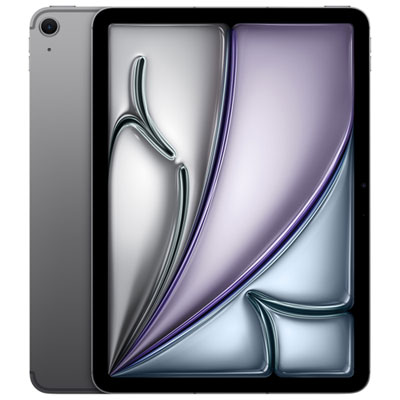
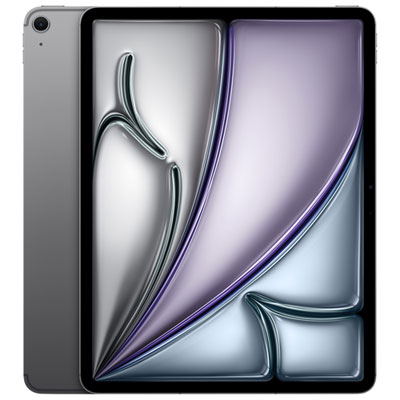
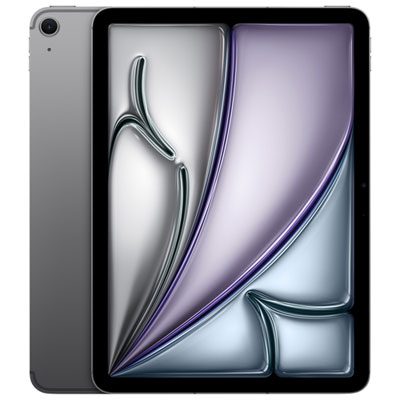
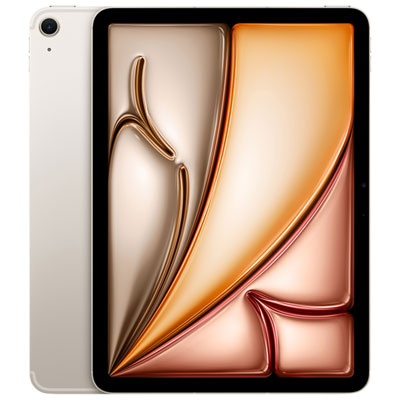
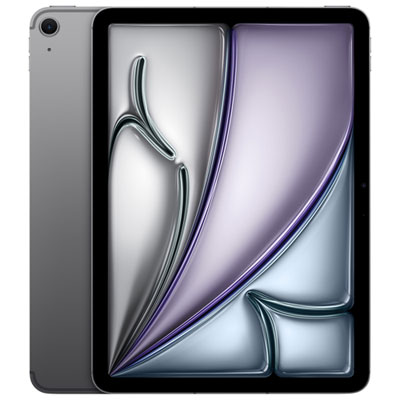
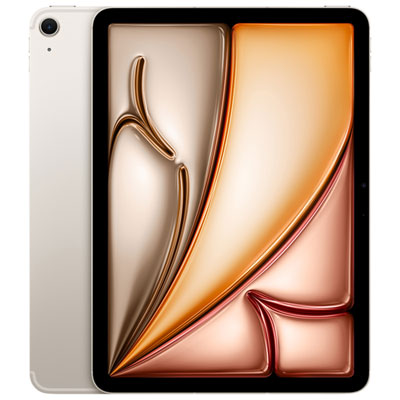
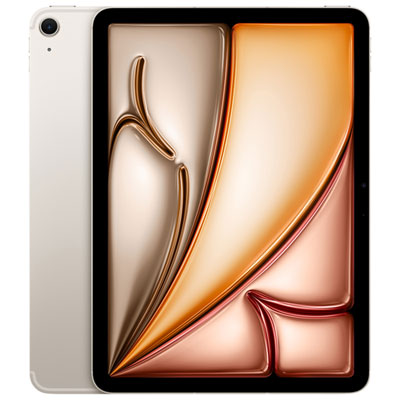
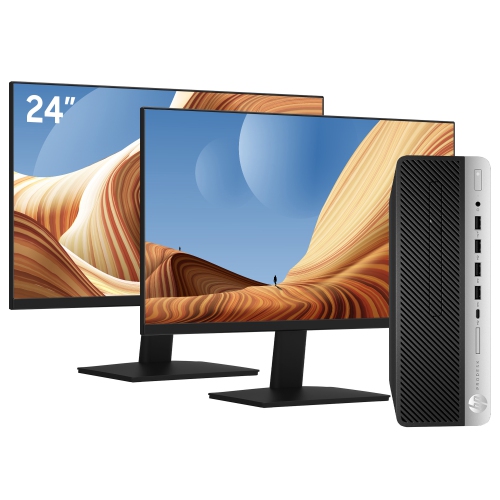
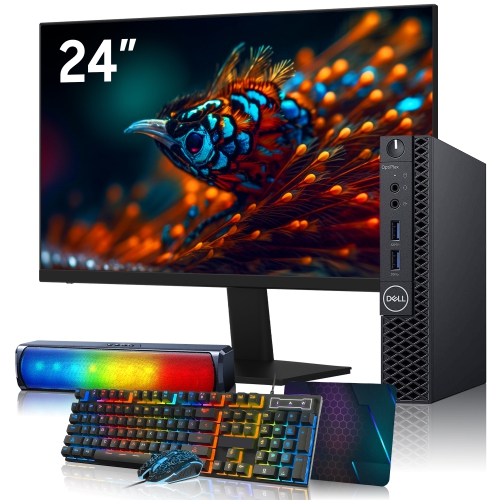
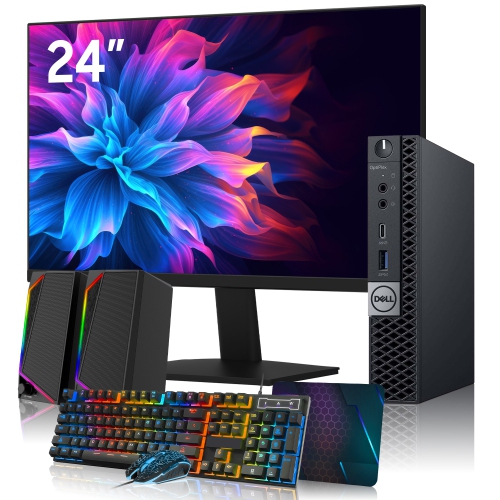
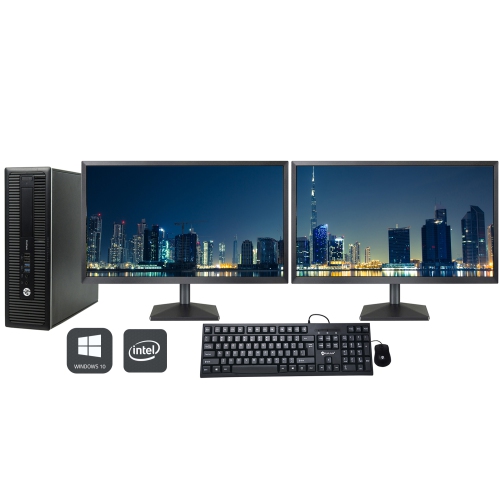
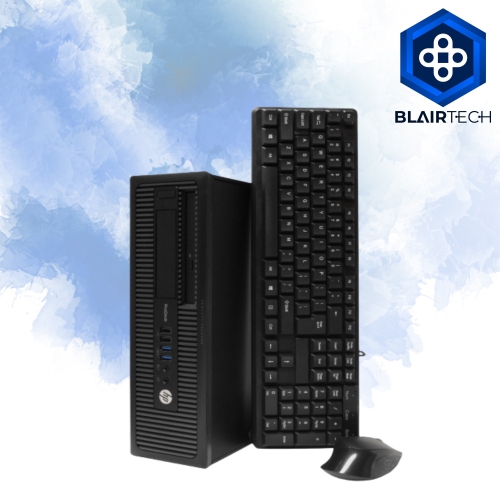
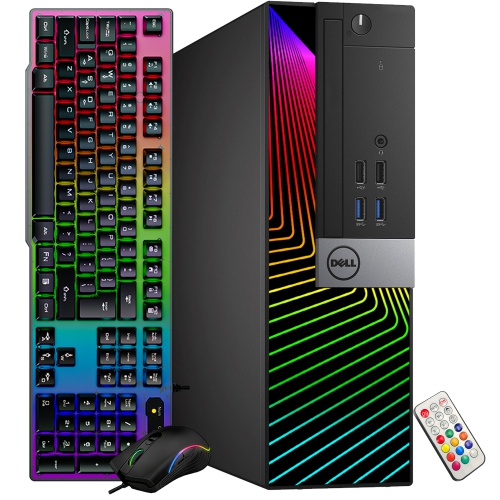

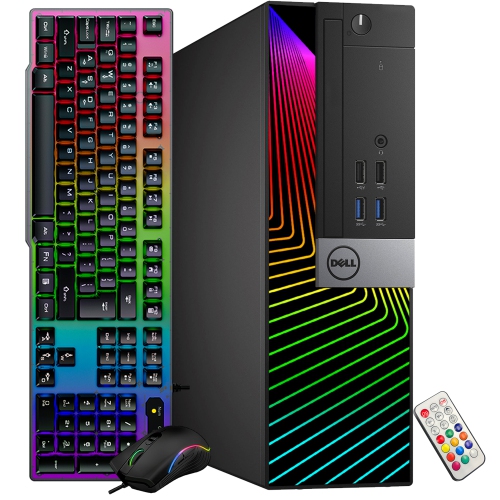


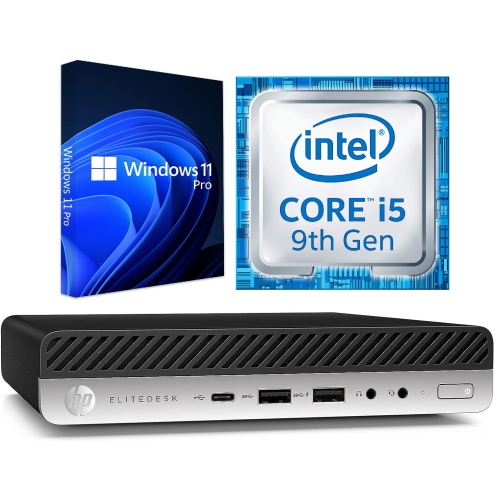
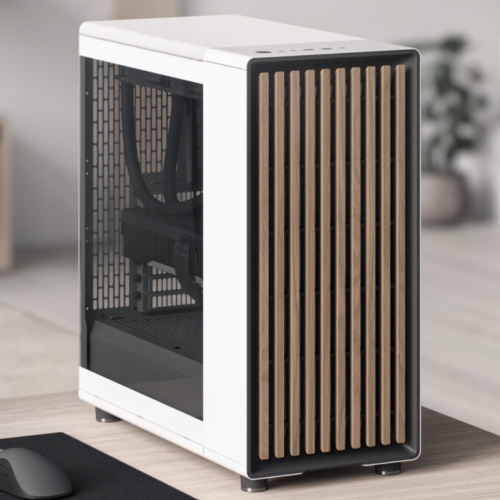
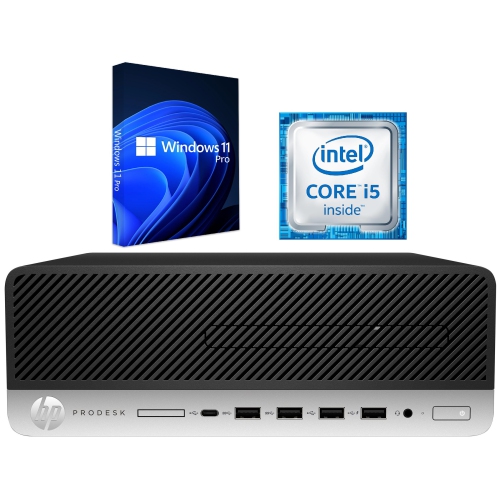
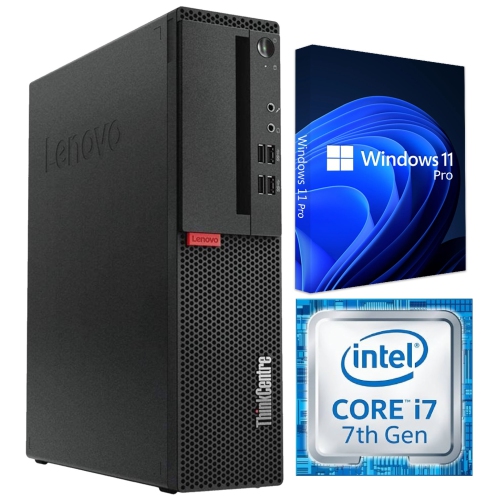


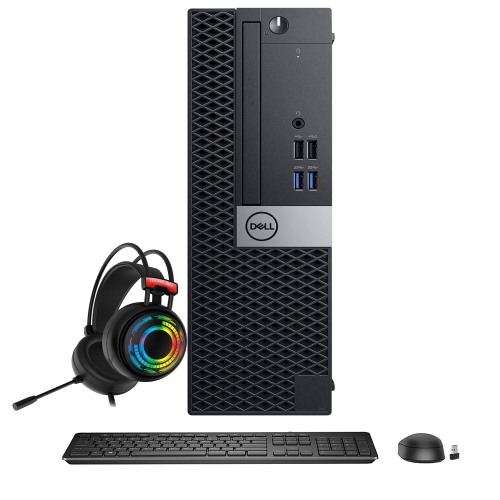
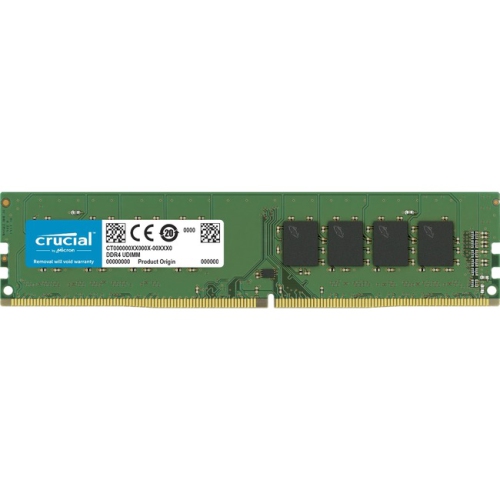
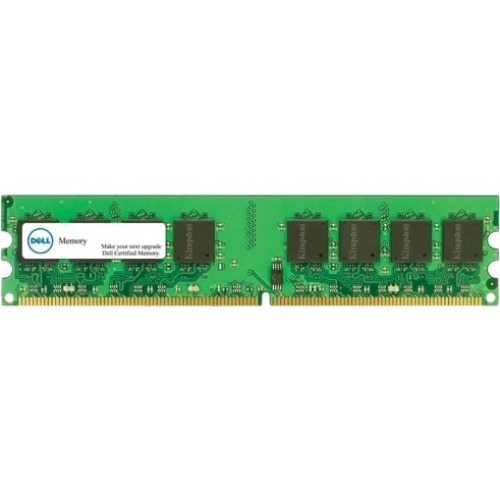
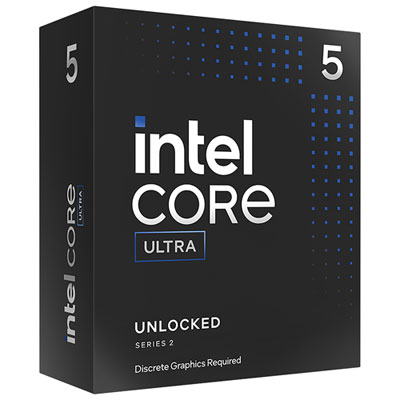
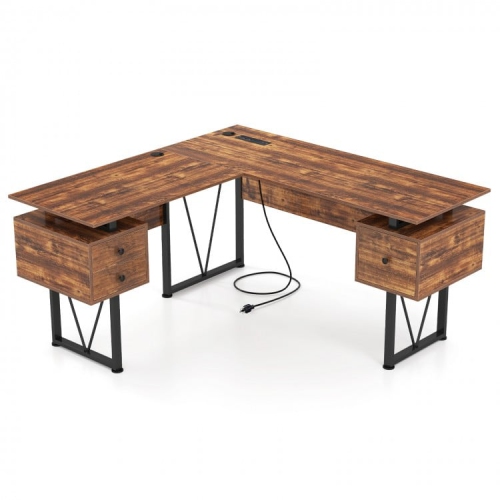
What keeps your computer responsive when tasks overlap
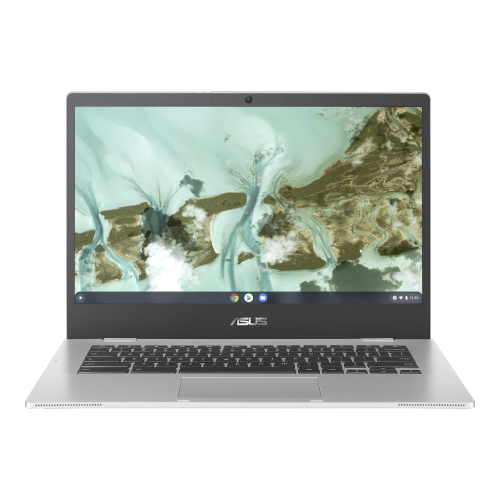
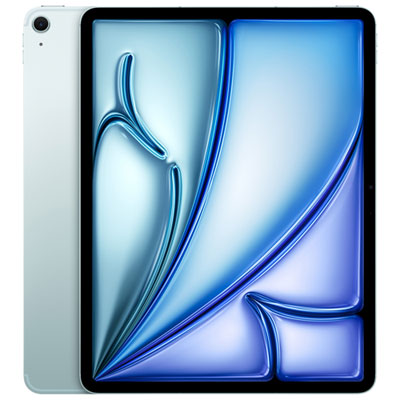
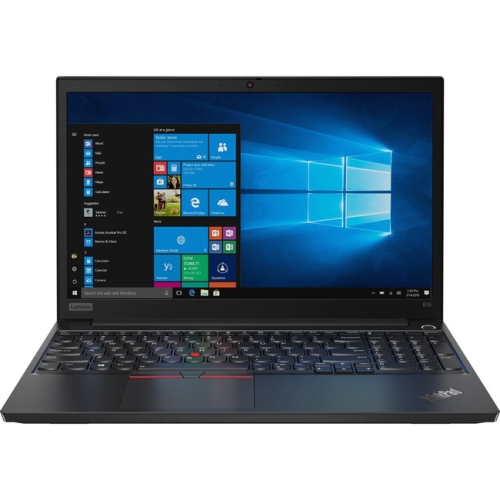
Multitasking computers run multiple applications or processes at once, using the operating system to share processor time and, where software allows, distribute work across multiple processing cores. This makes it possible to join a video meeting, reference a spreadsheet, keep research tabs open, and download a large file without closing one task to start another. Most modern computers support multitasking, but their ability to stay responsive depends on the processor, memory, storage, cooling, and demands of the software being used. A computer suited to everyday browsing and document editing may have different capabilities from one handling video production alongside photo editing and cloud backups. For students, multitasking can mean taking notes beside a recorded lecture while searching a digital textbook. For someone working from home, it might involve a shared presentation, messaging software, and several business applications running throughout the day. Creative users may move between illustration tools, reference images, and editing software, while a household computer may need to accommodate homework, personal administration, and entertainment. Laptops, desktops, and all-in-one computers can all serve these purposes; the distinction is how well their hardware and design fit the workload. A laptop brings the screen, keyboard, and battery together for work across different locations. A desktop suits a more permanent setup and may offer greater flexibility for upgrades, depending on its case and internal layout. An all-in-one places the main components behind or within the display, helping keep a desk uncluttered, although internal upgrades can be limited. Multitasking is not a single performance rating or a feature reserved for one type of computer. It is the combined experience of opening applications promptly, switching between windows smoothly, and keeping background tasks from interrupting active work. The most suitable configuration reflects the programs that will run together, rather than simply the total number of applications installed. Even a routine day with email, browser-based tools, and video calls can place meaningful demands on a computer when those activities overlap.
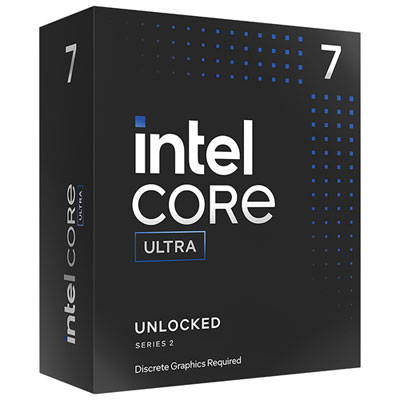
Memory is particularly important because it holds information that active applications need to access quickly. For many everyday combinations of office software, web browsing, and video calls, 16 GB of RAM is a practical starting point, while 32 GB or more can provide useful headroom for larger creative projects, development tools, virtual machines, or especially demanding combinations of applications. These amounts are general reference points, not guarantees: a few complex browser tabs can use more memory than many simple ones, and professional software may have its own requirements. When physical memory fills up, the operating system may move some data to storage, which can make switching tasks feel slower. A solid-state drive helps applications launch and files load quickly, but it does not replace adequate RAM. Storage capacity matters separately, particularly for people keeping video footage, photo libraries, design assets, or large project folders on the computer itself. Processor performance also involves more than a core count. Multiple cores can help with concurrent work and software designed to divide a task into smaller parts, while performance per core remains important for applications that rely heavily on fewer processing threads. Cooling and power limits influence how consistently a system can maintain performance during longer sessions. Graphics requirements depend on the work: integrated graphics can handle many productivity tasks, while a dedicated graphics processor may be useful for compatible video-editing tools, 3D design, rendering, and gaming. Software compatibility is just as important as hardware specifications, especially when a course or workplace requires particular applications, accessories, or security tools. Display support deserves attention when the plan includes several monitors, since the computer, ports, dock, and cables all affect the resolutions and refresh rates supported. A USB-C connector alone does not confirm video output, charging, or a particular transfer speed. Reliable Wi-Fi or a wired network connection supports online meetings and cloud-based work, although internet performance also depends on the network and service connection. For tasks that need to travel beyond the desk, Multitasking Phones can complement a computer for communication and quick checks on compatible shared files.
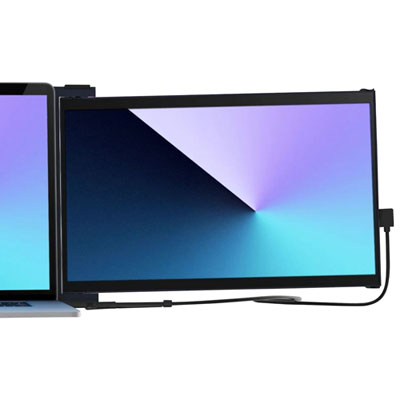
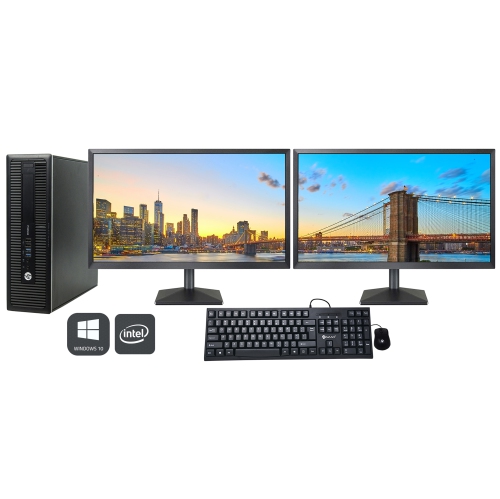
The physical fit of a multitasking computer becomes especially noticeable during a full day of use. A display with enough usable space can keep a document and its source material visible side by side, reducing the constant shuffle between overlapping windows. Higher resolution can make text and images look sharper, though screen size and scaling settings determine how comfortably content can be read. An external monitor may give a compact laptop more room for detailed work at a desk, while an adjustable stand and separate keyboard can help create a more comfortable arrangement. Keyboard spacing, trackpad responsiveness, webcam quality, and microphone clarity all matter when typing and meetings occupy much of the day. For frequent travel, overall weight, charger size, hinge construction, and the strength of the chassis are worth considering together. Metal and plastic housings each vary in quality; material alone does not establish durability. A well-supported hinge, a rigid keyboard deck, and a padded carrying sleeve can make a practical difference to daily handling. Battery-life estimates also need context, as video calls, brighter displays, and intensive background processing generally draw more power than light document work. At a fixed workstation, desktop dimensions, cable access, and room for ventilation affect how neatly the system fits. Keeping vents clear, using a laptop on a firm surface, and removing dust according to the manufacturer’s directions support reliable operation. Screens and keyboards need gentle cleaning with suitable materials, without spraying liquid directly onto the computer. Regular software updates, sensible management of startup applications, and dependable backups also contribute to a smoother daily experience and help protect important work. Upgrade options vary considerably: some computers allow memory and storage changes, while others have soldered components or limited internal access. For a student, remote worker, or family member receiving a computer as a gift, compatibility with required software and a comfortable everyday setup matter more than an impressive specification in isolation. A well-matched multitasking computer leaves room for the way real work unfolds: a message arriving mid-calculation, a reference file opening beside a draft, and several useful tasks staying within reach.
Memory is particularly important because it holds information that active applications need to access quickly. For many everyday combinations of office software, web browsing, and video calls, 16 GB of RAM is a practical starting point, while 32 GB or more can provide useful headroom for larger creative projects, development tools, virtual machines, or especially demanding combinations of applications. These amounts are general reference points, not guarantees: a few complex browser tabs can use more memory than many simple ones, and professional software may have its own requirements. When physical memory fills up, the operating system may move some data to storage, which can make switching tasks feel slower. A solid-state drive helps applications launch and files load quickly, but it does not replace adequate RAM. Storage capacity matters separately, particularly for people keeping video footage, photo libraries, design assets, or large project folders on the computer itself. Processor performance also involves more than a core count. Multiple cores can help with concurrent work and software designed to divide a task into smaller parts, while performance per core remains important for applications that rely heavily on fewer processing threads. Cooling and power limits influence how consistently a system can maintain performance during longer sessions. Graphics requirements depend on the work: integrated graphics can handle many productivity tasks, while a dedicated graphics processor may be useful for compatible video-editing tools, 3D design, rendering, and gaming. Software compatibility is just as important as hardware specifications, especially when a course or workplace requires particular applications, accessories, or security tools. Display support deserves attention when the plan includes several monitors, since the computer, ports, dock, and cables all affect the resolutions and refresh rates supported. A USB-C connector alone does not confirm video output, charging, or a particular transfer speed. Reliable Wi-Fi or a wired network connection supports online meetings and cloud-based work, although internet performance also depends on the network and service connection. For tasks that need to travel beyond the desk, Multitasking Phones can complement a computer for communication and quick checks on compatible shared files.
The physical fit of a multitasking computer becomes especially noticeable during a full day of use. A display with enough usable space can keep a document and its source material visible side by side, reducing the constant shuffle between overlapping windows. Higher resolution can make text and images look sharper, though screen size and scaling settings determine how comfortably content can be read. An external monitor may give a compact laptop more room for detailed work at a desk, while an adjustable stand and separate keyboard can help create a more comfortable arrangement. Keyboard spacing, trackpad responsiveness, webcam quality, and microphone clarity all matter when typing and meetings occupy much of the day. For frequent travel, overall weight, charger size, hinge construction, and the strength of the chassis are worth considering together. Metal and plastic housings each vary in quality; material alone does not establish durability. A well-supported hinge, a rigid keyboard deck, and a padded carrying sleeve can make a practical difference to daily handling. Battery-life estimates also need context, as video calls, brighter displays, and intensive background processing generally draw more power than light document work. At a fixed workstation, desktop dimensions, cable access, and room for ventilation affect how neatly the system fits. Keeping vents clear, using a laptop on a firm surface, and removing dust according to the manufacturer’s directions support reliable operation. Screens and keyboards need gentle cleaning with suitable materials, without spraying liquid directly onto the computer. Regular software updates, sensible management of startup applications, and dependable backups also contribute to a smoother daily experience and help protect important work. Upgrade options vary considerably: some computers allow memory and storage changes, while others have soldered components or limited internal access. For a student, remote worker, or family member receiving a computer as a gift, compatibility with required software and a comfortable everyday setup matter more than an impressive specification in isolation. A well-matched multitasking computer leaves room for the way real work unfolds: a message arriving mid-calculation, a reference file opening beside a draft, and several useful tasks staying within reach.
Top selling and popular products
-
 Your price for this item is $1599
 -
 Your price for this item is $1629.79
 -
 Your price for this item is $1999.99
 -
 Your price for this item is $1459.79
 -
 Your price for this item is $879
 -
 Your price for this item is $1199.99
 -
 Your price for this item is $1839
 -
 Your price for this item is $879
Discover more categories related to Multitasking Computers



Top Collections:
Pokemon Centers, Kindle Devices, Best Budget Office Chairs, Apple iPhones 16, Best Laptops for Writers, iPhone 15 Apple, Canon G7X Cameras, Refurbished Apple Laptops, Alarm Clock, Motorola Razr Phones
Some products may be subject to Environmental Handling Fees
(EHF) depending on your province.
Learn more about EHFs.