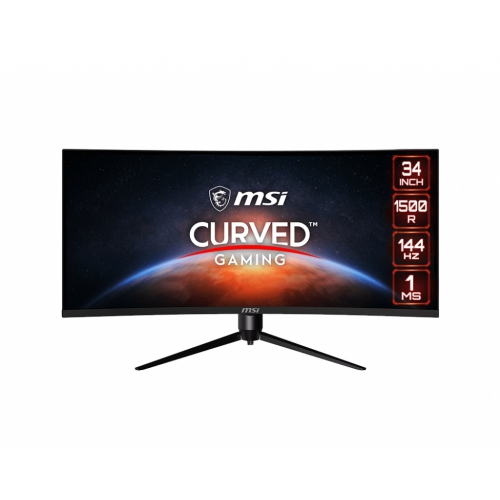
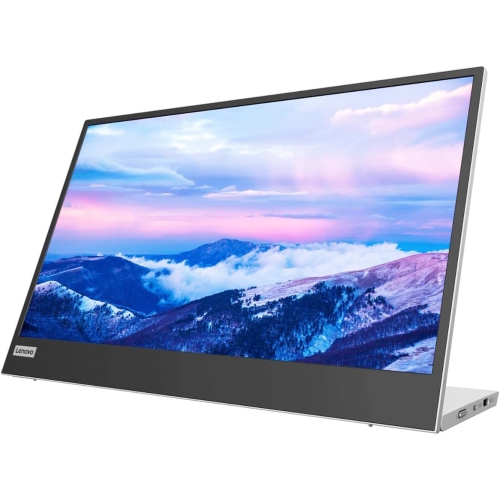
Monitors for Multitasking
Monitors for multitasking are designed to help you stay organized and efficient as you juggle multiple tasks at once. Whether you're working with large spreadsheets, editing videos, or keeping several windows open for research, these monitors offer the space and flexibility needed to streamline your workflow. Explore a wide selection of monitors for multitasking to find the right fit for your home office, gaming setup, or creative workspace.

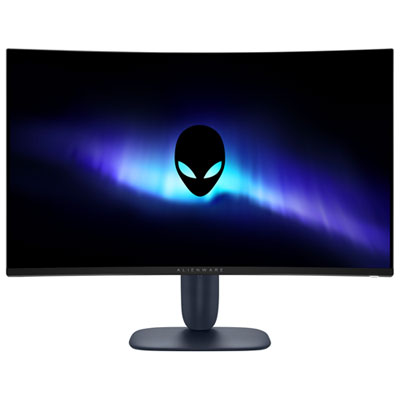

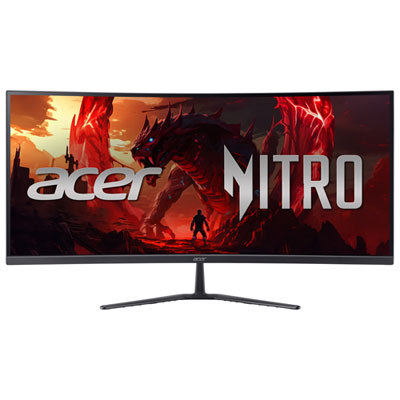
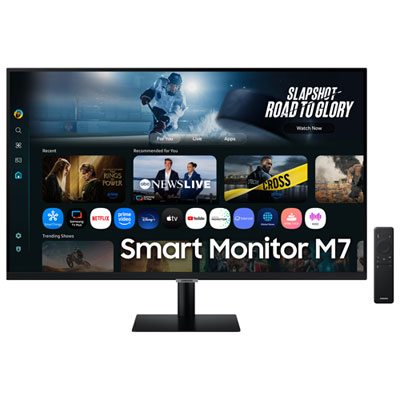
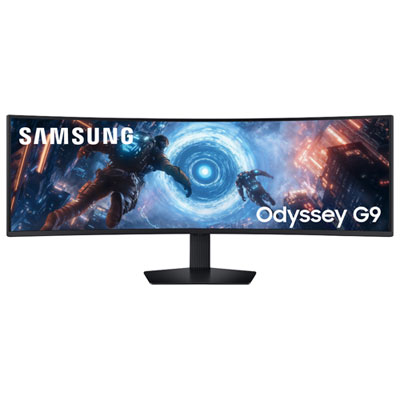
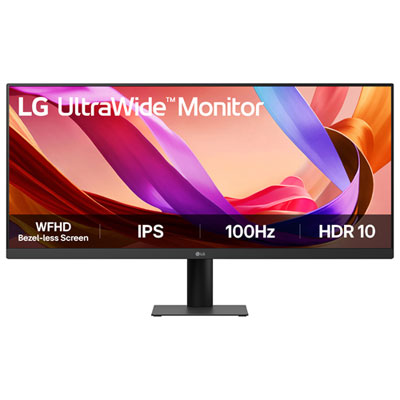
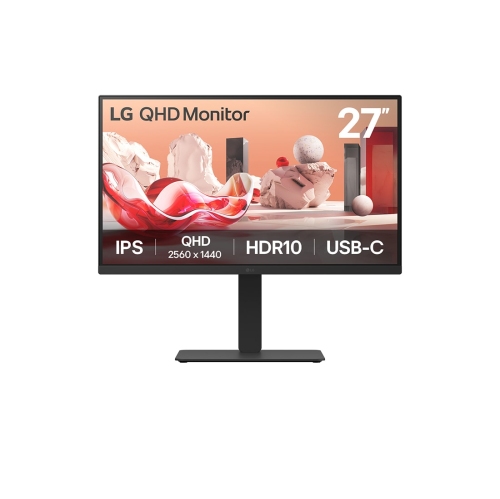
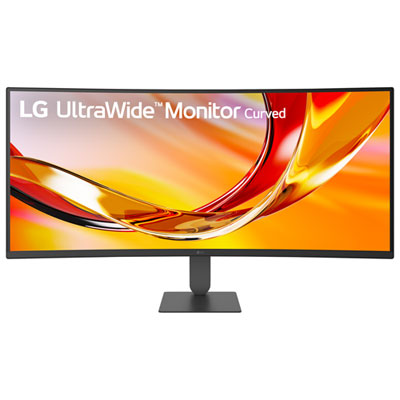
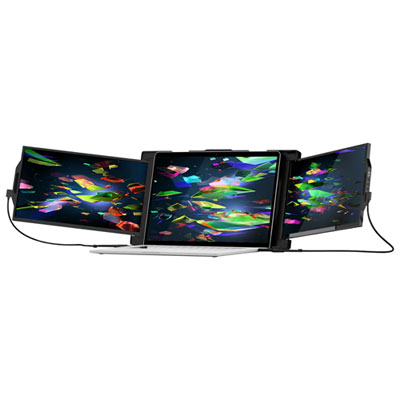
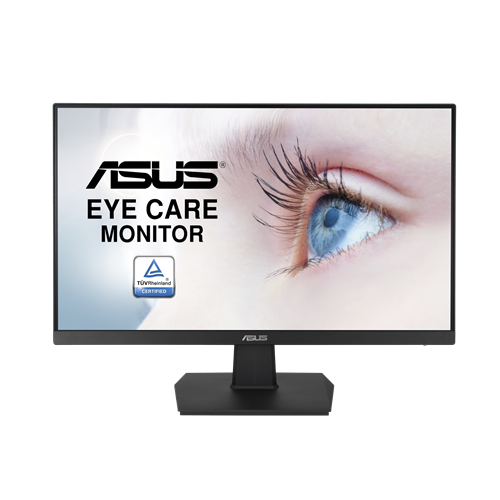
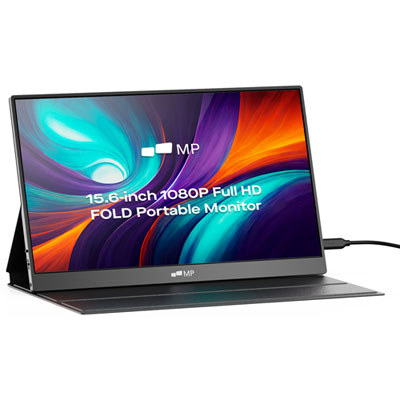
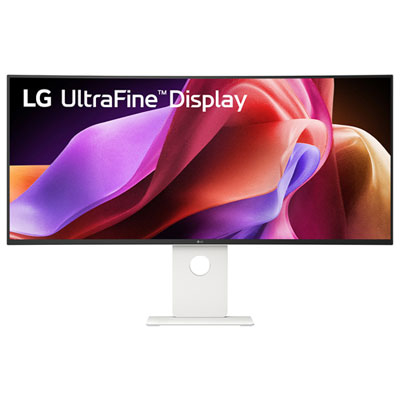
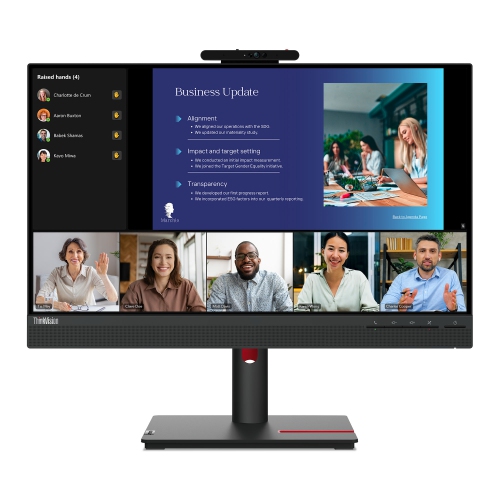
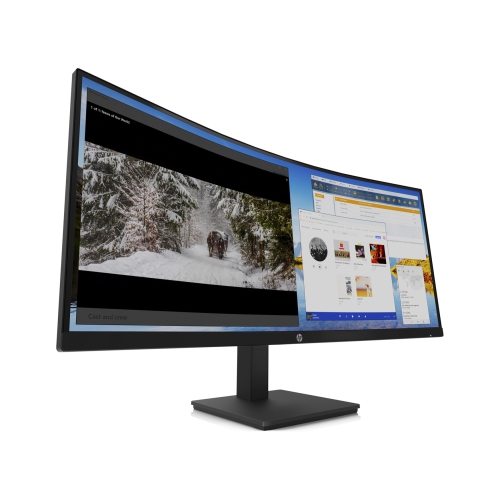
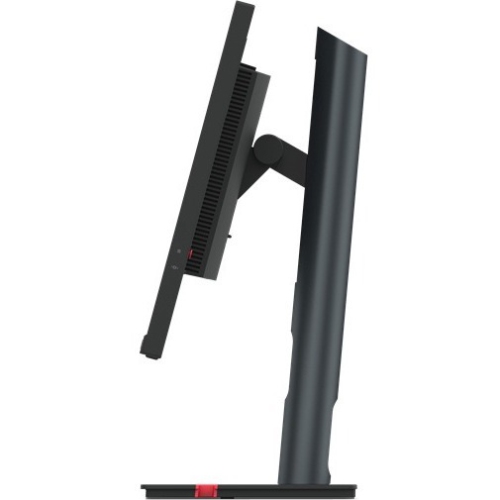
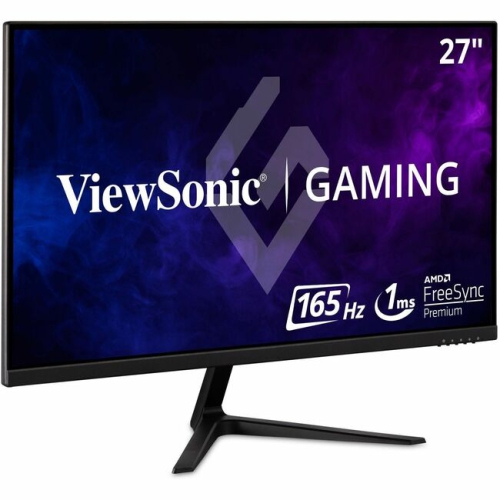
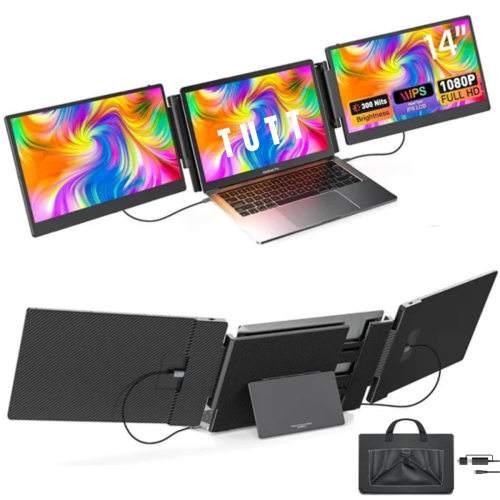
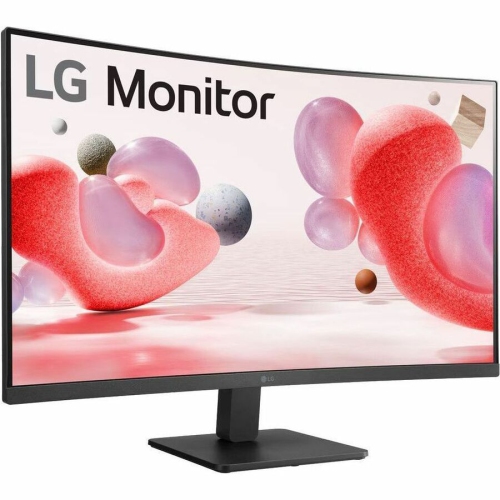
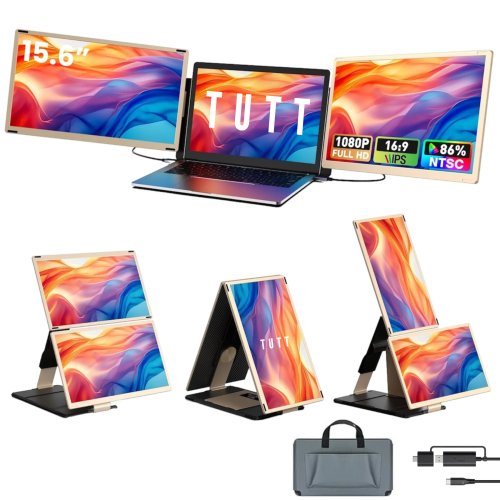
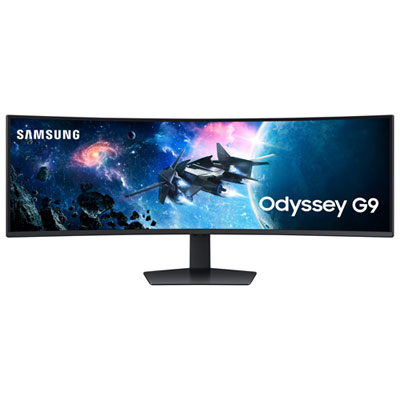
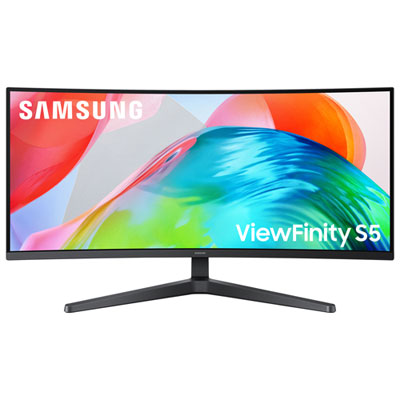
More screen space for busy workflows and daily tasks
Selecting the ideal monitor for multitasking involves considering a few key features. Screen size and resolution are crucial—larger displays and higher pixel counts allow for more applications to be visible at once, reducing the need for constant window shuffling. Adjustable stands and ergonomic designs are also important, letting users customize the setup for comfort during long sessions, whether you’re powering through work reports or enjoying a movie marathon during the cooler months. Connectivity is another factor, with multiple HDMI or DisplayPort options making it easy to link laptops, desktops, and even gaming consoles for a seamless experience. Some multitasking monitors offer built-in split-screen modes or picture-in-picture functionality, catering to users who want to keep an eye on incoming emails while editing photos or tracking stock performance. For those considering a more immersive workstation, exploring a Monitor For Multi Display Workstations setup can provide even more flexibility, making it simple to expand your digital workspace across two or more screens.
Whether you’re setting up a dedicated workspace or simply looking to make everyday tasks more efficient, monitors for multitasking are a practical addition to any tech setup. They’re especially useful as schedules fill up with new projects, online learning, or virtual meetings, helping you stay organized and focused. Many users find that upgrading to a multitasking monitor transforms their daily routine, making everything from managing emails to editing videos more intuitive and enjoyable. These monitors are also well-suited for shared spaces, allowing multiple users to collaborate on projects or presentations with ease. As you explore your options, think about how a multitasking monitor could fit into your lifestyle—whether it’s for professional productivity, creative pursuits, or simply making day-to-day computing more comfortable and engaging.
FAQ
What features should I look for in a monitor for multitasking?
When choosing a monitor for multitasking, consider features like high resolution (such as QHD or 4K), an ultrawide or curved screen, multiple input ports, and built-in split-screen software. These features help you view multiple windows side by side and switch between tasks efficiently.
How does an ultrawide monitor benefit multitasking?
Ultrawide monitors provide extra horizontal screen space, allowing you to open several windows simultaneously without the need for multiple monitors. This setup can improve productivity by reducing the time spent switching between applications.
Can I connect more than one device to a multitasking monitor?
Many monitors designed for multitasking offer multiple input options such as HDMI, DisplayPort, and USB-C. Some models also support picture-by-picture (PBP) or picture-in-picture (PIP) modes, enabling you to display content from two devices at once.
Is a curved monitor better for multitasking than a flat one?
Curved monitors can enhance your multitasking experience by providing a more immersive field of view and reducing distortion at the edges of the screen. This makes it easier to see content on different parts of the display without straining your eyes.
Do monitors for multitasking require special software?
While most operating systems offer basic window management tools, some monitors come with proprietary software that allows advanced screen splitting and organization. These tools can make it easier to arrange your workspace and maximize productivity.
Top selling and popular products
-
 Your price for this item is $299
 -
 Your price for this item is $469
 -
 Your price for this item is $149.99
 -
 Your price for this item is $329.99
 -
 Your price for this item is $499
 -
 Your price for this item is $199.99
 -
 Your price for this item is $249.99
 -
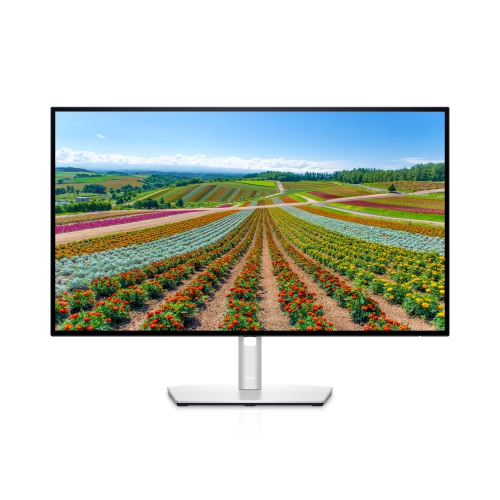 Your price for this item is $569.99