Music Production Software
Looking to take your music production skills to the next level? Look no further! Our music production software collection offers a wide range of cutting-edge tools and programs designed to help you create, mix, and master your own tracks with professional-grade precision. Whether you're a seasoned producer or just starting out, our selection of music production software has everything you need to unleash your creativity and produce studio-quality sound right from the comfort of your own home. From intuitive interfaces to powerful features, these software options are sure to elevate your music production game. So, get ready to dive into a world of endless possibilities and let your musical vision come to life!




Why your music workflow matters more than genre
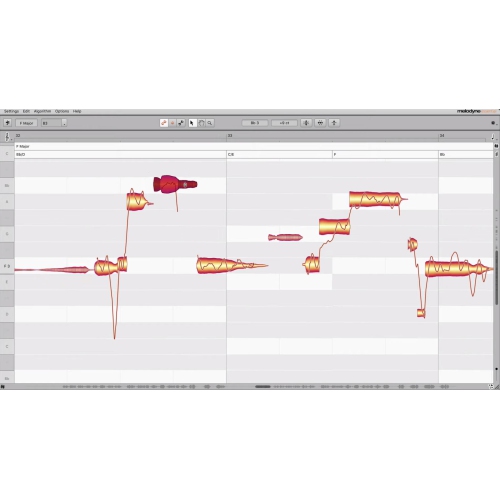
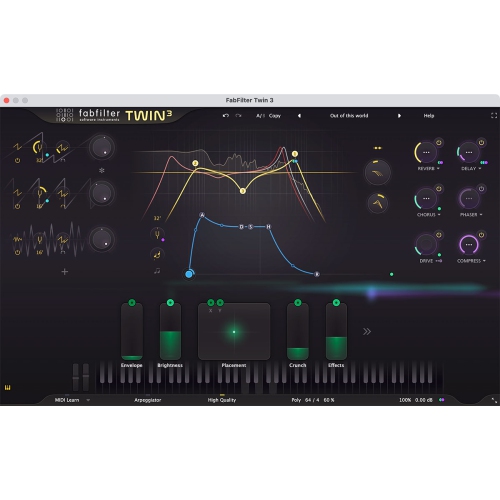
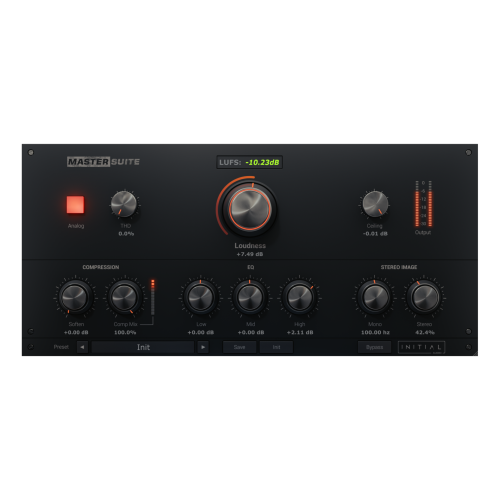
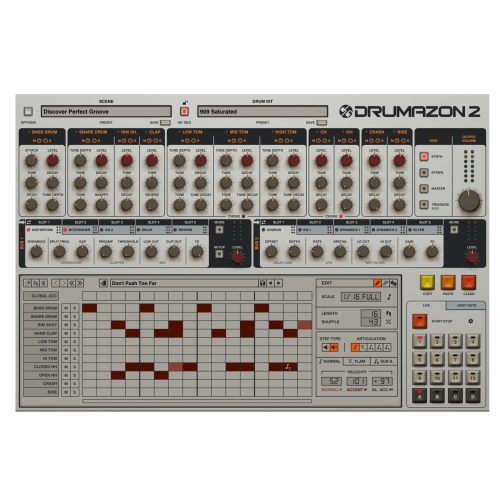
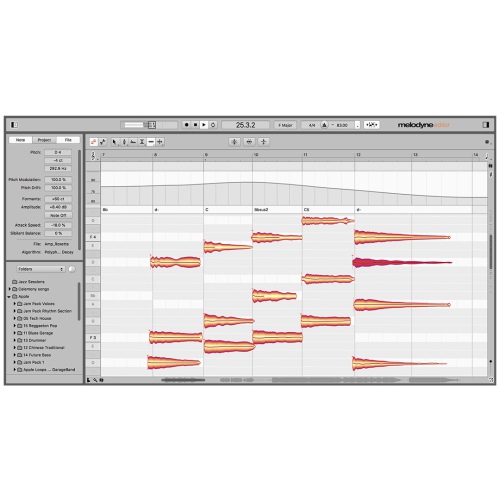
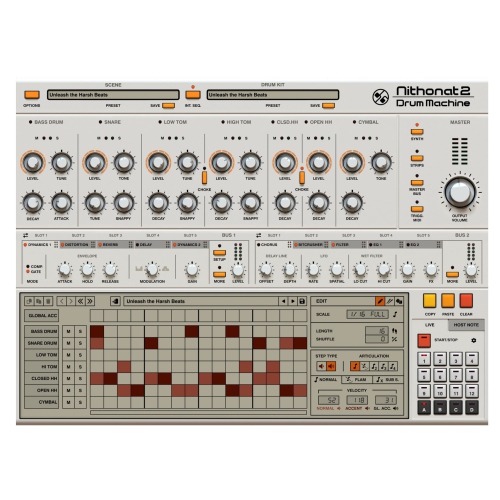
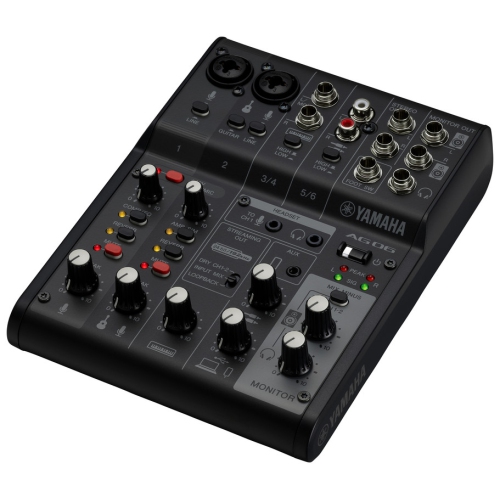
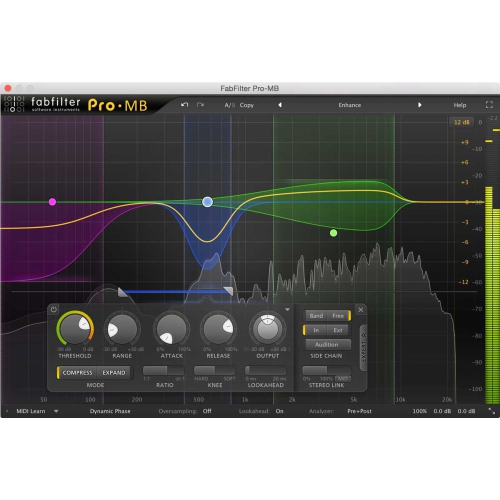
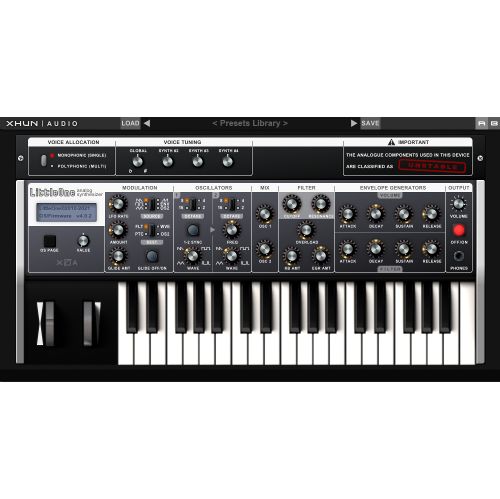
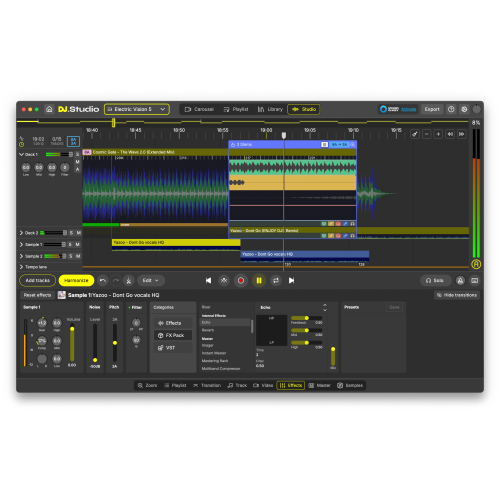
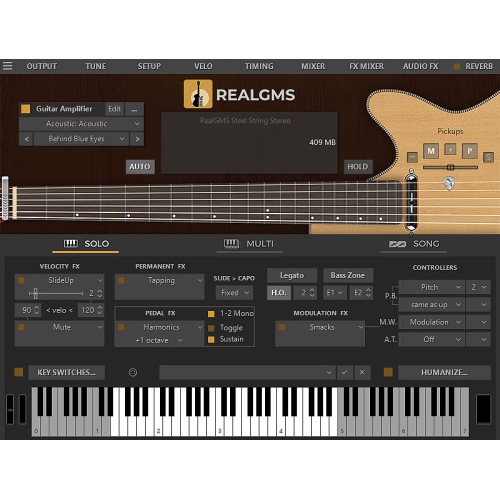
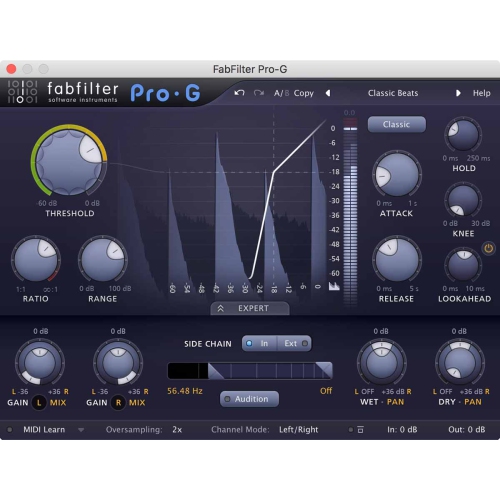
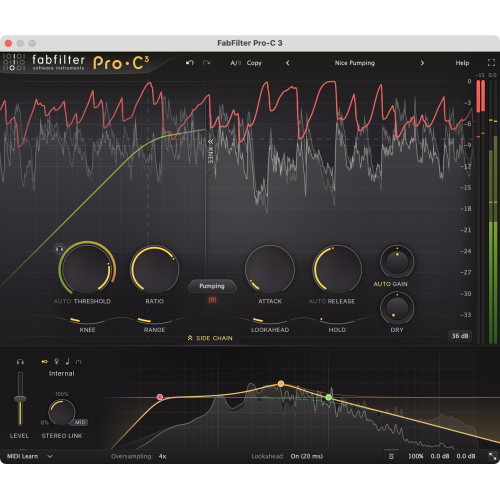
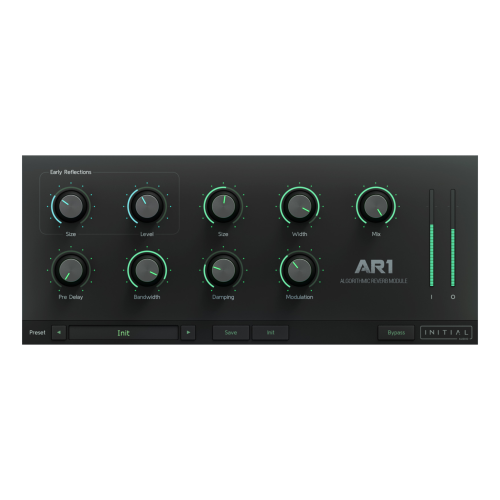
The feel of making music depends as much on everyday workflow as on the number of features listed. MIDI editing lets a producer adjust the pitch, timing, length, and strength of notes that trigger virtual instruments, without recording an acoustic performance each time. Audio editing works with recorded sound itself, whether that means trimming silence, joining the strongest sections of several vocal takes, or aligning a percussion part with the rest of an arrangement. Quantization can tighten timing, while adjustable settings may preserve some of the small variations that make a performance feel human. Time-stretching and pitch tools can help adapt a phrase to a song, though the quality of the result depends on the source material and the amount of adjustment. Included instruments and effects also influence what is possible before adding other tools. A useful collection might cover keyboard sounds, synthesizers, drums, equalization, compression, reverb, and delay, but the character and depth of those tools vary. Equalization shapes the balance of frequencies; compression manages changes in level; reverb and delay add a sense of space or repetition. In a practical mix, those processes might help a lead vocal remain clear above bright guitars or give a dry keyboard part a wider, more spacious character. Automation adds movement by changing settings over time, such as gradually lifting a chorus or fading an effect after a final lyric. For creators who move between a desk and a portable setup, music production apps may also be relevant, particularly for capturing sketches and developing ideas away from a main workstation. Moving those ideas into another application depends on compatible project or export formats, rather than simply using software in the same category. Collaboration brings similar considerations: shared audio files are often easier to exchange than complete sessions that rely on particular instruments or plug-ins. Export options for a full mix, individual tracks, and grouped stems can therefore be important for musicians sending work to a collaborator or a mixing engineer.
Compatibility is a practical part of choosing music production software, especially when an existing computer, audio interface, or MIDI controller is already part of the setup. Supported operating system versions, processor requirements, memory, and storage needs all affect whether an application will run as intended. Large sampled instruments can occupy substantial drive space and use considerable memory, while sessions with many effects can place greater demands on the processor. A small songwriting project and an orchestral arrangement with dozens of instrument parts may have very different requirements. Recording vocals or instruments also involves the audio interface and its drivers, where applicable, not just the software. Low-latency monitoring helps performers hear themselves without a distracting delay, but achievable performance depends on the complete setup and its settings. Plug-in format support deserves attention as well, since an instrument or effect must be compatible with its host application and operating system. Licence terms can differ in the number of permitted installations, activation methods, and whether an internet connection is needed for certain functions. These details matter for a shared household computer, a dedicated studio workstation, or a laptop used in rehearsal spaces. For software, long-term usefulness is less about physical wear than ongoing compatibility, reliable project storage, and the ability to revisit finished work. Keeping backups of sessions, recorded audio, and custom presets helps protect hours of careful editing; retaining exported audio tracks can also make older arrangements easier to recover if a particular plug-in is no longer accessible. Major system changes are best considered alongside the requirements of the applications already in use. As a gift, music production software can suit an aspiring songwriter, a student developing arranging skills, or an experienced musician expanding a home recording setup, provided the recipient’s computer and existing tools are a good match. The strongest fit supports the way that person actually makes music, whether that means capturing a first melody quickly, refining a layered mix, or turning a collection of rough demos into finished recordings.
Top selling and popular products
-
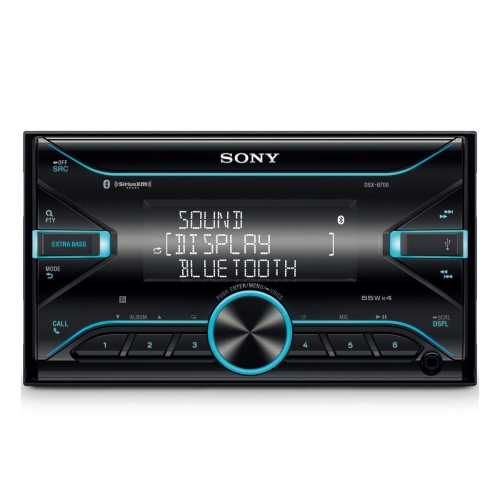 Your price for this item is $198
 -
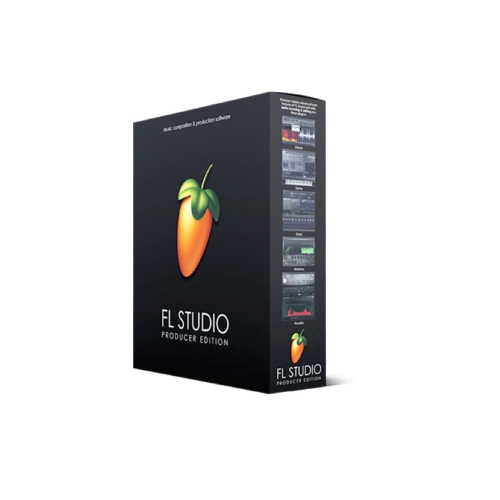 Your price for this item is $329.99
 -
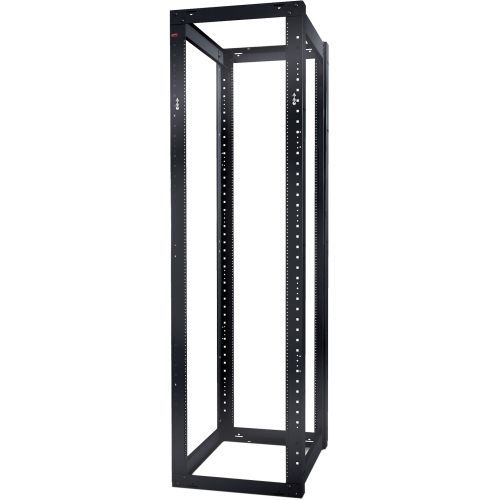 Your price for this item is $1085.61
 -
 Your price for this item is $179
 -
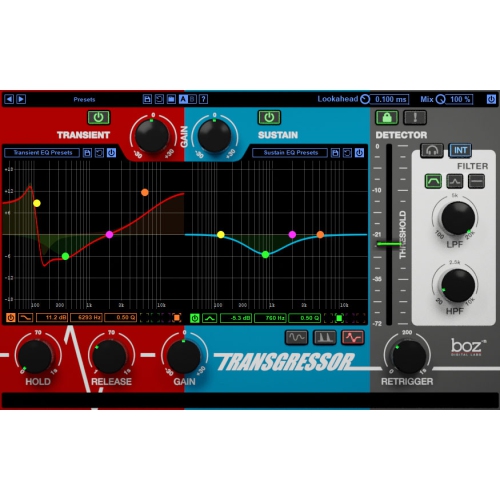 Your price for this item is $275
 -
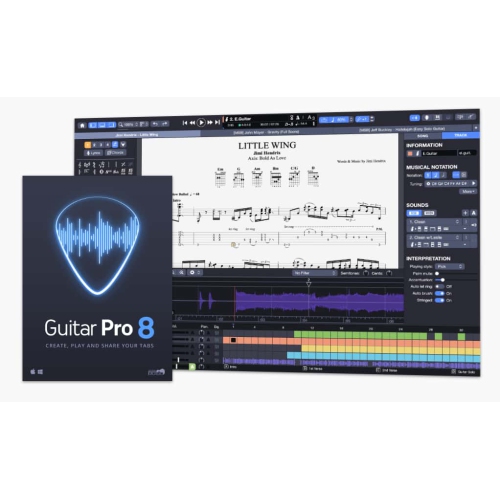 Your price for this item is $65
 -
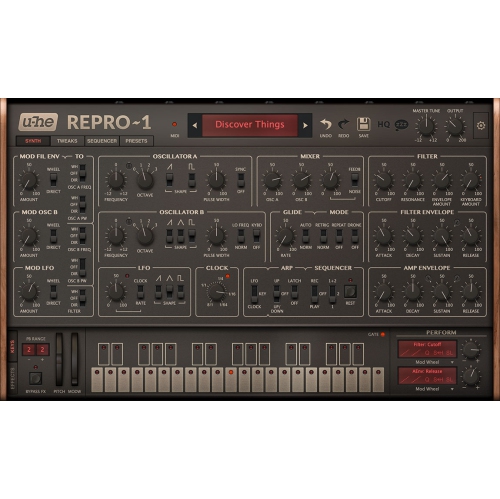 Your price for this item is $279
 -
 Your price for this item is $809