Music Recording Software
Looking to unleash your inner musician and create professional-quality tracks? Look no further than our comprehensive selection of music recording software. Whether you're a seasoned producer or just starting out, our range of cutting-edge software offers everything you need to bring your musical ideas to life. From intuitive interfaces and powerful editing tools to a vast library of virtual instruments and effects, our music recording software is designed to help you capture your creativity and take your sound to the next level. Explore our collection now and embark on your journey towards sonic perfection.
Sort
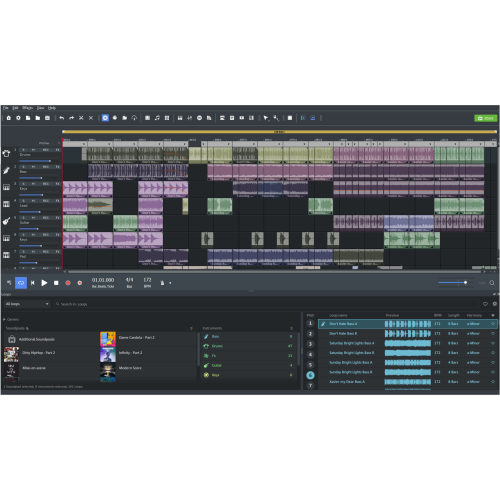
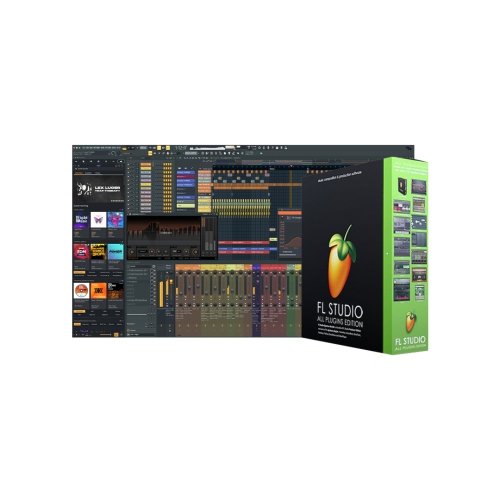



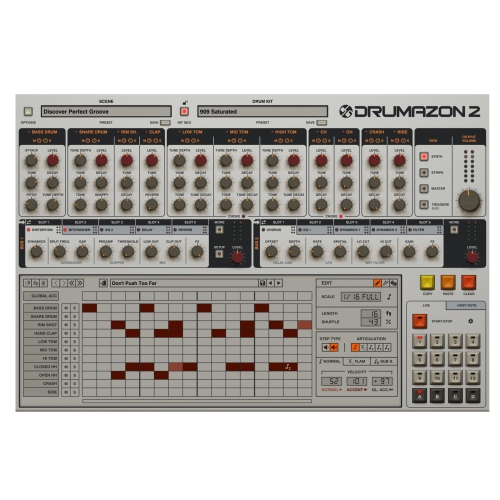
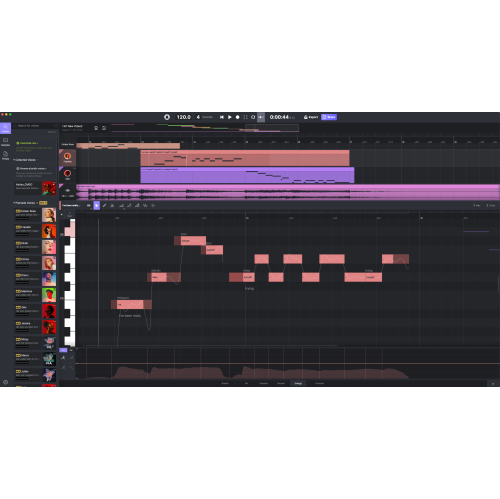
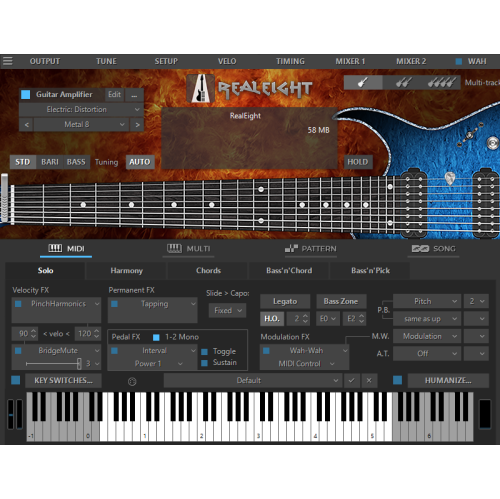
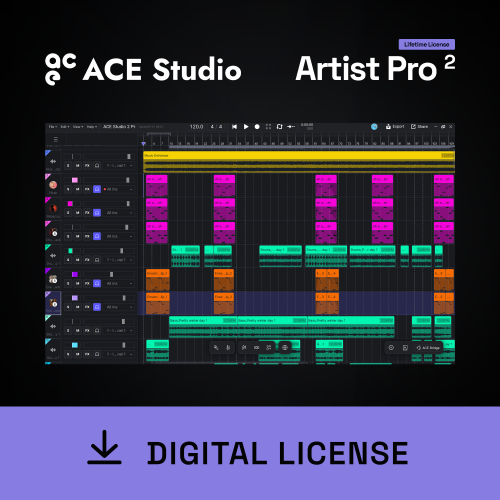



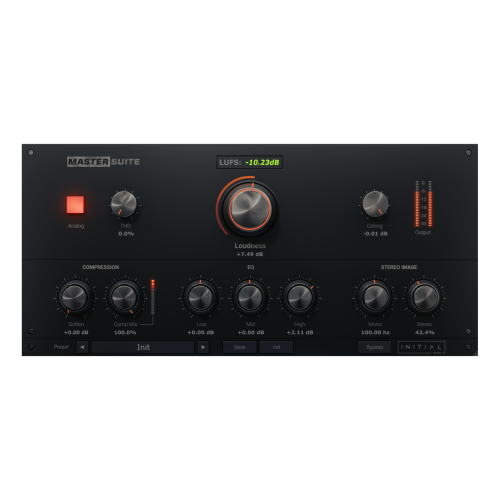
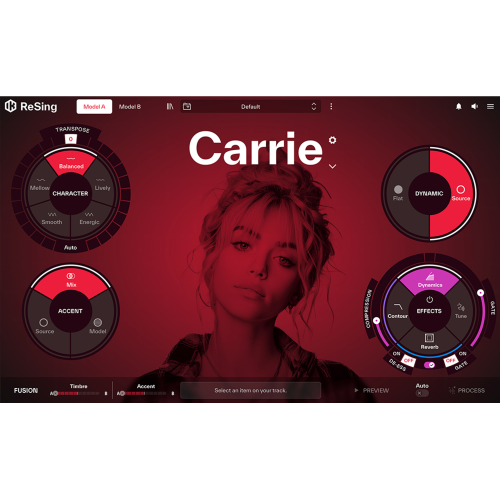
How separate tracks become a finished song
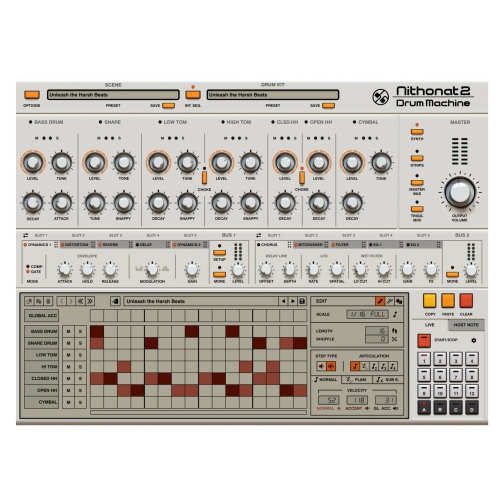
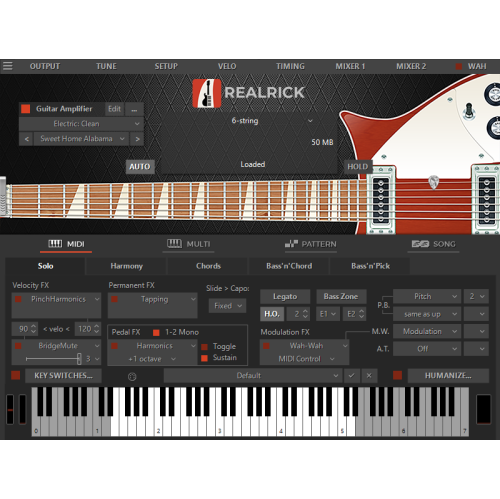
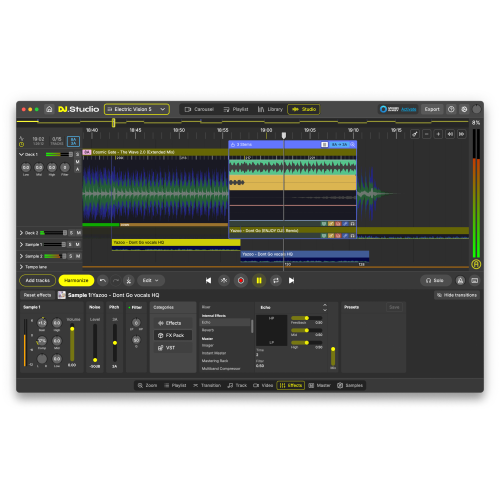
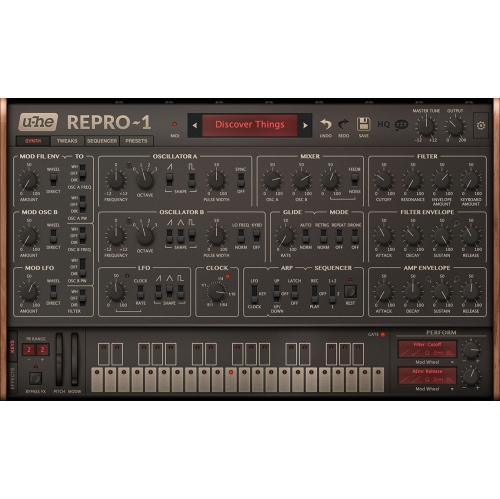
Music recording software lets musicians capture performances, edit audio, arrange songs, and mix multiple tracks into a finished recording. Full-featured applications are often called digital audio workstations, or DAWs, because they bring recording, sequencing, sound processing, and mixing into one workspace. Simpler audio editors may focus on recording a few sources, trimming takes, and making straightforward adjustments. Within the broader Recording Software category, music-focused tools serve everyone from a songwriter saving a melody before it slips away to a producer building a detailed arrangement from dozens of parts. A typical project might begin with an acoustic guitar and a lead vocal, then grow to include harmonies, percussion, bass, and keyboard textures. Multitrack recording keeps those elements separate, so a vocal can become clearer without changing the guitar, or a drum part can be adjusted without disturbing the rest of the song. Audio tracks capture sound from sources such as microphones and instruments, while MIDI tracks store performance information, including notes, timing, and playing intensity. MIDI data can drive virtual instruments, making it possible to change a piano part into a string arrangement without recording the performance again. Some applications emphasize a traditional timeline, where song sections unfold from left to right; others also offer pattern-based or clip-based arrangements that suit beat-making and experimentation. Built-in sounds, effects, and loops can help turn an idea into a fuller production, although the selection varies between applications and editions. For beginners, a clear layout and accessible recording controls can make the first session less intimidating. Experienced musicians may place greater importance on detailed editing, flexible routing, automation, and the ability to organize complex sessions. The most useful feature set depends less on musical genre alone than on how someone writes, performs, and develops a song.
Compatibility shapes how comfortably music recording software fits into an existing setup. Desktop applications generally specify a supported operating system, processor requirements, memory, and storage space, while mobile and browser-based options depend on the capabilities of the device and platform. Large instrument libraries and elaborate arrangements can require substantially more resources than a few recorded tracks. Installation space is only part of the picture: audio files, alternate takes, and project backups can grow quickly as sessions develop. A computer’s built-in microphone may be enough to capture a rough idea, but recording external microphones, electric guitars, or several performers often involves an audio interface with suitable connections and enough inputs. The number of tracks a program can display is not necessarily the number of sources a setup can record simultaneously; that also depends on the connected hardware and software support. Headphone monitoring is another practical consideration, particularly for a singer recording over an existing backing track. Latency is the delay between a sound entering the system and being heard through monitoring. Supported hardware, suitable drivers, and buffer settings all affect that experience, with smaller buffers generally reducing delay while increasing processing demands. Virtual instruments and effects also need compatible plug-in formats and versions, especially when an established collection of sounds is part of the workflow. A musician moving between devices may value project portability, but project files are not automatically interchangeable between different applications. Exported audio tracks or stems can make collaboration easier when participants use different tools. Other useful distinctions include whether the software runs locally or relies on an internet connection, how account activation works, and whether a licence permits installation on more than one device. Those details matter for someone recording at home and editing elsewhere, or for a student using a personal computer alongside shared facilities. A compatible setup helps keep attention on the performance rather than on missing sounds, interrupted playback, or unexpected setup work.
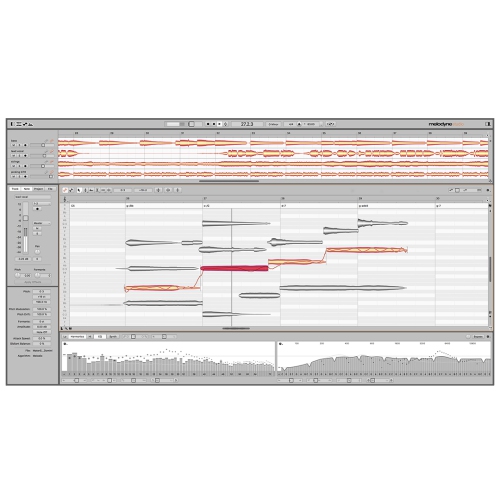
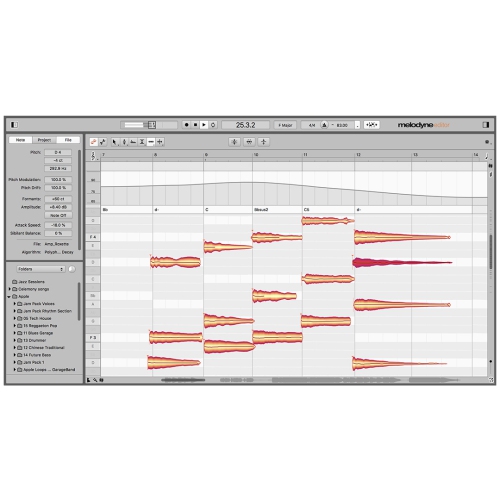
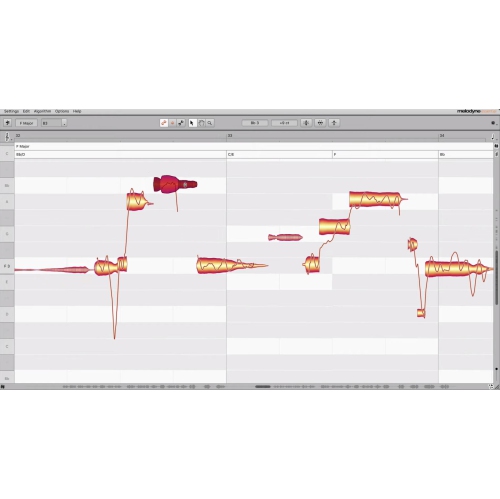
Editing and mixing features determine what happens after the recording light goes off. Take management can preserve several performances of the same passage, while comping tools, where included, allow selected sections to be assembled into one continuous part. Timing edits can tighten a bass line against the drums, and pitch-editing tools may help address an uneven vocal note without replacing an otherwise expressive take. These capabilities vary, and a natural result still depends on the quality of the original performance and the extent of the changes. Mixing brings a different set of decisions: volume balances establish the relationship between instruments, panning places sounds across the stereo field, and equalization adjusts their tonal character. Compression can manage changing levels, while reverb and delay add a sense of space or depth. Automation allows those settings to change throughout a song, such as lifting a quiet lyric or easing an accompaniment back when the chorus begins. Clear meters and flexible routing help users understand what is happening as a session becomes more layered. Recording levels also matter, since audio that clips at the input may contain distortion that later processing cannot fully remove. For ongoing projects, organized track names, saved versions, and backups support reliable work over time. Keeping associated audio files and samples with a project reduces the chance of reopening it to find missing material. Export options affect how finished work can be shared, whether as a full-resolution audio file, a smaller listening copy, or separate tracks for another musician or mixing engineer. Licence terms for included loops and samples also matter when recordings are intended for release. Music recording software can be a thoughtful gift for a developing songwriter, instrumentalist, or beat-maker when device compatibility, musical interests, and account requirements are understood. For a first demo, a collaborative band project, or a carefully layered instrumental piece, the right capabilities provide room to develop ideas while keeping the recording process manageable.
Top selling and popular products
-
 Your price for this item is $198
-
 Your price for this item is $214
-
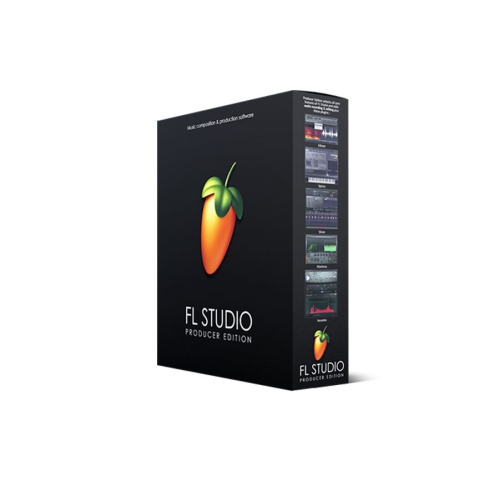 Your price for this item is $189
-
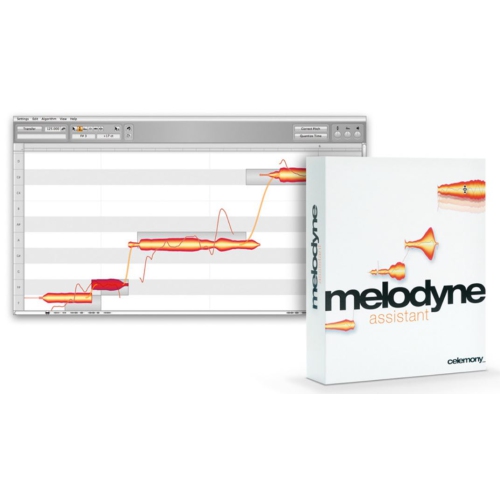 Your price for this item is $249
-
 Your price for this item is $99
-
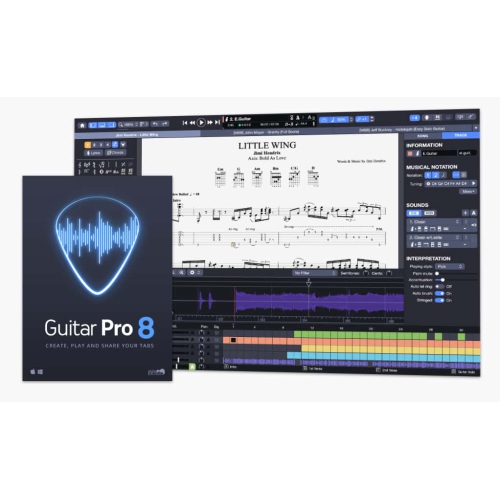 Your price for this item is $68
-
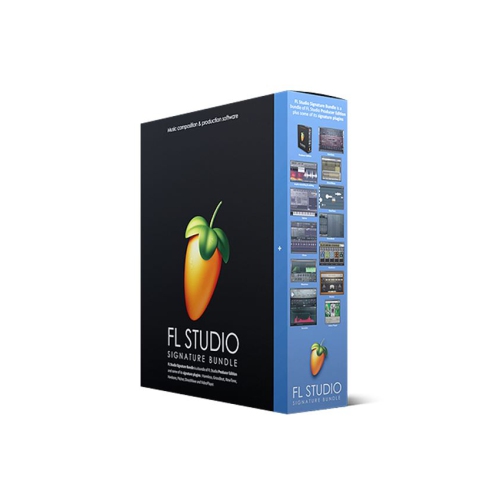 Your price for this item is $268
-
 Your price for this item is $149
Discover more categories related to Music Recording Software
Top Collections:
Best Black Friday Deals This Year, Best Black Friday Deals On Electronics, Kindle Devices, Pokemon Centers, Best Black Friday Deals On Apple Products, Best Cameras for Sports Photography, Dyson Airwrap, Pokémon 30th Celebration Cards, Apple iPhone 17 Pro, Canon G7X Cameras
Some products may be subject to Environmental Handling Fees
(EHF) depending on your province.
Learn more about EHFs.