MX4 Thermal Paste
MX4 Thermal Paste is a popular choice for enhancing the performance of your computer’s cooling system. Ideal for building, upgrading, or maintaining PCs, MX4 Thermal Paste helps ensure efficient heat transfer between your processor and cooler. Whether you’re an enthusiast looking to maximize hardware potential or simply seeking reliable thermal management, explore a range of options designed to support smooth and stable operation. Find the right MX4 Thermal Paste to keep your system running at its best.
Sort

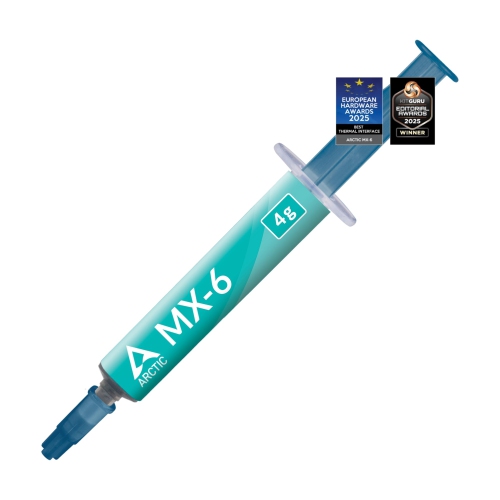
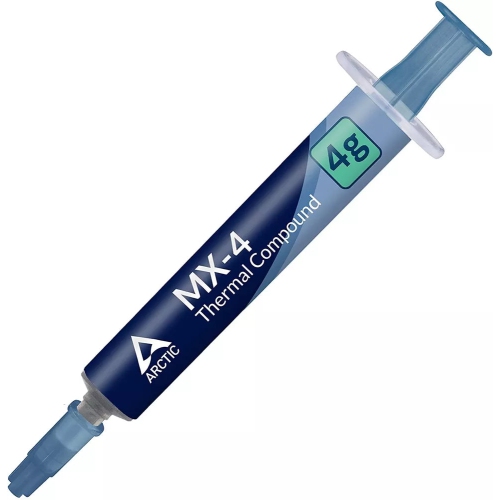
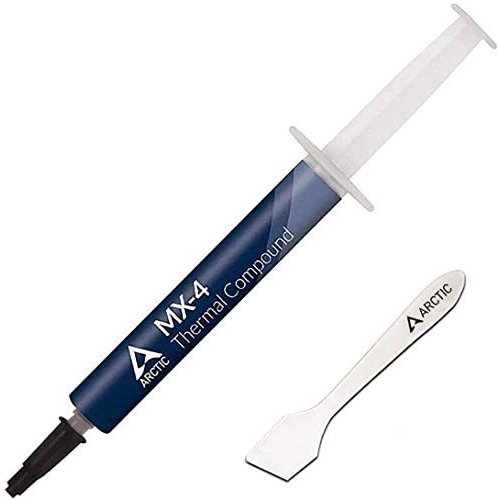
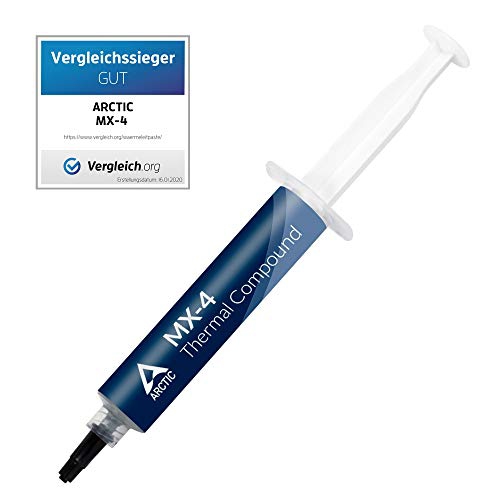






How thermal paste supports cooler, steadier computer performance
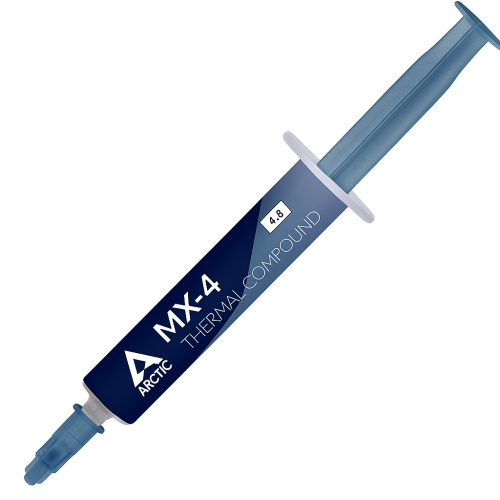
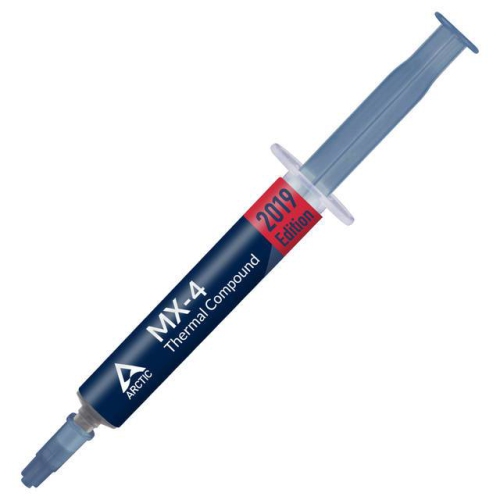
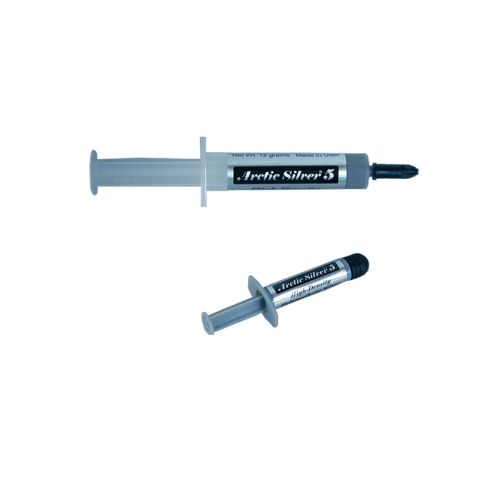
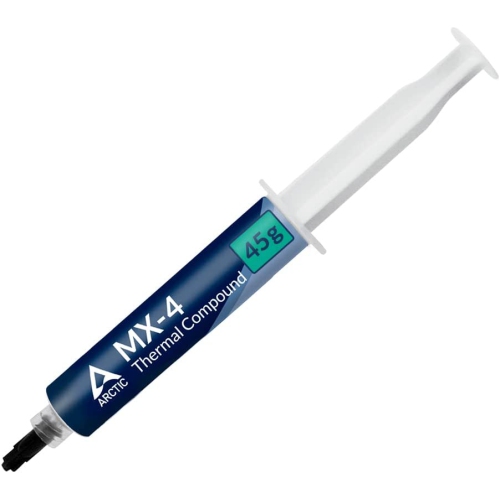
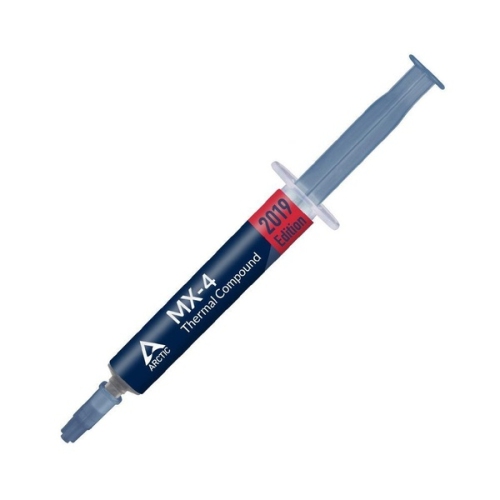
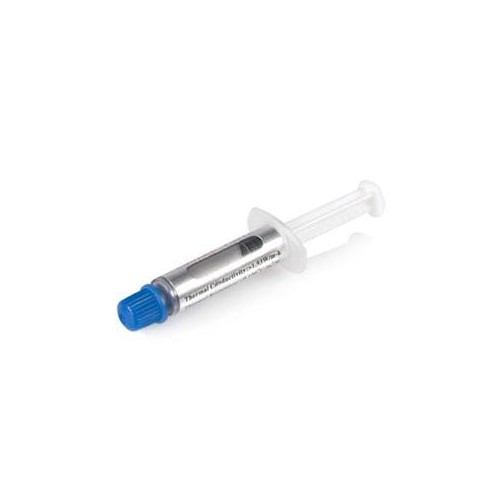
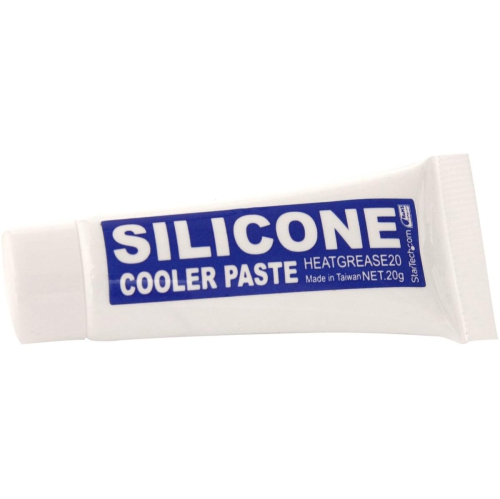
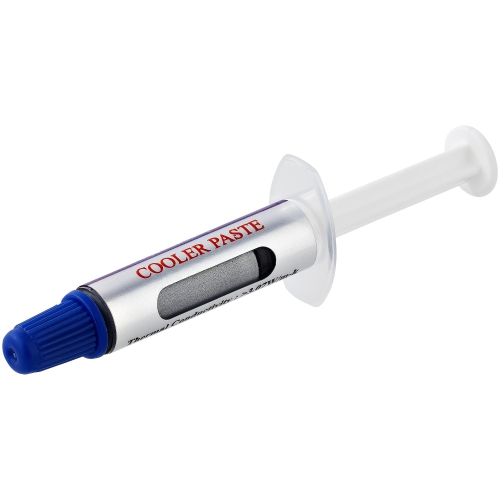
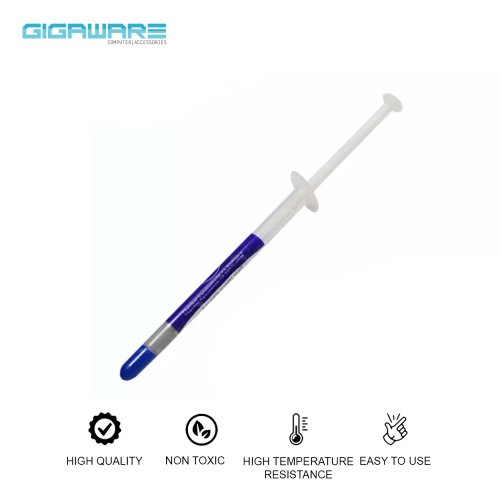
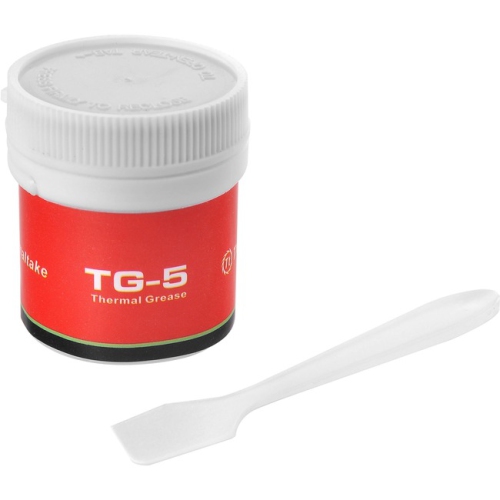
MX4 thermal paste is designed to improve the transfer of heat between a processor or graphics chip and its cooler. Even when two metal surfaces appear smooth, they contain microscopic ridges and gaps that can trap air, and air is a poor conductor of heat. Thermal paste fills those imperfections, creating a more effective path for heat to move into a heatsink, liquid-cooling block, or other cooling assembly. This can help a computer maintain more consistent operating temperatures, reduce the likelihood of thermal throttling, and support dependable performance during demanding tasks such as gaming, video editing, 3D rendering, or extended multitasking. MX4 thermal paste is commonly considered for desktop CPU installations, graphics card maintenance, compact computers, and some game console repairs, provided the application is suitable for the device and the manufacturer’s instructions are followed. It is especially useful during a new PC build, a cooler upgrade, or a repair where the original compound has dried, spread unevenly, or been removed. When selecting a thermal compound, check that it is intended for the type of component being serviced and that its temperature range suits the system. Many carbon-based formulations are non-conductive and metal-free, which helps reduce the risk of an electrical short if a small amount reaches an area beside the chip. This does not remove the need for careful application, but it can provide added reassurance for first-time builders and anyone working inside a tightly packed case. For a broader selection of compounds, applicators, and related cooling supplies, browse Thermal Paste.
Applying thermal paste is a small job that benefits from patience and a clean workspace. Before beginning, shut down the computer, disconnect the power cable, and allow the components to cool. Remove the cooler according to its instructions, then clean away the old compound with a lint-free cloth or suitable electronics-cleaning solution. The contact surfaces should be free of dust, fibres, and greasy residue before fresh paste is added. In most standard CPU installations, a small pea-sized amount placed near the centre of the processor is enough; tightening the cooler spreads the compound across the contact area. Some users prefer a short line or another application pattern, but the correct approach depends on the shape of the chip, the cooler’s base, and the manufacturer’s recommendations. Too little paste may leave uncovered areas, while too much can make cleanup harder and may squeeze out around the edges. The goal is a thin, even interface rather than a thick layer. Avoid touching the cleaned surfaces with your fingers, and do not scrape a cooler across the processor after it has been lowered into place. Secure the cooler evenly, alternating between screws when possible so pressure remains balanced. Graphics cards, laptops, and consoles can have different layouts, thermal pads, or service requirements, so they may need more careful disassembly than a desktop CPU. Thermal paste should not automatically replace thermal pads, and the two materials are not interchangeable. Keep track of screws and small brackets as they are removed, and take a quick photograph before disassembly if the internal arrangement is unfamiliar. A careful installation can make the difference between a tidy maintenance task and a frustrating afternoon spent retracing steps.
These products can suit PC builders, gamers, students learning computer hardware, repair technicians, and anyone refreshing an older system before the cooler months bring more time indoors. A tube may also be a practical addition to a computer toolkit or a thoughtful gift for someone who enjoys assembling PCs, upgrading components, or maintaining a home workstation. It is worth considering the amount included, the tube or syringe design, the included applicator, the compound’s stated operating temperature range, and the expected storage life. A smaller tube can be convenient for one installation, while a larger quantity may be useful for several systems or future maintenance. Store the container sealed in a cool, dry place and follow the storage guidance on the packaging; keeping the cap clean and closed helps prevent the compound from drying around the opening. Thermal paste is not a cure for every temperature problem, so also check that the fan is spinning correctly, the heatsink is free from dust, the cooler is firmly mounted, and the case has reasonable airflow. During cooler months, a system may seem less demanding, but dust buildup, aging fans, and dried compound can still affect performance. Replacing the paste is best viewed as one part of routine hardware care, alongside cleaning and checking temperatures with trusted monitoring software. With the right compound, a suitable quantity, and an even cooler installation, MX4 thermal paste can help create a stable thermal connection for everyday computing and demanding workloads alike.
Applying thermal paste is a small job that benefits from patience and a clean workspace. Before beginning, shut down the computer, disconnect the power cable, and allow the components to cool. Remove the cooler according to its instructions, then clean away the old compound with a lint-free cloth or suitable electronics-cleaning solution. The contact surfaces should be free of dust, fibres, and greasy residue before fresh paste is added. In most standard CPU installations, a small pea-sized amount placed near the centre of the processor is enough; tightening the cooler spreads the compound across the contact area. Some users prefer a short line or another application pattern, but the correct approach depends on the shape of the chip, the cooler’s base, and the manufacturer’s recommendations. Too little paste may leave uncovered areas, while too much can make cleanup harder and may squeeze out around the edges. The goal is a thin, even interface rather than a thick layer. Avoid touching the cleaned surfaces with your fingers, and do not scrape a cooler across the processor after it has been lowered into place. Secure the cooler evenly, alternating between screws when possible so pressure remains balanced. Graphics cards, laptops, and consoles can have different layouts, thermal pads, or service requirements, so they may need more careful disassembly than a desktop CPU. Thermal paste should not automatically replace thermal pads, and the two materials are not interchangeable. Keep track of screws and small brackets as they are removed, and take a quick photograph before disassembly if the internal arrangement is unfamiliar. A careful installation can make the difference between a tidy maintenance task and a frustrating afternoon spent retracing steps.
These products can suit PC builders, gamers, students learning computer hardware, repair technicians, and anyone refreshing an older system before the cooler months bring more time indoors. A tube may also be a practical addition to a computer toolkit or a thoughtful gift for someone who enjoys assembling PCs, upgrading components, or maintaining a home workstation. It is worth considering the amount included, the tube or syringe design, the included applicator, the compound’s stated operating temperature range, and the expected storage life. A smaller tube can be convenient for one installation, while a larger quantity may be useful for several systems or future maintenance. Store the container sealed in a cool, dry place and follow the storage guidance on the packaging; keeping the cap clean and closed helps prevent the compound from drying around the opening. Thermal paste is not a cure for every temperature problem, so also check that the fan is spinning correctly, the heatsink is free from dust, the cooler is firmly mounted, and the case has reasonable airflow. During cooler months, a system may seem less demanding, but dust buildup, aging fans, and dried compound can still affect performance. Replacing the paste is best viewed as one part of routine hardware care, alongside cleaning and checking temperatures with trusted monitoring software. With the right compound, a suitable quantity, and an even cooler installation, MX4 thermal paste can help create a stable thermal connection for everyday computing and demanding workloads alike.
Top selling and popular products
-
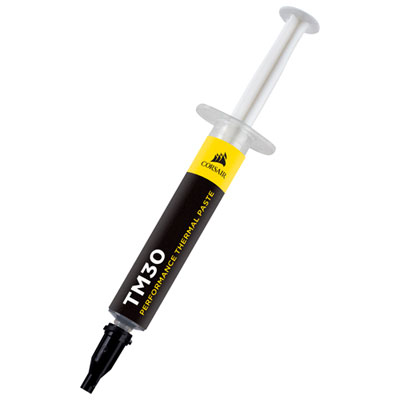 Your price for this item is $14.99
 -
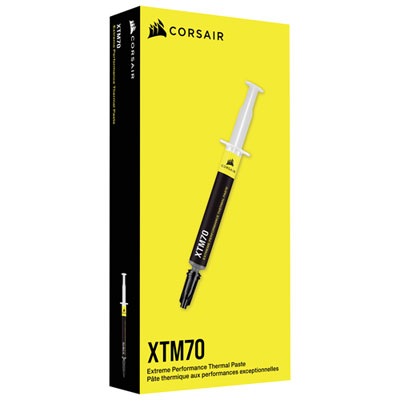 Your price for this item is $31.99
 -
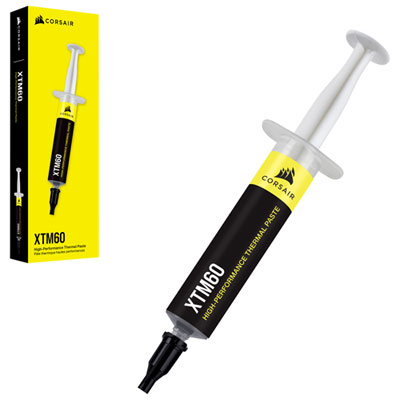 Your price for this item is $24.99
 -
 Your price for this item is $49.99
 -
 Your price for this item is $151.37
 -
 Your price for this item is $59.95
 -
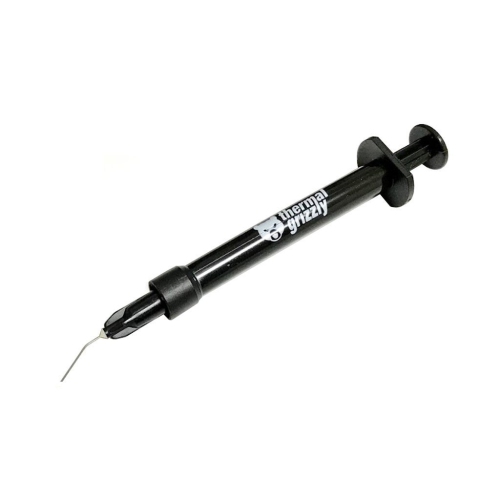 Your price for this item is $51.68
 -
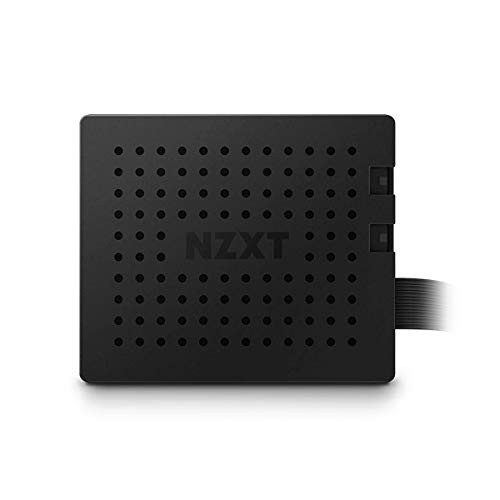 Your price for this item is $35.99
Discover more categories related to MX4 Thermal Paste
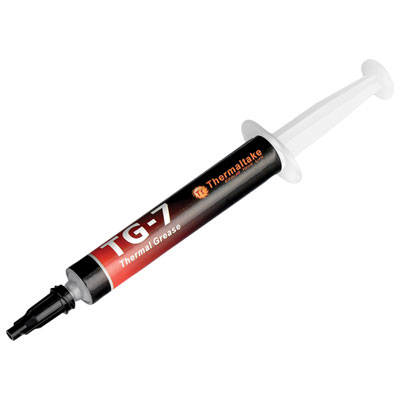

Top Collections:
Pokemon Centers, Kindle Devices, Best Budget Office Chairs, Apple iPhones 16, Best Laptops for Writers, iPhone 15 Apple, Canon G7X Cameras, Refurbished Apple Laptops, Alarm Clock, Motorola Razr Phones
Some products may be subject to Environmental Handling Fees
(EHF) depending on your province.
Learn more about EHFs.