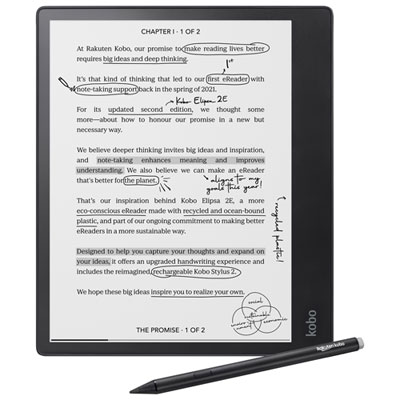
Note Taking Tablets
Note Taking Tablets provide a convenient and versatile way to organize your ideas, capture meeting notes, and manage daily tasks on the go. With a range of sizes and styles available, these tablets are designed to help streamline your workflow whether you're in the classroom, at work, or at home. Explore options that offer smooth writing experiences and easy sharing capabilities to support your productivity. Find the right Note Taking Tablets to fit your needs and enhance your note-taking routine.

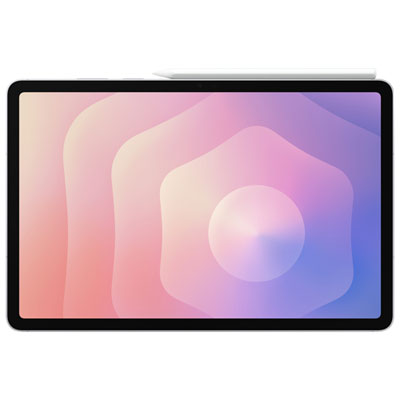
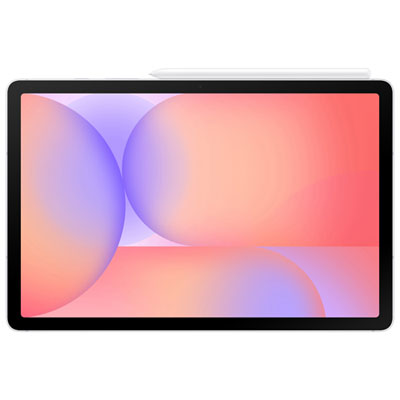
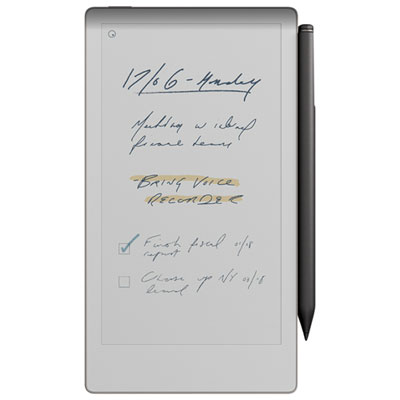
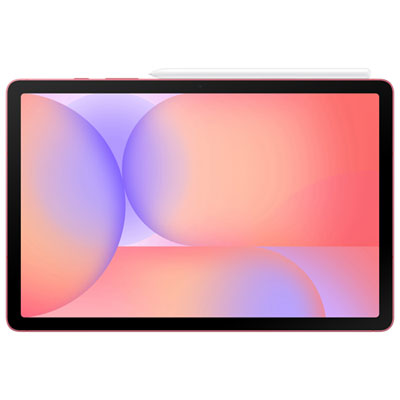
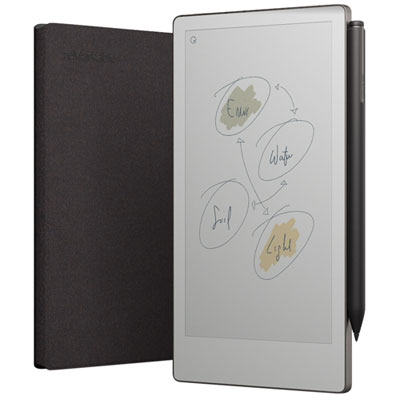
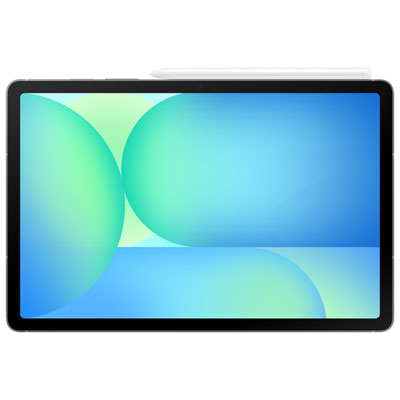
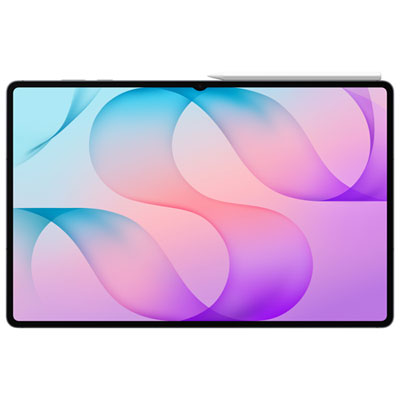
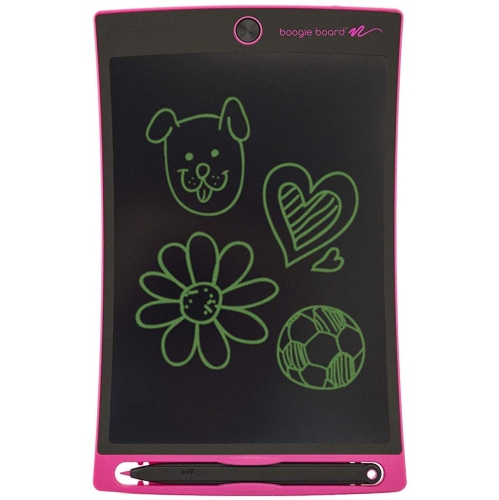
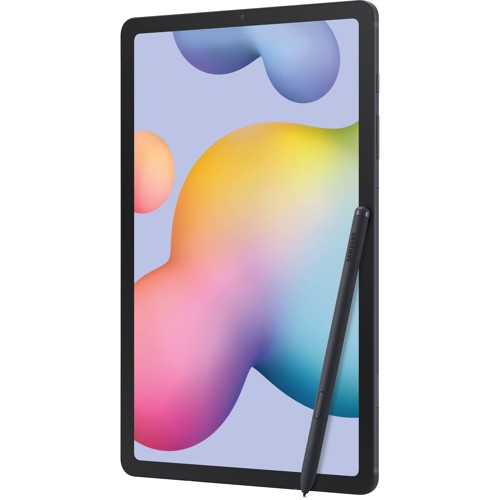
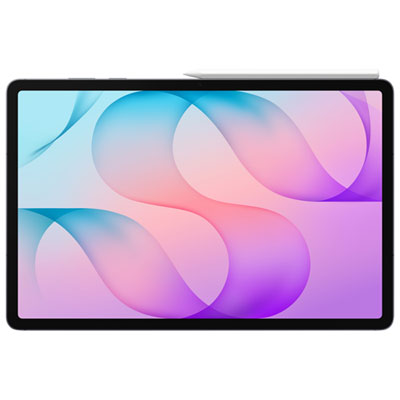
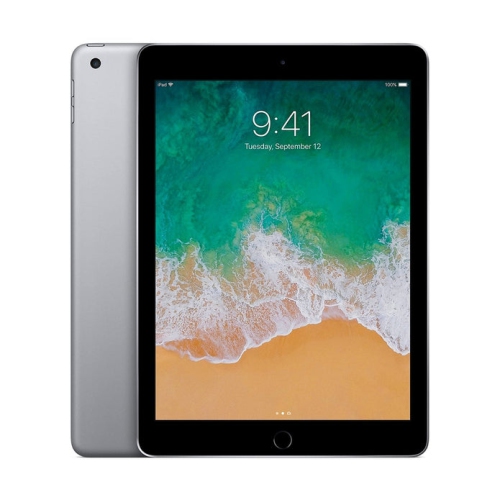
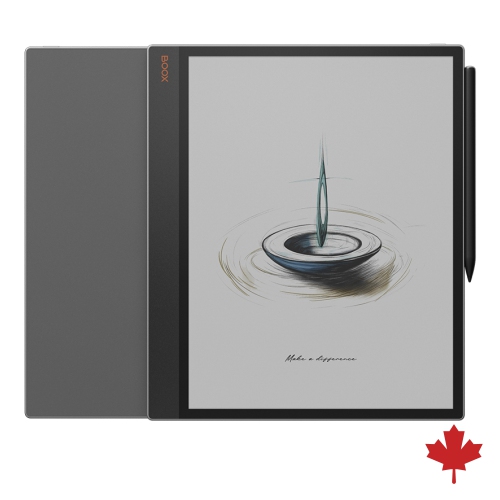
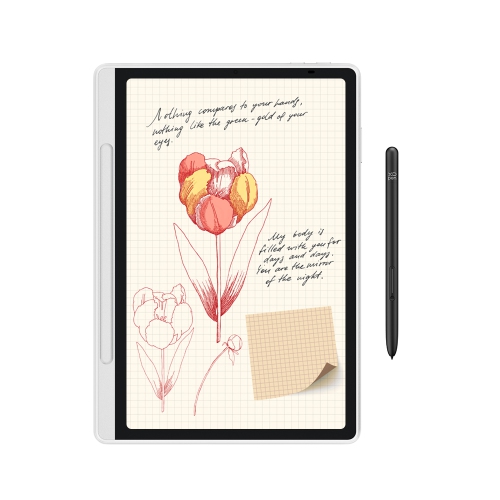


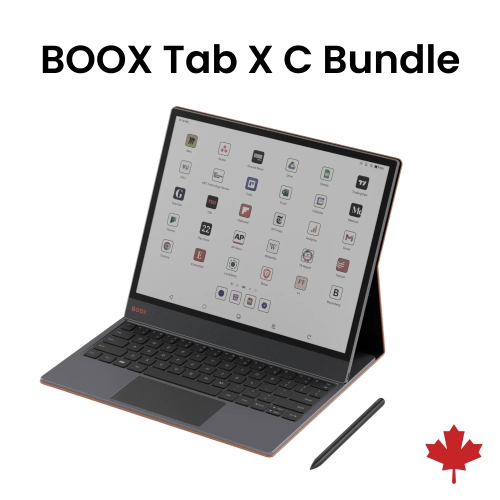
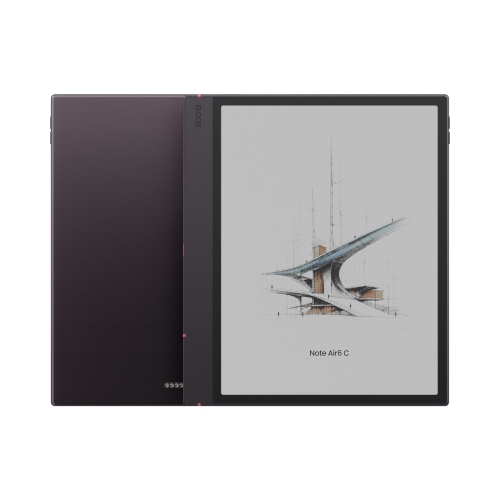
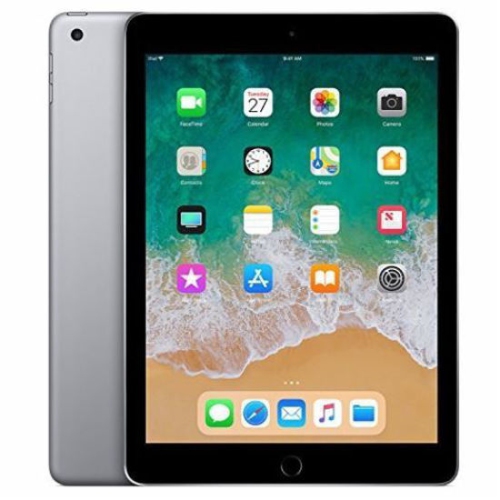
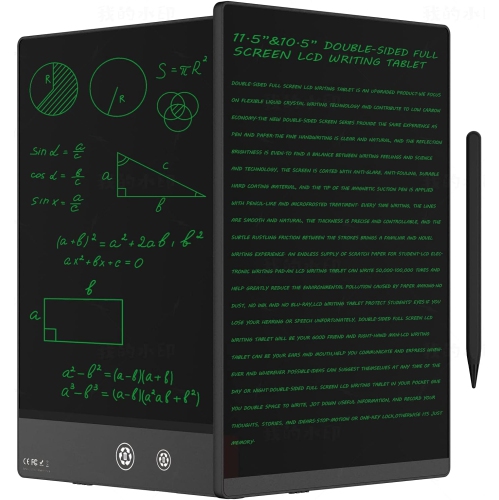
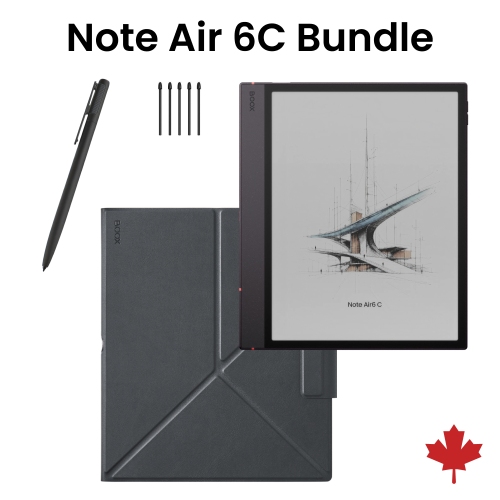
From handwritten thoughts to organized, searchable notes anywhere
Choosing the right note taking tablet depends on how and where it will be used. Students might prioritize devices with robust compatibility for educational apps, cloud storage integration, and the ability to annotate PDFs or record lectures directly onto their notes. Professionals, on the other hand, may look for models that offer seamless calendar syncing, document editing, and advanced security features to keep sensitive information protected. Artists and designers often gravitate toward tablets with high-resolution displays and sophisticated stylus support for sketching, brainstorming, or mapping out creative projects. For families, a note taking tablet can be a thoughtful gift for a graduate, a budding writer, or anyone with a passion for organization and creativity. These tablets are equally handy for parents managing to-do lists or meal plans, and for kids who want a fun, interactive way to draw or practice handwriting. As schedules fill up with summer activities, travel, and preparations for the fall, the flexibility to jot down reminders, ideas, or doodles—whether at home, in a café, or between meetings—can make all the difference in staying on top of daily life.
When exploring the wide variety of note taking tablets, it’s worth considering factors such as screen size, operating system, stylus functionality, and storage capacity. Some users prefer compact models that are easy to hold in one hand, while others opt for larger screens that make multitasking and split-screen note taking a breeze. The choice between a dedicated note taking device and a more versatile tablet often comes down to personal workflow and the types of tasks you want to accomplish. Accessories like detachable keyboards, protective cases, and extra styluses can further enhance the experience, making it easier to adapt the tablet to different settings—whether you’re in the classroom, at the office, or relaxing at a cottage getaway. For those preparing for the academic year or looking for the perfect tool to support productivity in any season, discover more options and inspiration by visiting the Tablets for Note Taking In Class page. With the right note taking tablet, capturing thoughts, sketches, and plans becomes not just efficient, but genuinely enjoyable—wherever the summer and fall may take you.
FAQ
What features should I look for in a note taking tablet?
When choosing a note taking tablet, consider features like stylus compatibility, screen responsiveness, battery life, storage capacity, and app support for handwriting or drawing. Some tablets also offer cloud syncing and handwriting-to-text conversion.
Can note taking tablets convert handwriting to digital text?
Yes, many note taking tablets offer handwriting recognition technology that can convert your handwritten notes into editable digital text. This feature is often available through built-in apps or third-party applications.
Are note taking tablets compatible with cloud storage services?
Most modern note taking tablets support integration with popular cloud storage services like Google Drive, Dropbox, and OneDrive. This allows you to back up your notes and access them from multiple devices.
Do note taking tablets support multimedia content in notes?
Many note taking tablets allow you to insert images, audio recordings, and even videos into your notes. This can be helpful for capturing lectures, meetings, or adding visual references to your written content.
What types of styluses are used with note taking tablets?
Note taking tablets may use active or passive styluses. Active styluses typically offer pressure sensitivity and palm rejection for a more natural writing experience, while passive styluses function more like traditional capacitive pens.
Top selling and popular products
-
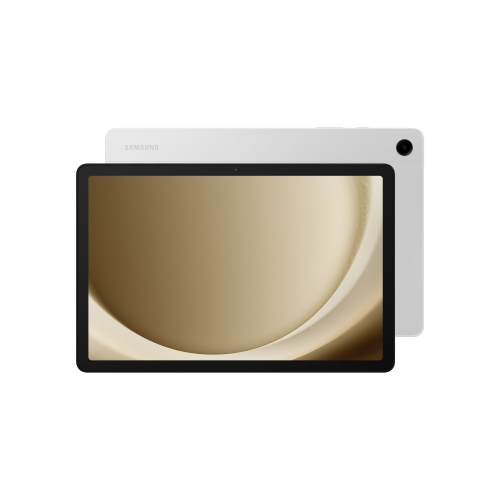 Your price for this item is $499.99
-
 Your price for this item is $350
-
 Your price for this item is $579.99
-
 Your price for this item is $979.99
-
 Your price for this item is $579.99
-
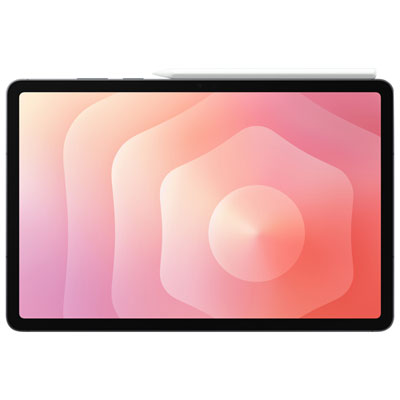 Your price for this item is $1399.99
-
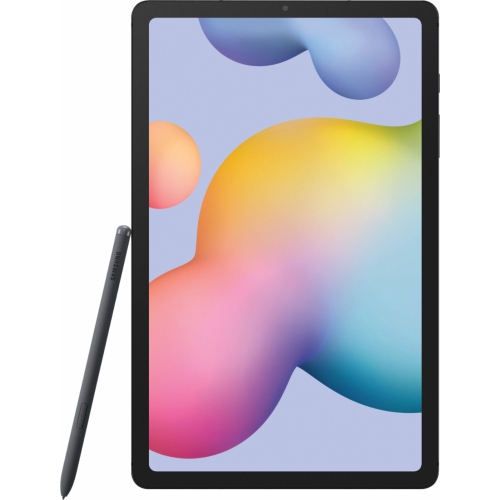 Your price for this item is $699.99
-
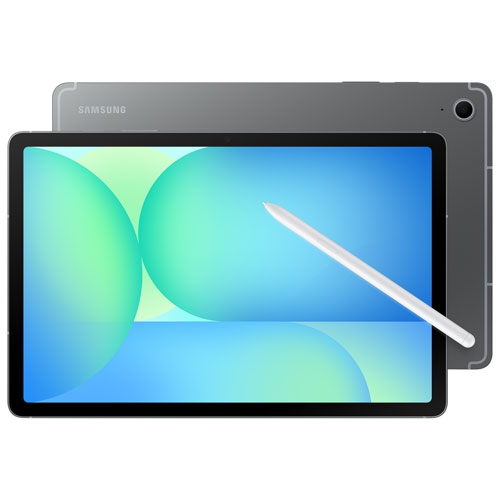 Your price for this item is $624.95