Tablets for Note Taking In Class
Tablets For Note Taking In Class offer students and professionals a convenient way to organize ideas, jot down important information, and stay productive during lectures or meetings. With a variety of options designed for portability and ease of use, finding the right tablet can help streamline your workflow and enhance your classroom experience. Explore tablets that make capturing notes, sketches, and assignments simple and efficient, so you can focus on what matters most—learning and staying ahead.
Sort
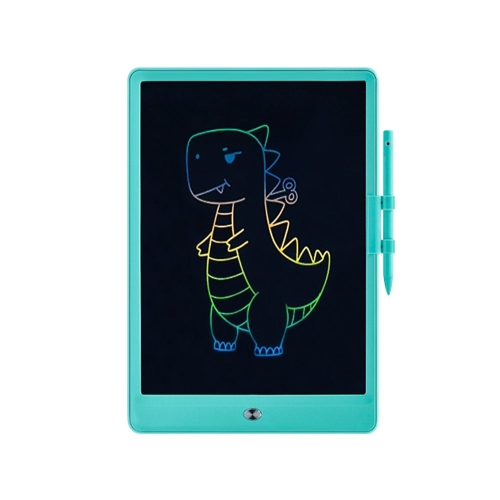
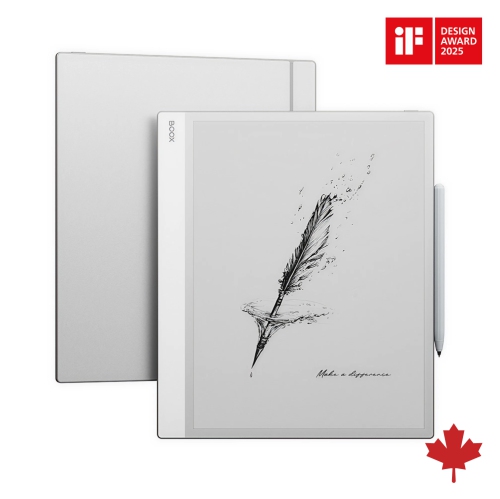
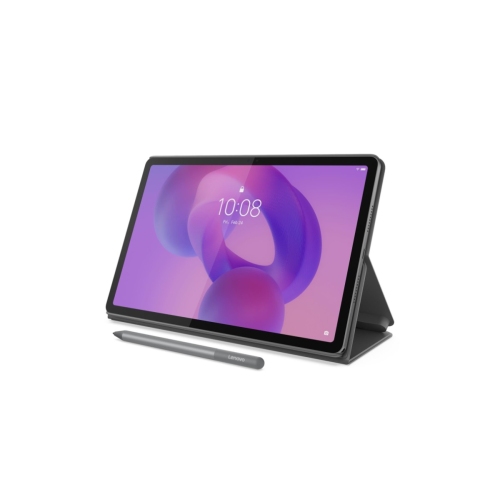
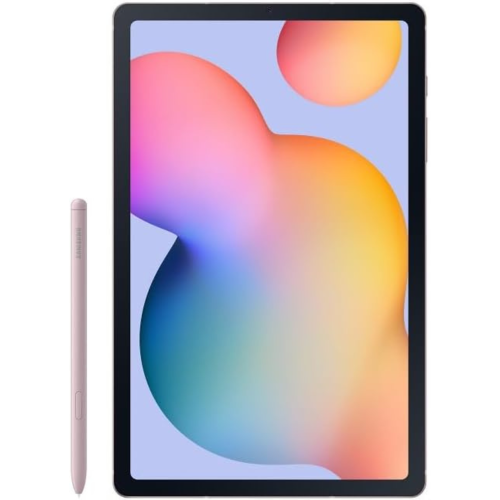
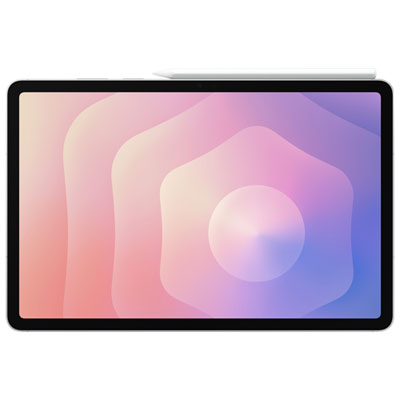
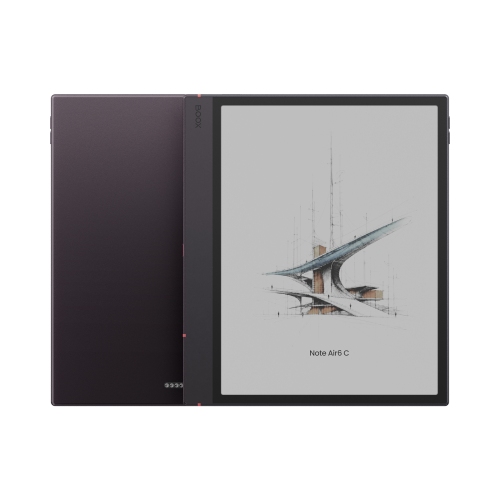
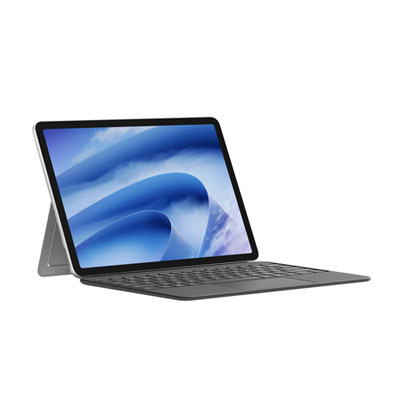
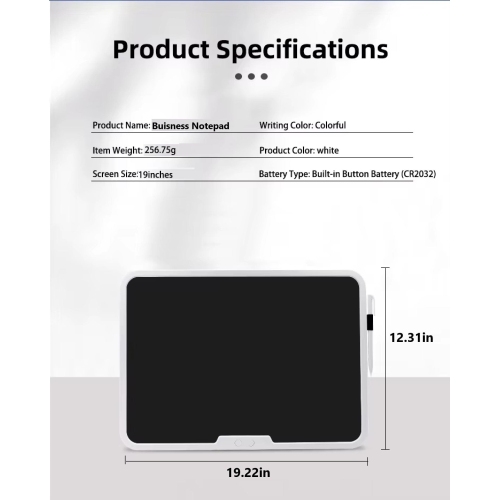

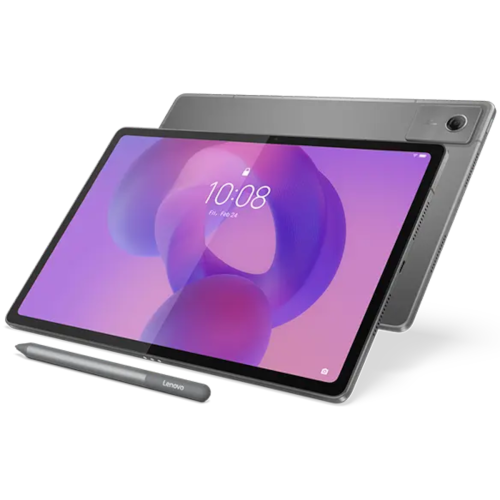
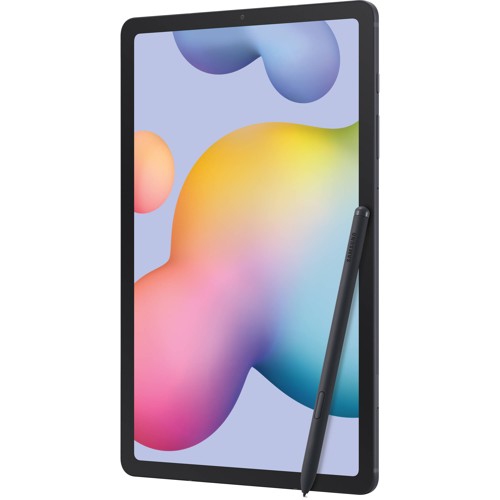
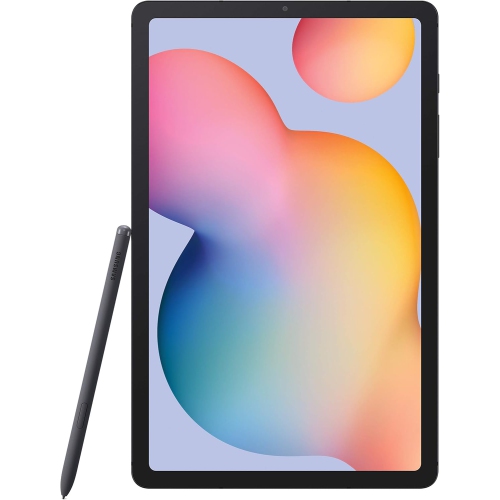
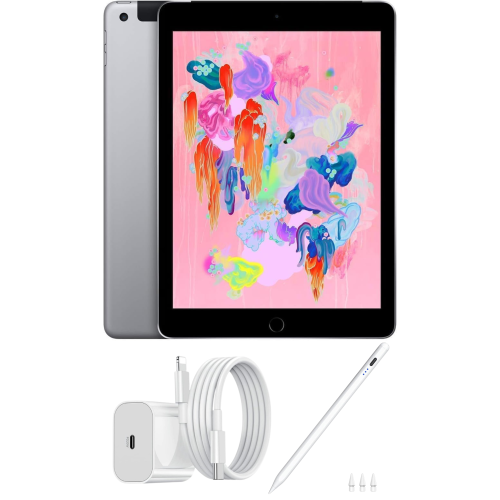
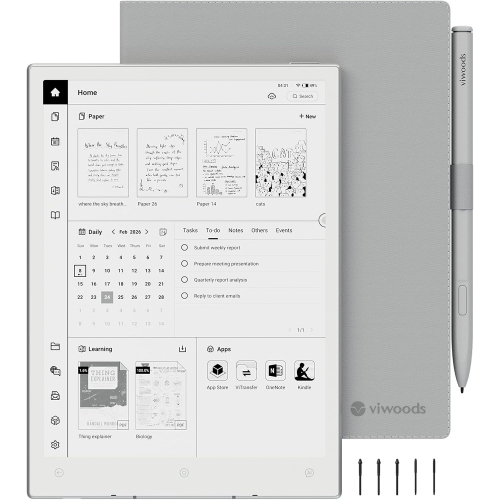
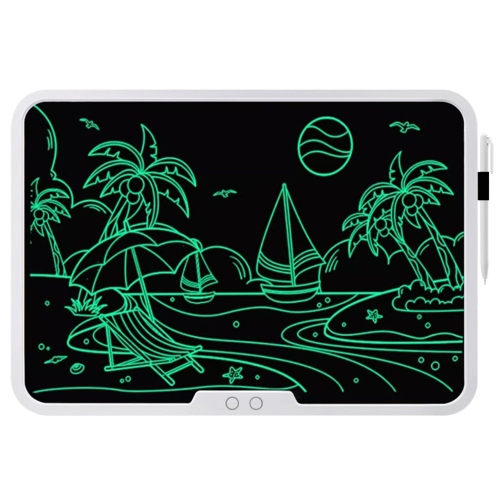
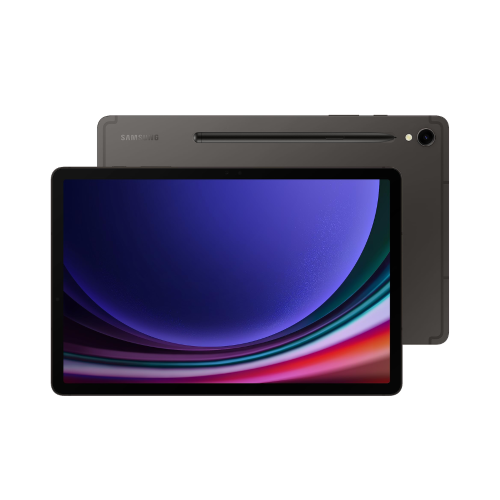
How tablets support handwritten notes and study routines
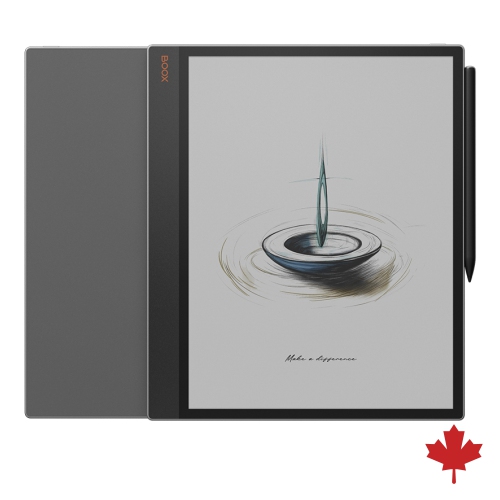
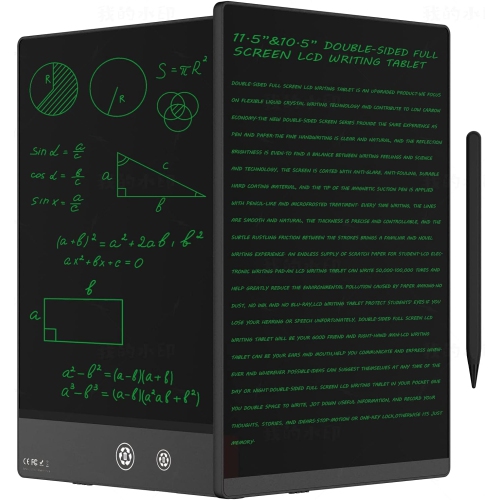
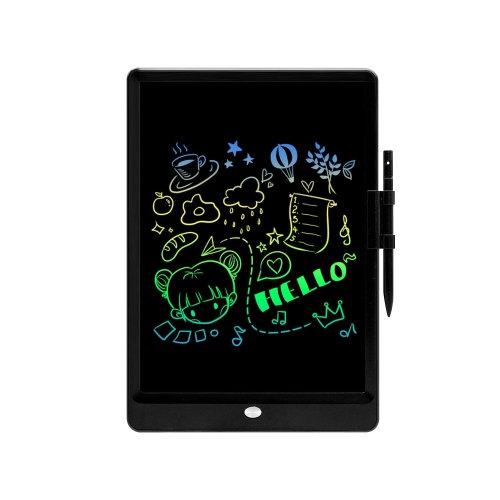
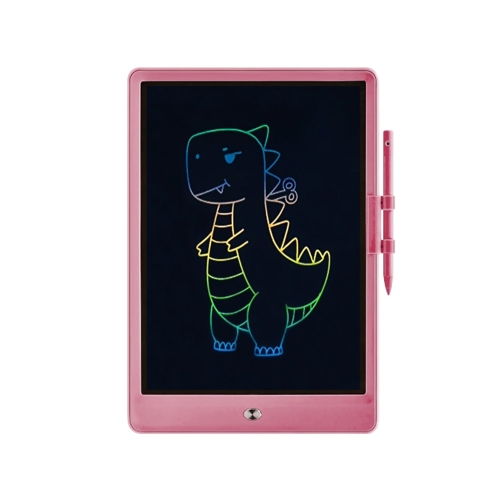
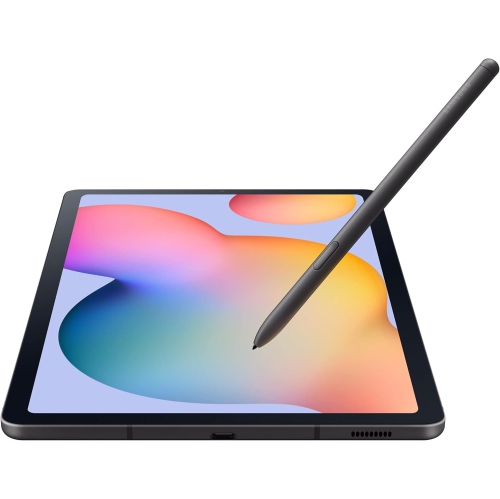
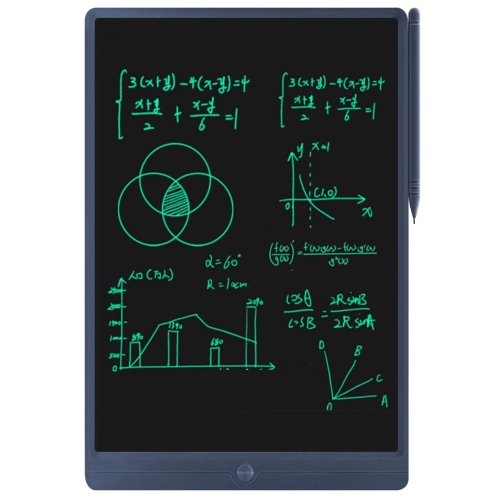
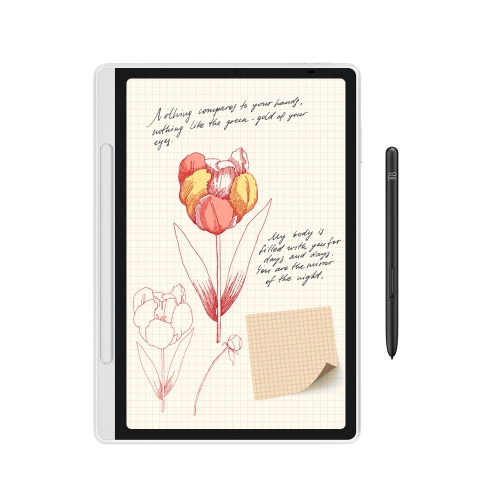
Tablets for note taking in class can make it easier to keep lectures, readings, diagrams, and assignment details together in one lightweight device. Instead of carrying several notebooks and folders, students can write directly on the screen with a compatible stylus, organize notes by course, and search handwritten content when an important definition or formula is difficult to find. A tablet can be useful in a lecture hall, classroom, library, or study area, especially when desk space is limited and quick access to digital course materials matters. It can also support typed notes, voice recordings where permitted, PDF markups, calendar reminders, flashcards, and split-screen multitasking. A student might have a presentation open on one side of the display while writing key points on the other, or annotate a reading without printing multiple pages. For learners who prefer the feel and freedom of pen and paper, look for a responsive stylus experience with low writing latency, accurate palm rejection, and a comfortable writing surface. These details help digital handwriting feel natural when a professor moves quickly through a topic and there is no time to wait for lines or strokes to appear. Screen size is another important consideration: a compact tablet is convenient for commuting and fits easily into a backpack, while a larger display provides more room for diagrams, charts, and side-by-side documents. Brightness, viewing comfort, and glare control can also make a difference during long study sessions in rooms with overhead lighting or near windows.
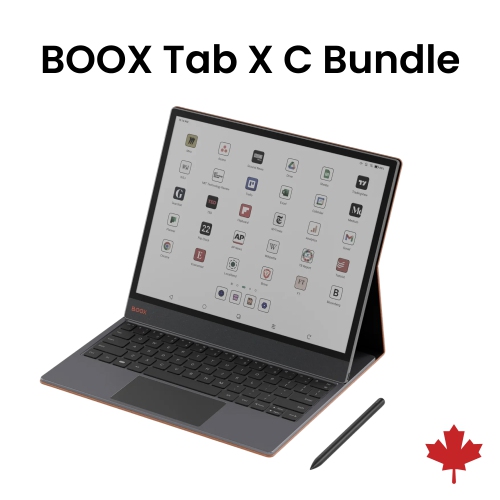
The right tablet depends on how notes will be created, stored, and used after class. Students who want a full selection of note-taking, document, productivity, and communication apps may prefer a conventional tablet operating system with access to a broad app store. These devices can be used for handwritten notes as well as web research, online classes, presentations, video calls, and entertainment, making them a practical option for students who want one device for several parts of the school day. Some models are designed to work closely with a particular stylus, while others require the pen to be purchased separately, so confirm what is included before choosing. Battery life is worth comparing as well, since a tablet that lasts through lectures, commuting, and an evening study session is less likely to interrupt a student’s routine. Storage capacity matters for people who download textbooks, save scanned worksheets, keep large lecture recordings, or work with creative projects. Connectivity can be equally important: Wi-Fi is suitable for most classrooms and homes, while other tablets may offer mobile connectivity for students who need internet access away from a network. Those seeking fewer distractions may be drawn to a writing-focused tablet with an E Ink display, long battery life, and a paper-like surface. This type of device can be well suited to handwritten notes and reading, although it may offer fewer apps and less flexibility than a standard tablet. Students who want a device for both digital reading and handwritten study materials can also explore Tablets for Reading and Note Taking.
Tablets for note taking in class can be a thoughtful gift for a student beginning a new school term, returning to campus, taking professional courses, or preparing for exams during the cooler months. They may also suit teachers, tutors, researchers, and anyone who keeps detailed notes while moving between classrooms, meetings, and workspaces. Before buying one as a gift, consider the recipient’s existing phone and computer, preferred operating system, handwriting habits, and whether they already own a compatible stylus. A keyboard case can be useful for longer written assignments, while a protective case helps guard the screen and corners when the tablet travels in a crowded backpack. A matte screen protector may reduce reflections and provide a more paper-like writing feel, though it can slightly change the display’s appearance. Students who often work in groups may value front-facing cameras, speakers, and microphones for online discussions, while those who primarily review notes may place greater importance on display clarity, comfortable weight, and easy file organization. Accessibility features can also support different learning styles, including text enlargement, screen readers, colour adjustments, handwriting-to-text tools, and adjustable display settings. The best choice is one that matches the student’s everyday habits rather than simply offering the most features. A reliable tablet can turn a hurried page of classroom notes into an organized digital reference, making it easier to revisit a lesson on the bus, review a diagram at the library, or prepare for an exam without searching through a stack of loose paper.
The right tablet depends on how notes will be created, stored, and used after class. Students who want a full selection of note-taking, document, productivity, and communication apps may prefer a conventional tablet operating system with access to a broad app store. These devices can be used for handwritten notes as well as web research, online classes, presentations, video calls, and entertainment, making them a practical option for students who want one device for several parts of the school day. Some models are designed to work closely with a particular stylus, while others require the pen to be purchased separately, so confirm what is included before choosing. Battery life is worth comparing as well, since a tablet that lasts through lectures, commuting, and an evening study session is less likely to interrupt a student’s routine. Storage capacity matters for people who download textbooks, save scanned worksheets, keep large lecture recordings, or work with creative projects. Connectivity can be equally important: Wi-Fi is suitable for most classrooms and homes, while other tablets may offer mobile connectivity for students who need internet access away from a network. Those seeking fewer distractions may be drawn to a writing-focused tablet with an E Ink display, long battery life, and a paper-like surface. This type of device can be well suited to handwritten notes and reading, although it may offer fewer apps and less flexibility than a standard tablet. Students who want a device for both digital reading and handwritten study materials can also explore Tablets for Reading and Note Taking.
Tablets for note taking in class can be a thoughtful gift for a student beginning a new school term, returning to campus, taking professional courses, or preparing for exams during the cooler months. They may also suit teachers, tutors, researchers, and anyone who keeps detailed notes while moving between classrooms, meetings, and workspaces. Before buying one as a gift, consider the recipient’s existing phone and computer, preferred operating system, handwriting habits, and whether they already own a compatible stylus. A keyboard case can be useful for longer written assignments, while a protective case helps guard the screen and corners when the tablet travels in a crowded backpack. A matte screen protector may reduce reflections and provide a more paper-like writing feel, though it can slightly change the display’s appearance. Students who often work in groups may value front-facing cameras, speakers, and microphones for online discussions, while those who primarily review notes may place greater importance on display clarity, comfortable weight, and easy file organization. Accessibility features can also support different learning styles, including text enlargement, screen readers, colour adjustments, handwriting-to-text tools, and adjustable display settings. The best choice is one that matches the student’s everyday habits rather than simply offering the most features. A reliable tablet can turn a hurried page of classroom notes into an organized digital reference, making it easier to revisit a lesson on the bus, review a diagram at the library, or prepare for an exam without searching through a stack of loose paper.
Top selling and popular products
-
 Your price for this item is $499.99
 -
 Your price for this item is $199.95
 -
 Your price for this item is $293.94
 -
 Your price for this item is $579.99
 -
 Your price for this item is $139.99
 -
 Your price for this item is $119.99
 -
 Your price for this item is $979.99
 -
 Your price for this item is $579.99
Discover more categories related to Tablets for Note Taking In Class

Top Collections:
Pokemon Centers, Best Cameras for Sports Photography, Kindle Devices, Samsung Galaxy Phones, Canon G7X Cameras, Pokémon 30th Celebration Cards, Refurbished Apple Laptops, iPhone 15 Apple, Laptops for Students, Budget Smartphones
Some products may be subject to Environmental Handling Fees
(EHF) depending on your province.
Learn more about EHFs.