Notebooks With SSD
Upgrade your productivity with our selection of notebooks featuring SSD storage. Whether you're a student looking for a reliable device for studying or a professional in need of a powerful tool for work, our SSD notebooks offer the speed and reliability you need to stay ahead of the game. Browse our collection now and experience the difference that SSD technology can make in your daily computing tasks.
Sort
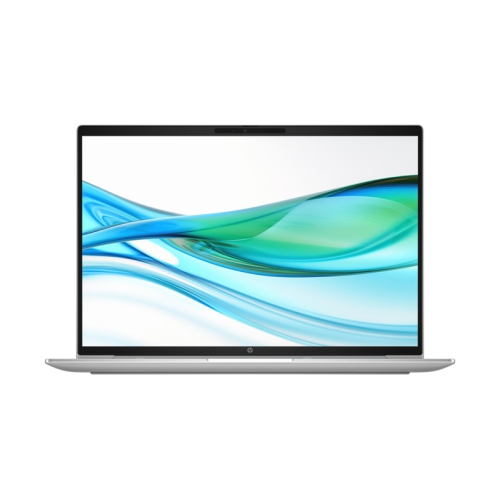

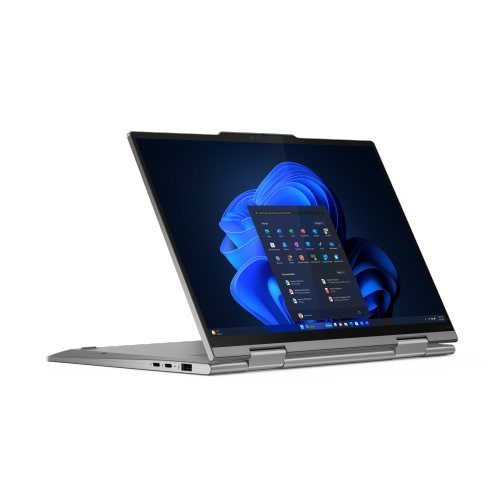
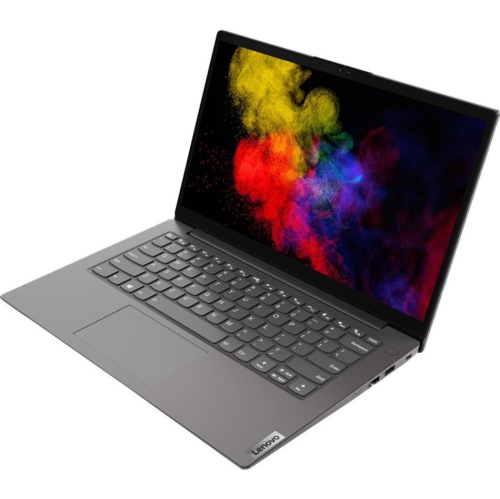
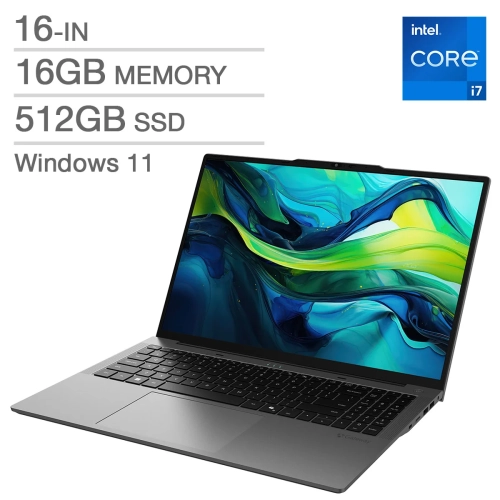
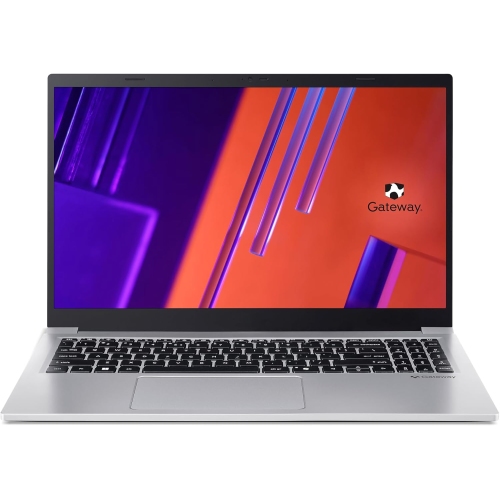
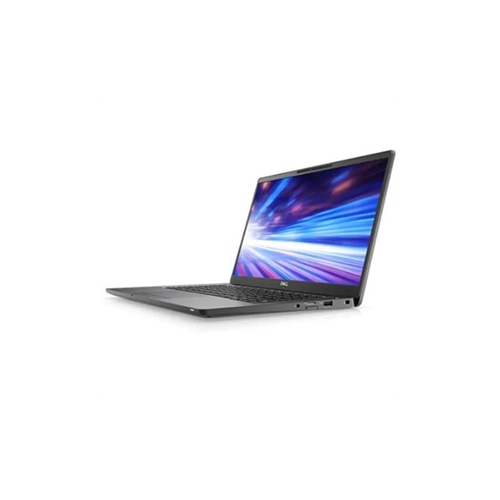
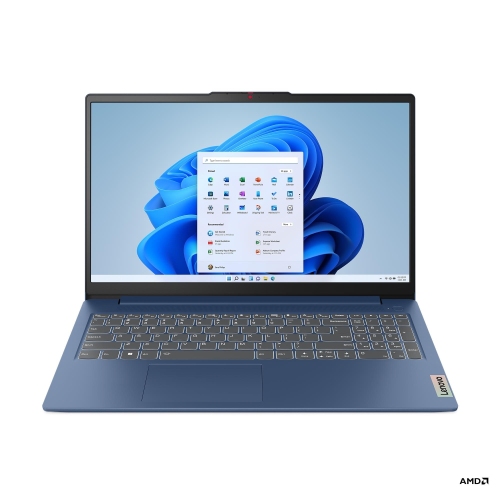
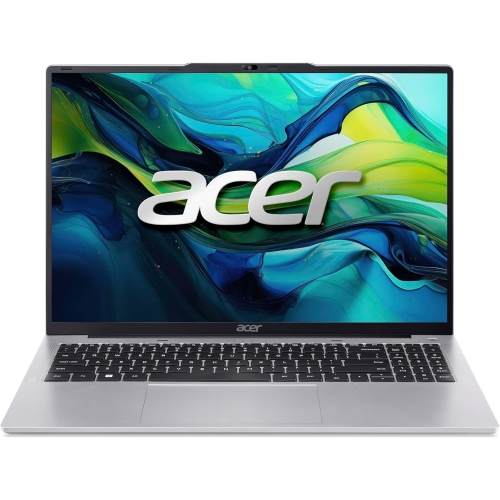
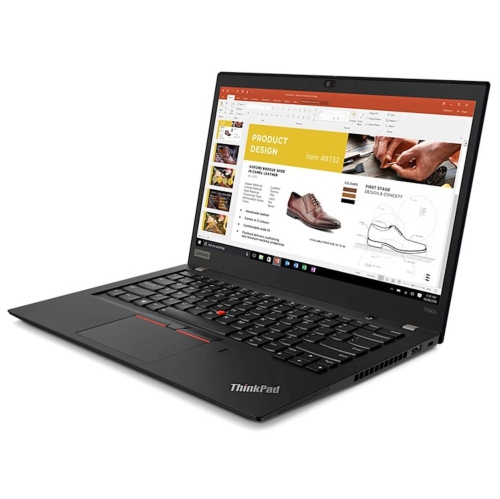
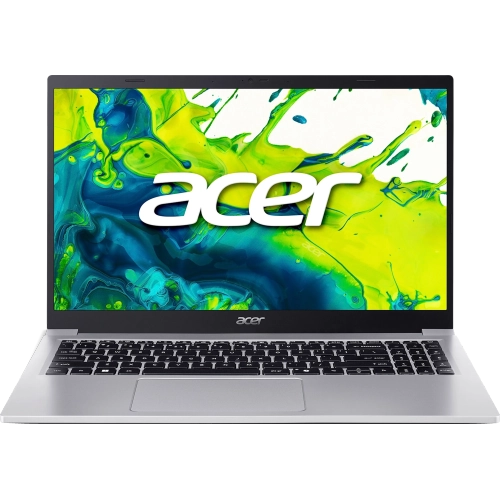
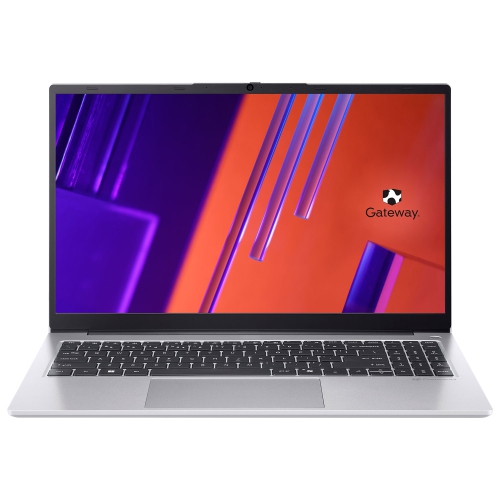
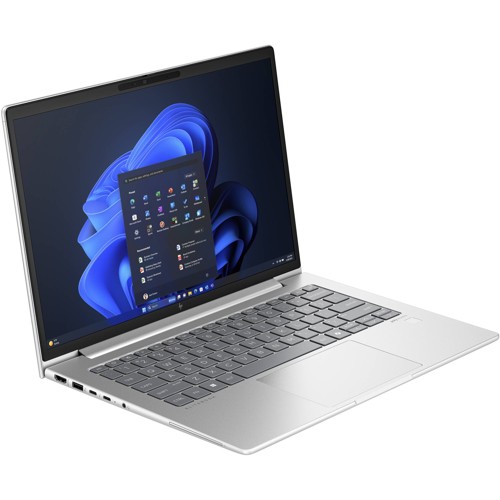
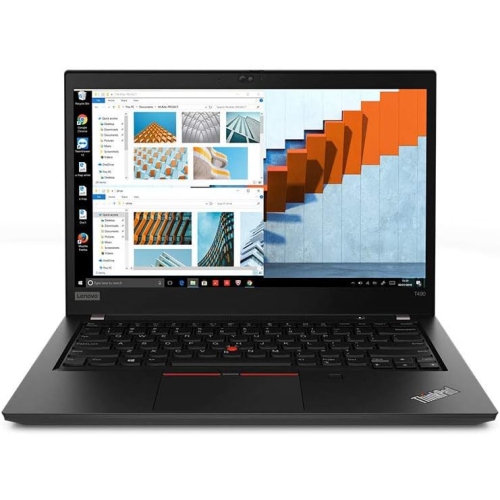

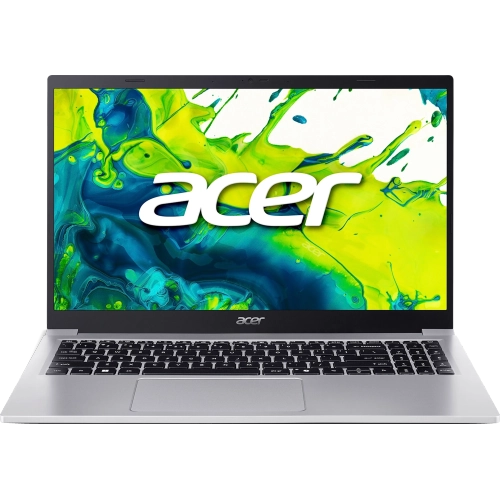

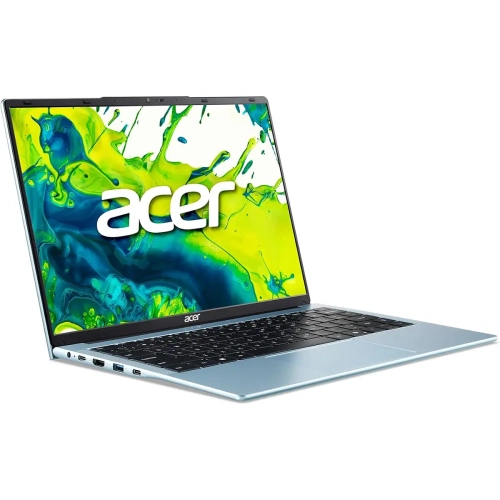
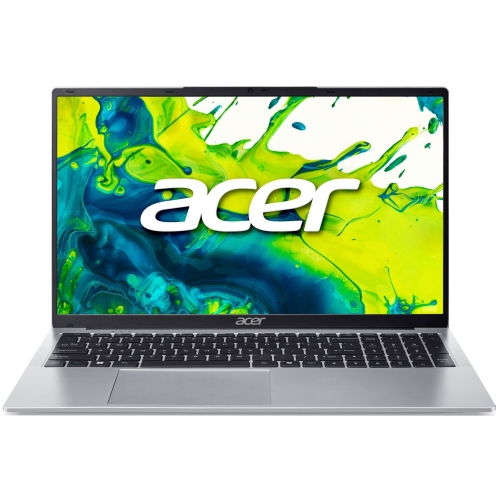
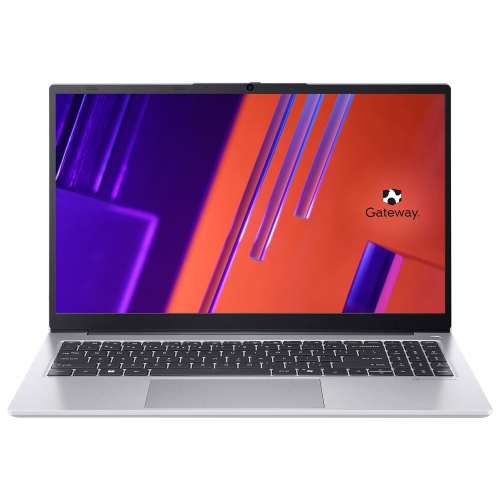
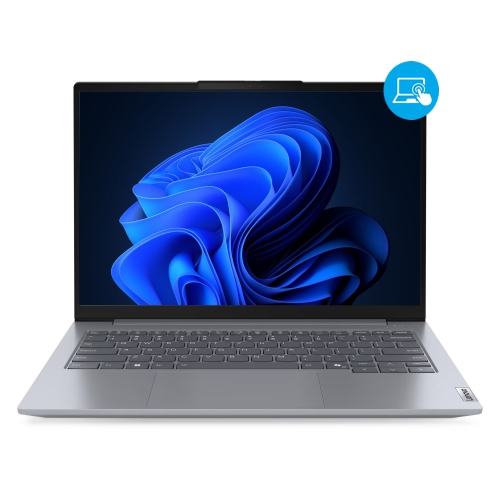

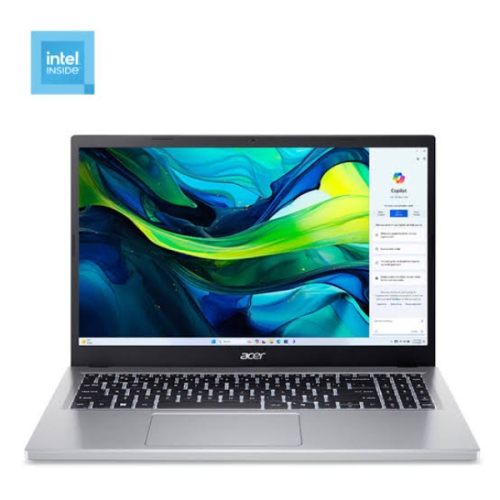
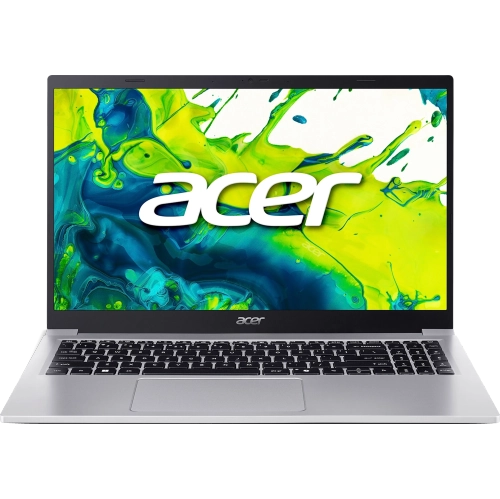

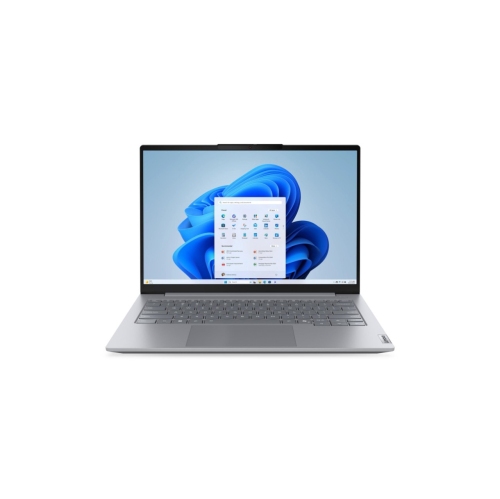
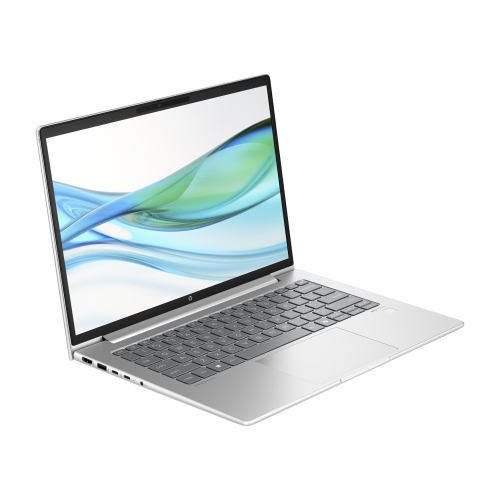
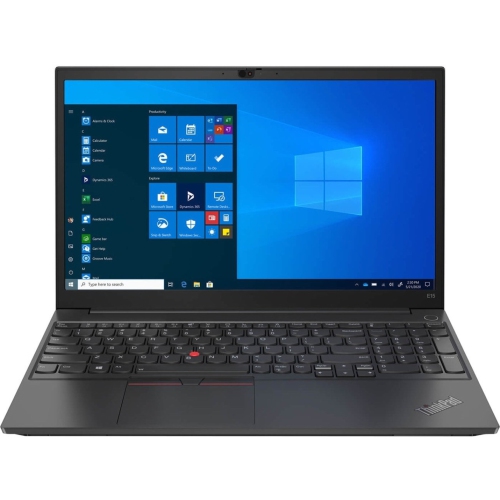
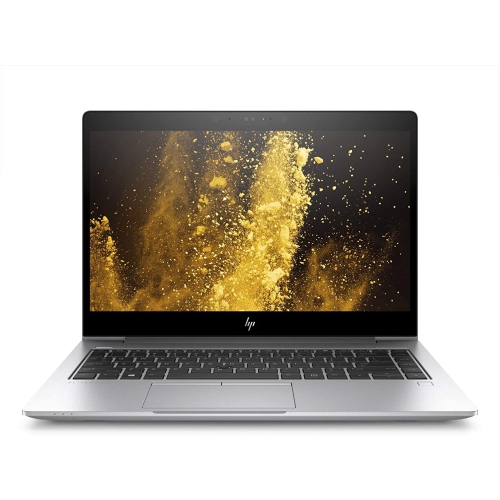
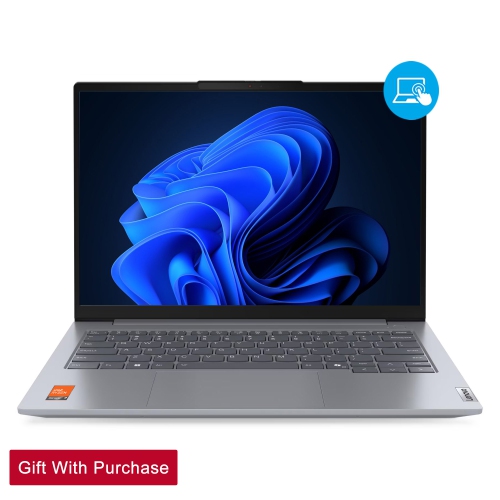
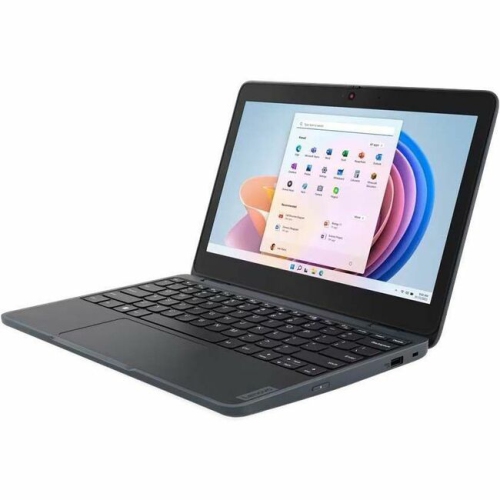
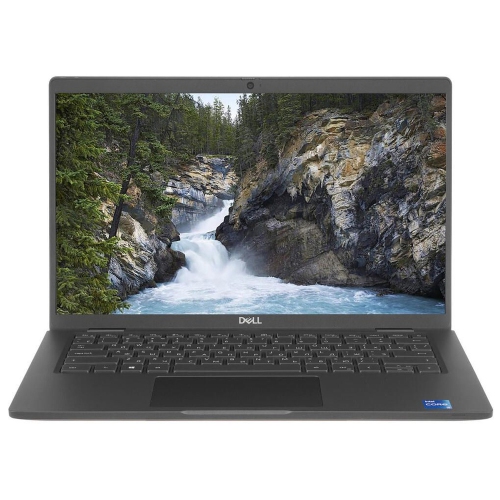

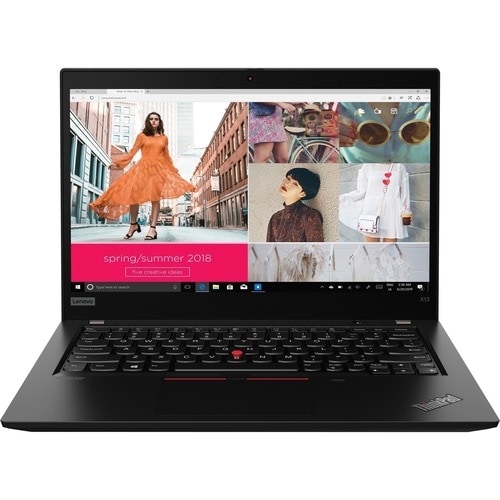
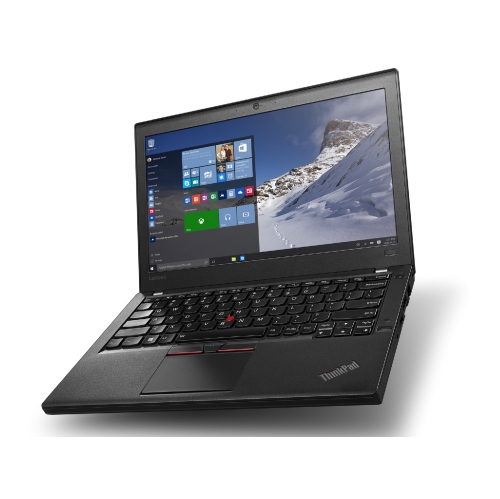
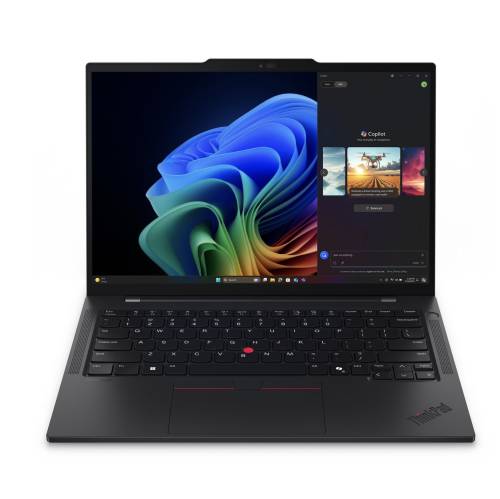
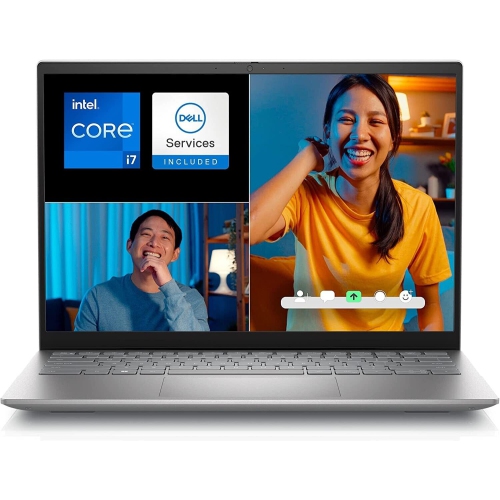
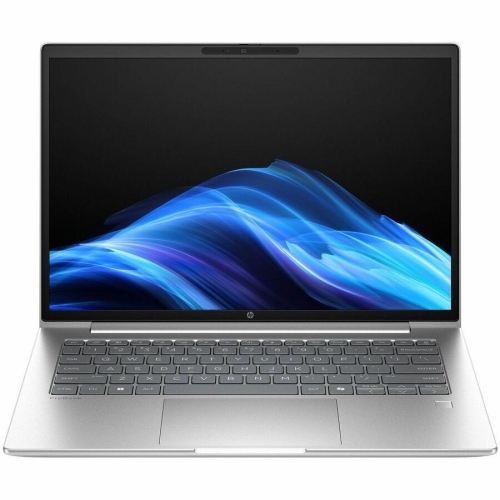

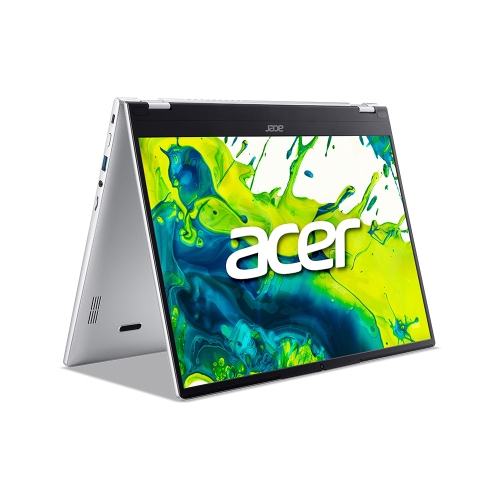
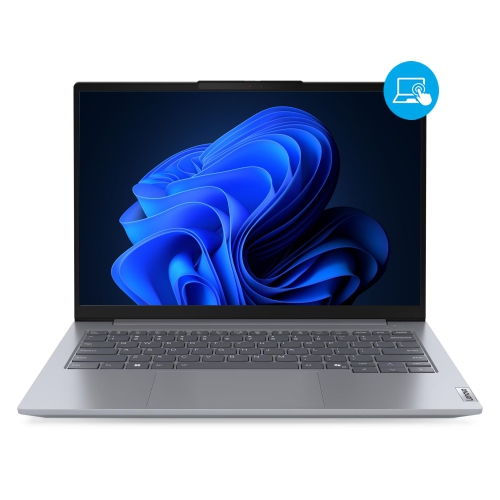
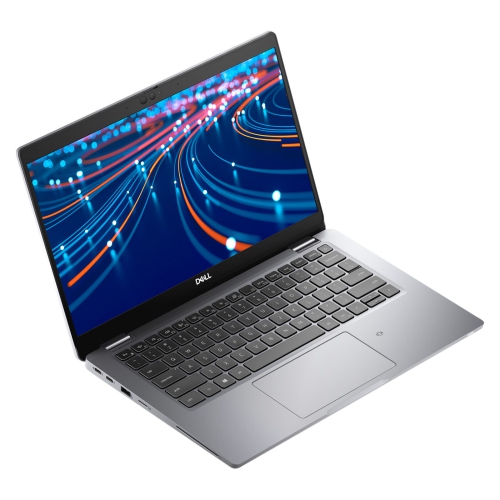
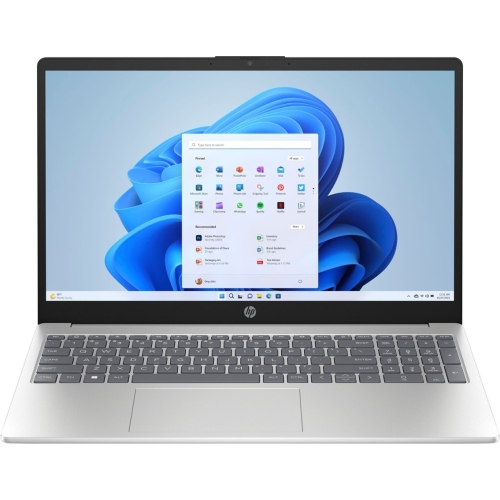
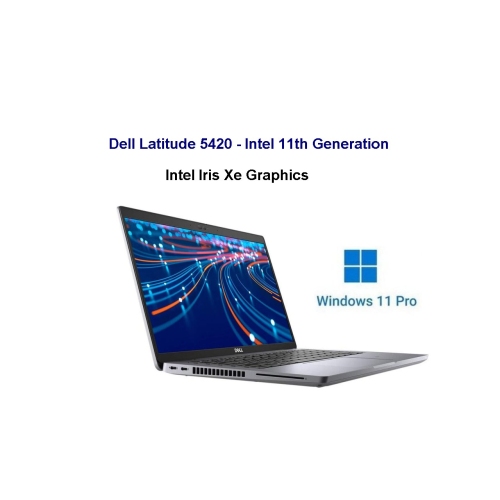

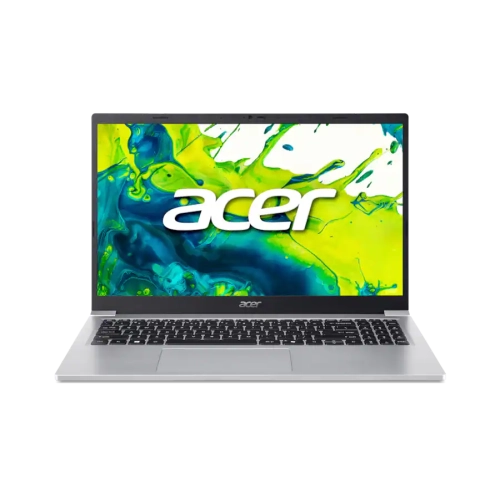
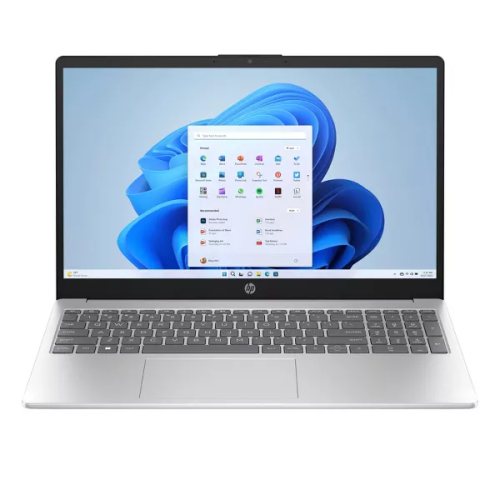
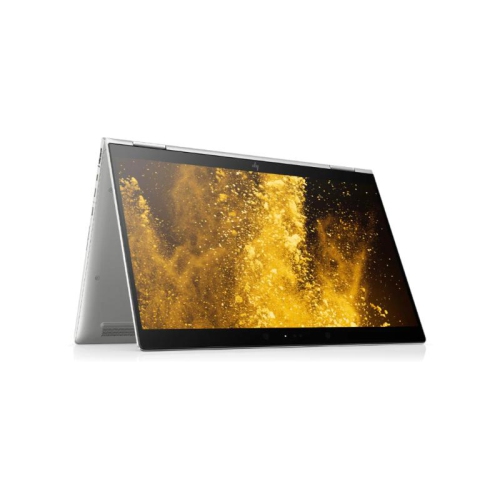
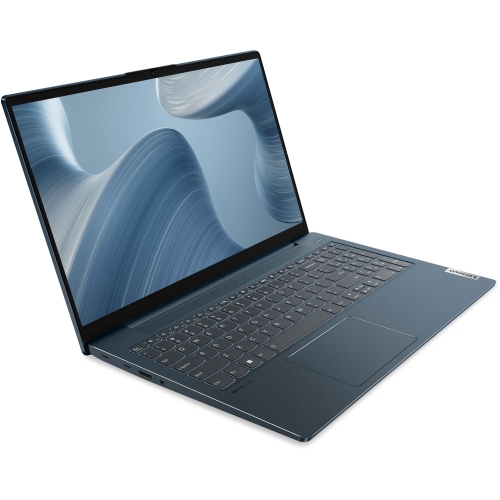
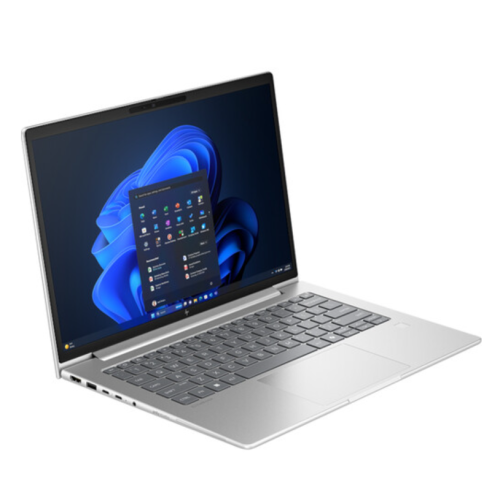

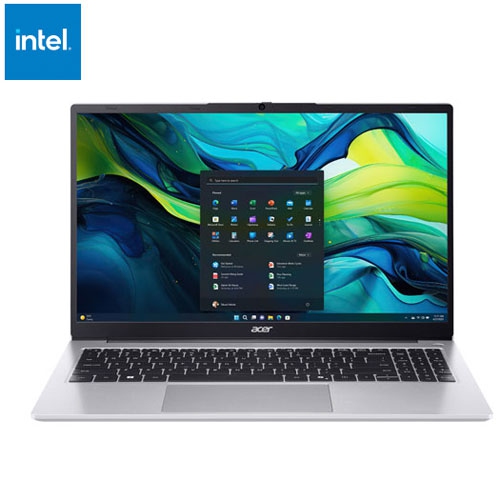
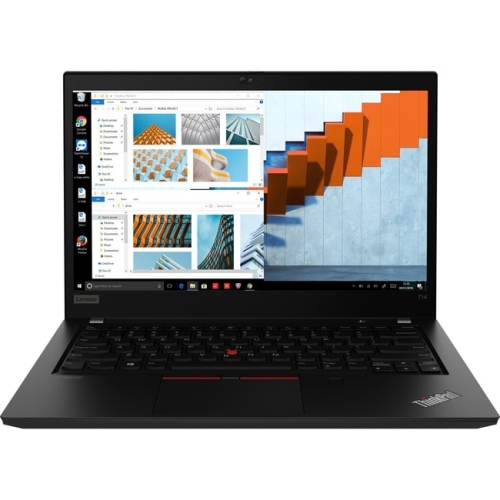
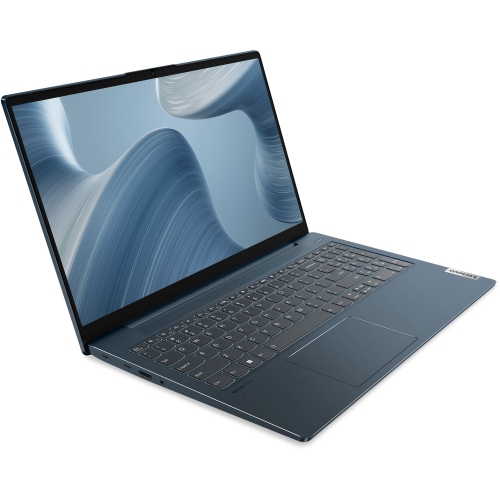
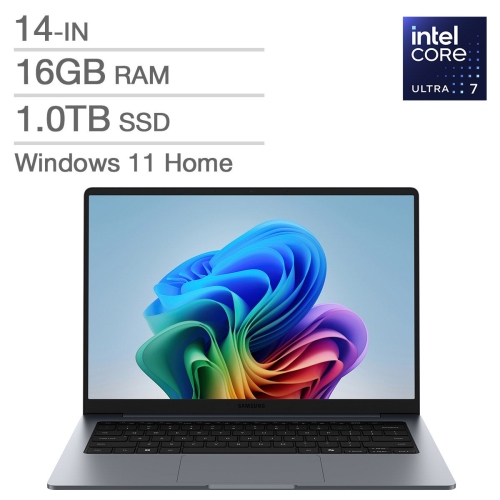
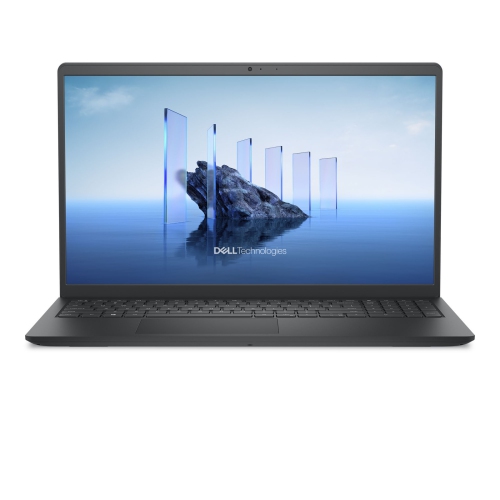
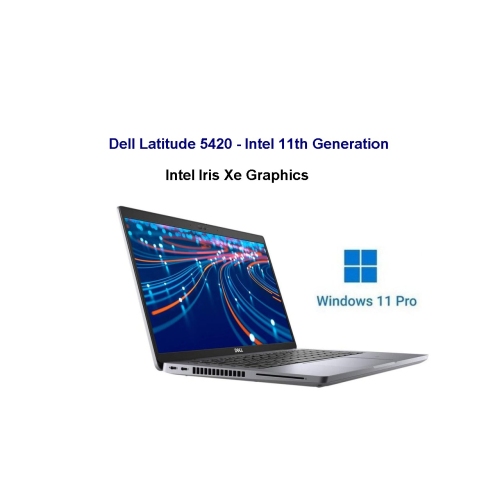
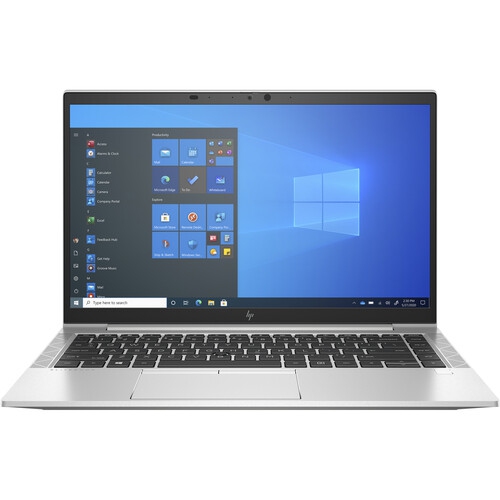
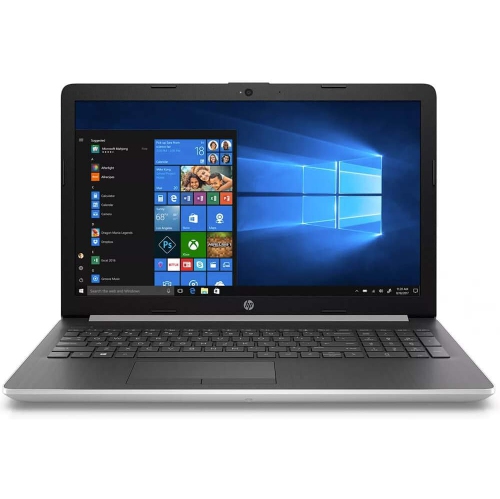
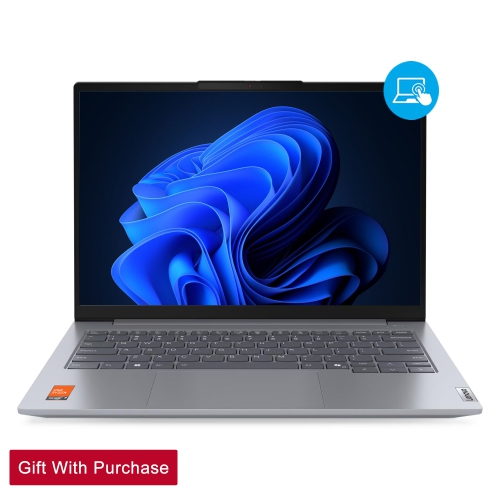
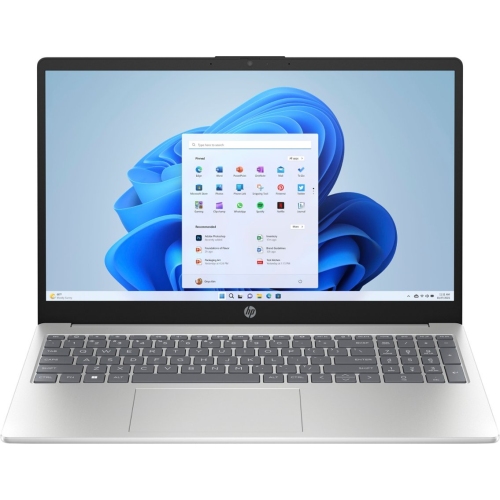
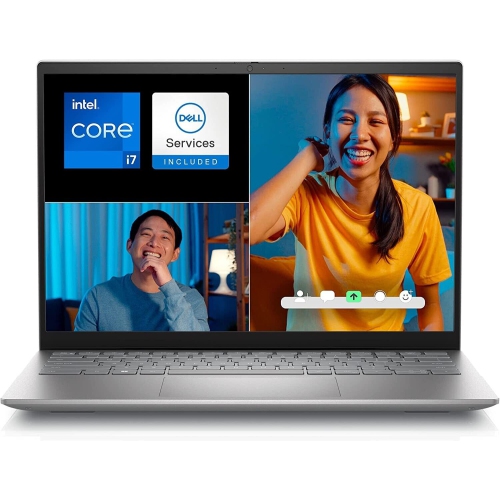


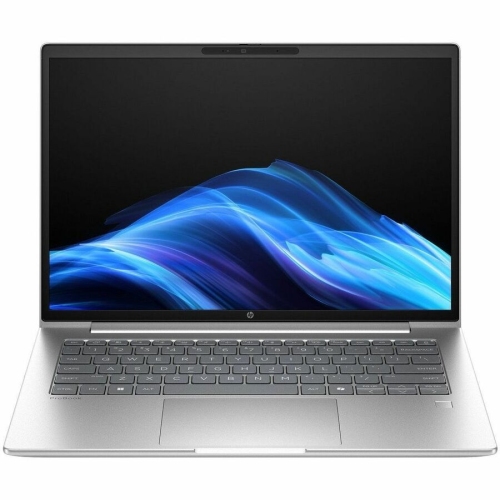
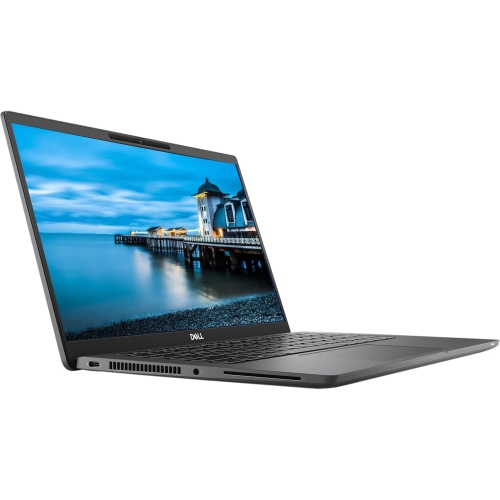
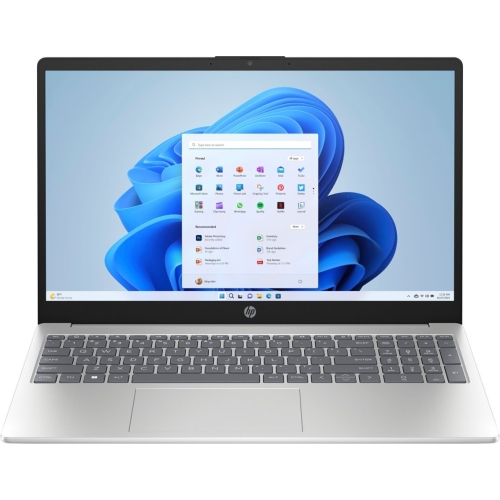


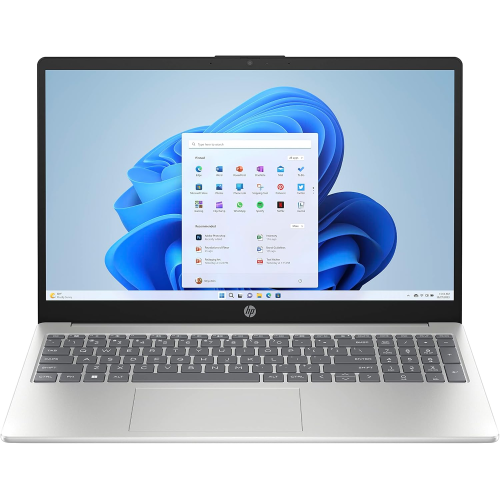
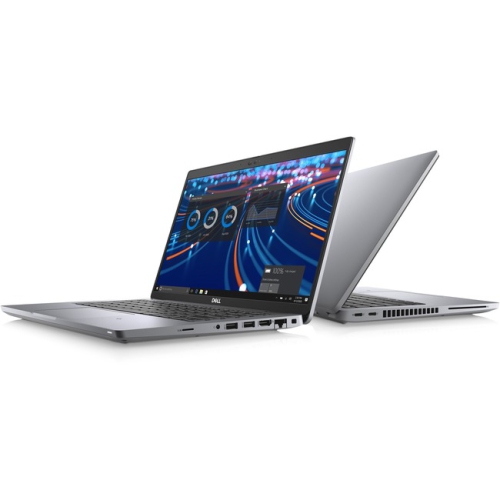
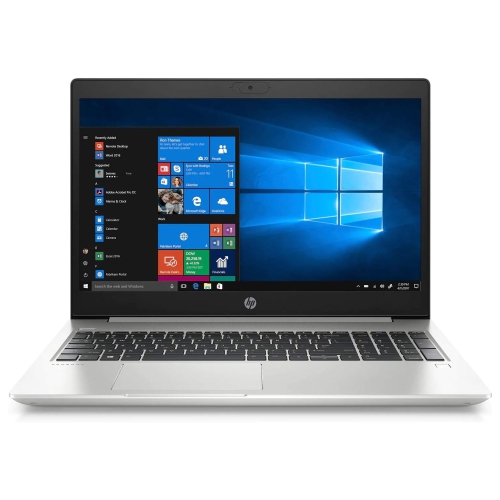
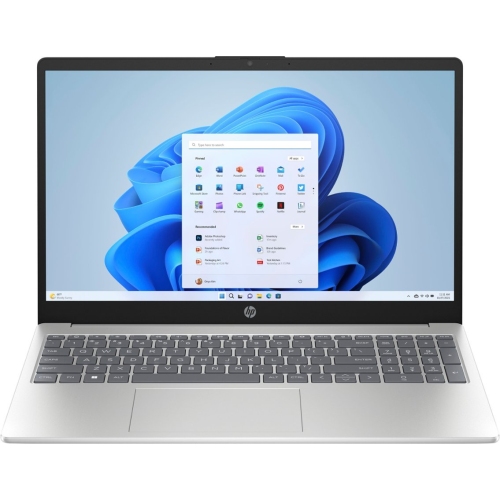
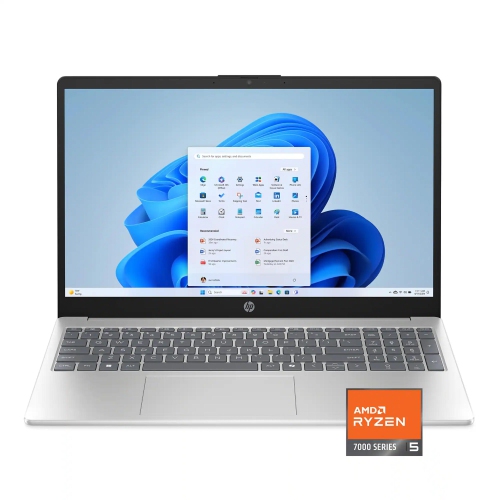

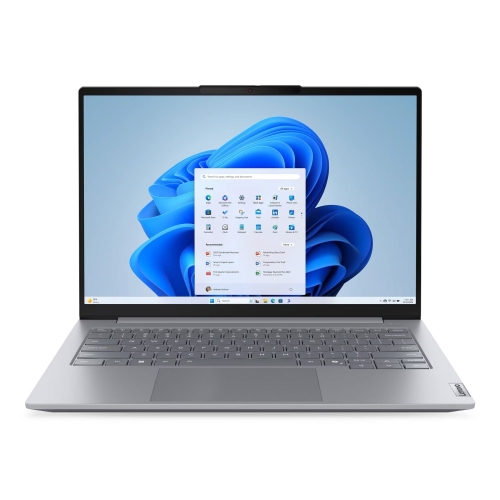
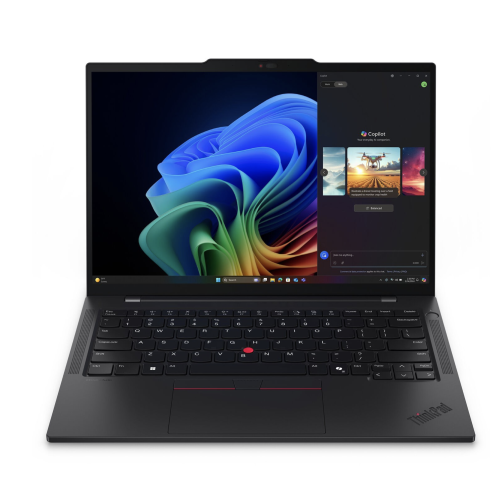

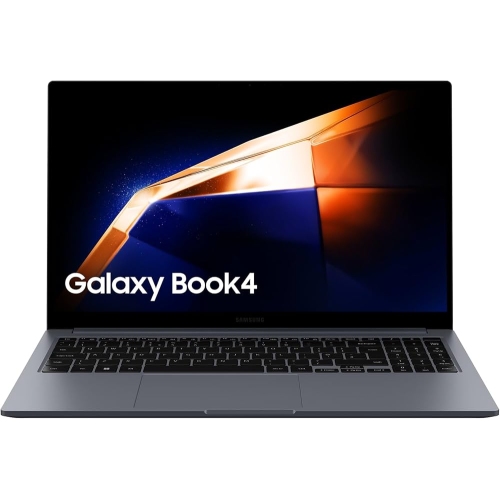
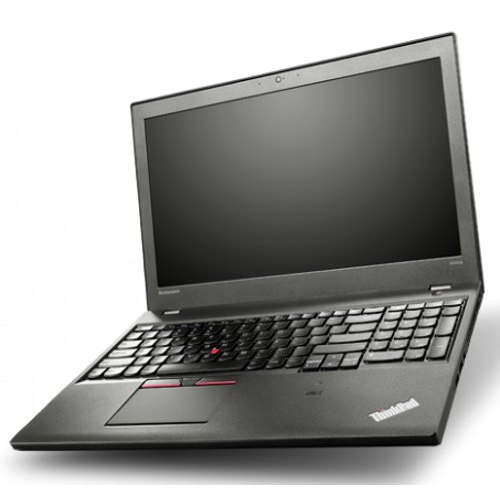
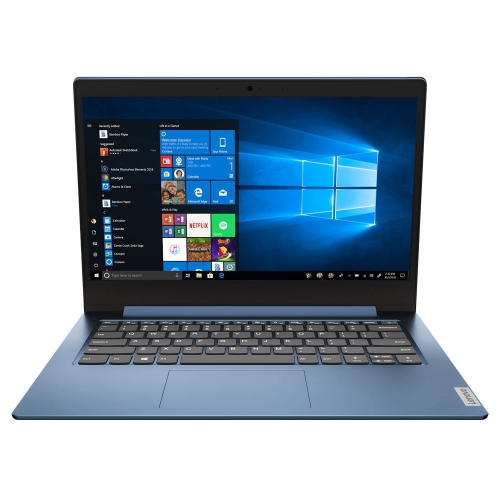
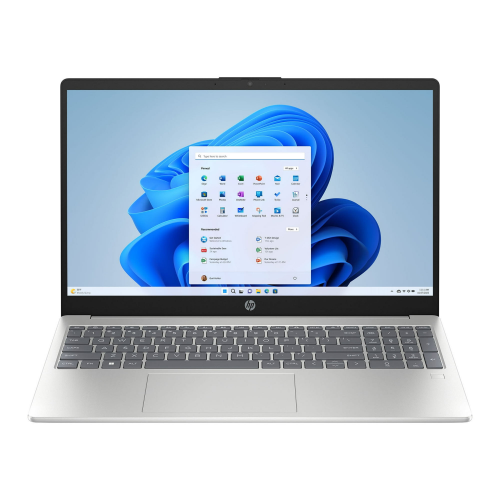
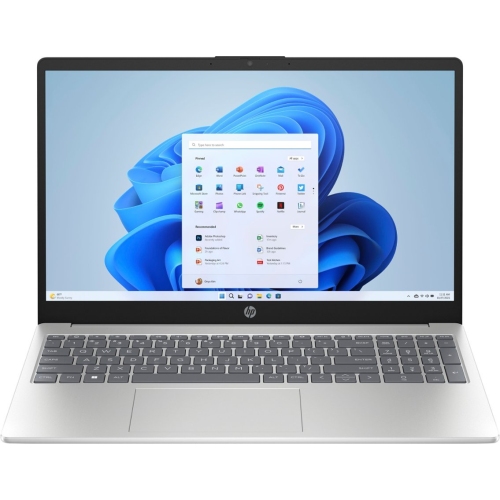
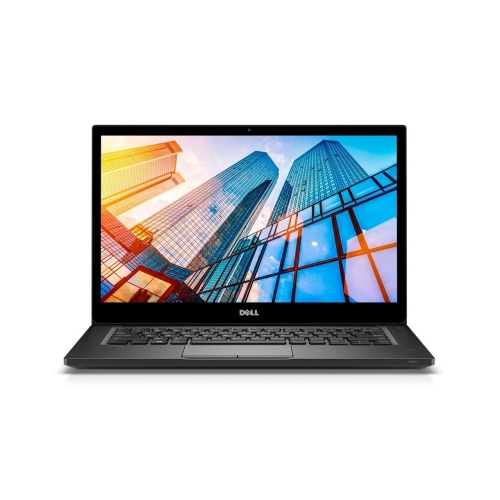
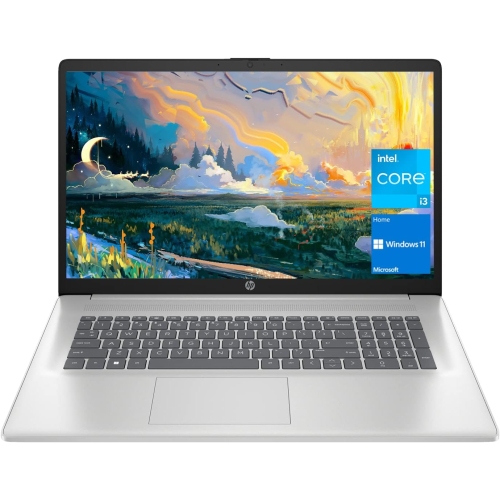
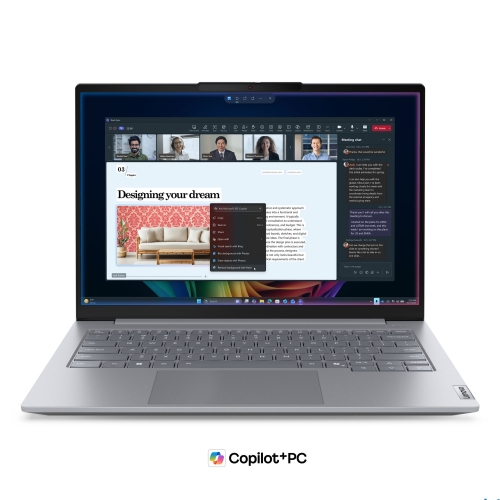
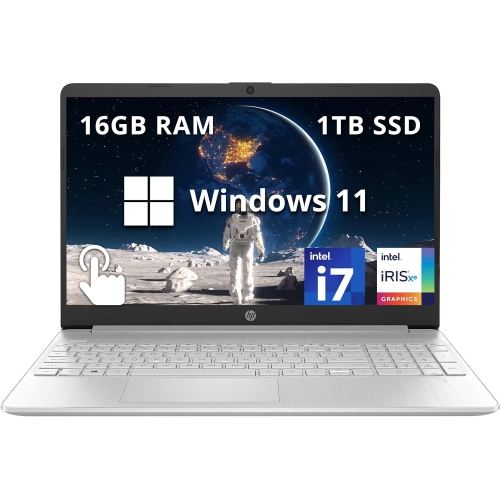
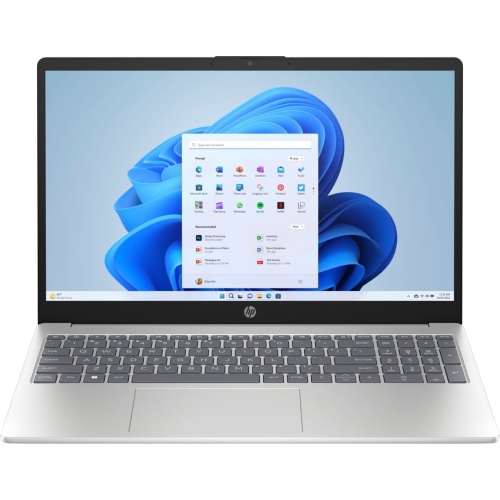
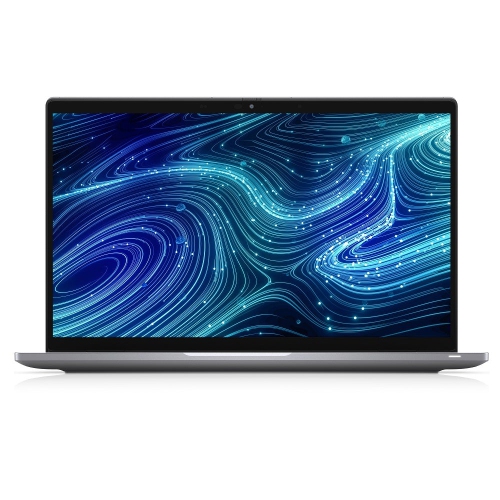
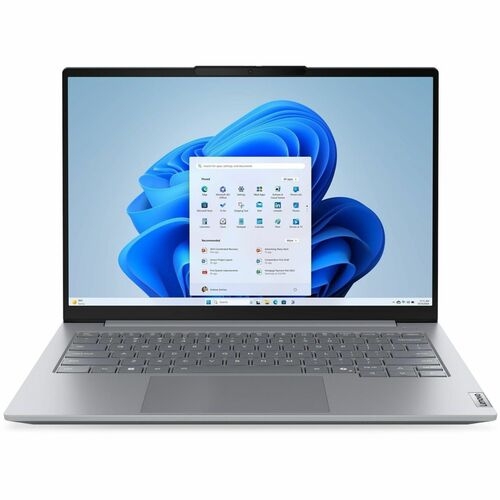
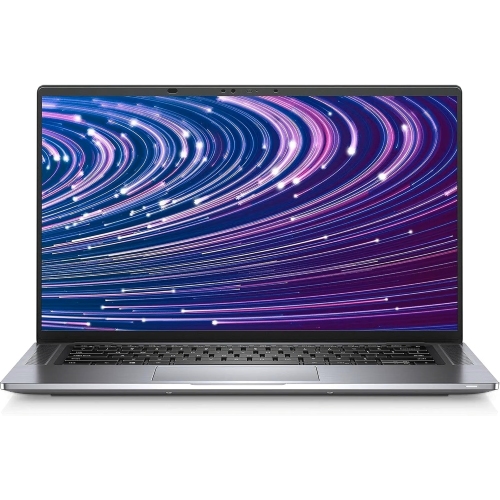

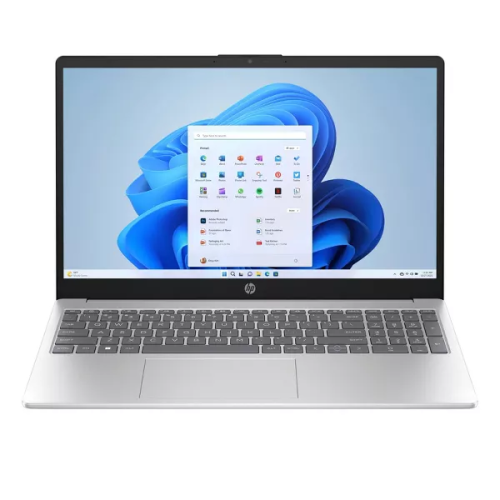
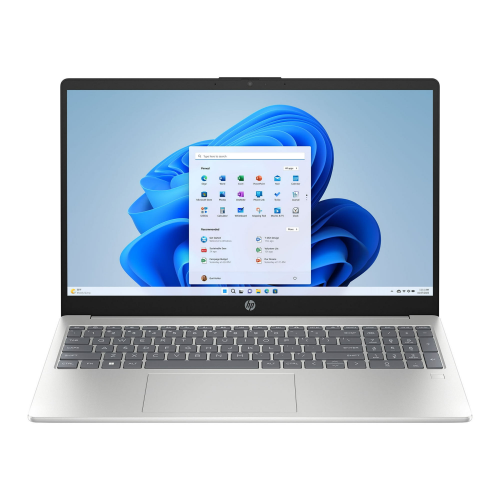
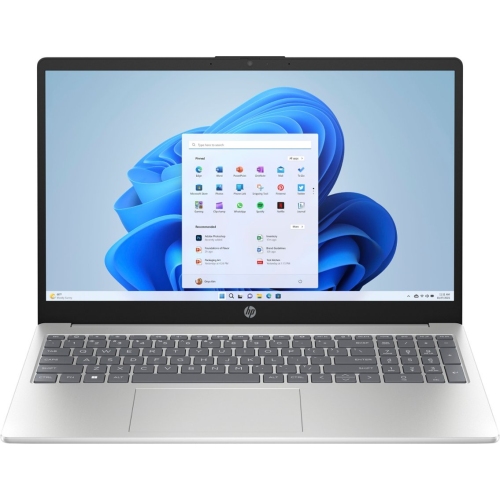
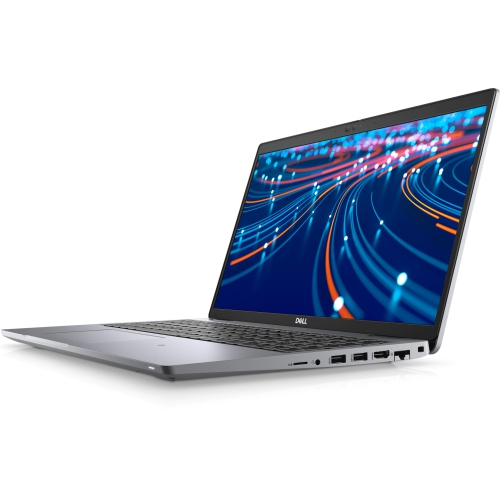
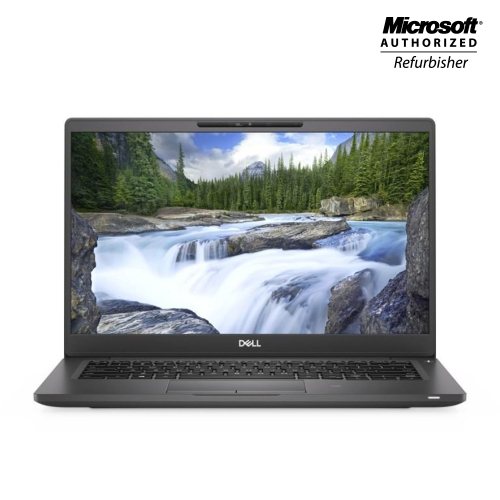
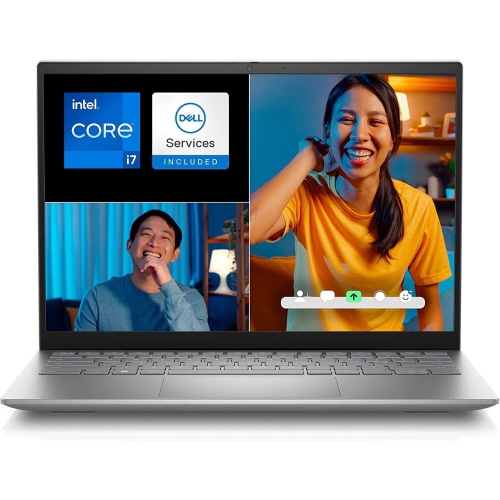
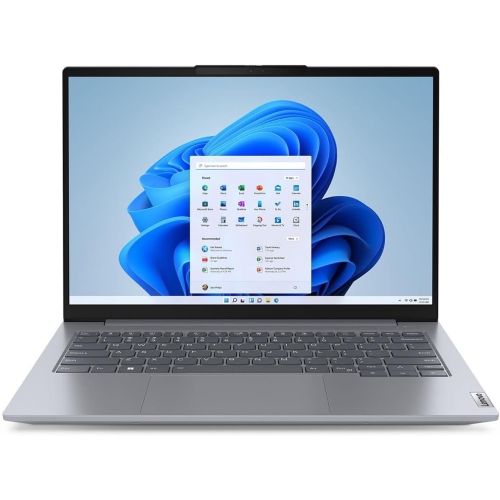
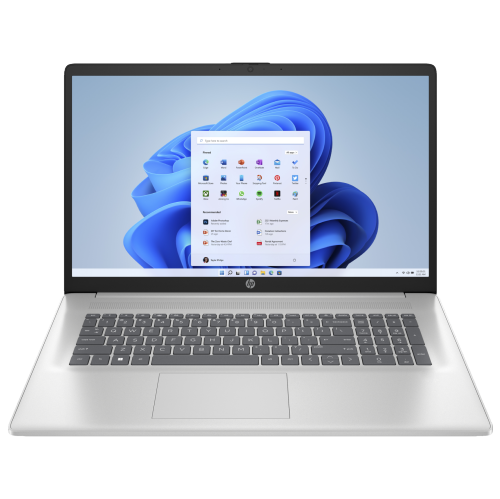
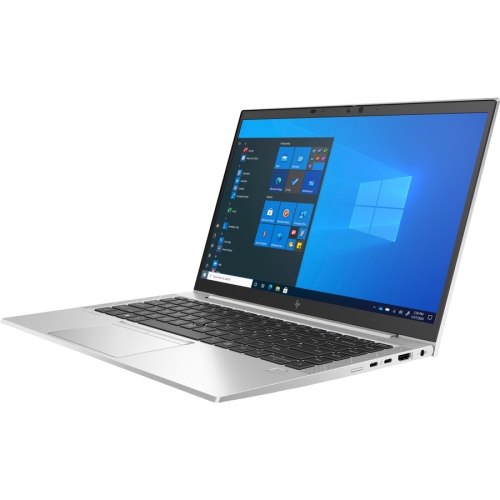
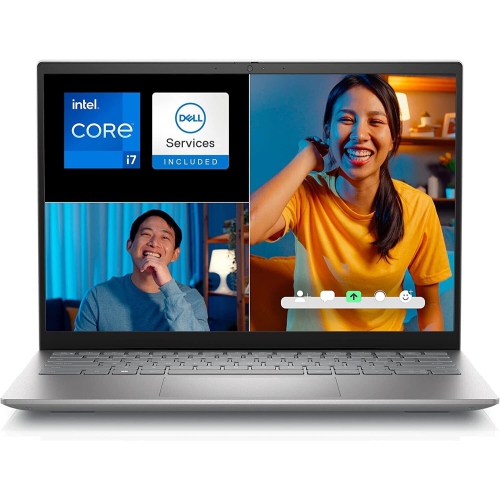
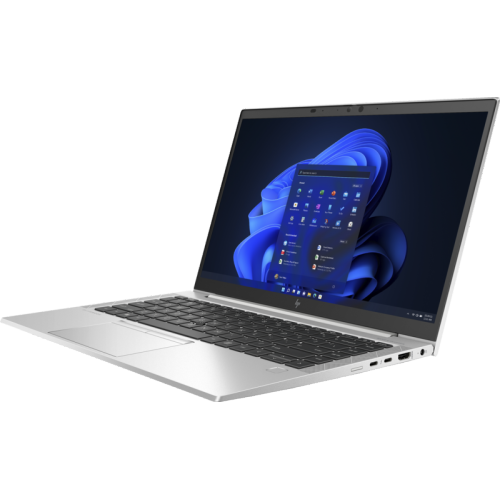
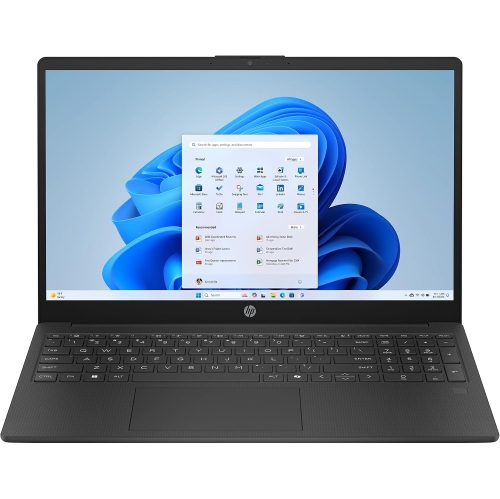
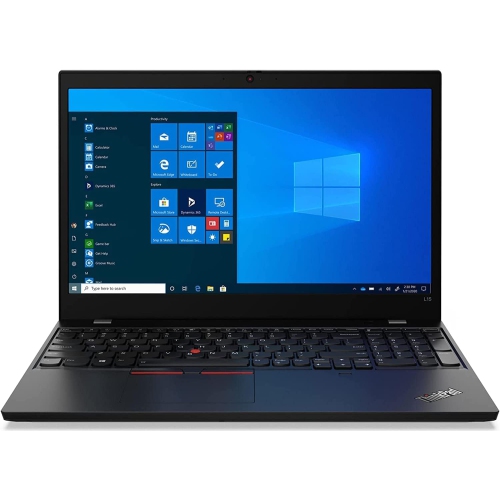
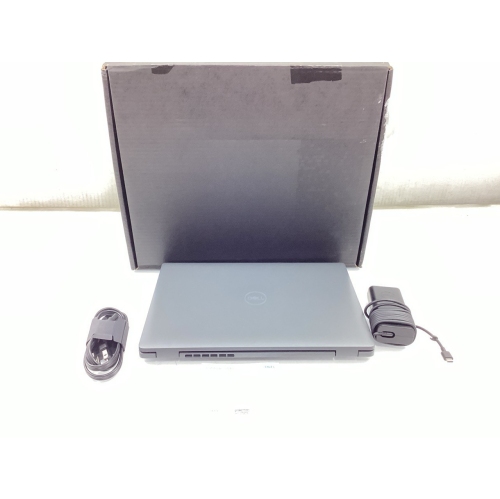
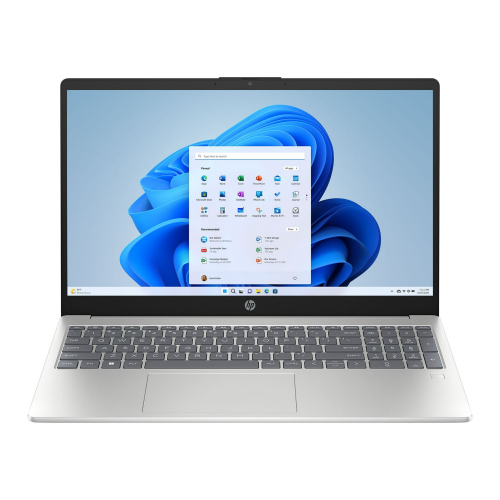
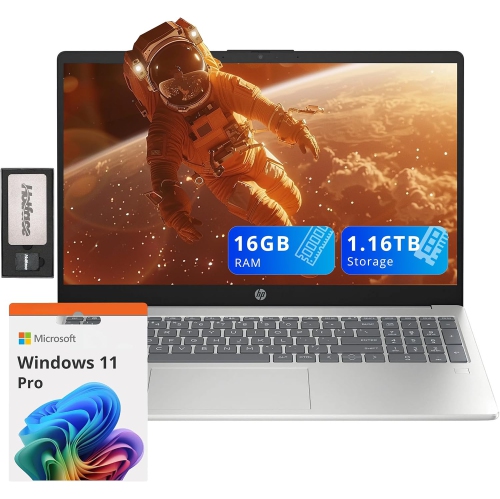

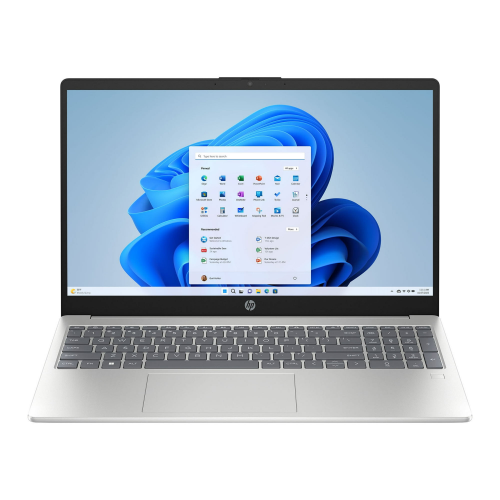
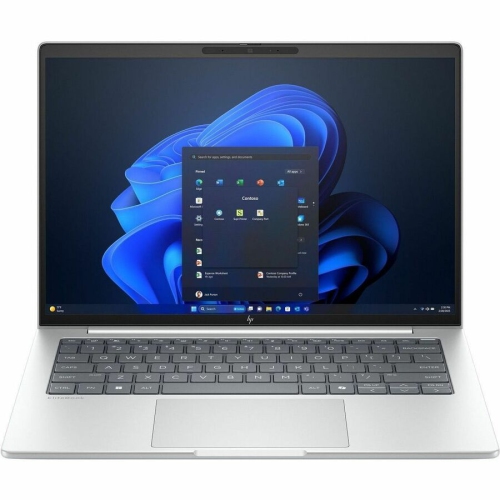
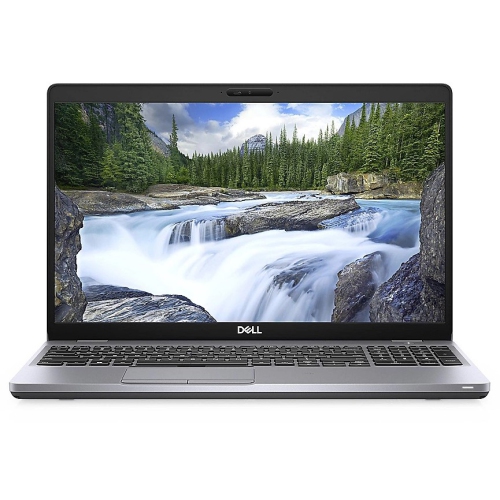
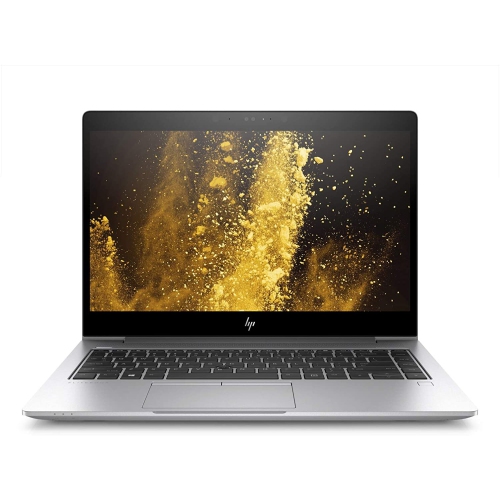
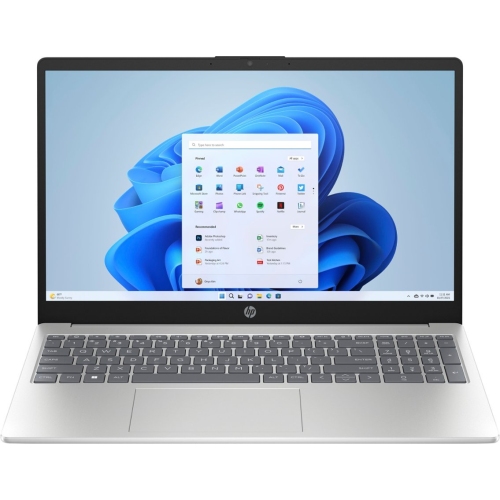
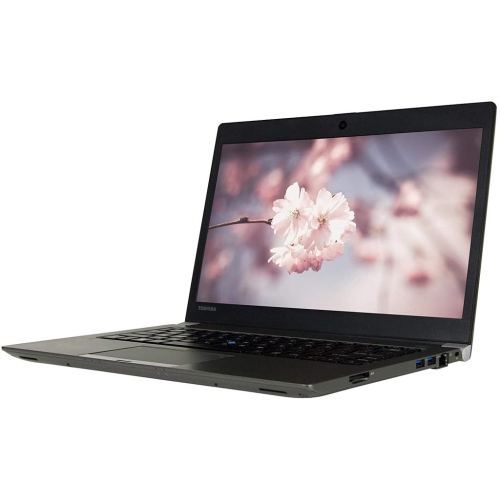
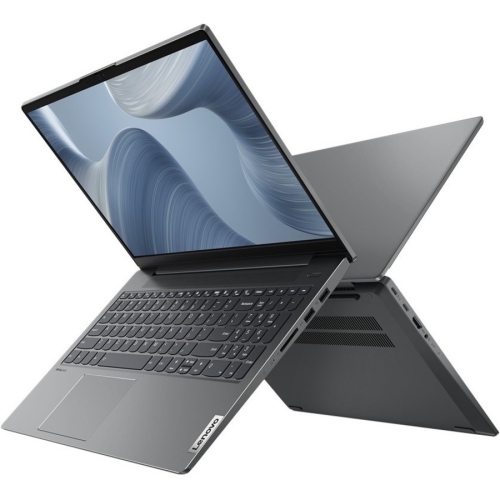
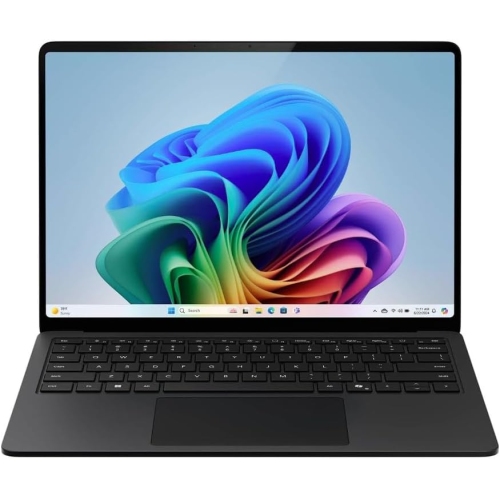
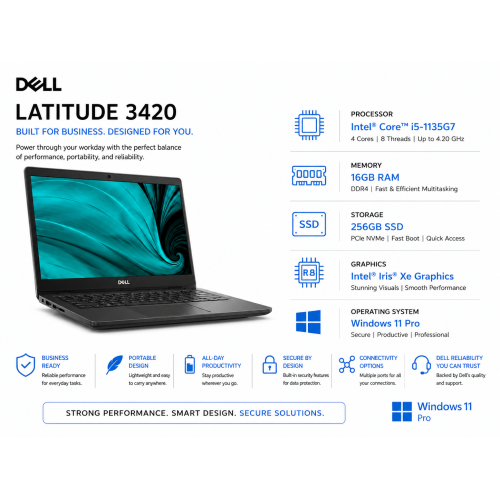
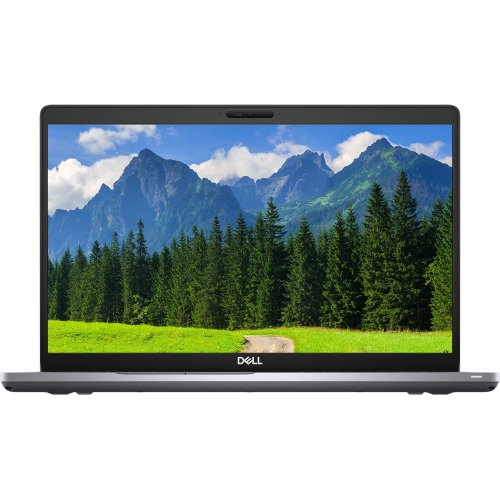
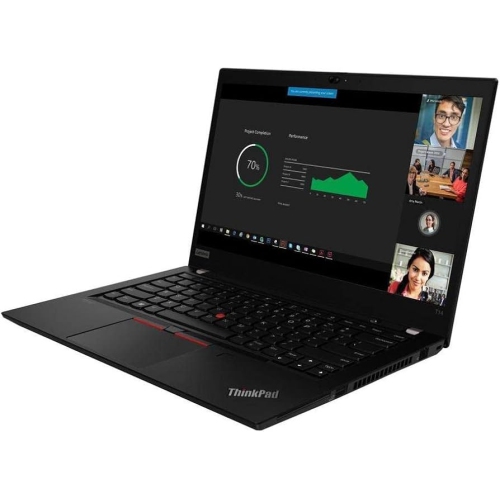
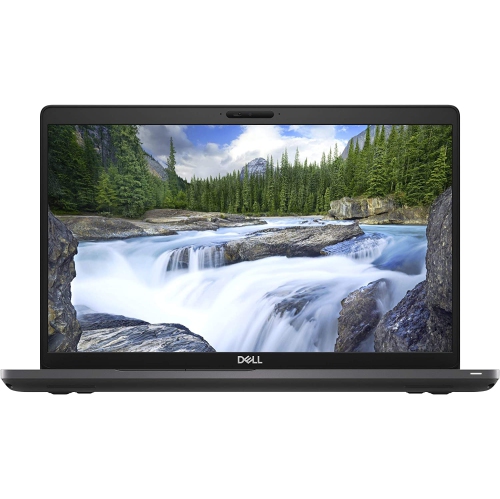
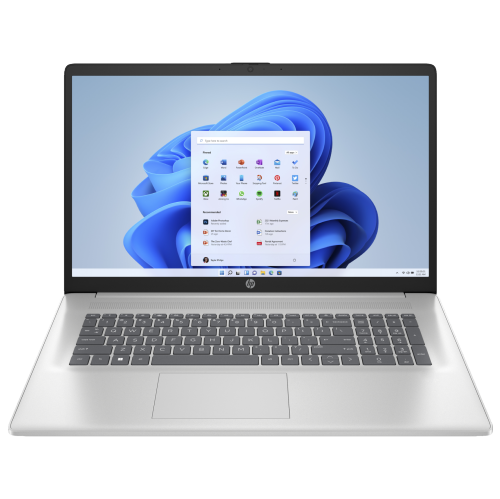
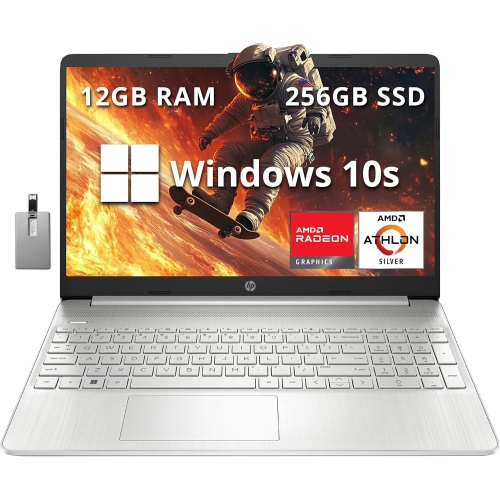
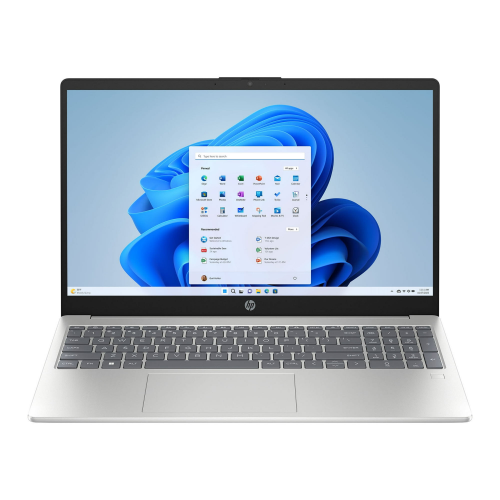
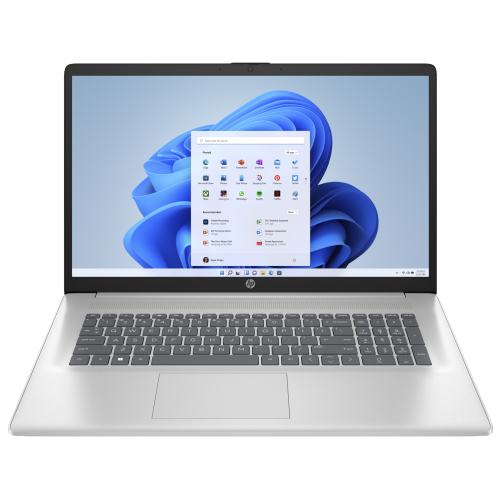
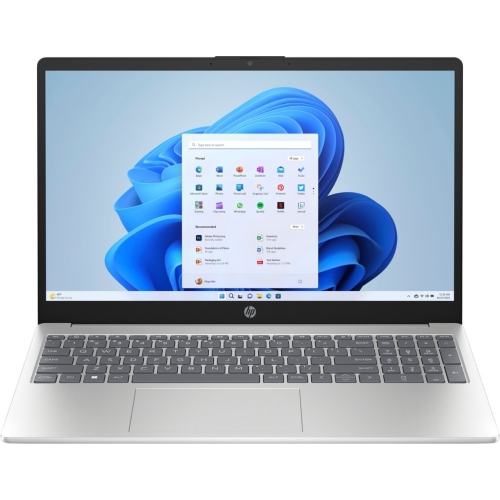
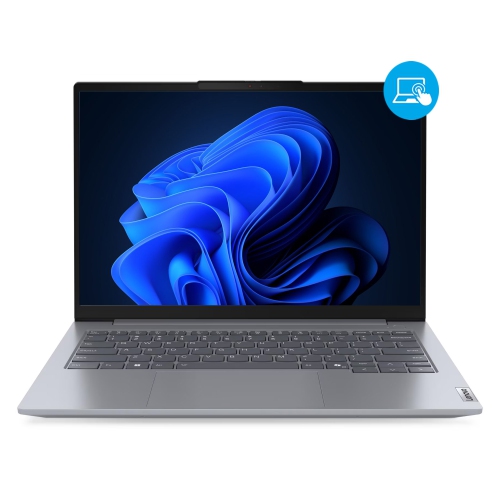
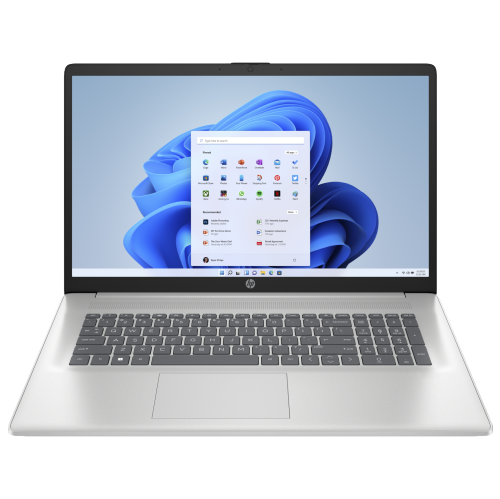
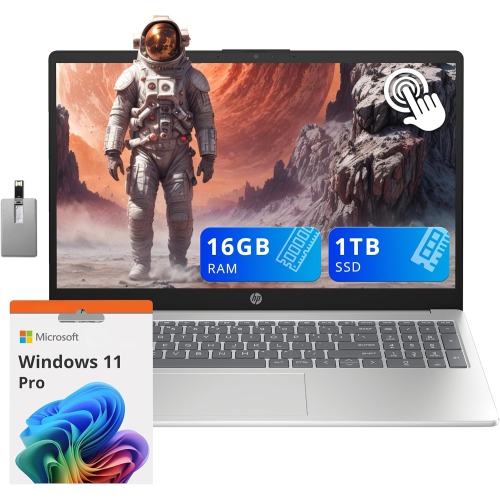
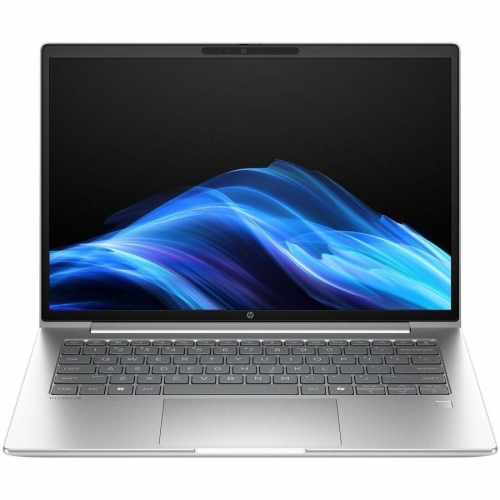
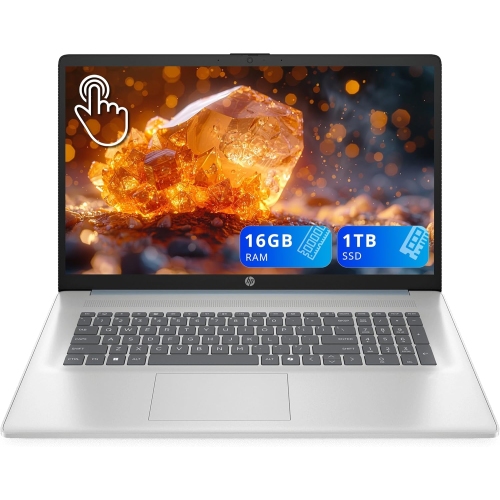
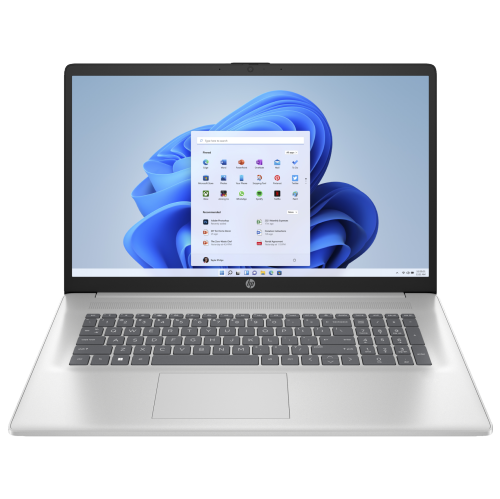
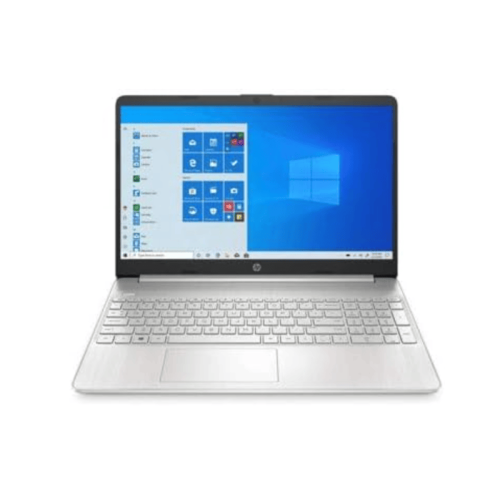
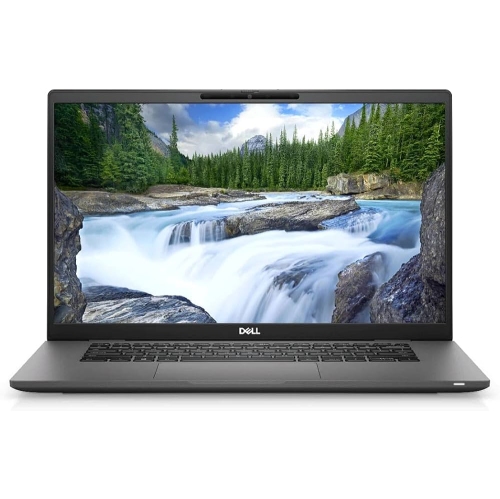
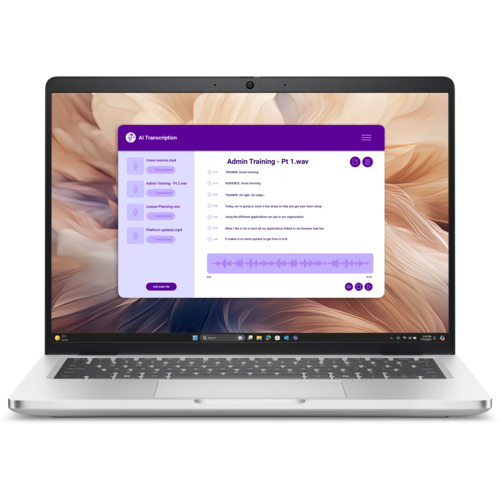
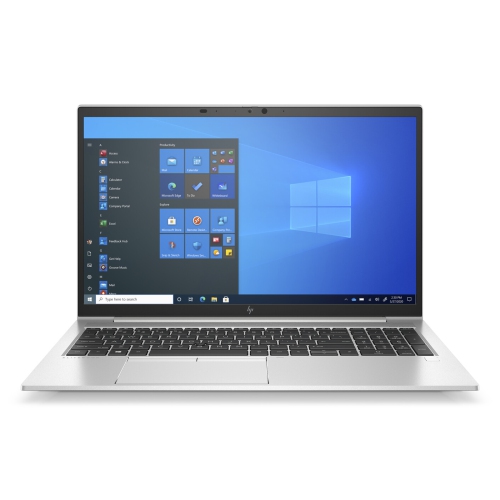
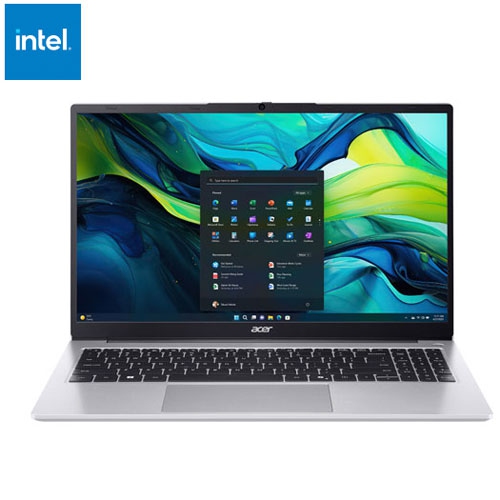
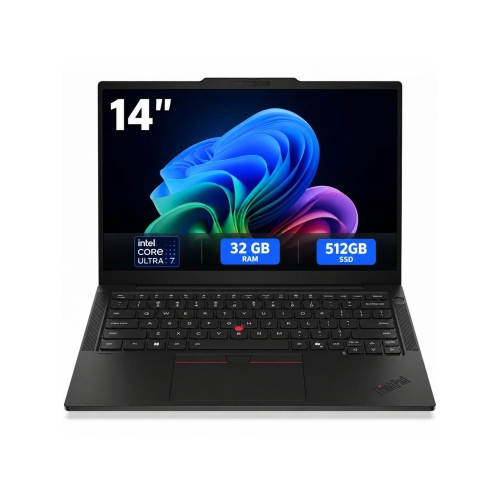
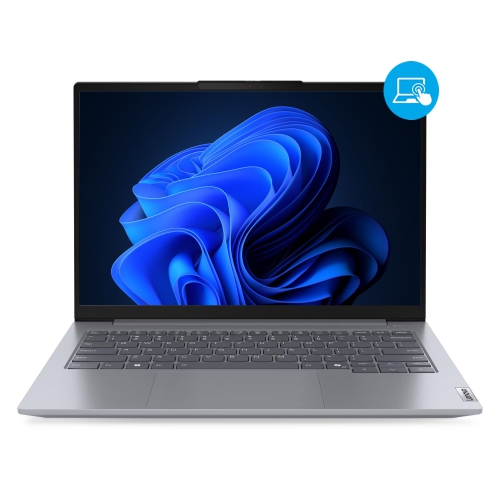
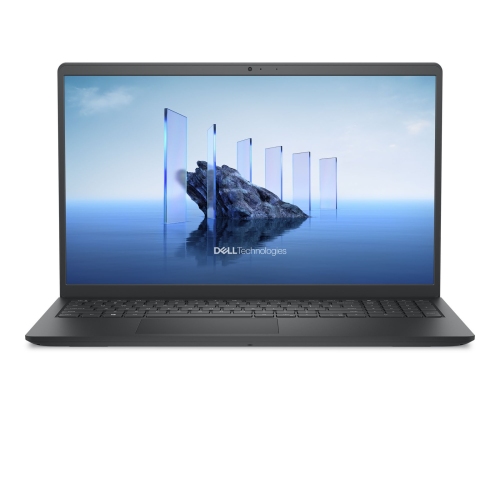
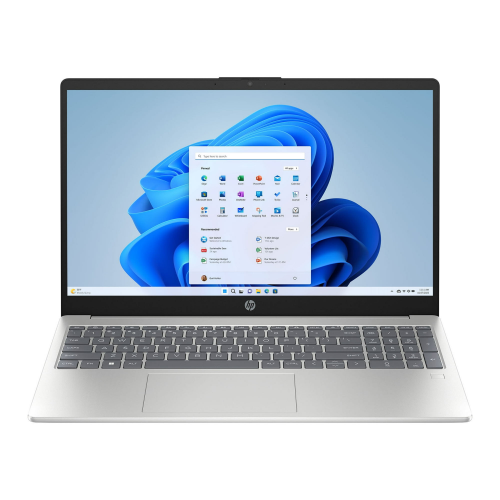
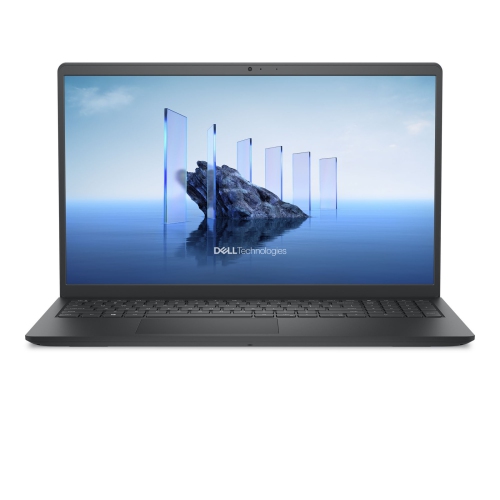
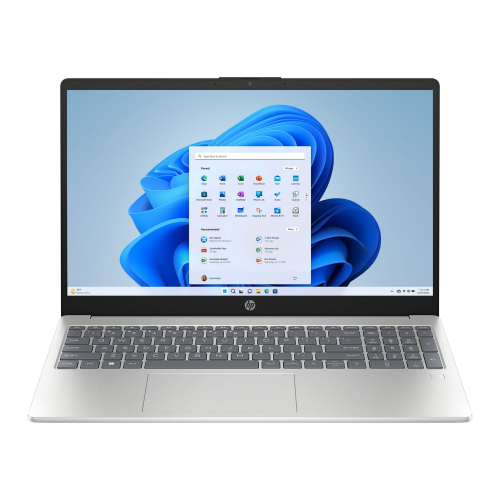
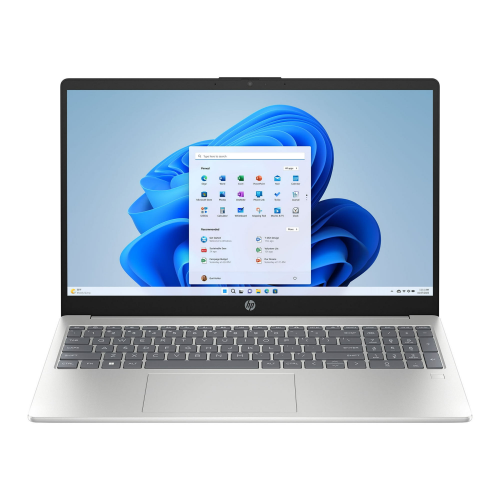
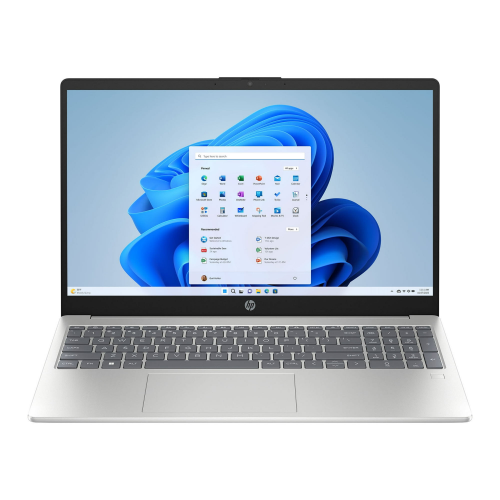
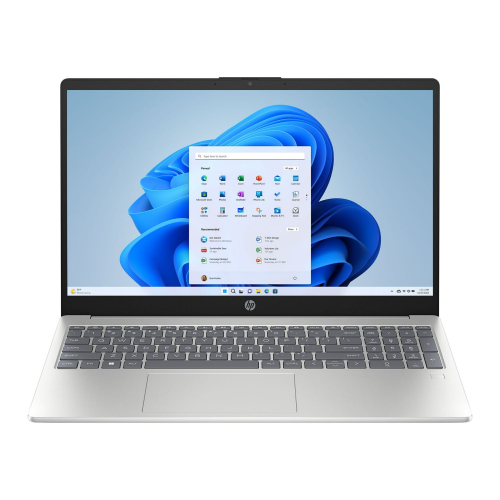
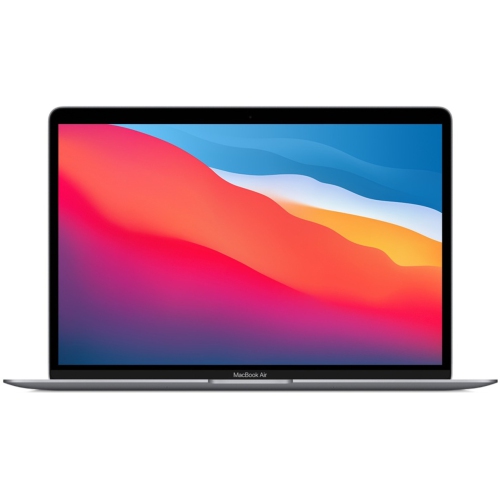
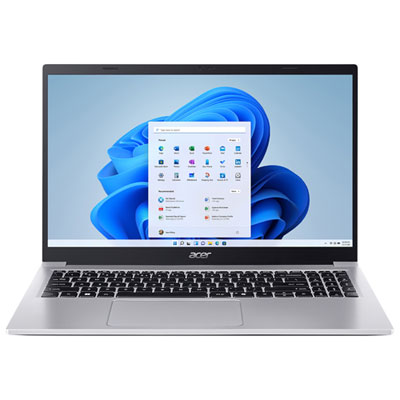
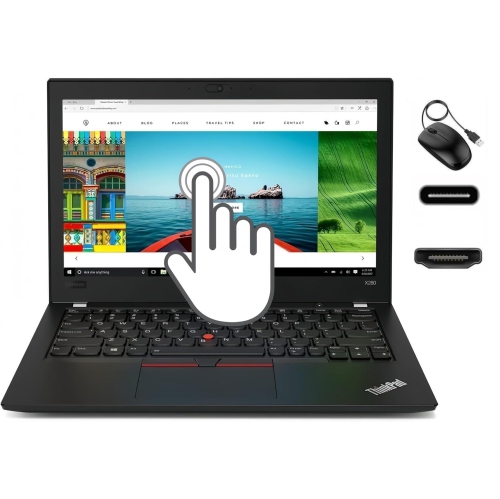

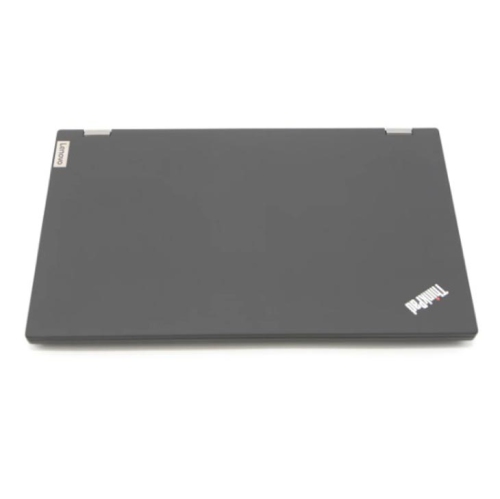
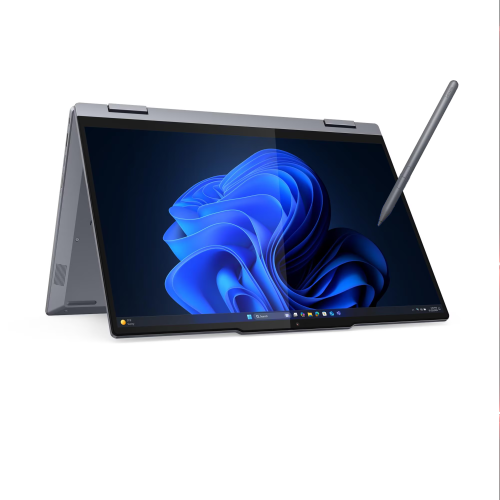
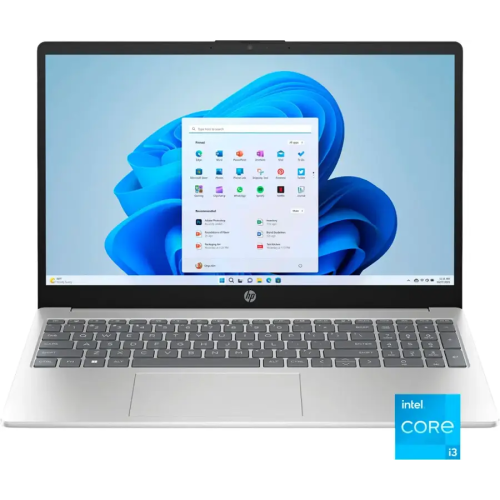
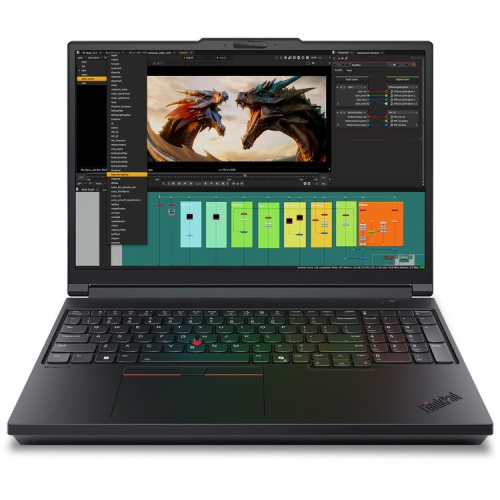
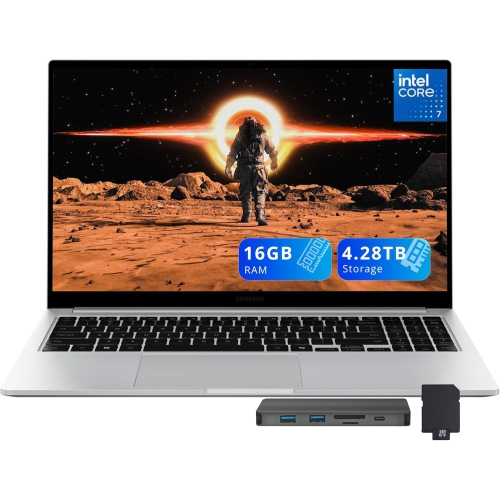
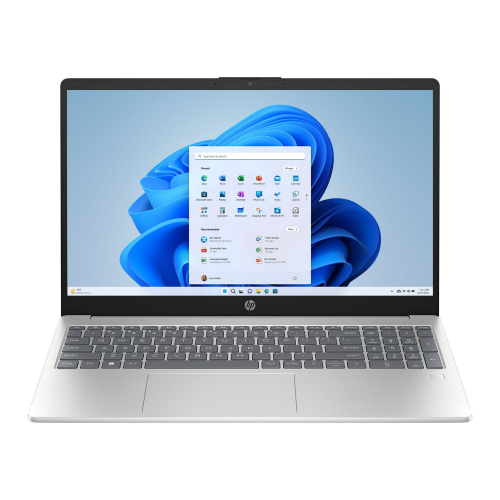
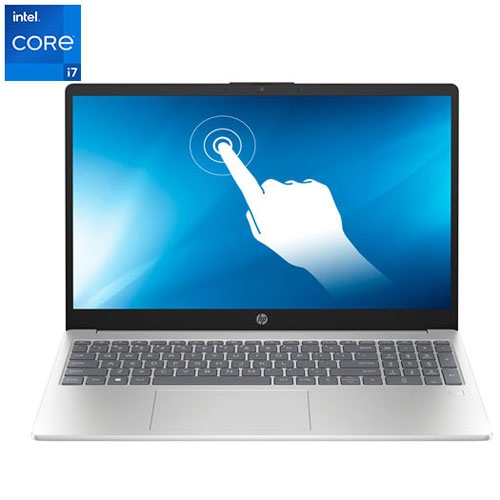
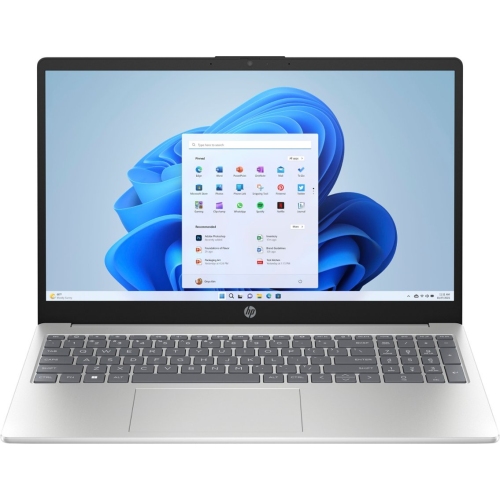
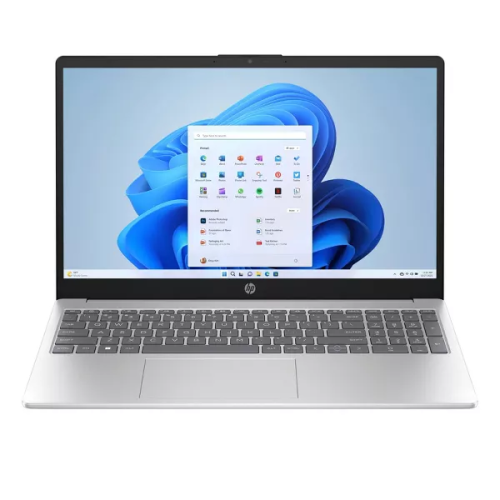
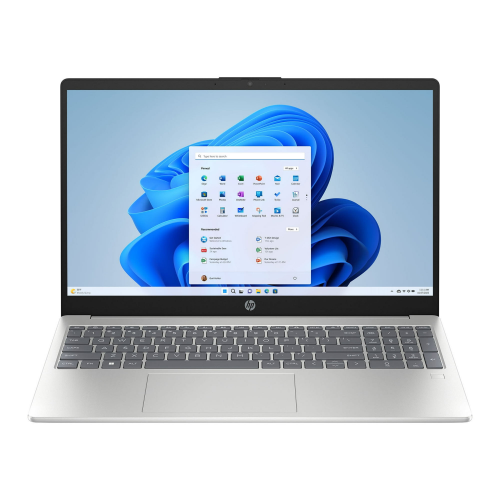
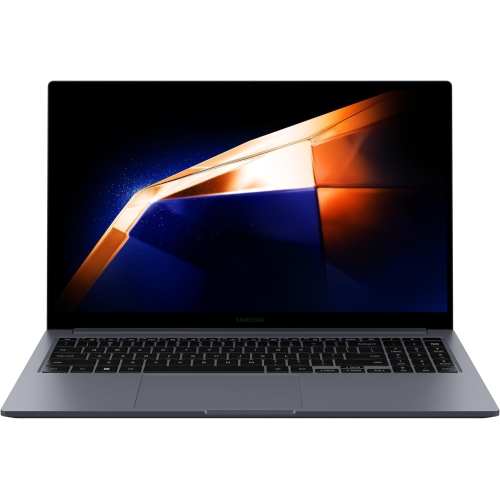
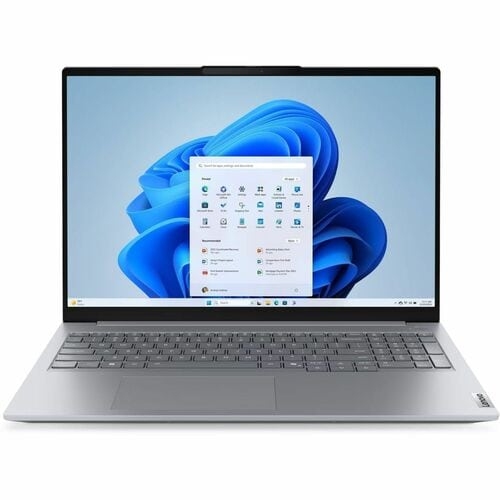
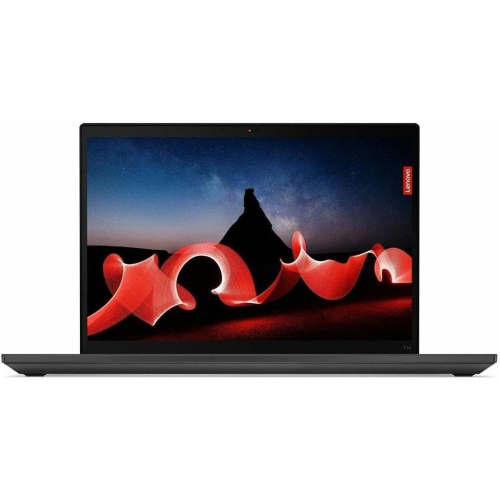
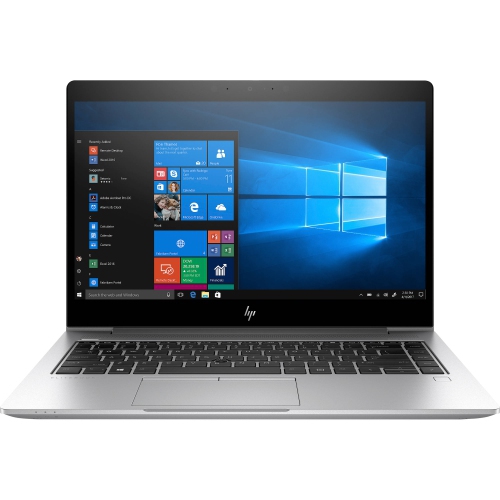
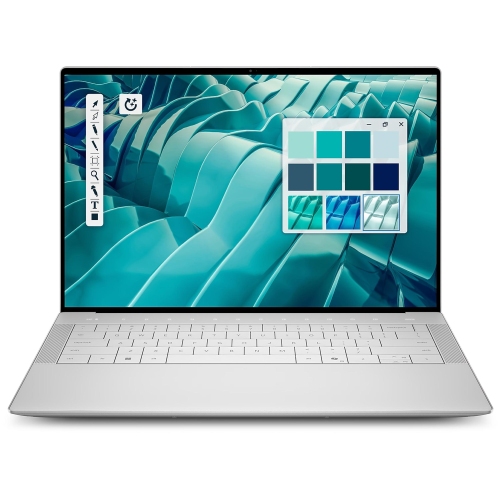
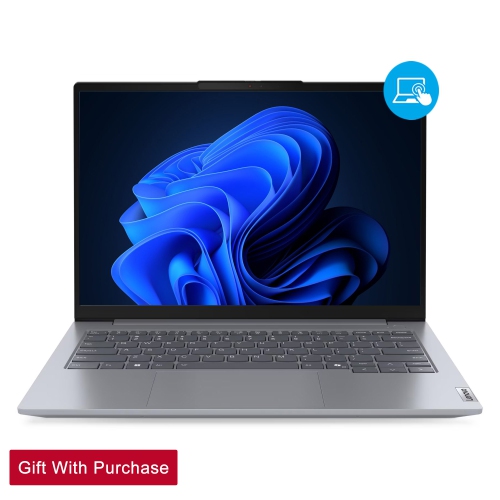
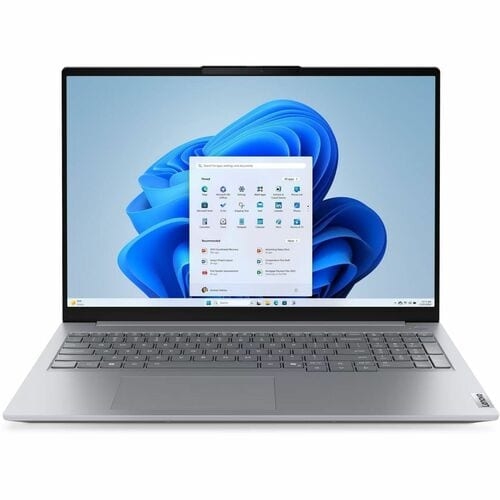
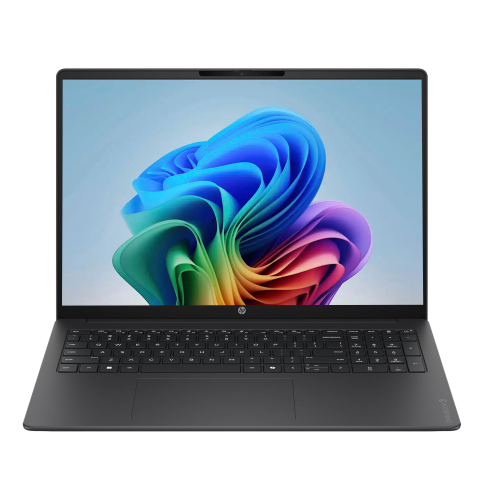
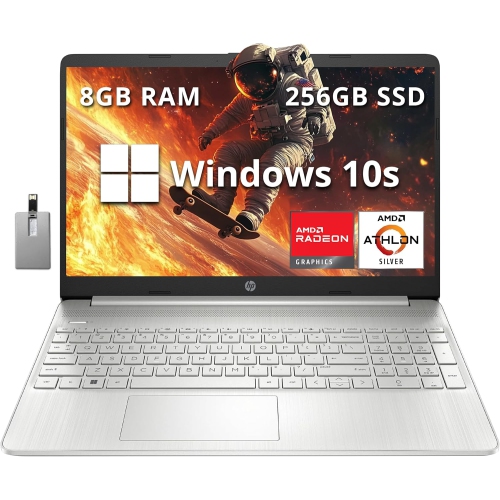
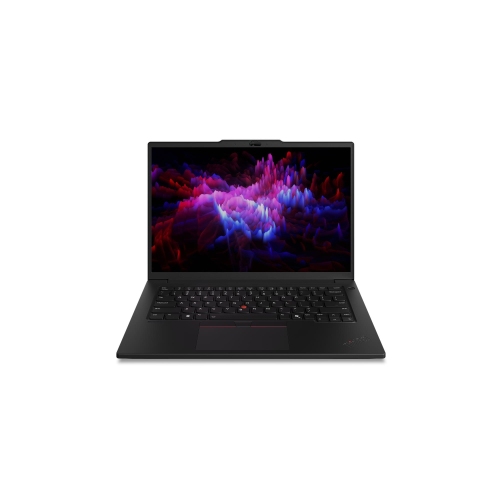
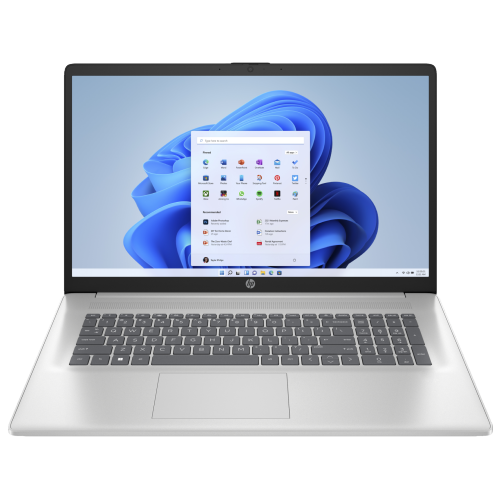
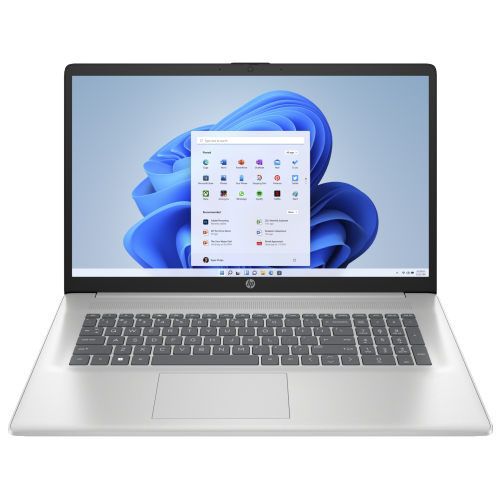
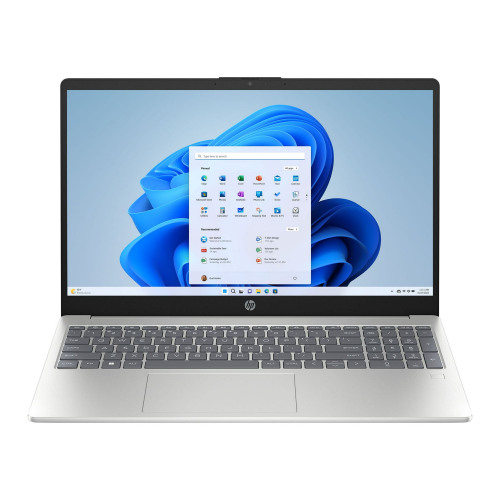
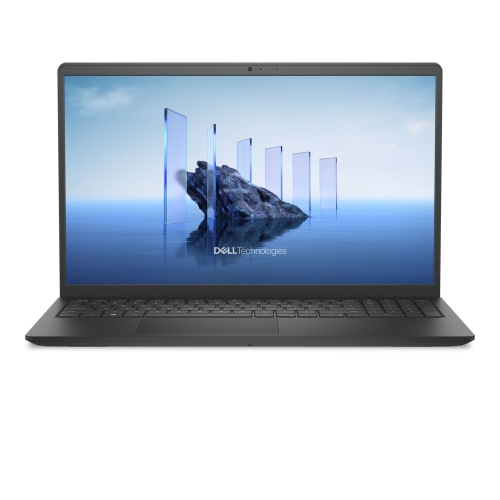
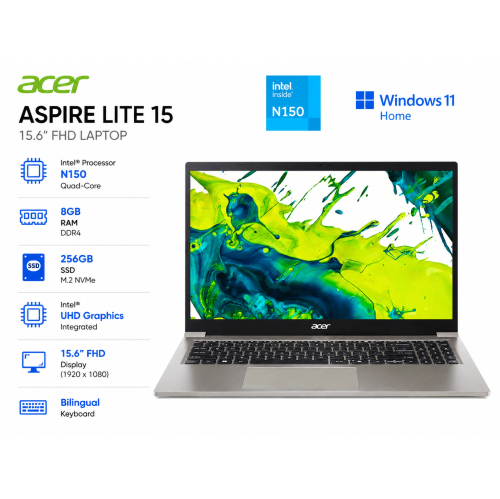
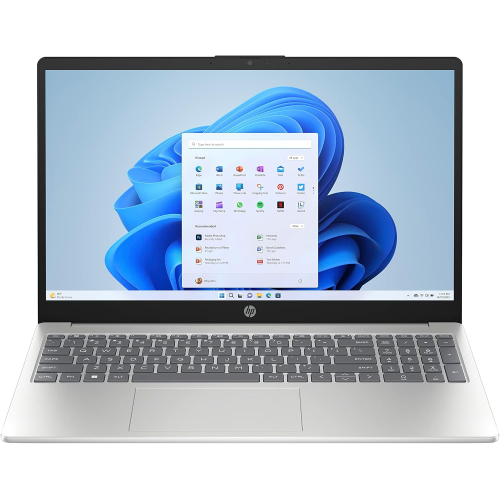
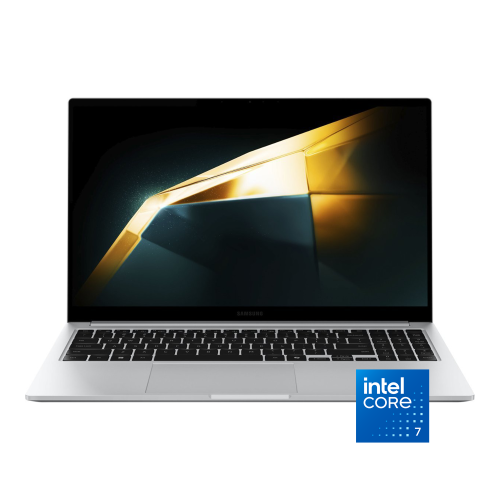
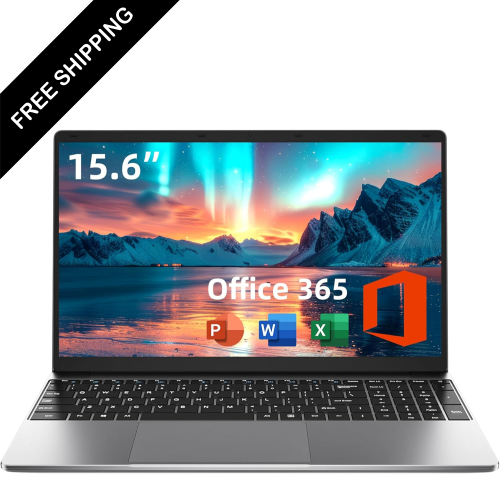
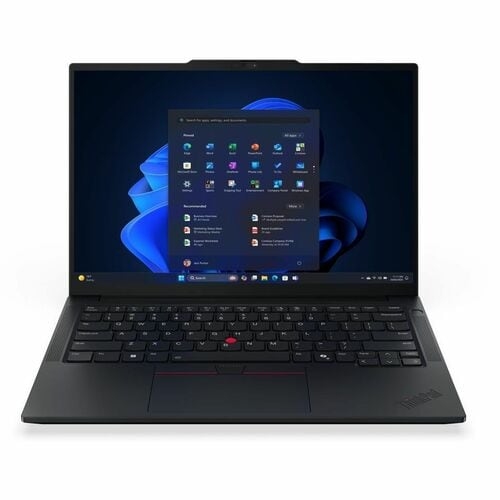
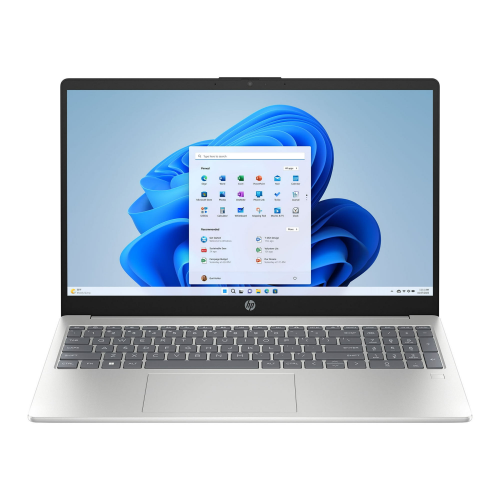
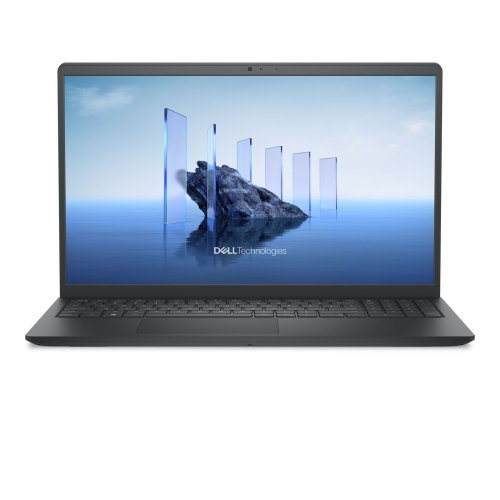
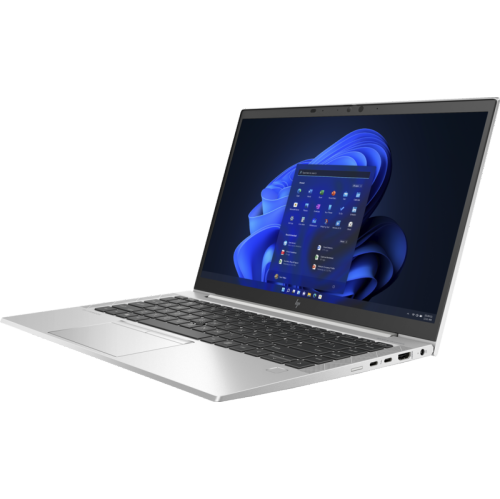
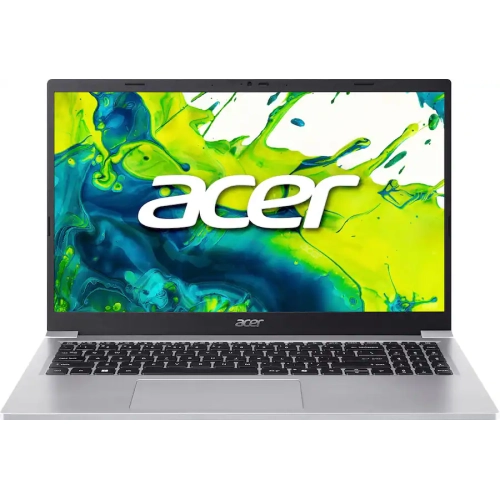
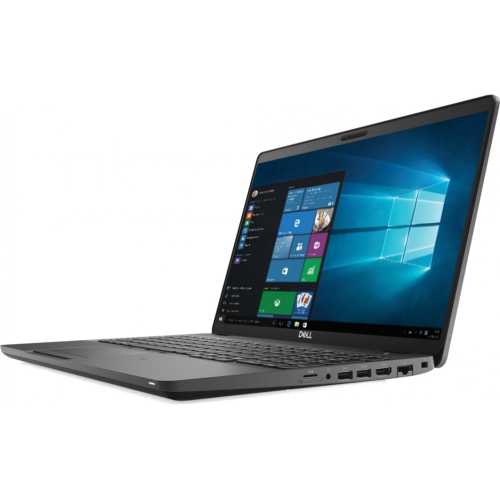
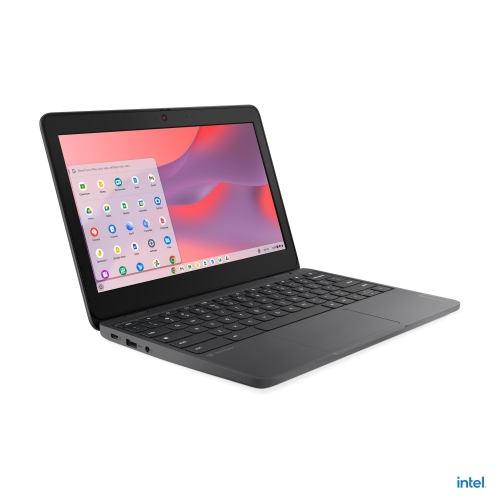
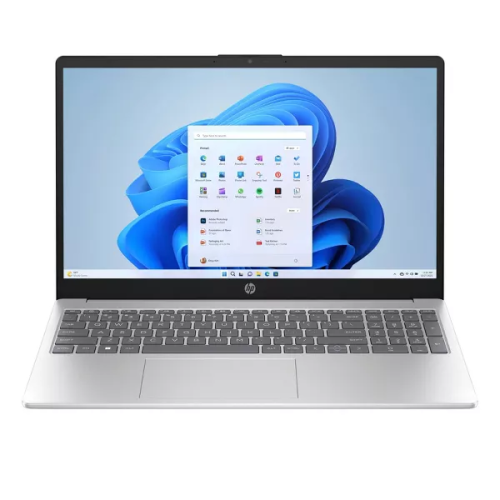
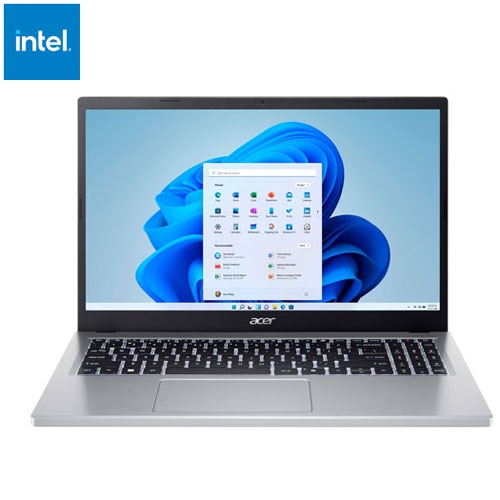
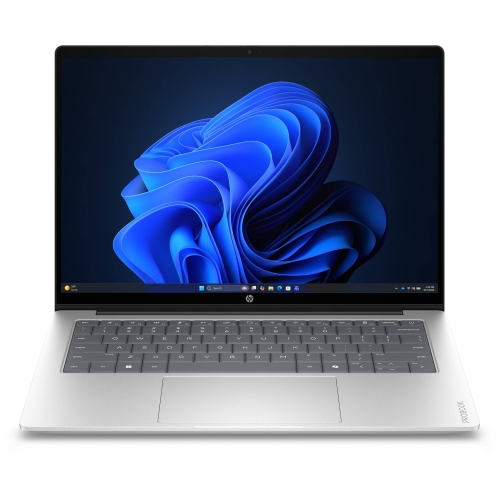
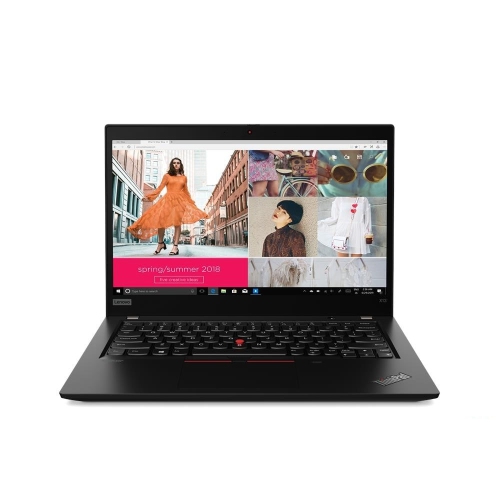

Why solid-state storage makes everyday computing feel faster
Notebooks with SSD storage use a solid-state drive to hold the operating system, applications, and saved files. Unlike a mechanical hard drive, an SSD stores data in flash memory without spinning platters or a moving read head. That difference typically means faster startup, quicker application loading, and shorter waits when opening or copying files, making everyday tasks feel more responsive. A notebook can move from a closed lid to a working document with less interruption, while a large folder of photos is easier to browse without repeated pauses. The drive itself operates silently, although the notebook’s cooling fans may still be audible. Having no moving parts also makes an SSD less vulnerable to damage from movement than a mechanical drive, but it does not make the screen, hinges, or computer body impact-proof. Storage capacity remains an important distinction within this category. A 256GB SSD can suit lighter use centred on documents, email, and online services, while 512GB provides more room for applications, photos, and files kept locally. A 1TB or 2TB drive offers additional space for larger game libraries, video projects, or extensive photo collections. The usable space is lower than the advertised capacity because formatting, system files, and preinstalled software occupy part of the drive. SSD speed also varies: SATA drives provide the benefits of solid-state storage, while NVMe drives communicate through PCIe and can deliver higher transfer speeds, particularly with large files. Those differences may be more noticeable when moving video footage than when writing an email. SSD storage is separate from RAM, which holds information actively being used by open applications. More storage creates room for files; more RAM can help with multitasking. The related selection of Laptops With Flash Storage reflects the same underlying approach to storing data electronically, with individual notebooks differing in capacity, drive speed, and overall performance.
The practical appeal of an SSD notebook depends just as much on its shape, screen, and everyday controls as on its storage. A compact notebook with a 13-inch or 14-inch display can fit more comfortably on a lecture desk or in a shoulder bag, while a 15-inch or 16-inch display gives spreadsheets, side-by-side documents, and editing timelines more breathing room. Screen size alone does not determine portability: the notebook’s weight, thickness, and charger all contribute to what gets carried between home, school, and work. Resolution affects how much detail appears on screen, and brightness and surface finish influence how comfortably text can be read near a window or under overhead lighting. Colour accuracy matters for photography and design, while a higher refresh rate can make movement look smoother in supported games. Keyboard layout and touchpad size also shape daily comfort. Someone entering figures frequently may appreciate a dedicated number pad, whereas a student taking notes in a small classroom may place more value on a compact layout and comfortable key spacing. Notebook bodies may use aluminium, magnesium alloys, plastic, or combinations of materials; rigidity, hinge construction, and protective handling matter alongside the material itself. Battery life varies with the processor, screen, battery capacity, and workload, so SSD storage alone is not a reliable indication of how long a notebook will run between charges. Ports help determine how easily it fits into an existing setup. External displays, wired accessories, memory cards, and storage drives may require different connections, and a USB-C port does not automatically support every charging or display function. Wi-Fi capability supports wireless access, but connection quality also depends on the router and local network. For video calls, a clear webcam, useful microphone pickup, and accessible volume controls can be more meaningful than an especially fast drive. These details distinguish a notebook that performs well on paper from one that feels comfortable through a full day of ordinary use.
SSD-equipped notebooks suit a wide range of people, from students managing assignments to professionals working with presentations, families sharing a household computer, and creators organizing demanding projects. For someone moving between browser tabs, a video meeting, and a document, an SSD contributes to responsiveness, while the processor and sufficient RAM help keep those tasks running smoothly together. An 8GB memory configuration can handle lighter workloads, while 16GB offers more room for multitasking; 32GB or more may be useful for demanding creative applications or larger projects. Requirements vary by software, and an SSD cannot compensate for a processor or graphics system that falls short of an application’s needs. Gaming notebooks benefit from faster game loading and installation, but frame rates depend heavily on graphics performance, processor capability, and cooling. For photo and video work, storage capacity matters alongside speed because original files, previews, and exported projects can occupy substantial space. Keeping some free space allows room for updates, temporary files, and new work. Upgrade options differ between notebook designs: some have replaceable SSDs or an additional drive slot, while others offer limited internal access. Drive dimensions, connection type, and manufacturer requirements determine compatibility, so an M.2 label alone does not establish that a replacement will work. Day-to-day care supports both the notebook and the data it holds. A padded sleeve helps protect the body during travel, clear ventilation openings allow cooling to function properly, and a soft cloth used according to the manufacturer’s directions helps keep the screen clean. Important files still need a separate backup, since an SSD can fail and does not protect against accidental deletion, theft, or liquid damage. External storage or an appropriate online backup service can provide another copy of essential work. As a gift for a student, a new professional, or a family member replacing an older computer, an SSD notebook is most useful when its operating system, screen size, storage capacity, and application compatibility match the recipient’s established habits.
Top selling and popular products
-
 Your price for this item is $449
-
 Your price for this item is $3099
-
 Your price for this item is $1800.68
-
 Your price for this item is $664.05
-
 Your price for this item is $869.99
-
 Your price for this item is $2960.48
-
 Your price for this item is $499.68
-
 Your price for this item is $1951.79
Discover more categories related to Notebooks With SSD
Top Collections:
Best Black Friday Deals This Year, Best Black Friday Deals On Electronics, Kindle Devices, Pokemon Centers, Best Black Friday Deals On Apple Products, Best Cameras for Sports Photography, Dyson Airwrap, Pokémon 30th Celebration Cards, Apple iPhone 17 Pro, Canon G7X Cameras
Some products may be subject to Environmental Handling Fees
(EHF) depending on your province.
Learn more about EHFs.