Nvidia Desktops
Explore the cutting-edge world of NVIDIA desktops at Best Buy Canada, where performance meets innovation. Whether you're a gaming enthusiast, a creative professional, or someone who demands high-powered computing, NVIDIA desktops offer unparalleled graphics capabilities and processing power to elevate your digital experience. With a range of configurations designed to meet various needs, these desktops are equipped to handle everything from intensive gaming sessions to complex design projects. Dive into our selection of NVIDIA desktops and find the perfect powerhouse to fit your lifestyle and computing demands.
Sort
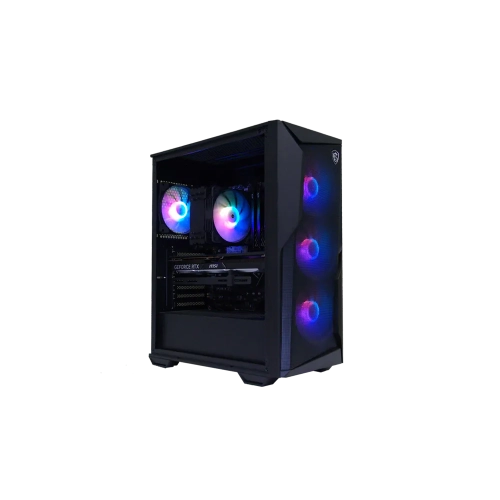
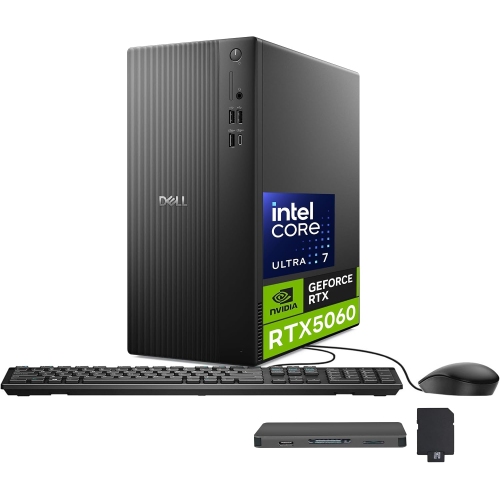
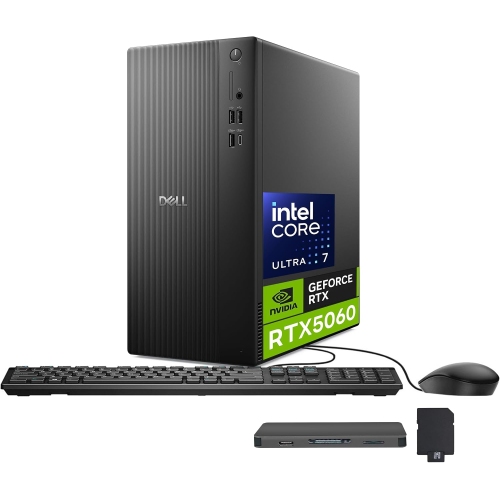
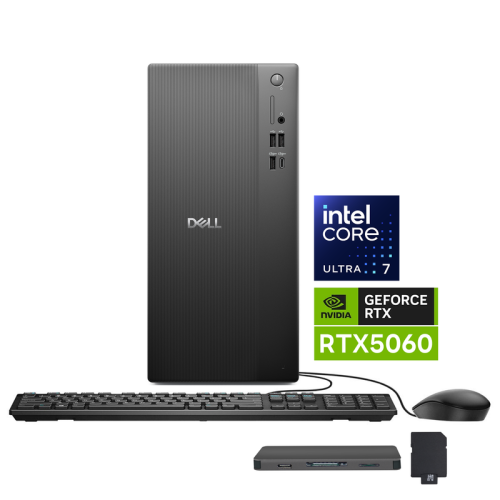
When dedicated graphics make a difference on desktops
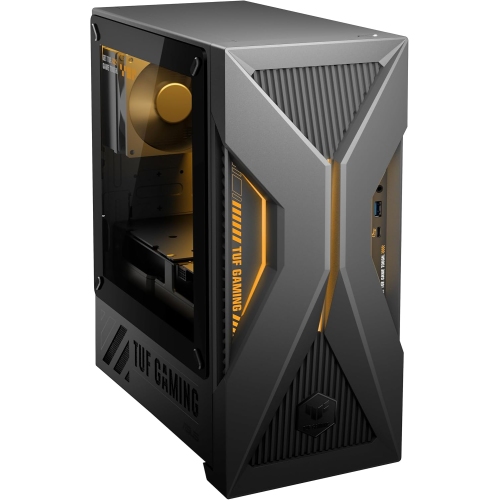
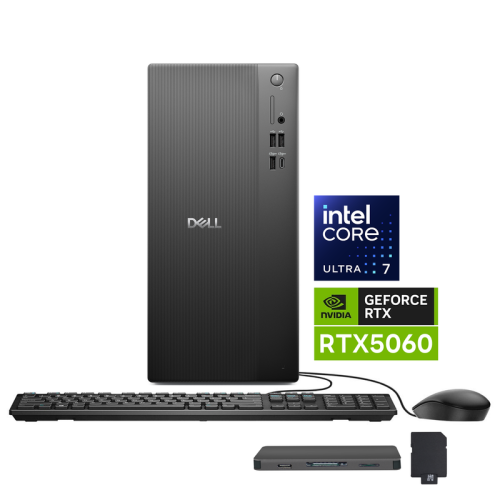
Desktop computers with dedicated graphics bring together everyday computing power and specialised hardware for gaming, creative projects, and demanding professional tasks. Unlike systems that rely solely on graphics integrated into the processor, these desktops include a separate graphics processor with its own video memory. That hardware can help render detailed game worlds, accelerate supported editing tools, and handle complex visual workloads while leaving system memory available for other applications. The category spans pre-built gaming towers, compact desktops, and professional workstations, each suited to different spaces and routines. A gaming desktop might anchor an evening of online matches, then serve as a study station the following morning. A creative desktop might support photo editing, animation, or a video timeline filled with high-resolution footage. Professional workstations place more emphasis on requirements such as application compatibility, validated drivers, and dependable performance through lengthy rendering or design sessions. For shoppers interested in hardware that supports advanced lighting effects and compatible AI-assisted graphics features, RTX Desktops offers a related category to explore. Feature support varies by graphics generation, application, and game, so a graphics family name alone does not describe the complete experience. Ray tracing can produce more realistic reflections, shadows, and lighting in supported games, while supported upscaling technologies can improve frame rates by reconstructing a higher-resolution image from a lower-resolution render. Frame generation is another feature found on some configurations, although compatibility and results differ. These capabilities matter most when they match the way a desktop will actually be used. Someone playing fast-paced games on a high-refresh-rate display has different priorities from someone building architectural scenes or editing family videos. For everyday browsing, documents, and video calls, dedicated graphics may offer little noticeable benefit; its strengths become clearer when games and applications can put that additional processing power to work. A well-matched desktop therefore depends on the whole configuration, not simply the presence of a separate graphics card.
The processor, graphics card, memory, and storage each contribute to how a desktop feels during a busy day. Graphics performance is especially important as game resolution and visual settings increase, while the processor also affects tasks such as compiling code, running simulations, and maintaining responsiveness across several applications. Video memory holds resources used by the graphics processor, including textures and scene data; larger or more complex workloads can require more of it, but capacity alone is not a measure of graphics speed. System memory serves a different purpose, giving active programs room to operate without constantly moving data to and from storage. For someone switching between a game, voice chat, and a browser, or between an editing application and a folder of source files, that balance can be more useful than a single standout specification. Solid-state storage supports quick startup and responsive file access, while total capacity determines how comfortably a desktop can hold large game libraries, footage, project files, and finished exports. Additional drive slots can provide flexibility as those collections grow, though expansion options vary by case and motherboard. Display compatibility deserves similar attention. The graphics outputs need to match the monitor connections, resolution, and refresh rate required for the setup, and a dedicated graphics card typically requires the monitor to be connected to its own outputs rather than the motherboard’s display ports. A multi-monitor workspace also depends on the number and type of supported connections. Wired networking can provide a steady connection for large transfers and online play, while Wi-Fi offers more placement flexibility where a network cable is impractical. For creative and technical work, application requirements remain important: not every program uses graphics acceleration in the same way. Local AI tools, three-dimensional rendering, and engineering software may depend on particular hardware capabilities, driver support, and memory capacities. Keeping files on a local desktop can support workflows that do not require cloud processing, but privacy and security still depend on software settings, access controls, and how the system is managed.
The physical design of a desktop affects both where it fits and how comfortable it is to live with. Many towers combine a steel chassis with plastic trim, mesh ventilation, or a tempered-glass side panel. Mesh can give cooling fans a less restricted path for airflow, while glass provides a view of internal components but adds weight and needs careful handling. A compact case can suit a small desk or shared room, although its smaller footprint may limit component clearance, cooling options, and future upgrades. A larger tower often provides more working space inside, but it still needs clearance around its ventilation openings and room behind it for cables. Placing any performance desktop inside a tightly enclosed cabinet can trap heat, particularly during long gaming sessions or sustained rendering. Fan sound is another practical consideration for a bedroom, recording area, or quiet home office; cooling design, component power demands, and workload all influence noise levels. Air cooling and liquid cooling are both used in performance desktops, and neither description alone guarantees quieter operation or greater durability. Routine care is usually straightforward: keep vents clear, clean accessible dust filters according to the manufacturer’s directions, and power down and unplug the system before exterior cleaning. A soft cloth is suitable for many outer surfaces, with liquids kept away from ports and openings. Long-term flexibility also depends on details that are easy to overlook, including power supply capacity, accessible memory slots, storage connections, and whether the system uses standard or proprietary parts. Warranty terms and service options can matter as much as upgrade potential for a desktop used daily for school or work. As a gift, a graphics-equipped desktop can suit an enthusiastic gamer, a student working in visual media, or a hobbyist developing photography and animation skills. The best fit accounts for the recipient’s software, desk space, existing display, and preferred peripherals, including whether a monitor, keyboard, or mouse is supplied separately. Those practical details help turn a powerful computer into a comfortable, useful setup for both focused projects and downtime.
The processor, graphics card, memory, and storage each contribute to how a desktop feels during a busy day. Graphics performance is especially important as game resolution and visual settings increase, while the processor also affects tasks such as compiling code, running simulations, and maintaining responsiveness across several applications. Video memory holds resources used by the graphics processor, including textures and scene data; larger or more complex workloads can require more of it, but capacity alone is not a measure of graphics speed. System memory serves a different purpose, giving active programs room to operate without constantly moving data to and from storage. For someone switching between a game, voice chat, and a browser, or between an editing application and a folder of source files, that balance can be more useful than a single standout specification. Solid-state storage supports quick startup and responsive file access, while total capacity determines how comfortably a desktop can hold large game libraries, footage, project files, and finished exports. Additional drive slots can provide flexibility as those collections grow, though expansion options vary by case and motherboard. Display compatibility deserves similar attention. The graphics outputs need to match the monitor connections, resolution, and refresh rate required for the setup, and a dedicated graphics card typically requires the monitor to be connected to its own outputs rather than the motherboard’s display ports. A multi-monitor workspace also depends on the number and type of supported connections. Wired networking can provide a steady connection for large transfers and online play, while Wi-Fi offers more placement flexibility where a network cable is impractical. For creative and technical work, application requirements remain important: not every program uses graphics acceleration in the same way. Local AI tools, three-dimensional rendering, and engineering software may depend on particular hardware capabilities, driver support, and memory capacities. Keeping files on a local desktop can support workflows that do not require cloud processing, but privacy and security still depend on software settings, access controls, and how the system is managed.
The physical design of a desktop affects both where it fits and how comfortable it is to live with. Many towers combine a steel chassis with plastic trim, mesh ventilation, or a tempered-glass side panel. Mesh can give cooling fans a less restricted path for airflow, while glass provides a view of internal components but adds weight and needs careful handling. A compact case can suit a small desk or shared room, although its smaller footprint may limit component clearance, cooling options, and future upgrades. A larger tower often provides more working space inside, but it still needs clearance around its ventilation openings and room behind it for cables. Placing any performance desktop inside a tightly enclosed cabinet can trap heat, particularly during long gaming sessions or sustained rendering. Fan sound is another practical consideration for a bedroom, recording area, or quiet home office; cooling design, component power demands, and workload all influence noise levels. Air cooling and liquid cooling are both used in performance desktops, and neither description alone guarantees quieter operation or greater durability. Routine care is usually straightforward: keep vents clear, clean accessible dust filters according to the manufacturer’s directions, and power down and unplug the system before exterior cleaning. A soft cloth is suitable for many outer surfaces, with liquids kept away from ports and openings. Long-term flexibility also depends on details that are easy to overlook, including power supply capacity, accessible memory slots, storage connections, and whether the system uses standard or proprietary parts. Warranty terms and service options can matter as much as upgrade potential for a desktop used daily for school or work. As a gift, a graphics-equipped desktop can suit an enthusiastic gamer, a student working in visual media, or a hobbyist developing photography and animation skills. The best fit accounts for the recipient’s software, desk space, existing display, and preferred peripherals, including whether a monitor, keyboard, or mouse is supplied separately. Those practical details help turn a powerful computer into a comfortable, useful setup for both focused projects and downtime.
Top selling and popular products
-
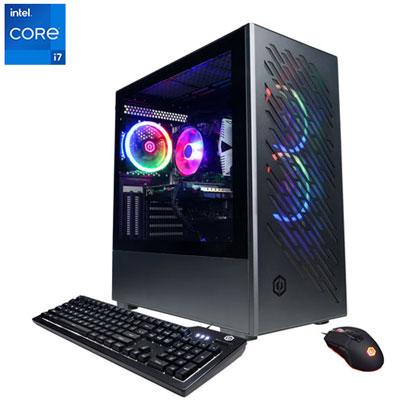 Your price for this item is $1969.99
 -
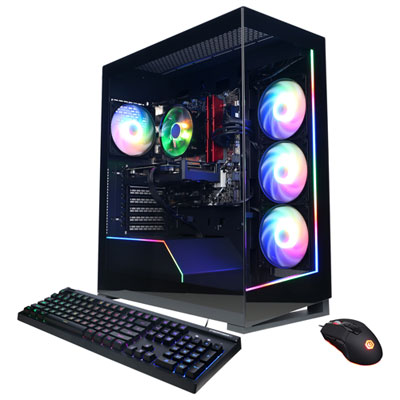 Your price for this item is $1059.99
 -
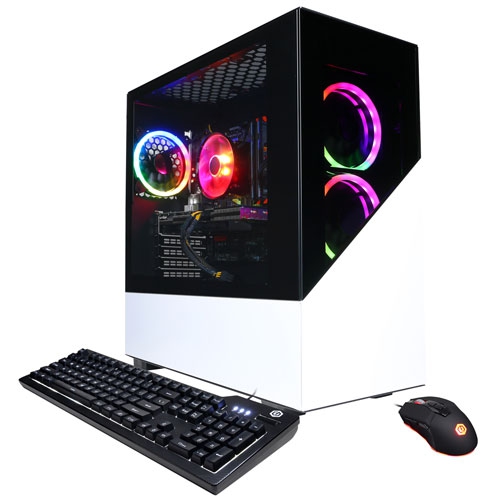 Your price for this item is $1274.97
 -
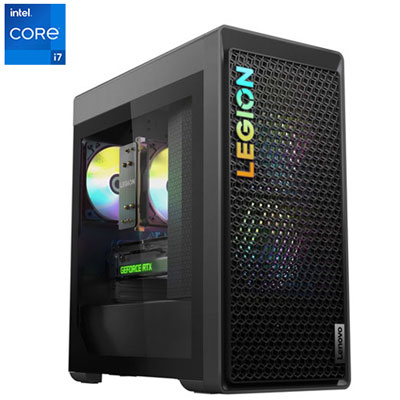 Your price for this item is $2499.95
 -
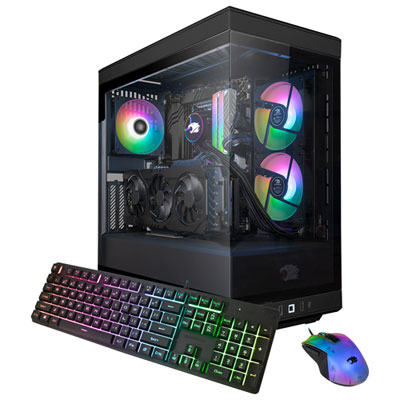 Your price for this item is $2309.99
 -
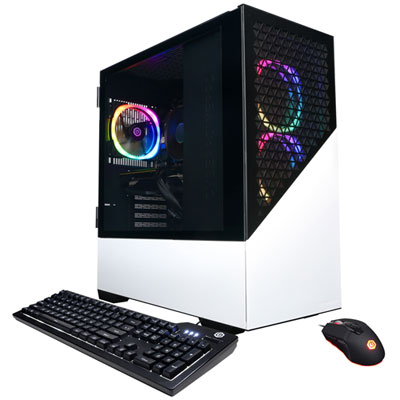 Your price for this item is $1669.99
 -
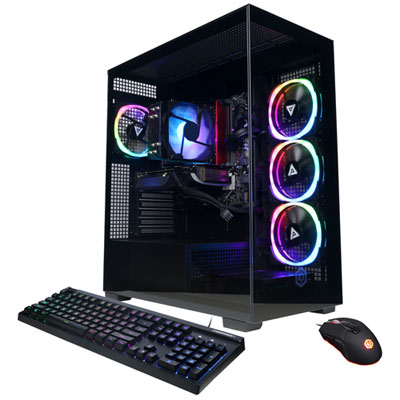 Your price for this item is $1839.99
 -
 Your price for this item is $3499.99
Discover more categories related to Nvidia Desktops
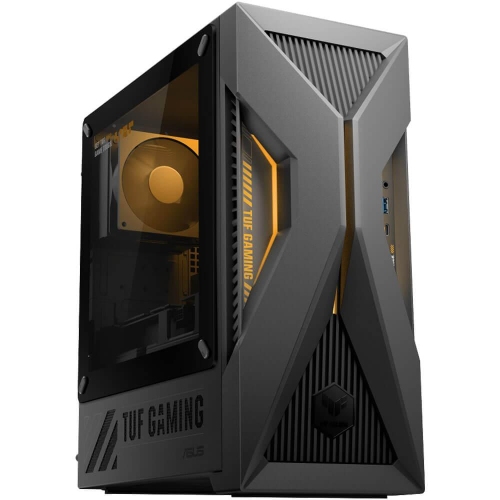
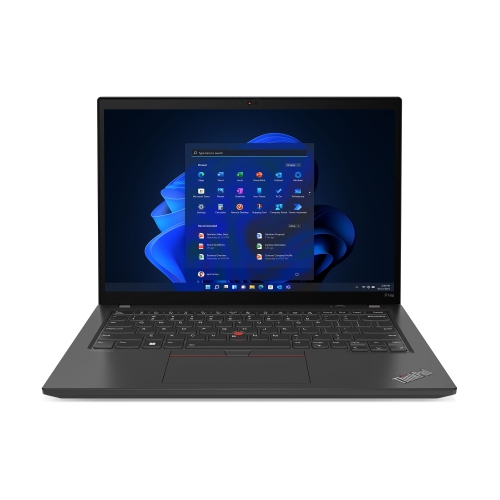
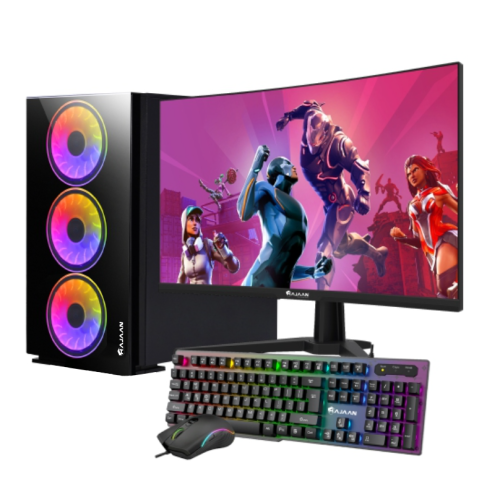
Top Collections:
Pokemon Centers, Best Cameras for Sports Photography, Kindle Devices, Samsung Galaxy Phones, Canon G7X Cameras, Pokémon 30th Celebration Cards, Refurbished Apple Laptops, iPhone 15 Apple, Laptops for Students, Budget Smartphones
Some products may be subject to Environmental Handling Fees
(EHF) depending on your province.
Learn more about EHFs.