Office Tech Gifts
Finding the perfect office tech gifts is easier than ever with a wide selection designed to boost productivity and add convenience to any workspace. Whether you’re shopping for colleagues, employees, or your own home office setup, there are plenty of options that combine style and functionality. Explore innovative choices that help make everyday tasks more efficient and enjoyable. With so many possibilities, it’s simple to find office tech gifts that suit every professional’s needs and preferences.
Sort
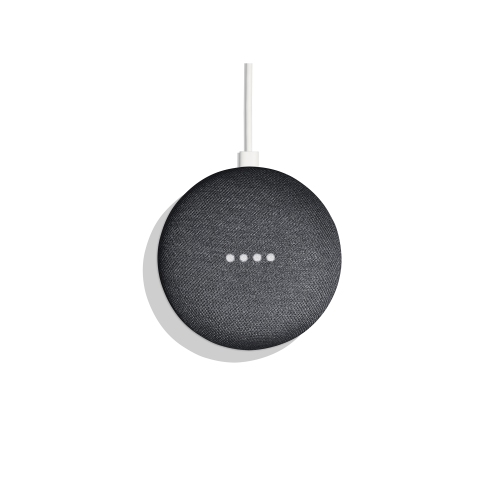

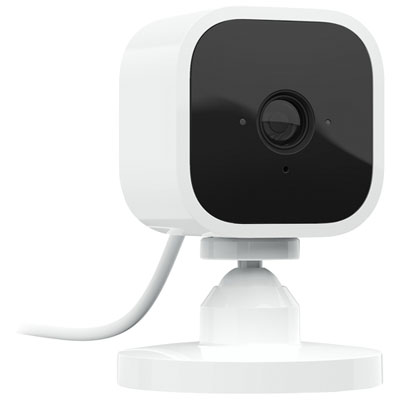
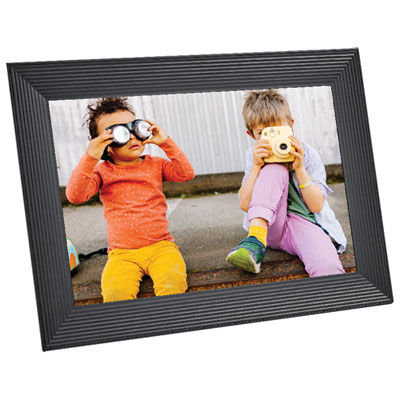


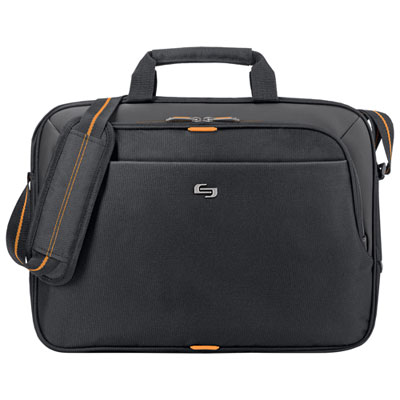
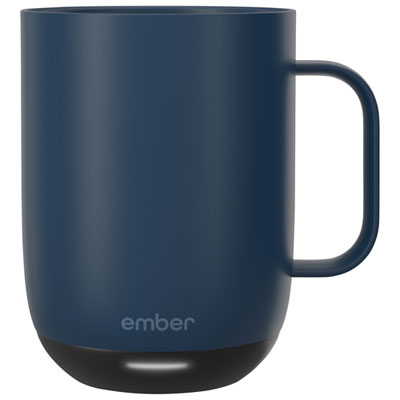
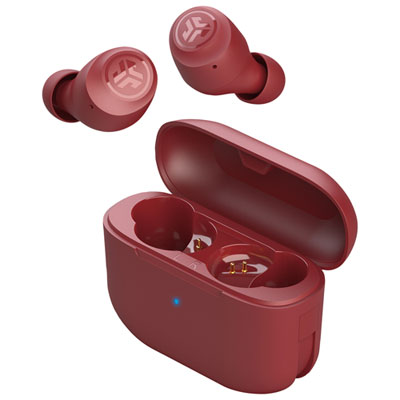

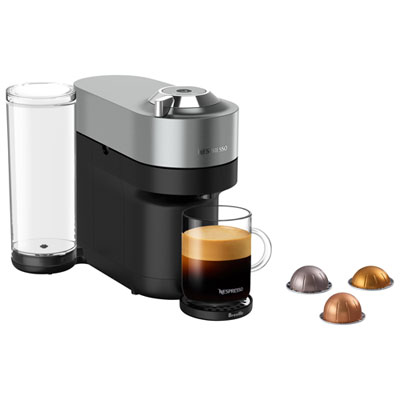
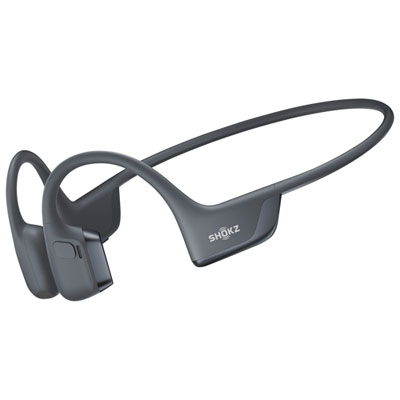
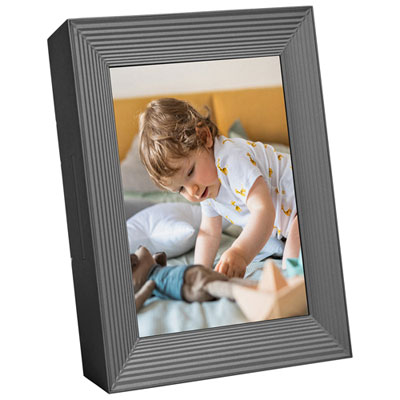
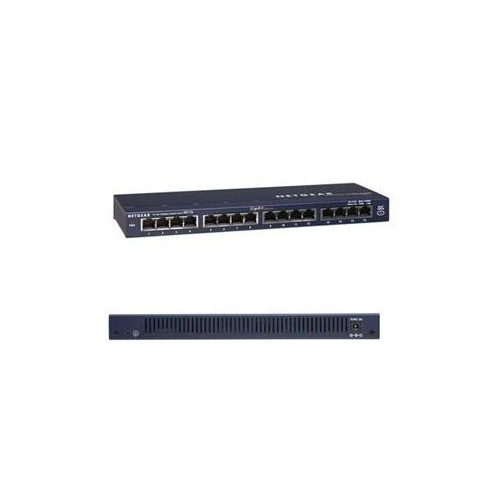
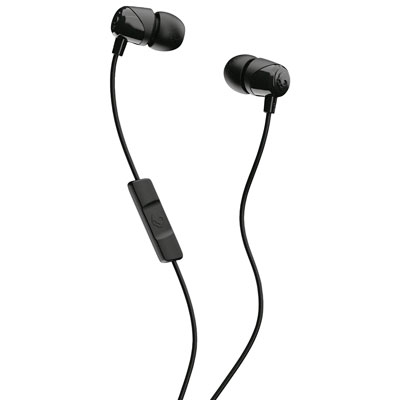
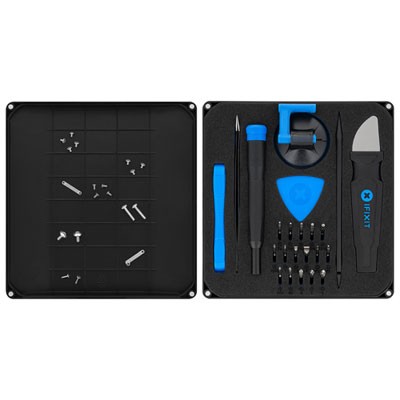
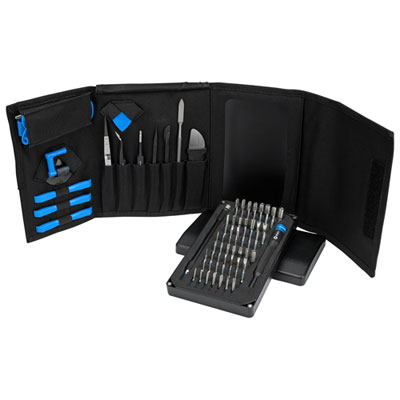
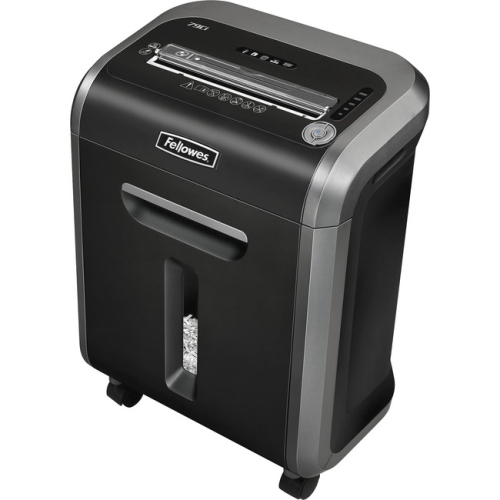
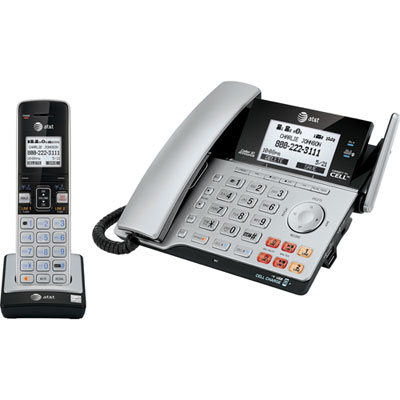
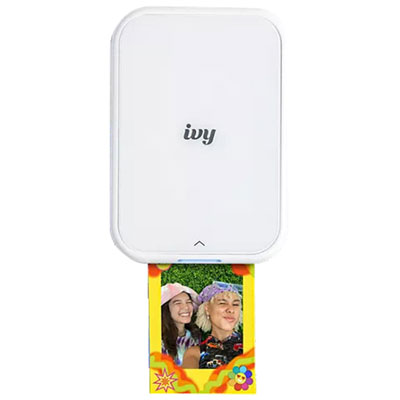

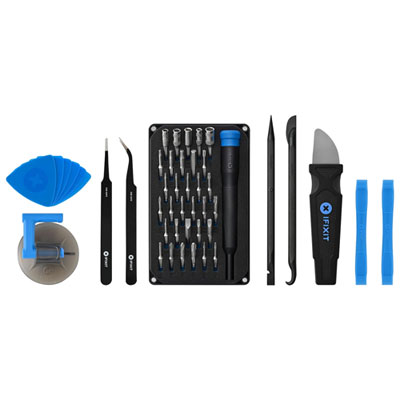
Small workday frustrations can inspire thoughtful tech gifts
Office tech gifts bring practical convenience to the places where people plan, create, collaborate, and get things done. The most useful gifts suit the recipient’s daily routine, whether that means joining video meetings from a home office, working across several screens, or carrying a laptop between shared desks. Common categories include wireless keyboards and mice, headsets, webcams, charging accessories, USB hubs, and digital desk accessories. Each serves a different purpose: a comfortable input device supports everyday navigation, a headset helps keep conversations focused, and a charging station gives compatible devices a designated place on the desk. For someone who spends much of the day writing, the feel and sound of a keyboard can matter more than extra shortcuts. A colleague who regularly presents to clients may get more use from clear microphone audio and a webcam that sits securely at eye level. Someone working at a small kitchen table may appreciate compact accessories that pack away easily when the workday ends. Office technology gifts can also suit students setting up a study space, graduates starting their first role, or family members refreshing a familiar workspace. The personal touch comes from noticing an ordinary frustration, such as a charging cable that never reaches far enough or a laptop that needs more connections for everyday peripherals. Gifts that address those details can feel thoughtful without relying on novelty. Physical size, connection type, and intended use help distinguish a good fit from something that simply looks attractive on a desk. A full-size keyboard offers a dedicated number pad for frequent spreadsheet work, while a compact layout leaves more room for a mouse or notebook. Similarly, a portable accessory needs to fit into a work bag without adding excessive bulk, whereas something intended to stay on a desk can prioritize stability and accessible controls. Office tech gifts are especially useful when they complement tools the recipient already uses rather than requiring a complete change in routine.
Compatibility is an important part of that everyday usefulness. A USB-C connector does not automatically mean that every cable, charger, or hub supports the same power output, display functions, or transfer speeds. Charging accessories need to match the connected device’s requirements, and a hub intended for an external screen must support the necessary video connection and resolution. Some laptops also have limits on the number of external displays they can run. For wireless charging, both the device and charging surface need to support a compatible standard, and thick cases or certain attachments can interfere with placement. These details matter in familiar situations: arriving at a shared workstation, connecting a screen before a presentation, or putting a phone down to charge between calls. Wireless accessories can reduce cable clutter, but they still need a suitable connection method and a plan for charging or replacing batteries. Bluetooth pairing may be convenient for moving between compatible devices, while accessories with a USB receiver require an accessible port. For audio gifts, fit and intended use deserve as much attention as connectivity. Over-ear cushions, lighter on-ear designs, and in-ear options offer different wearing experiences, particularly during longer meetings. Adjustable headbands and accessible mute controls can make daily use more comfortable and straightforward. Active noise cancellation can reduce some background sounds for the wearer, while microphone noise reduction is intended to help make their voice clearer to listeners; the two features serve different purposes. A headset used mainly for calls may benefit from a microphone positioned close to the mouth, while one shared between work and personal listening may place more emphasis on easy device switching. Webcam placement, room lighting, and the space behind a desk also influence video-call results. A stable mount and a suitable field of view help frame the person rather than unnecessary surroundings. For recipients using employer-managed computers, accessories that work with existing ports and approved software are often a simpler fit than those requiring additional installations or account permissions.
Materials, construction, and care influence how office tech gifts hold up to repeated handling. Plastic housings can keep portable accessories light, while metal bodies may offer a firmer feel on the desk; neither material alone establishes durability. Secure connectors, well-fitted controls, stable bases, and cable strain relief are useful construction details, particularly for accessories that are packed and unpacked each day. Braided cable coverings can help resist everyday abrasion, but the connector ends still need protection from sharp bends and pulling. Soft-touch finishes and fabric-covered surfaces have a different feel from smooth plastic or metal, and may also need different cleaning methods. Manufacturer care instructions are the best reference for removing dust, fingerprints, and spills. For many electronic surfaces, routine care involves disconnecting power and wiping gently with a soft cloth rather than spraying liquid directly onto the device. Headset cushions and other high-contact surfaces may need more frequent attention, especially when used for long stretches. Replaceable ear cushions or detachable cables can be useful features for accessories intended for regular use. Fit extends beyond what someone wears or holds: a desk accessory also needs enough clearance around a monitor stand, a stable spot beside paperwork, and cables that reach without stretching across the work surface. A mouse suited to the recipient’s hand size and preferred grip may feel more natural than one chosen only for its appearance. Likewise, a laptop stand needs to accommodate the computer’s dimensions and weight, and a raised screen is generally easier to use with a separate keyboard and mouse. For workplace recognition, team milestones, or client appreciation, Corporate Tech Gifts offers a related gifting theme. Individual office gifts can be more closely tailored to someone’s habits, from quiet typing in a shared room to keeping essential connections within reach. A considered choice fits the recipient’s space, works with their equipment, and earns its place through regular use.
Compatibility is an important part of that everyday usefulness. A USB-C connector does not automatically mean that every cable, charger, or hub supports the same power output, display functions, or transfer speeds. Charging accessories need to match the connected device’s requirements, and a hub intended for an external screen must support the necessary video connection and resolution. Some laptops also have limits on the number of external displays they can run. For wireless charging, both the device and charging surface need to support a compatible standard, and thick cases or certain attachments can interfere with placement. These details matter in familiar situations: arriving at a shared workstation, connecting a screen before a presentation, or putting a phone down to charge between calls. Wireless accessories can reduce cable clutter, but they still need a suitable connection method and a plan for charging or replacing batteries. Bluetooth pairing may be convenient for moving between compatible devices, while accessories with a USB receiver require an accessible port. For audio gifts, fit and intended use deserve as much attention as connectivity. Over-ear cushions, lighter on-ear designs, and in-ear options offer different wearing experiences, particularly during longer meetings. Adjustable headbands and accessible mute controls can make daily use more comfortable and straightforward. Active noise cancellation can reduce some background sounds for the wearer, while microphone noise reduction is intended to help make their voice clearer to listeners; the two features serve different purposes. A headset used mainly for calls may benefit from a microphone positioned close to the mouth, while one shared between work and personal listening may place more emphasis on easy device switching. Webcam placement, room lighting, and the space behind a desk also influence video-call results. A stable mount and a suitable field of view help frame the person rather than unnecessary surroundings. For recipients using employer-managed computers, accessories that work with existing ports and approved software are often a simpler fit than those requiring additional installations or account permissions.
Materials, construction, and care influence how office tech gifts hold up to repeated handling. Plastic housings can keep portable accessories light, while metal bodies may offer a firmer feel on the desk; neither material alone establishes durability. Secure connectors, well-fitted controls, stable bases, and cable strain relief are useful construction details, particularly for accessories that are packed and unpacked each day. Braided cable coverings can help resist everyday abrasion, but the connector ends still need protection from sharp bends and pulling. Soft-touch finishes and fabric-covered surfaces have a different feel from smooth plastic or metal, and may also need different cleaning methods. Manufacturer care instructions are the best reference for removing dust, fingerprints, and spills. For many electronic surfaces, routine care involves disconnecting power and wiping gently with a soft cloth rather than spraying liquid directly onto the device. Headset cushions and other high-contact surfaces may need more frequent attention, especially when used for long stretches. Replaceable ear cushions or detachable cables can be useful features for accessories intended for regular use. Fit extends beyond what someone wears or holds: a desk accessory also needs enough clearance around a monitor stand, a stable spot beside paperwork, and cables that reach without stretching across the work surface. A mouse suited to the recipient’s hand size and preferred grip may feel more natural than one chosen only for its appearance. Likewise, a laptop stand needs to accommodate the computer’s dimensions and weight, and a raised screen is generally easier to use with a separate keyboard and mouse. For workplace recognition, team milestones, or client appreciation, Corporate Tech Gifts offers a related gifting theme. Individual office gifts can be more closely tailored to someone’s habits, from quiet typing in a shared room to keeping essential connections within reach. A considered choice fits the recipient’s space, works with their equipment, and earns its place through regular use.
Top selling and popular products
-
 Your price for this item is $39.99
 -
 Your price for this item is $56.37
 -
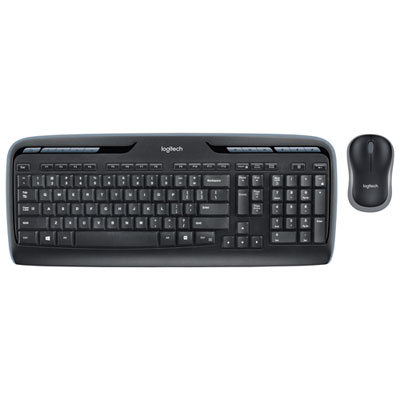 Your price for this item is $59.99
 -
 Your price for this item is $59.99
 -
 Your price for this item is $69.98
 -
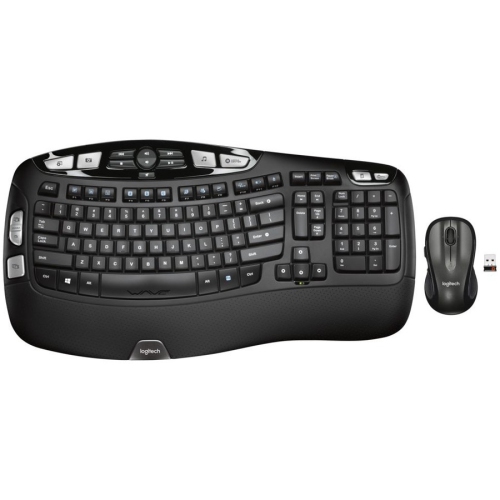 Your price for this item is $126.49
 -
 Your price for this item is $99.99
 -
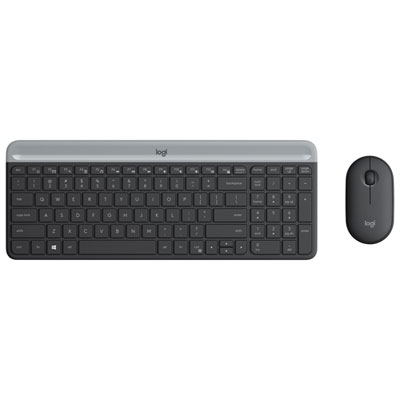 Your price for this item is $69.99
Discover more categories related to Office Tech Gifts

Top Collections:
Pokemon Centers, Kindle Devices, Best Budget Office Chairs, Apple iPhones 16, Best Laptops for Writers, iPhone 15 Apple, Canon G7X Cameras, Refurbished Apple Laptops, Alarm Clock, Motorola Razr Phones
Some products may be subject to Environmental Handling Fees
(EHF) depending on your province.
Learn more about EHFs.