OLED Display Laptops
If you're looking for a laptop that offers an unparalleled visual experience, look no further than these OLED display laptops. With their cutting-edge technology, these laptops deliver stunning picture quality, vibrant colors, and deep blacks that will bring your movies, photos, and games to life. Whether you're a creative professional seeking accurate color reproduction or a gamer craving immersive visuals, OLED display laptops are designed to exceed your expectations.
Sort
Why OLED screens make everyday computing more vivid
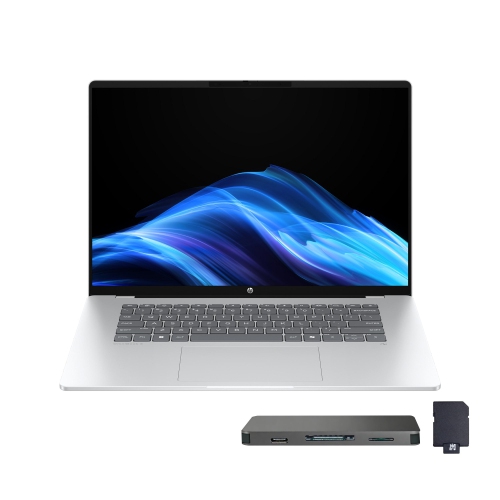
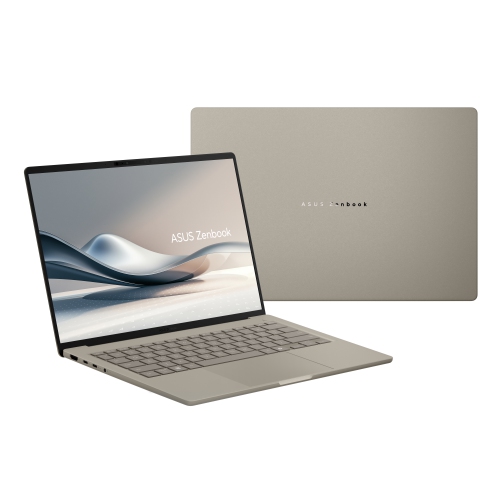
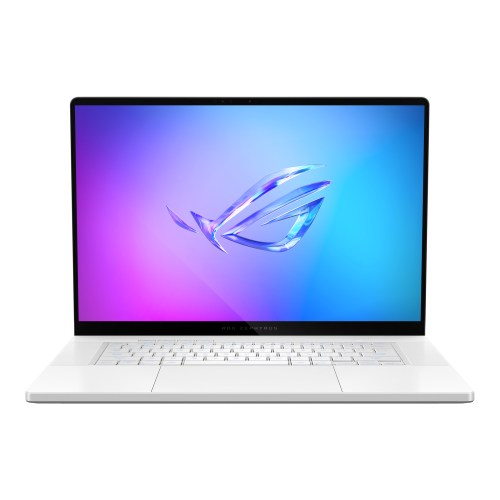
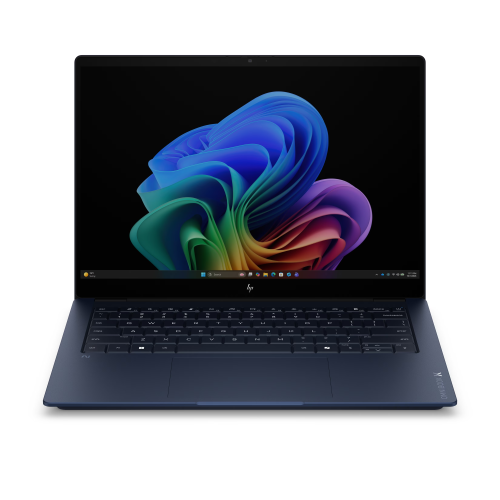
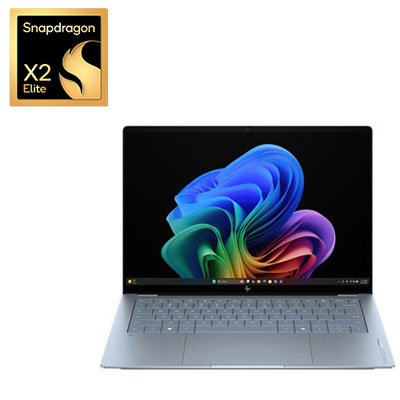
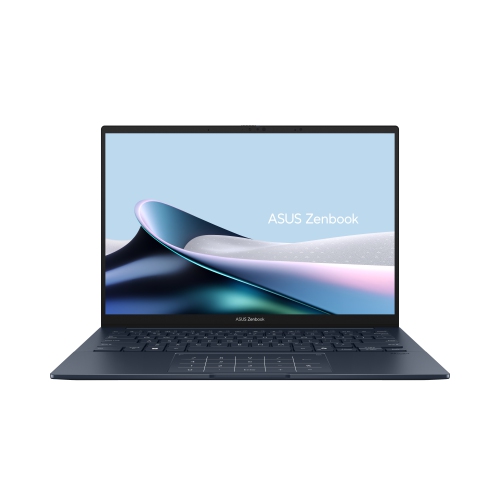
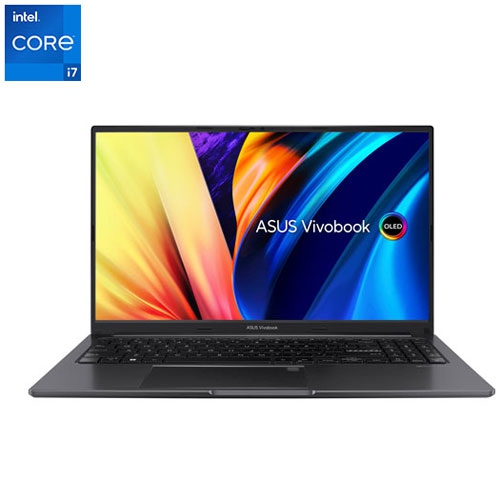
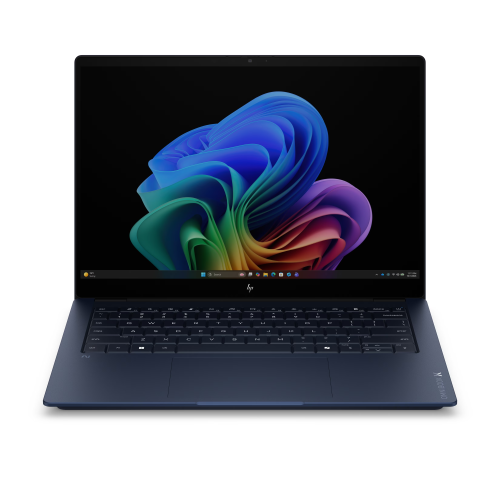
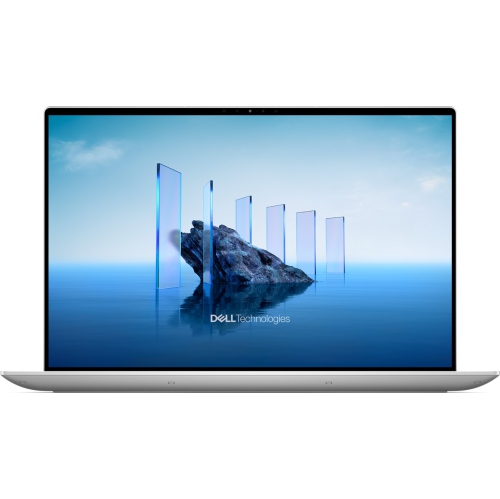
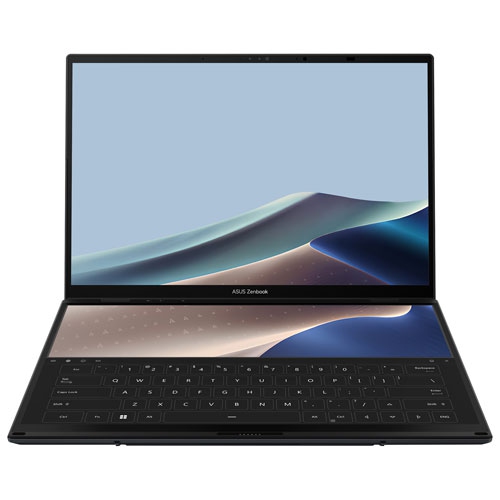
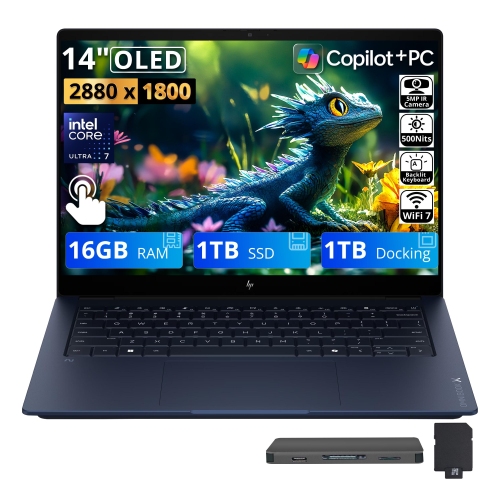
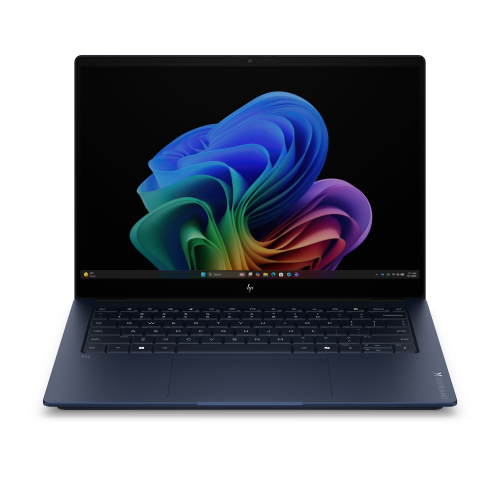
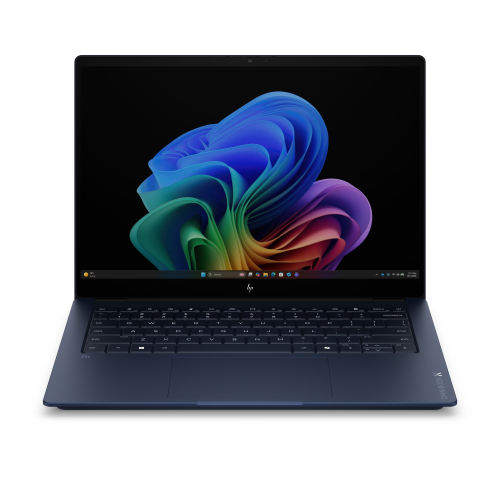
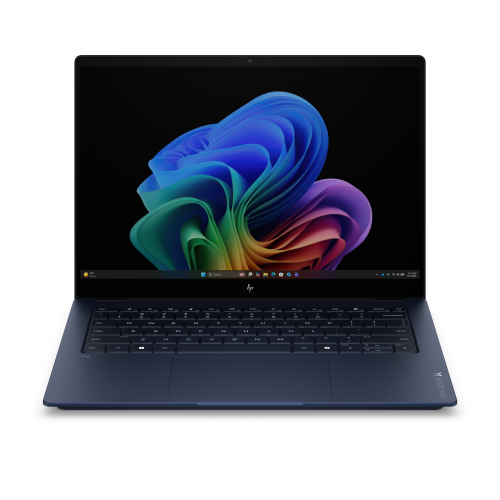
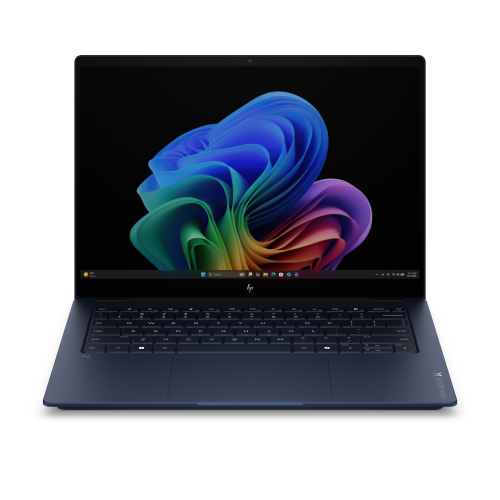
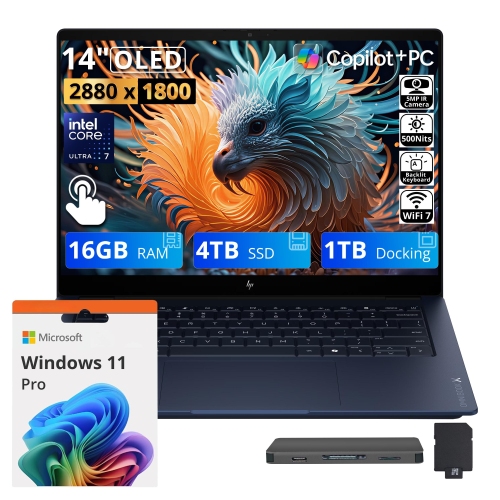
OLED display laptops bring a vivid, cinema-like quality to everyday computing, with each pixel producing its own light for exceptionally deep blacks, rich contrast, and vibrant colour. On a conventional LCD screen, dark scenes can look greyish because a backlight remains active behind the display. OLED technology can switch individual pixels off, helping shadows appear truly dark and allowing bright details to stand out with striking clarity. This difference is especially noticeable when watching films in a dim room, browsing photographs with dramatic lighting, or playing games with atmospheric environments such as moonlit landscapes and underground levels. Many OLED display laptops also offer wide colour coverage, which can make images, video, illustrations, and other visual content appear more nuanced and lifelike. Fast pixel response times can reduce visible blur during quick camera movements, making these displays appealing to gamers and anyone who enjoys smooth on-screen motion. High-resolution panels can add further definition to text, menus, and creative projects, while refresh rates above the standard 60 Hz may make scrolling and animation feel more fluid. Some models include touch functionality, allowing users to tap, swipe, sketch, or zoom directly on the screen. Others focus on a traditional clamshell design with a non-touch panel, which may appeal to people who prefer a lighter setup and a familiar keyboard-and-trackpad workflow. As with any laptop purchase, display quality is only one part of the experience. Consider the processor, memory, storage, graphics capability, keyboard comfort, webcam quality, port selection, wireless connectivity, battery capacity, and overall weight alongside the OLED panel. A compact screen can be convenient for commuting between home, school, and the office, while a larger display provides more room for spreadsheets, timelines, reference material, and side-by-side windows. Resolution, brightness, refresh rate, and aspect ratio also affect how the laptop feels in daily use, particularly if it will be used near windows, in shared workspaces, or while travelling.
OLED display laptops can suit a broad range of users because they combine practical computer functions with a screen designed to make visual content more engaging. Students may appreciate the sharp text and comfortable workspace for research, writing, presentations, and online classes, while a vivid display can make a well-earned break with streaming video feel more immersive. Professionals working with photography, video, graphic design, illustration, fashion, architecture, or digital marketing may value the broad colour range and strong contrast when reviewing creative work. Colour accuracy still depends on the specific panel and its calibration, so anyone working on print, branding, or production projects should check the manufacturer’s specifications and consider whether the laptop supports the required colour profile and connected accessories. Gamers can benefit from quick response times and fluid refresh rates, but should also compare the graphics processor, cooling system, resolution, and power requirements to make sure the laptop can deliver the desired performance. For writers, office workers, and remote employees, an OLED panel can make long stretches of document editing, video conferencing, and web browsing feel more polished, although matte and glossy finishes can behave differently under overhead lights. A 2-in-1 design may be useful for note-taking, recipe viewing, drawing, or presenting, while a conventional laptop may be preferable for people who spend most of their time typing. These laptops can also make thoughtful gifts for a student starting a new course, a family member upgrading an older computer, or a creative person who wants a more capable screen for personal projects. Before choosing one as a gift, it helps to think about the recipient’s routine: a frequent traveller may favour a thin, lightweight model with dependable battery life, while someone who works at a desk may prefer a larger display, a more spacious keyboard, and additional connection options. A laptop sleeve, USB-C hub, wireless mouse, or external monitor can also complement the setup without changing the computer’s main purpose.
When comparing OLED display laptops, pay close attention to how the advertised specifications translate into the way you expect to use the computer. Battery life can vary based on brightness, refresh rate, applications, wireless activity, and whether the laptop is connected to external devices. OLED panels may use less power when displaying dark content, while bright, mostly white pages can place greater demands on the battery than some LCD alternatives. Screen brightness matters for working in sunlit rooms, and a glossy surface may produce reflections that are barely noticeable indoors but distracting near a window. Features designed to reduce image retention can help manage the appearance of static elements, and it is sensible to use automatic screen timeout, a moving screensaver, or occasional changes to fixed desktop layouts when the laptop is left running for extended periods. Long-term image retention is a consideration for any OLED buyer, particularly for workloads that display the same taskbar, menu, or production interface for many hours each day; normal varied use is different from leaving a static image on screen continuously. Check the warranty terms and the manufacturer’s guidance for panel care, and avoid assuming that every OLED display laptop has identical brightness, calibration, or protection features. Storage capacity is another practical detail, especially for game libraries, high-resolution video, raw photographs, and large creative files. Modern processors can handle everyday multitasking smoothly, but demanding editing, 3D work, and gaming may call for more memory and dedicated graphics. During the cooler months or as the weather changes, a laptop may move between a home office, classroom, café, and living room, so a sturdy build, comfortable carrying weight, and reliable connectivity can make a meaningful difference. Those comparing laptop displays with other personal screens may also want to explore Oled Display Phones for a similarly contrast-rich viewing experience in a smaller format. The best choice is the one that balances the OLED screen’s expressive colour and deep contrast with the performance, portability, comfort, and durability that match your everyday habits.
OLED display laptops can suit a broad range of users because they combine practical computer functions with a screen designed to make visual content more engaging. Students may appreciate the sharp text and comfortable workspace for research, writing, presentations, and online classes, while a vivid display can make a well-earned break with streaming video feel more immersive. Professionals working with photography, video, graphic design, illustration, fashion, architecture, or digital marketing may value the broad colour range and strong contrast when reviewing creative work. Colour accuracy still depends on the specific panel and its calibration, so anyone working on print, branding, or production projects should check the manufacturer’s specifications and consider whether the laptop supports the required colour profile and connected accessories. Gamers can benefit from quick response times and fluid refresh rates, but should also compare the graphics processor, cooling system, resolution, and power requirements to make sure the laptop can deliver the desired performance. For writers, office workers, and remote employees, an OLED panel can make long stretches of document editing, video conferencing, and web browsing feel more polished, although matte and glossy finishes can behave differently under overhead lights. A 2-in-1 design may be useful for note-taking, recipe viewing, drawing, or presenting, while a conventional laptop may be preferable for people who spend most of their time typing. These laptops can also make thoughtful gifts for a student starting a new course, a family member upgrading an older computer, or a creative person who wants a more capable screen for personal projects. Before choosing one as a gift, it helps to think about the recipient’s routine: a frequent traveller may favour a thin, lightweight model with dependable battery life, while someone who works at a desk may prefer a larger display, a more spacious keyboard, and additional connection options. A laptop sleeve, USB-C hub, wireless mouse, or external monitor can also complement the setup without changing the computer’s main purpose.
When comparing OLED display laptops, pay close attention to how the advertised specifications translate into the way you expect to use the computer. Battery life can vary based on brightness, refresh rate, applications, wireless activity, and whether the laptop is connected to external devices. OLED panels may use less power when displaying dark content, while bright, mostly white pages can place greater demands on the battery than some LCD alternatives. Screen brightness matters for working in sunlit rooms, and a glossy surface may produce reflections that are barely noticeable indoors but distracting near a window. Features designed to reduce image retention can help manage the appearance of static elements, and it is sensible to use automatic screen timeout, a moving screensaver, or occasional changes to fixed desktop layouts when the laptop is left running for extended periods. Long-term image retention is a consideration for any OLED buyer, particularly for workloads that display the same taskbar, menu, or production interface for many hours each day; normal varied use is different from leaving a static image on screen continuously. Check the warranty terms and the manufacturer’s guidance for panel care, and avoid assuming that every OLED display laptop has identical brightness, calibration, or protection features. Storage capacity is another practical detail, especially for game libraries, high-resolution video, raw photographs, and large creative files. Modern processors can handle everyday multitasking smoothly, but demanding editing, 3D work, and gaming may call for more memory and dedicated graphics. During the cooler months or as the weather changes, a laptop may move between a home office, classroom, café, and living room, so a sturdy build, comfortable carrying weight, and reliable connectivity can make a meaningful difference. Those comparing laptop displays with other personal screens may also want to explore Oled Display Phones for a similarly contrast-rich viewing experience in a smaller format. The best choice is the one that balances the OLED screen’s expressive colour and deep contrast with the performance, portability, comfort, and durability that match your everyday habits.
Top selling and popular products
-
 Your price for this item is $449
 -
 Your price for this item is $3099
 -
 Your price for this item is $299.95
 -
 Your price for this item is $664.05
 -
 Your price for this item is $599.68
 -
 Your price for this item is $869.99
 -
 Your price for this item is $259
 -
 Your price for this item is $418.98
Discover more categories related to OLED Display Laptops
Top Collections:
Pokemon Centers, Kindle Devices, Best Budget Office Chairs, Apple iPhones 16, Best Laptops for Writers, iPhone 15 Apple, Canon G7X Cameras, Refurbished Apple Laptops, Alarm Clock, Motorola Razr Phones
Some products may be subject to Environmental Handling Fees
(EHF) depending on your province.
Learn more about EHFs.