Online Privacy Protection Software
Online Privacy Protection Software offers essential tools to help safeguard your personal information while browsing, shopping, or managing accounts online. With a range of options designed for various devices and user needs, you can find solutions that fit your digital lifestyle. Explore Online Privacy Protection Software to enhance your online security and enjoy greater peace of mind as you navigate the web.
Sort
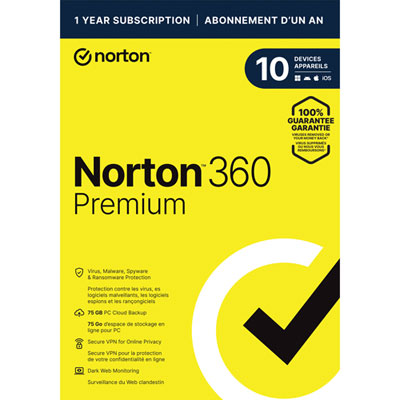
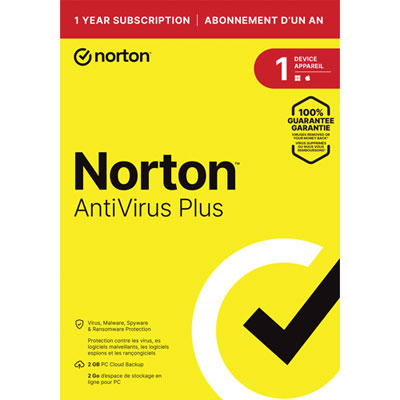
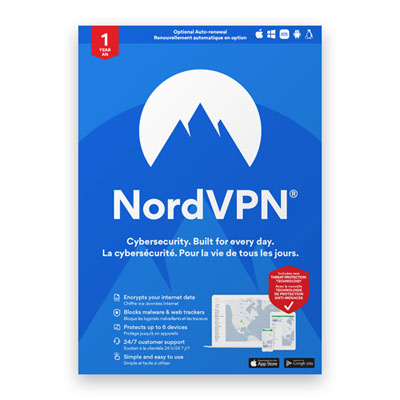
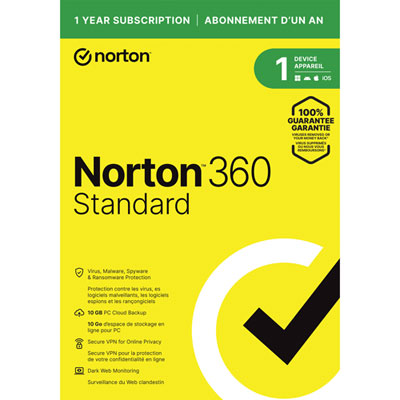

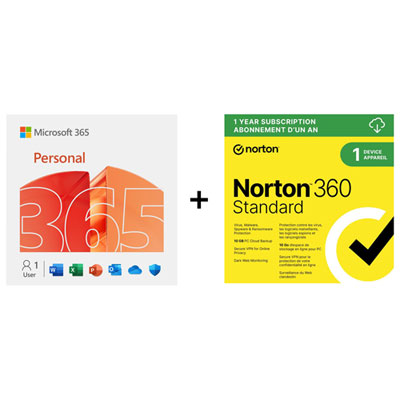
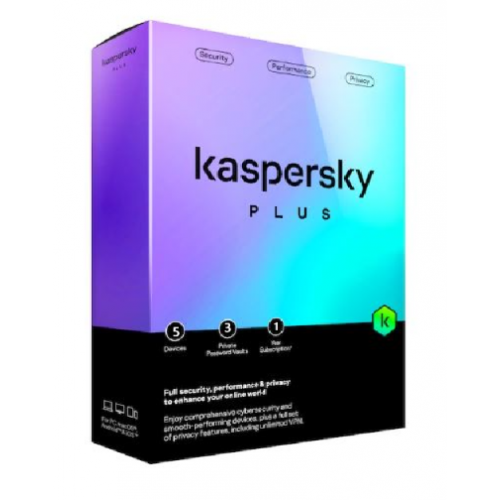
Why online privacy takes more than a VPN
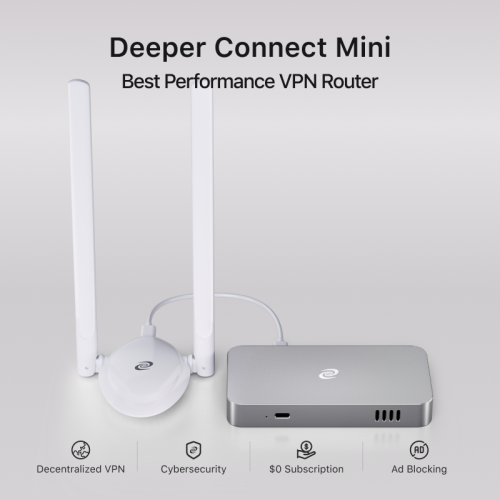
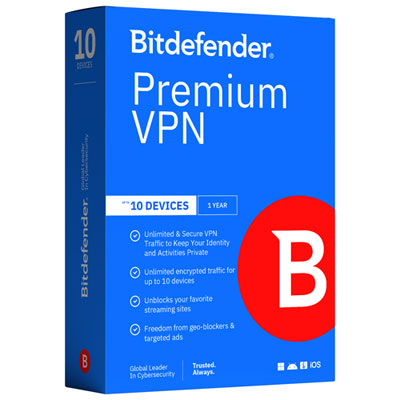
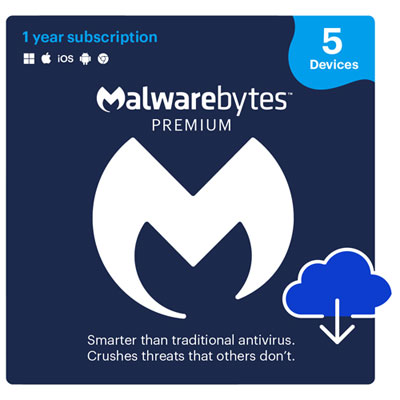
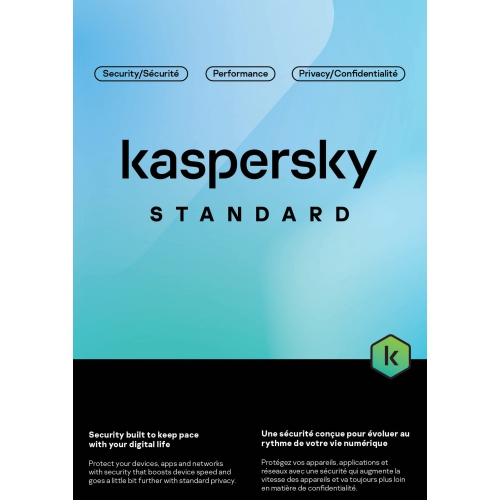
Online privacy protection software helps limit how personal information is collected, shared, and exposed when people browse, communicate, shop, or sign in to accounts. This category includes virtual private networks, password managers, anti-tracking tools, and software that protects sensitive files or communications through encryption. Some applications focus on one task, while broader security suites bring several privacy features together in a single dashboard. The distinction matters: antivirus software primarily detects and blocks malicious software, whereas privacy tools also address unwanted tracking, exposed account details, and access to personal data. A household using shared computers, a student signing in through campus Wi-Fi, and a frequent traveller connecting from hotels may each benefit from a different combination of features. A virtual private network, or VPN, creates an encrypted connection between a device and the VPN provider’s server, helping protect traffic on that part of its journey and masking the device’s public IP address from websites. It does not make someone anonymous, prevent every scam, or stop an account provider from identifying a signed-in user. For everyday browsing, tracker blocking can reduce requests from advertising and analytics systems, while browser fingerprinting protection aims to make a device less distinguishable through details such as its browser settings and screen characteristics. These features can be useful when a quick search for a birthday present seems to follow a shopper across unrelated websites. Stronger blocking can also interfere with shopping baskets, video players, or sign-in forms, so clear controls for individual website exceptions are a practical feature. VPN performance likewise depends on the connection, server location, and device, making reliable operation important for video calls and large file transfers. Privacy software works best as a set of complementary protections rather than a promise that all online activity becomes invisible. Its value lies in reducing particular exposures while allowing familiar tasks, from paying bills to sharing family photos, to remain manageable.
Password protection is another central part of online privacy because email, shopping, banking, and social accounts often contain years of personal information. A password manager stores sign-in details in an encrypted vault and can generate a different strong password for each account. Unique passwords help limit the damage when credentials from one website are exposed: the same details cannot simply be reused to enter other accounts. Depending on the software, convenient features may include autofill, password health checks, passkey support, and alerts about credentials found in known breaches. These features have different roles, and an alert does not mean the software can retrieve stolen information or reverse an account takeover. For someone juggling a laptop and a phone, dependable syncing can be just as important as password generation, particularly when a sign-in needs to work away from the main computer. Shared vaults may suit households that need controlled access to a utility account or streaming login without passing passwords through text messages. Account recovery options deserve attention too, since losing access to the vault can affect access to many other accounts. Multi-factor authentication adds a separate verification step where supported, offering another layer beyond the password itself. Encryption tools address a different need by making files or messages unreadable without the appropriate key or authorized access. End-to-end encryption is designed so that message content is readable by the communicating endpoints rather than the service carrying it, but its coverage depends on the application, settings, and how recipients access the message. Backups, notification previews, and an unlocked device may expose information outside that protected exchange. For personal documents such as tax records, scanned identification, or a rental agreement, file encryption can help protect stored copies if a device or storage drive is lost. Compatibility with the intended recipient matters when encrypted files need to be shared. Useful privacy protection balances these safeguards with straightforward access for the people who are meant to have it.
The right fit for online privacy protection software depends on device compatibility, the number of people using it, and the information that needs protection. A multi-device licence may cover several installations without giving every household member a separate private account, so device limits and user profiles are distinct considerations. Desktop applications, mobile apps, and browser extensions can also offer different capabilities within the same software package. A browser extension may protect activity only within that browser, while a device-level VPN can cover traffic from other applications, subject to its configuration. Clear permissions, accessible controls, and understandable notifications help make protection practical for someone who wants to check email and shop online without managing a complicated dashboard. More experienced users may prefer adjustable blocking rules, connection settings, or the ability to choose which applications use a VPN. The provider’s data practices are relevant as well: privacy notices can explain what account information, connection details, or usage data the software collects and how long it retains them. Ongoing updates, support for newer operating system versions, and a straightforward way to manage subscriptions contribute to the software’s usefulness over time. Some packages also include personal data monitoring or access to data removal services. Monitoring looks for information in specified sources and provides alerts; removal services generally submit requests to supported data broker websites. Neither approach guarantees that every copy disappears, and information can reappear or remain in public records outside the service’s scope. These features may appeal to people concerned about an old address appearing in search results or personal contact details circulating beyond their intended audience. For overlapping safeguards against harmful websites and suspicious links, Web Protection Softwares covers a related area of protection. Web threat blocking and privacy controls serve different purposes, even when bundled together. A suitable combination supports everyday routines across work, study, and home life without assuming that one feature handles every risk. Clear feature descriptions and manageable settings make it easier to match protection to actual habits, whether that means fewer trackers during browsing, better control over shared credentials, or encrypted access while connecting away from home.
Password protection is another central part of online privacy because email, shopping, banking, and social accounts often contain years of personal information. A password manager stores sign-in details in an encrypted vault and can generate a different strong password for each account. Unique passwords help limit the damage when credentials from one website are exposed: the same details cannot simply be reused to enter other accounts. Depending on the software, convenient features may include autofill, password health checks, passkey support, and alerts about credentials found in known breaches. These features have different roles, and an alert does not mean the software can retrieve stolen information or reverse an account takeover. For someone juggling a laptop and a phone, dependable syncing can be just as important as password generation, particularly when a sign-in needs to work away from the main computer. Shared vaults may suit households that need controlled access to a utility account or streaming login without passing passwords through text messages. Account recovery options deserve attention too, since losing access to the vault can affect access to many other accounts. Multi-factor authentication adds a separate verification step where supported, offering another layer beyond the password itself. Encryption tools address a different need by making files or messages unreadable without the appropriate key or authorized access. End-to-end encryption is designed so that message content is readable by the communicating endpoints rather than the service carrying it, but its coverage depends on the application, settings, and how recipients access the message. Backups, notification previews, and an unlocked device may expose information outside that protected exchange. For personal documents such as tax records, scanned identification, or a rental agreement, file encryption can help protect stored copies if a device or storage drive is lost. Compatibility with the intended recipient matters when encrypted files need to be shared. Useful privacy protection balances these safeguards with straightforward access for the people who are meant to have it.
The right fit for online privacy protection software depends on device compatibility, the number of people using it, and the information that needs protection. A multi-device licence may cover several installations without giving every household member a separate private account, so device limits and user profiles are distinct considerations. Desktop applications, mobile apps, and browser extensions can also offer different capabilities within the same software package. A browser extension may protect activity only within that browser, while a device-level VPN can cover traffic from other applications, subject to its configuration. Clear permissions, accessible controls, and understandable notifications help make protection practical for someone who wants to check email and shop online without managing a complicated dashboard. More experienced users may prefer adjustable blocking rules, connection settings, or the ability to choose which applications use a VPN. The provider’s data practices are relevant as well: privacy notices can explain what account information, connection details, or usage data the software collects and how long it retains them. Ongoing updates, support for newer operating system versions, and a straightforward way to manage subscriptions contribute to the software’s usefulness over time. Some packages also include personal data monitoring or access to data removal services. Monitoring looks for information in specified sources and provides alerts; removal services generally submit requests to supported data broker websites. Neither approach guarantees that every copy disappears, and information can reappear or remain in public records outside the service’s scope. These features may appeal to people concerned about an old address appearing in search results or personal contact details circulating beyond their intended audience. For overlapping safeguards against harmful websites and suspicious links, Web Protection Softwares covers a related area of protection. Web threat blocking and privacy controls serve different purposes, even when bundled together. A suitable combination supports everyday routines across work, study, and home life without assuming that one feature handles every risk. Clear feature descriptions and manageable settings make it easier to match protection to actual habits, whether that means fewer trackers during browsing, better control over shared credentials, or encrypted access while connecting away from home.
Top selling and popular products
-
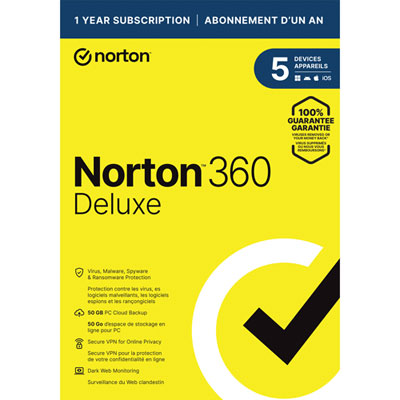 Your price for this item is $89.99
 -
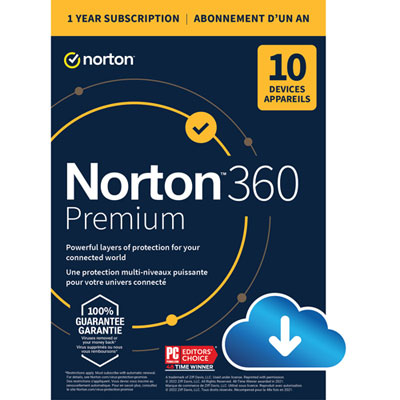 Your price for this item is $99.99
 -
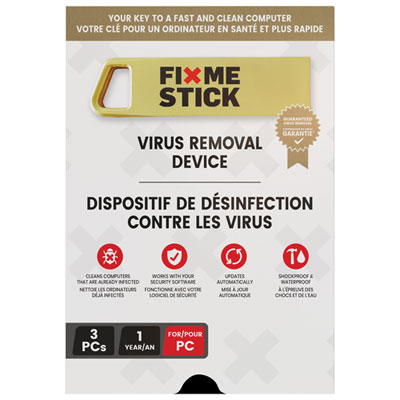 Your price for this item is $89.99
 -
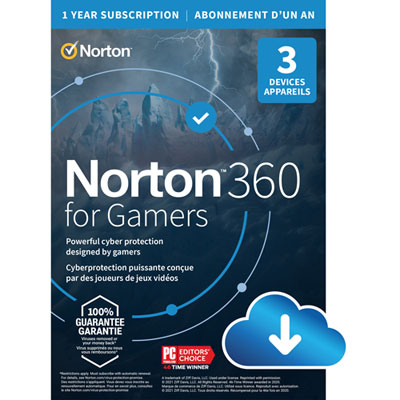 Your price for this item is $89.99
 -
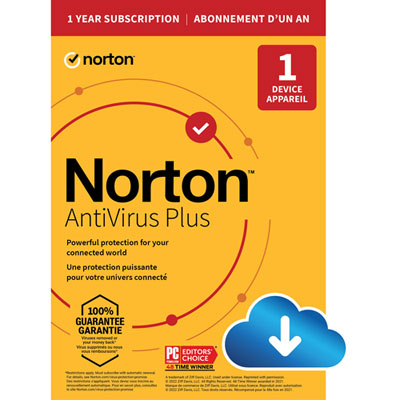 Your price for this item is $14.99
 -
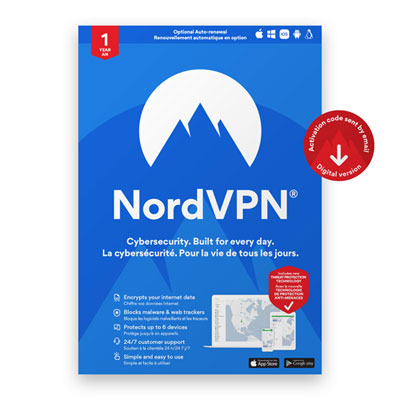 Your price for this item is $49.99
 -
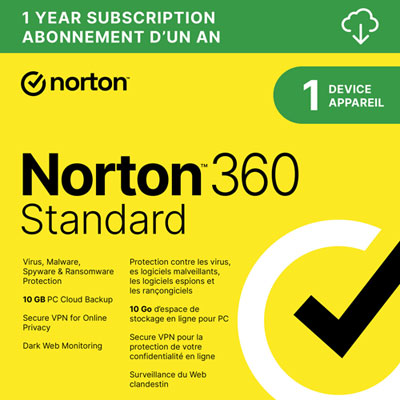 Your price for this item is $69.99
 -
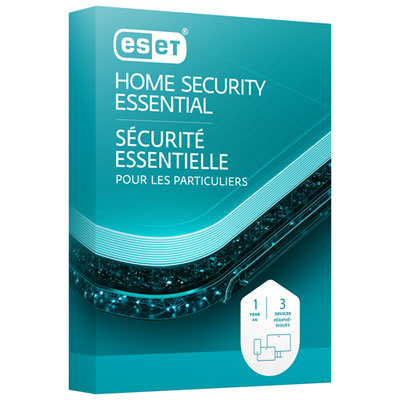 Your price for this item is $59.95
Discover more categories related to Online Privacy Protection Software
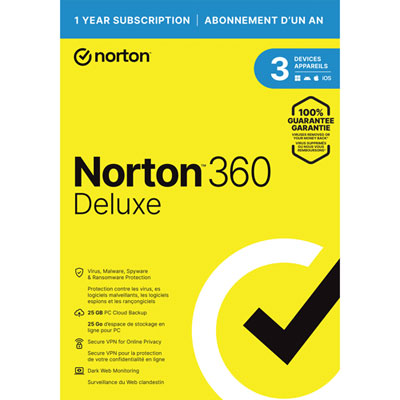
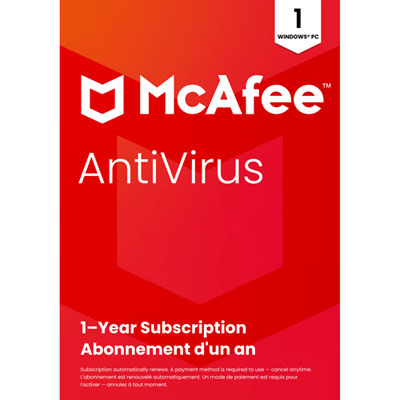

Top Collections:
Pokemon Centers, Kindle Devices, Best Budget Office Chairs, Apple iPhones 16, Best Laptops for Writers, iPhone 15 Apple, Canon G7X Cameras, Refurbished Apple Laptops, Alarm Clock, Motorola Razr Phones
Some products may be subject to Environmental Handling Fees
(EHF) depending on your province.
Learn more about EHFs.