Online Teaching Tools
Enhance your virtual teaching experience with a curated selection of online teaching tools designed to elevate your educational sessions. From interactive whiteboards and document cameras to ergonomic chairs and noise-canceling headphones, this collection offers a wide range of products to cater to your specific teaching needs. Whether you're conducting virtual classes, tutoring sessions, or webinars, these tools are crafted to enhance engagement, improve communication, and create a seamless online learning environment for both educators and students.
Sort


![UOLO Mount 10" Led Ring Light [Aluminum Metal Frame] With Tripod Stand, Phone Holder & Remote Shutter – Selfie & Livestream Light](https://multimedia.bbycastatic.ca/multimedia/products/500x500/148/14801/14801585.jpeg)
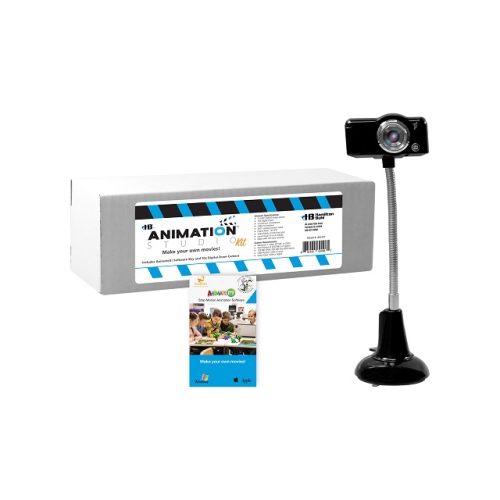
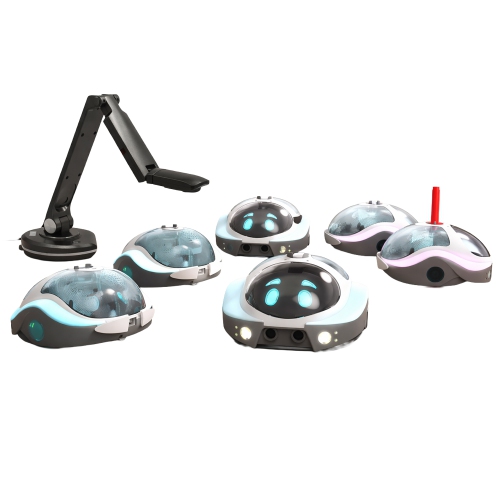
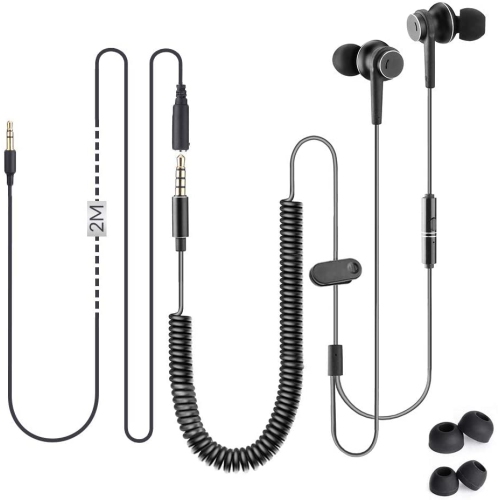

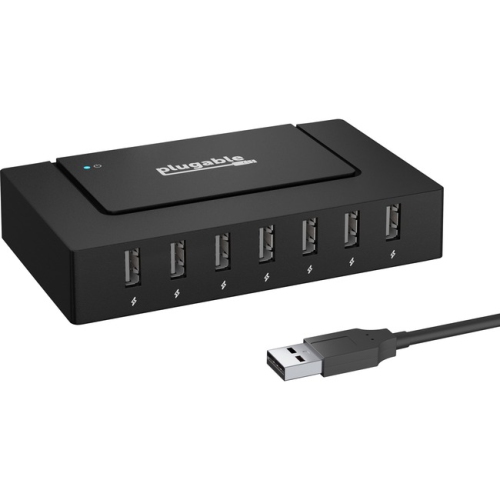
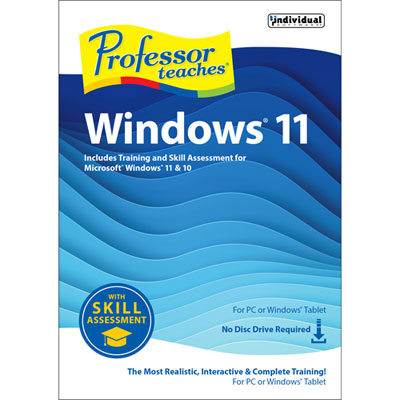
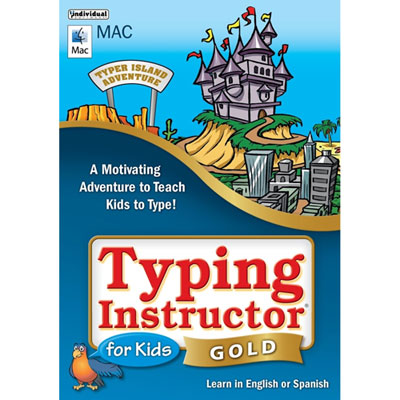
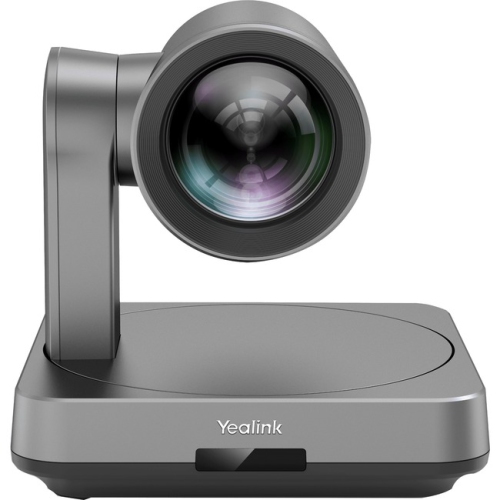
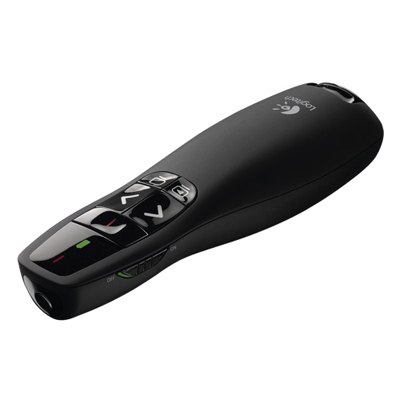

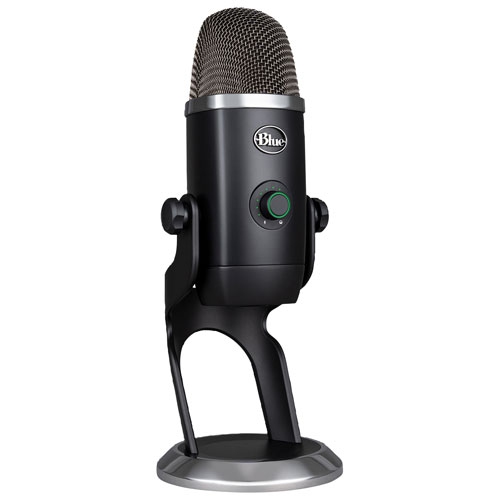


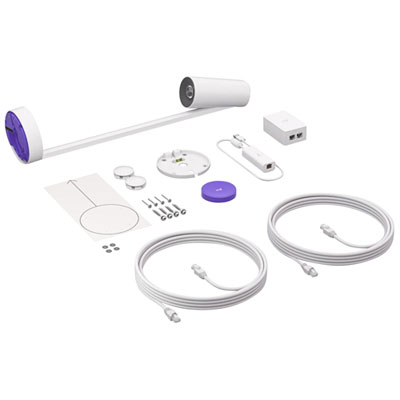
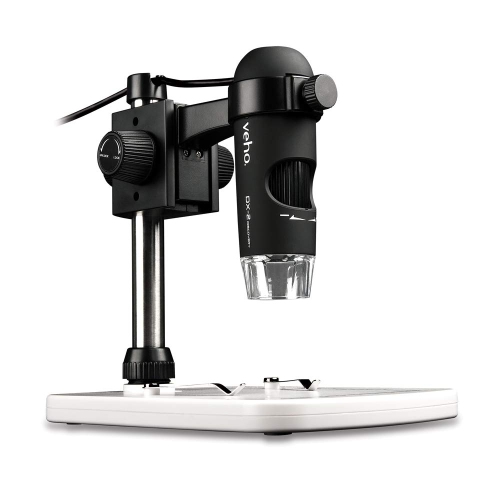
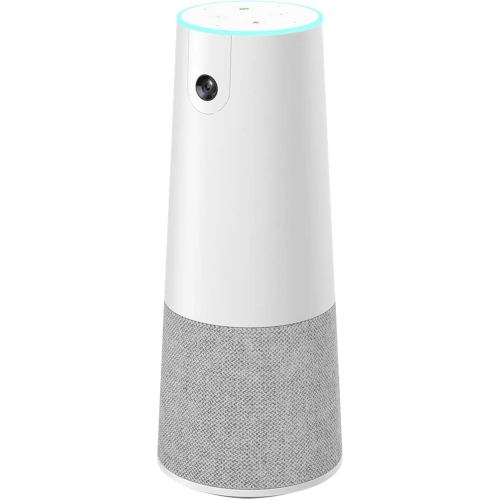





Digital tools support engaging lessons and learning anywhere
Online teaching tools help educators create engaging lessons, manage class communication, and support learning from almost anywhere. Whether you teach in a school, run professional training sessions, tutor independently, or lead workshops for community groups, the right digital tools can make each part of the teaching experience feel more organized and interactive. Video teaching platforms support live classes with camera and microphone access, screen sharing, chat, recording, and smaller discussion rooms for group work. Presentation tools can turn a lesson plan into a clear sequence of slides, images, diagrams, videos, and other visual material, while interactive presentation features such as live polls, word clouds, and instant responses give learners a simple way to participate. Quiz and game-based learning tools can add energy to review sessions, help educators check understanding, and make it easier to identify topics that need more explanation. Digital flashcards and matching activities are useful for vocabulary, formulas, terminology, and memorization, while virtual whiteboards and collaborative boards let students brainstorm, share links, arrange ideas, and contribute to a common workspace. Assignment and classroom management platforms can bring announcements, resources, due dates, submissions, and feedback together, which is especially helpful when students are learning on different schedules. When browsing online teaching tools, consider the age group, subject, class size, and teaching format first. A tutor working with a small group may value an easy-to-use video platform and a shared whiteboard, while an instructor teaching a large class may place greater importance on attendance features, moderation controls, breakout rooms, and tools that can collect responses without interrupting the lesson.
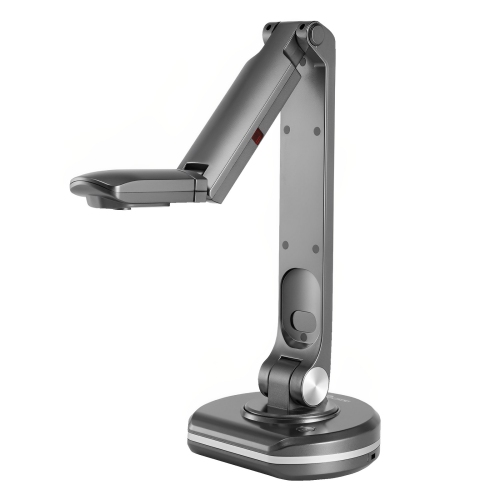
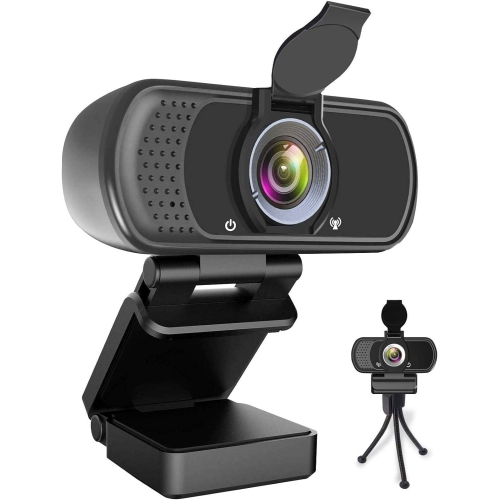
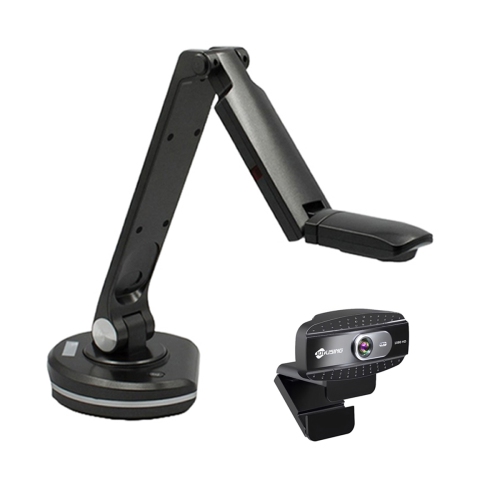
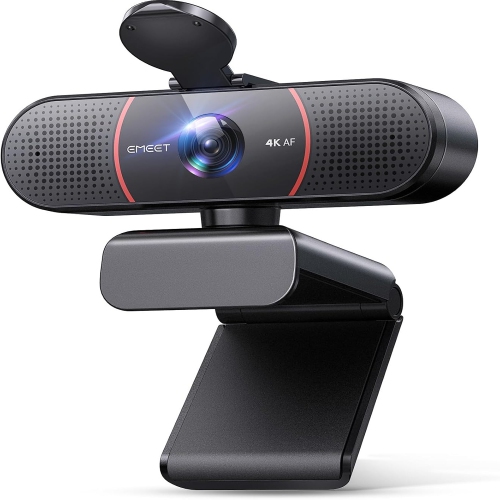
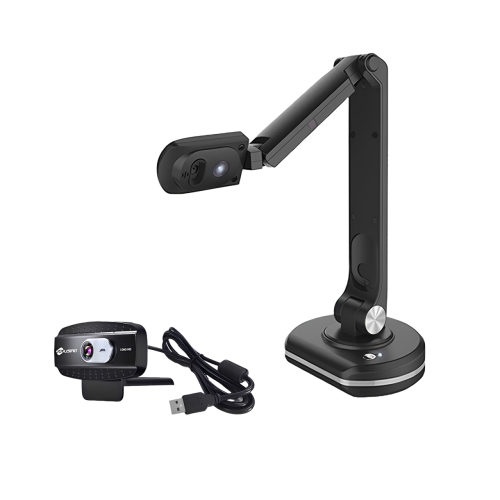
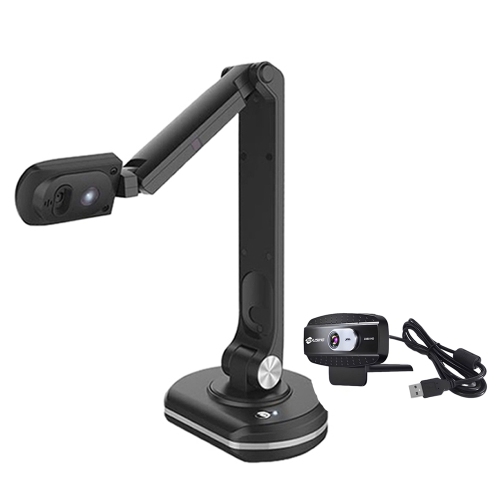
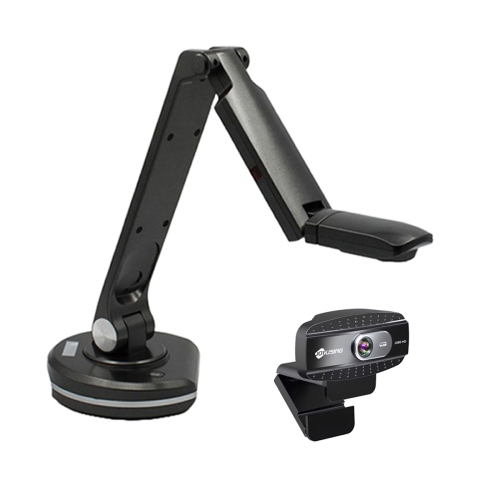
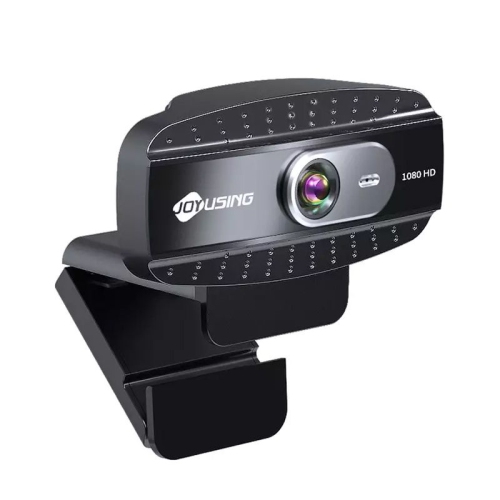
Compatibility is another important consideration when choosing online teaching tools. Check whether the platform or device works with the computers, tablets, mobile devices, browsers, and operating systems used by you and your learners. If students need to join from home, a straightforward sign-in process and a clean interface can make the first few minutes of class much smoother. Look for tools that support accessible text, captions, keyboard navigation, screen readers, adjustable display settings, and clear audio options so more learners can participate comfortably. Privacy and account controls also deserve attention, particularly when working with children, younger students, or sensitive course material. Features such as waiting rooms, password protection, participant permissions, private messaging controls, and the ability to moderate posts can help educators maintain a focused learning environment. Storage and file-sharing options are useful when lessons include worksheets, recorded explanations, presentations, or student projects, but it is worth checking how much space is included and whether files can be exported in widely supported formats. Some online teaching tools are designed for live instruction, while others are better suited to self-paced learning, so consider whether students will be expected to respond at a set time or return to activities when their schedule allows. A reliable setup often combines several types of tools: a live video platform for direct instruction, presentation software for visual explanations, a quiz or polling feature for quick checks, and a shared board or classroom hub for continued discussion. Educators may also appreciate a headset with a clear microphone, a webcam, a second display, a comfortable keyboard, or a document camera when lessons involve demonstrations, handwritten work, books, or physical objects. These additions can improve sound and visibility without requiring a complicated classroom arrangement, whether the teaching space is a dedicated office, a kitchen table, or a quiet corner of a library.
The best online teaching tools are flexible enough to support different teaching styles and practical enough to fit naturally into a busy routine. An elementary educator might use a colourful quiz activity to review reading skills, while a language tutor could rely on digital flashcards, pronunciation practice, and small-group conversations. A university instructor may need a structured place for weekly announcements and submissions, and a workplace trainer may prefer live polls, screen sharing, and collaborative brainstorming to keep a remote session moving. Parents, caregivers, and students taking supplementary lessons can also use these tools to practise skills between formal classes, review difficult concepts, or stay connected with an instructor during periods of distance learning. They can make thoughtful gifts for new teachers, tutors setting up a home workspace, education students preparing for placements, or family members who lead clubs and community courses. Before choosing, compare subscription requirements, participant limits, recording capabilities, integrations, activity templates, export options, and the level of technical support available. It is also helpful to consider how quickly you can create a lesson, duplicate an activity, reuse course materials, and review learner responses after class. Tools that save preparation time can be just as valuable as those with the most advanced features. For additional teaching and learning essentials, explore Classroom Tools to find options that can complement a digital lesson setup. As the weather warms or the cooler months encourage more learning indoors, a dependable collection of online teaching tools can help educators keep lessons clear, connected, and welcoming across live classes, hybrid instruction, tutoring sessions, and self-paced study.
Compatibility is another important consideration when choosing online teaching tools. Check whether the platform or device works with the computers, tablets, mobile devices, browsers, and operating systems used by you and your learners. If students need to join from home, a straightforward sign-in process and a clean interface can make the first few minutes of class much smoother. Look for tools that support accessible text, captions, keyboard navigation, screen readers, adjustable display settings, and clear audio options so more learners can participate comfortably. Privacy and account controls also deserve attention, particularly when working with children, younger students, or sensitive course material. Features such as waiting rooms, password protection, participant permissions, private messaging controls, and the ability to moderate posts can help educators maintain a focused learning environment. Storage and file-sharing options are useful when lessons include worksheets, recorded explanations, presentations, or student projects, but it is worth checking how much space is included and whether files can be exported in widely supported formats. Some online teaching tools are designed for live instruction, while others are better suited to self-paced learning, so consider whether students will be expected to respond at a set time or return to activities when their schedule allows. A reliable setup often combines several types of tools: a live video platform for direct instruction, presentation software for visual explanations, a quiz or polling feature for quick checks, and a shared board or classroom hub for continued discussion. Educators may also appreciate a headset with a clear microphone, a webcam, a second display, a comfortable keyboard, or a document camera when lessons involve demonstrations, handwritten work, books, or physical objects. These additions can improve sound and visibility without requiring a complicated classroom arrangement, whether the teaching space is a dedicated office, a kitchen table, or a quiet corner of a library.
The best online teaching tools are flexible enough to support different teaching styles and practical enough to fit naturally into a busy routine. An elementary educator might use a colourful quiz activity to review reading skills, while a language tutor could rely on digital flashcards, pronunciation practice, and small-group conversations. A university instructor may need a structured place for weekly announcements and submissions, and a workplace trainer may prefer live polls, screen sharing, and collaborative brainstorming to keep a remote session moving. Parents, caregivers, and students taking supplementary lessons can also use these tools to practise skills between formal classes, review difficult concepts, or stay connected with an instructor during periods of distance learning. They can make thoughtful gifts for new teachers, tutors setting up a home workspace, education students preparing for placements, or family members who lead clubs and community courses. Before choosing, compare subscription requirements, participant limits, recording capabilities, integrations, activity templates, export options, and the level of technical support available. It is also helpful to consider how quickly you can create a lesson, duplicate an activity, reuse course materials, and review learner responses after class. Tools that save preparation time can be just as valuable as those with the most advanced features. For additional teaching and learning essentials, explore Classroom Tools to find options that can complement a digital lesson setup. As the weather warms or the cooler months encourage more learning indoors, a dependable collection of online teaching tools can help educators keep lessons clear, connected, and welcoming across live classes, hybrid instruction, tutoring sessions, and self-paced study.
Top selling and popular products
-
 Your price for this item is $99.99
 -
 Your price for this item is $123.44
 -
 Your price for this item is $28.98
 -
 Your price for this item is $65.1
 -
 Your price for this item is $119.99
 -
 Your price for this item is $249.99
 -
 Your price for this item is $49.99
 -
 Your price for this item is $59.99
Discover more categories related to Online Teaching Tools



Top Collections:
Pokemon Centers, Kindle Devices, Best Budget Office Chairs, Apple iPhones 16, Best Laptops for Writers, iPhone 15 Apple, Canon G7X Cameras, Refurbished Apple Laptops, Alarm Clock, Motorola Razr Phones
Some products may be subject to Environmental Handling Fees
(EHF) depending on your province.
Learn more about EHFs.