Virtual Meeting Tools
Our collection of virtual meeting tools offers a wide range of solutions to help you connect, communicate, and collaborate seamlessly with colleagues, clients, and teammates from the comfort of your own space. Whether you're hosting a team brainstorming session, conducting a client presentation, or simply catching up with friends and family, these virtual meeting tools are designed to make your online interactions more efficient, engaging, and productive. Explore our selection today and discover the perfect tool to elevate your virtual meetings to new heights.
Sort

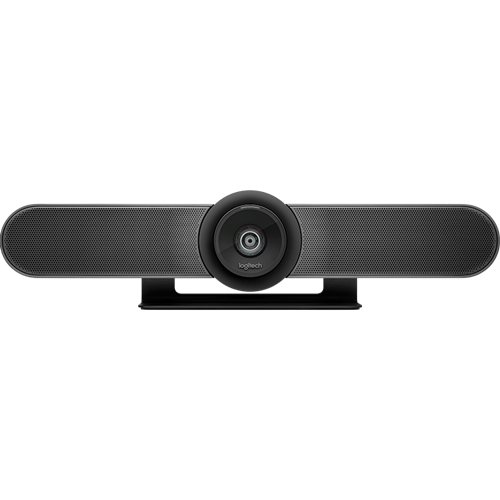
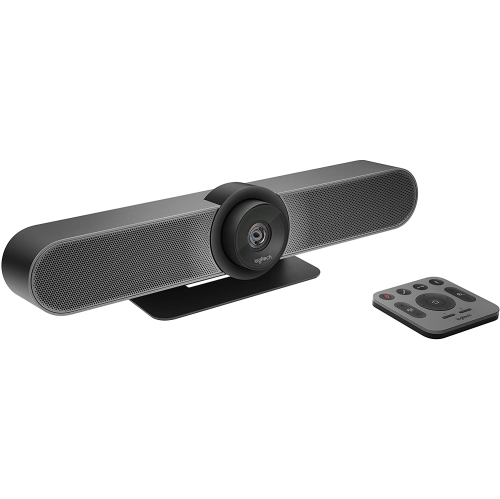
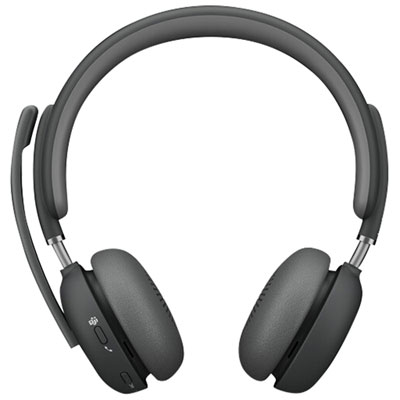
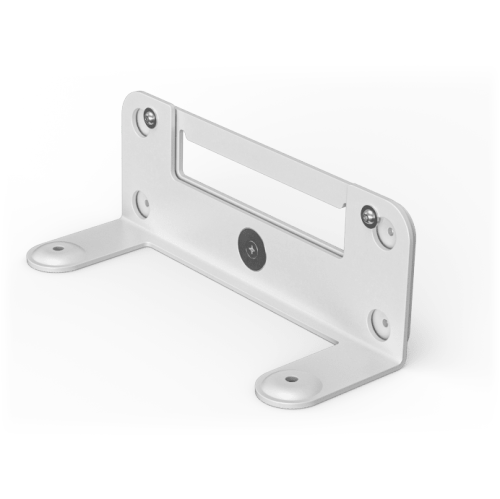
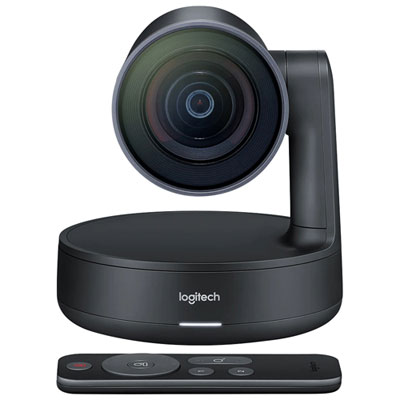
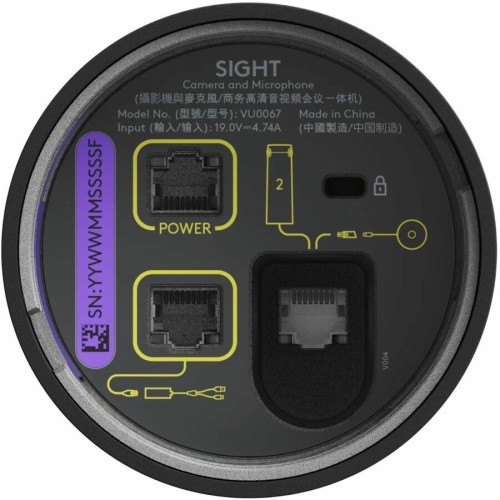
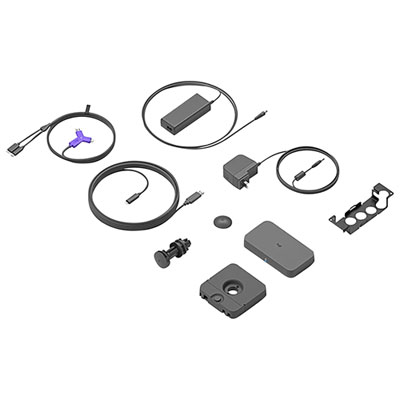
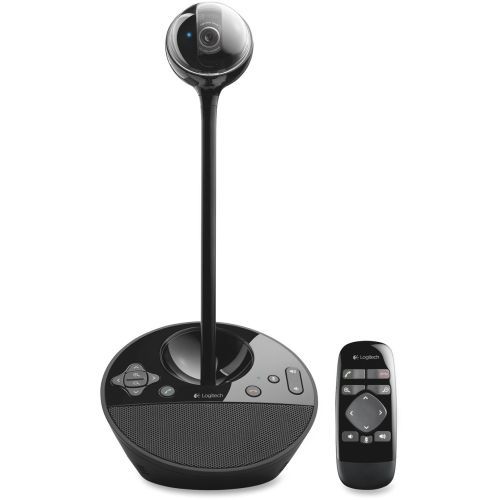
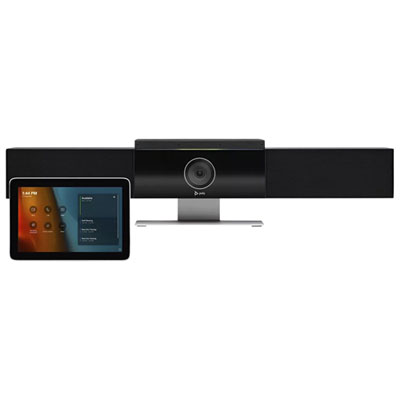
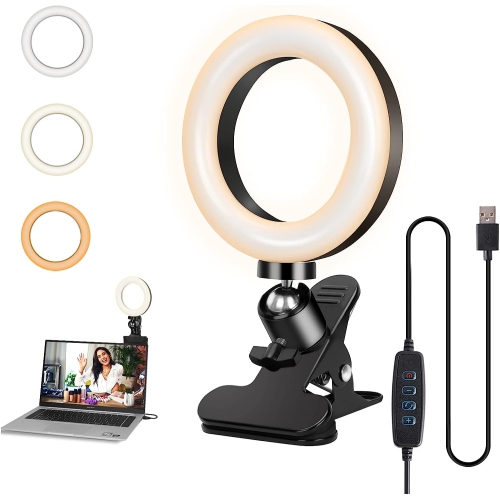
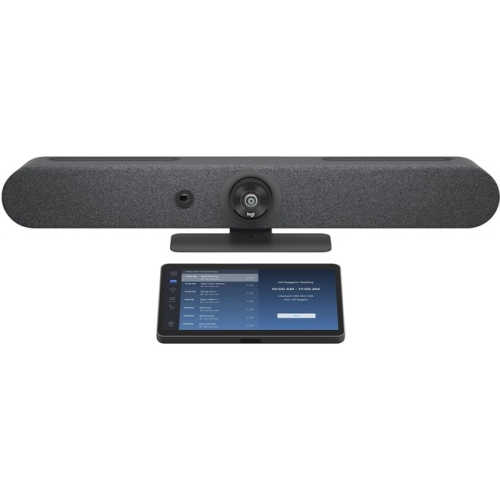
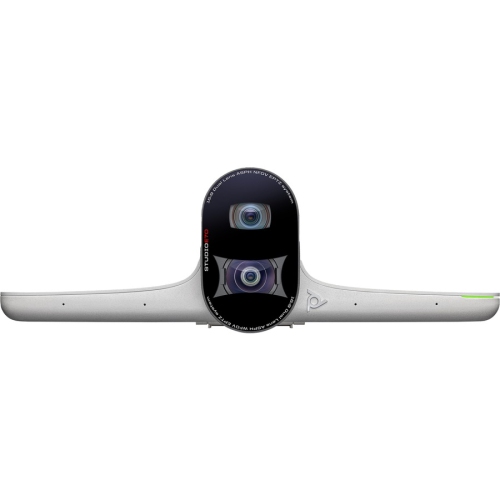
How software and equipment work together for clearer calls
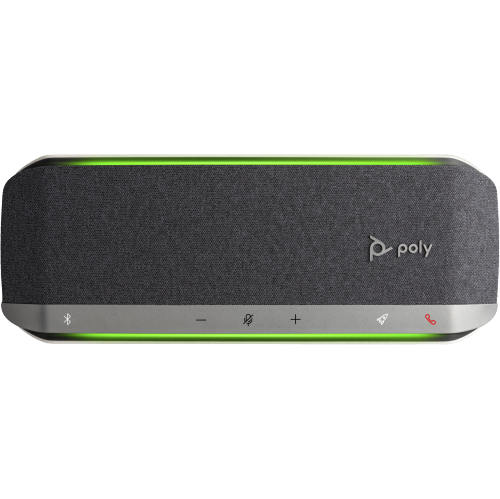
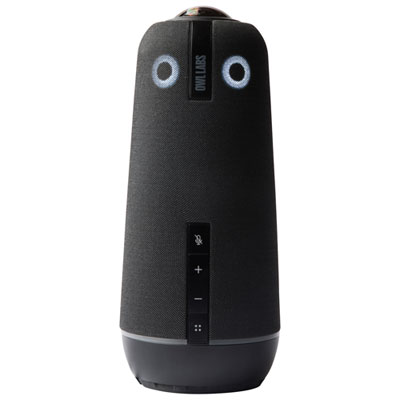
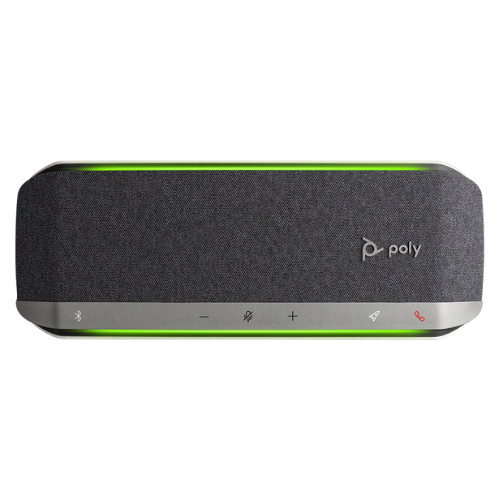
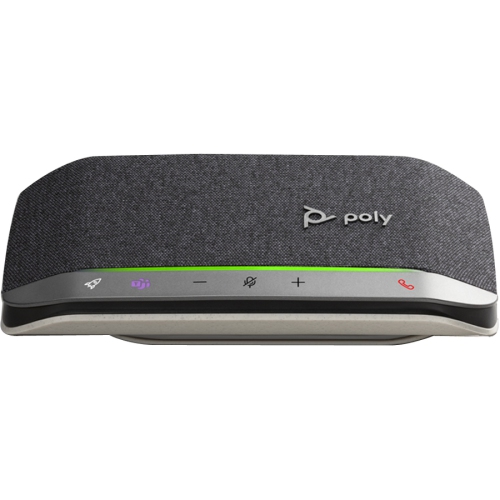
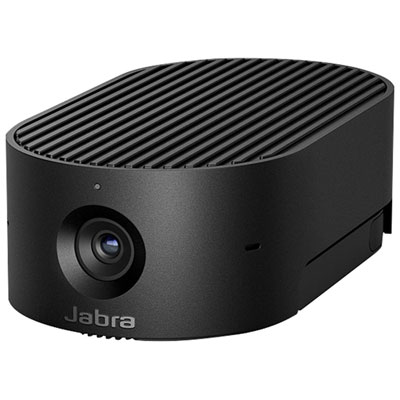
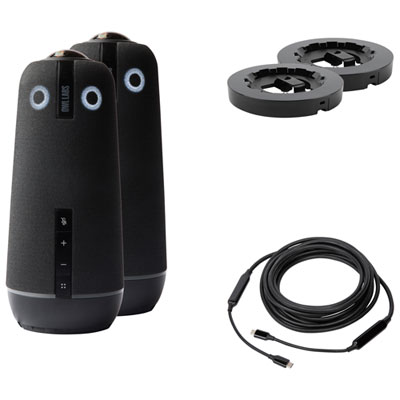
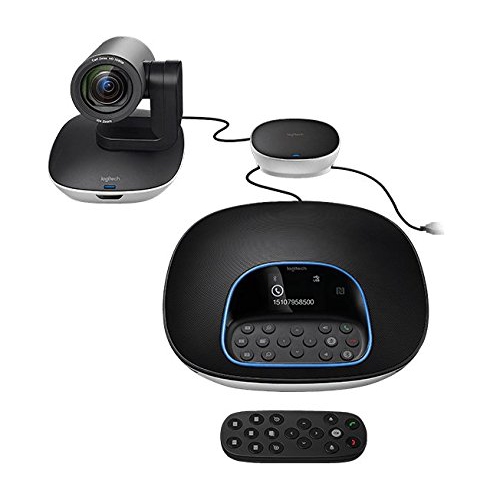
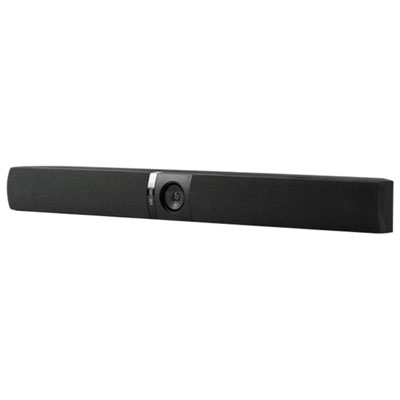
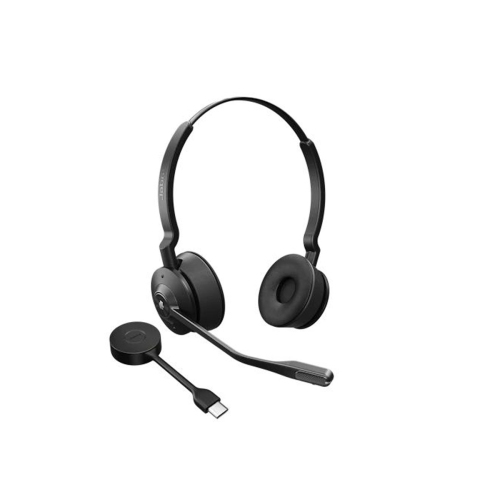
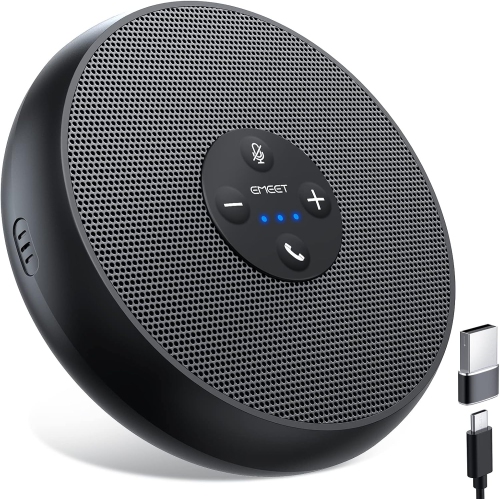
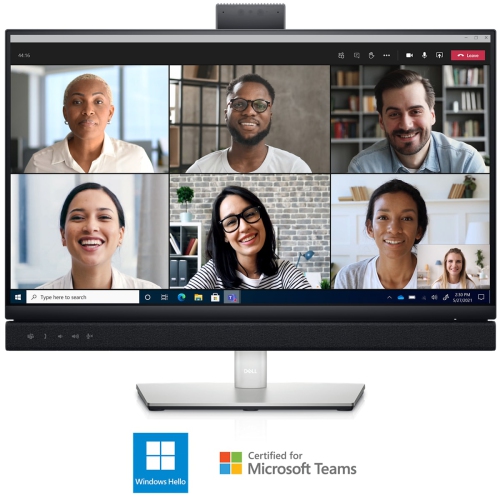
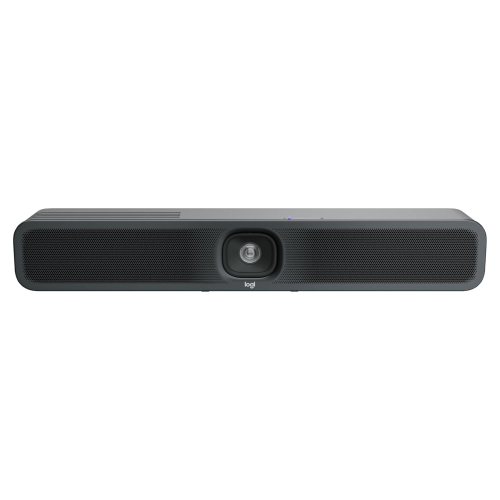
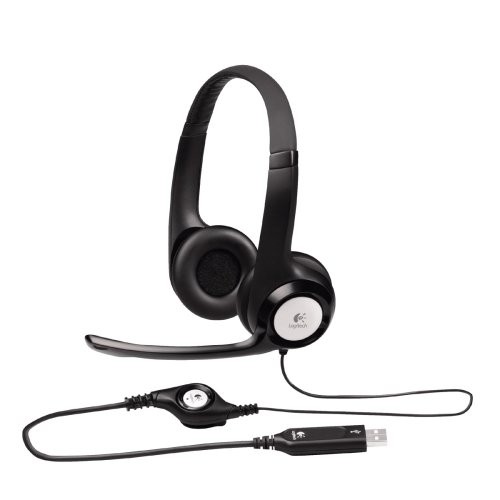
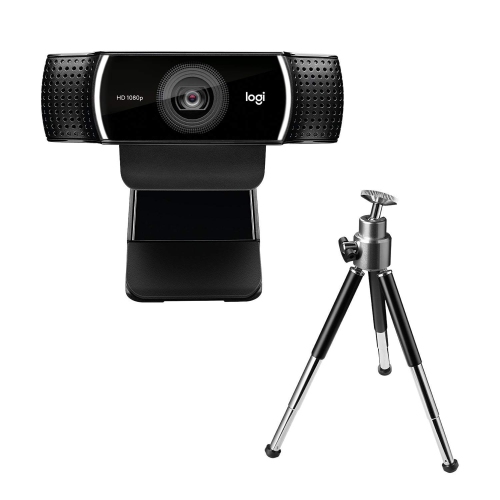
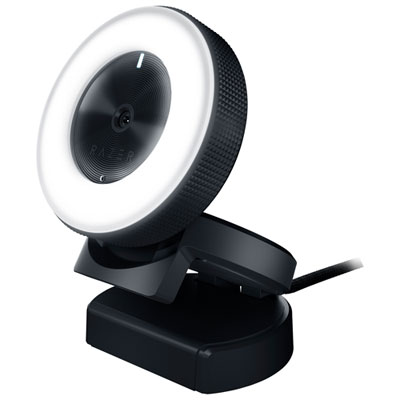
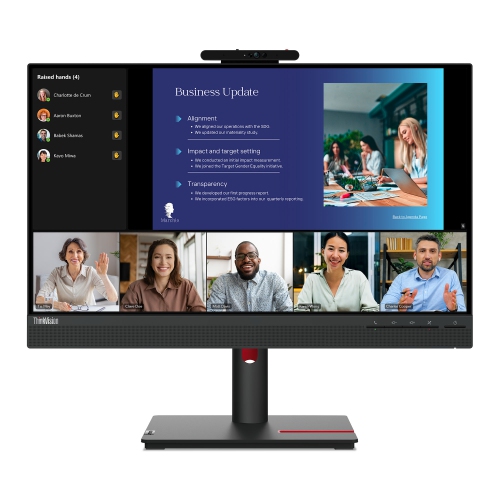
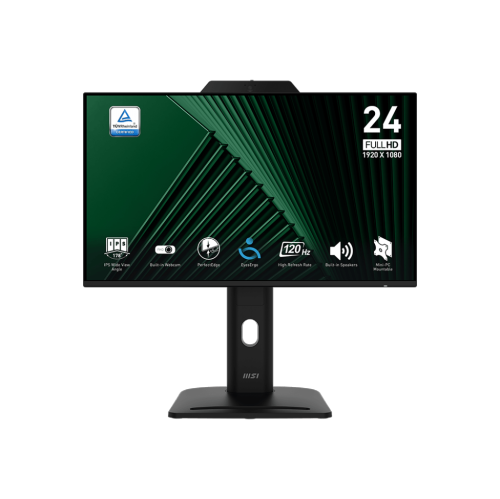
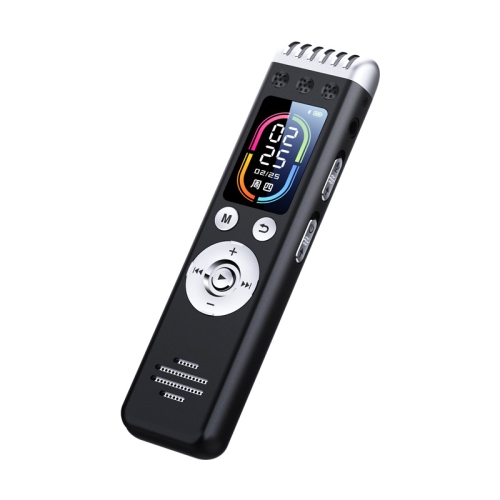
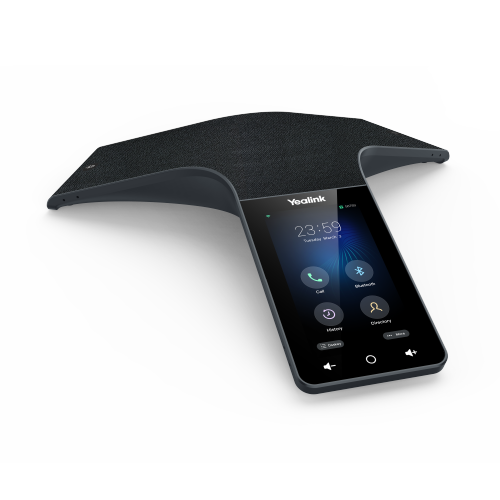
Virtual meeting tools bring together the software and equipment used to host video calls, share screens, exchange messages, and collaborate from different locations. A complete setup may include an online meeting platform, a webcam, a microphone or headset, speakers, and a computer or compatible mobile device with a reliable internet connection. Each part serves a different purpose: the platform manages the conversation and shared content, while the equipment helps people see, hear, and participate clearly. These tools support everyday work meetings, remote interviews, client presentations, online learning, and catch-ups with family and friends. For someone joining a short call from a kitchen table, a compact headset and a built-in camera may be enough. A person presenting detailed documents throughout the day may benefit from a separate webcam, a dedicated microphone, and a larger display that keeps shared material readable beside the participant gallery. Software requirements matter just as much as the physical setup. Browser access, screen sharing, group chat, captions, breakout rooms, and host controls vary by platform and account type, so compatibility with the services used by colleagues or clients is an important consideration. Larger meetings may also call for participant management, while workshops often benefit from smaller discussion spaces and shared whiteboards. Live captions can make conversations easier to follow, although their accuracy depends on factors such as speech clarity, language support, and background noise. Guest access and sign-in requirements affect how easily people outside an organization can join. For confidential conversations, account permissions, meeting access settings, and microphone mute controls deserve attention alongside picture quality. The most useful combination is one that suits the meeting itself, whether that means joining quickly from a laptop, presenting slides to a distributed team, or making a group gathered around a conference table audible to people attending remotely.
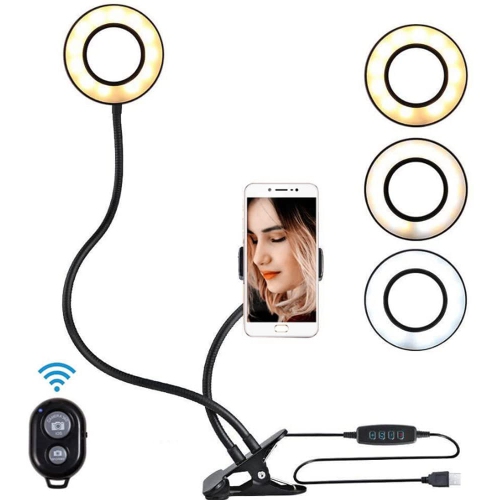
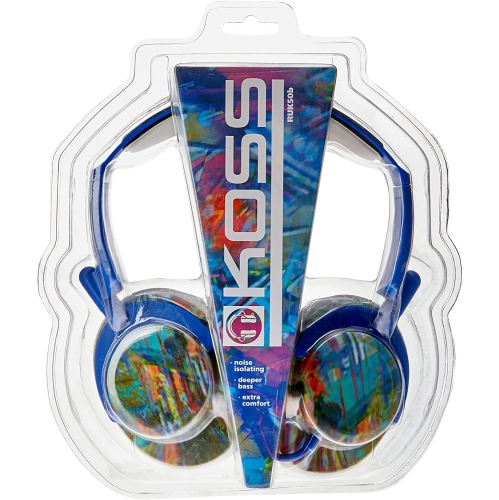
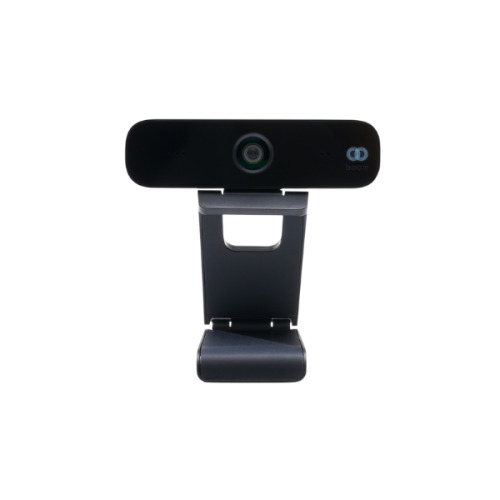
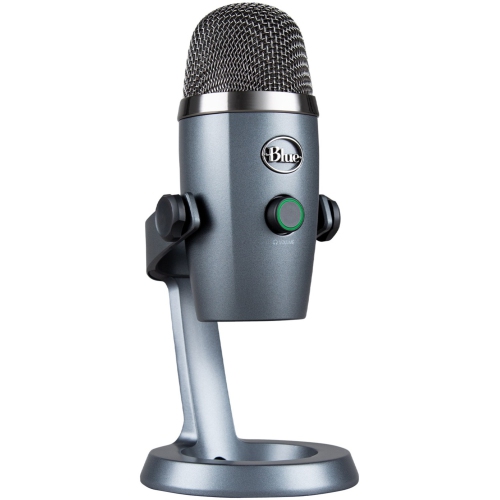
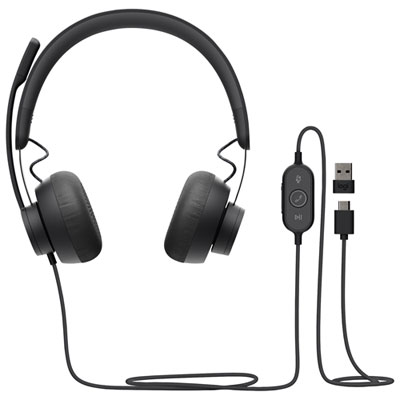
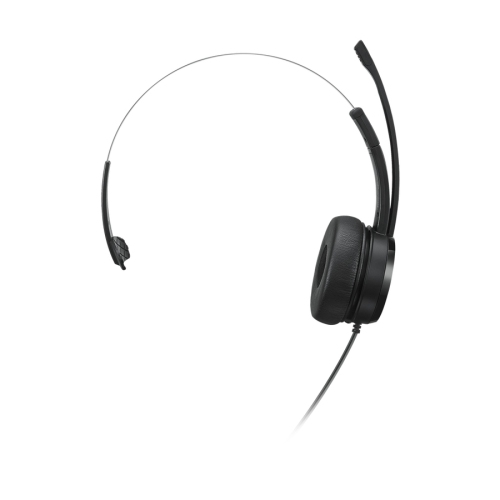
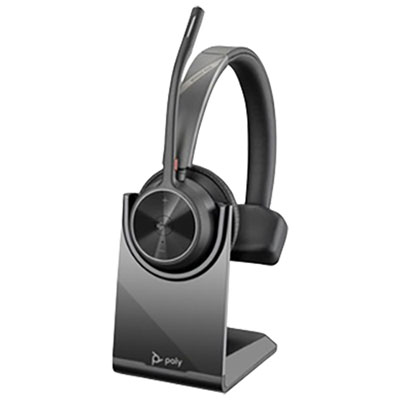
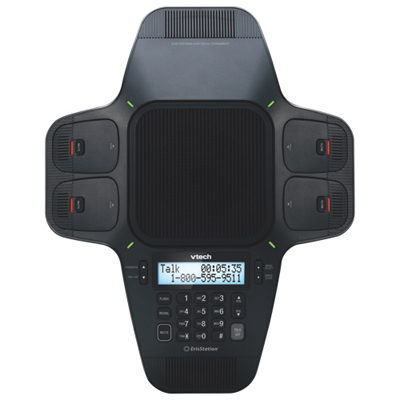
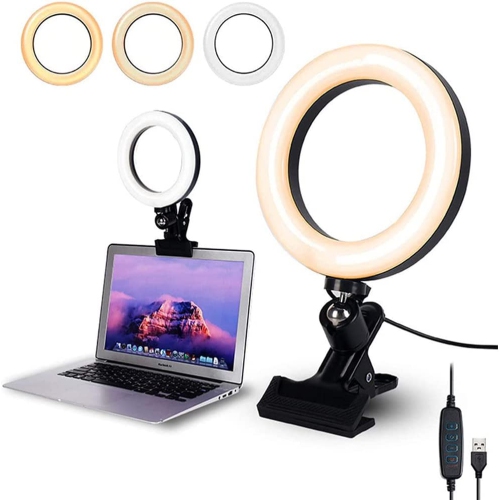
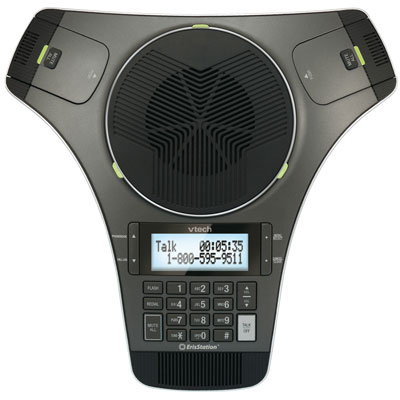
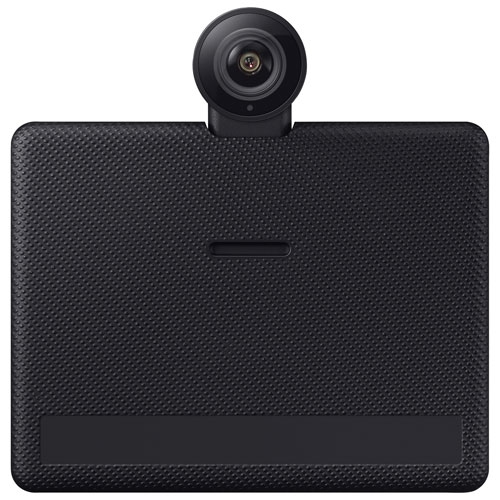
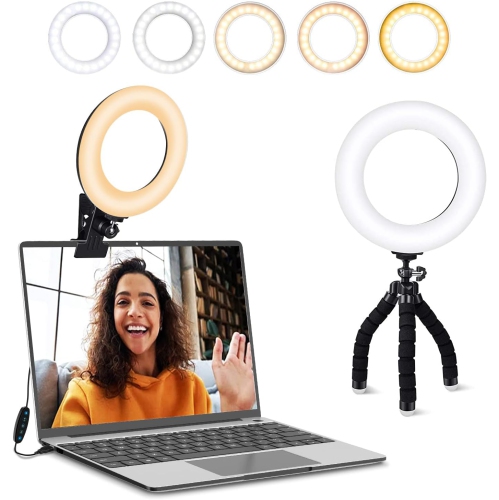
Clear sound often has a greater effect on a virtual meeting than a sharper picture. When a voice fades into room noise or arrives with an echo, even a straightforward conversation takes more effort. Headsets keep incoming audio close to the listener and can reduce the chance of speaker sound reaching the microphone. A boom microphone positioned near the mouth can help maintain consistent voice pickup as the wearer turns towards notes or another screen. Noise-reducing microphone features may limit some unwanted sounds, but they do not make every busy room silent; placement and room acoustics still matter. A freestanding microphone can suit a fixed desk, particularly for presentations and training sessions, while a speakerphone with suitable pickup coverage may be more practical when several people share a table. Headphone fit becomes especially noticeable during back-to-back calls. Adjustable headbands, cushioned ear pads, manageable weight, and enough space around the ears can make longer sessions more comfortable, including for people who wear glasses. In-ear designs take up less room in a travel bag, though comfort depends on the shape and size of the ear tips. Video equipment has similar practical differences. A webcam with a narrow field of view can keep attention on one person, while a wider view can include a small group or a demonstration area. Higher resolution can show more detail when supported by the platform and connection, but balanced lighting and thoughtful camera placement also contribute to a clear image. A camera near eye level creates a more natural angle than one looking up from a low tabletop. Soft light directed towards the face helps avoid the dark silhouette that a bright window behind a chair can create. Adjustable mounts and light stands allow the setup to work around shelving, monitor heights, and limited desk space without crowding the area needed for typing or handwritten notes.
Day-to-day reliability depends on how well virtual meeting equipment fits the space and the routine. A wired connection can simplify charging concerns at a permanent workstation, while wireless equipment offers more freedom to move during a discussion. Battery life, charging method, operating range, and the ability to use a device while it charges vary by model. USB connections also need a closer look: a connector that physically fits does not necessarily confirm support for every audio, video, or docking feature. Computer ports, operating system requirements, and any adapter specifications should match the intended setup. For longer calls with screen sharing, a stable network connection helps maintain continuity; wired networking can be useful at a fixed desk, while Wi-Fi performance depends partly on coverage, interference, and competing traffic. Physical construction matters when equipment moves between home, an office, and shared workspaces. Secure hinges, sturdy clips, protected cable connections, and a well-fitting carrying case help withstand routine handling. Lightweight plastic housings are convenient to carry, while metal stands can add useful stability on a desk. Fabric-covered cushions and soft ear pads offer different textures, and replaceable pads or detachable cables can make ongoing upkeep more practical where those features are supported. Care generally involves following the manufacturer's instructions, keeping liquids away from ports, and using suitable cleaning methods for lenses and surfaces. Cables routed away from chair wheels and walkways are less likely to be pulled or damaged. For people who lead interactive sessions, Tools for Online Workshops can complement a meeting setup with options suited to demonstrations, shared activities, and group participation. A student attending remote seminars, a tutor explaining written work, and a consultant speaking with clients may all need different arrangements despite using similar platforms. Virtual meeting accessories can also make thoughtful gifts for someone starting a remote role or a course, provided device compatibility and personal preferences are known. Equipment that is comfortable to wear, straightforward to connect, and easy to keep within reach makes it simpler to shift from everyday desk work into a conversation without rearranging the whole room.
Clear sound often has a greater effect on a virtual meeting than a sharper picture. When a voice fades into room noise or arrives with an echo, even a straightforward conversation takes more effort. Headsets keep incoming audio close to the listener and can reduce the chance of speaker sound reaching the microphone. A boom microphone positioned near the mouth can help maintain consistent voice pickup as the wearer turns towards notes or another screen. Noise-reducing microphone features may limit some unwanted sounds, but they do not make every busy room silent; placement and room acoustics still matter. A freestanding microphone can suit a fixed desk, particularly for presentations and training sessions, while a speakerphone with suitable pickup coverage may be more practical when several people share a table. Headphone fit becomes especially noticeable during back-to-back calls. Adjustable headbands, cushioned ear pads, manageable weight, and enough space around the ears can make longer sessions more comfortable, including for people who wear glasses. In-ear designs take up less room in a travel bag, though comfort depends on the shape and size of the ear tips. Video equipment has similar practical differences. A webcam with a narrow field of view can keep attention on one person, while a wider view can include a small group or a demonstration area. Higher resolution can show more detail when supported by the platform and connection, but balanced lighting and thoughtful camera placement also contribute to a clear image. A camera near eye level creates a more natural angle than one looking up from a low tabletop. Soft light directed towards the face helps avoid the dark silhouette that a bright window behind a chair can create. Adjustable mounts and light stands allow the setup to work around shelving, monitor heights, and limited desk space without crowding the area needed for typing or handwritten notes.
Day-to-day reliability depends on how well virtual meeting equipment fits the space and the routine. A wired connection can simplify charging concerns at a permanent workstation, while wireless equipment offers more freedom to move during a discussion. Battery life, charging method, operating range, and the ability to use a device while it charges vary by model. USB connections also need a closer look: a connector that physically fits does not necessarily confirm support for every audio, video, or docking feature. Computer ports, operating system requirements, and any adapter specifications should match the intended setup. For longer calls with screen sharing, a stable network connection helps maintain continuity; wired networking can be useful at a fixed desk, while Wi-Fi performance depends partly on coverage, interference, and competing traffic. Physical construction matters when equipment moves between home, an office, and shared workspaces. Secure hinges, sturdy clips, protected cable connections, and a well-fitting carrying case help withstand routine handling. Lightweight plastic housings are convenient to carry, while metal stands can add useful stability on a desk. Fabric-covered cushions and soft ear pads offer different textures, and replaceable pads or detachable cables can make ongoing upkeep more practical where those features are supported. Care generally involves following the manufacturer's instructions, keeping liquids away from ports, and using suitable cleaning methods for lenses and surfaces. Cables routed away from chair wheels and walkways are less likely to be pulled or damaged. For people who lead interactive sessions, Tools for Online Workshops can complement a meeting setup with options suited to demonstrations, shared activities, and group participation. A student attending remote seminars, a tutor explaining written work, and a consultant speaking with clients may all need different arrangements despite using similar platforms. Virtual meeting accessories can also make thoughtful gifts for someone starting a remote role or a course, provided device compatibility and personal preferences are known. Equipment that is comfortable to wear, straightforward to connect, and easy to keep within reach makes it simpler to shift from everyday desk work into a conversation without rearranging the whole room.
Top selling and popular products
-
 Your price for this item is $99.99
 -
 Your price for this item is $123.44
 -
 Your price for this item is $28.98
 -
 Your price for this item is $65.1
 -
 Your price for this item is $119.99
 -
 Your price for this item is $249.99
 -
 Your price for this item is $49.99
 -
 Your price for this item is $59.99
Discover more categories related to Virtual Meeting Tools

Top Collections:
Pokemon Centers, Kindle Devices, Best Budget Office Chairs, Apple iPhones 16, Best Laptops for Writers, iPhone 15 Apple, Canon G7X Cameras, Refurbished Apple Laptops, Alarm Clock, Motorola Razr Phones
Some products may be subject to Environmental Handling Fees
(EHF) depending on your province.
Learn more about EHFs.