PC Cases Black
Upgrade your desktop setup with a PC Case Black, designed to deliver both style and functionality for any workspace or gaming station. A sleek black case offers a modern look that complements a wide range of accessories and components. Whether building a new system or updating an existing one, explore options that suit your preferences and space requirements. Find the ideal PC Case Black to enhance your build and keep your setup organized.
Sort
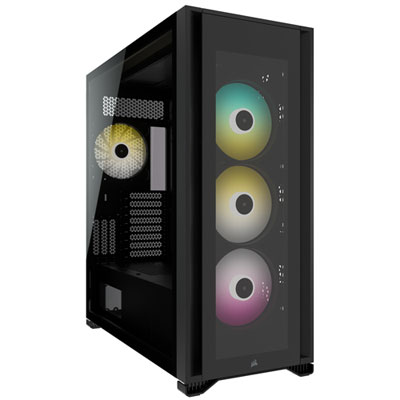
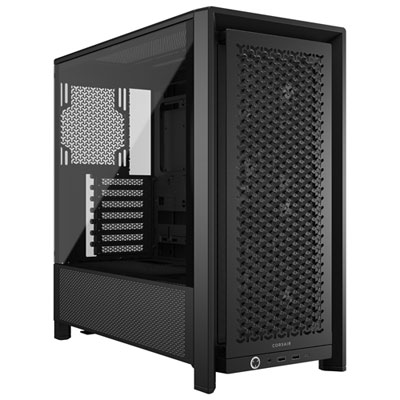

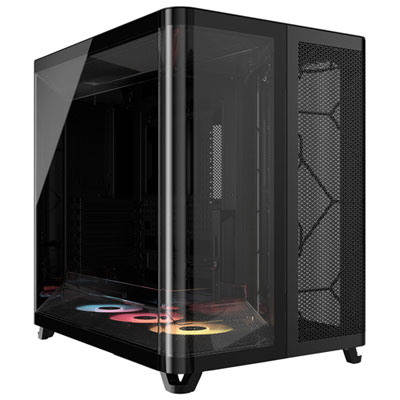
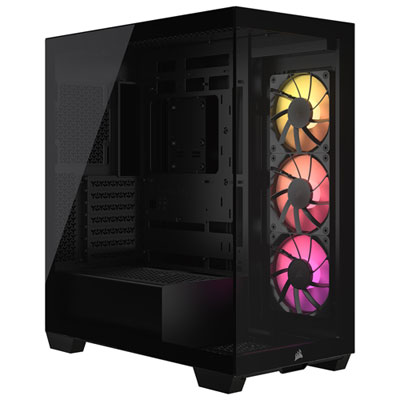


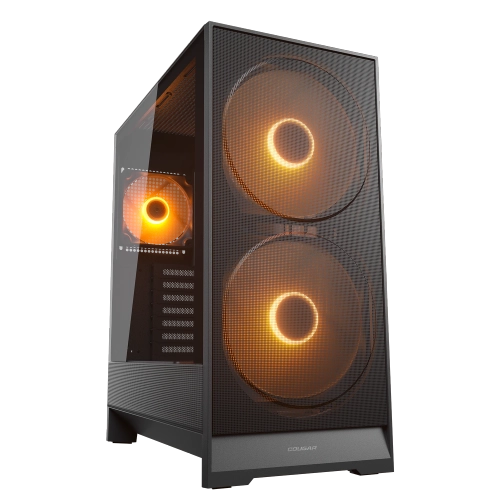
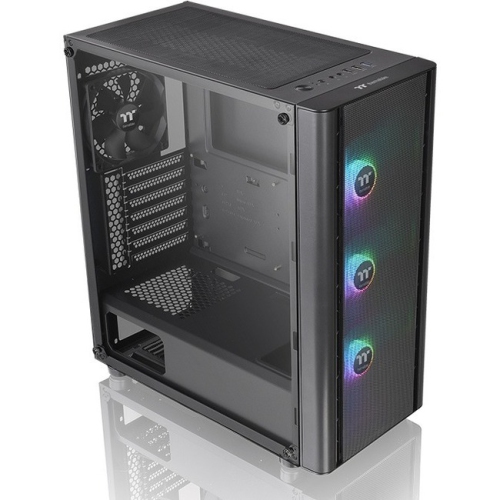
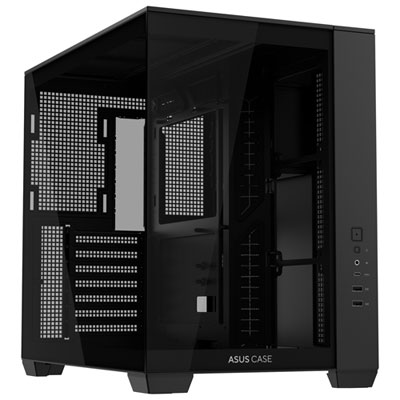
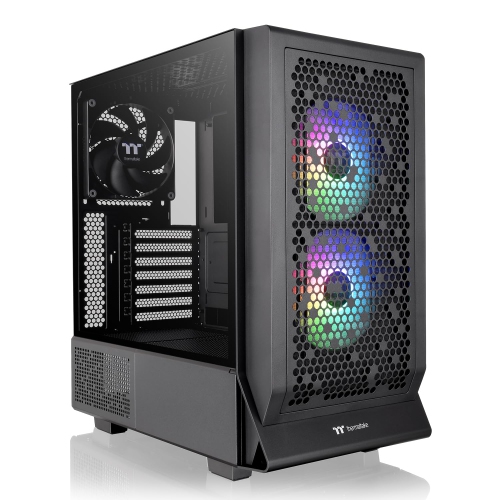
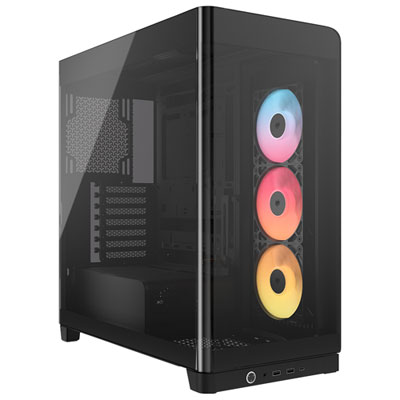
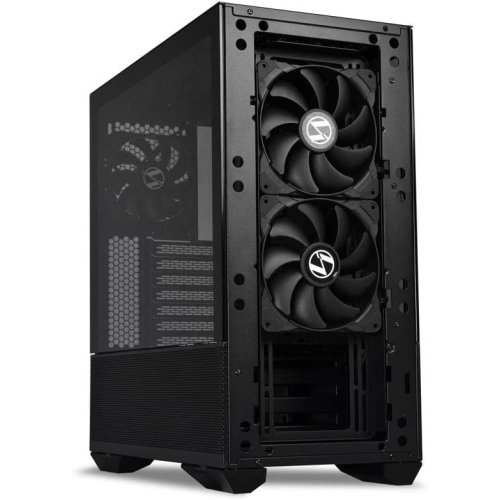
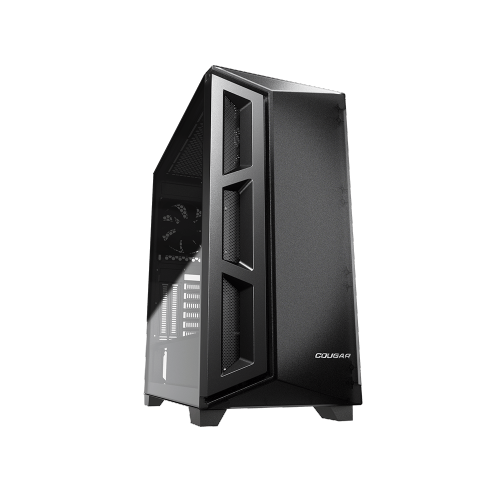

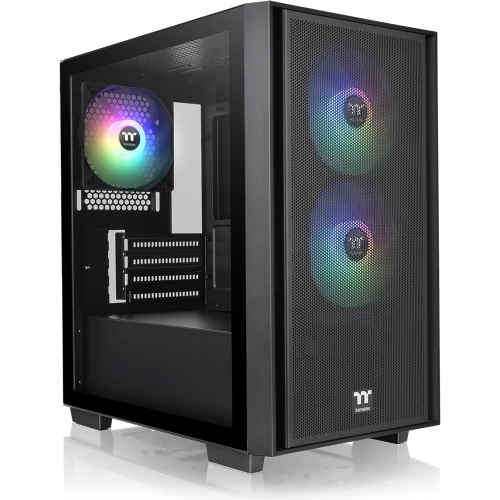
A black finish is only the starting point
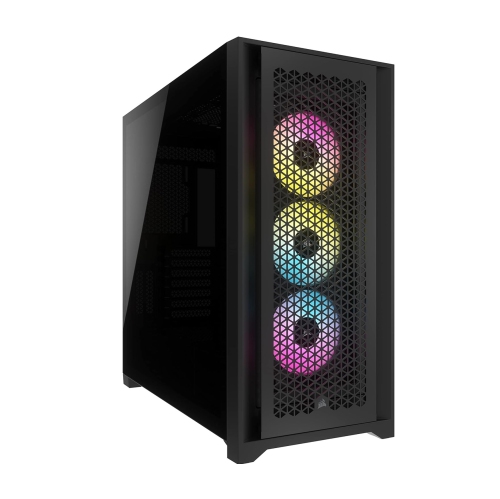
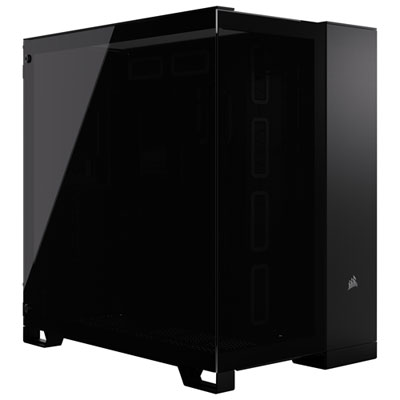
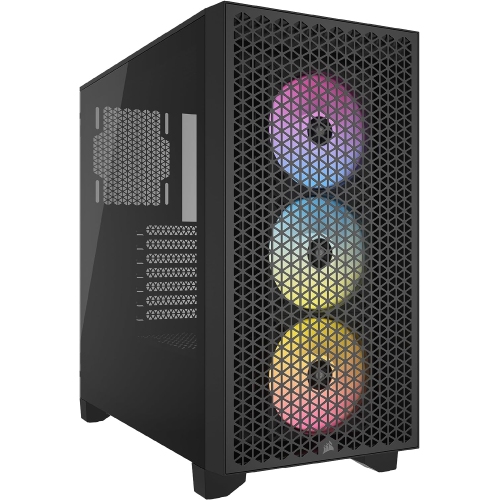
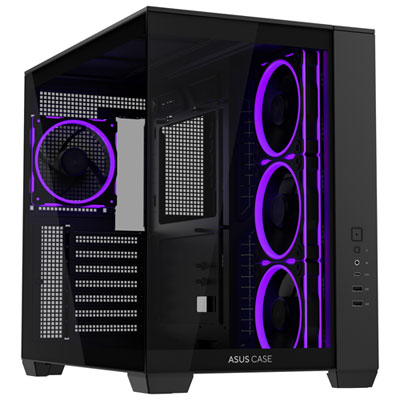
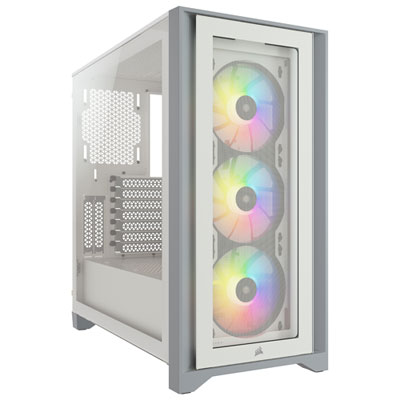
Black PC cases house and protect desktop computer components while giving a build a coordinated appearance. They come in compact, mid tower, and full tower formats, with designs ranging from understated solid panels to glass-sided enclosures that put the hardware on display. The black finish works with a wide range of desk setups, whether the computer sits beside a monitor in a home office or forms part of a gaming station with matching peripherals. Matte surfaces tend to look restrained, while textured panels, tinted glass, and contrasting lighting can add visual depth. The colour itself does not determine cooling performance, noise levels, or component compatibility; those qualities depend on the enclosure’s construction and layout. Steel is commonly used for the main chassis because it provides a rigid structure, while aluminum panels can reduce weight. Tempered-glass side panels offer a clear view of the build but add weight and need careful handling. Acrylic windows are lighter, although they can scratch more easily. Solid side panels keep the focus on the exterior and may suit shared workspaces where visible lighting would be distracting. Size is another defining difference. Compact cases can make efficient use of a small desk, but their internal layouts often require more precise component matching. Full towers generally provide more room for large cooling systems, expansion cards, and multiple drives, at the cost of a larger footprint. For many desktop builds, black mid tower PC cases offer a useful balance of internal space and manageable dimensions. External measurements still matter: a case needs room for its feet, rear cables, ventilation openings, and access to the side panels. A tower that fits beneath a desk should also leave space around its air intakes rather than sitting tightly against a cabinet wall. The result can be a discreet everyday computer or a more expressive custom build, depending on the enclosure’s details.
Inside a black PC case, compatibility comes down to more than whether the motherboard fits. Motherboard support is usually listed by form factor, such as ATX, Micro-ATX, or Mini-ITX, and the case must provide the appropriate mounting positions and expansion slots. Larger motherboard formats need particular attention because support can vary with the board’s dimensions. Graphics card clearance is equally important for gaming, video editing, and other graphics-intensive uses. A long card may fit within the stated maximum length until a front-mounted radiator or fan assembly occupies part of that space. Card thickness, power connector placement, and room for the attached cable also affect the fit. Air-cooled processors need sufficient clearance between the top of the cooler and the side panel, while liquid cooling requires suitable radiator mounting points and enough space around nearby components. Radiator length alone does not confirm compatibility; the combined thickness of the radiator and fans can interfere with memory modules or motherboard heatsinks. Power supply support includes both the supply’s format and its length, with additional room needed for cables, especially near drive cages. These relationships explain why two similarly sized cases can accommodate quite different builds. Cooling layouts also vary. Perforated or mesh front panels can provide a relatively direct path for incoming air, while more closed designs depend on the size and placement of their vents. Fan mounting positions, included fans, and the route air takes through the enclosure all contribute to how effectively heat leaves the system. A common arrangement brings air in through the front or bottom and directs it out through the rear or top, although the best layout depends on the hardware and case design. Dust filters help limit buildup at intake openings, but they need cleaning to maintain airflow. For a gaming desktop under sustained load, clear intake paths and well-positioned fans can be more useful than decorative openings that do little to move air across the components.
Day-to-day convenience often comes from details that are less noticeable than a glass panel or illuminated fan. Space behind the motherboard tray, cable-routing openings, and accessible tie-down points make it easier to organize wiring without crowding the main compartment. A power supply shroud can conceal spare cables, but adequate room beneath it remains important for assembly and later changes. Front or top connections are useful when the tower sits within reach: USB ports, an audio connection, and clearly positioned controls can reduce the need to reach around the back. A front USB-C port also needs a compatible internal connection to provide its intended functionality. Storage layouts deserve similar attention. A desktop used for large photo libraries may need several drive mounts, while a system relying on motherboard-mounted storage may benefit more from open space around its cooling hardware. For a computer used during calls, recording sessions, or focused work, noise depends on the complete build rather than the case finish. Secure panels, stable feet, unobstructed airflow, and appropriately controlled fans can help reduce rattles and unnecessary fan noise. Care is straightforward but material-specific. With the computer shut down and unplugged, exterior surfaces can usually be wiped with a soft cloth, following the enclosure’s care instructions. Removed dust filters should be fully dry before being refitted if their cleaning method involves water. Glass panels need support during removal and should not be rested on hard tile or stone, where edge impacts can cause damage. Keeping the case off thick carpet can also help preserve clearance beneath bottom-mounted vents. Durable finishes, replaceable fans, removable filters, and accessible fasteners make ongoing maintenance easier. A black PC case can suit a first-time builder, an experienced hobbyist, a student assembling a study computer, or a creator planning a workstation. As a gift, it is most useful when the recipient’s component sizes and preferred layout are known, since appearance is only one part of a successful fit.
Inside a black PC case, compatibility comes down to more than whether the motherboard fits. Motherboard support is usually listed by form factor, such as ATX, Micro-ATX, or Mini-ITX, and the case must provide the appropriate mounting positions and expansion slots. Larger motherboard formats need particular attention because support can vary with the board’s dimensions. Graphics card clearance is equally important for gaming, video editing, and other graphics-intensive uses. A long card may fit within the stated maximum length until a front-mounted radiator or fan assembly occupies part of that space. Card thickness, power connector placement, and room for the attached cable also affect the fit. Air-cooled processors need sufficient clearance between the top of the cooler and the side panel, while liquid cooling requires suitable radiator mounting points and enough space around nearby components. Radiator length alone does not confirm compatibility; the combined thickness of the radiator and fans can interfere with memory modules or motherboard heatsinks. Power supply support includes both the supply’s format and its length, with additional room needed for cables, especially near drive cages. These relationships explain why two similarly sized cases can accommodate quite different builds. Cooling layouts also vary. Perforated or mesh front panels can provide a relatively direct path for incoming air, while more closed designs depend on the size and placement of their vents. Fan mounting positions, included fans, and the route air takes through the enclosure all contribute to how effectively heat leaves the system. A common arrangement brings air in through the front or bottom and directs it out through the rear or top, although the best layout depends on the hardware and case design. Dust filters help limit buildup at intake openings, but they need cleaning to maintain airflow. For a gaming desktop under sustained load, clear intake paths and well-positioned fans can be more useful than decorative openings that do little to move air across the components.
Day-to-day convenience often comes from details that are less noticeable than a glass panel or illuminated fan. Space behind the motherboard tray, cable-routing openings, and accessible tie-down points make it easier to organize wiring without crowding the main compartment. A power supply shroud can conceal spare cables, but adequate room beneath it remains important for assembly and later changes. Front or top connections are useful when the tower sits within reach: USB ports, an audio connection, and clearly positioned controls can reduce the need to reach around the back. A front USB-C port also needs a compatible internal connection to provide its intended functionality. Storage layouts deserve similar attention. A desktop used for large photo libraries may need several drive mounts, while a system relying on motherboard-mounted storage may benefit more from open space around its cooling hardware. For a computer used during calls, recording sessions, or focused work, noise depends on the complete build rather than the case finish. Secure panels, stable feet, unobstructed airflow, and appropriately controlled fans can help reduce rattles and unnecessary fan noise. Care is straightforward but material-specific. With the computer shut down and unplugged, exterior surfaces can usually be wiped with a soft cloth, following the enclosure’s care instructions. Removed dust filters should be fully dry before being refitted if their cleaning method involves water. Glass panels need support during removal and should not be rested on hard tile or stone, where edge impacts can cause damage. Keeping the case off thick carpet can also help preserve clearance beneath bottom-mounted vents. Durable finishes, replaceable fans, removable filters, and accessible fasteners make ongoing maintenance easier. A black PC case can suit a first-time builder, an experienced hobbyist, a student assembling a study computer, or a creator planning a workstation. As a gift, it is most useful when the recipient’s component sizes and preferred layout are known, since appearance is only one part of a successful fit.
Top selling and popular products
-
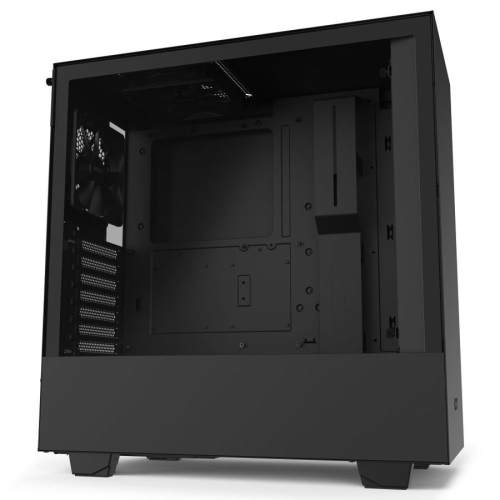 Your price for this item is $299
-
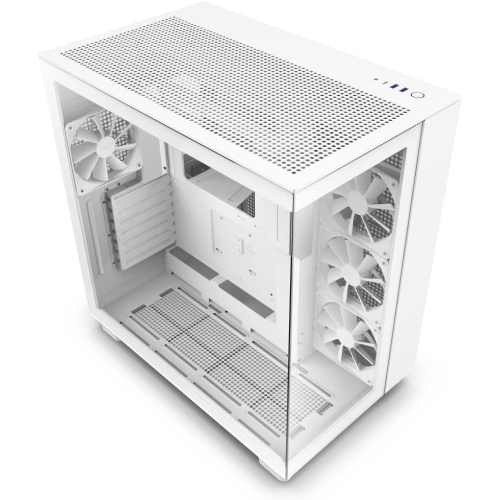 Your price for this item is $514.68
-
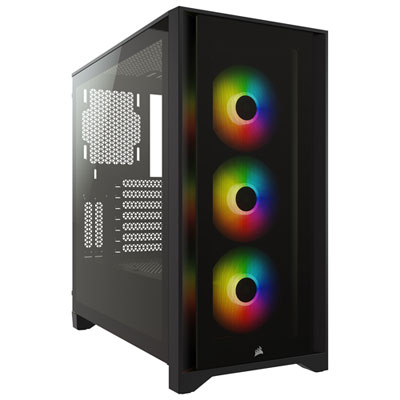 Your price for this item is $149.97
-
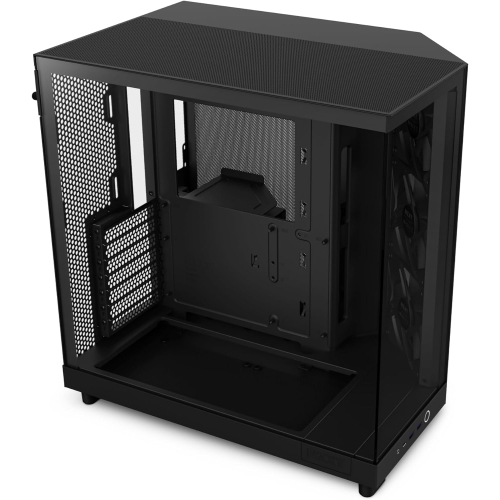 Your price for this item is $186.99
-
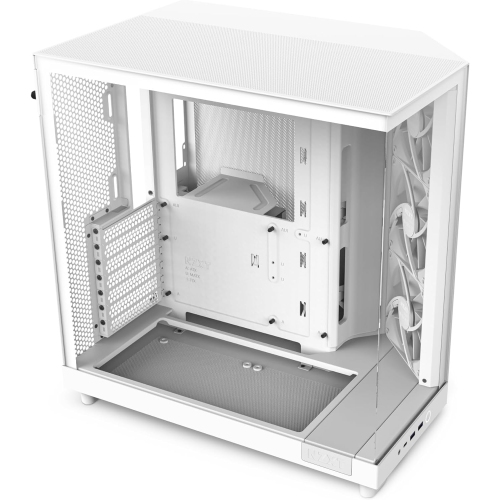 Your price for this item is $131.99
-
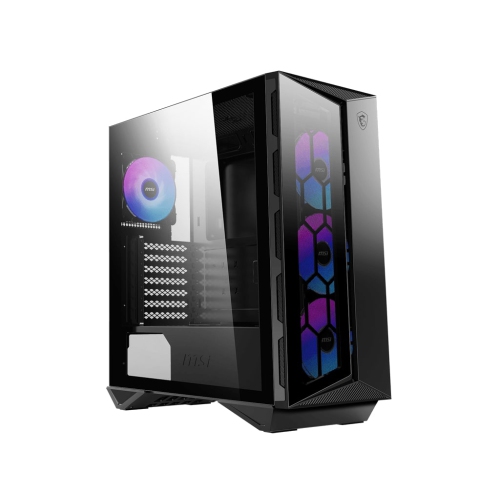 Your price for this item is $157.68
-
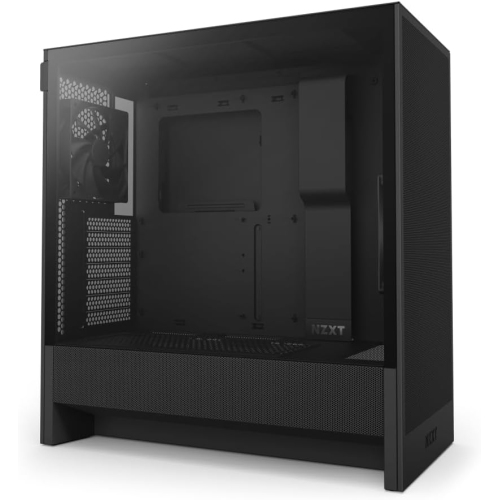 Your price for this item is $164.99
-
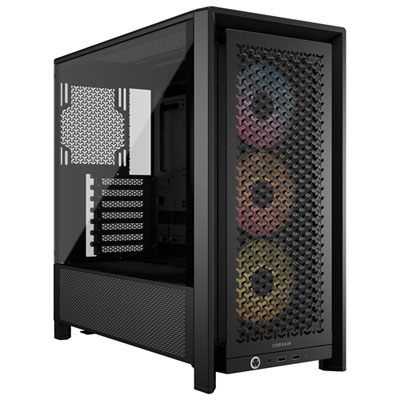 Your price for this item is $154.99
Discover more categories related to PC Cases Black
Top Collections:
Pokemon Centers, Kindle Devices, Best Black Friday Deals This Year, Pokémon 30th Celebration Cards, Best Black Friday Deals On Electronics, Best Cameras for Sports Photography, Best Black Friday Deals On Apple Products, Canon G7X Cameras, iPhone 15 Apple, Candle Warmer Lights
Some products may be subject to Environmental Handling Fees
(EHF) depending on your province.
Learn more about EHFs.