Pci Express 3.0 Graphics Cards
Upgrade your gaming experience with a powerful PCI Express 3.0 graphics card. Designed to deliver stunning visuals and smooth gameplay, these cutting-edge components are essential for almost any avid gamer or creative professional. With lightning-fast data transfer speeds and advanced rendering capabilities, these PCI Express 3.0 graphic cards take your computer's performance to the next level. Here are some great options available.
Sort
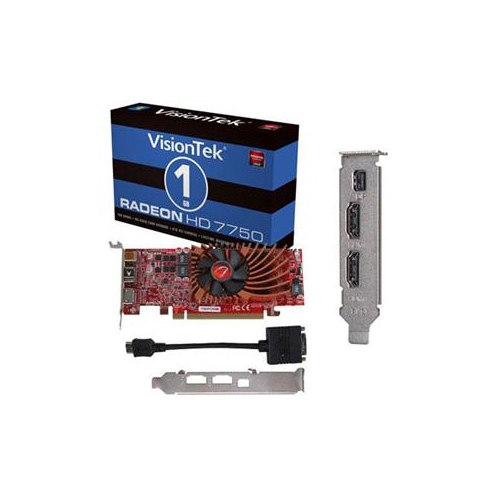
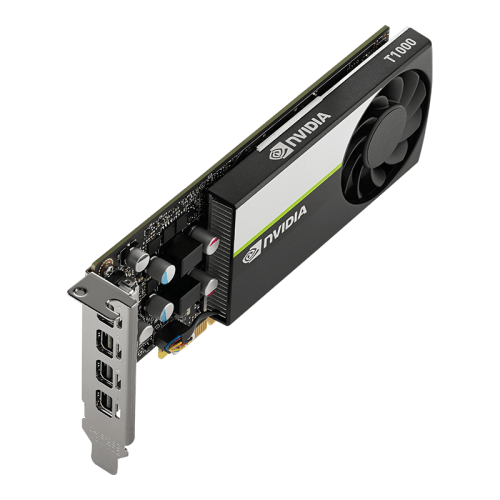

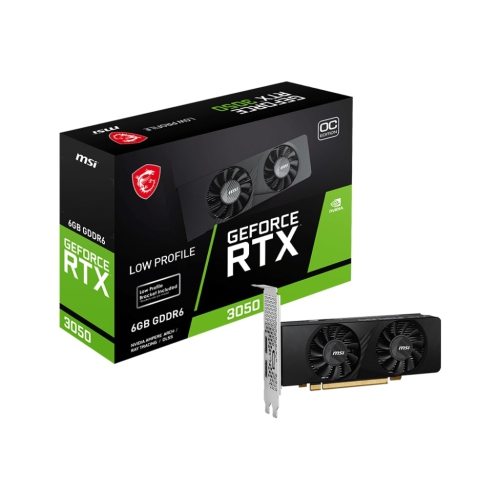

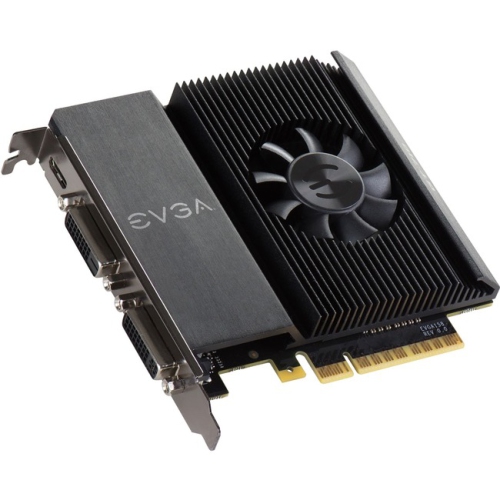

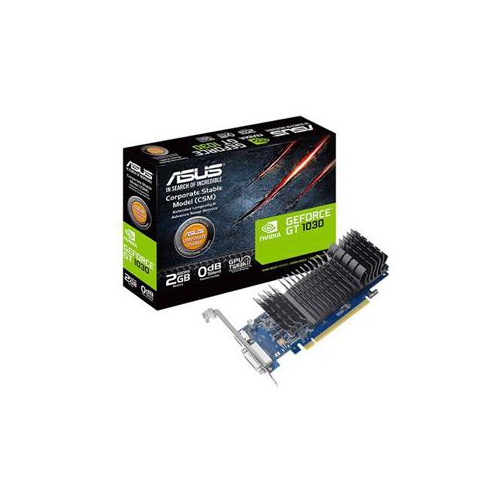
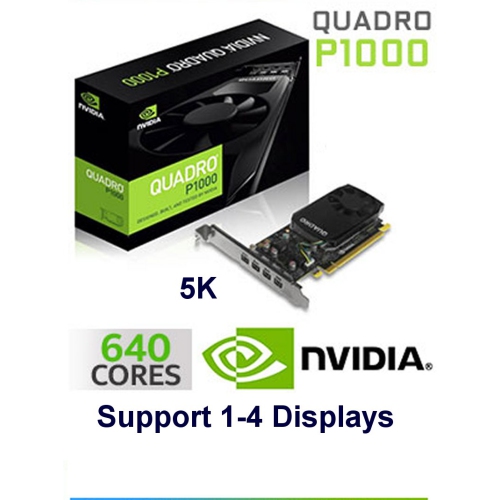


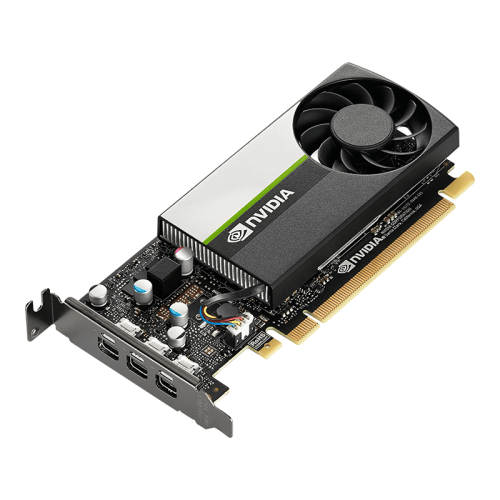
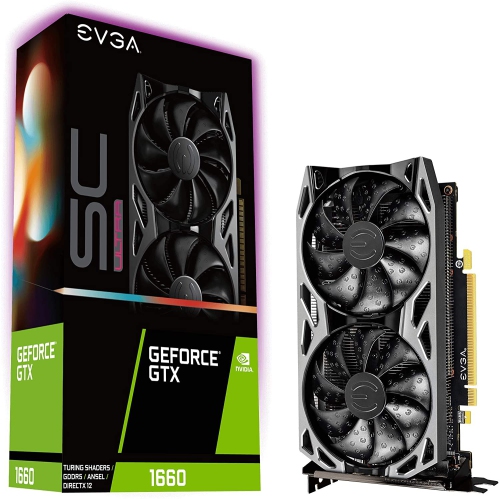
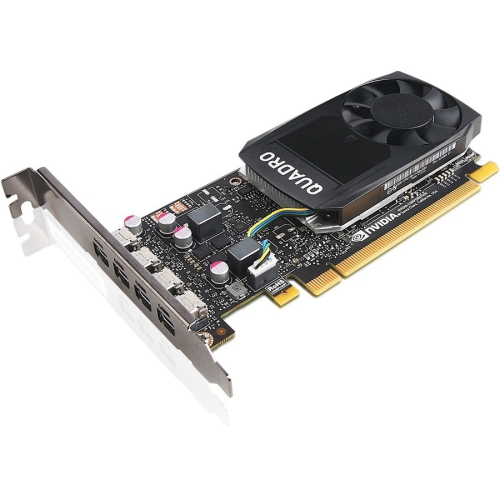
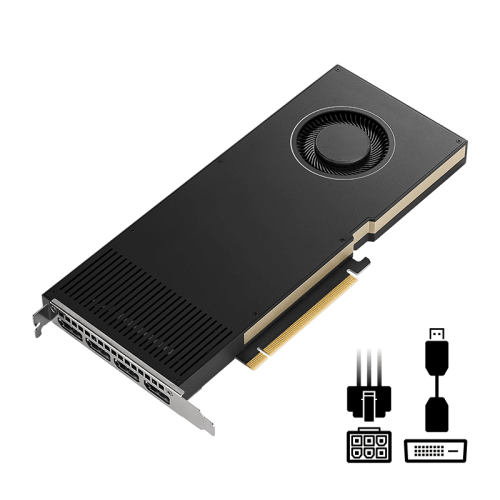

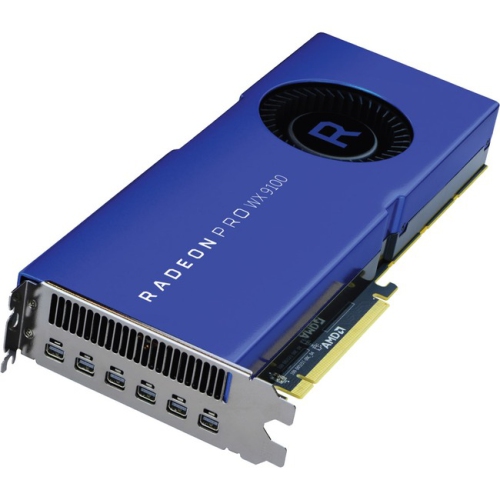
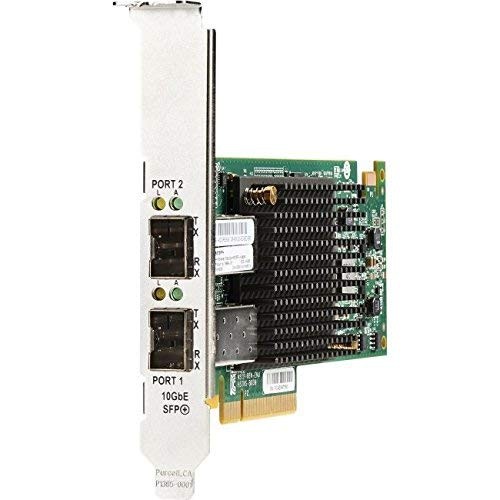
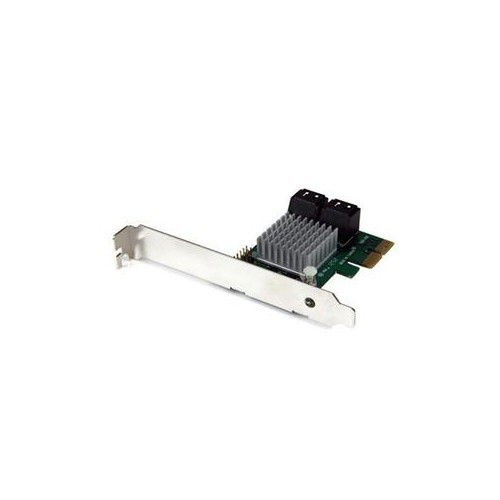
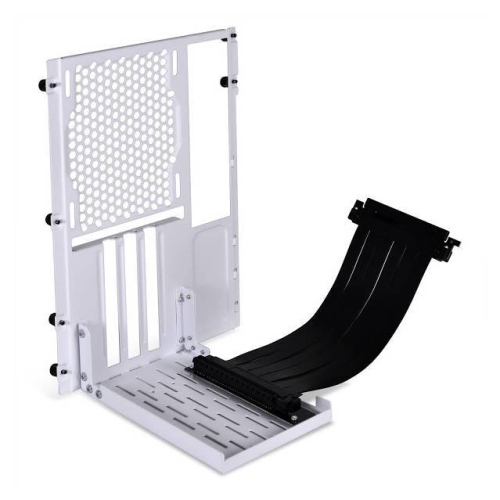
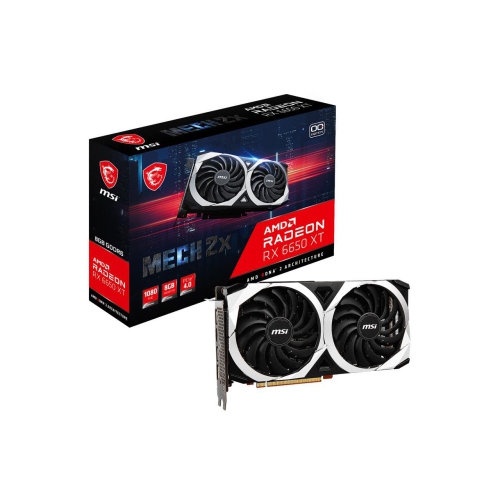
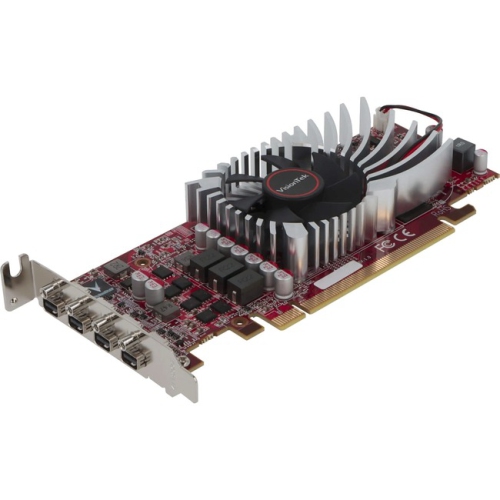
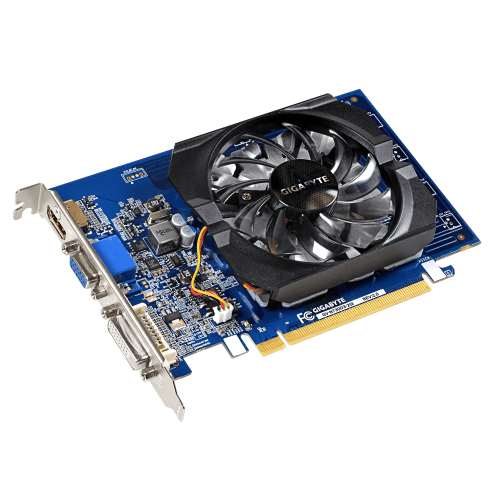
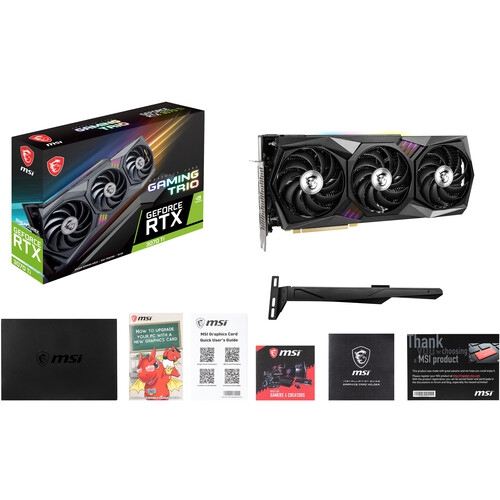
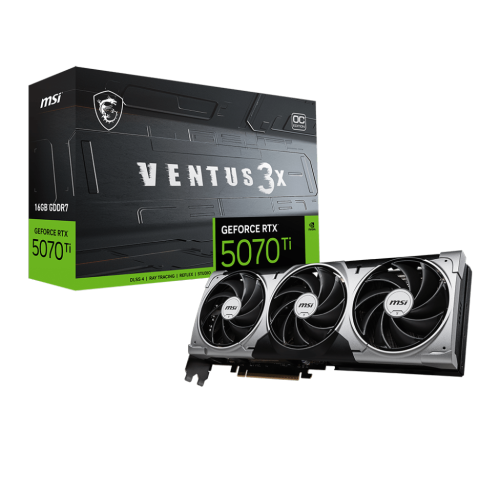
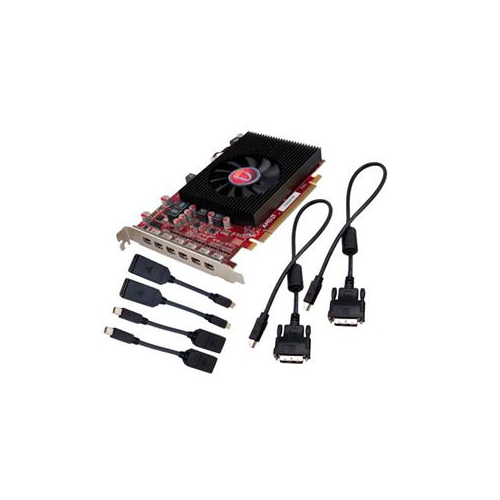
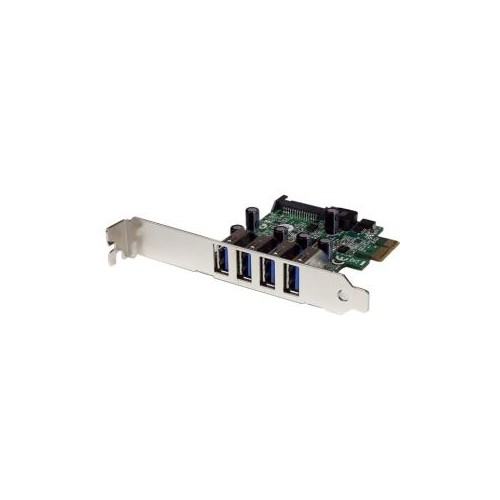
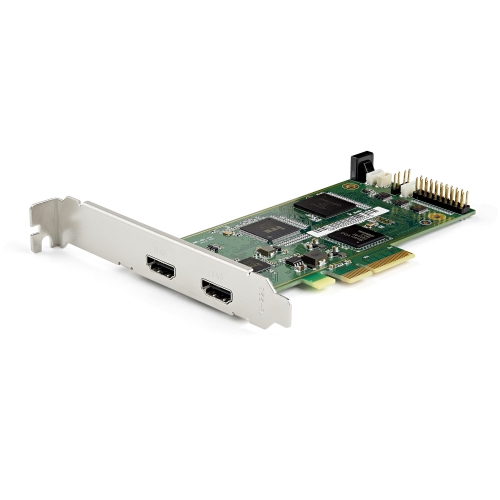
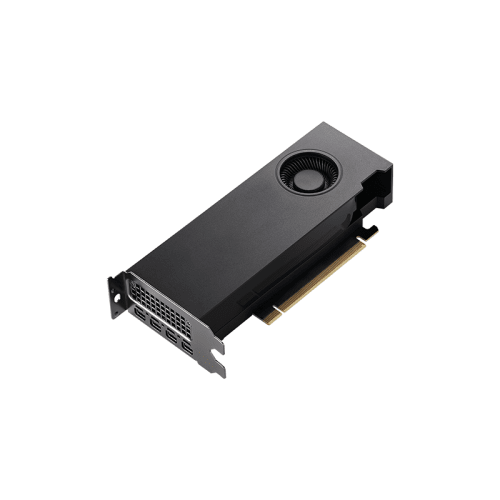
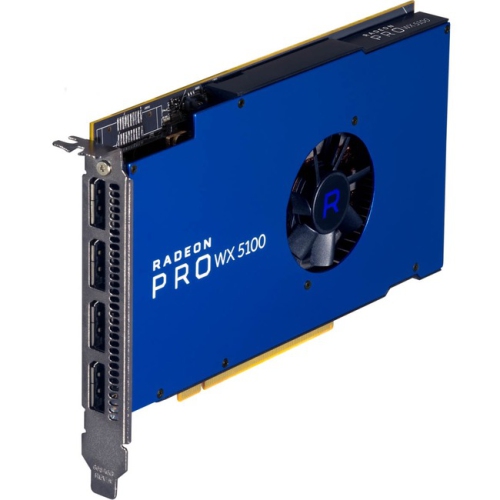
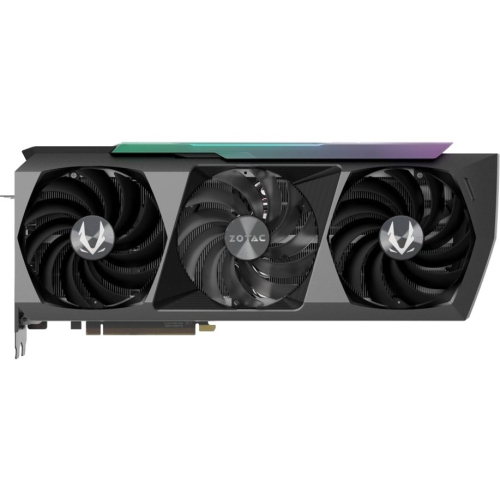
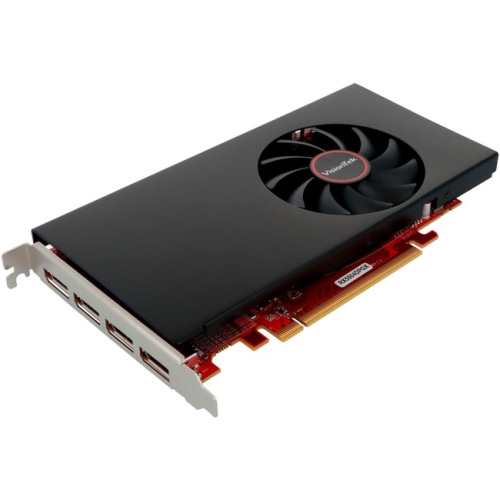
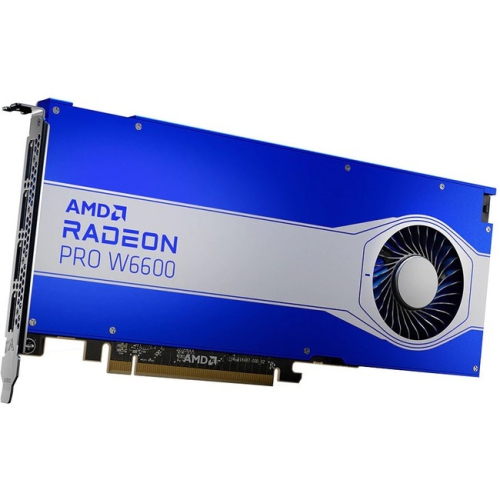
Practical graphics upgrades for older PCIe 3.0 desktops
PCI Express 3.0 graphics cards are designed for computers that use the PCIe 3.0 interface, a common expansion standard found in many desktop PCs from the late 2010s and earlier. A graphics card connects to the motherboard through a PCIe slot, allowing the processor, system memory, storage, and graphics hardware to exchange data. A PCIe 3.0 connection with 16 lanes, often written as PCIe 3.0 x16, can provide up to approximately 15.75 GB/s of one-way bandwidth. For many gaming, home office, creative, and general-purpose computers, that remains a practical amount of connectivity. The graphics processor itself, along with its dedicated video memory, has a much greater effect on performance than the PCIe generation alone. This makes PCI Express 3.0 graphics cards a useful choice for upgrading an older desktop without replacing the entire system. They can help improve frame rates in compatible games, make photo and video applications feel more responsive, support multiple monitors, and add display connections that may not be available on an older computer. They may also suit a compact workstation, a family PC used for school and entertainment, or a desktop that needs a graphics upgrade before the cooler months bring more time indoors. When browsing this selection, check the exact interface listed for the card, its physical dimensions, available display outputs, required power connections, and recommended power supply capacity. A full-length card may not fit in a small-form-factor case, while a dual-slot or triple-slot cooler can occupy space needed by other expansion cards. Measuring the open area inside the case before ordering can prevent an awkward installation, especially when internal drive bays, front fans, or cables sit close to the motherboard’s primary PCIe slot. You can also explore related expansion hardware in PCi Express Cards when planning a broader desktop upgrade.
Compatibility between PCIe generations is an important part of choosing a graphics card. PCIe is generally backward-compatible, so a newer graphics card can often operate in a PCIe 3.0 x16 slot, provided the card physically fits, the power supply can support it, and the computer’s firmware and operating system recognize it. In many everyday gaming situations, a card with a full x16 interface experiences only a modest performance difference when used in a PCIe 3.0 slot instead of a newer interface, particularly when its workload stays within its dedicated video memory. The result depends on the game, resolution, texture quality, processor, graphics settings, and card design, so a PCIe 3.0 motherboard does not automatically prevent a worthwhile upgrade. Lane configuration deserves special attention, however. Some newer entry-level graphics cards communicate over fewer lanes, such as x8 or x4, and may be more sensitive to the reduced bandwidth of an older PCIe 3.0 platform. If a demanding application fills the card’s video memory and begins transferring data through system memory, the narrower connection can contribute to stuttering, longer frame times, or noticeable drops in performance. This is especially relevant when running high texture settings, higher resolutions, large game worlds, or demanding 3D software. Before choosing, identify the motherboard model and confirm whether the primary slot runs at x16, then check the processor because some systems divide or limit available lanes. Look at the graphics card’s video memory capacity, clock and cooling design, auxiliary power plugs, and recommended power supply wattage as a complete package rather than relying on the PCIe label alone. Older power supplies may lack the required connectors even when their stated wattage appears adequate, and a dusty or poorly ventilated case can limit performance through heat buildup. Drivers are another consideration: confirm that the card supports the operating system installed on the computer and that the computer manufacturer provides any required firmware updates. For a straightforward upgrade, uninstalling existing graphics drivers, shutting down fully, securing the card in the case, connecting every required power lead, and installing the latest compatible driver can make the transition smoother.
These graphics cards can be a sensible fit for people refreshing an established desktop rather than building a brand-new system from the ground up. A student may use one for design software, three-dimensional coursework, or gaming after classes; a remote worker may need several high-resolution displays for a more comfortable workspace; and a hobby photographer or video editor may benefit from additional graphics acceleration when working with large files. They can also make a thoughtful gift for someone who enjoys building and maintaining PCs, although the recipient’s computer specifications should be checked first. A graphics card is not a universal plug-and-play gift because the case, motherboard, power supply, processor, and monitor connections all need to work together. For a family member who uses an older desktop for games during evenings at home, the right card can feel like a dramatic change: scenes load more smoothly, fine details remain clearer, and multiple screens can turn a crowded workspace into an organised one. For a small office or home studio, a suitable card can add modern display support while preserving the rest of a familiar computer setup. Consider the intended resolution and refresh rate as well. A basic monitor and casual games may not require the same graphics capability as a high-refresh gaming display, 4K video editing, computer-aided design, or GPU-accelerated rendering. Noise level, fan design, warranty coverage, and overall card length can matter just as much as benchmark figures when the desktop sits beside a bed, in a quiet study, or under a desk shared with other equipment. It is also wise to leave room for adequate airflow around the card and to keep the inside of the case free from obstructed vents and loose cables. PCI Express 3.0 graphics cards remain relevant because they can match the needs of many older desktops and offer a practical path to better visuals, more display flexibility, and stronger application performance. By comparing the card’s lane configuration, video memory, power requirements, dimensions, outputs, and intended workload with the computer’s existing components, shoppers can choose an upgrade that feels balanced, dependable, and well suited to the way the PC is actually used.
Compatibility between PCIe generations is an important part of choosing a graphics card. PCIe is generally backward-compatible, so a newer graphics card can often operate in a PCIe 3.0 x16 slot, provided the card physically fits, the power supply can support it, and the computer’s firmware and operating system recognize it. In many everyday gaming situations, a card with a full x16 interface experiences only a modest performance difference when used in a PCIe 3.0 slot instead of a newer interface, particularly when its workload stays within its dedicated video memory. The result depends on the game, resolution, texture quality, processor, graphics settings, and card design, so a PCIe 3.0 motherboard does not automatically prevent a worthwhile upgrade. Lane configuration deserves special attention, however. Some newer entry-level graphics cards communicate over fewer lanes, such as x8 or x4, and may be more sensitive to the reduced bandwidth of an older PCIe 3.0 platform. If a demanding application fills the card’s video memory and begins transferring data through system memory, the narrower connection can contribute to stuttering, longer frame times, or noticeable drops in performance. This is especially relevant when running high texture settings, higher resolutions, large game worlds, or demanding 3D software. Before choosing, identify the motherboard model and confirm whether the primary slot runs at x16, then check the processor because some systems divide or limit available lanes. Look at the graphics card’s video memory capacity, clock and cooling design, auxiliary power plugs, and recommended power supply wattage as a complete package rather than relying on the PCIe label alone. Older power supplies may lack the required connectors even when their stated wattage appears adequate, and a dusty or poorly ventilated case can limit performance through heat buildup. Drivers are another consideration: confirm that the card supports the operating system installed on the computer and that the computer manufacturer provides any required firmware updates. For a straightforward upgrade, uninstalling existing graphics drivers, shutting down fully, securing the card in the case, connecting every required power lead, and installing the latest compatible driver can make the transition smoother.
These graphics cards can be a sensible fit for people refreshing an established desktop rather than building a brand-new system from the ground up. A student may use one for design software, three-dimensional coursework, or gaming after classes; a remote worker may need several high-resolution displays for a more comfortable workspace; and a hobby photographer or video editor may benefit from additional graphics acceleration when working with large files. They can also make a thoughtful gift for someone who enjoys building and maintaining PCs, although the recipient’s computer specifications should be checked first. A graphics card is not a universal plug-and-play gift because the case, motherboard, power supply, processor, and monitor connections all need to work together. For a family member who uses an older desktop for games during evenings at home, the right card can feel like a dramatic change: scenes load more smoothly, fine details remain clearer, and multiple screens can turn a crowded workspace into an organised one. For a small office or home studio, a suitable card can add modern display support while preserving the rest of a familiar computer setup. Consider the intended resolution and refresh rate as well. A basic monitor and casual games may not require the same graphics capability as a high-refresh gaming display, 4K video editing, computer-aided design, or GPU-accelerated rendering. Noise level, fan design, warranty coverage, and overall card length can matter just as much as benchmark figures when the desktop sits beside a bed, in a quiet study, or under a desk shared with other equipment. It is also wise to leave room for adequate airflow around the card and to keep the inside of the case free from obstructed vents and loose cables. PCI Express 3.0 graphics cards remain relevant because they can match the needs of many older desktops and offer a practical path to better visuals, more display flexibility, and stronger application performance. By comparing the card’s lane configuration, video memory, power requirements, dimensions, outputs, and intended workload with the computer’s existing components, shoppers can choose an upgrade that feels balanced, dependable, and well suited to the way the PC is actually used.
Top selling and popular products
-
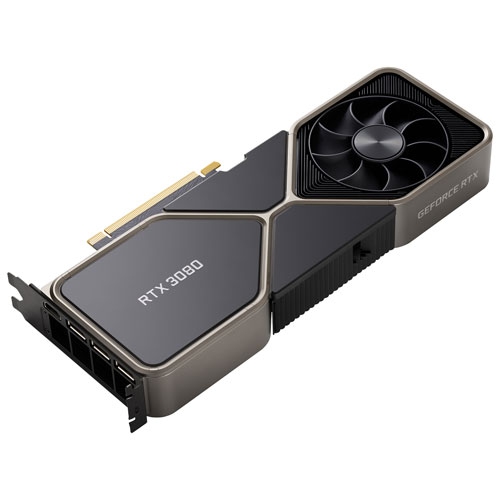 Your price for this item is $1399.99
 -
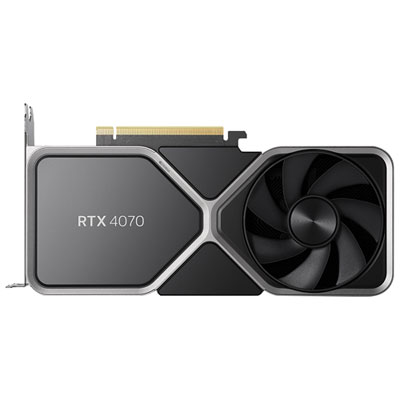 Your price for this item is $739.99
 -
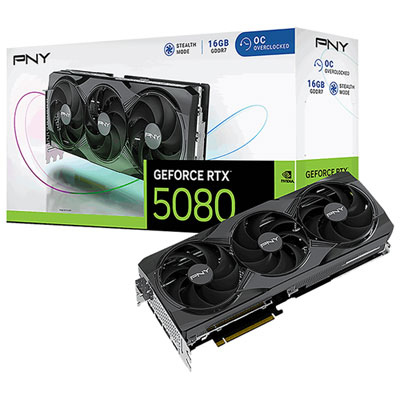 Your price for this item is $2399.99
 -
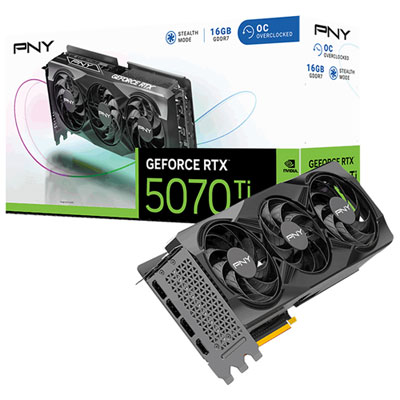 Your price for this item is $1769.99
 -
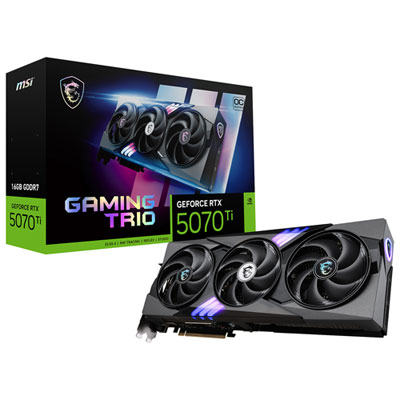 Your price for this item is $1799.99
 -
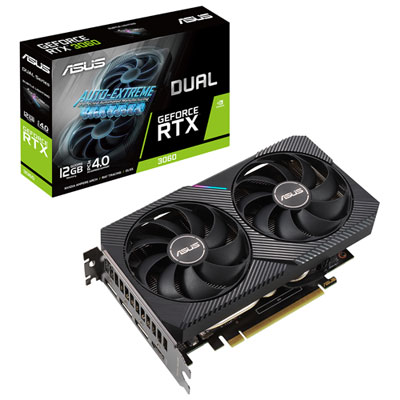 Your price for this item is $699.99
 -
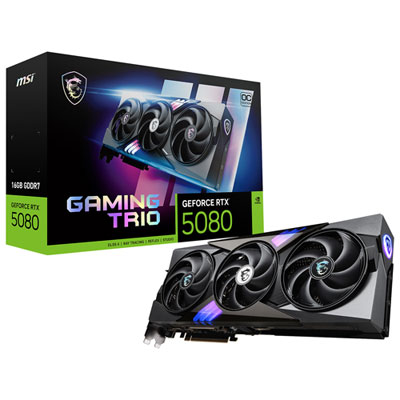 Your price for this item is $2749.99
 -
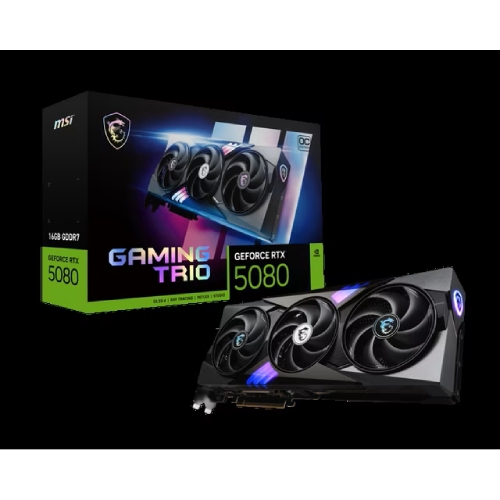 Your price for this item is $5699.99
Discover more categories related to Pci Express 3.0 Graphics Cards
Top Collections:
Pokemon Centers, Kindle Devices, Best Budget Office Chairs, Apple iPhones 16, Best Laptops for Writers, iPhone 15 Apple, Canon G7X Cameras, Refurbished Apple Laptops, Alarm Clock, Motorola Razr Phones
Some products may be subject to Environmental Handling Fees
(EHF) depending on your province.
Learn more about EHFs.