HDMI Graphics Cards
Looking to upgrade your gaming experience or enhance your multimedia setup? Look no further than our collection of HDMI graphics cards. These powerful devices are designed to deliver stunning visuals, smooth gameplay, and seamless streaming. Whether you're a hardcore gamer, a content creator, or simply looking to boost your PC's performance, our HDMI graphics cards offer the perfect solution. With cutting-edge technology and advanced features, these cards will take your entertainment to new heights. Explore our wide range of options and find the perfect HDMI graphics card to meet your needs and exceed your expectations.
Sort

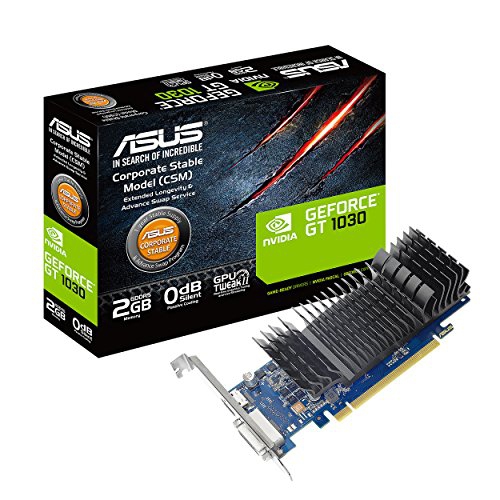
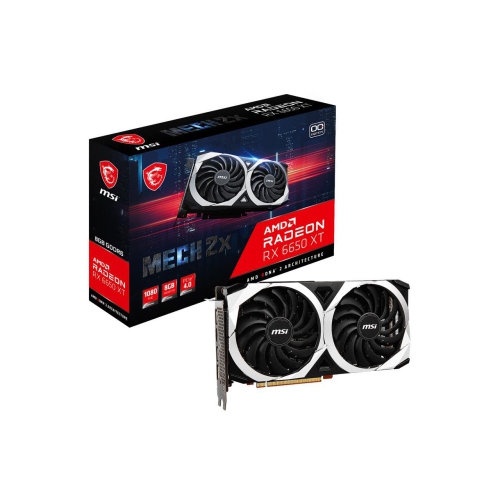
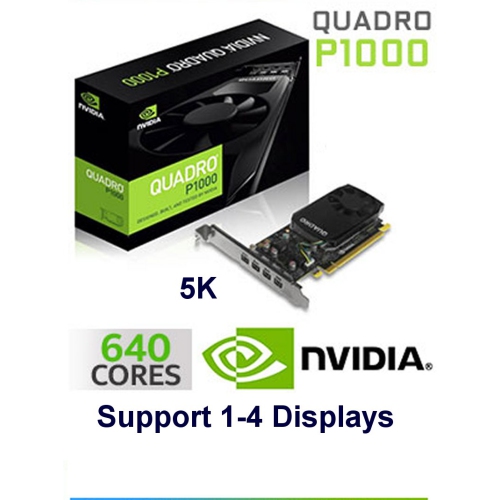
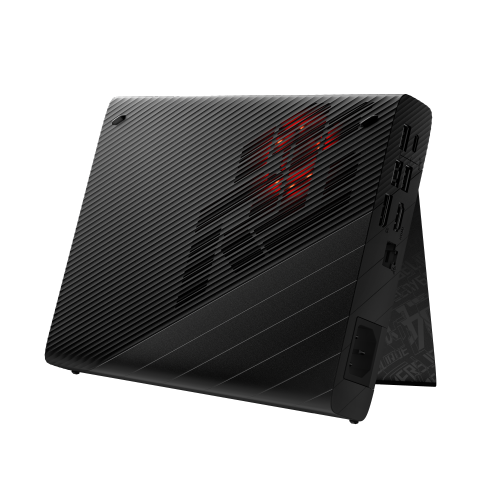
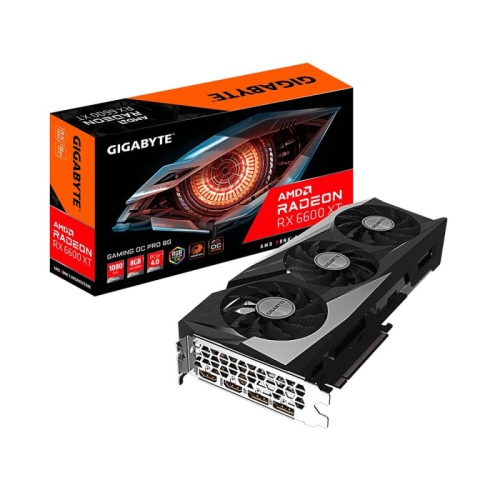
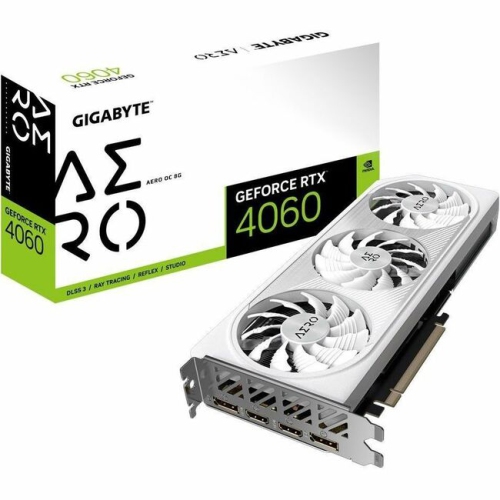
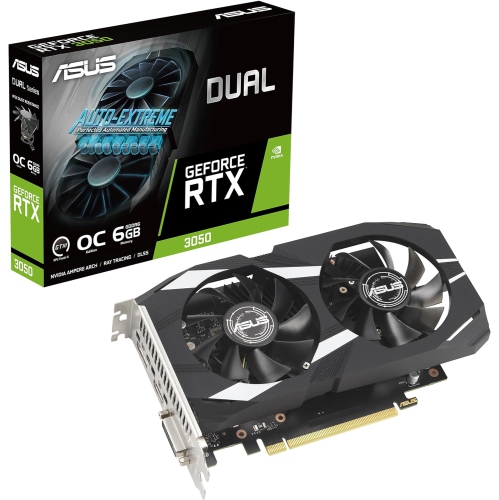
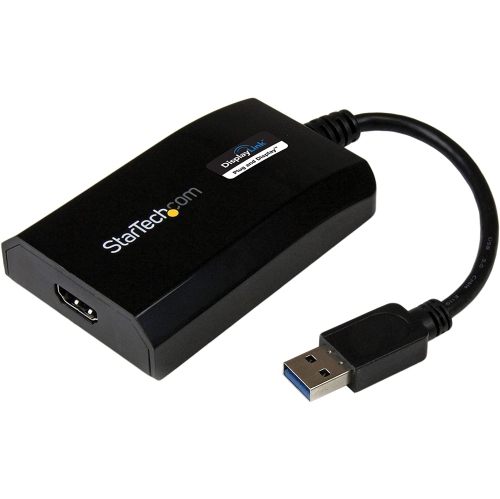

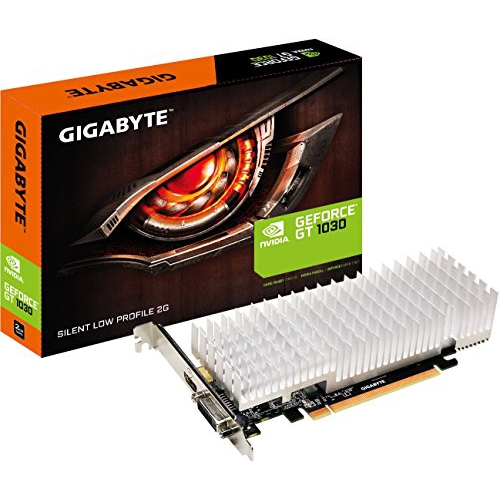

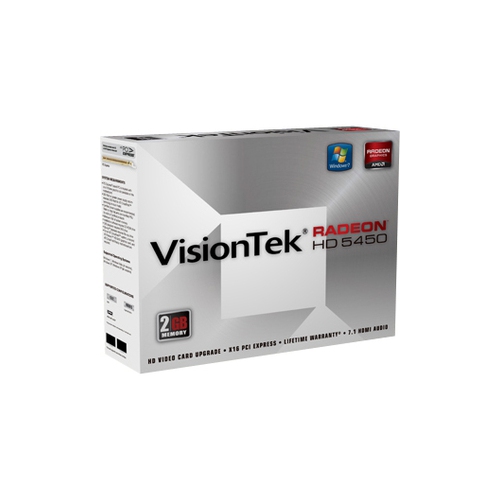
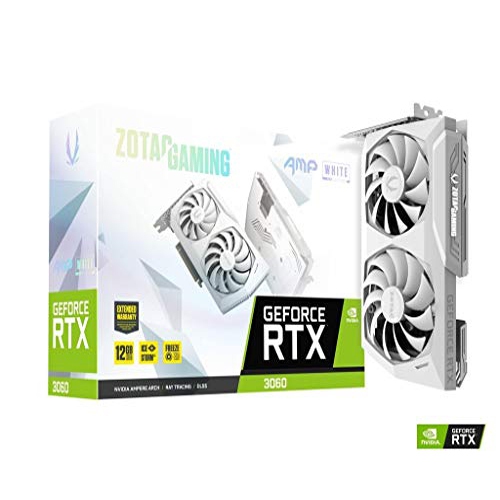
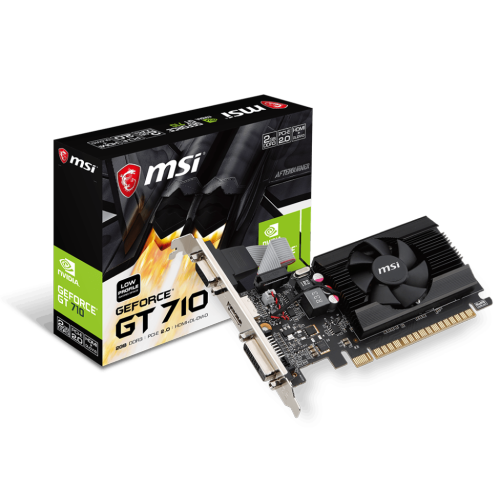
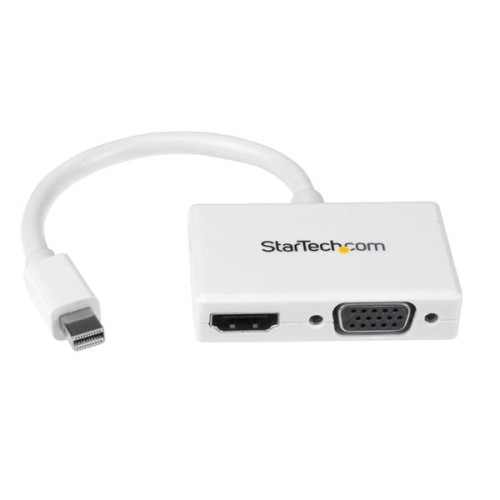
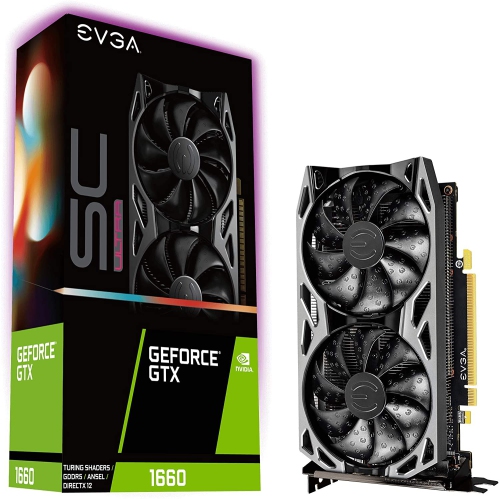
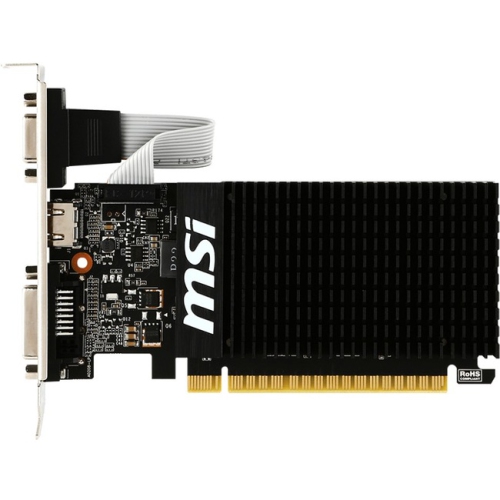
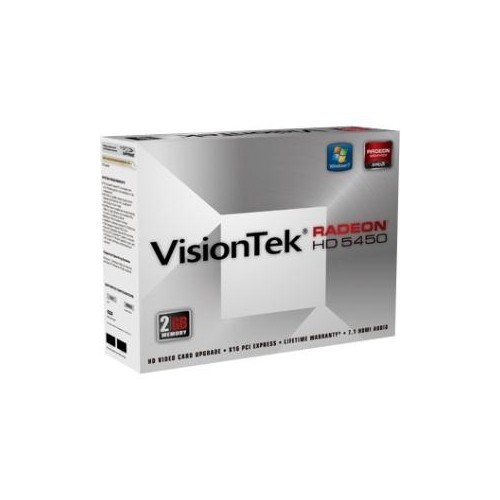
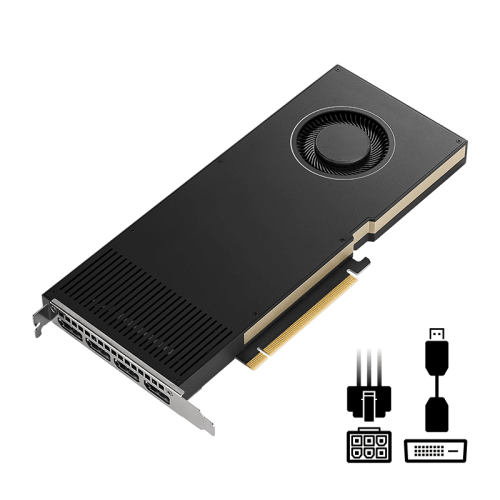
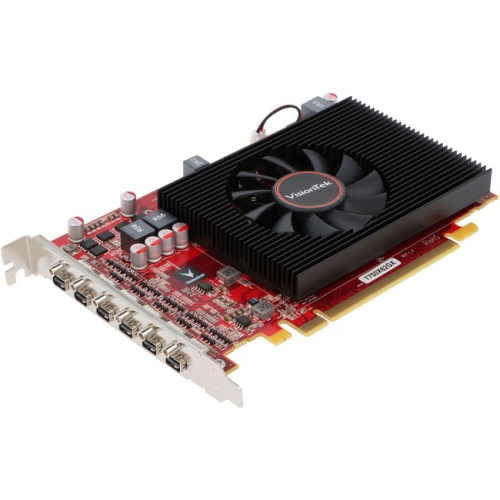
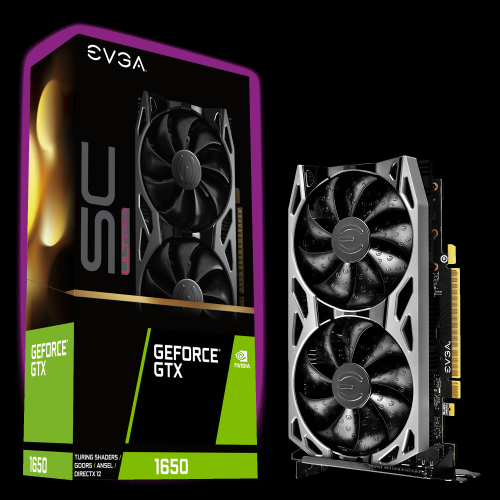
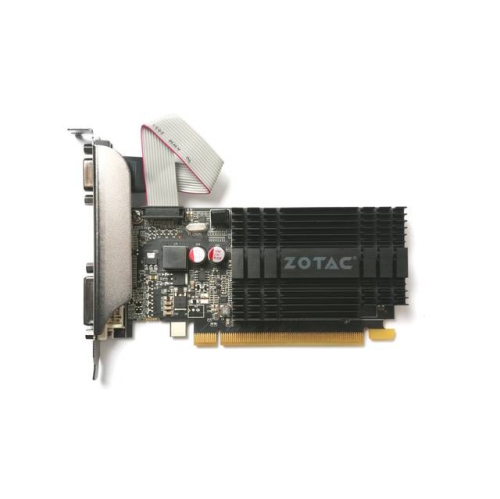
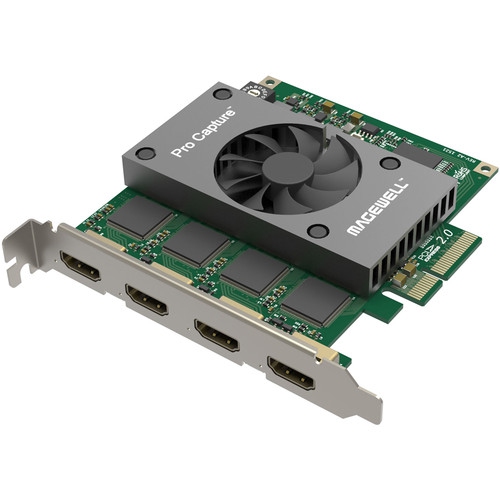
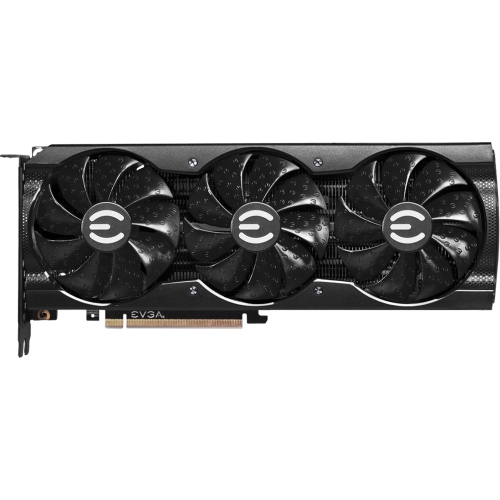
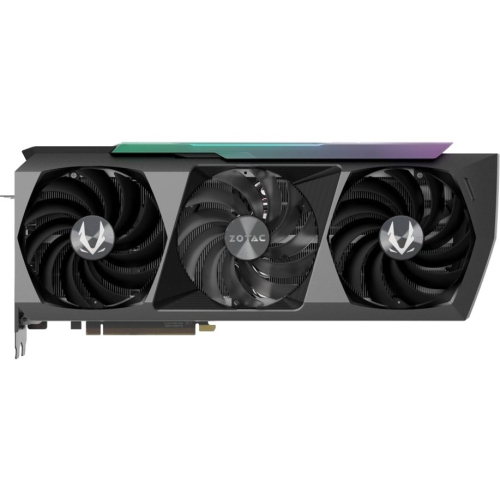


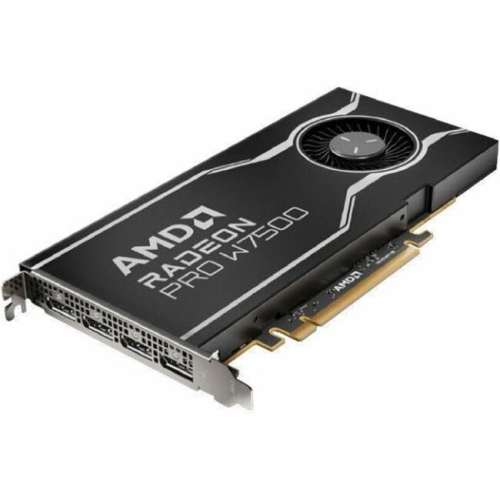
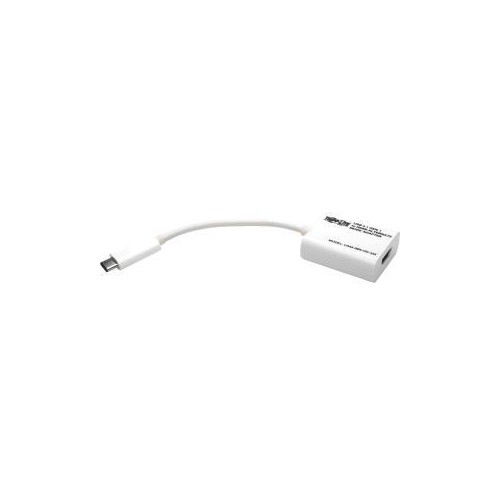
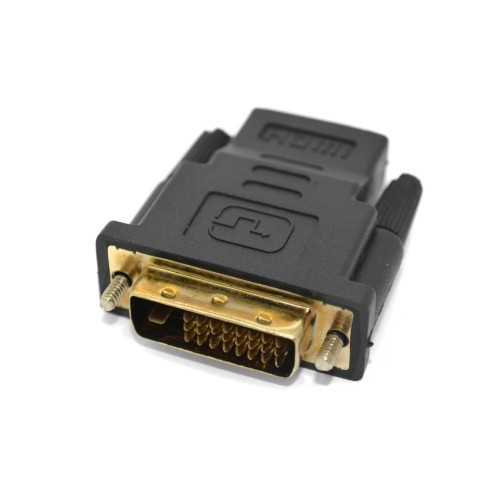
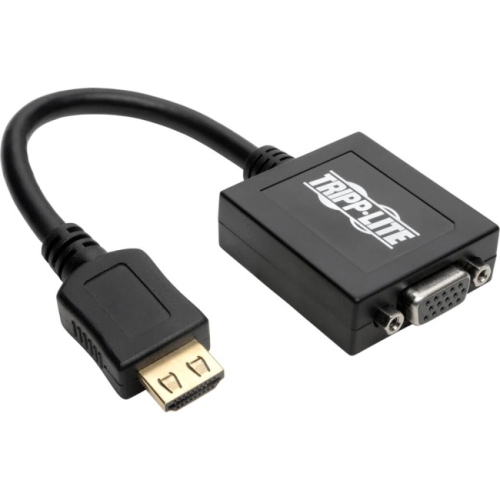


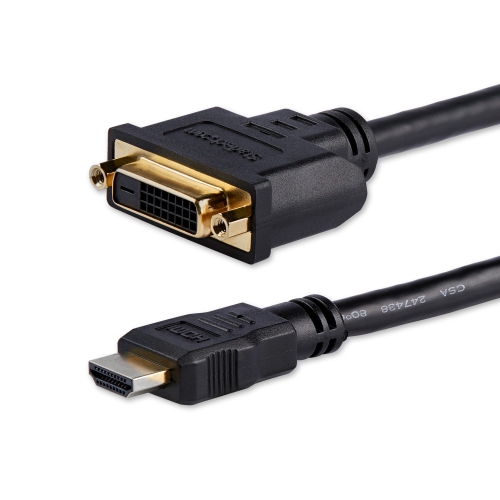
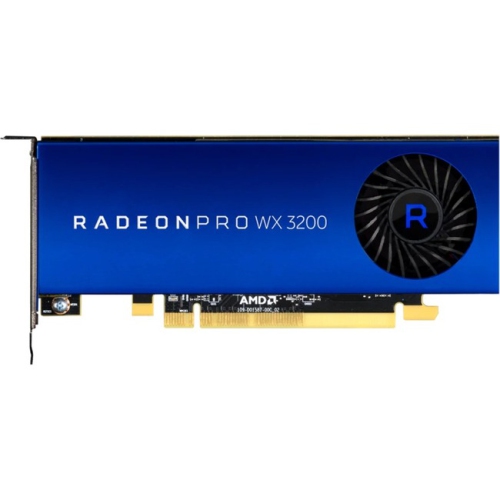
Display demands and desktop compatibility shape the best HDMI upgrades
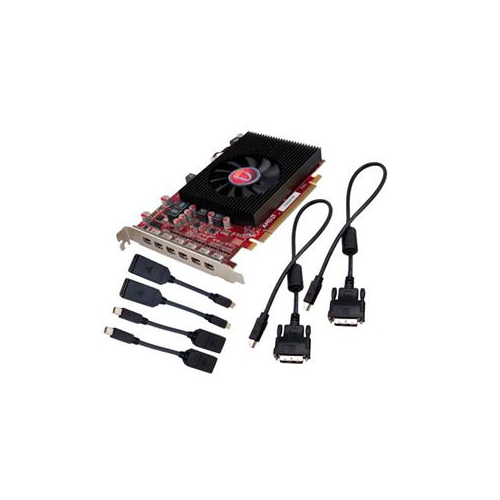
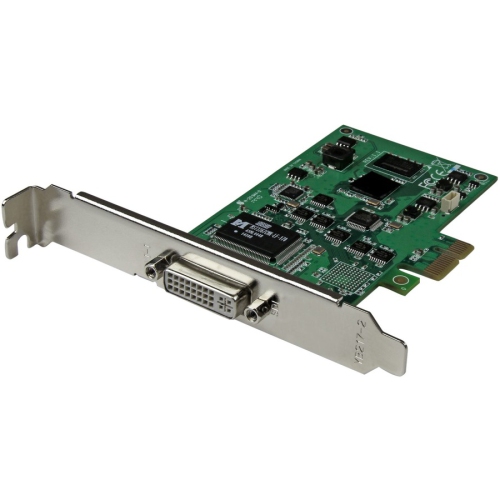
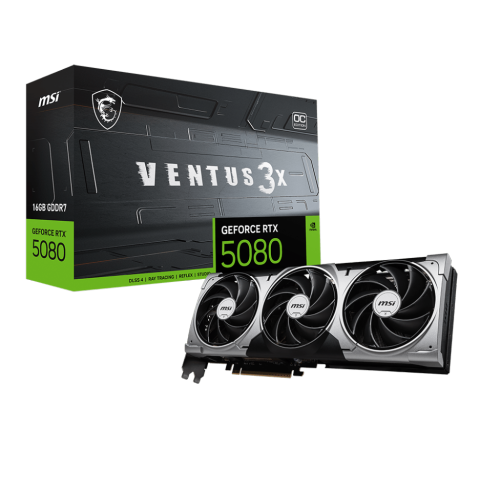
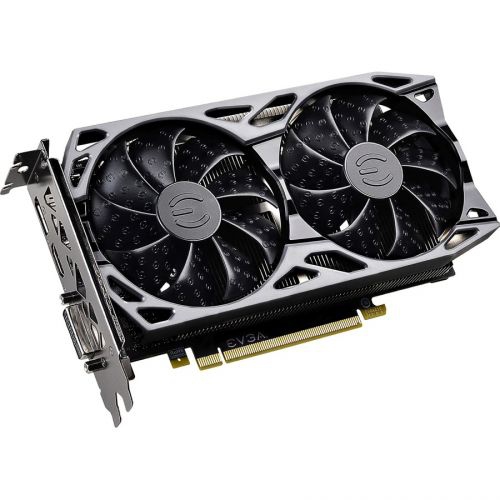
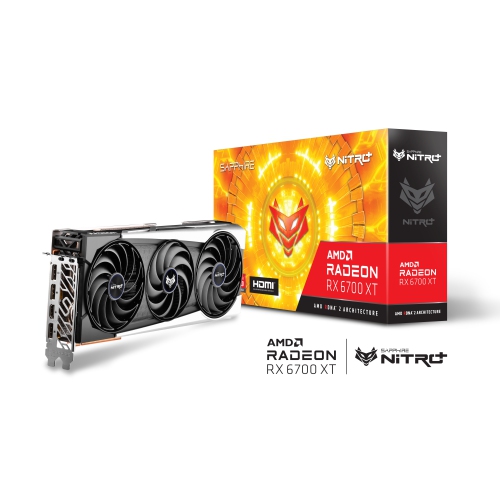
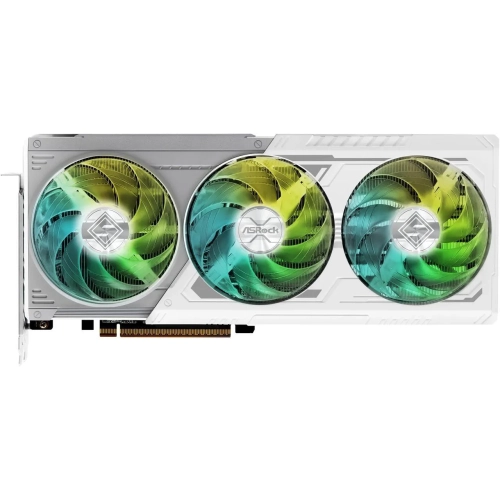
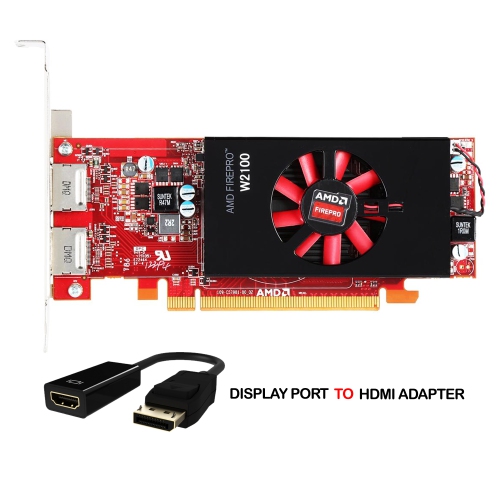
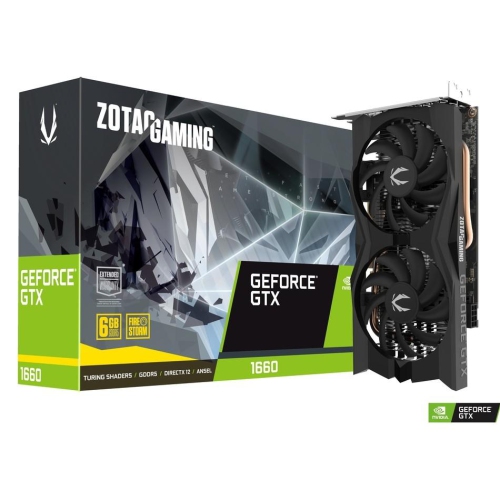
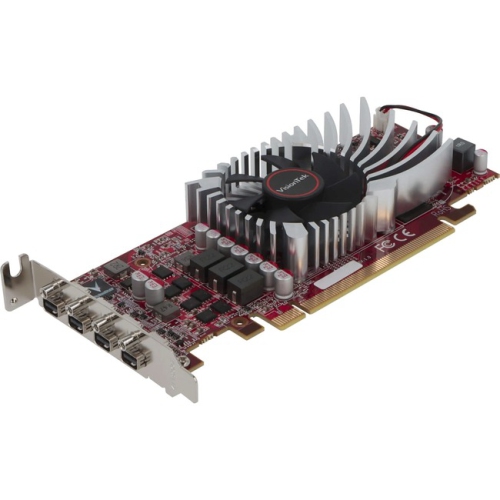
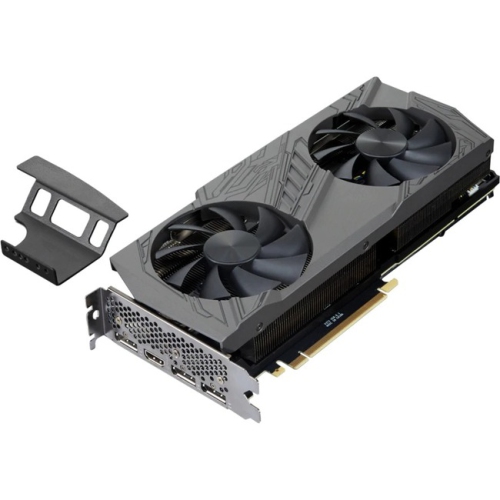
HDMI graphics cards are designed for desktop computers that need a direct connection to a television, monitor, projector, or other HDMI-equipped display. While HDMI is often associated with home entertainment, a graphics card with an HDMI output can be equally useful at a gaming desk, in a compact office PC, or in a workstation used for photo and video projects. The right choice depends on more than the connector itself. Consider the resolution and refresh rate of the display, the types of games or applications you use, the available space inside your computer case, and the power supply requirements of the card. Entry-level graphics cards can be a practical way to add modern display support to an older desktop, improve playback for high-definition video, or connect a small-form-factor computer to a television in a living room or bedroom. A low-profile design is especially important for slim desktop cases, where a full-height card may not fit behind the expansion slot. Before purchasing, compare the card’s physical dimensions with the case’s internal clearance and check whether a low-profile bracket is included. It is also worth confirming that the computer has the necessary PCI Express slot and that the power supply can provide the recommended wattage. For a simple office setup, streaming system, or everyday multimedia computer, the focus may be on reliable HDMI connectivity and quiet operation rather than maximum graphics performance. For gaming, 3D design, content creation, or demanding visual applications, look for a GPU with enough processing power and video memory to support the software and display settings you plan to use. A card may connect to an HDMI display, but its overall performance will still determine how smoothly games run, how quickly scenes render, and how comfortably several applications can remain open at once.
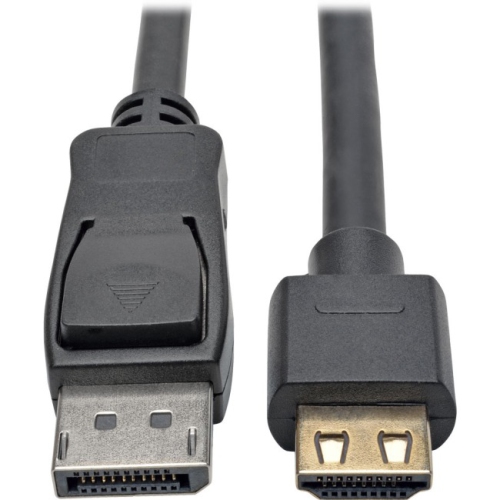
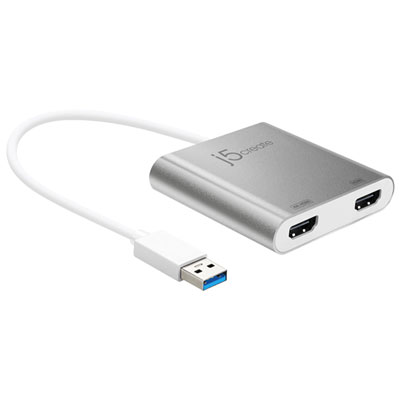
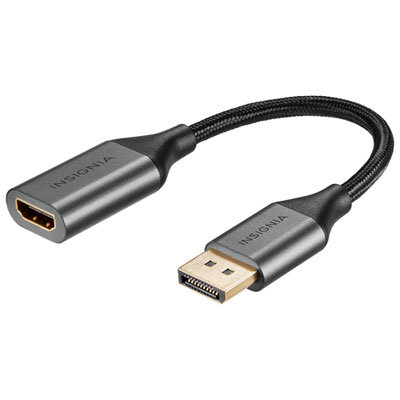
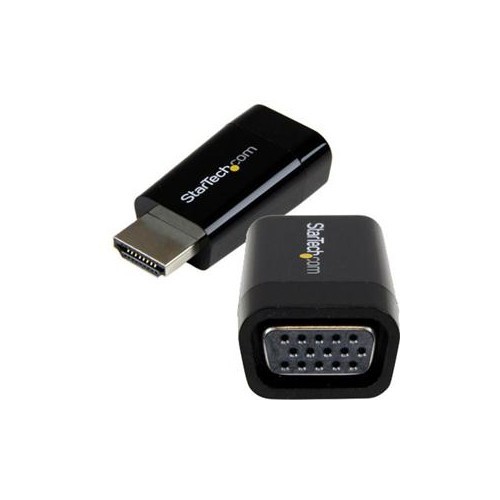
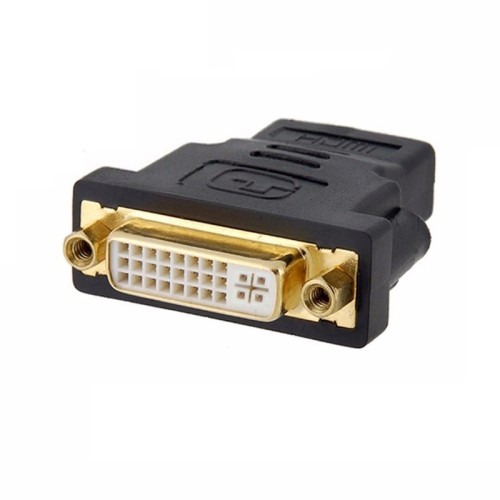
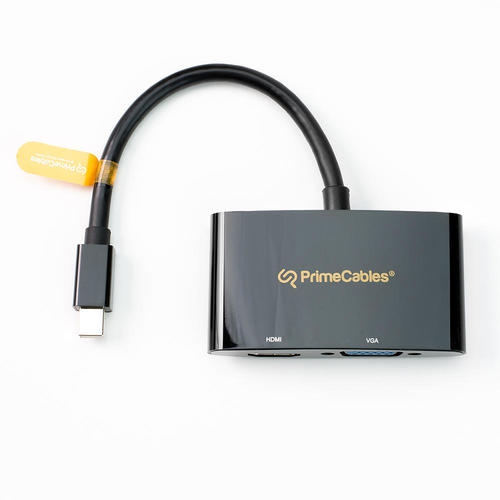
HDMI version is another important consideration because it influences the resolutions, refresh rates, and features available through the connection. HDMI 2.0 can support 4K resolution at up to 60Hz in suitable configurations, making it a solid fit for films, general productivity, and many everyday computer setups. HDMI 2.1 offers greater bandwidth, with support for features such as higher-refresh-rate 4K gaming, Variable Refresh Rate, and Auto Low Latency Mode when the graphics card, display, cable, and software all support them. These specifications should be considered as part of the entire setup rather than in isolation. A display with a high refresh rate will not automatically run at that rate if the graphics card or cable has a lower limit, and a premium HDMI cable cannot create capabilities that the card does not provide. Check the manufacturer’s specifications for maximum supported resolution, refresh rate, HDR compatibility, and the number and type of available outputs. Many modern dedicated GPUs include one HDMI port alongside several DisplayPort connections, which is useful for combining a television with one or more computer monitors. If a setup requires more HDMI displays than the card provides, a compatible DisplayPort-to-HDMI cable or adapter may help, though the adapter’s supported resolution, refresh rate, audio passthrough, and active or passive design should be checked in advance. Passive adapters are often suitable for straightforward connections, while more complex display arrangements may require an active adapter. Multi-monitor users should also review how the card handles simultaneous displays and whether the computer’s operating system supports the desired arrangement. For a home office, this can mean keeping email, documents, reference material, and video meetings visible at the same time. For a creator, it may allow a large editing workspace on one screen and a full-screen preview on another. For a gamer, it can make it easier to connect a primary monitor while reserving the HDMI port for a television or secondary display.
Choosing an HDMI graphics card is ultimately about matching the card to the way the computer will be used. A family member who enjoys casual games and streaming may appreciate a straightforward upgrade that connects easily to the television and delivers sharper, more responsive visuals than an ageing built-in graphics solution. A student or remote worker may benefit from a compact card that supports two displays without requiring a complete desktop replacement. It can also be a thoughtful gift for someone assembling a first gaming PC, provided the card is compatible with the rest of the system and suits the games they play. As the weather warms or during the cooler months, a desktop connected to a television can become a comfortable hub for games, films, online learning, and shared viewing, while a dedicated workstation can support hobbies that make indoor time more enjoyable. When comparing options, think about the display already in the room, the cables on hand, and the computer’s upgrade path. A card intended for a 1080p monitor does not need the same capabilities as one powering a 4K high-refresh-rate display, and a card selected for a compact case may prioritize dimensions over expansion potential. If your setup is centred on full-HD gaming or everyday computer use, you can also browse 1080p Graphics Cards for options suited to that resolution. Finally, remember to install the latest compatible graphics driver, secure the card firmly in the case, and connect the display cable to the graphics card rather than the motherboard when a dedicated GPU is installed. Taking these small steps helps ensure the HDMI connection works as intended and lets the graphics card deliver the performance and convenience expected from the upgrade.
HDMI version is another important consideration because it influences the resolutions, refresh rates, and features available through the connection. HDMI 2.0 can support 4K resolution at up to 60Hz in suitable configurations, making it a solid fit for films, general productivity, and many everyday computer setups. HDMI 2.1 offers greater bandwidth, with support for features such as higher-refresh-rate 4K gaming, Variable Refresh Rate, and Auto Low Latency Mode when the graphics card, display, cable, and software all support them. These specifications should be considered as part of the entire setup rather than in isolation. A display with a high refresh rate will not automatically run at that rate if the graphics card or cable has a lower limit, and a premium HDMI cable cannot create capabilities that the card does not provide. Check the manufacturer’s specifications for maximum supported resolution, refresh rate, HDR compatibility, and the number and type of available outputs. Many modern dedicated GPUs include one HDMI port alongside several DisplayPort connections, which is useful for combining a television with one or more computer monitors. If a setup requires more HDMI displays than the card provides, a compatible DisplayPort-to-HDMI cable or adapter may help, though the adapter’s supported resolution, refresh rate, audio passthrough, and active or passive design should be checked in advance. Passive adapters are often suitable for straightforward connections, while more complex display arrangements may require an active adapter. Multi-monitor users should also review how the card handles simultaneous displays and whether the computer’s operating system supports the desired arrangement. For a home office, this can mean keeping email, documents, reference material, and video meetings visible at the same time. For a creator, it may allow a large editing workspace on one screen and a full-screen preview on another. For a gamer, it can make it easier to connect a primary monitor while reserving the HDMI port for a television or secondary display.
Choosing an HDMI graphics card is ultimately about matching the card to the way the computer will be used. A family member who enjoys casual games and streaming may appreciate a straightforward upgrade that connects easily to the television and delivers sharper, more responsive visuals than an ageing built-in graphics solution. A student or remote worker may benefit from a compact card that supports two displays without requiring a complete desktop replacement. It can also be a thoughtful gift for someone assembling a first gaming PC, provided the card is compatible with the rest of the system and suits the games they play. As the weather warms or during the cooler months, a desktop connected to a television can become a comfortable hub for games, films, online learning, and shared viewing, while a dedicated workstation can support hobbies that make indoor time more enjoyable. When comparing options, think about the display already in the room, the cables on hand, and the computer’s upgrade path. A card intended for a 1080p monitor does not need the same capabilities as one powering a 4K high-refresh-rate display, and a card selected for a compact case may prioritize dimensions over expansion potential. If your setup is centred on full-HD gaming or everyday computer use, you can also browse 1080p Graphics Cards for options suited to that resolution. Finally, remember to install the latest compatible graphics driver, secure the card firmly in the case, and connect the display cable to the graphics card rather than the motherboard when a dedicated GPU is installed. Taking these small steps helps ensure the HDMI connection works as intended and lets the graphics card deliver the performance and convenience expected from the upgrade.
Top selling and popular products
-
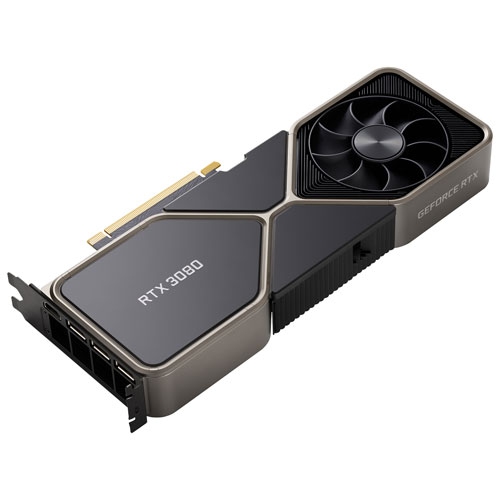 Your price for this item is $1399.99
 -
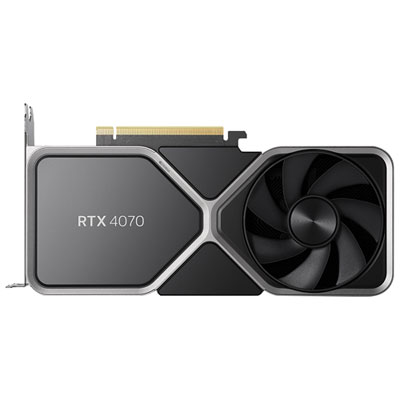 Your price for this item is $739.99
 -
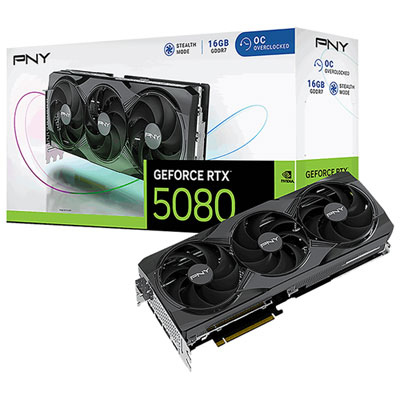 Your price for this item is $2399.99
 -
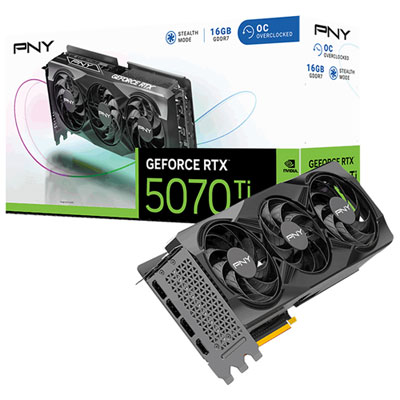 Your price for this item is $1769.99
 -
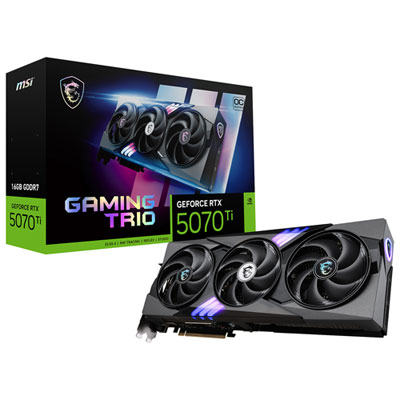 Your price for this item is $1799.99
 -
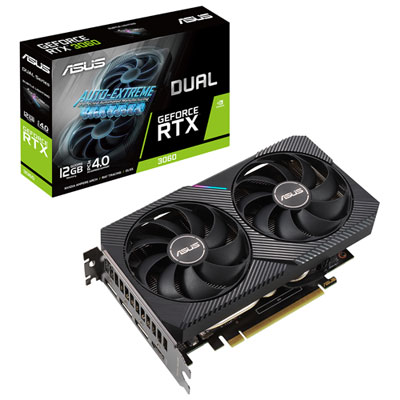 Your price for this item is $699.99
 -
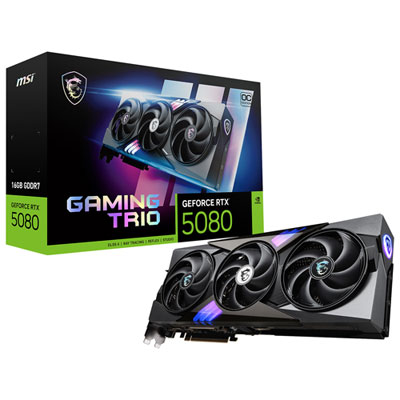 Your price for this item is $2749.99
 -
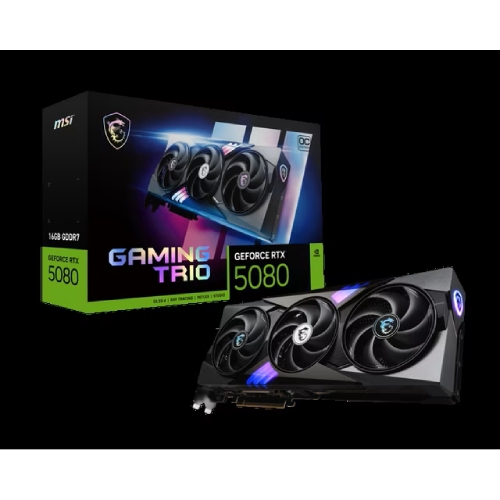 Your price for this item is $5699.99
Discover more categories related to HDMI Graphics Cards
Top Collections:
Pokemon Centers, Kindle Devices, Best Budget Office Chairs, Apple iPhones 16, Best Laptops for Writers, iPhone 15 Apple, Canon G7X Cameras, Refurbished Apple Laptops, Alarm Clock, Motorola Razr Phones
Some products may be subject to Environmental Handling Fees
(EHF) depending on your province.
Learn more about EHFs.