Pci Express Adapters
Upgrade your computer's connectivity with our wide selection of PCI Express adapters. Whether you're looking to enhance your network capabilities, add more USB ports, or boost your graphics performance, we have the perfect solution for you. With easy installation and compatibility with a variety of devices, these adapters are designed to take your computing experience to the next level. Explore our range of PCI Express adapters and unlock new possibilities for your system today.
Sort

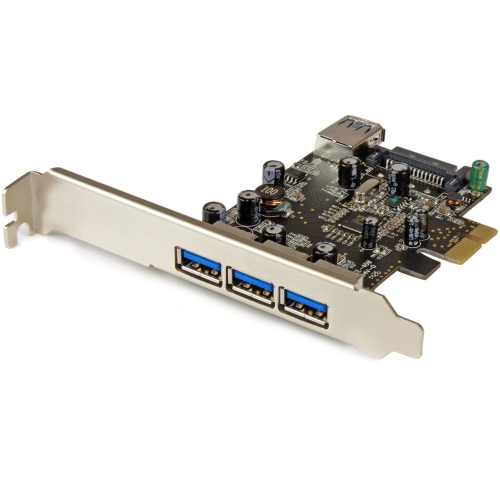
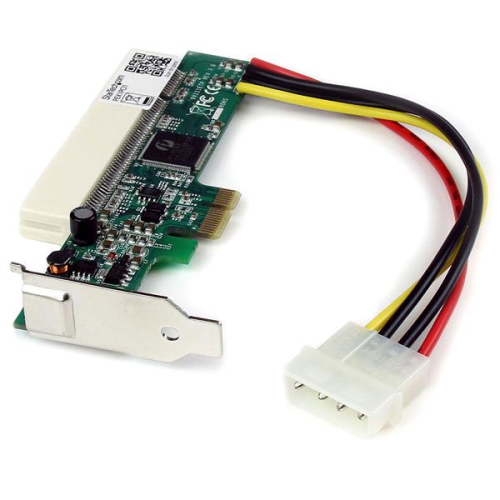
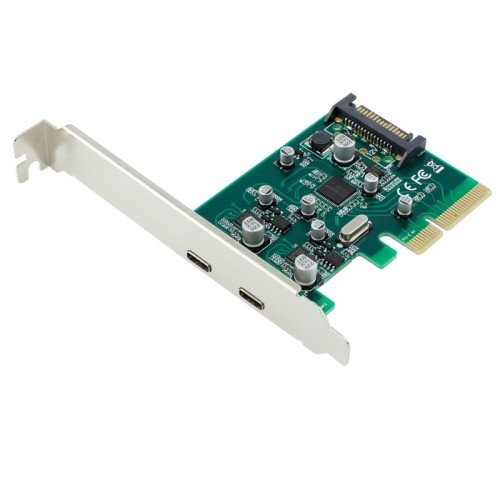
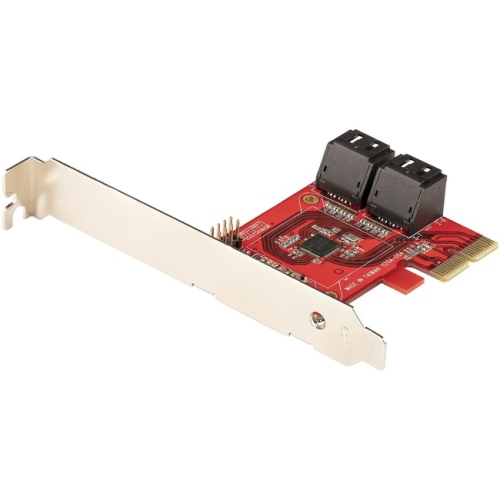
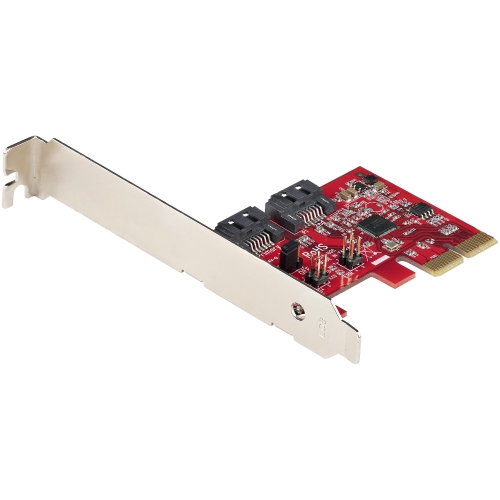
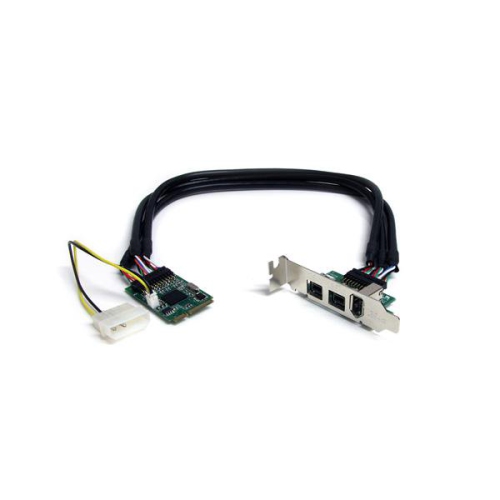

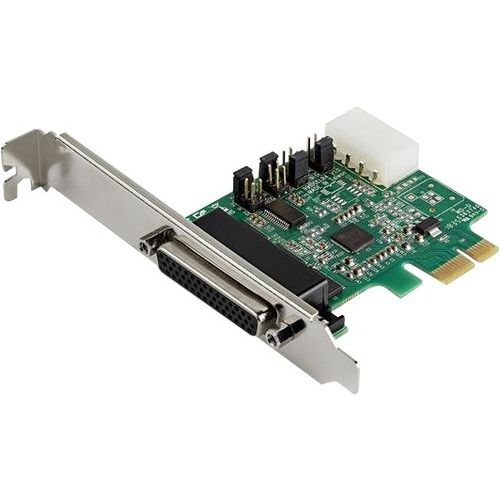
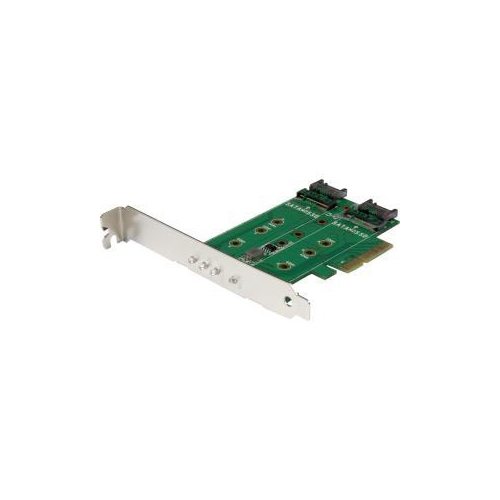

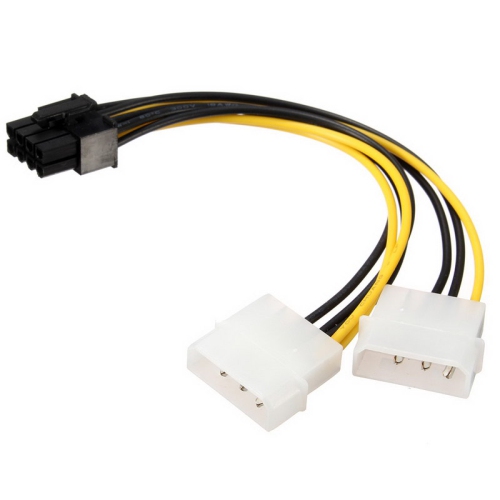
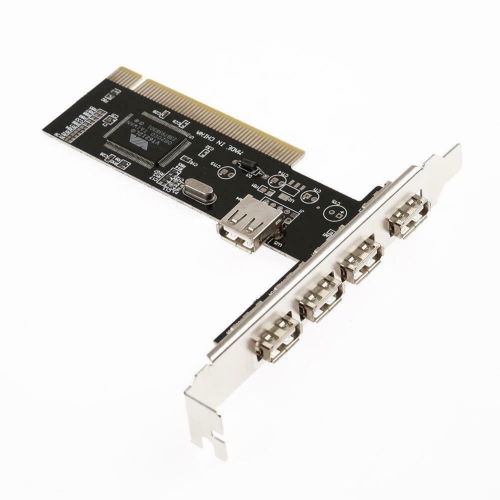
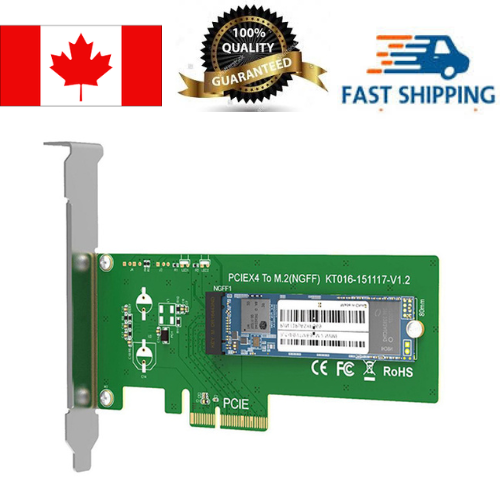
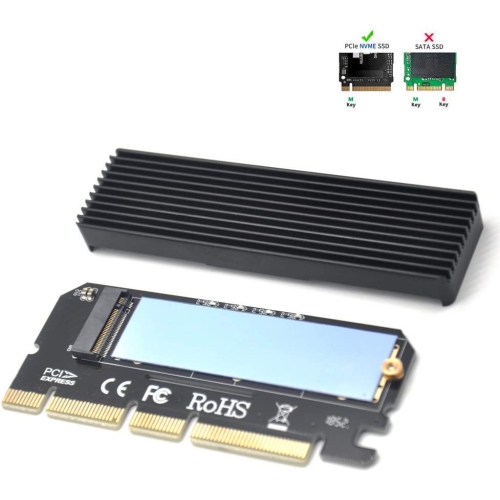

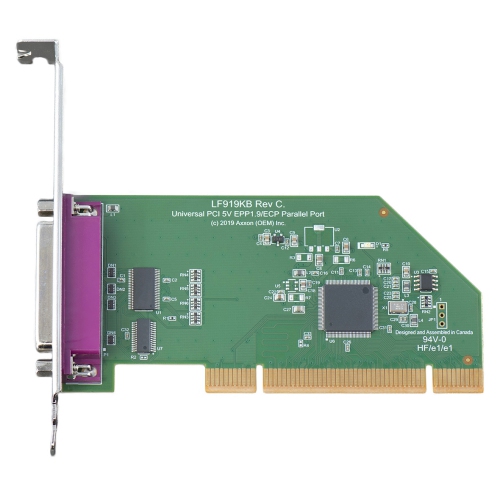
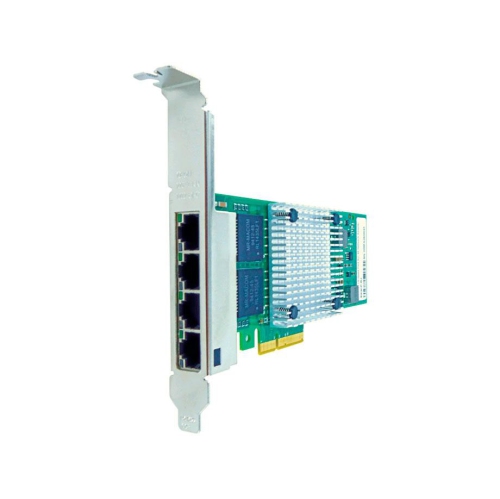
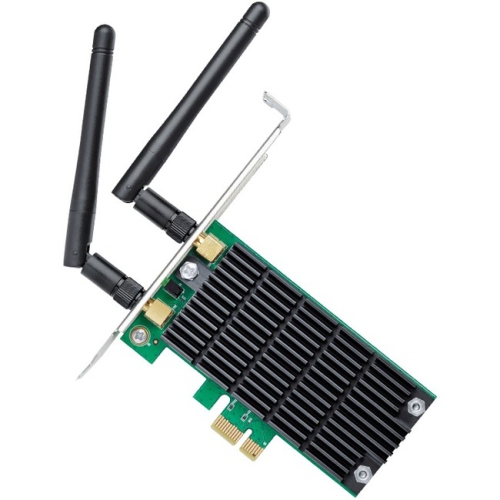
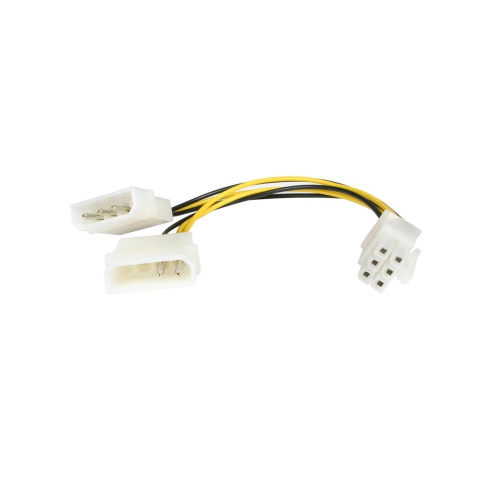
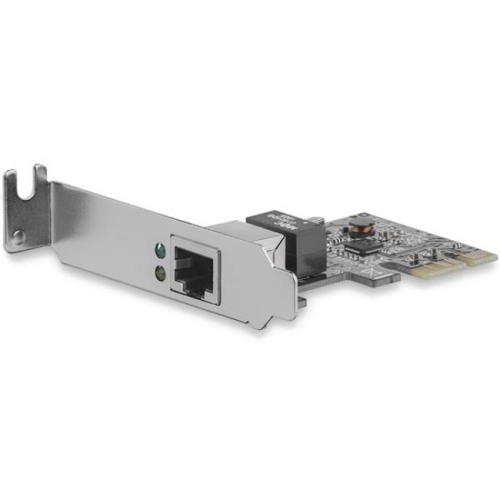
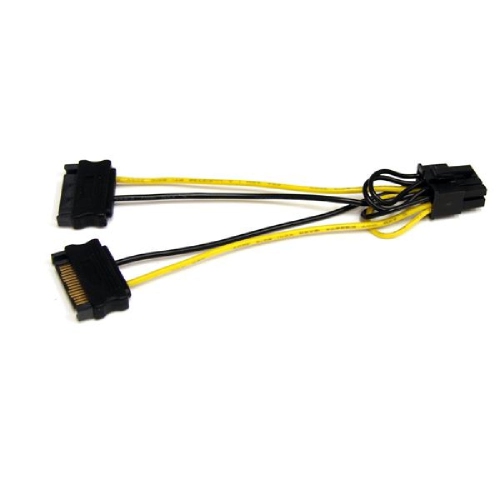
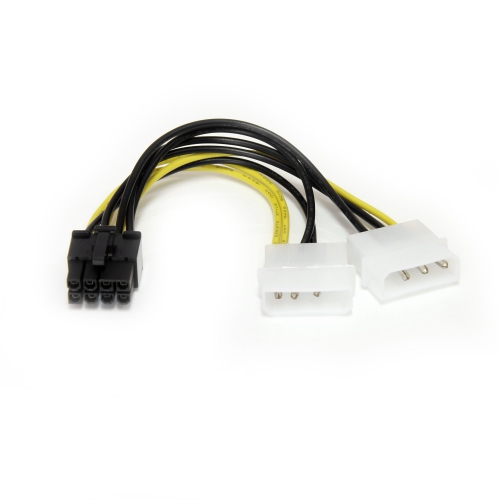
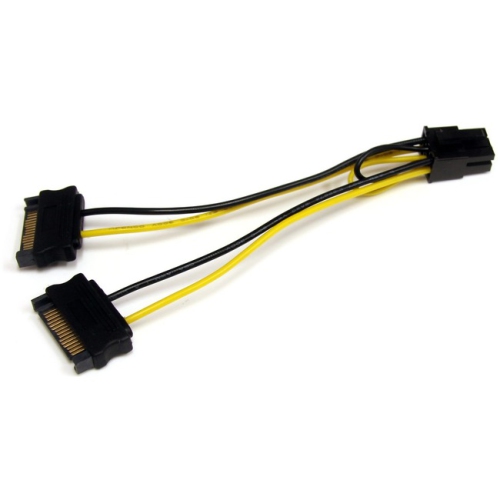

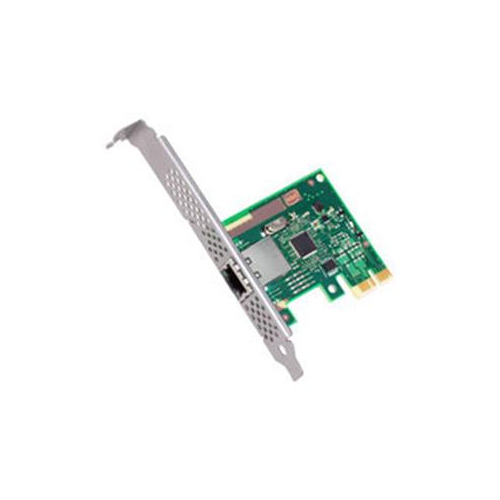
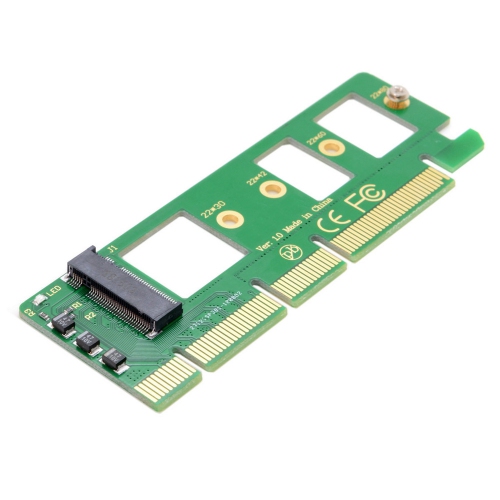
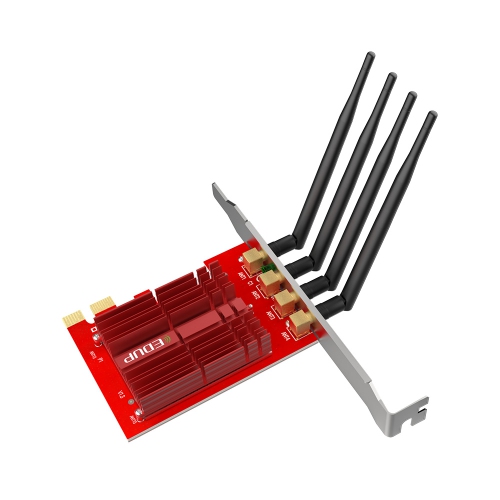
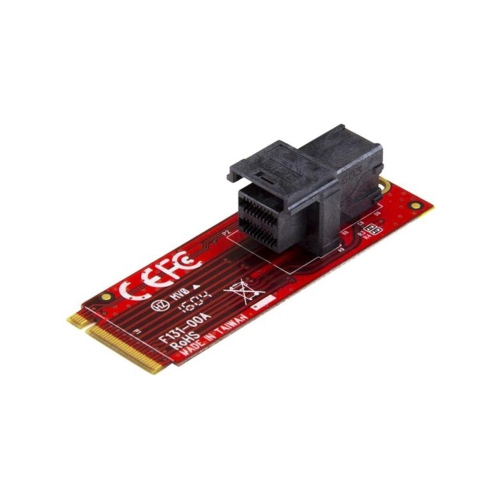
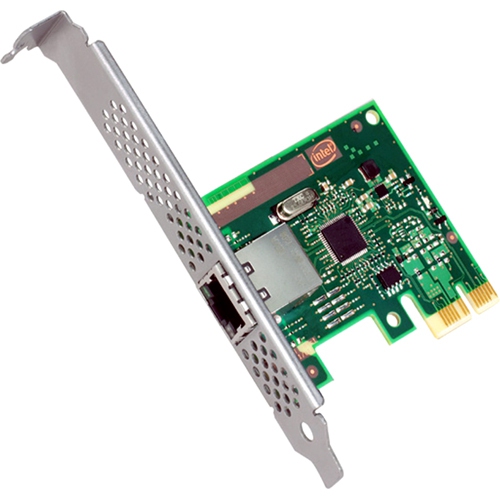
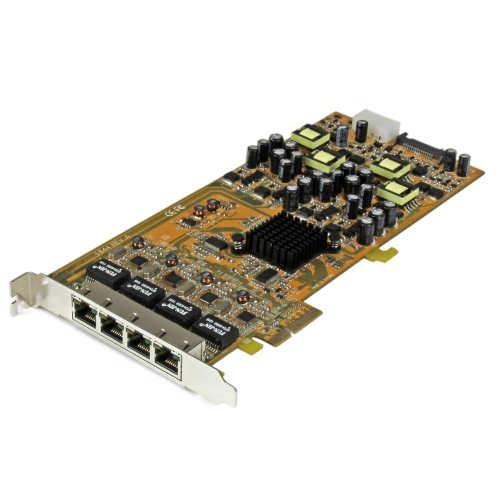
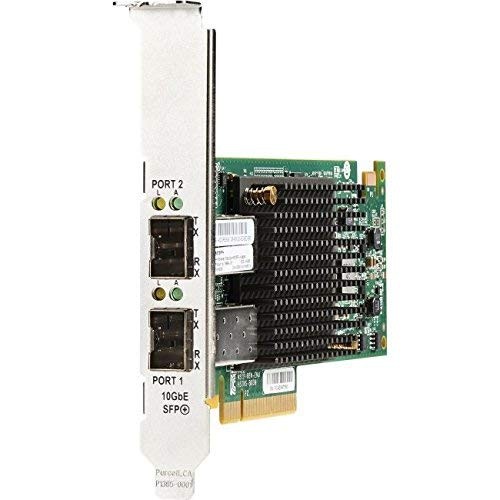

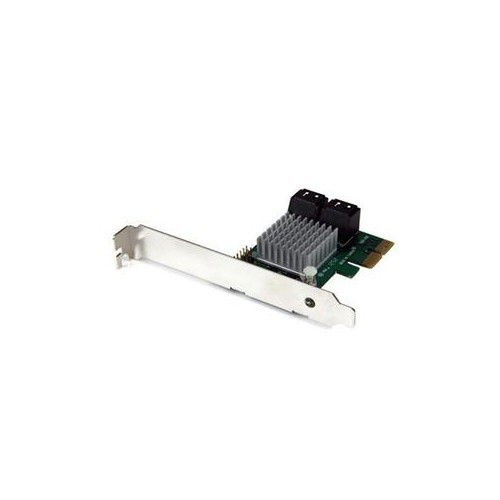
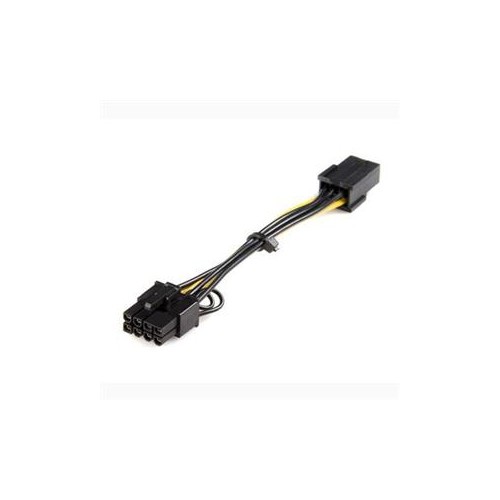
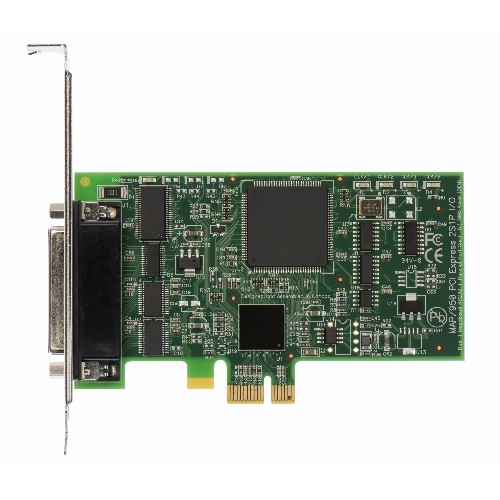
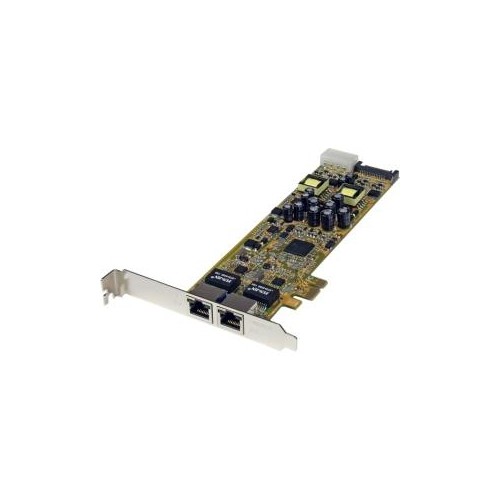
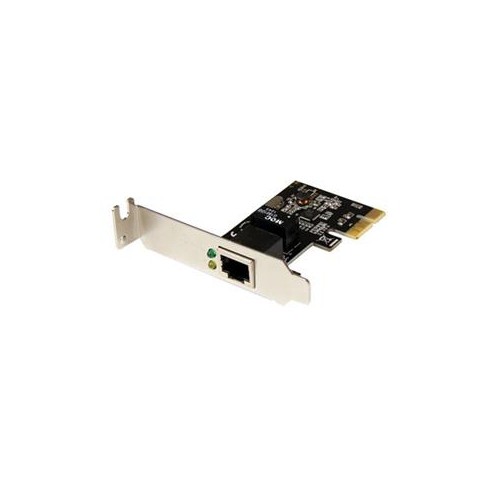
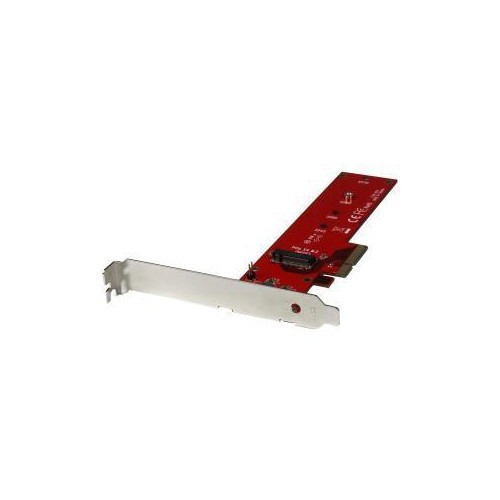
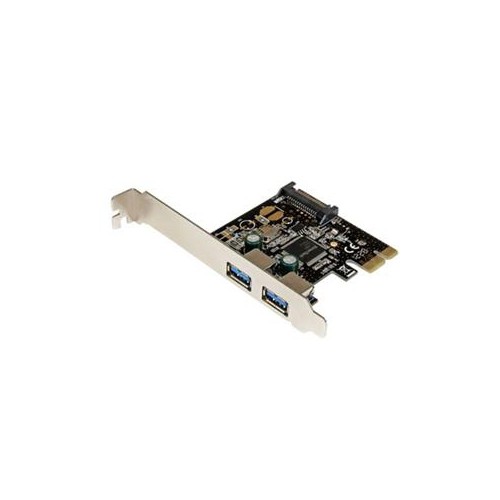
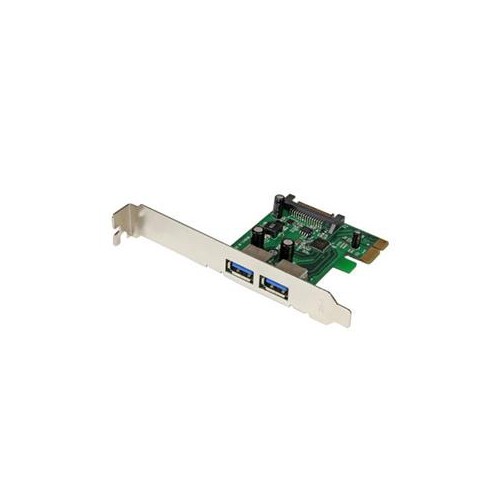
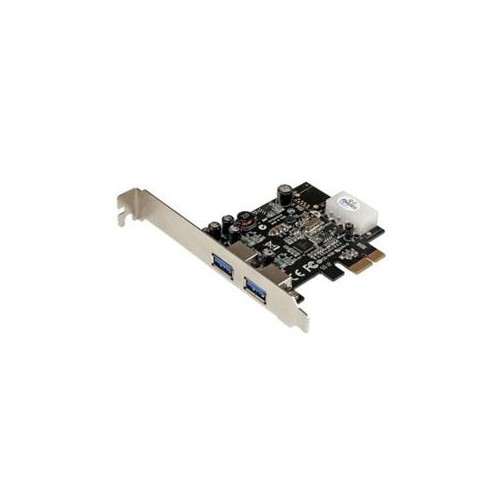
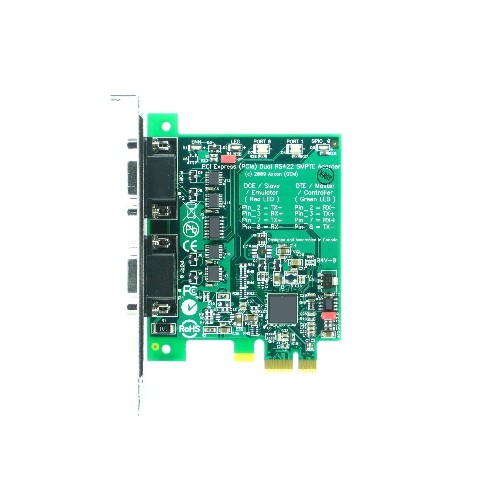

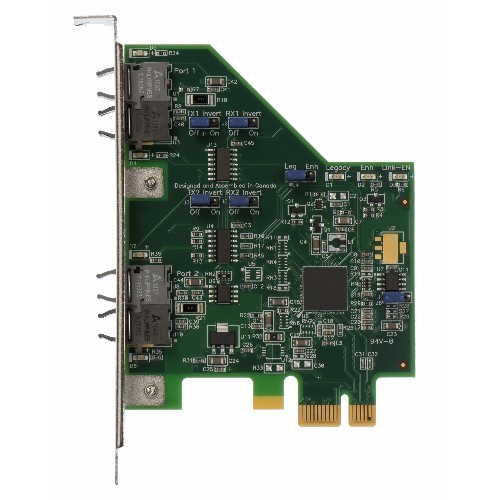
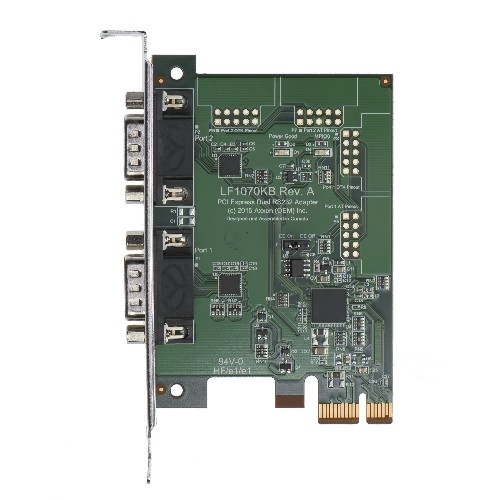
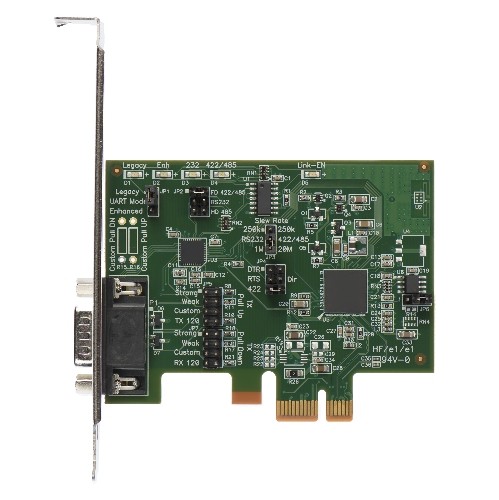

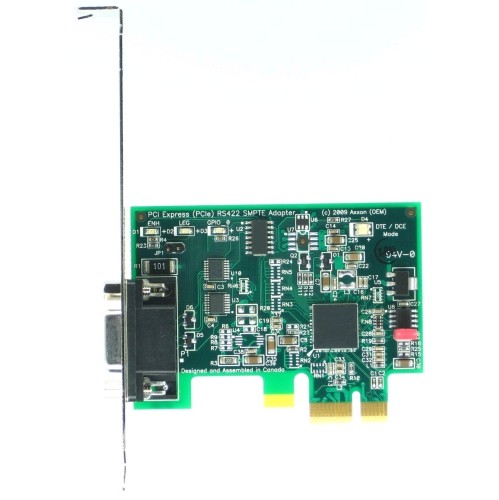
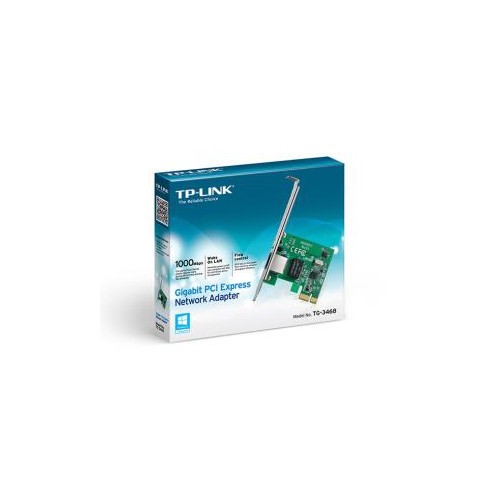
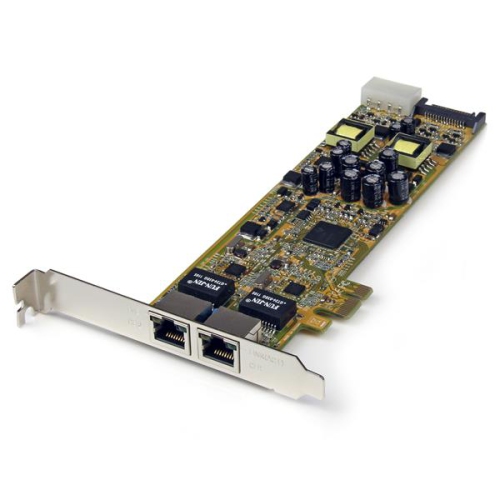
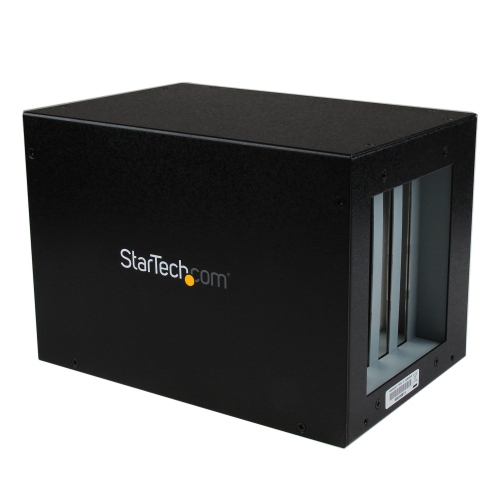
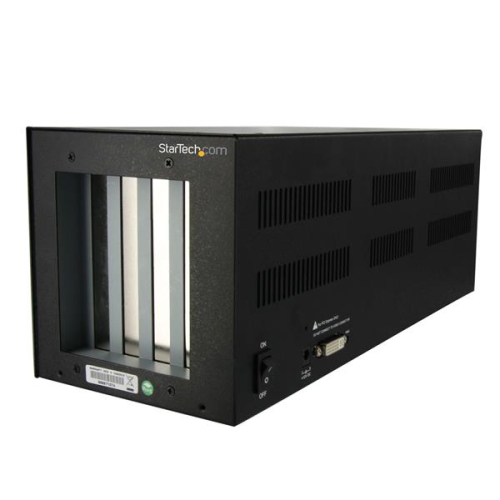
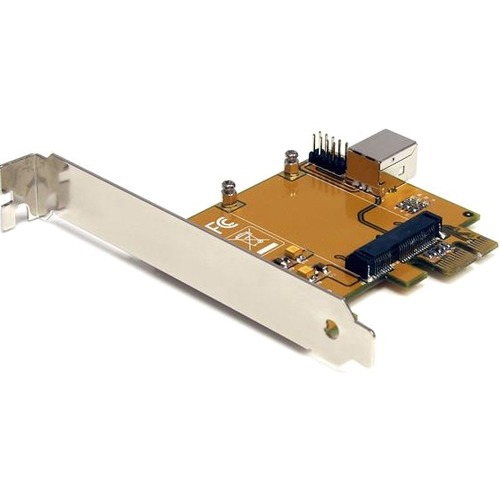
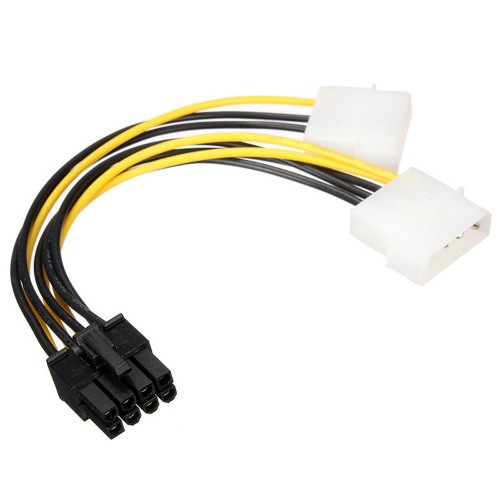
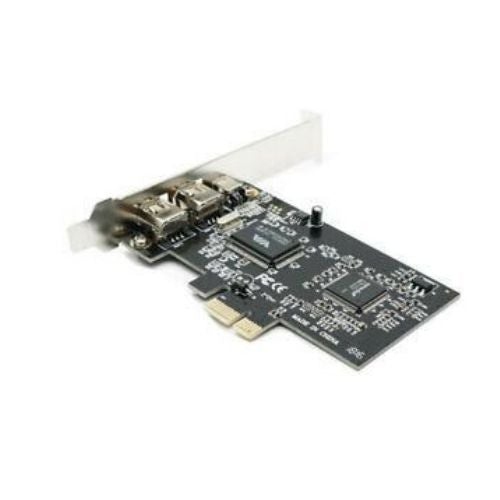
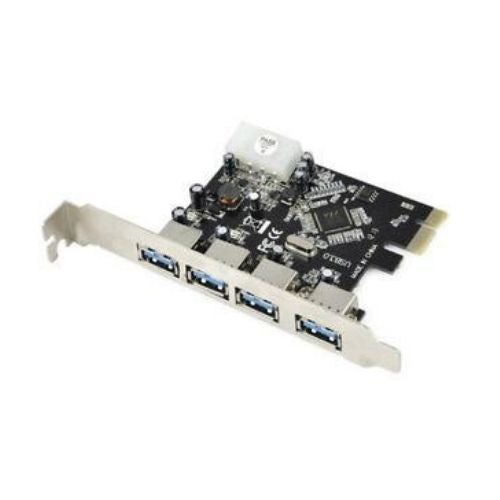
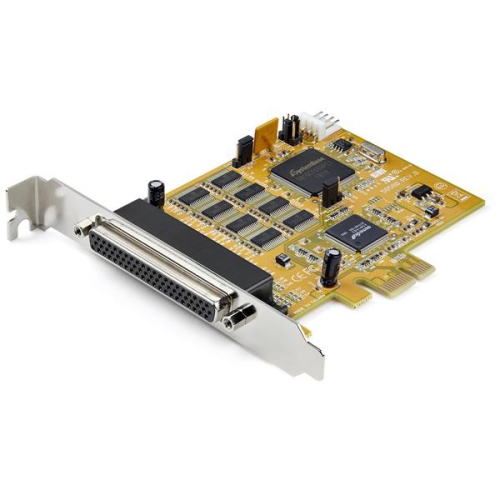
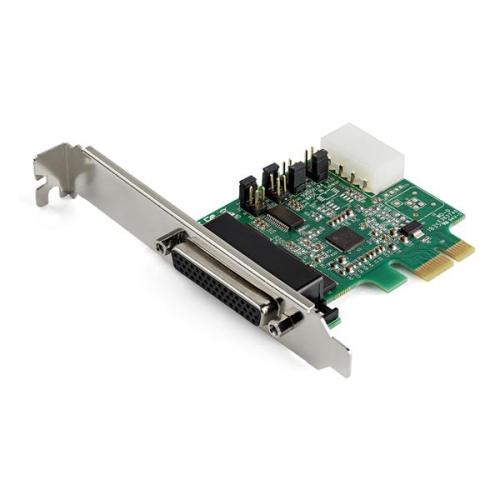
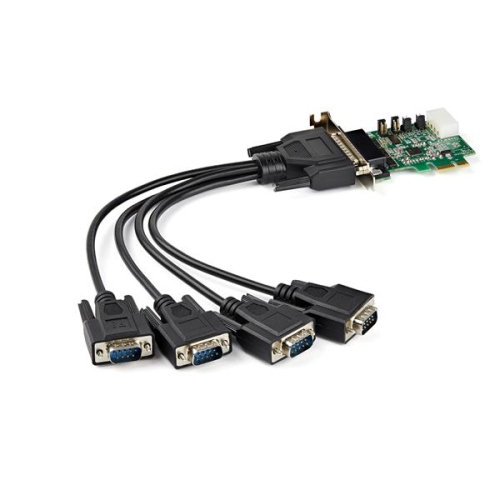
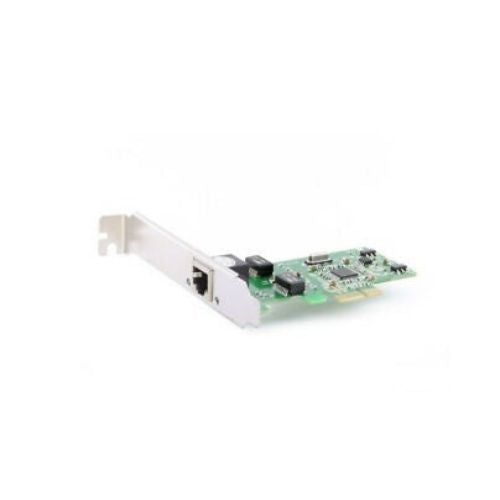
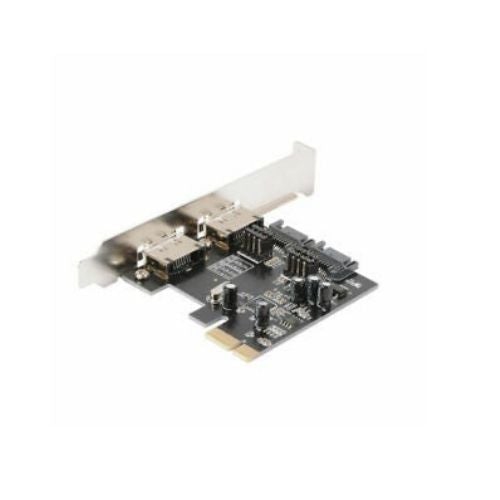
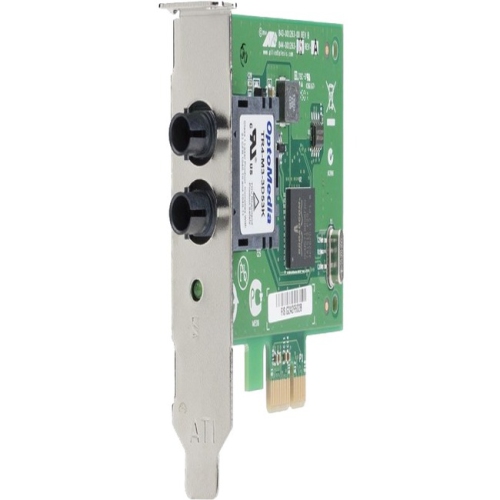
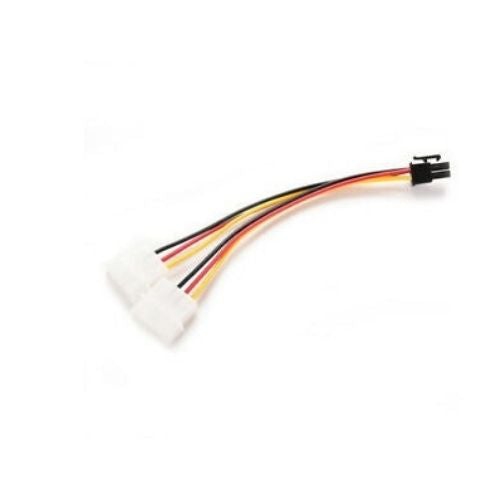

Flexible upgrades for storage, connectivity and wireless performance
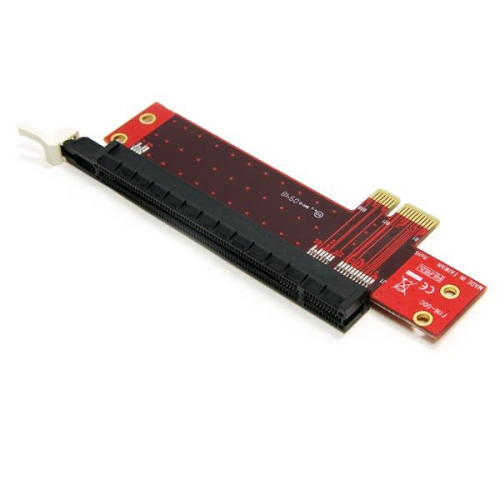
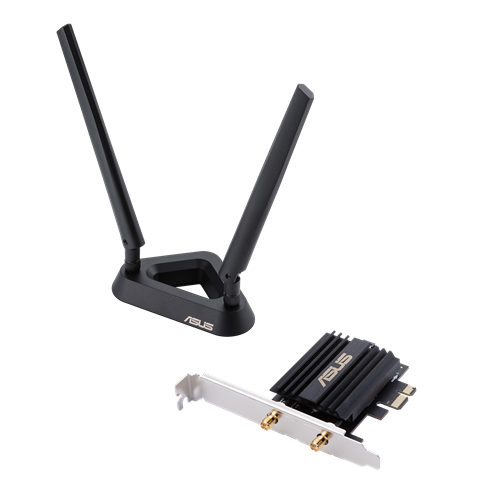
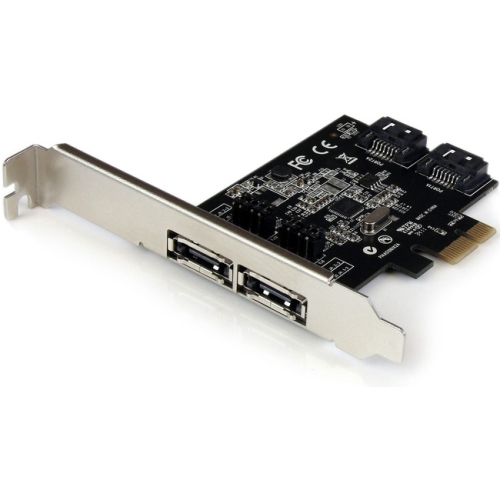
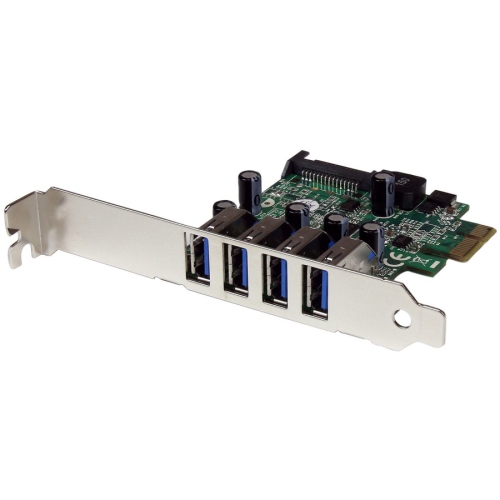
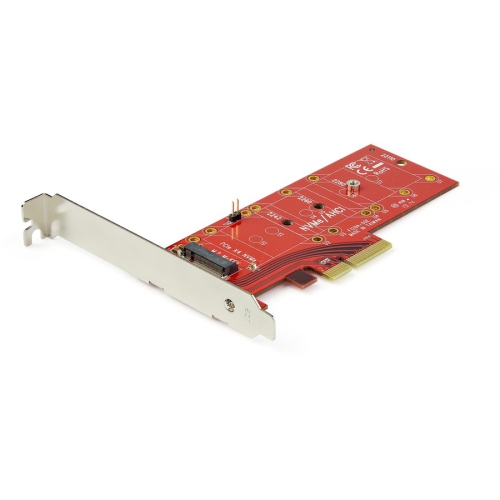
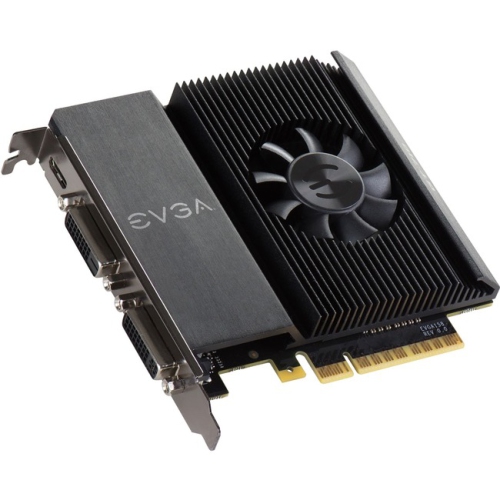
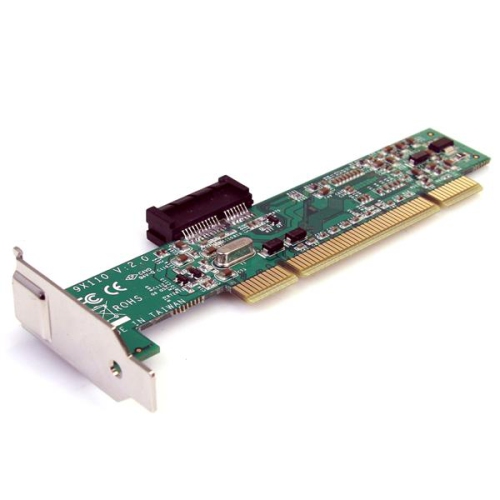
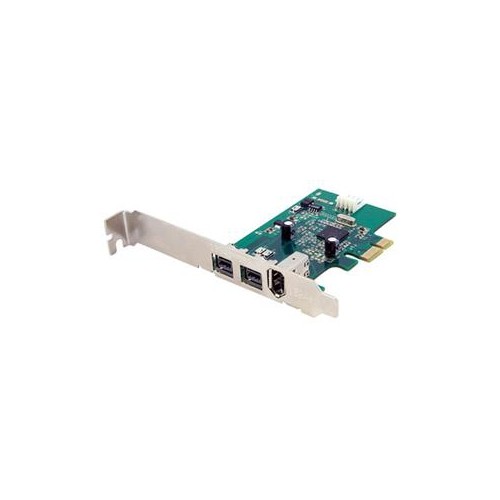
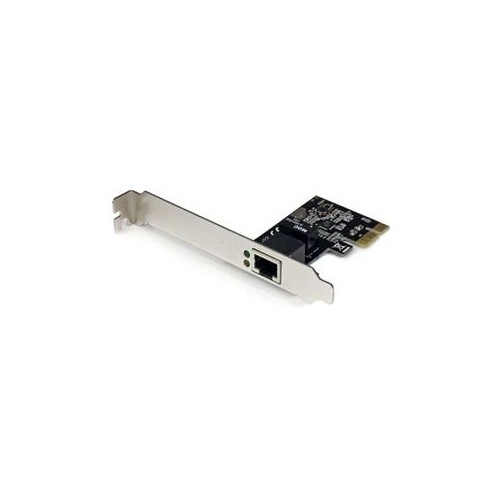
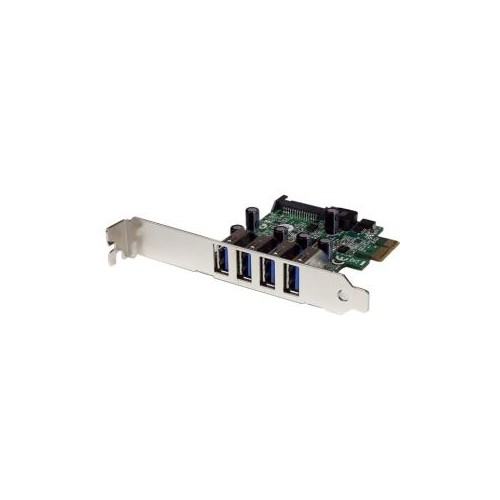
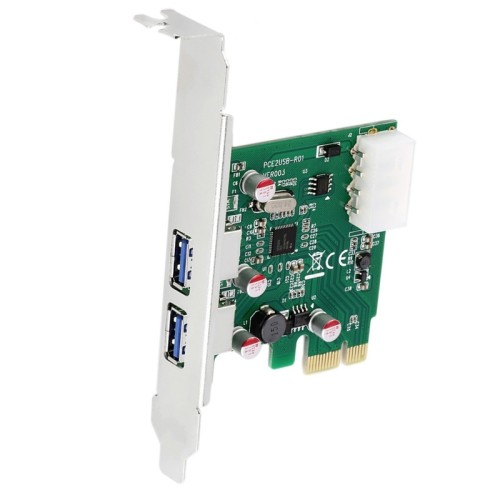
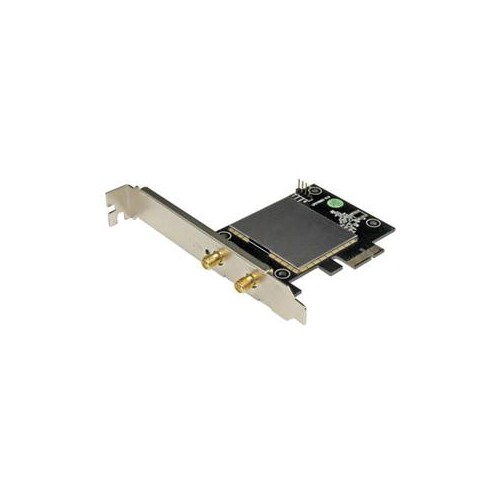
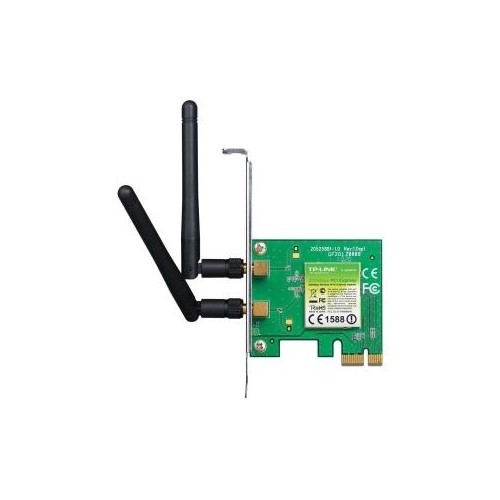
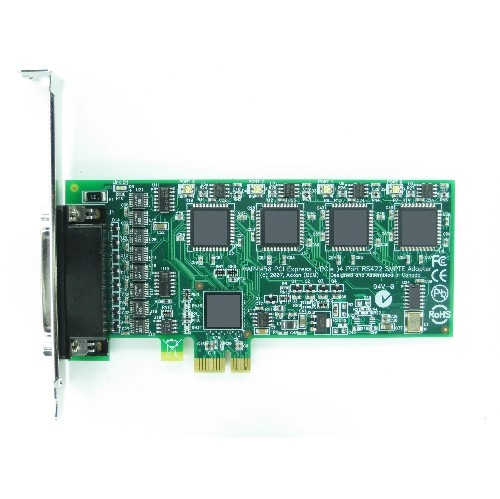
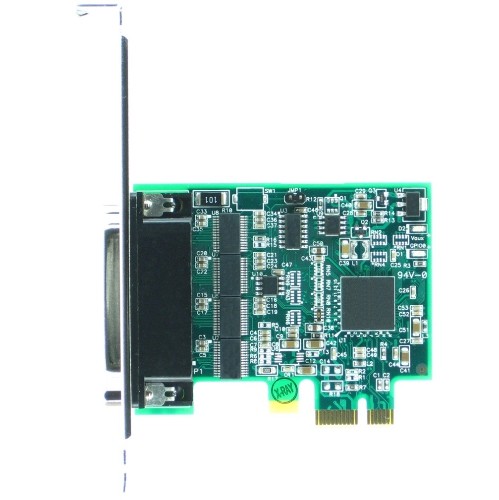
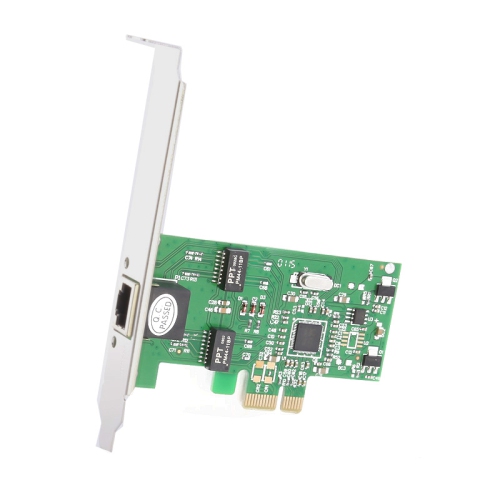
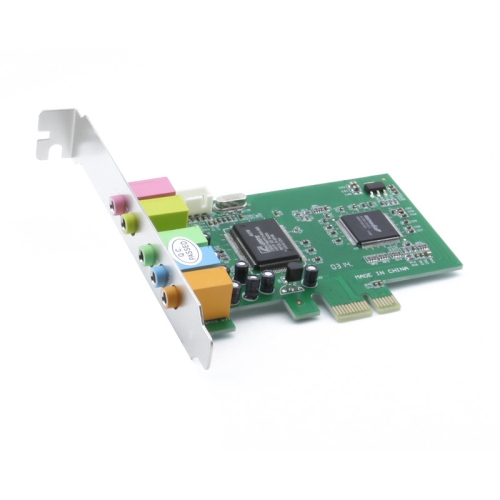
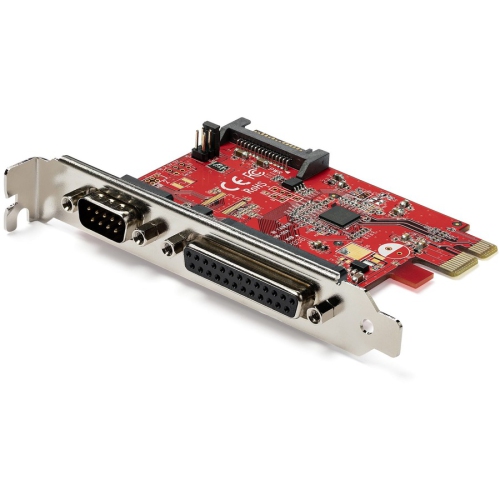
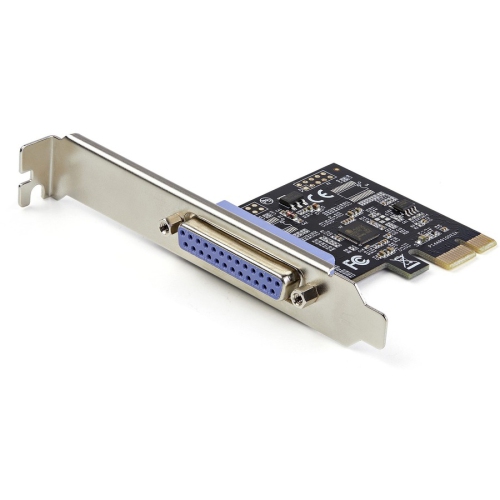
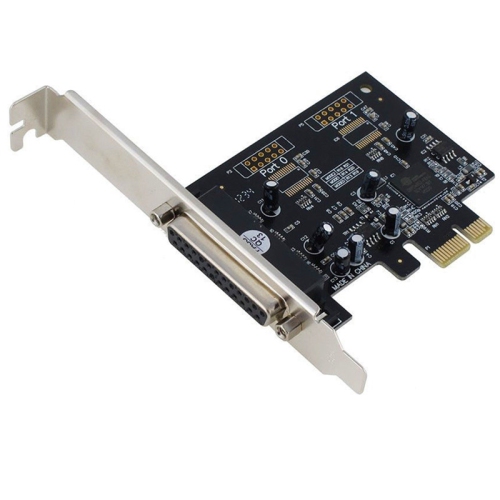
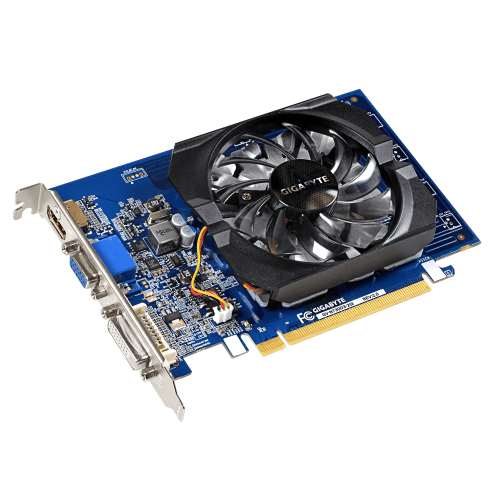
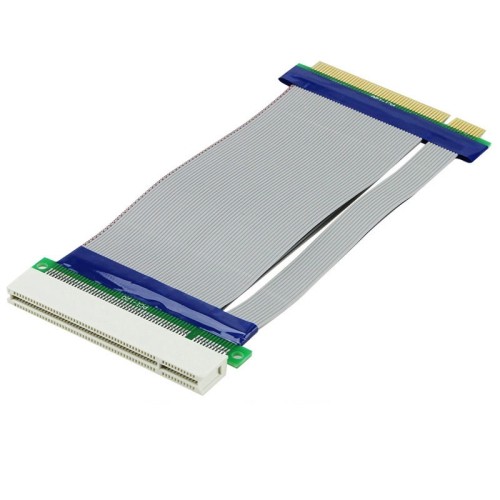
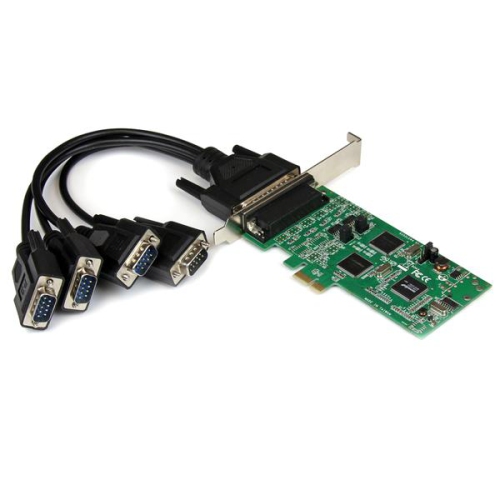
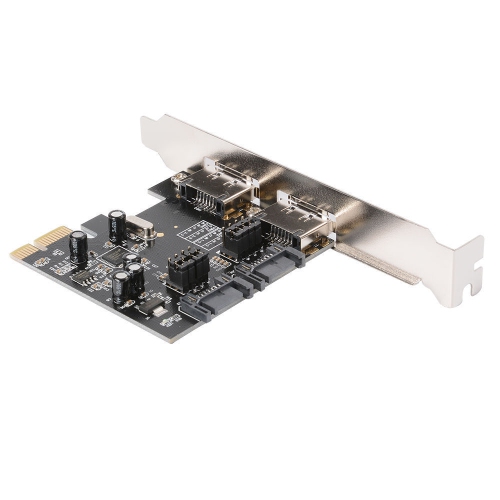
PCI Express adapters, often called PCIe adapters or expansion cards, are a practical way to add capabilities to a desktop computer without replacing the entire system. These cards fit into compatible PCIe slots on a motherboard and can provide additional USB ports, support for high-speed M.2 NVMe solid-state drives, modern Wi-Fi and Bluetooth connectivity, or connections for other internal and external hardware. They are useful for people building a custom PC, upgrading an older computer, repairing a system with limited connectivity, or configuring a workstation for demanding storage and networking tasks. A desktop that once had only a few rear USB ports, for example, can gain several more through a PCIe USB expansion card, making it easier to connect external drives, webcams, card readers, audio equipment, printers and other peripherals without relying on a crowded hub. Similarly, a wireless networking card can bring newer Wi-Fi standards and Bluetooth support to a desktop that was originally designed for wired Ethernet only. This can be especially convenient in a home office, gaming room or shared family workspace where running a network cable across the room is impractical. PCI Express adapters can also be a thoughtful gift for someone who enjoys upgrading computers, assembling their own system or improving an older desktop for school, work, creative projects or entertainment. Before choosing one, consider the specific feature being added, the computer’s available slots and the operating system used by the PC. PCIe cards are available in different physical sizes and lane configurations, including x1, x4, x8 and x16. A card must fit the available slot, although many smaller cards can operate in a longer slot when the motherboard and case layout allow it. The slot’s generation also affects potential bandwidth, so checking the motherboard manual can help confirm whether the adapter will operate at its intended performance level.
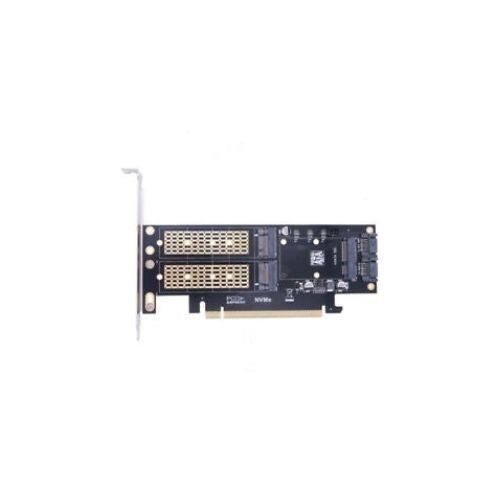
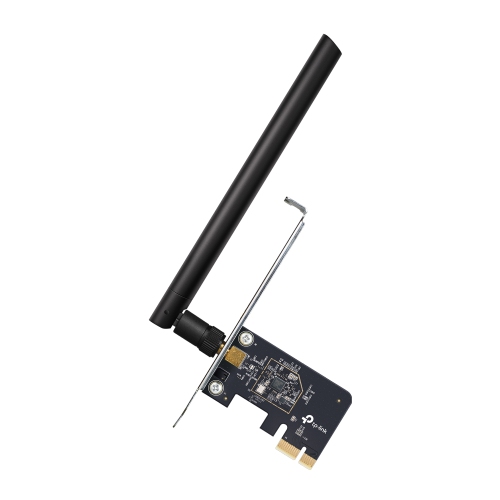
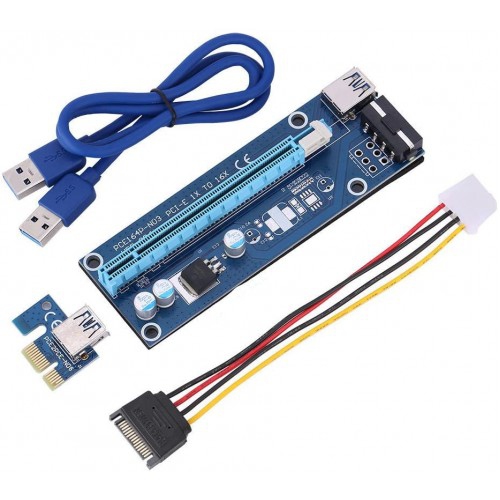
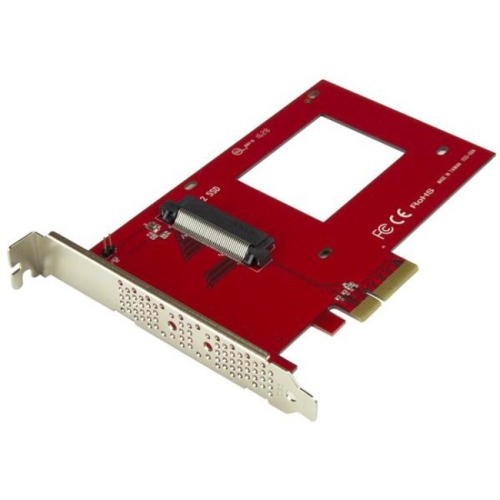
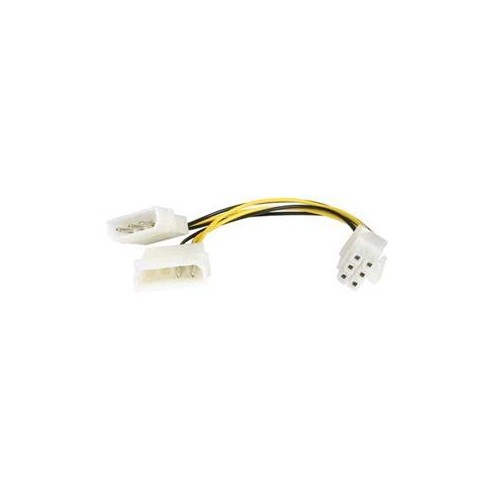
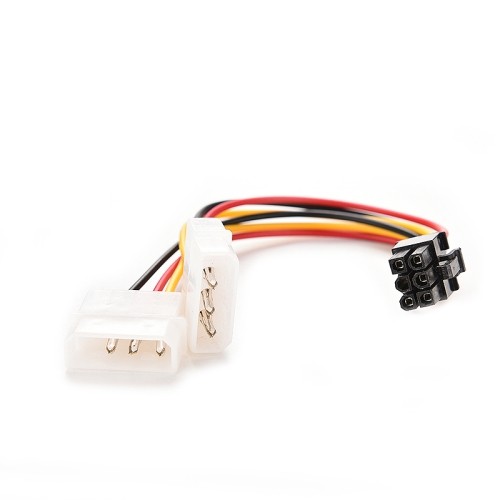
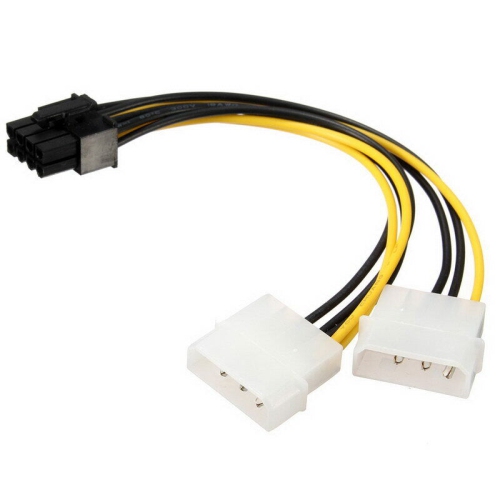
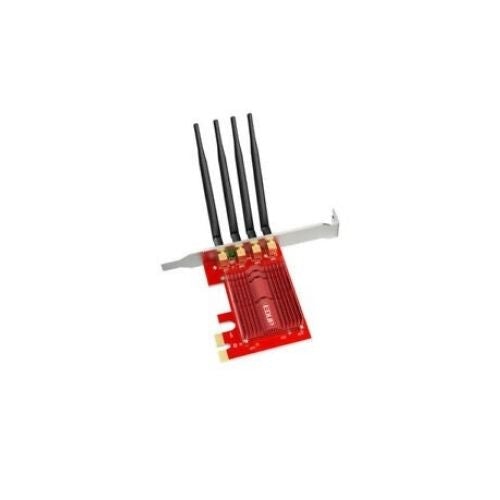
Storage-focused PCI Express adapters are commonly used to install an M.2 NVMe solid-state drive in a desktop that does not have an onboard M.2 socket, or when all available M.2 sockets are already occupied. A suitable adapter can allow the drive to communicate through a PCIe slot, helping users expand capacity for applications, games, media libraries, project files and backups. To explore this type of solution, visit PCIe Adapter M 2. Compatibility is important because M.2 drives can use different interfaces and keying arrangements; an adapter intended for NVMe storage is not automatically compatible with every M.2 SATA drive. It is also worth checking whether the motherboard supports booting from a PCIe-mounted NVMe drive, particularly when upgrading an older computer or planning a fresh operating system installation. Some adapters support one drive, while others are designed for multiple drives and may require motherboard features such as PCIe bifurcation for all storage devices to be recognized. Heat is another consideration. NVMe drives can become warm during large file transfers, video editing, game installations or other sustained workloads, so an adapter with a heatsink or a location with good airflow may help maintain consistent performance. USB expansion adapters have their own details to review, including the number and type of ports, support for USB-A or USB-C devices, transfer speeds and whether additional power is required. Devices that draw more power, such as external storage enclosures or charging accessories, may perform more reliably when the card connects to an available SATA or Molex-style power lead from the computer’s power supply. Wireless cards should be checked for supported Wi-Fi standards, antenna placement, Bluetooth functionality and driver availability. External antennas can often be positioned for a clearer signal, which is useful when the desktop is tucked beneath a desk, placed in a cabinet or separated from the router by walls.
Physical installation deserves as much attention as specifications. Turn off and unplug the computer before opening the case, and confirm that the chosen PCIe slot is accessible without removing critical components. Large graphics cards, CPU coolers, drive cages and side panels can affect clearance, while a card installed too close to another component may restrict airflow or make adjacent ports difficult to reach. Measure the available space when working inside a compact tower, slim desktop or small-form-factor case, and verify whether the adapter uses a full-height or low-profile bracket. Some cards draw power directly from the PCIe slot, while others require a separate connection from the power supply; checking the required connector and available wattage can prevent installation problems. Standard PCIe slot power is limited, and the adapter’s specifications should always be compared with the computer’s power supply and motherboard. After installation, drivers or firmware may be needed, especially for Wi-Fi, Bluetooth and certain storage controllers. Updating the computer’s operating system and motherboard firmware can also improve recognition and stability, although it is wise to save important files before making hardware or firmware changes. PCI Express adapters are a flexible choice for extending the useful features of a desktop, whether the goal is faster storage, more convenient connectivity, newer wireless performance or support for equipment that the original computer could not handle. By matching the adapter to the slot type, lane requirements, power connections, case dimensions and intended workload, shoppers can choose an upgrade that fits neatly into their existing setup and provides dependable everyday performance through work, study, gaming and creative projects.
Storage-focused PCI Express adapters are commonly used to install an M.2 NVMe solid-state drive in a desktop that does not have an onboard M.2 socket, or when all available M.2 sockets are already occupied. A suitable adapter can allow the drive to communicate through a PCIe slot, helping users expand capacity for applications, games, media libraries, project files and backups. To explore this type of solution, visit PCIe Adapter M 2. Compatibility is important because M.2 drives can use different interfaces and keying arrangements; an adapter intended for NVMe storage is not automatically compatible with every M.2 SATA drive. It is also worth checking whether the motherboard supports booting from a PCIe-mounted NVMe drive, particularly when upgrading an older computer or planning a fresh operating system installation. Some adapters support one drive, while others are designed for multiple drives and may require motherboard features such as PCIe bifurcation for all storage devices to be recognized. Heat is another consideration. NVMe drives can become warm during large file transfers, video editing, game installations or other sustained workloads, so an adapter with a heatsink or a location with good airflow may help maintain consistent performance. USB expansion adapters have their own details to review, including the number and type of ports, support for USB-A or USB-C devices, transfer speeds and whether additional power is required. Devices that draw more power, such as external storage enclosures or charging accessories, may perform more reliably when the card connects to an available SATA or Molex-style power lead from the computer’s power supply. Wireless cards should be checked for supported Wi-Fi standards, antenna placement, Bluetooth functionality and driver availability. External antennas can often be positioned for a clearer signal, which is useful when the desktop is tucked beneath a desk, placed in a cabinet or separated from the router by walls.
Physical installation deserves as much attention as specifications. Turn off and unplug the computer before opening the case, and confirm that the chosen PCIe slot is accessible without removing critical components. Large graphics cards, CPU coolers, drive cages and side panels can affect clearance, while a card installed too close to another component may restrict airflow or make adjacent ports difficult to reach. Measure the available space when working inside a compact tower, slim desktop or small-form-factor case, and verify whether the adapter uses a full-height or low-profile bracket. Some cards draw power directly from the PCIe slot, while others require a separate connection from the power supply; checking the required connector and available wattage can prevent installation problems. Standard PCIe slot power is limited, and the adapter’s specifications should always be compared with the computer’s power supply and motherboard. After installation, drivers or firmware may be needed, especially for Wi-Fi, Bluetooth and certain storage controllers. Updating the computer’s operating system and motherboard firmware can also improve recognition and stability, although it is wise to save important files before making hardware or firmware changes. PCI Express adapters are a flexible choice for extending the useful features of a desktop, whether the goal is faster storage, more convenient connectivity, newer wireless performance or support for equipment that the original computer could not handle. By matching the adapter to the slot type, lane requirements, power connections, case dimensions and intended workload, shoppers can choose an upgrade that fits neatly into their existing setup and provides dependable everyday performance through work, study, gaming and creative projects.
Top selling and popular products
-
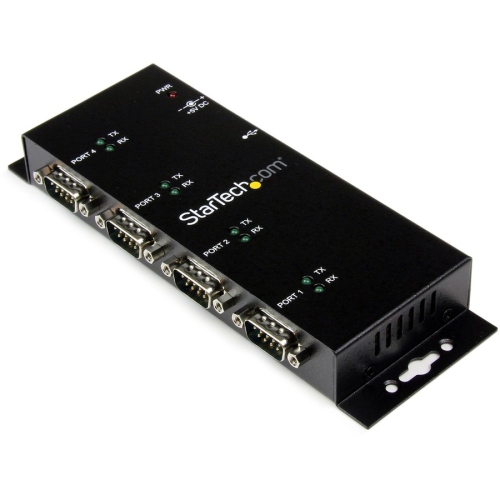 Your price for this item is $172.99
 -
 Your price for this item is $188.99
 -
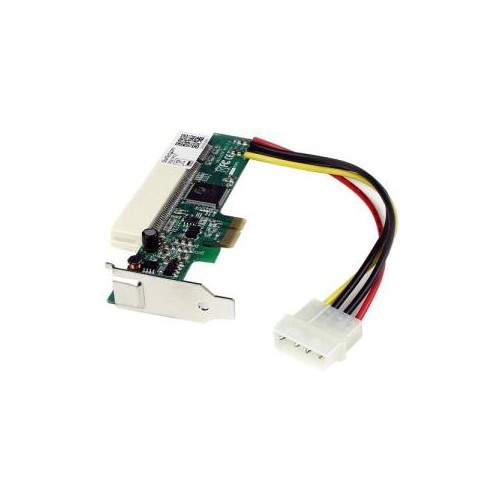 Your price for this item is $61.68
 -
 Your price for this item is $75.99
 -
 Your price for this item is $83.37
 -
 Your price for this item is $237.68
 -
 Your price for this item is $19.99
 -
 Your price for this item is $222.68
Discover more categories related to Pci Express Adapters
Top Collections:
Pokemon Centers, Kindle Devices, Best Budget Office Chairs, Apple iPhones 16, Best Laptops for Writers, iPhone 15 Apple, Canon G7X Cameras, Refurbished Apple Laptops, Alarm Clock, Motorola Razr Phones
Some products may be subject to Environmental Handling Fees
(EHF) depending on your province.
Learn more about EHFs.