PCi Express Sound Cards
Upgrade your sound experience with our selection of PCI Express Sound Cards. Designed to deliver high-quality audio performance, these sound cards are perfect for enhancing your gaming, music listening, and movie-watching experiences. With easy installation and customizable settings, you can immerse yourself in crystal-clear sound like never before. Explore our range of PCI Express Sound Cards to find the perfect fit for your setup and take your audio to the next level.
Sort


When dedicated audio makes sense for your desktop
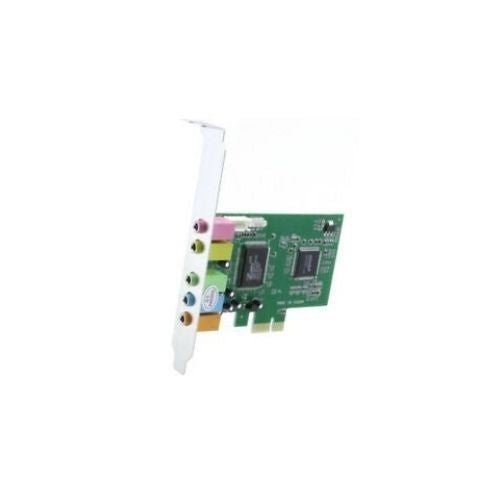
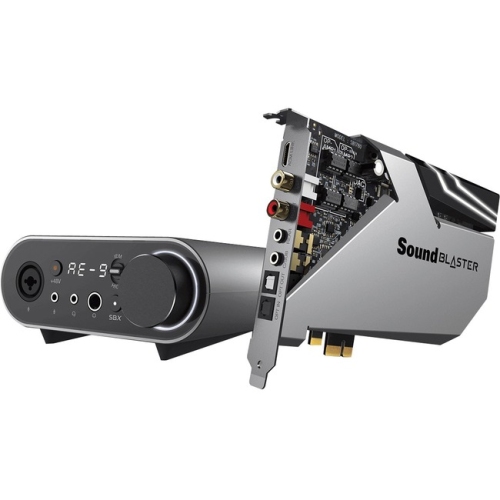
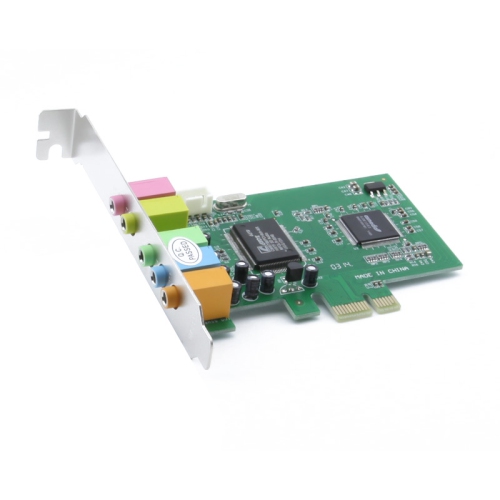
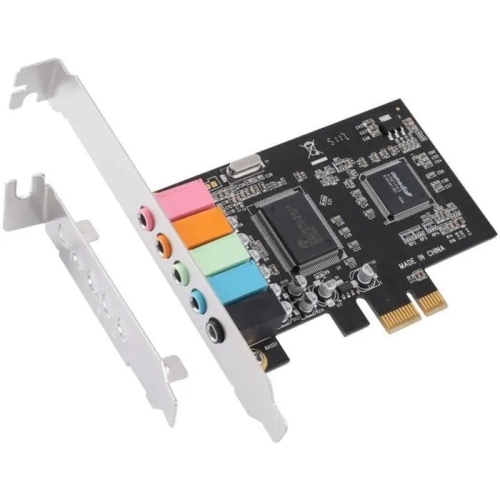
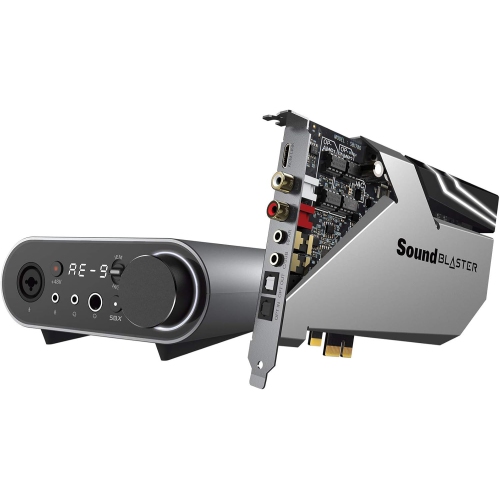
A PCI Express (PCIe) sound card is an internal desktop computer component that connects to a motherboard’s PCI Express slot to provide dedicated audio processing, headphone output, speaker connections, or recording inputs. It can replace or supplement built-in motherboard audio, making it relevant for gaming, music listening, films, voice chat, and everyday desktop use. The practical benefit depends on the computer and the connected equipment: a dedicated card may provide cleaner analogue output, a more capable headphone amplifier, additional ports, or audio controls that are missing from the existing setup. A computer that produces a faint buzz through wired headphones, for example, presents a different need from one that simply lacks connections for a surround speaker system. Good onboard audio can already deliver satisfying results, so the most useful upgrade addresses a specific limitation rather than promising an automatic improvement in every situation. For headphones, amplifier suitability involves both impedance and sensitivity; a high impedance rating alone does not tell the whole story about how much power is needed. Some PCIe sound cards include amplification suited to more demanding headphones, while others are designed primarily for standard headsets or powered speakers. For music listening, a well-implemented digital-to-analogue converter and a low-noise output stage can help preserve quiet details without adding audible hiss. For gaming, supported positional audio features may make directional cues easier to interpret, although results also depend on the game, headphones, and software settings. Dedicated speaker outputs can suit a desktop used for films as well as play, particularly when separate front, rear, centre, and subwoofer connections are needed. Stereo, 5.1-channel, and 7.1-channel configurations are different requirements, not interchangeable labels. Matching the card’s actual output capabilities to the speaker arrangement is more important than choosing the largest channel count. When headphones or speakers are connected by USB or another digital route, they may use their own audio hardware instead of the sound card’s analogue circuitry.
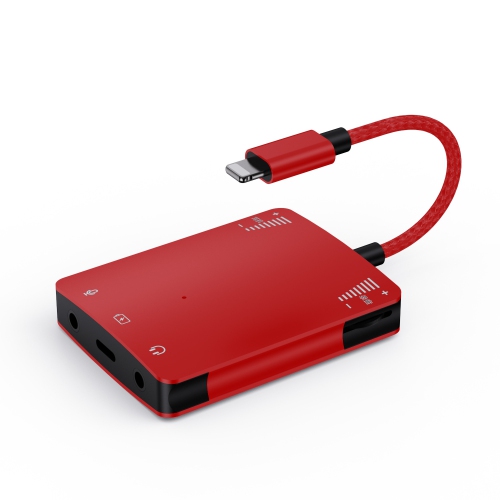
Physical fit and connection options are central considerations for PCI Express sound cards. Many use a short PCIe x1 connector, and these can often fit compatible longer PCIe slots, subject to the motherboard’s layout and specifications. An open slot is only part of the fit: a large graphics card, nearby expansion hardware, or a compact case can leave too little clearance for installation. Full-height and low-profile cases also require the appropriate mounting bracket, and bracket support varies between cards. Some designs occupy one expansion position, while others use an additional bracket or companion board for extra connections. A sound card’s circuit board, metal bracket, and any protective shielding all contribute to its physical design, but the presence of a shield alone does not establish audio quality. Secure mounting, suitable clearance, and accessible ports matter throughout everyday use. Related Pci Express Adapters serve other desktop expansion needs, while a dedicated sound card is designed specifically around audio input and output. At the rear of the computer, connection types determine what can be attached directly. Common options include 3.5 mm sockets for speakers, headphones, microphones, or line-level devices; some cards also provide RCA connections or optical digital audio. The number and purpose of those ports vary, and a socket may have different functions depending on its software configuration. Optical output can connect compatible external audio equipment without carrying an analogue electrical signal, but supported surround formats and encoding features need to match the receiving device. Multiple analogue outputs do not necessarily mean that every surround format can travel over a single optical cable. Front-panel audio support can make headset access more convenient, provided the card and case use compatible internal connections. Cable reach matters, too: a tower placed beneath a desk may need longer leads than a compact system beside a monitor. Operating system support, compatible drivers, and any motherboard slot-sharing restrictions are equally important parts of a workable installation.
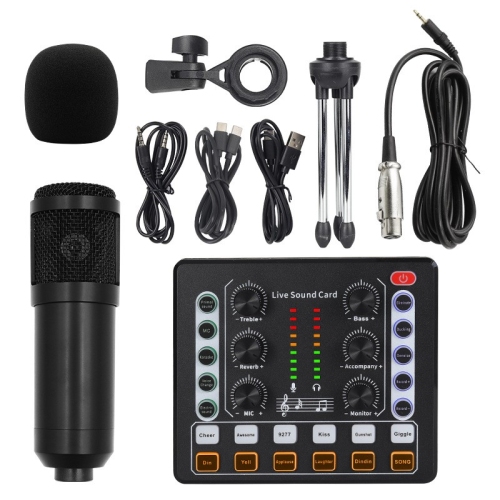
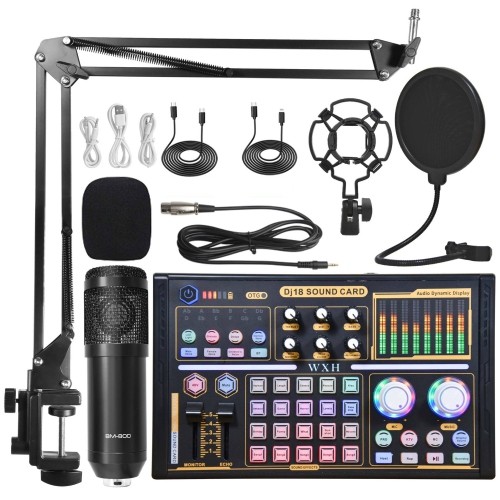
Recording and communication needs add another layer to choosing a PCIe sound card. A microphone input and a line input serve different signal levels, so they are not always suitable substitutes for one another. A headset microphone used for team chat has different requirements from an external audio source being captured for editing or archiving. Supported microphone connections, input gain controls, and monitoring options influence how easily those tasks fit into a desktop setup. A general-purpose sound card is not necessarily a replacement for a recording interface with dedicated instrument inputs, professional microphone connections, or phantom power. For someone making occasional voice recordings or connecting a compatible line-level source, however, the right inputs can be a practical addition. Software can be just as relevant as the sockets themselves. Depending on the card, controls may include an equalizer, separate speaker and headphone profiles, microphone level adjustment, or monitoring settings. Reliable driver support helps those features remain usable with the intended operating system. Higher supported sample rates and bit depths describe recording or playback capabilities, but larger figures alone do not guarantee an audible improvement. Source quality, noise performance, connected equipment, and sensible recording levels all affect the result. Durability also depends on how the card is installed and handled. Installation with the computer shut down and disconnected from power, appropriate static precautions, and handling by the board’s edges help protect sensitive components. Once fitted, firmly seated cables and adequate slack reduce strain on rear sockets, particularly when a desktop is moved for cleaning. Routine dust removal using methods suitable for computer components can help keep the surrounding system clear without exposing the card to moisture. PCI Express sound cards can suit desktop gamers, headphone listeners, home media users, and people who want more flexible audio connections at a permanent workstation. As a gift, they make the most sense when the recipient’s desktop layout, operating system, and audio equipment are already known. Their value lies in a close match between the computer, the connections, and the way sound is used every day.
Physical fit and connection options are central considerations for PCI Express sound cards. Many use a short PCIe x1 connector, and these can often fit compatible longer PCIe slots, subject to the motherboard’s layout and specifications. An open slot is only part of the fit: a large graphics card, nearby expansion hardware, or a compact case can leave too little clearance for installation. Full-height and low-profile cases also require the appropriate mounting bracket, and bracket support varies between cards. Some designs occupy one expansion position, while others use an additional bracket or companion board for extra connections. A sound card’s circuit board, metal bracket, and any protective shielding all contribute to its physical design, but the presence of a shield alone does not establish audio quality. Secure mounting, suitable clearance, and accessible ports matter throughout everyday use. Related Pci Express Adapters serve other desktop expansion needs, while a dedicated sound card is designed specifically around audio input and output. At the rear of the computer, connection types determine what can be attached directly. Common options include 3.5 mm sockets for speakers, headphones, microphones, or line-level devices; some cards also provide RCA connections or optical digital audio. The number and purpose of those ports vary, and a socket may have different functions depending on its software configuration. Optical output can connect compatible external audio equipment without carrying an analogue electrical signal, but supported surround formats and encoding features need to match the receiving device. Multiple analogue outputs do not necessarily mean that every surround format can travel over a single optical cable. Front-panel audio support can make headset access more convenient, provided the card and case use compatible internal connections. Cable reach matters, too: a tower placed beneath a desk may need longer leads than a compact system beside a monitor. Operating system support, compatible drivers, and any motherboard slot-sharing restrictions are equally important parts of a workable installation.
Recording and communication needs add another layer to choosing a PCIe sound card. A microphone input and a line input serve different signal levels, so they are not always suitable substitutes for one another. A headset microphone used for team chat has different requirements from an external audio source being captured for editing or archiving. Supported microphone connections, input gain controls, and monitoring options influence how easily those tasks fit into a desktop setup. A general-purpose sound card is not necessarily a replacement for a recording interface with dedicated instrument inputs, professional microphone connections, or phantom power. For someone making occasional voice recordings or connecting a compatible line-level source, however, the right inputs can be a practical addition. Software can be just as relevant as the sockets themselves. Depending on the card, controls may include an equalizer, separate speaker and headphone profiles, microphone level adjustment, or monitoring settings. Reliable driver support helps those features remain usable with the intended operating system. Higher supported sample rates and bit depths describe recording or playback capabilities, but larger figures alone do not guarantee an audible improvement. Source quality, noise performance, connected equipment, and sensible recording levels all affect the result. Durability also depends on how the card is installed and handled. Installation with the computer shut down and disconnected from power, appropriate static precautions, and handling by the board’s edges help protect sensitive components. Once fitted, firmly seated cables and adequate slack reduce strain on rear sockets, particularly when a desktop is moved for cleaning. Routine dust removal using methods suitable for computer components can help keep the surrounding system clear without exposing the card to moisture. PCI Express sound cards can suit desktop gamers, headphone listeners, home media users, and people who want more flexible audio connections at a permanent workstation. As a gift, they make the most sense when the recipient’s desktop layout, operating system, and audio equipment are already known. Their value lies in a close match between the computer, the connections, and the way sound is used every day.
Top selling and popular products
-
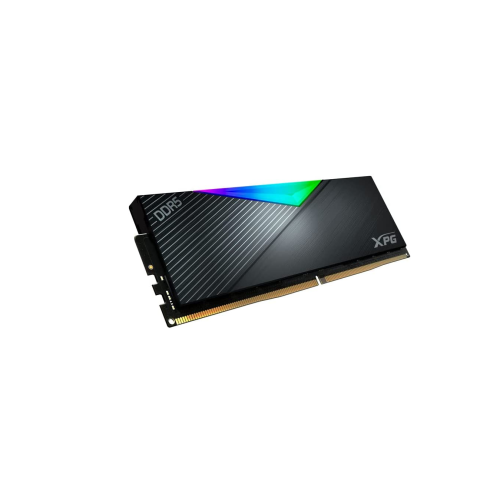 Your price for this item is $588.8
-
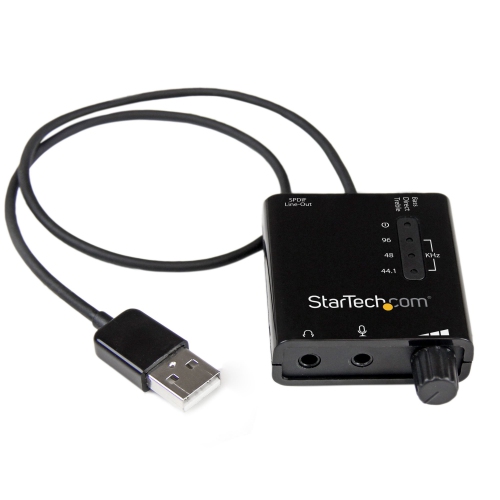 Your price for this item is $53.99
-
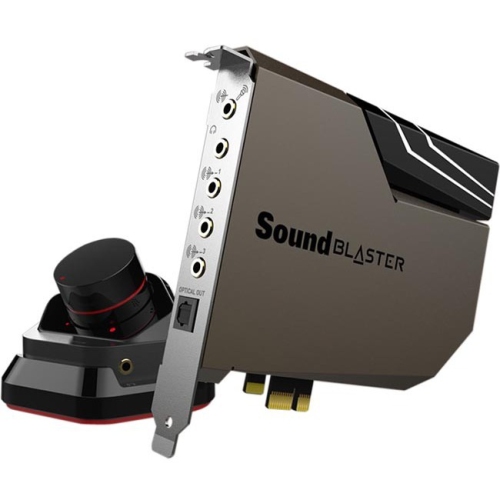 Your price for this item is $439.68
-
 Your price for this item is $89.99
-
 Your price for this item is $170.99
-
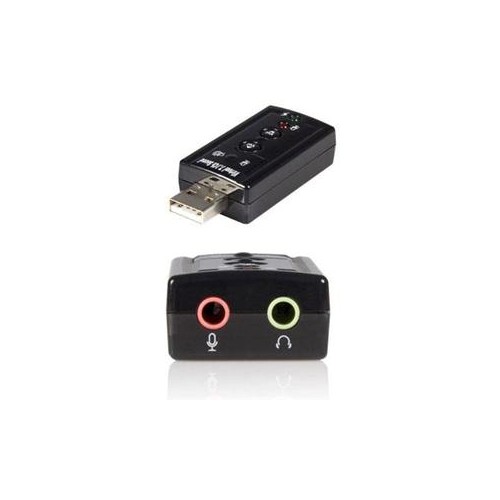 Your price for this item is $6.68
-
 Your price for this item is $16.99
-
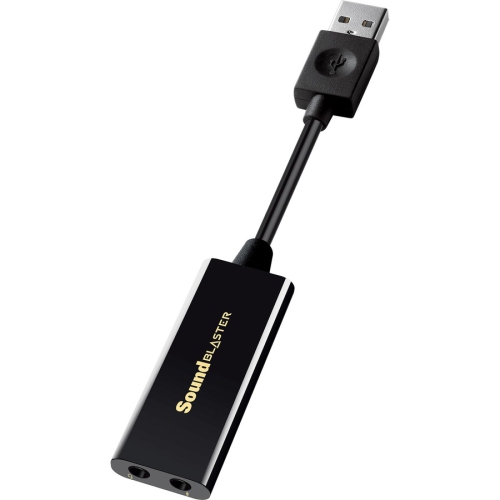 Your price for this item is $29.68
Discover more categories related to PCi Express Sound Cards

Top Collections:
Best Black Friday Deals This Year, Best Black Friday Deals On Electronics, Kindle Devices, Pokemon Centers, Best Black Friday Deals On Apple Products, Best Cameras for Sports Photography, Dyson Airwrap, Pokémon 30th Celebration Cards, Apple iPhone 17 Pro, Canon G7X Cameras
Some products may be subject to Environmental Handling Fees
(EHF) depending on your province.
Learn more about EHFs.