Personal Accounting Software
Personal accounting software makes it easy to take control of your finances, whether you're managing household budgets or tracking expenses for personal projects. With a variety of options designed to suit different needs and experience levels, finding the right solution can help streamline your financial tasks and provide greater peace of mind. Explore personal accounting software to discover user-friendly tools that support your financial goals and help keep your accounts organized.
Sort
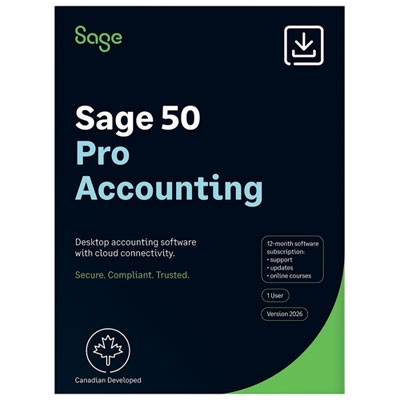
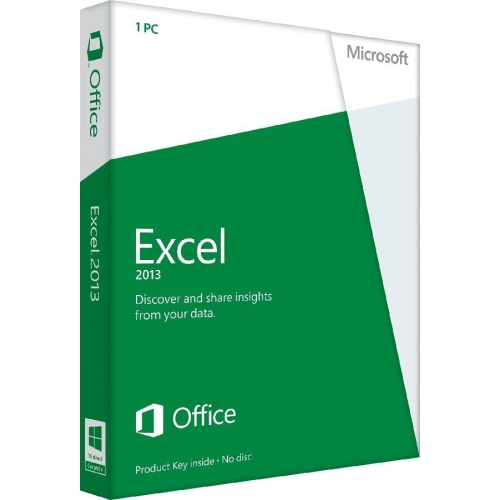
A clearer view of where your money goes
Personal accounting software helps individuals and households track income, organize everyday spending, build budgets, and keep financial records in one place. Depending on its features, it can also support bill reminders, savings goals, debt tracking, and investment monitoring. Its main purpose is to make personal finances easier to understand: money coming in, money going out, and the amounts set aside for future needs. A household managing rent or mortgage payments, groceries, childcare, and several credit cards may benefit from a shared view of those commitments, while someone living independently for the first time may simply want clear spending categories and a reliable record of paid bills. Transaction tracking generally works through manual entry, imported bank files, automatic bank connections, or a combination of these methods. Manual entry gives each transaction deliberate attention, while automatic importing can reduce repetitive typing when a supported financial institution is connected. Either approach still benefits from reviewing categories and checking records against account statements. A supermarket purchase, for example, might include both groceries and household supplies; split-transaction tools can assign each portion to the appropriate budget category. Transfers between accounts need similar care so that moving money into savings does not appear as an expense or additional income. Useful budgeting features may include customizable categories, recurring transactions, rollover balances, and comparisons between planned and actual spending. These details help distinguish a genuinely larger grocery bill from a purchase that was simply filed in the wrong category. Clear dashboards and readable reports can make those patterns easier to spot without opening several spreadsheets. For couples, families, students, retirees, and people with irregular income, the most useful personal finance software is often the option that matches the way money is actually managed, rather than the one with the longest feature list. A straightforward monthly overview may be enough for one person, while another needs detailed records across multiple accounts.
The fit between accounting software and everyday devices matters as much as the budgeting tools themselves. Desktop applications typically run on a compatible computer, while browser-based software is accessed through a supported web browser; some solutions also provide companion mobile apps. Operating system requirements, supported versions, storage needs, and device access all affect whether a program will work comfortably within an existing setup. Someone who reviews statements at a desk may prefer a full-screen register and detailed reporting, whereas a person who records purchases throughout the day may value mobile entry and receipt capture. Not every mobile app includes the full desktop feature set, and offline access varies. For shoppers considering browser-based access, Online Accounting Software represents a related category, although personal budgeting features and business accounting functions are not always interchangeable. Canadian compatibility is another practical distinction. Support for Canadian dollars, familiar date formats, and connections to Canadian financial institutions can make routine recordkeeping simpler. Anyone managing accounts in more than one currency may also need exchange-rate handling and reports that clearly distinguish original amounts from converted totals. Bank connectivity should be checked for the particular institution and account type involved, since support can differ between chequing accounts, credit cards, loans, and investment accounts. File import and export options matter even when automatic connections are supported. The ability to bring in transaction history and save records in a widely readable format helps preserve access when devices or software change. Financial information also calls for careful access controls. Features worth considering include multifactor authentication, encryption, adjustable sharing permissions, and clear information about data storage and deletion. Shared household access is especially useful when each person can use a separate login rather than passing around a password. For locally stored records, dependable backups help protect against a damaged or lost computer. For cloud-based records, account recovery options and export tools support continued access. These practical details contribute to software that remains useful beyond the initial setup.
Beyond daily spending, personal accounting software can provide a longer view of household finances when its tools suit the accounts being tracked. Savings targets may cover an emergency fund, education expenses, a home repair, or a planned trip, with separate categories making it easier to see what has already been set aside. Bill calendars and recurring-payment reminders can bring predictable commitments into the same view as everyday purchases. Someone paid every two weeks, for example, may find a cash-flow calendar more helpful than a monthly total when several bills fall due before the next payday. Debt-tracking features may show balances, recorded interest, and payment history, while net-worth reports can bring assets and liabilities together in a broader snapshot. Investment tracking is a more specialized function and is not included in every personal accounting application. Where supported, it may organize holdings, contributions, distributions, and account values, but it does not replace investment advice or the official records supplied by a financial institution. Canadian users tracking TFSAs or RRSPs should distinguish software estimates from verified contribution information, since incomplete transaction histories can produce misleading totals. Personal recordkeeping can also make tax preparation more organized by keeping charitable donation records, potentially eligible expenses, and supporting receipts together. That does not mean a budgeting application prepares or files a Canadian income tax return; tax filing requires the appropriate functionality and applicable certification. Freelancers and people with side income may use personal software to understand household cash flow, but invoicing, payroll, sales tax, and formal business reporting generally require dedicated business features. For ongoing use, readable type, straightforward navigation, helpful search tools, and customizable reports can make regular reviews feel manageable. A searchable note attached to a transaction can explain an unfamiliar charge long after the receipt has faded. Regular updates, reliable backups, accessible support, and the ability to export historical records are the software equivalent of lasting usability. With the right balance of clarity and detail, personal accounting software turns scattered statements and receipts into an organized record that supports everyday decisions and longer-term planning.
The fit between accounting software and everyday devices matters as much as the budgeting tools themselves. Desktop applications typically run on a compatible computer, while browser-based software is accessed through a supported web browser; some solutions also provide companion mobile apps. Operating system requirements, supported versions, storage needs, and device access all affect whether a program will work comfortably within an existing setup. Someone who reviews statements at a desk may prefer a full-screen register and detailed reporting, whereas a person who records purchases throughout the day may value mobile entry and receipt capture. Not every mobile app includes the full desktop feature set, and offline access varies. For shoppers considering browser-based access, Online Accounting Software represents a related category, although personal budgeting features and business accounting functions are not always interchangeable. Canadian compatibility is another practical distinction. Support for Canadian dollars, familiar date formats, and connections to Canadian financial institutions can make routine recordkeeping simpler. Anyone managing accounts in more than one currency may also need exchange-rate handling and reports that clearly distinguish original amounts from converted totals. Bank connectivity should be checked for the particular institution and account type involved, since support can differ between chequing accounts, credit cards, loans, and investment accounts. File import and export options matter even when automatic connections are supported. The ability to bring in transaction history and save records in a widely readable format helps preserve access when devices or software change. Financial information also calls for careful access controls. Features worth considering include multifactor authentication, encryption, adjustable sharing permissions, and clear information about data storage and deletion. Shared household access is especially useful when each person can use a separate login rather than passing around a password. For locally stored records, dependable backups help protect against a damaged or lost computer. For cloud-based records, account recovery options and export tools support continued access. These practical details contribute to software that remains useful beyond the initial setup.
Beyond daily spending, personal accounting software can provide a longer view of household finances when its tools suit the accounts being tracked. Savings targets may cover an emergency fund, education expenses, a home repair, or a planned trip, with separate categories making it easier to see what has already been set aside. Bill calendars and recurring-payment reminders can bring predictable commitments into the same view as everyday purchases. Someone paid every two weeks, for example, may find a cash-flow calendar more helpful than a monthly total when several bills fall due before the next payday. Debt-tracking features may show balances, recorded interest, and payment history, while net-worth reports can bring assets and liabilities together in a broader snapshot. Investment tracking is a more specialized function and is not included in every personal accounting application. Where supported, it may organize holdings, contributions, distributions, and account values, but it does not replace investment advice or the official records supplied by a financial institution. Canadian users tracking TFSAs or RRSPs should distinguish software estimates from verified contribution information, since incomplete transaction histories can produce misleading totals. Personal recordkeeping can also make tax preparation more organized by keeping charitable donation records, potentially eligible expenses, and supporting receipts together. That does not mean a budgeting application prepares or files a Canadian income tax return; tax filing requires the appropriate functionality and applicable certification. Freelancers and people with side income may use personal software to understand household cash flow, but invoicing, payroll, sales tax, and formal business reporting generally require dedicated business features. For ongoing use, readable type, straightforward navigation, helpful search tools, and customizable reports can make regular reviews feel manageable. A searchable note attached to a transaction can explain an unfamiliar charge long after the receipt has faded. Regular updates, reliable backups, accessible support, and the ability to export historical records are the software equivalent of lasting usability. With the right balance of clarity and detail, personal accounting software turns scattered statements and receipts into an organized record that supports everyday decisions and longer-term planning.
Top selling and popular products
-
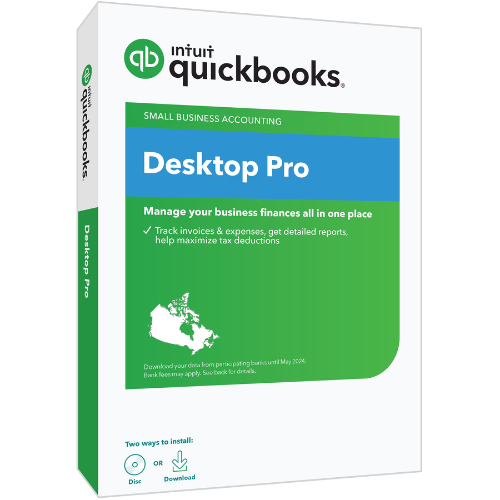 Your price for this item is $549.99
 -
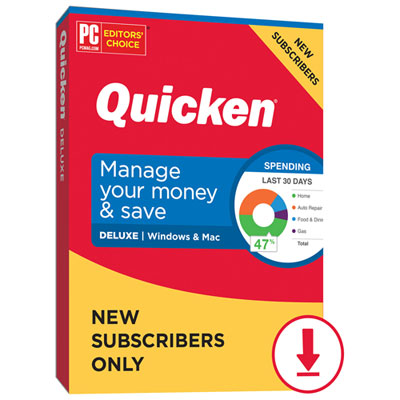 Your price for this item is $101.99
 -
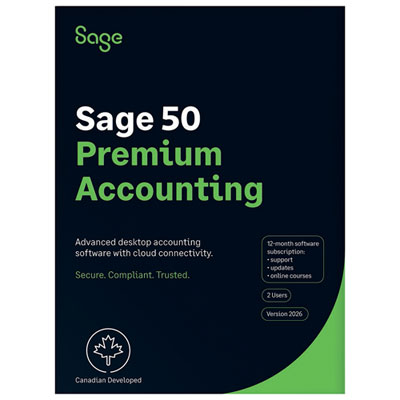 Your price for this item is $1206.98
 -
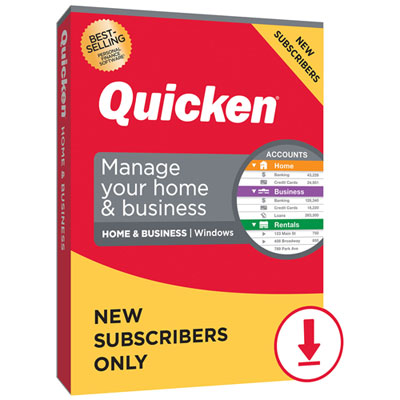 Your price for this item is $143.99
 -
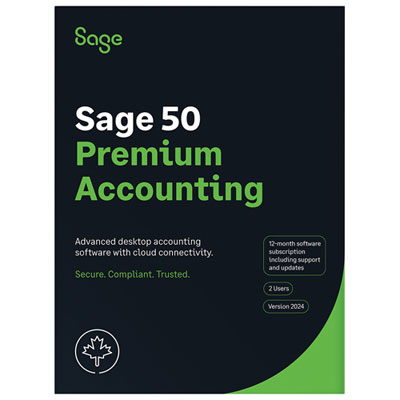 Your price for this item is $939.99
 -
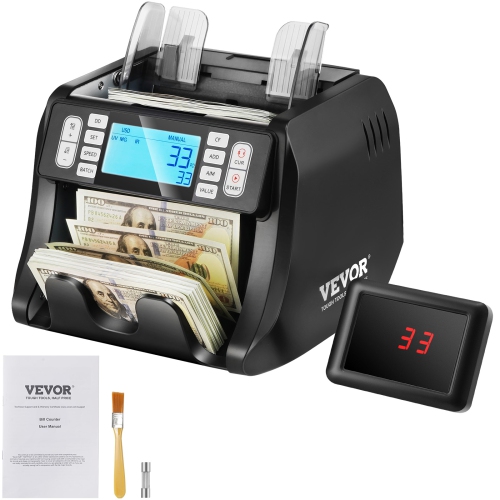 Your price for this item is $177.34
 -
 Your price for this item is $124.72
 -
 Your price for this item is $65.99
Discover more categories related to Personal Accounting Software
Top Collections:
Pokemon Centers, Kindle Devices, Best Budget Office Chairs, Apple iPhones 16, Best Laptops for Writers, iPhone 15 Apple, Canon G7X Cameras, Refurbished Apple Laptops, Alarm Clock, Motorola Razr Phones
Some products may be subject to Environmental Handling Fees
(EHF) depending on your province.
Learn more about EHFs.