Photo Editing Monitors Under $200
Photo Editing Monitor Under $200 offers an affordable way to enhance your creative workspace without breaking the bank. Whether you're a photography enthusiast or just starting your editing journey, finding the right monitor can make all the difference in achieving more accurate colors and sharper details. Explore a range of budget-friendly options designed to support your photo editing projects, so you can enjoy a better viewing experience while staying within your budget.
Sort
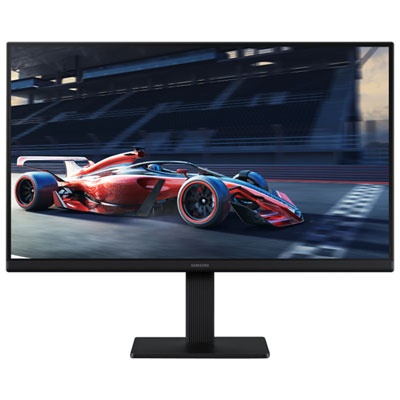
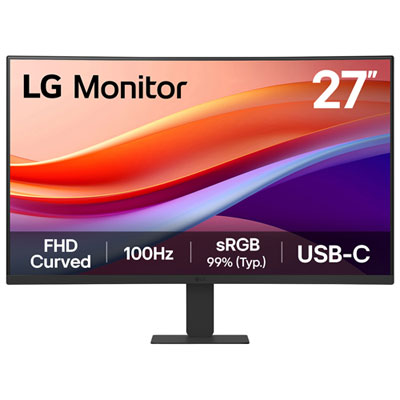
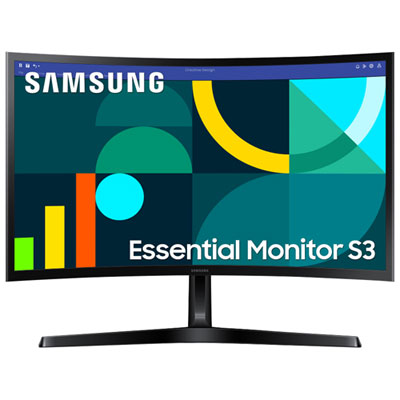
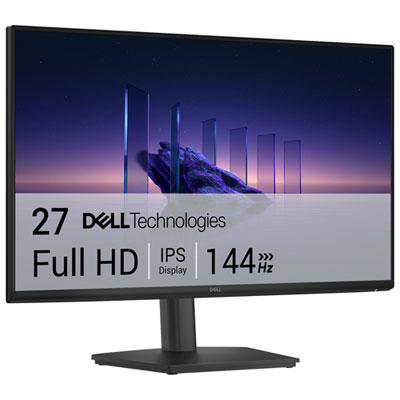
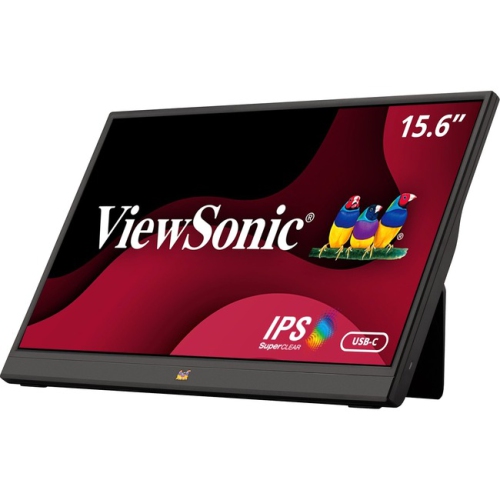

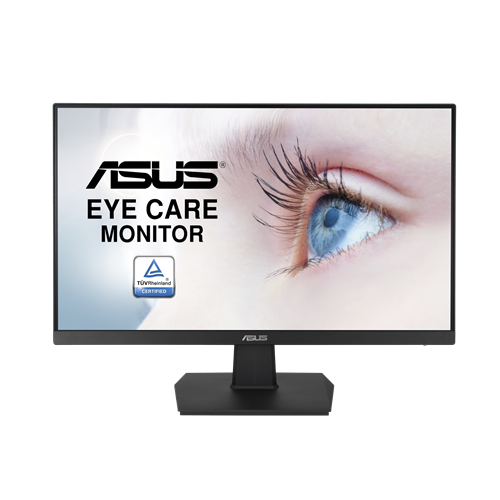
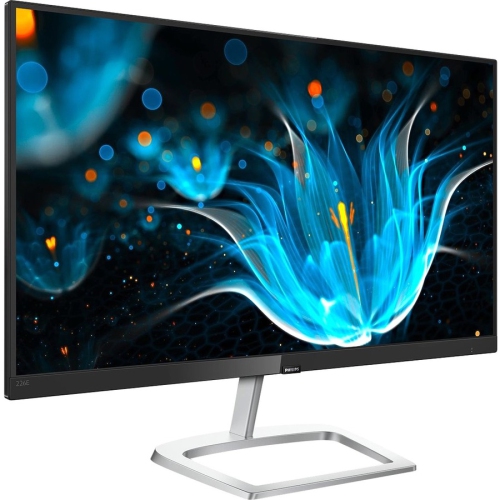
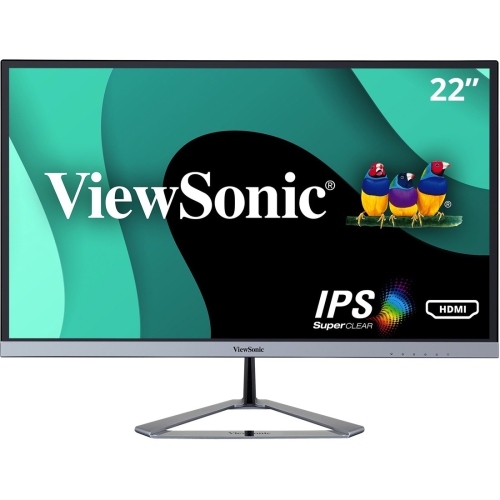
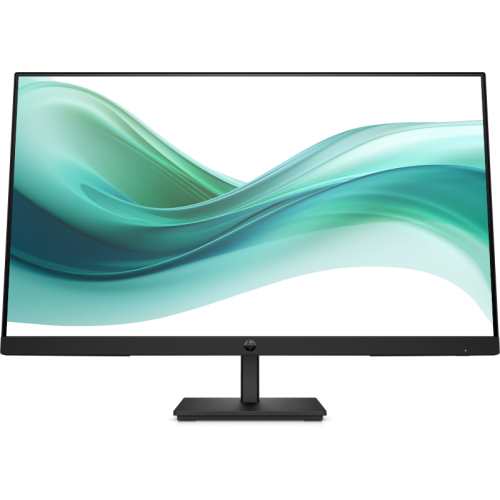
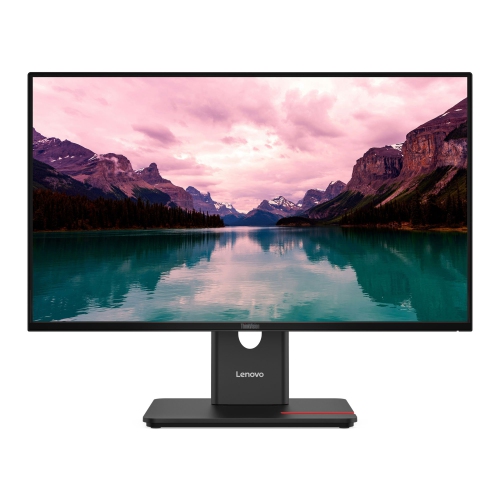
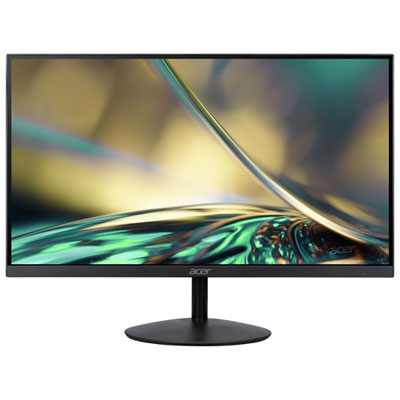
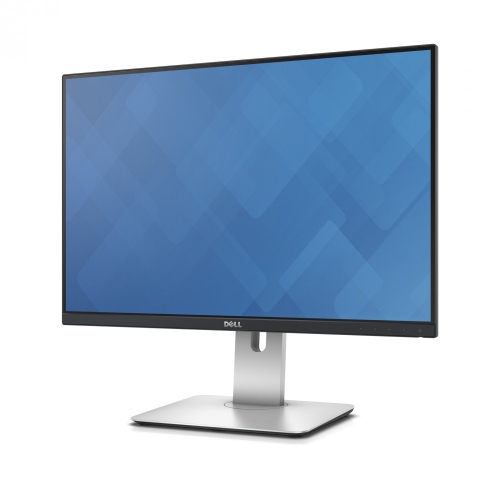
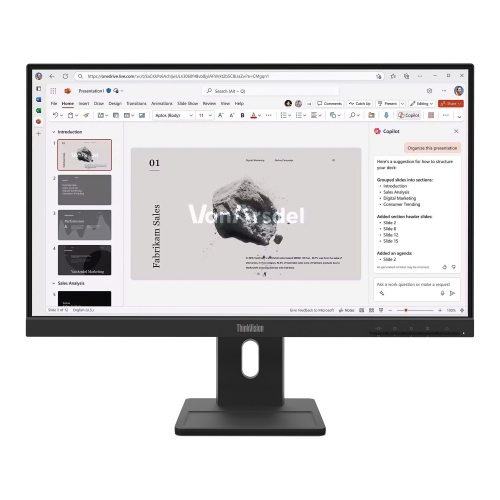
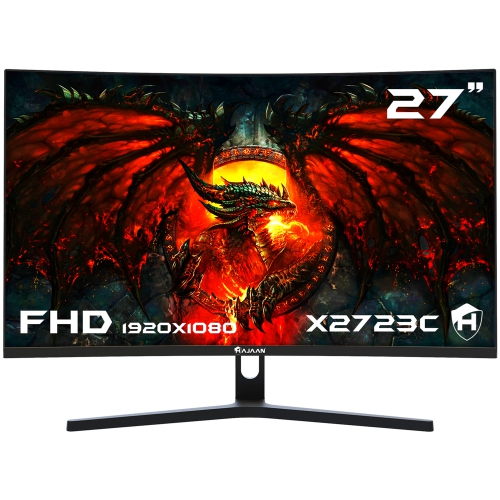
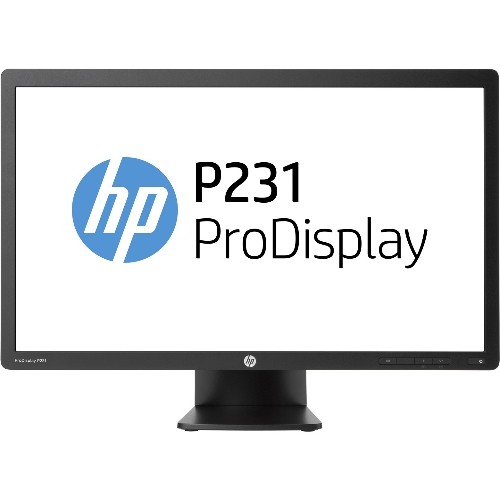
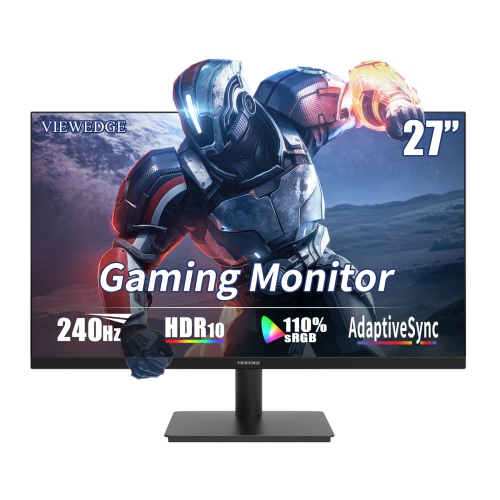
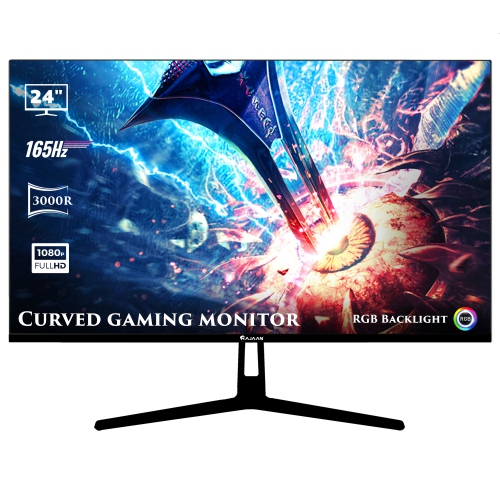
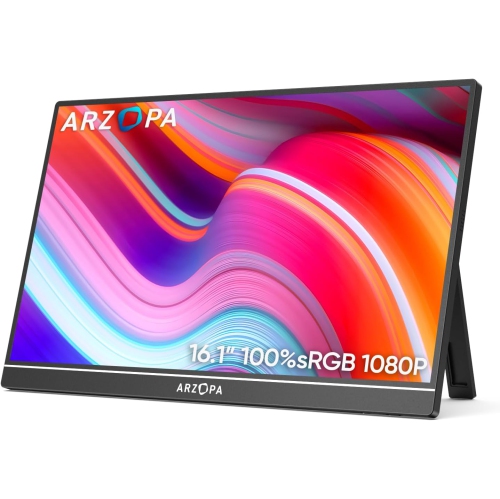
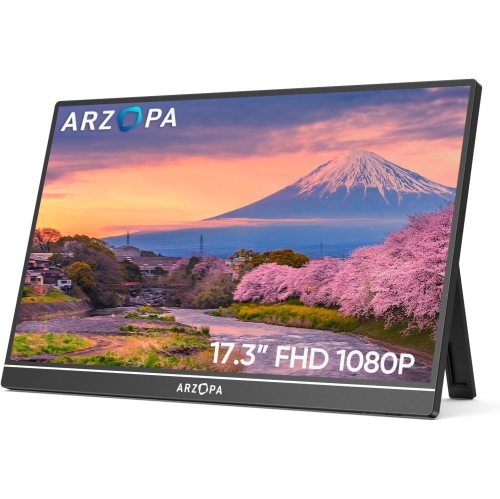
The features that support accurate, comfortable photo editing
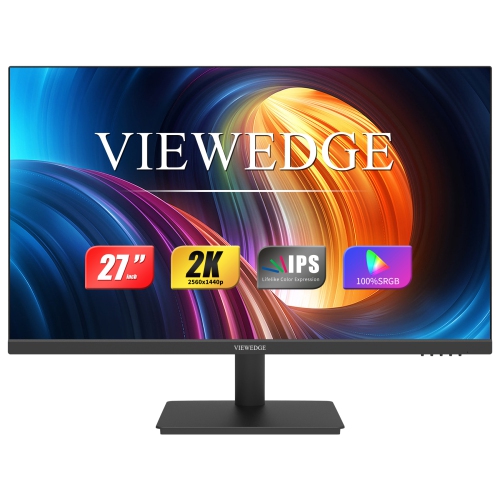
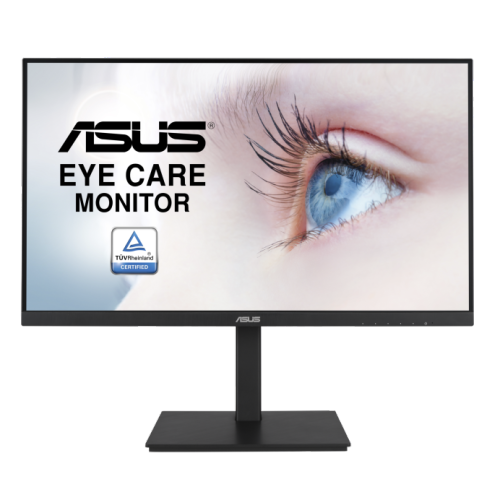
When searching for photo editing monitors under $200, it’s important to focus on features that make a real difference in image quality and editing precision. These monitors are designed to offer a balance between affordability and essential specifications, making them a practical choice for students, hobbyists, and even professionals who need a reliable secondary display. Key considerations include the panel type—IPS panels are typically favoured for their wide viewing angles and consistent colour reproduction, while VA panels can deliver impressive contrast but may require more precise positioning for the most accurate image. For those who work with photos, a monitor with at least 99% sRGB colour gamut coverage is crucial, as it ensures your edits appear vibrant and true-to-life across different devices and print formats. Resolution is another factor: while 1440p displays deliver crisp detail, 1080p monitors remain the standard in this price range and can still provide excellent clarity for most editing tasks. During the warmer months, when natural light fills your workspace, having a screen with a matte finish or adjustable brightness can help reduce glare and eye strain, allowing you to focus on perfecting each photo.
These monitors make thoughtful gifts for aspiring photographers, students exploring digital art, or anyone setting up a home office on a budget. Imagine a friend or family member unboxing a new monitor just as the days grow longer and inspiration strikes—suddenly, their creative process feels more immersive and enjoyable. A quality photo editing monitor under $200 is an accessible way to upgrade any workspace, whether it’s a corner of a dorm room or a makeshift studio in a sunlit kitchen. They’re also ideal for those who split their time between creative projects and everyday computing, offering the versatility to switch from editing high-resolution images to streaming content or managing documents with ease. As the seasons shift and routines change, these monitors adapt seamlessly, supporting everything from summer photography projects to autumn portfolio updates.
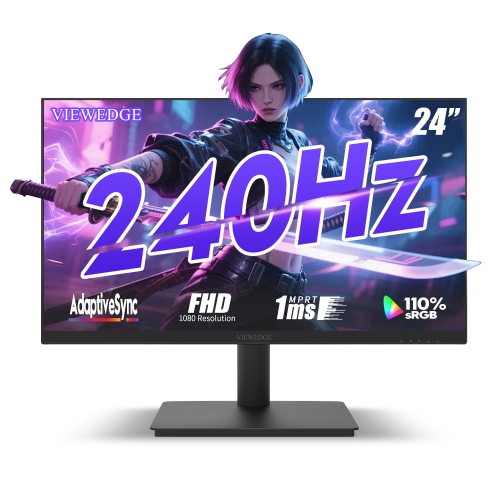
When browsing options, pay attention to refresh rates and connectivity as well. While a 60Hz refresh rate is sufficient for static image work, a higher rate can make general computer use feel smoother. Multiple input ports—such as HDMI, DisplayPort, and even USB—add flexibility if you plan to connect laptops, desktops, or other devices. Don’t overlook ergonomics; adjustable stands or VESA mount compatibility can make long editing sessions more comfortable, especially as you settle into new routines in the cooler months. For more detailed guidance and a curated selection that meets these criteria, visit our Affordable Monitors for Photo Editing page, where you’ll find options that suit a range of creative needs and budgets. Whether you’re gifting a budding photographer or upgrading your own setup, these monitors offer a cost-effective way to enjoy accurate colours, sharp images, and a more enjoyable editing experience all year round.
These monitors make thoughtful gifts for aspiring photographers, students exploring digital art, or anyone setting up a home office on a budget. Imagine a friend or family member unboxing a new monitor just as the days grow longer and inspiration strikes—suddenly, their creative process feels more immersive and enjoyable. A quality photo editing monitor under $200 is an accessible way to upgrade any workspace, whether it’s a corner of a dorm room or a makeshift studio in a sunlit kitchen. They’re also ideal for those who split their time between creative projects and everyday computing, offering the versatility to switch from editing high-resolution images to streaming content or managing documents with ease. As the seasons shift and routines change, these monitors adapt seamlessly, supporting everything from summer photography projects to autumn portfolio updates.
When browsing options, pay attention to refresh rates and connectivity as well. While a 60Hz refresh rate is sufficient for static image work, a higher rate can make general computer use feel smoother. Multiple input ports—such as HDMI, DisplayPort, and even USB—add flexibility if you plan to connect laptops, desktops, or other devices. Don’t overlook ergonomics; adjustable stands or VESA mount compatibility can make long editing sessions more comfortable, especially as you settle into new routines in the cooler months. For more detailed guidance and a curated selection that meets these criteria, visit our Affordable Monitors for Photo Editing page, where you’ll find options that suit a range of creative needs and budgets. Whether you’re gifting a budding photographer or upgrading your own setup, these monitors offer a cost-effective way to enjoy accurate colours, sharp images, and a more enjoyable editing experience all year round.
Top selling and popular products
-
 Your price for this item is $299
 -
 Your price for this item is $599
 -
 Your price for this item is $94.99
 -
 Your price for this item is $329.99
 -
 Your price for this item is $499
 -
 Your price for this item is $265.99
 -
 Your price for this item is $1299.97
 -
 Your price for this item is $249.99
Discover more categories related to Photo Editing Monitors Under $200

Top Collections:
Pokemon Centers, Kindle Devices, Best Budget Office Chairs, Apple iPhones 16, Best Laptops for Writers, iPhone 15 Apple, Canon G7X Cameras, Refurbished Apple Laptops, Alarm Clock, Motorola Razr Phones
Some products may be subject to Environmental Handling Fees
(EHF) depending on your province.
Learn more about EHFs.