Photo Editing Monitors Under $300
Looking for a high-quality photo editing monitor that won't break the bank? Look no further! Our selection of photo editing monitors under $300 offers top-notch color accuracy, sharp resolution, and wide viewing angles to bring your images to life. Whether you're a professional photographer or a hobbyist looking to enhance your editing workflow, these budget-friendly monitors are sure to meet your needs. Get ready to elevate your editing experience without compromising on quality or performance.
Sort


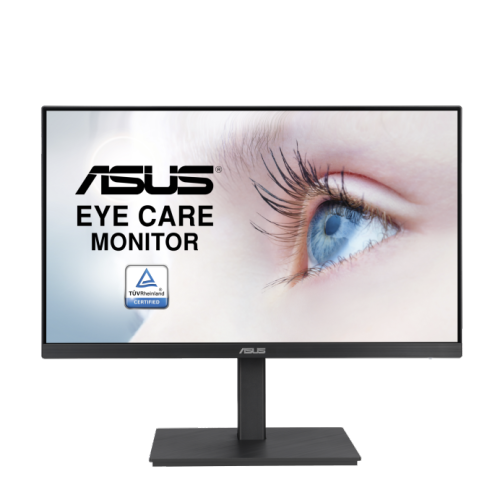
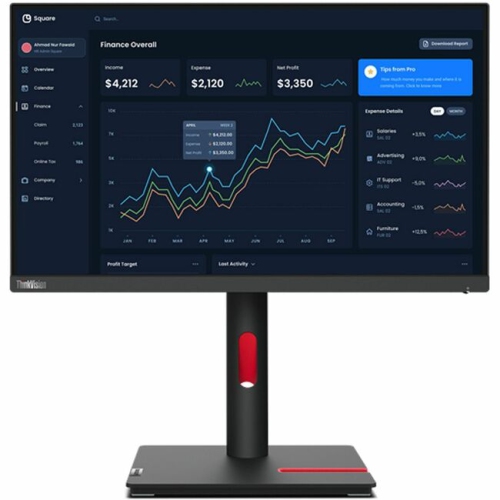
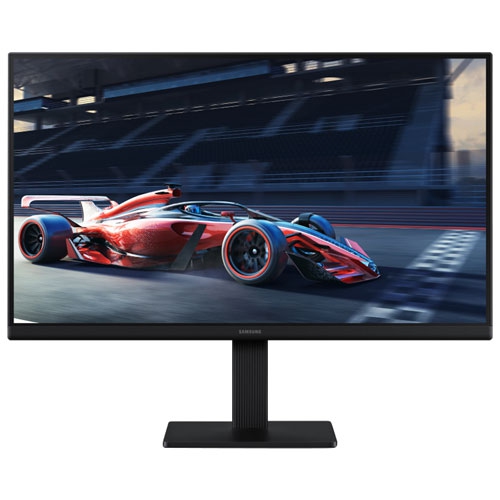
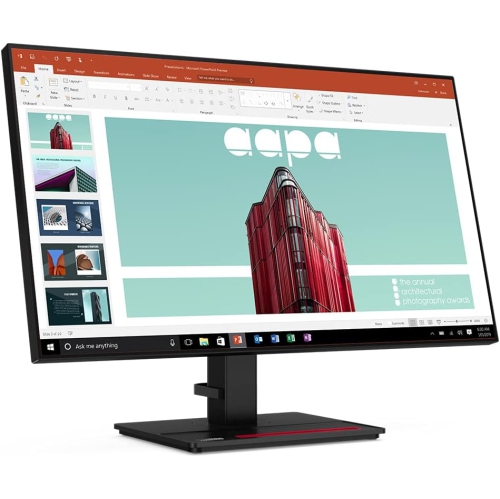

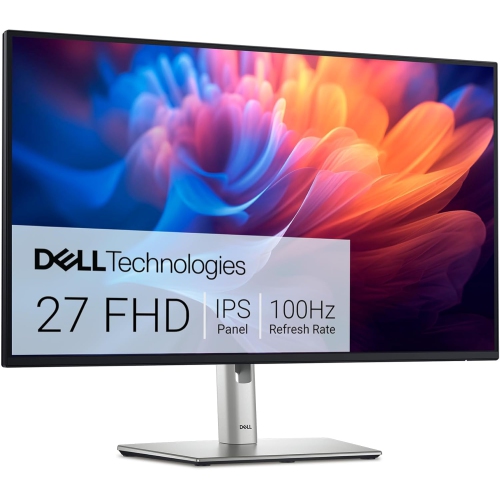
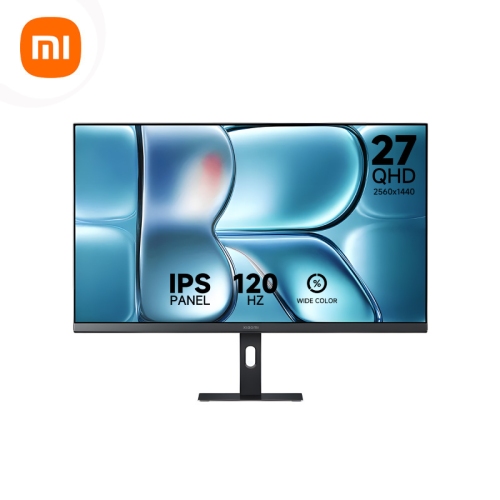
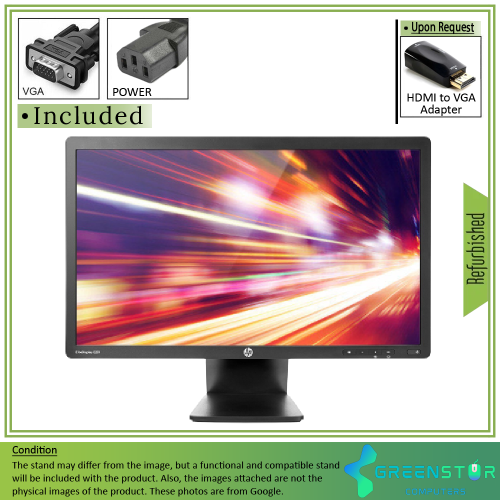
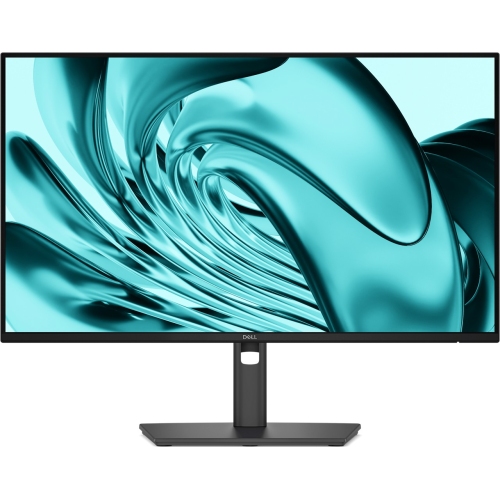
Why accurate colour matters more than vivid images
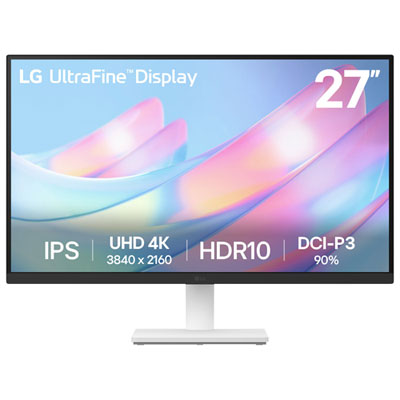
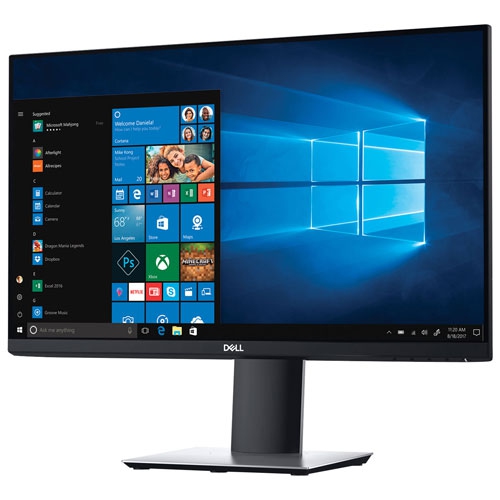
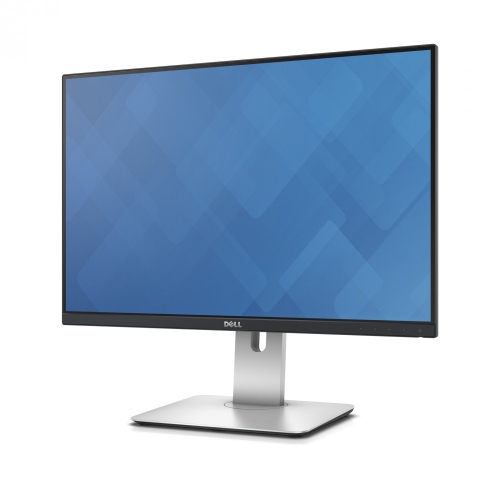
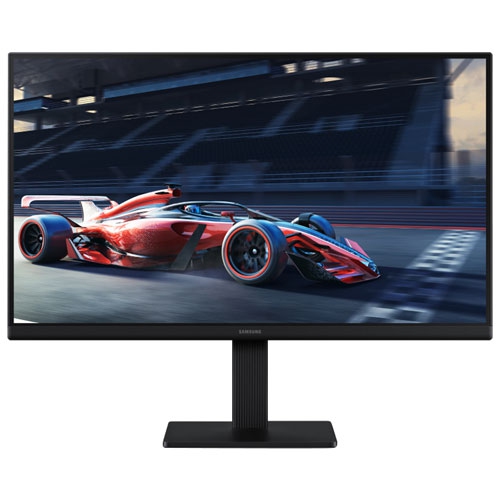
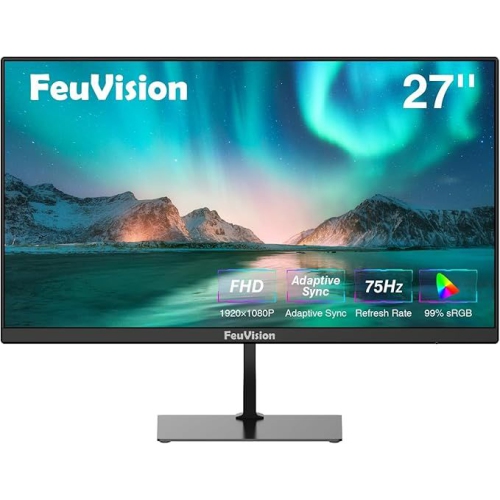
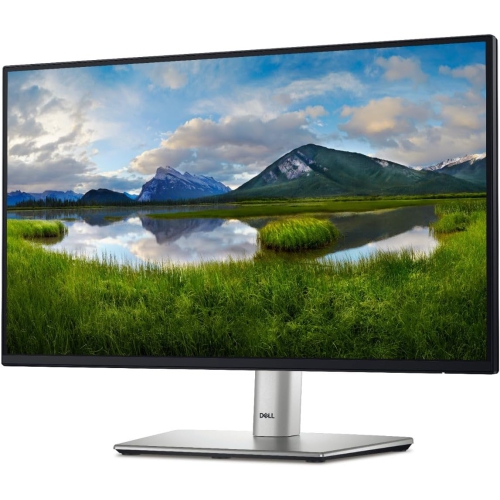
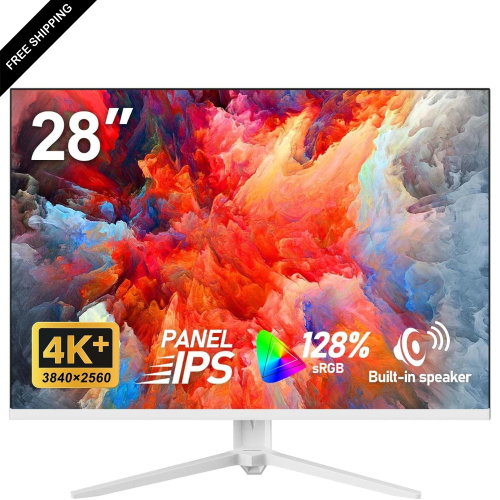
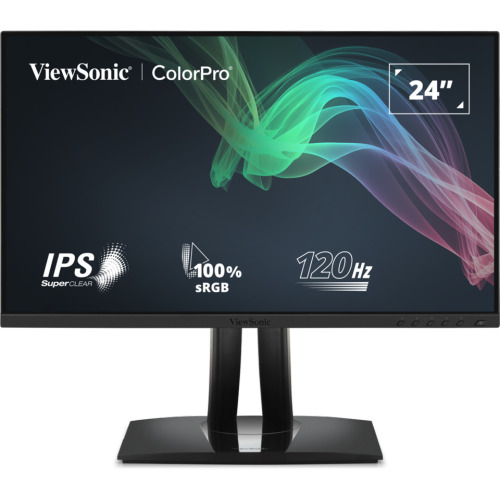
Photo editing monitors give photographs room to breathe, making it easier to judge skin tones, straighten a horizon, and spot distracting details before an image is shared or printed. For this kind of work, useful display qualities include accurate colour, consistent brightness across the screen, and enough resolution to separate fine textures from visual noise. An IPS panel is often a good fit because its wide viewing angles help colours and contrast remain relatively consistent when the viewer shifts position. That consistency matters when comparing several portraits side by side or showing a finished image to someone seated nearby. Colour gamut describes the range of colours a monitor can display, while colour accuracy describes how closely those colours match their intended values; one does not guarantee the other. Coverage close to 100% of the sRGB colour space is a useful starting point for photographs destined for websites, social media, and everyday digital viewing. Wider gamut coverage can be relevant to certain print workflows, but it works best with software that manages colour and an appropriate display profile. A factory calibration report can provide another useful reference. A stated Delta E below 2 generally indicates small measured colour differences, although the testing method, selected picture mode, and individual display all affect what that figure means in practice. These specifications are more informative for still photography than claims about vivid colour alone. An intensely saturated screen may make a landscape look striking while encouraging edits that appear muted elsewhere. For hobby photographers, design students, online sellers, and anyone sorting years of family pictures, a balanced image helps make those everyday decisions more dependable. A monitor suited to photo editing can also serve comfortably for documents, video calls, and general computer use, making it a practical addition to a shared desk rather than a screen reserved for a single creative task.
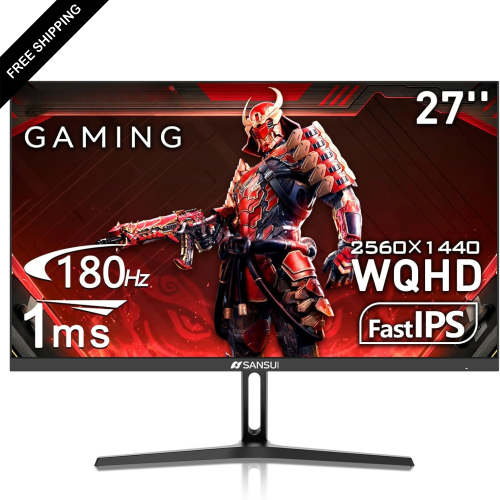
Screen size and resolution shape how that work feels throughout an editing session. A 24-inch display can fit a compact desk while offering a useful step up from a small laptop screen. At 1920 × 1200 resolution, a 16:10 screen provides more vertical workspace than a 1920 × 1080 display, which can leave extra room for a photograph above a strip of thumbnails. A 27-inch screen with 2560 × 1440 resolution offers a larger working area and more pixels for arranging an image, adjustment panels, and folders together. Resolution still needs to be considered alongside physical size: enlarging a screen without increasing its pixel count does not reveal additional image detail. Higher pixel density can make fine edges and text appear sharper, though software scaling may be needed to keep menus comfortable to read. Even on a detailed display, checking a photograph at 100% magnification remains useful when assessing focus, sharpening, or noise reduction. Matte or anti-glare screen finishes can help soften distracting reflections, especially at a desk with nearby lamps, but no coating removes the effect of light falling directly onto the panel. Brightness uniformity is equally relevant. A pale background that looks darker at one edge can complicate adjustments to product photographs or studio portraits. Deep blacks and strong contrast can help reveal tonal differences, yet HDR support alone does not establish colour accuracy or meaningful HDR performance. Those depend on other display capabilities as well as the material being viewed. For still-image editing, dependable colour and comfortable workspace usually matter more than a very high refresh rate, although smoother scrolling can be pleasant when browsing a large library. Shoppers comparing different screen sizes, panel specifications, and desk arrangements can also explore Affordable Monitors for Photo Editing for a related selection. The most useful combination is one that supports the actual task, whether that means retouching jewellery photographs, preparing a portfolio, or bringing consistency to a collection of travel images.
The physical design and connections of a photo editing monitor matter just as much once it becomes part of a daily workspace. Height adjustment, tilt, and swivel help position the screen for a relaxed posture, while a pivoting stand can be useful for portrait-oriented photographs and page layouts. A stable base and a hinge that holds its position make small adjustments less frustrating; housing material alone is not a reliable measure of durability. Plastic housings are common, and some stands incorporate metal supports, but secure assembly and careful handling matter more than a decorative finish. A compatible mounting pattern can allow a monitor arm to free desk space, provided the arm supports the display’s weight and dimensions. Connections should suit the computer as well as the workflow. HDMI and DisplayPort can carry a display signal, while USB-C may simplify a laptop setup when both devices support video over that connection. USB-C does not automatically include laptop charging, sufficient charging wattage, or a built-in USB hub, so those capabilities need separate confirmation. For someone moving between a laptop screen and an external monitor, using a suitable colour profile and avoiding overly bright settings can make image comparisons less confusing. Screens that are set too bright may lead to edits that produce unexpectedly dark prints. A hardware calibration device can help establish a more consistent reference over time, although it cannot expand a panel’s native colour range or correct every uniformity issue. Routine care is straightforward: power off the display, use a clean microfibre cloth, and follow the manufacturer’s directions for any cleaning solution rather than spraying liquid onto the screen. Avoiding pressure on the panel and leaving ventilation openings clear helps protect it through regular use. As a gift for an aspiring photographer or a student building a creative workspace, a monitor is most useful when its dimensions, connections, and stand suit the recipient’s setup. With those practical details in place, the screen becomes a comfortable place to review, refine, and enjoy photographs.
Screen size and resolution shape how that work feels throughout an editing session. A 24-inch display can fit a compact desk while offering a useful step up from a small laptop screen. At 1920 × 1200 resolution, a 16:10 screen provides more vertical workspace than a 1920 × 1080 display, which can leave extra room for a photograph above a strip of thumbnails. A 27-inch screen with 2560 × 1440 resolution offers a larger working area and more pixels for arranging an image, adjustment panels, and folders together. Resolution still needs to be considered alongside physical size: enlarging a screen without increasing its pixel count does not reveal additional image detail. Higher pixel density can make fine edges and text appear sharper, though software scaling may be needed to keep menus comfortable to read. Even on a detailed display, checking a photograph at 100% magnification remains useful when assessing focus, sharpening, or noise reduction. Matte or anti-glare screen finishes can help soften distracting reflections, especially at a desk with nearby lamps, but no coating removes the effect of light falling directly onto the panel. Brightness uniformity is equally relevant. A pale background that looks darker at one edge can complicate adjustments to product photographs or studio portraits. Deep blacks and strong contrast can help reveal tonal differences, yet HDR support alone does not establish colour accuracy or meaningful HDR performance. Those depend on other display capabilities as well as the material being viewed. For still-image editing, dependable colour and comfortable workspace usually matter more than a very high refresh rate, although smoother scrolling can be pleasant when browsing a large library. Shoppers comparing different screen sizes, panel specifications, and desk arrangements can also explore Affordable Monitors for Photo Editing for a related selection. The most useful combination is one that supports the actual task, whether that means retouching jewellery photographs, preparing a portfolio, or bringing consistency to a collection of travel images.
The physical design and connections of a photo editing monitor matter just as much once it becomes part of a daily workspace. Height adjustment, tilt, and swivel help position the screen for a relaxed posture, while a pivoting stand can be useful for portrait-oriented photographs and page layouts. A stable base and a hinge that holds its position make small adjustments less frustrating; housing material alone is not a reliable measure of durability. Plastic housings are common, and some stands incorporate metal supports, but secure assembly and careful handling matter more than a decorative finish. A compatible mounting pattern can allow a monitor arm to free desk space, provided the arm supports the display’s weight and dimensions. Connections should suit the computer as well as the workflow. HDMI and DisplayPort can carry a display signal, while USB-C may simplify a laptop setup when both devices support video over that connection. USB-C does not automatically include laptop charging, sufficient charging wattage, or a built-in USB hub, so those capabilities need separate confirmation. For someone moving between a laptop screen and an external monitor, using a suitable colour profile and avoiding overly bright settings can make image comparisons less confusing. Screens that are set too bright may lead to edits that produce unexpectedly dark prints. A hardware calibration device can help establish a more consistent reference over time, although it cannot expand a panel’s native colour range or correct every uniformity issue. Routine care is straightforward: power off the display, use a clean microfibre cloth, and follow the manufacturer’s directions for any cleaning solution rather than spraying liquid onto the screen. Avoiding pressure on the panel and leaving ventilation openings clear helps protect it through regular use. As a gift for an aspiring photographer or a student building a creative workspace, a monitor is most useful when its dimensions, connections, and stand suit the recipient’s setup. With those practical details in place, the screen becomes a comfortable place to review, refine, and enjoy photographs.
Top selling and popular products
-
 Your price for this item is $299
 -
 Your price for this item is $599
 -
 Your price for this item is $94.99
 -
 Your price for this item is $329.99
 -
 Your price for this item is $499
 -
 Your price for this item is $265.99
 -
 Your price for this item is $1299.97
 -
 Your price for this item is $249.99
Discover more categories related to Photo Editing Monitors Under $300
Top Collections:
Pokemon Centers, Kindle Devices, Best Budget Office Chairs, Apple iPhones 16, Best Laptops for Writers, iPhone 15 Apple, Canon G7X Cameras, Refurbished Apple Laptops, Alarm Clock, Motorola Razr Phones
Some products may be subject to Environmental Handling Fees
(EHF) depending on your province.
Learn more about EHFs.