Photoshop Monitors
Photoshop monitors are designed to help creative professionals and enthusiasts achieve accurate visuals while editing photos and graphics. Whether you’re working on detailed retouching or vibrant digital art, having the right monitor can make a significant difference in your workflow. Explore a wide range of photoshop monitors that deliver crisp images and reliable performance, making it easier to bring your creative vision to life with confidence. Find the ideal display to complement your setup and elevate your editing experience.
Sort
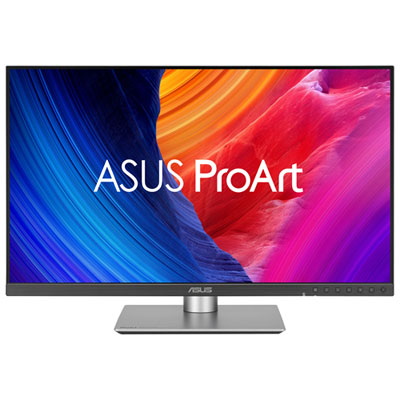

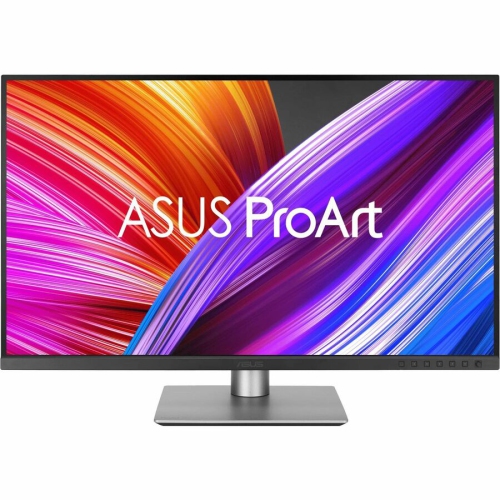

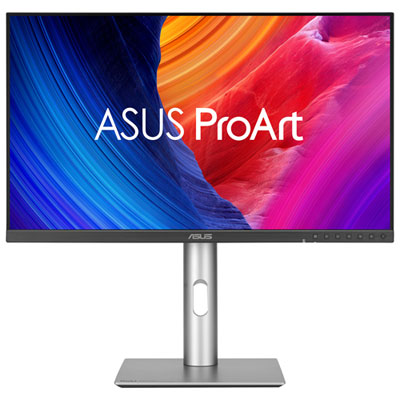
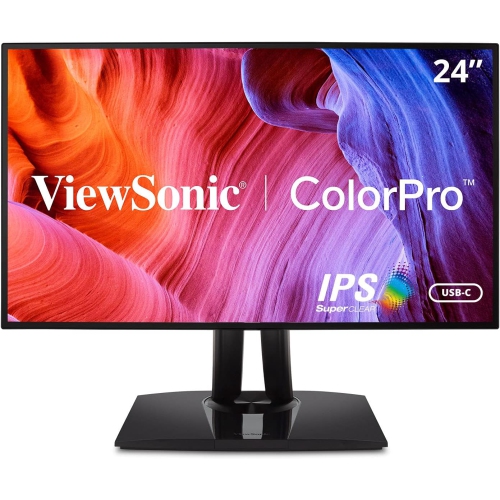
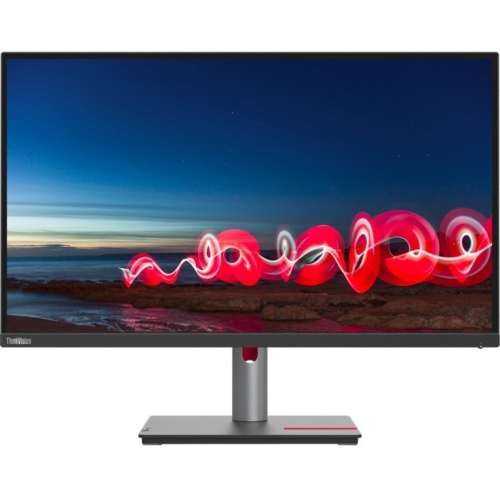
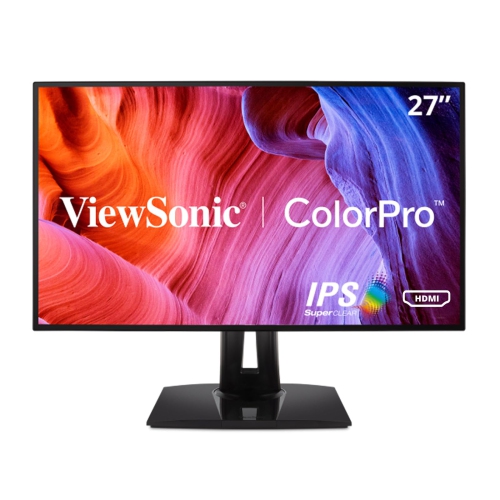
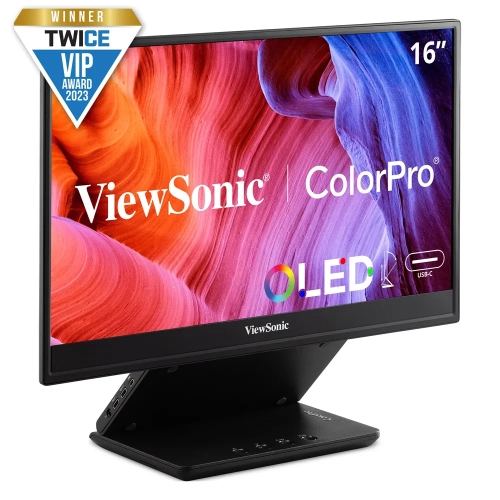
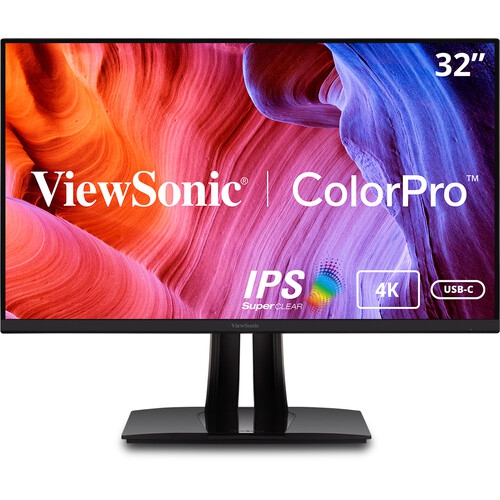
Photoshop Monitors
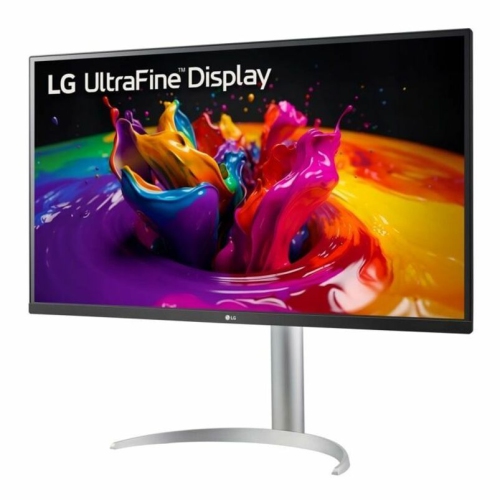
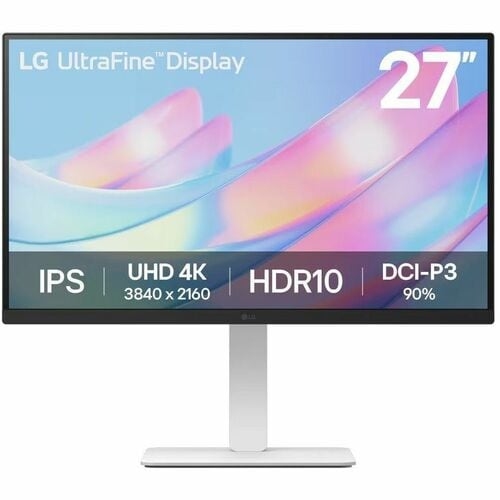
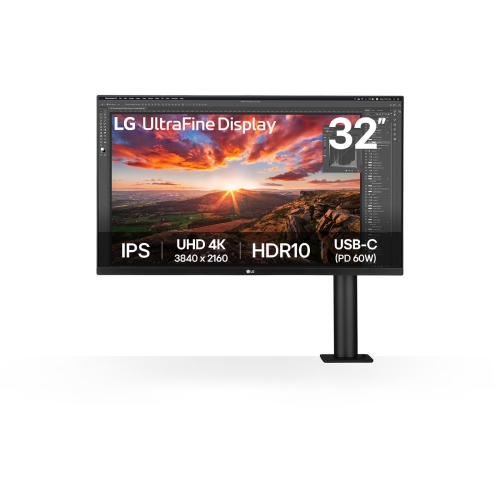
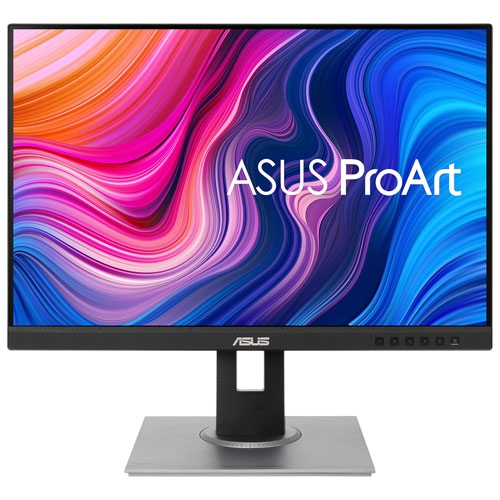
For anyone passionate about photo editing, illustration, or graphic design, choosing the right monitor for use with Photoshop can make all the difference in both workflow and results. Whether you’re a professional photographer perfecting images for print, a digital artist refining every pixel, or a student learning the ropes of visual storytelling, the right display is essential for achieving accurate, consistent colour and crisp detail. During the late spring and summer months, creative projects often ramp up—think of capturing vibrant outdoor scenes, updating portfolios, or preparing visual content for seasonal campaigns. At this time of year, natural light streaming through studio windows can highlight the importance of a monitor with excellent anti-glare properties and wide viewing angles. Many creators appreciate IPS panels for their ability to maintain colour fidelity even when viewed from the side, ensuring that what you see on the screen matches your vision, no matter where you’re seated.
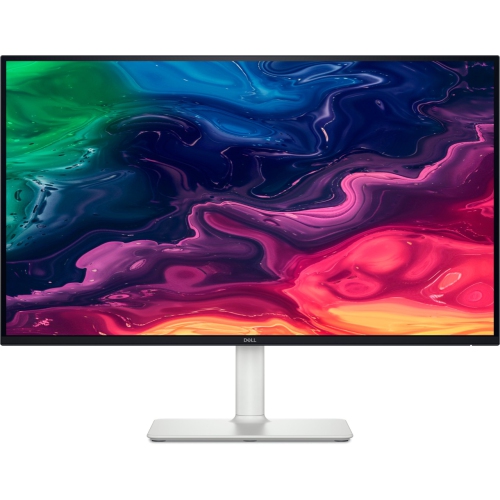
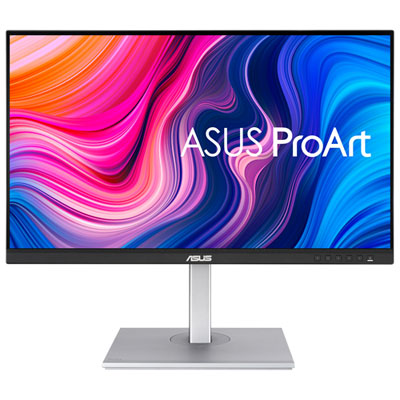
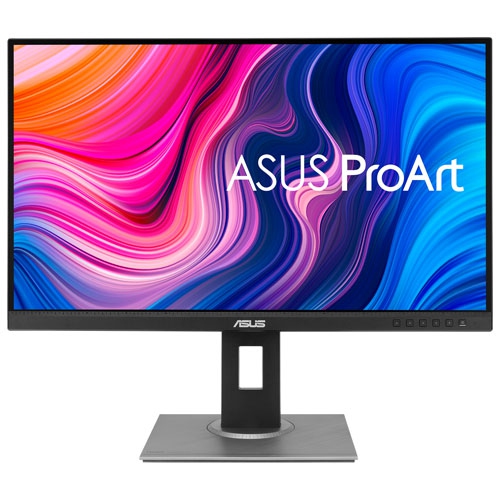
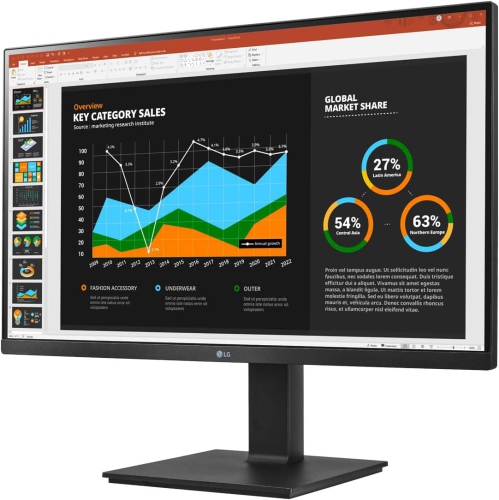
When selecting a Photoshop monitor, it’s important to consider several key features that impact both creative flexibility and comfort. High resolution—4K or even 5K—is increasingly standard, delivering the pixel density needed for retouching fine details, layering complex compositions, and previewing images at full size without constant zooming. Colour accuracy is paramount, especially for anyone working in print or publishing. Look for monitors that offer wide colour gamuts (such as 99% Adobe RGB or DCI-P3) and support for 10-bit colour depth, which allows for smoother gradients and more lifelike tones. Hardware calibration is another valuable feature, enabling you to store colour profiles directly on the monitor for reliable consistency across projects and devices. USB-C or Thunderbolt connectivity is ideal for modern creative setups, offering a single-cable solution for video, data, and charging—perfect for those who switch between a desktop workstation and a laptop, or who want to keep their workspace tidy. Screen size is also a personal choice: some users prefer the immersive experience of a 32-inch or 40-inch ultrawide for multitasking, while others favour a 27-inch display for its balance of desk space and visual clarity. These monitors aren’t just for professionals—students, hobbyists, and anyone gifting a display to a budding artist or photographer will find that a high-quality Photoshop monitor can inspire creativity and support skill growth for years to come. For those interested in exploring more options tailored to artistic needs, you can browse our full selection of Art Monitors to find the perfect fit for any creative workflow.
When selecting a Photoshop monitor, it’s important to consider several key features that impact both creative flexibility and comfort. High resolution—4K or even 5K—is increasingly standard, delivering the pixel density needed for retouching fine details, layering complex compositions, and previewing images at full size without constant zooming. Colour accuracy is paramount, especially for anyone working in print or publishing. Look for monitors that offer wide colour gamuts (such as 99% Adobe RGB or DCI-P3) and support for 10-bit colour depth, which allows for smoother gradients and more lifelike tones. Hardware calibration is another valuable feature, enabling you to store colour profiles directly on the monitor for reliable consistency across projects and devices. USB-C or Thunderbolt connectivity is ideal for modern creative setups, offering a single-cable solution for video, data, and charging—perfect for those who switch between a desktop workstation and a laptop, or who want to keep their workspace tidy. Screen size is also a personal choice: some users prefer the immersive experience of a 32-inch or 40-inch ultrawide for multitasking, while others favour a 27-inch display for its balance of desk space and visual clarity. These monitors aren’t just for professionals—students, hobbyists, and anyone gifting a display to a budding artist or photographer will find that a high-quality Photoshop monitor can inspire creativity and support skill growth for years to come. For those interested in exploring more options tailored to artistic needs, you can browse our full selection of Art Monitors to find the perfect fit for any creative workflow.
Top selling and popular products
-
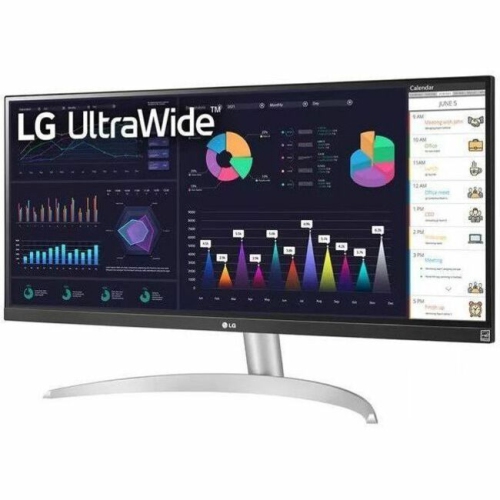 Your price for this item is $2217.68
 -
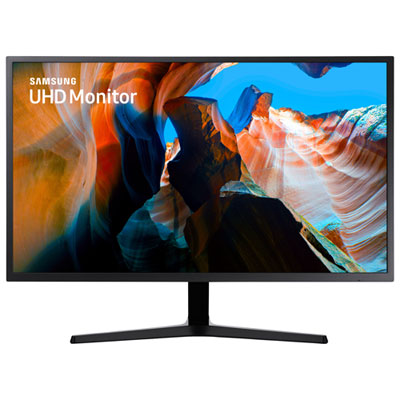 Your price for this item is $299.97
 -
 Your price for this item is $299
 -
 Your price for this item is $99.99
 -
 Your price for this item is $329.99
 -
 Your price for this item is $199.99
 -
 Your price for this item is $499
 -
 Your price for this item is $269.99
Discover more categories related to Photoshop Monitors
Top Collections:
Pokemon Centers, Kindle Devices, Budget Smartphones, Budget 4K TVs, Apple iPhones 16, Canon G7X Cameras, iPhone 15 Apple, Alarm Clock, Budget-Friendly Wireless Earbuds, iPhone 14 256GB
Some products may be subject to Environmental Handling Fees
(EHF) depending on your province.
Learn more about EHFs.